
Stunning 4k Wallpaper for Your MacBook Pro: Beyond the Default
You spent a small fortune on a MacBook Pro with a gorgeous Liquid Retina XDR display, and you're still using the default swoosh. That's like buying a sports car and only driving it to the grocery store. Your screen is a canvas, and it deserves better. Finding a great 4k wallpaper for MacBook Pro isn't just about making things pretty. It's about finding an image or video that actually holds up on a high-DPI display without turning into a pixelated mess.
Of course, a pristine display is non-negotiable. If a crack is ruining the view, sorting out a replacement screen for MacBook Pro is step one. Once your screen is ready, the good news is there are more options than ever, from massive free photo archives to specialized apps that turn your lock screen into a living work of art.
You're going to be staring at this screen for hours anyway; might as well make it pretty. Here are seven of the best places to find your next wallpaper, whether you want a crisp static image or a seamless video loop.
1. gifPaper
For those who believe a MacBook Pro's desktop is prime real estate, not just a holding pen for stray files, gifPaper offers a compelling upgrade. It moves beyond static images, turning your desktop, lock screen, and even screen saver into a dynamic, looping art show. It's a dedicated solution for anyone seeking a high-quality 4k wallpaper for macbook pro that feels alive.
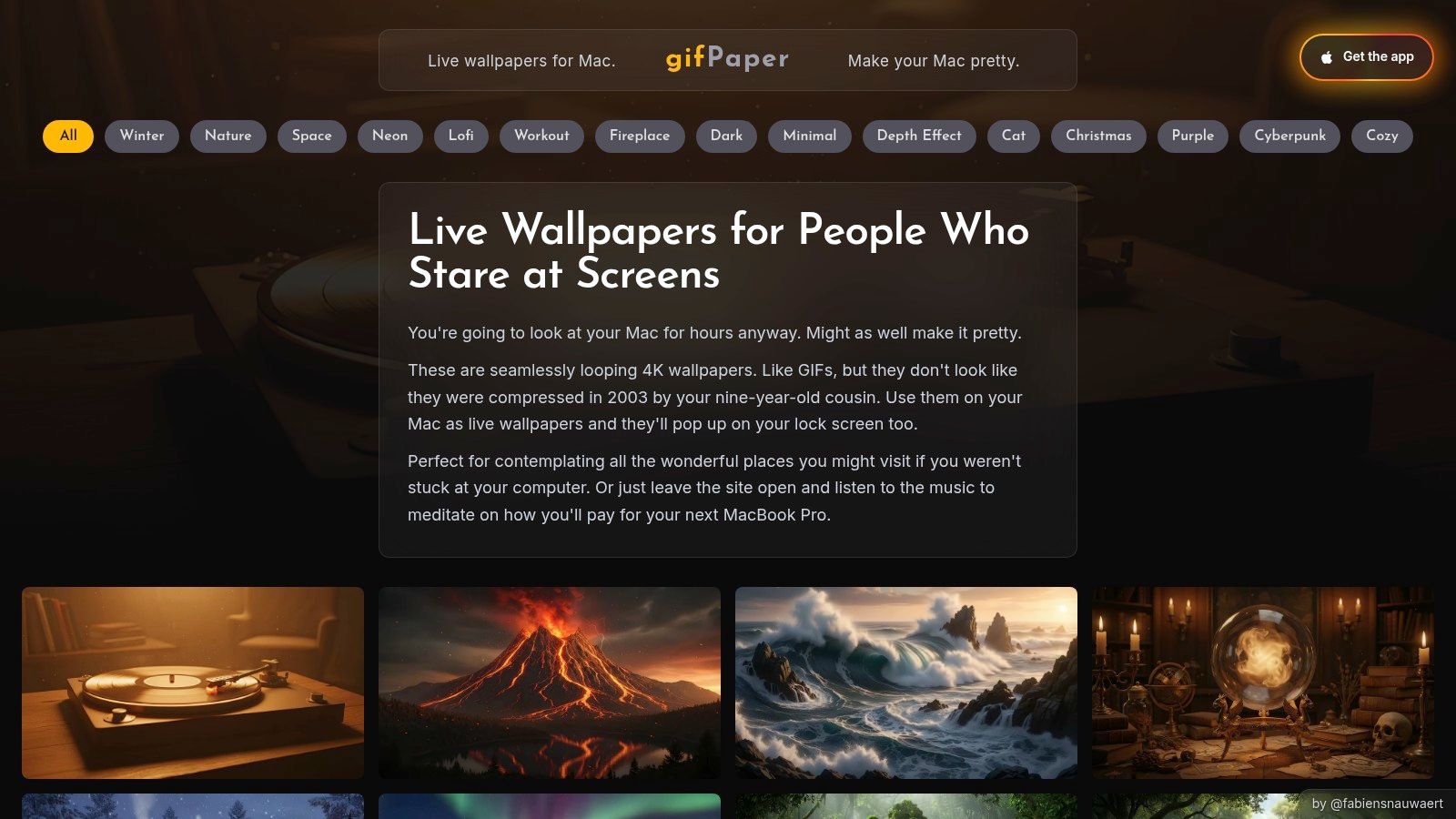
Unlike other apps that rely on clunky overlays, gifPaper uses Apple's native Aerial wallpaper format. This means the live wallpapers integrate perfectly with macOS, even appearing on your lock screen and elegantly slowing to a stop as you log in. It feels like a feature Apple would build itself.
Key Strengths and Use Cases
The primary advantage is a focus on quality over quantity. The wallpapers are true 4K video loops, not low-res GIFs, ensuring every detail is crisp on a Retina display. Many scenes also include ambient audio, adding another layer of atmosphere. Think the gentle crackle of a fireplace or soft rain in a neon-lit city. All the cozy, none of the smoke damage.
Practical Tip: You can set the desktop to show a still frame by default to conserve resources, with a simple toggle to enable full video animation when you want it. Best of both worlds: a beautiful static image for work and a dynamic scene for when you take a break.
The gallery itself is a standout. It's organized into mood-based categories like the cozy winter wallpaper collection or the focused lofi wallpaper selection, making it easy to find what you're looking for.
How It Works and Pricing
Getting started is refreshingly straightforward. You browse the gallery on the website, and when you find a scene you love, you download the Mac app to set it.
- Free Trial: A 7-day free trial lets you access all features and the entire wallpaper library without needing a credit card.
- One-Time Purchase: After the trial, it's a single $4.99 purchase—the launch price. No recurring subscriptions.
- Compatibility: The app is Mac-only and requires macOS Sonoma or later. It's distributed directly because Apple's Mac App Store rules prevent live lock screens, but it's fully notarized by Apple.
For anyone who spends hours a day in front of their Mac, gifPaper provides a significant aesthetic improvement for a very small price. It's an excellent choice for anyone who misses the dynamic desktop experience from Windows' Wallpaper Engine.
Website: https://gifpaper.com
2. Unsplash
Unsplash is the internet's default destination for high-quality, free-to-use photography, and for good reason. It's a massive library of tasteful, art-directed images contributed by a global community of photographers. While not exclusively a wallpaper site, its sheer volume and quality make it an essential resource for finding the perfect 4k wallpaper for your MacBook Pro.
The platform excels at delivering a clean, almost minimalist user experience. The search function is robust, and you can easily find dedicated collections for desktop backgrounds, abstract patterns, and specific color palettes. Because the images are sourced from professional and hobbyist photographers, the resolution is typically very high, ensuring they look crisp and detailed on Retina displays without any pixelation. For those seeking a specific mood, you can find nearly any aesthetic, from stark architectural shots to serene nature views.
Finding the Right Fit
Unsplash's primary strength is its selection of still photography. Unlike animated wallpaper sites, it focuses on static images that bring a sense of calm and sophistication to your workspace. The platform's permissive license means nearly every photo is free for personal use without needing to create an account. One-click downloads make grabbing a new background effortless.
The key to using Unsplash effectively is to search for "desktop wallpaper" or "4K" alongside your desired subject, like "forest desktop wallpaper." This filters results to images with appropriate dimensions and quality for a MacBook Pro screen.
While the selection is vast, it has one minor drawback. Most photos are not pre-cropped to the 16:10 aspect ratio of MacBooks. This means you might need to perform a quick manual crop in Preview or Photos to get the perfect fit, a small price to pay for access to such a diverse and high-quality collection.
Website: https://unsplash.com
3. Pexels
Pexels operates in the same universe as Unsplash, offering a massive library of free-to-use stock photos and videos. It has carved out its own identity with a clean interface and a strong focus on high-resolution content, making it another excellent source for finding a free 4k wallpaper for your MacBook Pro. The platform is powered by a global community of creators, ensuring a constant stream of fresh, high-quality visuals.
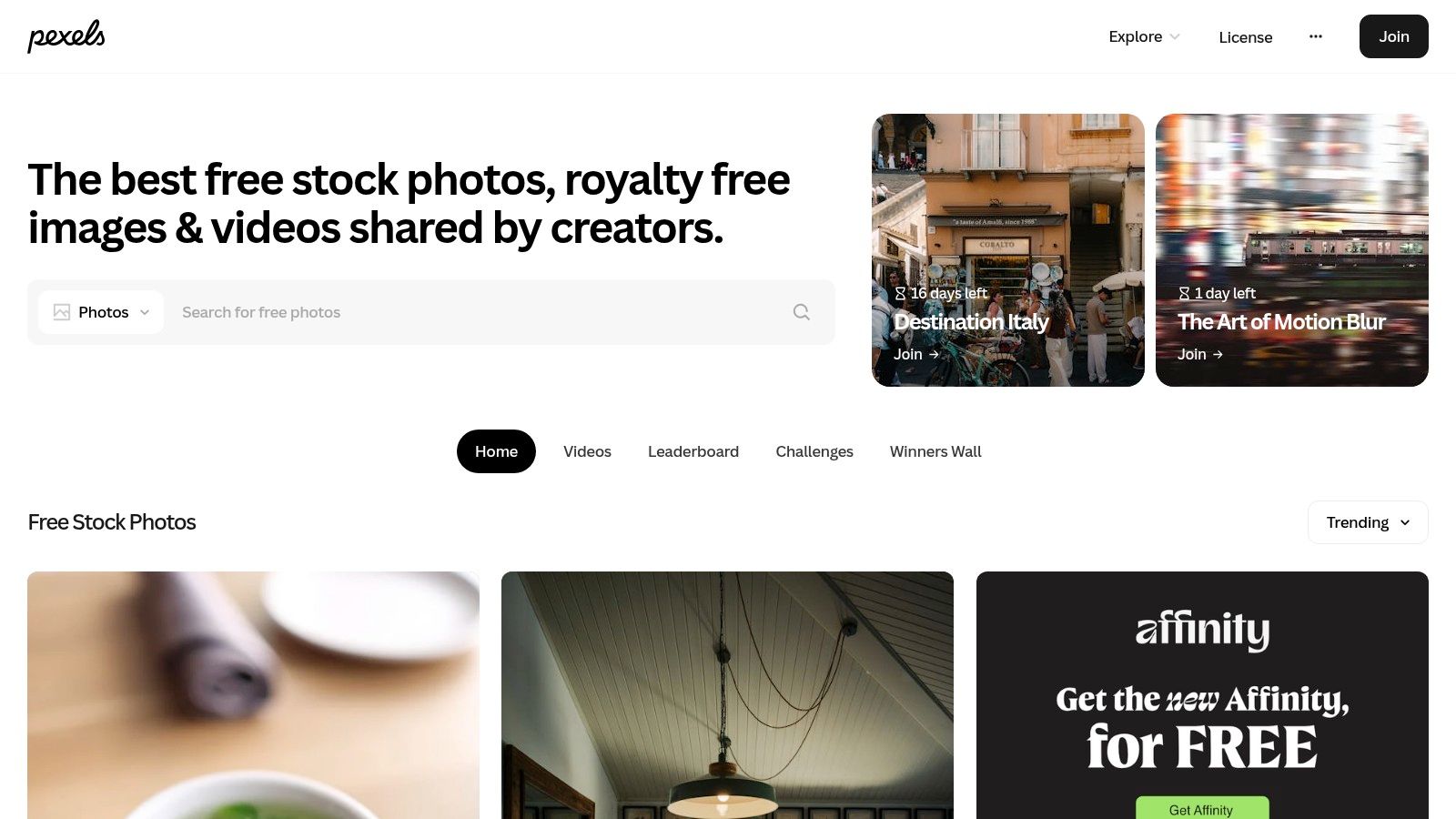
The user experience is direct and efficient. Pexels features a dedicated 4K wallpaper search filter and an endless scroll, which makes browsing for inspiration feel almost effortless. You can find a wide array of aesthetics, from moody dark themes and cozy lofi scenes to expansive nature shots. Because it also hosts stock video, you can even pause a 4K video to capture a unique still frame for your desktop, a neat trick for finding something truly one-of-a-kind.
Finding the Right Fit
Pexels' main advantage is its straightforward approach and clear licensing. The Pexels License allows for free personal and commercial use with no attribution required, taking the guesswork out of using its content for your desktop. This makes it a fast and reliable option for anyone who wants a beautiful background without navigating complex legal terms. Downloads are quick and don't require an account.
For the best results on Pexels, use specific search terms combined with "4K wallpaper," such as "dark abstract 4K wallpaper" or "lofi nature wallpaper." The search algorithm is quite good at surfacing relevant, high-quality images that will look sharp on a Retina display.
Like other stock photo sites, the images are not always pre-cropped for the MacBook's 16:10 aspect ratio, so a minor manual adjustment might be needed. Additionally, while the overall quality is high, it can vary between contributors. However, given the sheer volume of free content, finding a stunning wallpaper that fits your aesthetic is a simple matter of a few minutes of browsing.
Website: https://www.pexels.com
4. Wallhaven
Wallhaven is a legendary, community-driven wallpaper site that functions like a powerful search engine for your desktop's soul. It boasts an enormous, ever-expanding library of user-submitted images, making it a go-to for finding a native 4k wallpaper for your MacBook Pro, especially if you have a niche aesthetic in mind. It trades the curated, art-directed feel of some platforms for sheer volume and powerful, granular control.
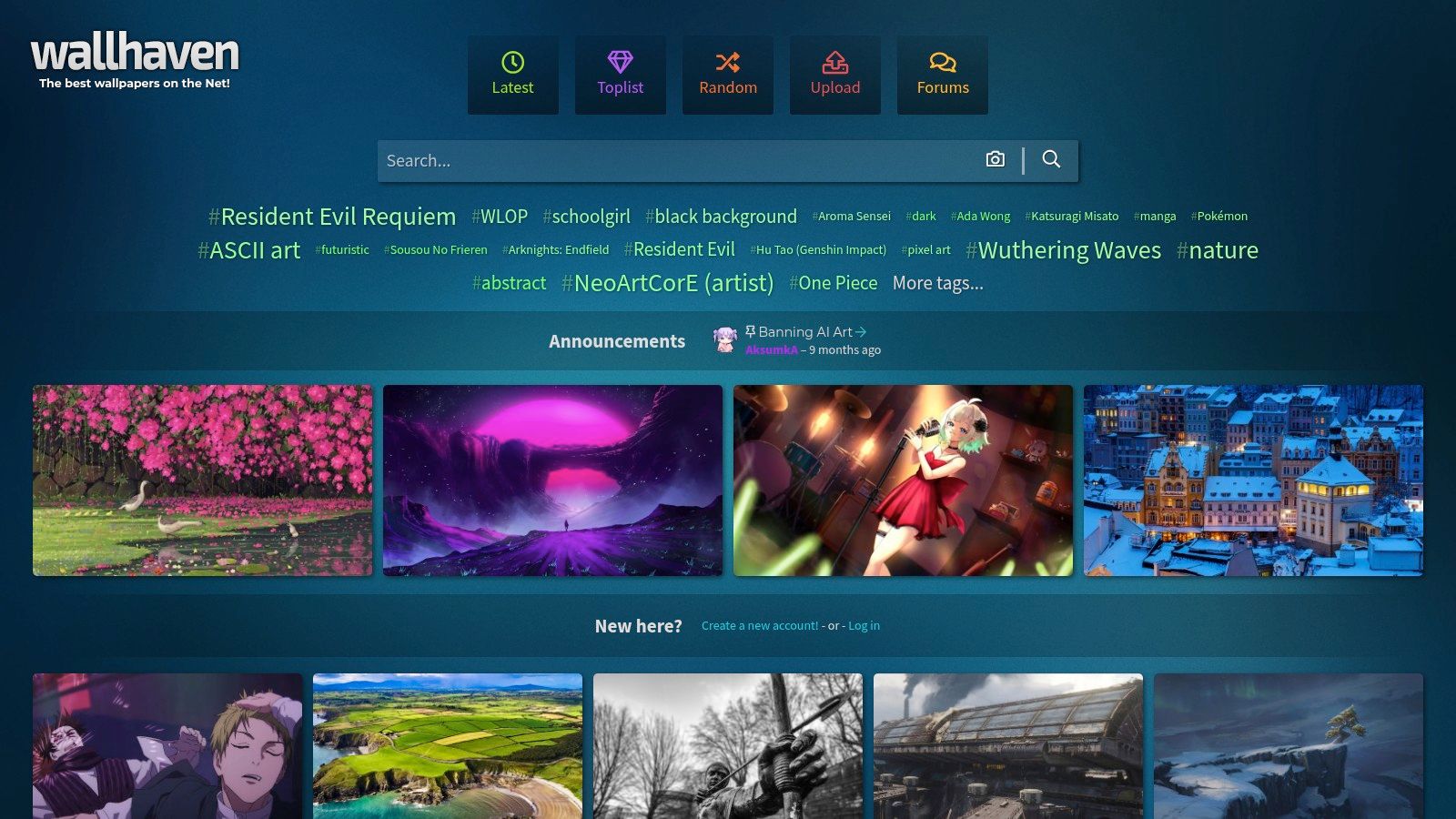
The platform's interface is built around its exceptional filtering system. You can search by exact resolution, aspect ratio, tags, and even specific colors. This precision is Wallhaven's superpower, allowing you to bypass the need for cropping altogether. If you want a 3456x2234 image tagged "minimal" with a specific hex code of blue, Wallhaven can likely find it. The library covers everything from abstract digital art and serene nature shots to fan art and complex sci-fi cityscapes, all organized by a robust community tagging system.
Finding the Right Fit
Wallhaven's strength lies in its ability to serve very specific requests. It's a goldmine for finding exact-pixel fits for both standard MacBook Pro screens and more unusual ultrawide monitor setups. Because many uploads are digital renders or high-resolution scans, they are often available in native 4K or higher, which minimizes scaling artifacts and ensures your wallpaper looks incredibly sharp on a Retina display. The SFW/Sketchy/NSFW filters also give you control over the type of content you see.
The most effective way to use Wallhaven is to master its filters. Start by setting the resolution to your MacBook Pro's native display size (e.g., 3456x2234) and then add specific tags like "nature," "abstract," or "space" to narrow down the results.
This precision comes with a couple of caveats. As a community-driven platform, the quality can vary, so you may need to sift through a few options to find a masterpiece. More importantly, the licensing for images is mixed. While free for personal use, you should always check the details on each wallpaper page if you plan to use an image for anything commercial.
Website: https://wallhaven.cc
5. UHD Papers
For those who prefer a curated experience over an endless scroll, UHD Papers is a welcome relief. The site is built around one simple premise: providing high-resolution wallpapers already optimized for Retina displays. This isn't a massive, user-submitted firehose of content; it's a smaller, hand-picked collection where quality and correct sizing take precedence. This focus makes it a fantastic source for finding a great 4k wallpaper for your MacBook Pro without the guesswork.
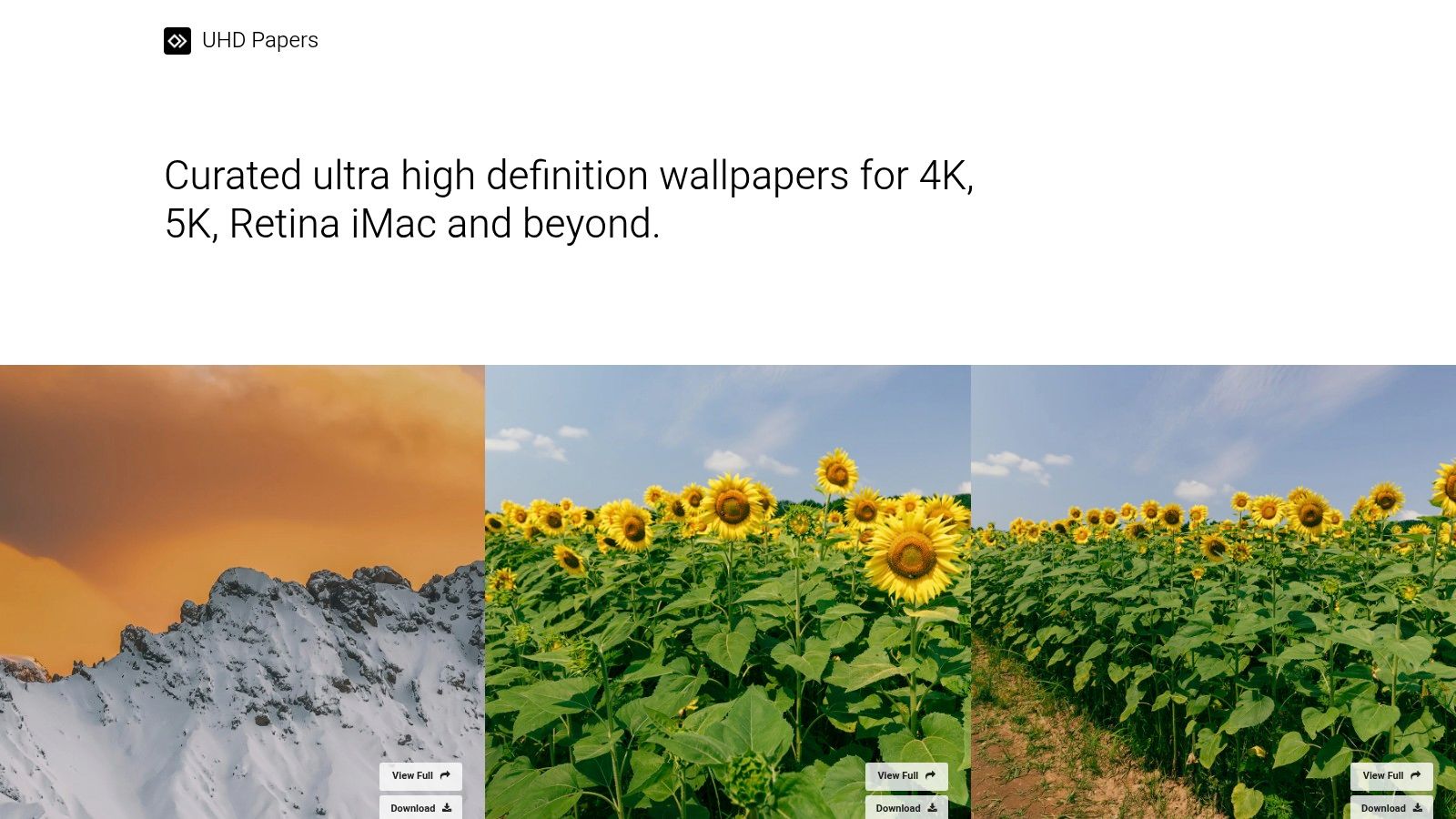
The user experience is straightforward and refreshingly direct. The homepage presents the latest additions in a clean grid, with clear labels for resolution (like 4K, 5K, and even 8K) right on the thumbnail. Categories are simple and effective, covering popular themes like Abstract, Nature, and Cityscapes. Because most images are already sized with high-DPI screens in mind, you can be confident they will look sharp on your MacBook Pro.
Finding the Right Fit
UHD Papers excels at removing friction. You find an image, click on it, and are presented with a direct download button. There are no accounts to create or hoops to jump through for personal use. The platform is best for static, high-impact imagery, from vibrant digital art to stunning real-world photography. Its curated nature means you spend less time sifting through low-quality or poorly-sized images and more time finding a background you'll actually enjoy.
The site's greatest advantage is its focus on resolution. By targeting 4K and 5K from the start, it saves you the step of filtering or double-checking if an image will hold up on a Retina display.
This curated approach does have one trade-off: the catalog is noticeably smaller than giants like Unsplash. Furthermore, the site notes that it doesn't own the rights to the images, so they should be considered for personal use only. For anyone simply looking to beautify their own desktop, however, UHD Papers offers a fast and reliable way to grab a stunning, Retina-ready background.
Website: https://uhdpapers.com
6. Dynamic Wallpaper Club
For those who want their desktop to feel truly alive and integrated with macOS, Dynamic Wallpaper Club is a must-visit destination. It's a community-driven gallery dedicated to one specific thing: creating and sharing dynamic wallpapers that change throughout the day. This isn't about video loops; it's about a series of high-resolution still images that subtly shift to match the time, from sunrise to sunset, or sync with your Mac's Light and Dark Mode. This provides an elegant, native experience similar to Apple's own built-in dynamic desktops.
The platform is built by and for Mac enthusiasts. It features a wide variety of creative wallpaper sets, including stunning cityscapes that light up at night, serene nature scenes that cycle through seasons, and abstract designs that shift color palettes. Many of these sets are created using high-quality source images, making them a great source for finding a unique 4k wallpaper for your MacBook Pro that looks sharp on a Retina display.
Finding the Right Fit
The core strength of Dynamic Wallpaper Club is its deep integration with the macOS environment. Using the HEIC file format, these wallpapers don't drain resources like a video might, offering a battery-friendly way to add motion to your desktop. The site is entirely free, supported by its community of creators who upload their own dynamic sets. You can browse, preview the day/night cycle of each wallpaper, and download your favorites without an account.
To get the best results, look for wallpapers with a "5K" or "6K" tag. This ensures the source images are of sufficient resolution to look pristine on your MacBook Pro screen, even as they transition between different times of day.
The main drawback is that quality can be inconsistent since the content is user-generated. Additionally, occasional macOS bugs might prevent a custom dynamic wallpaper from changing correctly, sometimes requiring a quick restart or a settings toggle to fix. These are minor hitches in an otherwise fantastic resource for Mac purists who appreciate a desktop that feels native and alive.
Website: https://dynamicwallpaper.club
7. 24 Hour Wallpaper (Jetson Creative)
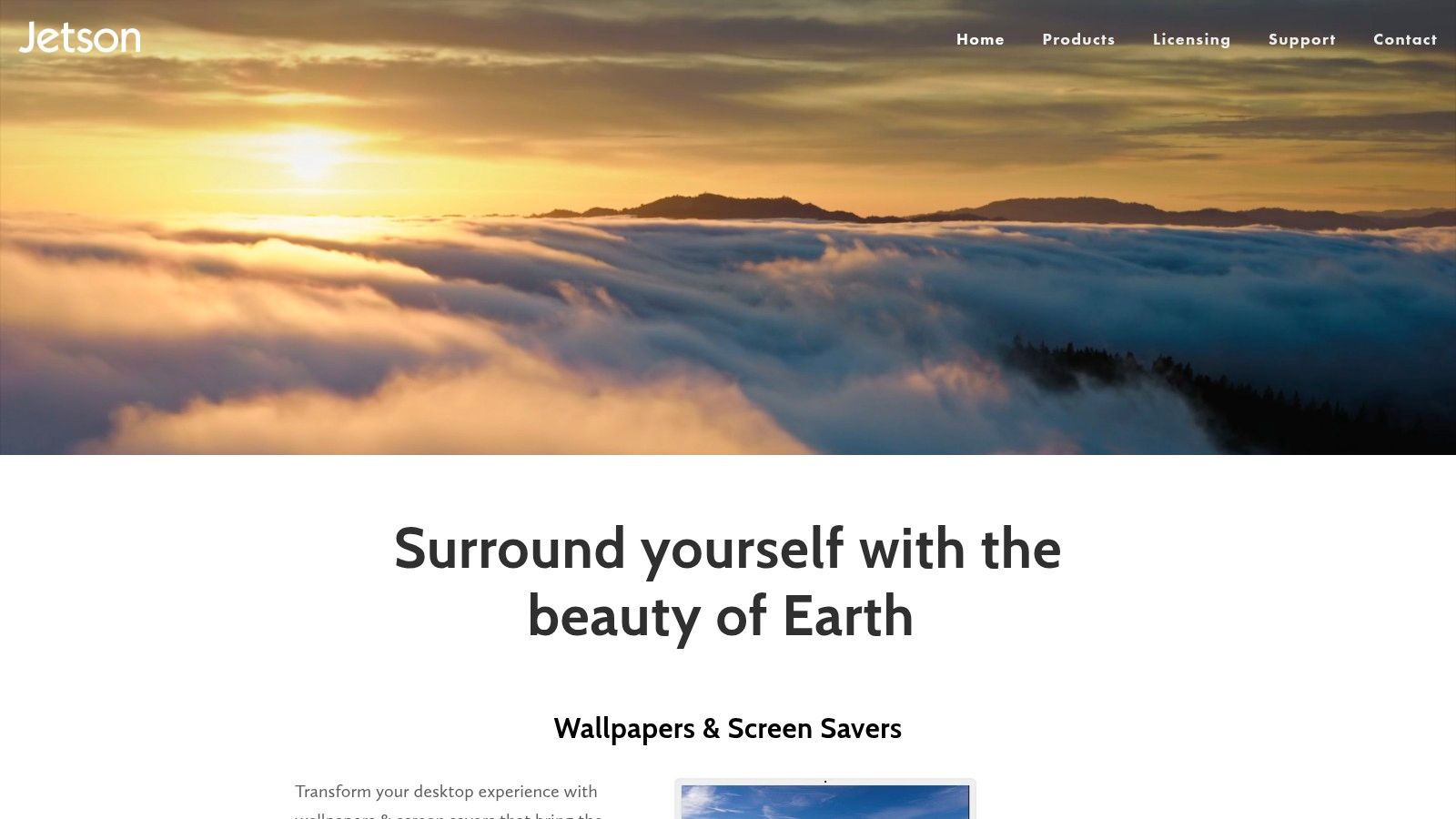
24 Hour Wallpaper by Jetson Creative takes a fundamentally different approach to personalizing your desktop. Instead of a static image or a looping video, it offers a suite of professionally shot, time-aware dynamic desktop scenes. These aren't just single images; they are complete sets of photos taken from the same location over a 24-hour period, which sync to your Mac's clock and gracefully transition from dawn to midday, dusk, and night. This makes it a premier source for a truly integrated 4k wallpaper for your MacBook Pro.
The quality is exceptional. Each scene is captured in stunning 4K or even 5K resolution (5120×2880), ensuring every pixel looks tack-sharp on a MacBook Pro Retina display and even on larger external monitors. The app itself is polished and integrates directly with the native macOS Dynamic Desktop feature, making it incredibly power-efficient. You won't find amateur photos here; these are high-production-value sets from locations like New York City, the Mojave Desert, and the Earth from space.
Finding the Right Fit
24 Hour Wallpaper is designed for users who appreciate a desktop that feels alive and connected to the real passage of time. Its strength lies in providing a calm, ambient change throughout the day that isn't as distracting as a full-motion video. The app is free to download with a few included wallpapers to try, but the majority of the premium scenes are available via in-app purchases. This paid model supports the professional photography and app development required to produce such high-quality content.
The real magic of 24 Hour Wallpaper is its subtlety. You might not notice the background changing moment-to-moment, but when you return to your Mac after a few hours, the desktop will reflect the current time of day, creating a seamless and immersive workspace.
While it excels at time-synced photography, it has a key distinction. It is not a video wallpaper app like gifPaper, as it uses a sequence of high-resolution stills rather than a looping motion file. This is an intentional design choice for a more serene effect but may not appeal to those seeking constant animation. The app runs smoothly on Apple Silicon, supports complex multi-monitor setups, and even lets you download the HEIC files directly if you prefer to set them in System Settings without running a helper app.
Website: https://www.jetsoncreative.com
4K MacBook Pro Wallpaper: Top 7 Sources Compared
| Item | Implementation complexity | Resource requirements | Expected outcomes | Ideal use cases | Key advantages |
|---|---|---|---|---|---|
| gifPaper | Low — install app and set wallpaper with one click | Modest GPU/CPU for 4K video, macOS Sonoma or later | Seamless looping 4K video wallpapers with lock screen and screen saver support | Mac users who want an animated, high-quality, and native experience | True 4K video, native lock screen, one-time price, 150+ curated wallpapers |
| Unsplash | Very low — download static images; occasional manual cropping | Minimal; manual crop for some aspect ratios | Large selection of high-resolution still wallpapers | Users seeking free, tasteful still photography with broad variety | Massive free catalog, permissive personal-use license, curated 4K sections |
| Pexels | Very low — download photos/videos; clear royalty-free terms | Minimal; check license for redistribution restrictions | High-quality photo and video sources in 4K for personal wallpapers | Users wanting free 4K photos/videos with straightforward licensing | Clear royalty-free license, photo + video sources, dedicated 4K search |
| Wallhaven | Low–Medium — use advanced filters and tags to find exact fits | Minimal; use filters to match exact resolution/aspect ratio | Huge variety of native 4K+ images; precise pixel-fit results | Power users seeking niche aesthetics or exact-resolution wallpapers | Powerful filtering (resolution, aspect, color), enormous community library |
| UHD Papers | Very low — curated, ready-to-download Retina-sized images | Minimal; smaller curated catalog | Hand-picked 4K/5K wallpapers sized for Retina displays | Users who prefer curated, ready-sized Retina wallpapers | Curated high-res selections, clear resolution tags, fast download flow |
| Dynamic Wallpaper Club | Low–Medium — download HEIC files and set in System Settings | Minimal; uses native macOS HEIC support | Time-of-day / light-aware dynamic desktops that change | Mac users wanting Apple-style dynamic desktops that shift with time | Mac-native dynamic behavior, community-made variety, free |
| 24 Hour Wallpaper (Jetson Creative) | Low — app or HEIC bundles integrate with macOS | Minimal; in-app purchases for most sets | Professional, time-aware (day→night) 4K/5K desktop sets | Users wanting professionally shot dynamic day-to-night wallpapers | Professional photography, macOS integration, 5K-ready sets, multi-monitor support |
So, What's the Right Wallpaper for Your Mac?
The quest for the perfect 4k wallpaper for MacBook Pro is deeply personal. It's about crafting a digital space that feels like your own. Your desktop isn't just a grid of icons; it's the backdrop to your work, your procrastination, and everything in between. You're going to look at it for hours, so it might as well be something you genuinely enjoy.
Static image libraries like Unsplash and Pexels are fantastic for crisp, high-resolution photography. For more niche and digitally rendered art, Wallhaven provides a massive collection. These are excellent starting points for a beautiful, unchanging image.
Stepping Up from Static Images
For a desktop that evolves, dynamic solutions like the Dynamic Wallpaper Club offer a clever, free way to have your wallpaper shift with the time of day. Paid options like 24 Hour Wallpaper provide professionally produced scenes that mimic the sun's natural progression.
These tools are great, but they operate within the familiar confines of the desktop. They change the picture, but they don't fundamentally change the experience of waking up your Mac.
The Ultimate Upgrade: A Living Lock Screen
This brings us to the core dilemma many Mac users face: the desire for an animated environment that doesn't feel like a third-party hack. If you've ever envied Windows users for Wallpaper Engine, you know the feeling.
The best 4k wallpaper for MacBook Pro is the one that makes you happy to open your laptop. For some, a static image is enough. But if you want to turn your Mac's lock screen and desktop into a seamless, looping 4K video experience, that's where gifPaper for Mac comes in.
It's the only app I know of that uses Apple's native system for live lock screens. This means it feels perfectly integrated, not like a clunky overlay. You wake your Mac to a living scene that slows gracefully as you unlock it—just like Apple's own video wallpapers. It's a small detail, but it's the kind of detail that makes a Mac feel like a Mac. With a one-time purchase, a 7-day free trial, and a 30-day money-back guarantee, it's a commitment-free way to see if a cozy fireplace makes your screen time a little more delightful.
Ready to go beyond static images? Browse over 150 seamlessly looping 4K live wallpapers and download the gifPaper for Mac app to bring your lock screen and desktop to life. It's a small price to pay to make the screen you stare at all day a place you actually want to be.