7 Best Sources for Chill Wallpaper 4K in 2026
Your desktop deserves better than a gradient. You stare at this screen for hours, which is rude of it, really. It's the backdrop to your work, your procrastination, and your midnight "I'll just check one thing" routine. So if you're hunting for chill 4K wallpapers, the goal isn't just "nice picture." It's something calm, sharp, and not offensively beige.
The good news is that the market is already packed with options, from huge photo libraries to proper live wallpapers for Mac. The better news is that most of the best sources fall into pretty clear camps, so you can stop doom-clicking through twenty tabs and choose the kind of calm you want. If you're also making motion-based wallpaper content, the guide to vibe video creation is a useful side quest.
1. Lofi Live Wallpapers for Mac
If your desktop needs to feel like it owns a record player and pays rent on time, this is the one. The Lofi wallpaper collection pulls together 150+ looping 4K live wallpapers with ambient music, which is a very specific sentence but also exactly the point. Rain-streaked windows, sleepy coffee shops, sunset rooftops, cozy neon corners—this is the whole "I am calm, but I still answer email" energy.
Why it beats the usual wallpaper graveyard
Static sites can give you a nice image. Fine. But they can't give you a loop that lives on your lock screen and desktop without looking like a cursed GIF from the age of dial-up. gifPaper uses Apple's native Aerial wallpaper format, so these are real video wallpapers, not a clipart crime scene. The app also sets the lock screen and desktop as the same wallpaper in one action, which saves you from the usual Mac ritual of fixing things in three different places for no clear reason.
Practical rule: if a wallpaper looks calm but breaks the moment you move to a Retina display, it wasn't actually chill. It was just small.
The trade-off is simple. This is Mac-only, because the app is built specifically for macOS, and the live wallpaper setup is exactly why it exists. That makes it less universal than a free photo site, but a lot more satisfying if you want ambient motion, clean loops, and optional audio instead of another static mountain that has the emotional range of office carpet.
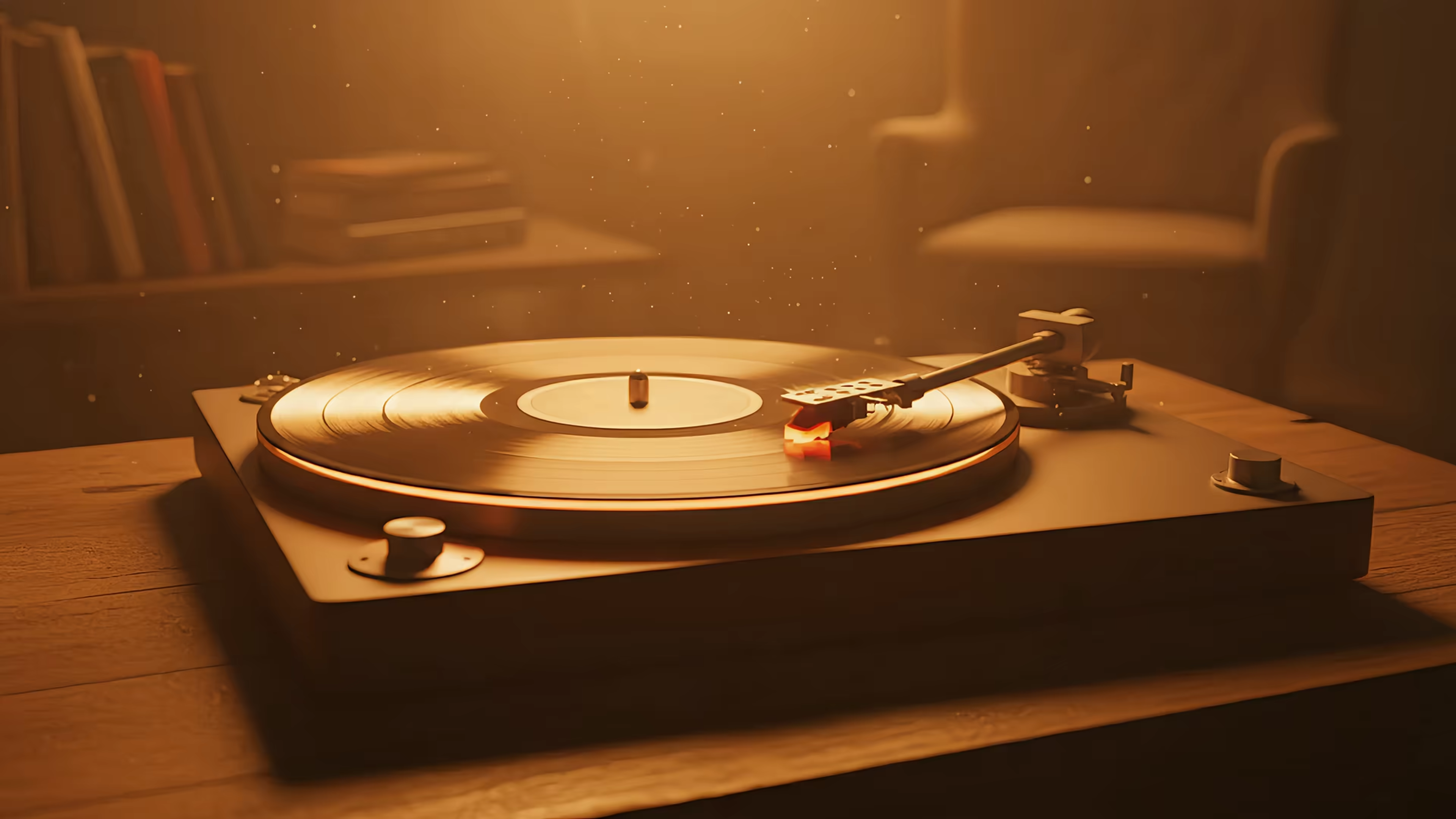
The Mac guide to 4K live wallpaper setup explains the practical side of using these wallpapers without making you feel like you need a computer science degree and a prayer candle. For a specific starting point, the record player wallpaper and train window wallpaper are the kind of scenes that make a Mac feel weirdly courteous.
You also get a 7-day free trial, no credit card required, then a $4.99 one-time purchase if you keep it. That's not a subscription, which is refreshing in the same way finding an unused charging cable is refreshing.
2. Unsplash
Unsplash is one of the easiest places to start if you want calm, clean, photographic backgrounds without opening a licensing spreadsheet and losing the will to live. The site surfaces 500+ 4K results for chill wallpaper searches, which lines up nicely with the broader signal that the category is not tiny, niche, or vaguely imaginary. The result pool leans into nature, minimal compositions, and moody city scenes, which is exactly where many users land when they want a desktop that doesn't scream for attention. Browse it at Unsplash wallpapers.
Where Unsplash works and where it doesn't
The strongest part of Unsplash is that it's simple. The visuals are usually polished, the search is easy to use, and the license is friendly for a lot of personal and commercial work. That makes it practical for blogs, brand decks, and the sort of desktop background that makes you look annoyingly organized in video calls.
The weakness is obvious. Everything is static. If you want motion, ambient audio, or a live lock screen that doesn't feel like a placeholder from 2014, you're back to square one. It's also a place where the most popular images can feel familiar—which is another way of saying "nice, but I've seen this mountain on twelve startup homepages."
Some wallpaper sources give you a picture. gifPaper gives you a mood that actually moves.
For Mac users who want to keep the calm vibe but add motion, the natural next step is gifPaper for Mac, because Unsplash is great for stills and terrible at doing the "quiet room breathing softly" part.
3. Pexels
Pexels is the reliable friend who brings snacks, shows up on time, and never makes the room worse. It has a huge library of free stock images, including plenty of calm desktop backgrounds, and it's especially useful when you want a clean photo fast without trawling through low-res nonsense. The search page for desktop wallpaper on Pexels is a good place to start if you want tranquil scenes, soft abstracts, or minimal textures that won't startle your monitor.
Good for quick wins, less good for personality
Pexels is strong because it's broad and uncomplicated. The license is permissive, the downloads are easy, and you can usually get something usable without a long scavenger hunt. If your bar is "I need something decent before this meeting starts," Pexels is a solid answer.
What it doesn't give you is uniqueness. That's not a moral failing, just the nature of big stock libraries. You can absolutely find good chill images there, but it can take a while to find something that doesn't feel vaguely corporate or overused. The best wallpapers on Pexels are often the ones that look intentional, not like a motivational poster that escaped from a coworking space.
For a more atmosphere-rich option, especially on a Mac, the better move is live motion. The lofi wallpaper collection gives you 4K loops with optional ambient audio, which is a much more interesting way to make your screen feel less like a spreadsheet kiosk and more like a place.
4. Wallhaven
Wallhaven is where people go when "chill" is not enough and they need to specify the exact shade of moody. It has deep filters for resolution, aspect ratio, color, and tags, which is very handy if you want true 4K, 3840×2160 results without scrolling through a swamp of near-matches. The search page at Wallhaven is built for power users who know what they want, or at least know how to exclude everything they hate.
Better search, messier edges
This site is excellent when you care about control. Want lofi plus night plus 4K? You can get annoyingly specific in a good way. Want a particular palette that won't clash with your dock, your widgets, and your decision to use a dark menu bar because you're a person of taste? Wallhaven is the sort of place that can help.
The downside is that this freedom comes with some mess. Licensing can be murky depending on the upload, and the site can surface content you absolutely didn't ask for, which means purity filters aren't optional. It's a stronger source for personal use than for anything where rights clarity matters.
Still, if you want a specific desktop vibe and you're willing to do a little sorting, Wallhaven has the kind of filtering that makes other wallpaper sites look like they were designed by a sleepy intern with one dropdown and a dream. For Mac users who'd rather skip the manual hunt and just run live wallpaper loops, gifPaper is the cleaner path.
5. Alpha Coders
Alpha Coders, also called Wallpaper Abyss, is one of the biggest wallpaper libraries around, and it's useful when you want breadth without pretending wallpaper is an art form reserved for monks. It has a dedicated Chill 4K Wallpapers page, and the category is large enough to matter, not just "someone uploaded three sunsets and called it a day." The source page also shows that major libraries are independently maintaining chill-4K collections, which is a strong sign that chill plus 4K is a real search cluster, not a fluke. Browse the main hub at Alpha Coders Wallpaper Abyss.
Good when you want depth and variety
Alpha Coders is useful because it organizes a huge amount of content across themes, so you can move from atmospheric scenes to fan art to abstract visuals without hopping between five different sites. That makes it good for people who know they want something soft and calm, but aren't committed to a single aesthetic lane. It's also one of the places where 4K and ultrawide options show up often enough to be worth the search.
The obvious downside is that the site can feel busy. Ads, dense layouts, and the general "wallpaper warehouse" experience are part of the package. It's also best treated as personal-use territory unless the individual image rights are clear, which is the boring but necessary part.
If you're looking for a direct live-wallpaper alternative with less clutter and more polish, the chill wallpaper collection is the cleaner Mac-specific move. One gives you range. The other gives you a desktop that moves like it belongs in this decade.
6. ArtStation
ArtStation is where you go when you want something that looks like it was made by an actual human with opinions about light. It's especially good for stylized chill scenes, painterly rooms, sci-fi ambience, and the sort of desktop background that makes your screen feel more expensive than your chair. The ArtStation 4K wallpaper pack points straight at that creator-driven side of the market, where licensing is more explicit and the work looks intentionally made rather than scraped together.
Best for original art, not bargain hunting
This is the source for people who want a wallpaper that doesn't look like everyone else's wallpaper. The upside is obvious: original pieces from professional artists, clearer rights on paid packs, and a much stronger sense of style. If you're picking visuals for a team machine, a client demo, or just your own desk because you're tired of default images pretending to be personality, ArtStation has real range.
The trade-off is that it's not the fastest or cheapest route. Some work is free when the artist allows it, but plenty of pieces are paid, and finding wallpaper-ready crops can take a little more effort than clicking the first serene lake photo on a stock site. That's the cost of getting something with actual creative intent.
For Mac users who want a similar sense of atmosphere without shopping through individual artist packs, gifPaper for Mac keeps the vibe intact and turns it into a live screen instead of a static poster.
7. Pixabay
Pixabay is the practical choice when you want a broad, license-clean source and don't feel like arguing with copyright on a Tuesday. It has a huge library of free assets, including plenty of 4K desktop wallpaper options in calm styles like soft abstracts, skies, and nature scenes. The search page for Pixabay 4K desktop wallpaper gets you to the useful stuff quickly.
Straightforward, but sometimes a little too straightforward
Pixabay works because it's easy. Downloads are simple, the license is broad, and it's a decent place to find neutral, relaxing backgrounds without making a big project out of it. If your bar is "I need something clean and not legally weird," that's a real advantage.
The weakness is quality consistency. Some images feel a bit stocky—which is the technical term meaning "this could be on a brochure for office plants." You also need to stay awake around recognizable people or brand elements, because the license may be broad, but common sense still applies.
For a more atmosphere-rich option, especially on a Mac, the better move is live motion. The lofi wallpaper collection gives you 4K loops with optional ambient audio, which is a much more interesting way to make your screen feel less like a spreadsheet kiosk and more like a place.
Top 7 Chill 4K Wallpaper Sources
| Item | Implementation complexity | Resource requirements | Expected outcomes | Ideal use cases | Key advantages |
|---|---|---|---|---|---|
| Lofi Live Wallpapers for Mac (Collection) | Very low, one‑click via gifPaper app | macOS + gifPaper; moderate CPU/battery for video/audio | Seamless 4K animated wallpapers with optional ambient audio | Mac users wanting immersive, cozy desktops and lock screens | True 4K looping video, curated lofi scenes, one‑time purchase |
| Unsplash | Very low, download static images | Any OS; negligible system load | High‑quality photographic 4K wallpapers | Quick free wallpapers for desktops, blogs, and brands | Massive library, easy search, permissive license |
| Pexels | Very low, download static images | Any OS; negligible system load | Consistent 4K/8K images with modern aesthetics | Free commercial‑friendly wallpapers and high‑res displays | Frequent updates, strong tagging, permissive license |
| Wallhaven | Low–moderate, use advanced filters/search | Any OS; negligible system load; check usage rights | Exact‑resolution matches and niche aesthetic finds | Users needing specific resolutions/aspect ratios and deep filters | Extremely granular search, large variety beyond stock photos |
| Alpha Coders (Wallpaper Abyss) | Low, browse and download, ad‑heavy UI | Any OS; many ultrawide/4K variants available | Vast catalog including fan art and atmospheric themes | Finding ultrawide or fan‑driven chill wallpapers | Huge selection, many resolutions beyond standard 4K |
| ArtStation | Low–moderate, browsing plus marketplace purchases | Any OS; may require purchase or license review | Original artist‑made 4K art with explicit creator licenses | Teams or users needing unique, licensable artwork | Distinctive professional art, clear paid licensing options |
| Pixabay | Very low, download static images | Any OS; negligible system load | License‑clean 4K backgrounds suitable for many uses | Quick, safe picks for work screens and simple projects | Broad permissive license, easy downloads, large free selection |
Go On, Make Your Mac Pretty
You've got the options, from endless free photo libraries to handcrafted 4K live wallpapers that turn your lock screen into a portal to somewhere cozier. A good wallpaper won't file your expense reports, but it does make the thing you stare at all day less rude. And since the market already supports serious discoverability for chill wallpaper 4K content, there's no reason to settle for a sad gray desktop when better stuff is sitting there with excellent lighting.
The big split is simple. If you want quick, static, and free, Unsplash, Pexels, Pixabay, Wallhaven, Alpha Coders, and ArtStation all have their place. If you want the calmer option that feels alive on a Mac, gifPaper's live wallpapers are the better answer, especially when the screen saver, desktop, and lock screen all pull from the same scene instead of acting like they've never met.
Apple's defaults are fine in the same way plain toast is fine. Technically edible, emotionally undercooked. If you spend your day on a Mac, the background should at least do something besides exist politely.
The nice part is that you don't have to commit to anything dramatic. Browse the web collection, test a few scenes, and see whether a looping rainy window, a neon city glow, or a sleepy coffee shop makes your desk feel less like a machine and more like a place. That's the whole trick, really. Make the thing you already look at all day worth looking at.
gifPaper gives your Mac live 4K wallpapers that move, loop cleanly, and look sharp on Retina displays. If you want a chill desktop that feels more like a mood and less like a default, start there and let the screen do a little of the work for once.