Get 4K Live Wallpaper on Your Mac: Easy & Safe Setup
Meta description: Learn how to get a 4K live wallpaper on your Mac, what matters for quality, and how to avoid the usual battery-draining nonsense.
Your Mac is probably showing you a wallpaper you stopped noticing months ago. A dune. A gradient. Some tasteful abstraction that says, "I accept defaults and occasionally alphabetize cables."
That's fine. But you're going to look at this screen for hours anyway. It might as well give you something better than polite visual oatmeal.
A proper 4K live wallpaper on Mac isn't the old internet version of "animated wallpaper," meaning a crunchy GIF wheezing through its fiftieth loop like it's being powered by a toaster. It's a high-resolution video scene that loops cleanly, looks sharp on a Retina display, and doesn't make your laptop sound like it's preparing for takeoff.
What Exactly Is a 4K Live Wallpaper
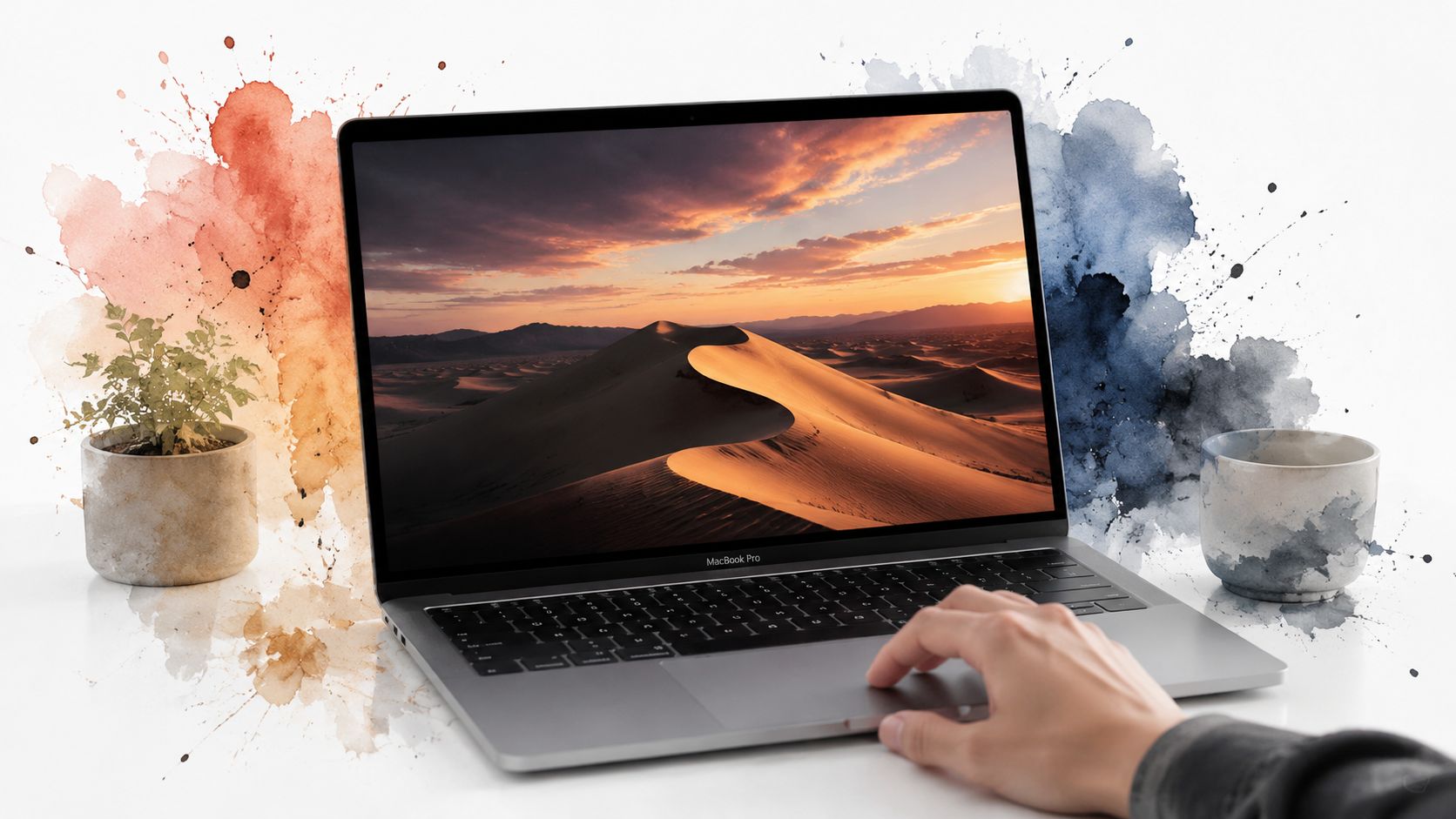
A 4K live wallpaper is a video background, usually a short loop, displayed on your desktop, lock screen, or both. The important part isn't just that it moves. It's that it moves smoothly, at high enough resolution to look intentional instead of nostalgic in the worst possible way.
If you want the broader terminology untangled first, this guide to what live wallpapers are on Mac covers the basic distinction between static, dynamic, and video-based wallpapers.
What makes it different from old animated wallpapers
The older version of this idea was usually one of three things:
- A GIF that looked soft, posterized, and faintly cursed
- A full video that restarted visibly and broke the illusion
- A desktop overlay hack that sat on top of your desktop like an uninvited theater production
A good live wallpaper is quieter than that. It behaves more like background architecture than content. You notice the motion, then stop noticing it, which is exactly the point.
Practical rule: If you can spot the restart point within a few seconds, it's not a good live wallpaper. It's a short video pretending to be one.
Why Mac users care more than they admit
Mac screens are unforgiving. Retina panels make low-quality assets look worse, not better. A mediocre file that looked passable on an older display can look smeared on a modern MacBook Pro or iMac.
That's why 4K matters here, and also why setup matters. A live wallpaper has to answer three questions at once:
| Question | What actually matters |
|---|---|
| Does it look good? | Sharp 4K source, clean encoding, no compression mush |
| Does it loop well? | No jump at the end, no weird freeze before restart |
| Does it behave on Mac? | Native-feeling playback, no desktop weirdness, no thermal drama |
The rest of this guide is really about those three things. Beauty, technical restraint, and avoiding the sort of software decisions that make a fan spin up during a calm snowfall scene.
The Art of the Seamless Loop
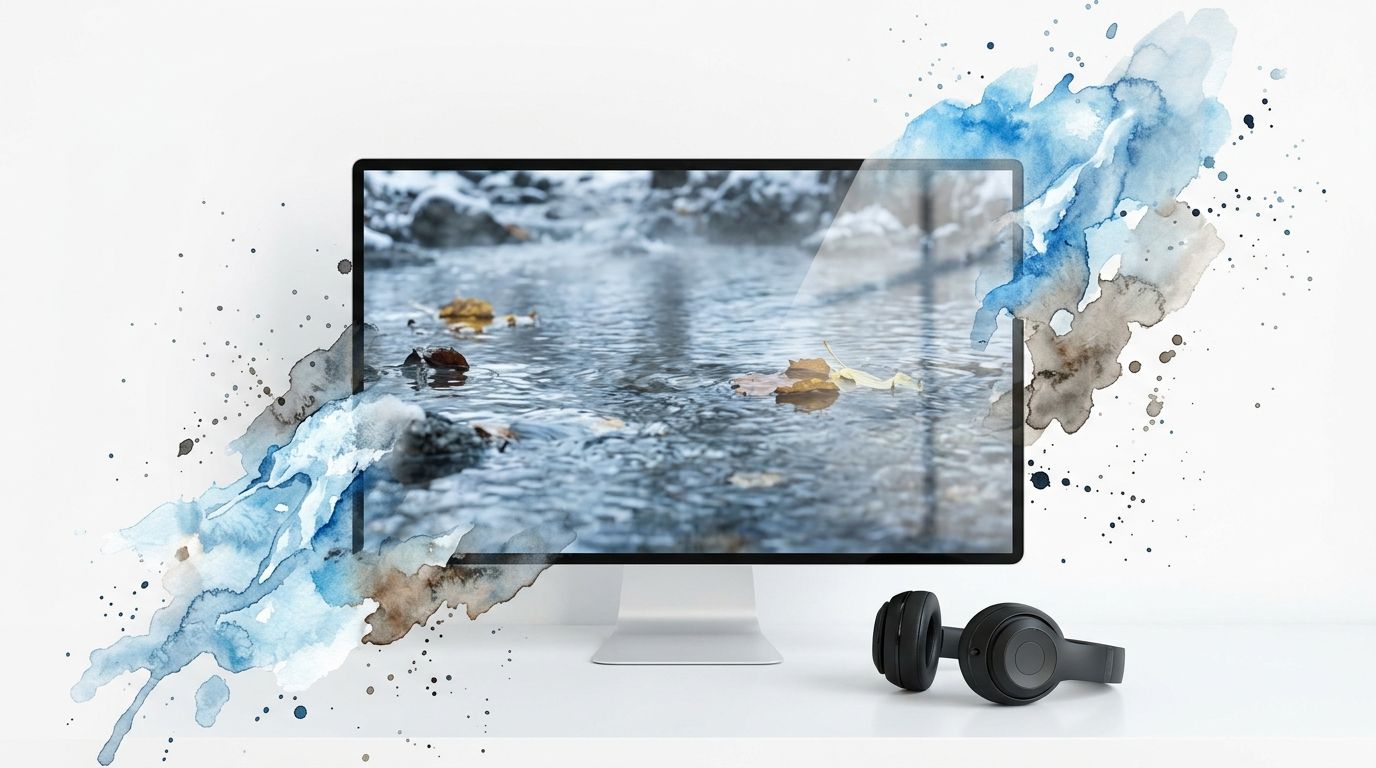
You notice a bad loop fastest when you are trying to ignore it. You open your Mac, start working, and twenty seconds later the waterfall snaps back to frame one like someone bumped the set. After that, the wallpaper is no longer background. It is a small recurring mistake.
Looping is the whole job.
A good live wallpaper survives repetition. The motion has to return cleanly, the pacing has to feel natural, and the ending cannot announce itself. That sounds obvious until you build one. Then you find out that a clip can be gorgeous in isolation and still fail as a wallpaper because the camera drift is wrong, the final frames hesitate, or one leaf moves in a way your peripheral vision catches every single time.
On Mac, this gets more particular. Apple's Aerial format sets a higher bar than the usual desktop video hack because it was designed to behave like part of the system, not a movie pinned behind your icons. Generic third party apps often just replay a file and hope you do not notice. Native-feeling implementations need better source footage, cleaner timing, and loop points that hold up on a Retina display.
Microsoft's listing for live wallpaper 4K animated video backgrounds also reflects the basic technical floor people expect now: 3840×2160 resolution, 30 fps or higher, and H.264 or H.265 encoding. The spec is the easy part. The loop point is where taste and engineering start arguing.
Shorter loops usually work better. Five to fifteen seconds is often enough if the motion is cyclic and the scene does not try too hard. Clouds, water, light rain, slow city glow, dust in sunbeams. Those repeat well. Fast camera moves, dramatic action, and anything with a clear beginning and end usually do not. They belong in a video player, not behind your spreadsheet.
If you want to build one yourself, this guide on how to make moving wallpapers covers the practical steps.
Audio is where many wallpaper apps lose the plot. Calm visuals get paired with looping sound effects that become irritating by the third pass, which is impressive in its own bleak way. Ambient sound can work, but only if it stays subordinate to the desktop and gives you an off switch without drama.
The visual rule is simpler. A wallpaper should reward peripheral vision, not compete with the thing you opened your computer to do.
That is also why curation matters more than volume. There is plenty of 4K footage available. Very little of it makes a good wallpaper. The useful clips are the boring ones, in the best possible sense. Controlled motion, stable framing, no obvious reset, no visual event that your brain starts counting toward. Beauty helps. Restraint does more.
Why 4K Resolution Is Not Overkill for a Mac
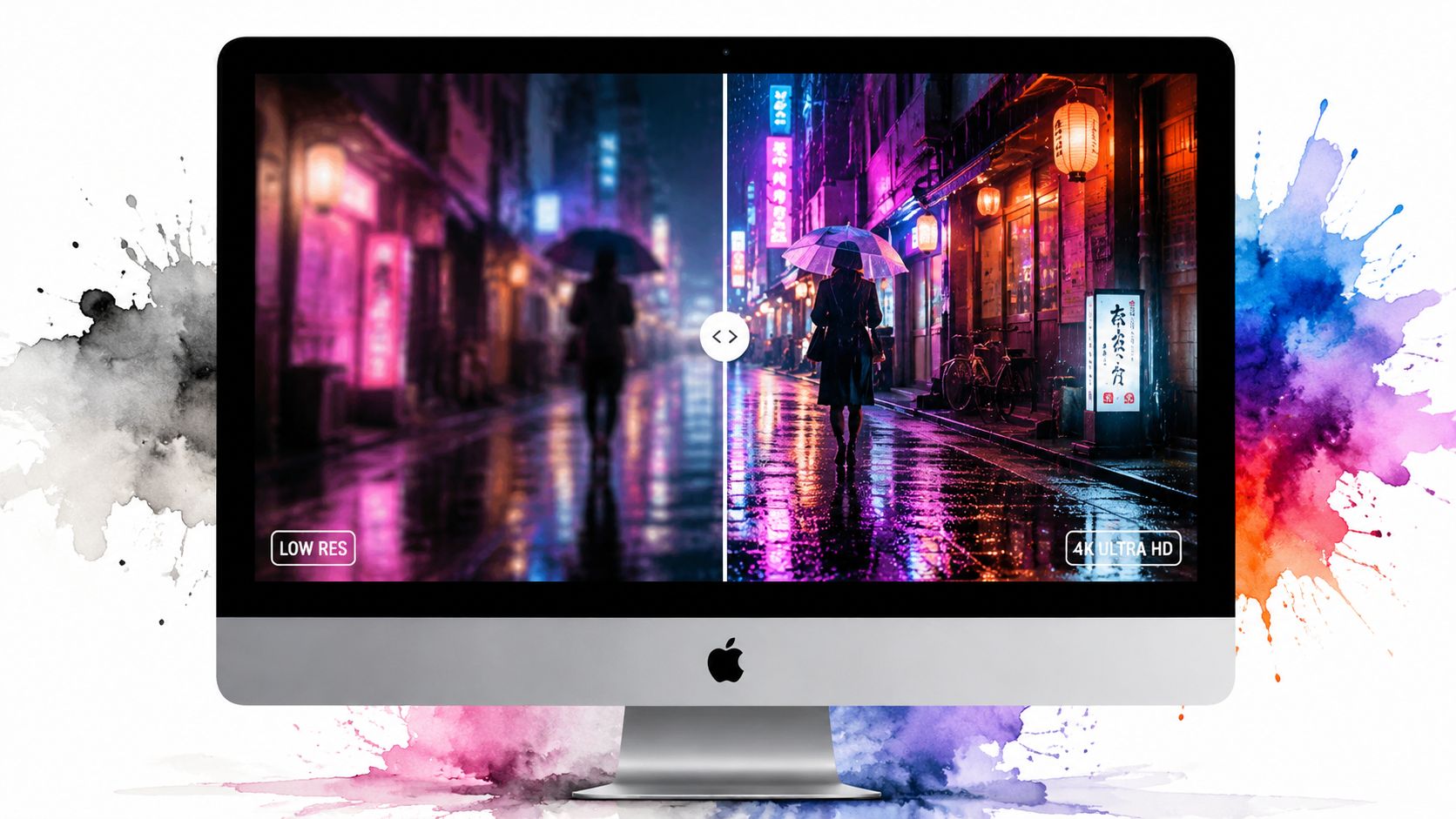
People still ask whether 4K is excessive for a wallpaper. On a Mac, it isn't. It's the point.
Retina displays are very good at exposing compromise. A lower-resolution video background can look acceptable for a moment, then your eyes catch the softness in text-adjacent areas, the mush in fine texture, the strange blur around detail that should be crisp. It's the visual equivalent of hearing a song through a phone speaker and pretending that's enough.
What 4K actually means here
For wallpaper use, 4K means 3840×2160. That's the minimum resolution called out for perceptible 4K clarity in the same Microsoft reference above, along with 30 fps or higher and H.264 or H.265 encoding to balance fidelity and performance.
That combination matters because live wallpapers aren't viewed like normal video. They sit behind everything. Your eye keeps checking them in fragments. Fine detail matters more than people expect.
- Water, fog, rain, and snow need enough bitrate to avoid turning into a smeary soup
- Neon scenes and city lights fall apart fast when compression gets aggressive
- Dark wallpapers especially punish low-quality encoding because banding becomes obvious
Simple test: If the wallpaper looks great as a full-screen still frame before it moves, the source is probably good enough.
Retina screens make quality non-negotiable
On a cheap display, a merely decent file can pass. On a Mac, less so. Apple spent a great deal of engineering effort making the panel look sharp. A wallpaper app then gets one job: don't ruin that.
This is especially obvious in detailed scenes. The neon wallpaper collection works because those scenes depend on crisp edges, reflections, and tiny points of light. A fuzzy neon alley isn't moody. It's just a compression artifact with ambitions.
If you prefer quieter scenes, the same logic applies to forests, snow, clouds, and fire. A subtle wallpaper still needs real detail. "Subtle" shouldn't mean "blurry."
Performance Concerns: Will This Melt My MacBook
You install a live wallpaper, open Activity Monitor ten minutes later, and find a process chewing through CPU like it has opinions about your battery. That paranoia is earned. A lot of wallpaper apps are really just desktop overlays with nicer branding.
On macOS, the difference between a native-feeling implementation and a hack shows up fast in heat, battery drain, and whether the desktop still feels like the desktop. Generic third-party tools often keep decoding and redrawing video even when the wallpaper is mostly hidden behind windows. Apple's Aerial-style approach is usually more disciplined because it is built around how the system already expects motion backgrounds to behave, especially on the lock screen and screen saver.
What actually causes the trouble
The expensive part is not "4K" by itself. It is constant playback, poor hardware decoding support, unnecessary compositing, and apps that treat every moment like a full-screen demo reel.
The failure modes are predictable:
- Continuous playback: Motion keeps running even when you are in Xcode, Slack, or twenty Safari tabs and cannot see the wallpaper anyway.
- Bad rendering pipelines: Some apps route video through layers that were never meant to sit behind the desktop all day.
- No idle behavior: The wallpaper never settles down, so the machine keeps spending energy on something that should have stayed decorative.
If you want to check the cost on your own machine, use this guide on how to monitor wallpaper CPU and memory impact on Mac while you test.
The Mac-first compromise that actually works
After spending far too long building this sort of thing, my view is simple. Motion belongs in controlled moments.
The lock screen is perfect for it. You wake the Mac, the scene moves, it looks improbably fancy for a computer you mostly use to answer email, then it stops being the center of attention. On the desktop, a still frame or restrained animation is usually the better call. That is the trade-off people skip when they promise "dynamic wallpapers" with no downside.
A wallpaper should add atmosphere, not become a background task you eventually resent.
Calmer scenes also hold up better over long workdays. Snow, fog, slow clouds, distant city light, a room with one practical lamp. They look good in motion, but they also survive being frozen into a still without feeling broken. That matters on a Mac-first setup, because the best implementation is not maximum movement. It is knowing when to move and when to leave your laptop alone.
The Easiest Way to Get 4K Live Wallpapers on Mac
If you want the short version, use a Mac app that works with Apple's system instead of faking it with an overlay. That's the dividing line between "this feels native" and "this feels like I installed a loophole."
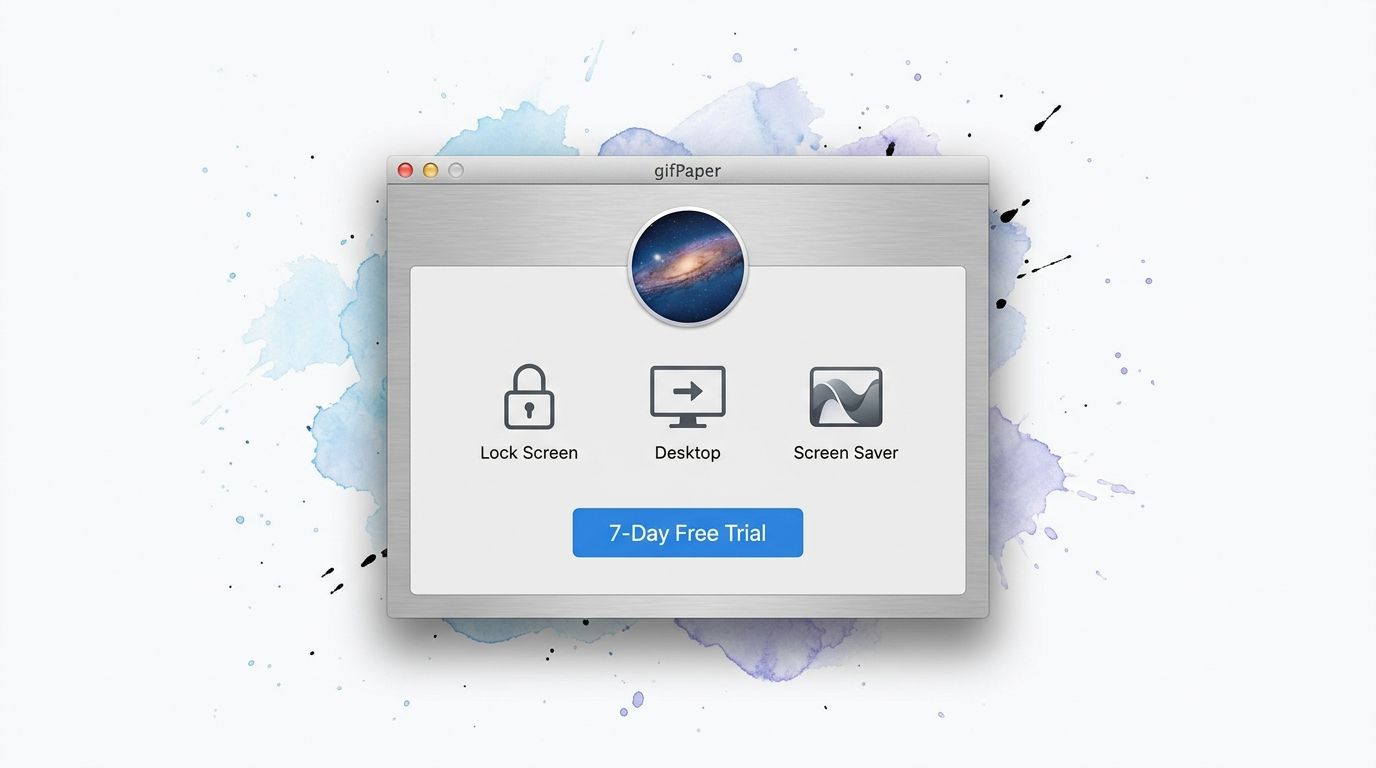
One option is gifPaper for Mac. It's a direct-download macOS app that sets live wallpapers for the lock screen, desktop, and screen saver, and it uses Apple's native Aerial wallpaper format rather than a desktop layer pretending to be the wallpaper. That matters because the app requires macOS 26 (Tahoe) or later, and direct download is necessary because Apple's Mac App Store sandboxing prevents live lock screen wallpapers, as covered in this live wallpaper explainer from PixeryHub.
Why native implementation matters
With a native-style approach, the wallpaper behaves more like part of macOS and less like an app trying to outsmart it. That leads to a few practical advantages:
| Area | What you want | What usually goes wrong with hacks |
|---|---|---|
| Lock screen | Video wallpaper that feels integrated | No lock screen support at all |
| Desktop | Still by default, motion when desired | Constant playback whether you want it or not |
| Screen saver | Same visual language across the system | Separate setup, inconsistent results |
The lock screen is the best use case. You wake your Mac and the wallpaper is alive, then slows down as you access your Mac, which feels pleasantly over-engineered for something as silly as wallpaper. I mean that as praise.
The practical offer, minus the circus
The pricing is refreshingly plain:
- 7-day free trial: No credit card required, all wallpapers and features available
- $4.99 one-time purchase: Launch price, not a subscription
- 30-day money-back guarantee: Fair enough if you decide animated snow or cosmic fog wasn't the missing piece of your life
- macOS 26 or later: Check first, save yourself annoyance
The website side of the project is also useful on its own. gifpaper.com lets you browse a curated collection of 150+ perfectly looping 4K live wallpapers with ambient music across categories like winter wallpapers, fireplace wallpapers, lofi, neon, and space. Free to browse on the web. The app is what sets them on your Mac.
If you want one clean recommendation, start there. Not because wallpaper is sacred, but because your computer is expensive and your background software shouldn't act like it has a death wish.
Your Questions Answered with Excessive Honesty
Can I use my own videos
Not at the moment. That's partly a product choice and partly because loops that flow smoothly are harder than they look. A random video clip isn't automatically wallpaper material, and most of them restart badly.
Is it really a one-time purchase
Yes. $4.99 once, not a subscription. This is a small mercy in an age where every app wants to bill you monthly for the privilege of existing.
Paying once for wallpaper software feels correct. The wallpaper may be absurd. The pricing doesn't have to be.
Will it work on an older Mac
It requires macOS 26 (Tahoe) or later. Check your version first. If your Mac can't run that, no amount of optimism will persuade the operating system.
Does ambient audio play all the time
Many scenes include ambient music or sound, but whether that belongs in your daily setup depends on your tolerance for repetition. Some people want total silence. Some want rain, vinyl crackle, or soft room tone. The trick is choosing audio that behaves like atmosphere rather than a tiny DJ trapped in your desktop.
Should I pick desktop animation or keep it still
Still-by-default on the desktop is generally the better call, with motion reserved for the lock screen or used occasionally. It looks cleaner, wastes less attention, and keeps the whole thing tasteful. As tasteful as animated wallpapers can be, anyway.
If your current wallpaper is a forgotten default and you'd like something with a pulse, browse gifPaper. The gallery is free to browse, and if you want the full Mac setup for lock screen, desktop, and screen saver, the app has a 7-day free trial, no credit card required.