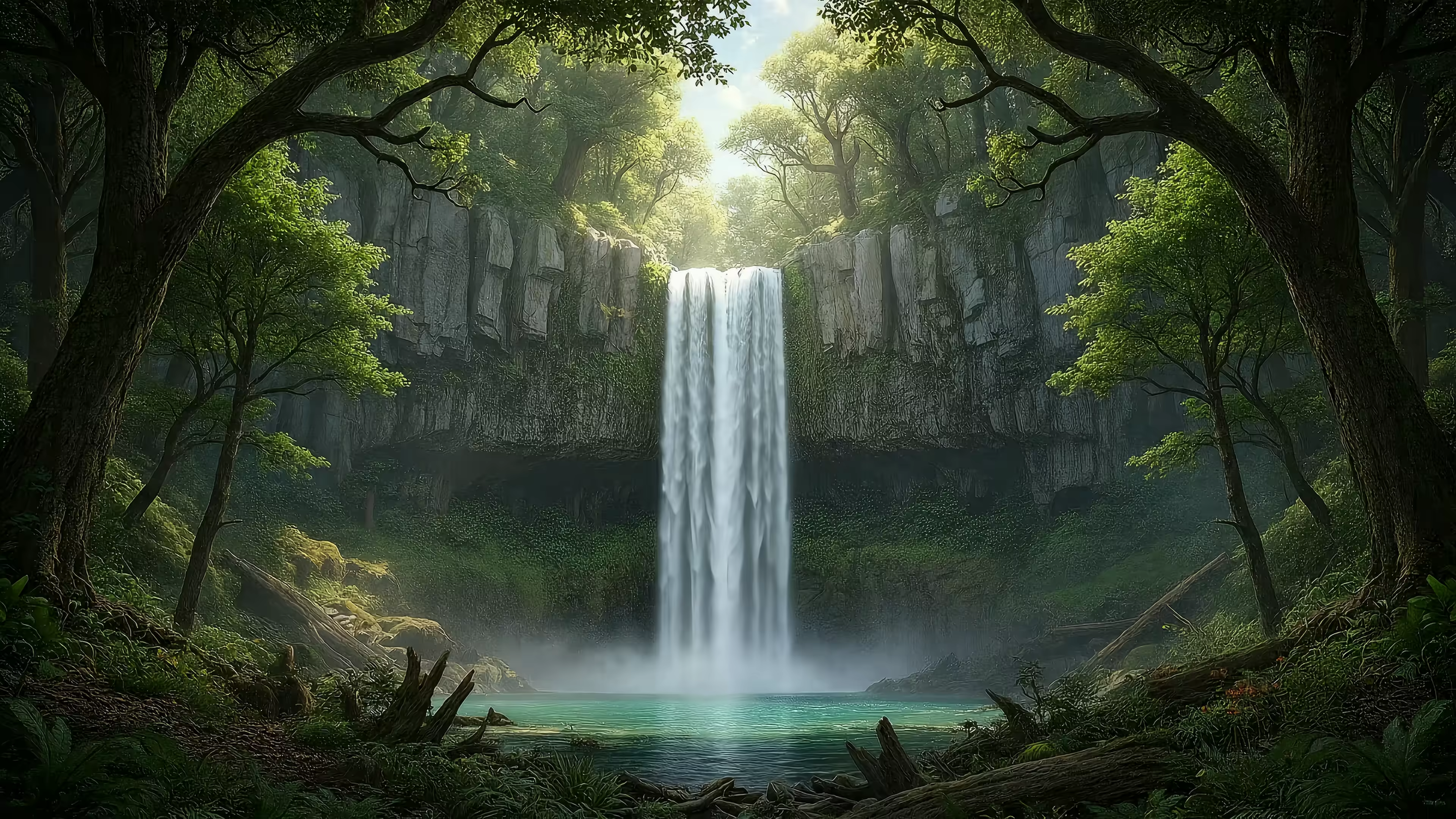
What Are Live Wallpapers? (And How Do They Work on a Mac)
A live wallpaper is a short video that loops on your desktop. Think of it as swapping a framed photo for a beautiful, endlessly repeating cinematic shot. You're going to stare at your Mac for hours anyway; might as well make it something incredible to look at.
What Exactly Are Live Wallpapers?
At its core, a live wallpaper is just a high-resolution video file, usually 4K, designed to loop so seamlessly you can't tell where it begins or ends. Forget the clunky, pixelated GIFs from the early 2000s that would make your computer grind to a halt. Modern versions are sophisticated loops built for today's high-res displays.
The idea isn't new. It got its start with the smartphone boom around 2007, but desktop versions have really come into their own. It's the digital equivalent of upgrading your home office decor—where traditional peel-and-stick options snag 63% of residential demand. For those of us staring at a Mac for eight hours a day, this is the same impulse, just for our digital walls.
So what are they actually for? They do three things:
- Set a Mood: A cozy fireplace can make your workspace feel warmer. A neon cityscape can give it an energetic pulse. It's emotional architecture for your digital space.
- Aesthetic Upgrade: It's the difference between a blank wall and one with art. It turns a purely functional tool into a piece of personal expression.
- A Moment of Zen: Sometimes, it's just nice to have something beautiful to glance at between answering emails and pretending to be productive.
Ultimately, they turn a boring, static screen into something more dynamic and alive. It's a small detail, but for anyone who cares about how their workspace looks and feels, it's a detail that matters. For a deeper dive, check out our guide to animated and moving wallpapers for Mac.
The Pros, Cons, and Your Mac's Battery Life
Let's get straight to it: will a live wallpaper turn your MacBook into a very expensive hand-warmer? The short answer is no, not if you're using a well-made app. The longer answer is a bit more nuanced.
The main "con" is an unavoidable fact of physics: animating pixels takes more energy than showing a static image. Any app that tells you otherwise is probably also trying to sell you a bridge.
But a smart app knows how to be efficient.
A well-optimized app knows when you aren't looking. It automatically pauses the animation the moment you go full-screen with another application or when your display is off. Your wallpaper shouldn't be hogging resources to render a beautiful scene for an audience of zero.
The Clear Benefits
The "pros" are all about making your digital space feel less sterile. It's about infusing your desktop from a generic tool into a place that feels personal and inspiring.
A live wallpaper sets a mood. It can be the calming pulse of a tranquil nature scene or the vibrant energy of a neon-drenched cityscape. It's a small luxury for anyone who spends hours staring at a screen, a way to make the tools you use feel more like your own.
The Manageable Drawbacks
So, what's the real cost? A slight bump in background CPU usage. On a modern Mac, especially one with Apple silicon, the impact is often negligible for most tasks. You'll really only notice it if you're running on battery and trying to squeeze out every last second of power.
This quick table gives you a rough idea of what to expect from different types of moving wallpapers.
Live Wallpaper Impact Assessment
| Wallpaper Type | Typical Performance Impact | Best For |
|---|---|---|
| High-Quality Video Loops (4K) | Low to Medium | Desktops where aesthetics are key; powerful Macs. |
| Simple GIF-style Animations | Low | Anyone conscious of resources but still wanting motion. |
| Interactive/Mouse-Reactive | Medium to High | Users who prioritize interactivity over battery longevity. |
Ultimately, modern apps like gifPaper are designed to minimize this trade-off, but it's still a choice.
Here's the simple value proposition:
- Aesthetic Upgrade: Your Mac just looks and feels better. This is the whole point.
- Minimal Performance Hit: A good app pauses when hidden, so it's only active when you can actually see it.
- Battery Consideration: You might lose a few minutes of battery life over a full day. It's a far cry from the power-hungry apps of the past.
You're trading a tiny slice of your battery for a workspace that's a whole lot more enjoyable. For most of us, that's a deal worth taking.
How Live Wallpapers Actually Work on a Mac
Ever wonder why some live wallpaper apps feel slick and integrated, while others are buggy and drain your battery? It all comes down to how they're built. The technology behind animated backgrounds on a Mac is a mix of clever hacks and one official, native method.
Most other wallpaper apps, frankly, are using the hacks.
These workarounds are usually the source of bugs, instability, and that general feeling of something being "off."
The two most common tricks are:
- The Video Player Hack: The most common approach. The app literally draws a borderless video player on your desktop, right underneath your icons. It works, kind of. But it's often a resource hog and tends to glitch out when you use Mission Control or switch between spaces.
- The Screen Saver Trick: Other apps repurpose the macOS screen saver engine, tricking it into running as a desktop background. This can be more stable, but it's still a workaround and lacks deep integration with the system.
These methods get an animation on your screen, but it's not how Apple does it.
The Native Way
There's a much better way. When Apple introduced its own video wallpapers with macOS Sonoma—the slow-motion drone footage of Hawaii and New York—it used a native system called the Aerial wallpaper format. This isn't a hack; it's the official, built-in way to handle animated backgrounds.
gifPaper for Mac is the first and only third-party app that uses this exact same native Aerial format. This isn't just a technical detail—it's the entire reason it works so well. It's like having the keys to the building instead of trying to pick the lock.
Using the native system means better stability and efficiency. But the biggest advantage is a feature the hacky methods can't touch: a true live lock screen. When you wake your Mac, your wallpaper is already playing, and it gracefully slows to a stop as you unlock.
It's the exact same smooth, polished experience you get with Apple's own wallpapers, but with a curated gallery of over 150 scenes you actually want to look at. This is completely different from a dynamic wallpaper for Mac, which just cycles through a few still images based on the time of day. This is real video, done right.
Why You Can't Get Wallpaper Engine on Mac
If you just switched from Windows, you've probably run into a wall. You search for Wallpaper Engine on your new Mac, ready to install your favorite rain-streaked cityscape, and… nothing. The short answer is frustrating: you can't get it. It's a fantastic app, but it was built exclusively for Windows. A Mac version just doesn't exist.
This leaves a pretty big hole for Mac users. You're not alone. Live wallpapers have been a thing since they first hit phone screens around 2008, and they've become a staple for anyone who wants a more dynamic setup. The market has grown considerably.
The good news? You don't have to downgrade your expectations. That desire for what Wallpaper Engine offered—a huge library of high-quality, looping videos—is exactly why I built gifPaper.
Instead of trying to shoehorn a Windows app onto a Mac, I built gifPaper from the ground up, specifically for macOS. It gives you the features you're missing, but in a way that feels completely native. That means buttery-smooth 4K loops that look incredible on Retina displays, a curated library of over 150 scenes, and one-click setup.
More importantly, it offers a feature no other app does: a true live lock screen, made possible by using Apple's own native wallpaper system. It's the seamless, polished experience you expect from a Mac, built to fill that void in your setup.
Finding Your Perfect Vibe From Lofi to Outer Space
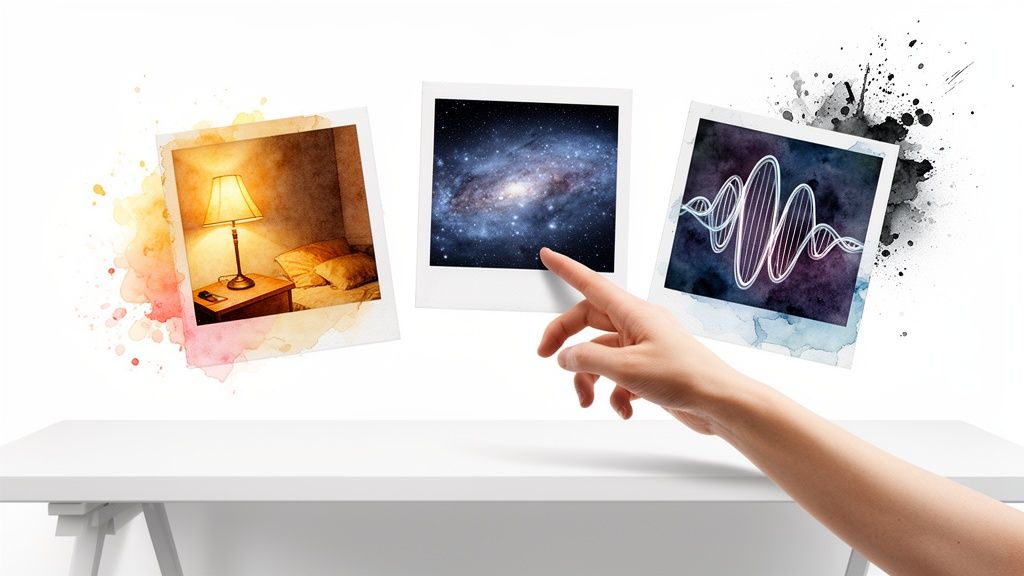
Alright, you get the technical stuff. Now for the fun part: picking a scene that does more than just sit there. Your Mac's background is valuable real estate; make it count.
The whole animated wallpaper thing really started picking up steam back in 2013 with iOS 7's parallax effects. Fast forward to today, where many of us spend nearly 9 hours a day staring at screens, and these animated scenes have become a way to make that time a little less sterile. You can see how the wallpaper market is growing for yourself.
For Mac users, this means high-quality 4K video loops—a cozy winter cabin, a pulsing neon alley—often with ambient sound to complete the escape.
Choosing an Aesthetic
Finding the right vibe is a deeply personal, almost scientific process. Are you aiming for "focused academic" or "brooding detective contemplating the rain"?
Here are a few popular directions you could take:
-
Lofi & Cozy: Perfect for late-night study sessions or just pretending you're in a Hallmark movie while you answer emails in your pajamas. A lofi wallpaper is practically engineered for focus, or at least the appearance of it.
-
Cosmic & Sci-Fi: For those moments when you need to contemplate the vast, silent emptiness of your inbox. A quick visual trip through a nebula provides a healthy dose of perspective.
-
Neon & Cyberpunk: When your workspace needs an energy boost that coffee just can't provide. Ideal for writing dystopian fiction or just feeling like you're about to hack the mainframe. Everything is purple. I don't make the rules.
Ultimately, the best wallpaper is one that makes you happy to see it. It's a small detail, but it's one that makes your computer feel less like a tool and more like your own curated space.
Getting Live Wallpapers on Your Mac
Okay, you've seen what a live wallpaper is, why you might want one, and how they technically work. Now let's talk about the simplest way to actually get one on your Mac.
I built gifPaper for Mac because I wanted an app that just worked. Something that did one thing, perfectly, without the usual headaches and workarounds.
It's the only app that taps into Apple's native Aerial wallpaper system to give you a true live lock screen. When you wake your Mac, your wallpaper is already playing, then gracefully slows to a stop as you unlock. It's the same polished, seamless experience as Apple's own video wallpapers, but with a hand-picked library of 150+ scenes you'll actually want to look at.
By default, your desktop gets a beautiful still frame to keep things calm while you work. But there's a toggle if you want the full animated experience. And your screen saver? It becomes something worth watching again. It's the combination nobody asked for but everyone secretly needed.
You'll notice the app is a direct download, not from the App Store. That's because Apple's App Store rules don't allow the live lock screen feature—and that was a dealbreaker. The app is fully notarized by Apple, which means they've scanned it for malware and confirmed it's completely safe to install.
You can try everything with a 7-day free trial—no credit card, no strings attached. If you like it, it's a one-time $4.99 purchase. No subscriptions, no hidden costs. Just better-looking screens, forever.
For a full walkthrough on getting set up, you can also read the guide on how to get live wallpapers on a Mac.
Frequently Asked Questions
A few common questions pop up when people first start using live wallpapers. Here are the quick-and-dirty answers.
Do Live Wallpapers Slow Down Your Mac?
It depends entirely on the app. A poorly built one will absolutely hog your resources, but a well-optimized app like gifPaper for Mac is designed from the ground up to be lightweight.
It's smart about it—animations automatically pause whenever an app is in full-screen or when your display is off. So, it only uses power when you can actually see it. The performance impact on any modern Mac is minimal.
Can You Get Wallpaper Engine on Mac?
Nope. Wallpaper Engine is a fantastic app, but it's built exclusively for Windows and has never existed for macOS. The developers have said a Mac version isn't happening.
I actually built gifPaper for Mac to be the native alternative. It gives you a curated library of 4K looping wallpapers and unique features like a live lock screen—something no competitor can do on a Mac.
Is It Safe to Download Apps Outside the Mac App Store?
Yes, but with one huge caveat: the app must be "notarized by Apple."
Notarization is Apple's security checkpoint. They scan the app for malware and certify it's safe to install, even if it's not sold on their App Store. Some features, like gifPaper's ability to set a native live lock screen, simply aren't possible under the App Store's strict rules. That's why I distribute it directly—and yes, it's fully notarized by Apple.
Ready to stop staring at a boring static image? gifPaper is the easiest way to bring your Mac's lock screen and desktop to life. Grab the 7-day free trial and see for yourself at gifpaper.com/macos-app.