
The 7 Best Apps for Animated Moving Wallpapers on Your Mac
Your Mac's wallpaper pretends to be a window to another world, but it's just a static picture. A beautiful, high-resolution lie. You're going to stare at that screen for hours anyway; it might as well be interesting to look at. This isn't about productivity or life-hacking your focus. It's about making your digital space feel less static and a lot more alive. Forget the glitchy, resource-hogging gimmicks of the early 2000s. Modern animated moving wallpapers are seamless, 4K looping videos that can turn your desktop into a cozy fireplace, a rain-soaked neon alley, or a window seat on a train traveling through a pixelated countryside. All the cozy, none of the smoke damage.
This guide covers the best apps for getting animated moving wallpapers on your Mac, from free open-source projects to polished apps with curated libraries. Each option is detailed with its specific features, strengths, and where to find it. Your screen deserves a background with a pulse.
1. gifPaper: For Unapologetically Pretty Lock Screens
For Mac users who believe aesthetics are a feature, not an afterthought, gifPaper is a compelling solution. It's a platform built around a single, focused idea: delivering exceptionally high-quality animated moving wallpapers without the usual compromises. The experience begins on the gifpaper.com website, which functions as a free-to-browse gallery of over 150 meticulously curated scenes. You can spend time exploring categories like the cozy winter wallpaper collection or the productive vibes in the lofi wallpaper section before ever installing a thing.
Why gifPaper Stands Out
What makes gifPaper a standout choice is its technical execution. Unlike other apps that place a clunky animated window behind your desktop icons, it's the first and only app that uses Apple's native wallpaper format. This allows it to set a true video wallpaper on your Mac's lock screen, mirroring the fluid animation seen on Apple's own dynamic wallpapers. When you wake your Mac, the scene comes to life and slows down beautifully as you unlock. This one-click process sets the same wallpaper for both your desktop and lock screen, creating a perfectly unified look.
By default, the desktop displays a crisp, high-resolution still frame to conserve system resources. However, a simple toggle lets you enable full 4K video animation on the desktop for those moments when you want to procrastinate with style. Many of these scenes also include optional ambient audio, adding an immersive layer to the visual experience.
Pricing & Access
gifPaper operates on a refreshingly straightforward model. You can download the app and use its full feature set, with access to the entire wallpaper library, during a 7-day free trial—no credit card required. If you decide it's a keeper, it's a single $4.99 one-time purchase, not a recurring subscription. The app requires macOS 26 (Tahoe) or later and is notarized by Apple for security. For a complete overview, check out the guide on how to get live wallpapers on Mac.
Find It At: https://gifpaper.com
2. 24 Hour Wallpaper (Jetson Creative)
If you're looking for animated moving wallpapers that feel more like a living window than a looping video, 24 Hour Wallpaper offers a distinctly polished approach. Instead of continuous motion, it transitions through a sequence of beautiful high-resolution stills over a 24-hour cycle. Your desktop gradually shifts from a bright morning scene to a soft sunset and then a dark, starry night, all synced to your local time.
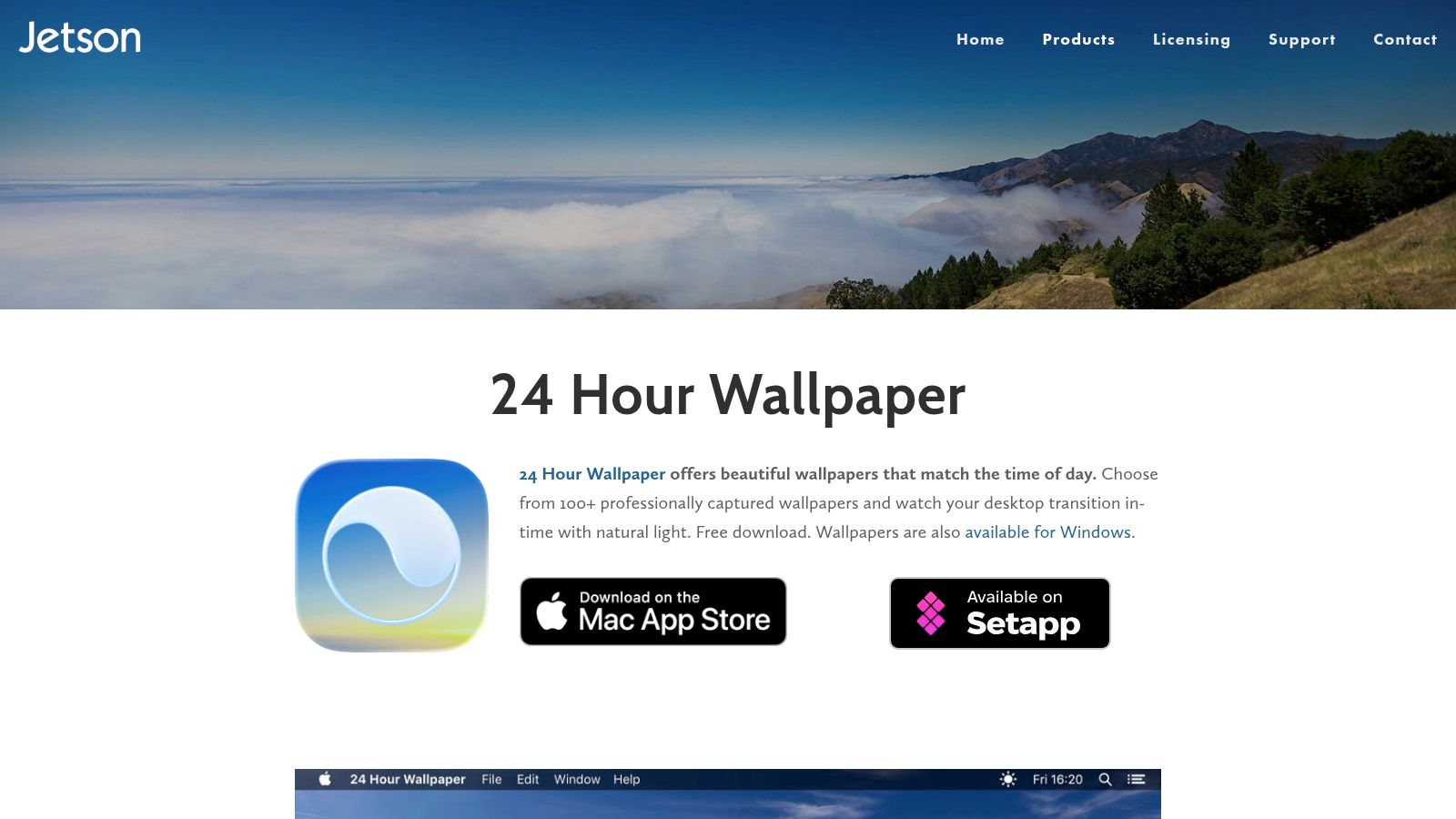
The magic is in the subtlety. Developed by Jetson Creative, the app uses Apple's native Dynamic Desktop format, ensuring it's light on your Mac's CPU and memory. You get the feeling of a dynamic environment without the resource drain of a constant video loop. It's perfect for anyone who wants their desktop to reflect the real world's light and mood with quiet elegance.
How It Stands Out
What makes 24 Hour Wallpaper special is its focus on time-synced progression rather than looping video. This is a key difference from other animated wallpaper solutions. The ProTime engine gives you granular control over sunrise and sunset timing, and its multi-monitor and Spaces support is exceptionally robust.
- Low CPU Impact: Since it cycles through 5K still images, it uses significantly fewer system resources than video-based wallpapers.
- Polished Experience: The app is well-maintained, frequently updated, and feels like a native part of macOS.
- Time-of-Day Sync: Wallpapers automatically track your location's sunrise and sunset, creating an authentic, ambient progression of light.
- IAP Model: The app comes with eight free wallpapers. You can then purchase additional themed packs of 100+ wallpapers as you see fit.
The downside is that you don't get the perpetual motion of a fireplace crackling or rain falling. Also, the high-resolution wallpaper packs can be quite large, with some reaching up to 15 GB. Still, for a serene, professional, and resource-friendly dynamic desktop, 24 Hour Wallpaper is in a class of its own.
Find It At: www.jetsoncreative.com/24hourwallpaper
3. Magic Window / Magic Window 4K (Jetson Creative)
For those who appreciate the gentle passage of time captured in stunning detail, Magic Window and its 4K counterpart offer a unique take on animated moving wallpapers. From the same developers as 24 Hour Wallpaper, this app transforms your desktop into a living time-lapse. It features slow-motion video scenes of breathtaking landscapes and dynamic cityscapes that subtly evolve, creating a sense of calm and presence without demanding your full attention.
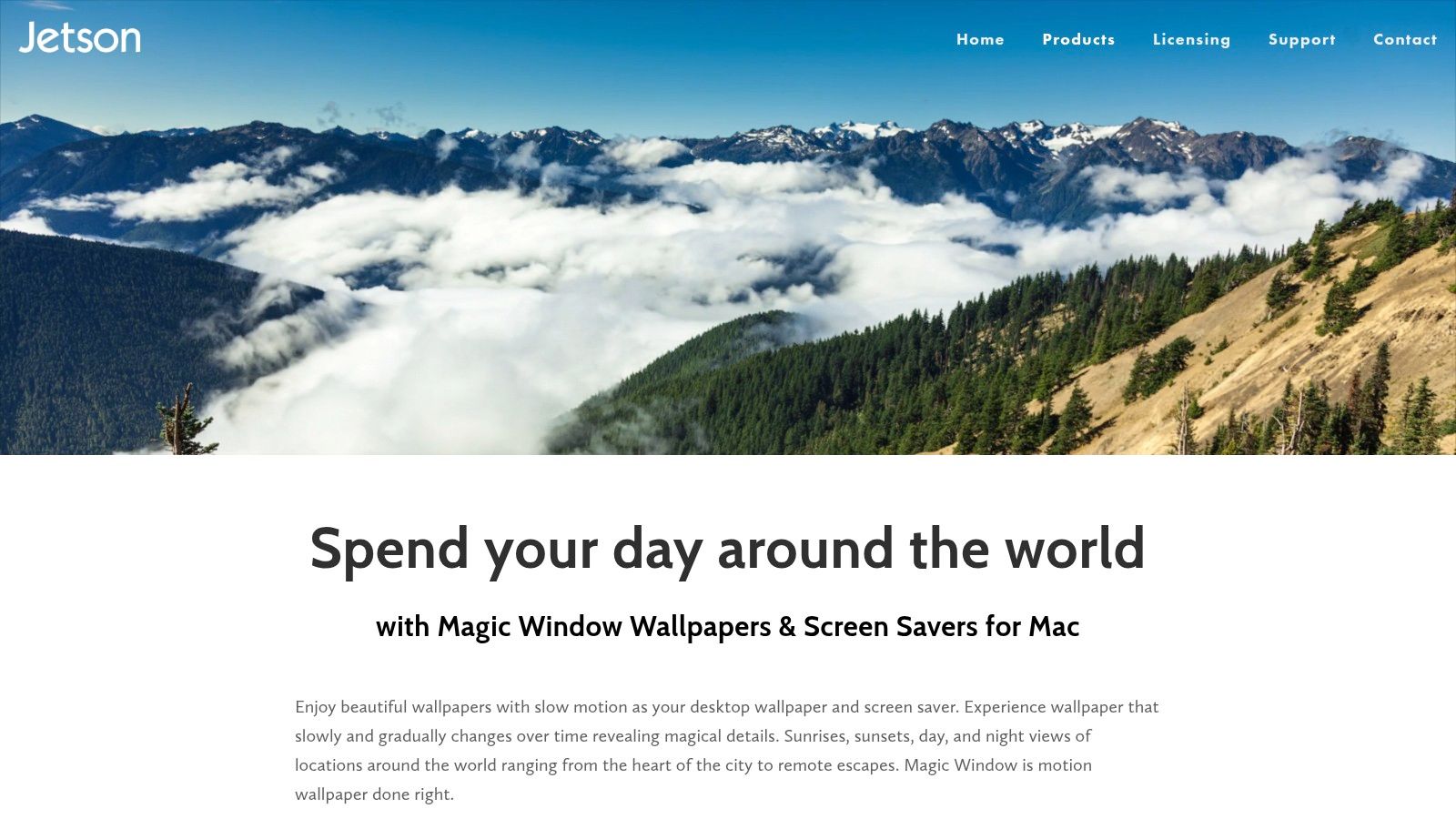
Magic Window is a mature application that blends beautiful cinematography with user control. It allows you to adjust the speed of the time-lapse, from an almost imperceptible crawl to a more noticeable flow, letting you dictate the energy of your desktop. It's an ideal choice for anyone who finds traditional video loops distracting but still wants more motion than a static image provides. It hits a perfect middle ground, offering tranquility through motion.
How It Stands Out
Magic Window's core strength is its focus on variable-speed time-lapse scenes. This gives you direct control over the motion's intensity, a feature not commonly found in other wallpaper apps. Whether you prefer a barely-moving cloud or a bustling city scene sped up, the power is in your hands. This, combined with a massive library of professionally shot content, makes it a powerful tool for desktop personalization.
- Variable Speed Control: Adjust the playback speed to find the perfect balance of motion for your focus and mood.
- Large Content Library: The apps collectively offer access to hundreds of scenes, with a strong focus on high-quality nature and urban environments.
- One-Time Purchase: Pay once and own it forever. There are no recurring subscriptions for the app itself.
- Multi-Monitor & Screensaver Support: It works seamlessly across multiple displays and includes an optional screensaver plug-in to complete the experience.
The primary drawback is that the visual catalog is less diverse if you're seeking abstract or illustrative styles. If you're looking for something more stylized, you might explore different aesthetics, like the vibrant world of the neon aesthetic. The initial downloads for scene packs can also be quite large, with starter packs ranging from 1.0 to 1.4 GB. But for a polished, controllable, and vast collection of scenic animated moving wallpapers, Magic Window is a long-standing and reliable choice.
Find It At: www.jetsoncreative.com/magicwindowmac
4. Aerial + Aerial Companion
If you've ever been mesmerized by the slow-motion, high-altitude flyovers on an Apple TV, Aerial brings that exact same experience to your Mac for free. This open-source project lets you use Apple's official tvOS screen saver videos, featuring stunning 4K HDR footage of cityscapes, underwater scenes, and even views from the International Space Station, as your Mac's screen saver.
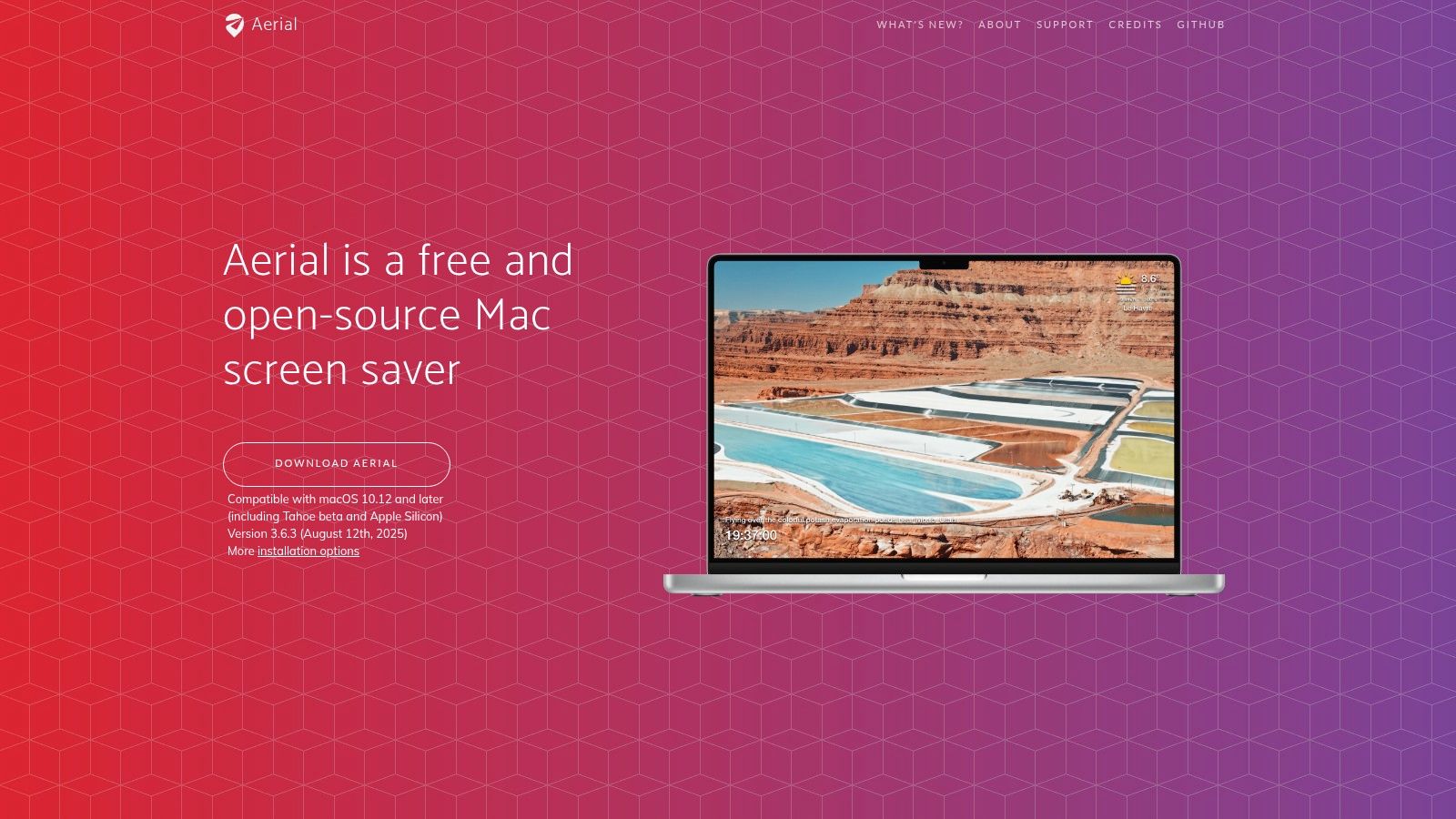
To turn these beautiful videos into animated moving wallpapers, you'll need the free Aerial Companion app. It runs in your menu bar and enables "wallpaper mode," letting those breathtaking views play directly on your desktop. It gives you simple controls to pause, skip, or even hide the desktop icons for a completely immersive view. It's an elegant solution that feels surprisingly native, bringing some of Apple's best visual work to the forefront of your workspace.
How It Stands Out
What separates Aerial is its direct access to Apple's professionally shot video library. These aren't user-submitted clips; they are the same high-production-value visuals seen on Apple's own hardware. The project is driven by an active community, which means it's constantly being updated with new videos and features. While it's not a single commercial app, the combination of Aerial and its Companion offers a powerful and cost-free way to get a premium look.
- Free and Open-Source: The entire project is free to use, supported by a passionate community of developers and users.
- Official Apple Footage: You get access to the same stunning 4K HDR aerial videos that Apple uses for its tvOS screen savers.
- Wallpaper Mode: The Aerial Companion app provides menu bar controls to set videos as your desktop background, with options to pause and skip.
- Configurable Caching: You can choose which videos to download and cache, giving you control over storage usage.
The primary drawback is that its behavior can sometimes be inconsistent across different macOS versions. As a community project, it lacks the dedicated support of a commercial product. Still, for access to breathtaking, high-quality animated moving wallpapers at no cost, Aerial is an unbeatable option.
Find It At: https://aerialscreensaver.github.io/
5. Wallper
If you're seeking a native macOS experience that feels deeply integrated, Wallper is a powerful live wallpaper engine designed specifically for performance. It offers a curated library of over 700 4K video loops, but its real strength lies in its technical foundation. Wallper is built directly on Apple's Metal and AVFoundation frameworks, ensuring that your beautiful animated moving wallpapers don't come at the cost of your CPU.
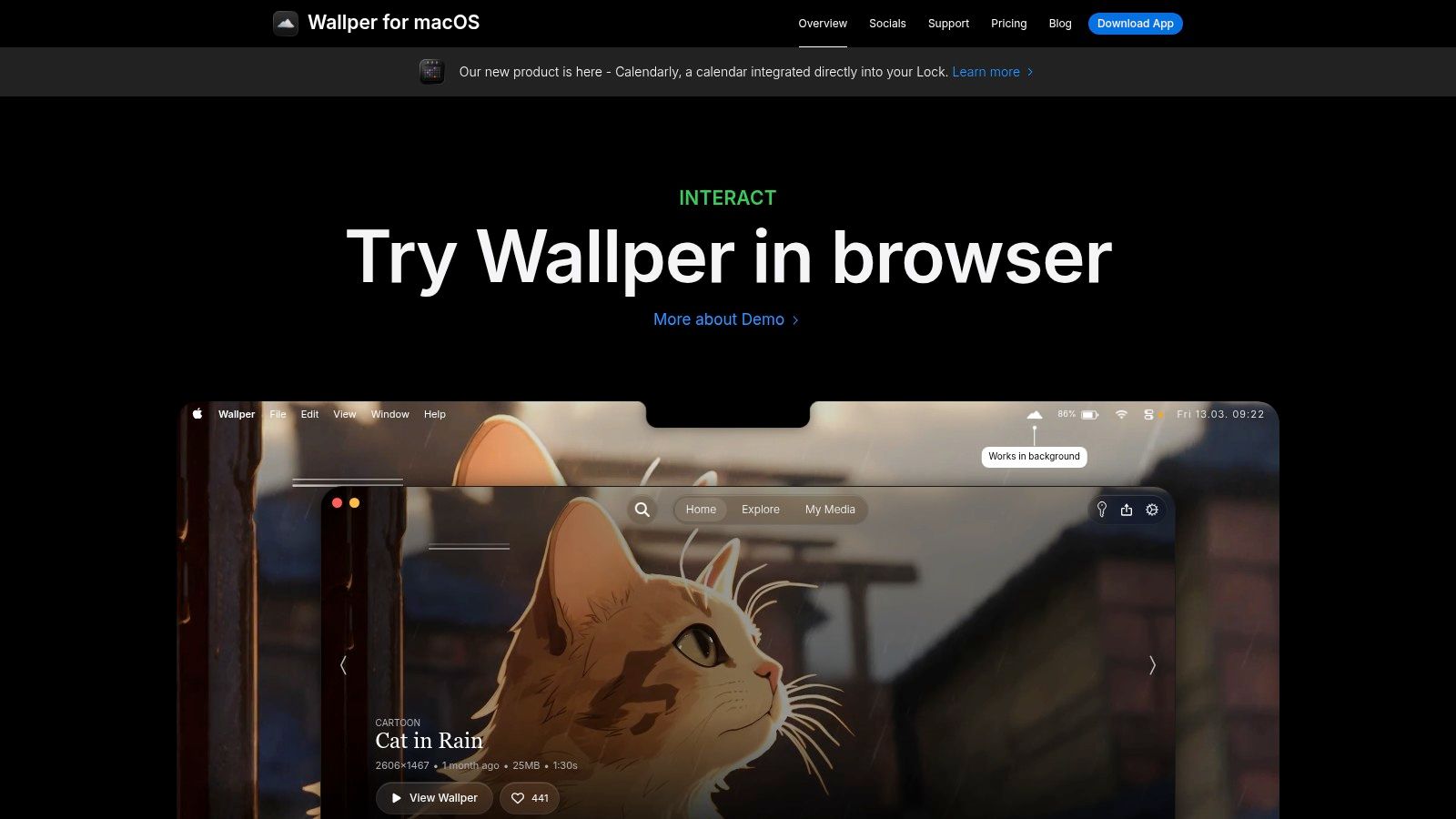
This focus on efficiency makes it ideal for anyone who wants high-impact visuals without a high-impact resource drain. The app includes smart features like automatically pausing the video when windows are full-screen or out of view and adapting the frame rate to conserve power. It even supports video on the lock screen, giving your Mac a dynamic feel from the moment you wake it.
How It Stands Out
Wallper excels with its blend of a curated library and powerful user-centric features. Unlike web-based solutions or simpler apps, it gives you granular control, such as setting different wallpapers for each connected display. Its ability to import your own MP4 or MOV files means your desktop can be truly personal, whether it's a favorite drone shot or a custom animation.
- Engineered for Low CPU: Built with a native Metal/AVFoundation pipeline, it's optimized to use minimal system resources.
- Custom Video Support: Easily use your own video files (MP4, MOV) as wallpapers, alongside its extensive built-in gallery.
- Multi-Monitor Control: Assign unique live wallpapers to each display and manage them independently.
- Smart and Efficient: Features like adaptive frame rate, smart pausing, and offline playback from a local cache ensure smooth performance.
The primary downside is its macOS-specific nature; some OS updates can introduce temporary bugs, although the developer is transparent about these issues. Additionally, the high-resolution 4K loops require significant disk space for the local cache. For Mac users prioritizing performance and customization, however, Wallper is a top-tier choice.
Find It At: www.wallper.app
6. Backdrop (Cindori)
If you're looking for a polished wallpaper engine built by a long-standing Mac developer, Backdrop from Cindori is a powerful contender. It specializes in high-quality 4K video backdrops, transforming your desktop into a living scene. With a focus on performance and a vast community library, it offers a robust solution for those wanting dynamic, looping video backgrounds without bogging down their system.
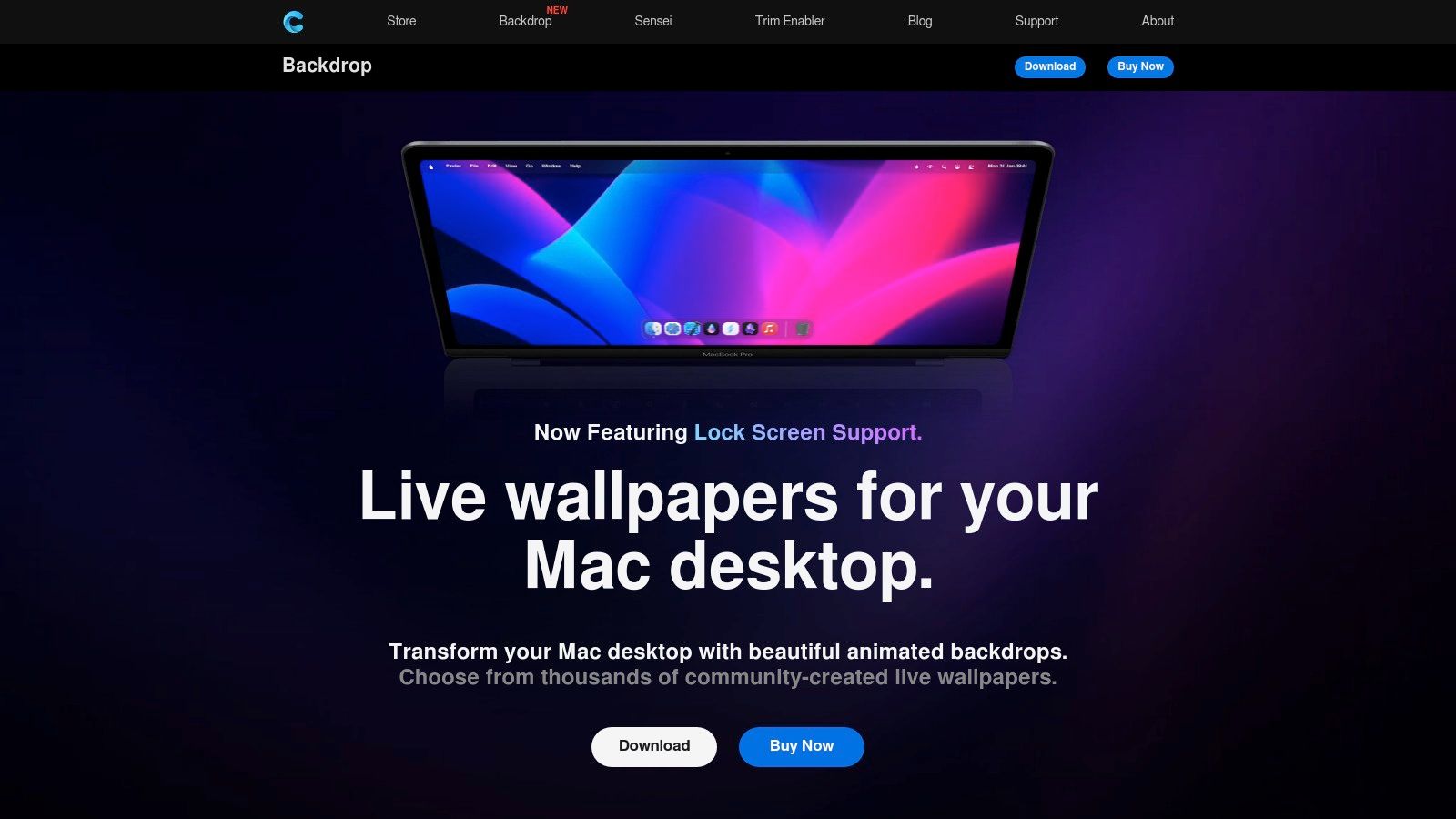
Developed by the team behind established Mac utilities like Command-Tab Plus, Backdrop feels right at home on macOS. It uses GPU acceleration to ensure video playback is smooth and efficient, and it includes smart power-saving behaviors, like pausing playback when an app is in full-screen or when your Mac is on battery power. This thoughtful approach makes it one of the more practical options for animated moving wallpapers on a laptop.
How It Stands Out
Backdrop shines with its combination of a rich community library and the ability to import your own content. You aren't limited to a curated selection; you can upload personal videos or browse thousands of creations from other users. The inclusion of lock-screen support is another major plus, creating a consistent aesthetic from the moment you wake your Mac.
- Community and Customization: Access a huge library of user-submitted backdrops or easily import your own videos to use locally.
- Performance-Aware: Features like GPU-accelerated playback and power-saving rules help minimize the impact on your system resources and battery life.
- Established Developer: Cindori has a solid reputation in the Mac utility space, meaning the app is actively maintained and well-supported.
- Flexible Licensing: Choose from monthly, yearly, or a one-time lifetime purchase, offering a path away from recurring subscriptions.
The primary downside is that full access to the community library and advanced features is tied to a subscription or lifetime purchase. While you can use your own videos without a subscription, the platform's full potential is unlocked with a license. Still, for its performance-first approach and extensive customization options, Backdrop is a top-tier choice.
Find It At: https://cindori.com/backdrop
7. Wallspace
If you're after a no-frills, lightweight solution for animated moving wallpapers, Wallspace delivers with a singular focus on performance. It's a native macOS app built to do one thing well: put beautiful 4K video loops on your desktop and lock screen without draining your CPU or battery. Its simplicity is its strength, offering a clean, drag-and-drop interface that gets out of your way.
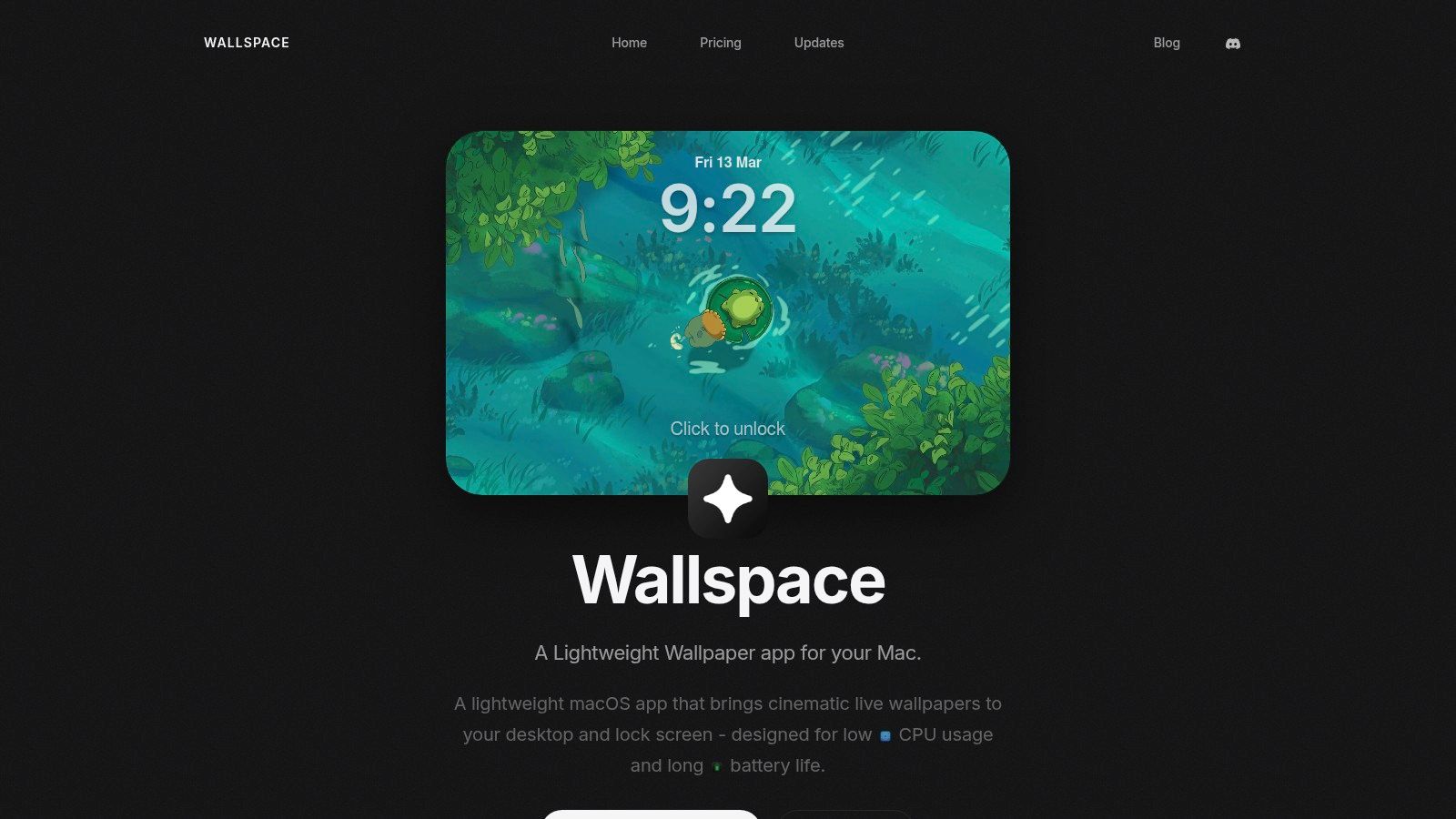
The app is designed from the ground up to be resource-friendly. It's a native Swift application, not a web wrapper, and includes smart defaults like auto-pausing when an application is in fullscreen or when your laptop is on low power mode. This makes it ideal for anyone who wants a dynamic background without compromising their Mac's performance, especially on a MacBook.
How It Stands Out
Wallspace's main appeal is its minimalist, performance-first philosophy. Unlike platforms with vast, curated libraries, its primary function is to be an efficient player for your video files. You can bring your own MP4s, giving you total control over what appears on your screen.
- Extremely Lightweight: Built as a native Swift app, it's optimized for low CPU and battery usage, making it one of the most efficient options available.
- Use Your Own Videos: The drag-and-drop feature means you can use any MP4 file, giving you unlimited customization for your animated moving wallpapers.
- Affordable Lifetime License: It skips the subscription model in favor of a small, one-time payment for Pro features. No account or login is ever required.
- Lock Screen Support: For Macs running macOS 26 or newer, Wallspace can set a video wallpaper for your lock screen, adding a dynamic touch the moment you wake your computer.
The trade-off for this lightweight approach is a minimal feature set. You won't find a built-in gallery of wallpapers to browse. Its power lies in being a simple, robust engine for the content you provide. If you value efficiency and control over a curated experience, Wallspace is an excellent choice.
Find It At: https://wallspace.app/
7-Way Comparison of Animated Moving Wallpapers
| Item | Implementation complexity | Resource requirements | Expected outcomes | Ideal use cases | Key advantages |
|---|---|---|---|---|---|
| gifPaper | Simple installer and one-click setup | Moderate GPU/CPU for 4K video, small app footprint | Seamless 4K looping wallpapers on lock screen and desktop | Design-conscious Mac users, lofi/ambience fans, lock‑screen aesthetics | Native lock screen, 150+ 4K loops, 7-day free trial, one-time price |
| 24 Hour Wallpaper (Jetson Creative) | Straightforward setup with configurable time-synced options | Lower CPU than continuous video; large disk use if many packs (can be ~15 GB) | Photo-based 5K transitions that track sunrise/sunset for a living desktop | Users who want ambient time-of-day changes with lower resource use | Granular sunrise/sunset control, strong multi-monitor support, polished UX |
| Magic Window / Magic Window 4K | Easy to use, mature app with speed and screensaver options | Moderate; large starter downloads (≈1–1.4 GB) and 4K playback needs | Slow-motion/time-lapse scenic wallpapers with adjustable motion intensity | Users wanting landscape/cityscape motion and per-scene speed control | Large scene library, one-time purchase, speed customization |
| Aerial + Aerial Companion | Requires community setup and optional Companion for wallpaper mode | 4K Apple footage; configurable caching; CPU/disk vary by macOS version | Professional Apple tvOS footage as animated wallpapers and screensavers | Users wanting free, cinematic aerial footage and open-source control | Free and open-source, stunning pro-shot footage, configurable playback |
| Wallper | Native macOS app with per-display controls and custom uploads | Optimized for low CPU via Metal/AVFoundation; local cache uses disk | Smooth 4K loop playback with adaptive frame rate and smart pausing | Users prioritizing performance, multi-monitor setups, and custom clips | Engineered for low CPU, adaptive frame rate, supports user videos |
| Backdrop (Cindori) | Polished commercial app with community features and import options | GPU-accelerated playback, power-saving behaviors; subscription or lifetime licensing | High-quality 4K video backdrops with community content and lock-screen support | Users wanting a large community library and flexible licensing models | Active developer support, GPU acceleration, multiple licensing options |
| Wallspace | Very simple Swift app, drag-and-drop, minimal configuration | Very low CPU/battery overhead by default; requires macOS 15+ (lock-screen macOS 26+) | Lightweight 4K live wallpapers and lock-screen video with auto-pause | Users seeking minimal overhead, quick setup, and one-time unlock | Extremely lightweight, battery-friendly, affordable one-time Pro unlock |
So, Which Animated Wallpaper Should You Choose?
There are a lot of ways to put a moving picture on your computer screen. The good news is, there's no wrong answer. The best app for animated moving wallpapers is the one that best fits your specific needs and, frankly, your tolerance for tinkering.
The real takeaway here is that you no longer have to settle for a static, lifeless desktop. Your Mac is a device you likely stare at for a significant portion of your day; making it a more pleasant place to be is a worthy goal. The difference between a static JPG and a gently looping scene of a cozy fireplace or a rain-swept neon alley is surprisingly impactful. It transforms the screen from a mere utility into a small piece of art.
So, how do you decide?
- For Curated Aesthetics & Simplicity: If you want a "just works" solution with a library of high-quality, seamlessly looping wallpapers designed to look great, gifPaper for Mac is the most direct path. The focus is on the native lock screen and curated content, so you spend less time configuring and more time enjoying the view.
- For the DIY Power User: If you have your own video files or want granular control over performance, frame rates, and multi-monitor setups, Wallper is your best bet. It's built for people who love to customize every detail.
- For the Free & Open-Source Advocate: If your main goal is to replace the default screen saver with something more dynamic and you appreciate community-driven projects, Aerial is an excellent choice. It brings Apple's own stunning tvOS videos to your Mac for free.
- For Realistic Time-Lapse: If the idea of a wallpaper that changes with the actual time of day appeals to you, the 24 Hour Wallpaper or Magic Window series offers a unique and beautiful take on the concept, syncing your desktop to the sun's rhythm.
Ultimately, the best way to find out what you like is to try one. Your static wallpaper has served its purpose, but its time is up. Give your Mac the background it deserves, one that moves and breathes life into your workspace. You're going to be looking at that screen anyway. Might as well make it something incredible.
Ready to stop staring at a boring, static desktop? gifPaper for Mac makes it ridiculously easy to set gorgeous, looping videos as your Mac's native lock screen, desktop, and screen saver. Give the 7-day free trial a spin. No credit card required.