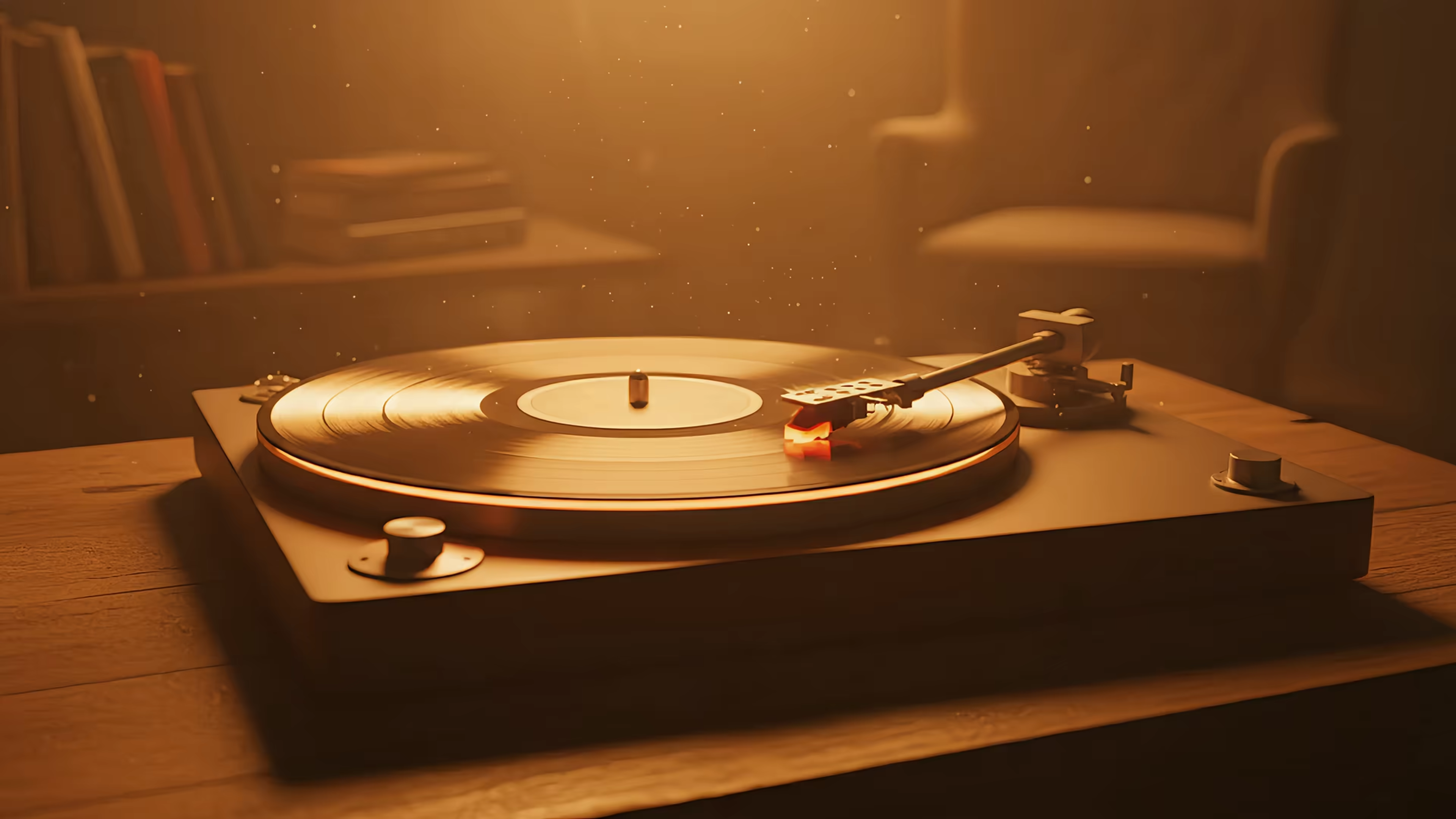
Mac Desktop: Create a Piece of Peace with gifPaper
Your Mac is probably open right now. Slack dots. Calendar panic. Tabs breeding in the background like damp Victorian mushrooms. A desktop buried under screenshots with names like final-final-2-final.
That low-grade screen stress is real. Not tragic. Not poetic. Just annoying in the steady, daily way that makes your shoulders feel two inches higher than they should.
This is why caring about wallpaper is both ridiculous and completely valid. You're going to stare at this machine for hours anyway. It might as well give something back.
A piece of peace, at least on a Mac, isn't some grand spiritual breakthrough. It's one small corner of your day that doesn't yell at you.
The Opposite of Doomscrolling
At 10:14 a.m., the desktop still looks innocent. By 2:37 p.m., it's a crime scene. A browser full of half-read docs. One message you should answer. Three you don't want to. A menu bar doing too much. An ugly default wallpaper trying its best and failing.
Most screen stress isn't dramatic. It's visual friction. Your eyes keep landing on clutter, bright junk, badly cropped backgrounds, or some old image you stopped noticing months ago. None of it ruins your day. All of it makes the day feel noisier.
That's where a piece of peace starts to make sense. Not as a slogan. As a tiny act of refusal.
Reclaim one surface
You don't need a digital detox. You need one surface that isn't chaotic.
Your desktop is weirdly powerful because it's the backdrop for everything else. Even when windows cover most of it, your brain still registers the mood. If the background feels restless, cheap, or overdesigned, that feeling leaks into the work. If it feels steady, your whole setup relaxes a notch.
A good desktop doesn't beg for attention. It quietly lowers the temperature of the room.
That sounds absurdly serious for wallpaper. I know. Still true.
Peace can be small
The phrase "a piece of peace" gets treated like a pun and then abandoned there, like the job is done. Great. Yes. Piece. Peace. Very clever. Gold star for phonetics.
But the useful version is much simpler:
- A visual pause: something your eyes can land on between tasks
- A calmer default: the thing behind your work should not become more work
- A repeatable ritual: open laptop, exhale a little, continue being a person with deadlines
That isn't luxury. It's maintenance. Same category as decent lighting, a chair that doesn't feel vindictive, or keeping one clean mug on the desk instead of five.
What a Piece of Peace Means for Your Screen
A piece of peace on a screen is a visual deep breath. Not a productivity hack. Not a personality test. Just a low-effort cue that tells your brain, "This part is calm."
That matters because the average worker in the U.S. spends roughly 8.4 hours per day on digital media, which is why micro-rest and ambient calm make practical sense for remote workers and students alike, as noted in this discussion of the phrase and its modern use on FaithWriters. If your screen is where most of your waking attention goes, the background isn't decoration anymore. It's part of the environment.
Calm is not the same as empty
A peaceful screen doesn't have to be beige minimalism with the emotional range of a dentist's waiting room. It can have mood. It can have color. It can even have movement.
What it can't have is demand.
That's the rule. If your wallpaper keeps trying to become the main character, it stops being peaceful and starts auditioning for a music video.
Practical rule: your wallpaper should feel like a window, not a billboard.
A forest mist scene works. A softly looping train ride works. Slow rain on neon glass can work if it isn't flashing like a nightclub trying to avoid bankruptcy. The point is ambient presence, not spectacle.
Build the ritual, don't just define the phrase
It's not a better definition of peace that's needed. It's a usable version of it at 3:12 p.m. between one meeting and the next.
That usually looks like this:
-
Open the Mac You see something composed and quiet instead of visual junk.
-
Glance away from the active window Your eyes hit a scene with depth, not clutter.
-
Reset without leaving the desk No app switch, no breathing course, no pretending you'll meditate for twenty minutes.
If screen time leaves your eyes feeling cooked, it also helps to handle the physical side. A practical companion to a calmer desktop is understanding how Shamir computer lenses enhance vision, especially if you're spending all day shifting between text, windows, and glare.
What this looks like in practice
A piece of peace on your Mac usually has three traits:
| Trait | What it does | What to avoid |
|---|---|---|
| Soft motion | keeps the screen feeling alive | jerky loops or flashy transitions |
| Visual depth | gives your eyes somewhere to rest | flat, busy collages |
| Low attention demand | stays in the background where it belongs | scenes that fight with your actual work |
If you remember one thing, make it this: peace on a screen should be easy enough to keep. If it requires maintenance, explanation, or tolerance, it isn't peace. It's decor with a side effect.
Curating Your Calm with Live Wallpapers
Different moods need different backgrounds. The desktop you want during late-night writing is not always the one you want at 8 a.m. when your coffee hasn't earned its salary yet.

A good live wallpaper isn't just "pretty." It gives you the right kind of quiet. That's a curation problem, not a technology problem.
Pick the flavor that matches your actual brain
Some people focus better with coziness. Others need distance, darkness, or motion that feels slow but not sleepy. Choose accordingly.
- Lofi for soft concentration: rainy windows, train rides, city glow, desk-lamp energy. If your ideal working mood is "I'm busy, but in a tasteful anime way," lofi wallpapers are the obvious lane.
- Fireplace for domestic sanity: warm light, wood tones, a room that looks more organized than yours. Fireplace wallpapers deliver all the comfort of a cabin, minus chopping wood and developing opinions about cast iron.
- Nature when your tabs feel feral: trees, snowfall, water, sky. These are useful when you need your screen to stop acting like a second inbox.
One scene says "settle in." Another says "lift your head." That's why choice matters.
Use motion like seasoning
Live wallpapers work when the motion is restrained. A little looped rain, drifting fog, or distant city shimmer gives the desktop pulse without turning it into a toy.
Too much movement does the opposite. It keeps nudging your attention like an overfriendly golden retriever with no concept of timing.
Some of the best calm setups are barely noticeable until you pause for a second. Then they reward the glance.
If you want practical steps for the Mac side of things, the guide on live wallpapers covers setup without acting like changing a wallpaper is open-heart surgery.
Pair the scene with one more calming input
Visual calm gets stronger when it isn't working alone. That's why tea people seem so smug. They might have a point.
If you like building tiny rituals instead of dramatic life overhauls, this piece on making your home a sanctuary makes the same point from the furniture side of life. The room matters. The desk matters. The screen matters too.
The trick is to curate for repetition. Don't pick a wallpaper because it impresses you for ten seconds. Pick one you can live with all week.
The gifPaper Method for a Seamless Setup
This is where most "peaceful desktop" advice falls apart. The image is nice. The implementation is bad. Suddenly your calm wallpaper is eating battery, looping awkwardly, or sitting on top of macOS like a weird aftermarket spoiler.

The method matters as much as the scene.
Apple's own guidance on display behavior and power use gets to the heart of it. Graphics-heavy wallpapers and higher brightness increase energy consumption, which is exactly why a "peaceful" wallpaper can become irritating if it's badly executed. The same principle makes the practical point that the best calm wallpapers are the ones you forget are running, so smooth loops and Retina-quality assets matter for reducing visual friction and battery drain.
What usually goes wrong
Most desktop wallpaper setups fail in one of three ways:
| Problem | What it feels like | Why it ruins the mood |
|---|---|---|
| Janky looping | a visible jump every few seconds | your eyes catch the seam |
| Overbusy animation | too much motion in the periphery | attention keeps getting stolen |
| Cheap-looking assets | blurry detail, poor scaling | the whole thing feels off on a Retina display |
None of this is subtle once you notice it. Once you've noticed it, good luck unseeing it.
Native beats hacky
A proper setup should feel like macOS meant for it to be there. Not taped on. Not floating weirdly. Not acting up the moment your system changes state.
That's the difference between a gimmick and a desktop you can keep. A polished wallpaper setup should make the movement, image quality, and system behavior feel like one coherent thing.
If a live wallpaper makes you think about the software too much, the software is already in the way.
That's the line. Peace on a screen should disappear into the experience. You notice the mood, not the machinery.
Beyond the Wallpaper: Pair Your Peace
A calm desktop works better when the rest of the setup stops sabotaging it. The wallpaper is the centerpiece, sure, but one good background can't save a screen full of visual junk and seven competing vibes.

The fix isn't dramatic. It's editing.
Let audio do less
Ambient sound should sit under the room, not colonize it. If your wallpaper includes subtle rain, room tone, or soft environmental audio, keep it that way. Quiet enough that you miss it when it's gone, not so loud that it starts making executive decisions for your nervous system.
Clean the stage
A peaceful background gets stronger when you stop burying it under nonsense.
- Trim desktop icons: keep current work visible, move the archaeological layers elsewhere.
- Calm the lock screen: if the first thing you see is composed, you start from a better place.
- Use one dominant mood: don't pair a meditative wallpaper with chaotic widgets and then act surprised.
The wallpaper sets the tone. Your icon sprawl either respects that tone or punches it in the face.
Make maintenance easy
The setup only works if you can keep it that way on a normal Tuesday.
A few rules help:
- Choose forgiving scenes: wallpapers with depth and gentle motion hide occasional desktop mess better than ultra-clean minimalist art.
- Avoid visual conflict: if your menu bar, accent color, and wallpaper are all competing, one of them has to lose.
- Refresh on purpose: change the mood when your routine changes, not every six minutes because novelty has eaten your attention span.
That last one matters more than people think. A piece of peace should become familiar. Familiar is the point.
Find Your Piece and Keep It
You don't need to optimize your soul. You need a desktop that stops annoying you.

A piece of peace on your Mac is small by design. That's why it works. It isn't asking you to become a new person. It just gives your day one calmer surface to return to.
That logic shows up in physical spaces too. If you like the broader idea of making everyday environments feel more restorative, this essay on making your home a sanctuary makes the same point from the furniture side of life. The room matters. The desk matters. The screen matters too.
So yes, this is about wallpaper. That sounds unserious until you remember how often you look at it. Then it sounds like basic sense.
If you want the easiest version of this, try gifPaper. It gives you 150+ live wallpapers, uses smoothly looping 4K scenes with ambient audio on many of them, and the Mac app sets your lock screen, desktop, and screen saver in one place. It's $4.99 as a one-time purchase, not a subscription, with a 7-day free trial that doesn't require a credit card and a 30-day money-back guarantee. It requires macOS 13.6 or later, and it's a direct download because Apple's App Store rules get weird about live lock screen wallpapers. In other words, yes, this is a very specific little product for people who care too much about their desktop. I built it because I am one of those people. You might be too.