
7 Best Animated Aquarium Wallpaper Apps for Mac & PC
Meta description: The best animated aquarium wallpaper apps for Mac and PC, ranked by vibe, realism, and setup sanity. Yes, your desktop deserves fish.
Your desktop is boring. Let's add some fish.
No doubt, you stare at your computer screen for an unhealthy number of hours. It's the backdrop to your work, your procrastination, and your late-night Wikipedia rabbit holes. So why is it so static? A default mountain range. A tasteful geometric pattern. Very sensible. Very forgettable.
You deserve better. You deserve digital fish.
An animated aquarium wallpaper turns your desktop from a tool into a mood. This whole category has been around longer than people remember. Animated aquarium screensavers entered mainstream consumer culture with MSN Animated Aquarium in 1995, and by 2000 more than 70 million copies had been distributed worldwide. Ancient by computer standards, still weirdly compelling.
If you're also the kind of person who likes setting up a planted aquarium, the digital version scratches a similar itch. Less algae. Fewer water changes. Same utterly unnecessary but excellent sense of calm.
1. Vaporwave Aquarium | Aesthetic 4K Live Wallpaper | gifPaper
You open your Mac at 8:03 a.m. and get greeted by a glowing tunnel of jellyfish instead of the same tasteful default wallpaper Apple has been recycling for people who fear color. Good. Your computer should have a personality.
Vaporwave Aquarium is the strongest pick here for Mac users who care about mood first, realism second. It is not trying to mimic a real tank down to the last guppy. It is trying to make your screen look incredible. On a modern display, it absolutely does.
A live preview makes the case fast.
Why this one wins on Mac
gifPaper uses Apple's native Aerial wallpaper format, the same format behind Apple's own video wallpapers. That matters. The result feels built into macOS instead of pasted on top of it by some needy little utility app begging for attention in your menu bar.
It also gets the part other wallpaper apps keep fumbling. The lock screen. On macOS Sonoma and later, Aerial screen savers can transition from the Lock Screen to the desktop, and the full motion wallpaper can run there too. gifPaper uses that behavior well, so your lock screen, desktop, and screen saver can all match without weird workarounds.
If you want the broader visual context, the vaporwave aesthetic guide explains why this mix of neon, nostalgia, and synthetic calm works so well on a screen you stare at all day.
My advice: If you're on a Mac and you care even a little about visual polish, choose the app that handles the lock screen properly. You see it constantly. Stop treating it like wallpaper purgatory.
The actual recommendation
Start here if your taste runs more "retro-futurist aquarium art" than "I want to simulate a dentist-office fish tank." Vaporwave Aquarium has a point of view. Hot pinks, cyan glow, jellyfish drifting through a surreal tunnel. It looks dramatic, a little ridiculous, and far better than another moody mountain photo.
Here are the tradeoffs:
- Best part: gifPaper's site includes a curated library of looping 4K live wallpapers with ambient audio, so you can browse by vibe instead of installing blind.
- What you get: The Mac app sets live wallpaper on the lock screen, desktop, and screen saver. It is a one-time purchase with a free trial and a money-back guarantee.
- Mac reality check: It requires macOS 14 Sonoma or later. It is a direct download because Apple's App Store rules get in the way of live lock screen wallpapers. The app is notarized by Apple.
- Minor downside: High-resolution video wallpapers can drain more battery on older MacBooks. Nothing catastrophic, but if your laptop already sounds annoyed by three Chrome tabs, keep that in mind.
You can preview it on the Vaporwave Aquarium page, and if this color palette has you making questionable but fun desktop decisions, the neon wallpaper collection is the obvious next stop.
2. SereneScreen Marine Aquarium
SereneScreen is the grand old aquarium app. It knows exactly what it is, and thankfully it isn't trying to become a lifestyle brand. It gives you a virtual fish tank, rendered in 3D, with hand-modeled fish and enough realism to make people walking past your monitor do a brief double take.
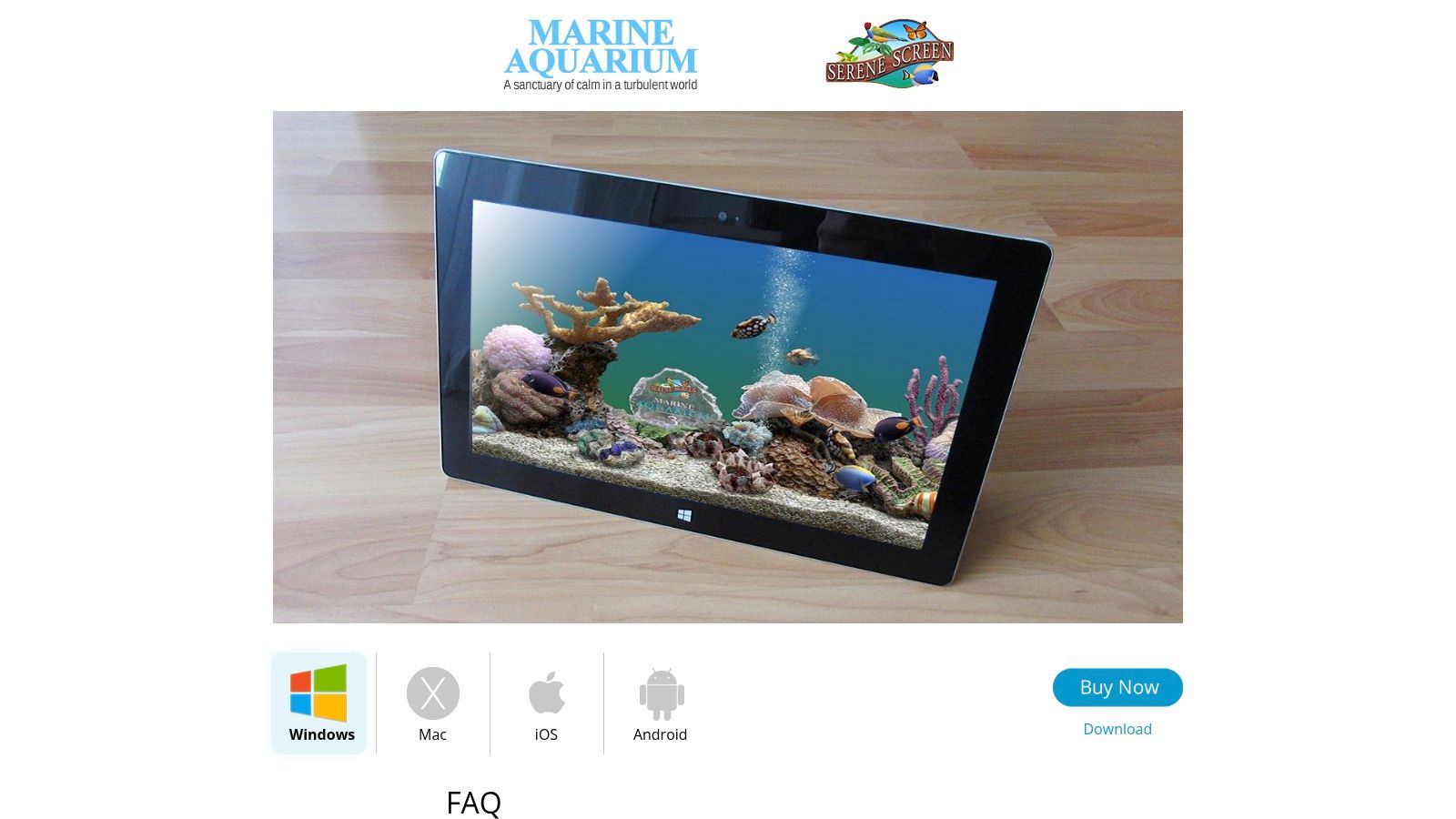
This is the pick for people who don't want an "aquarium-themed wallpaper." They want an aquarium. Fish species, tank composition, lighting, the whole bit. It runs on both Mac and Windows, which already makes it more flexible than a lot of prettier but narrower options.
Best for realistic tank people
The appeal here is naturalism. SereneScreen's fish movement and lighting still feel more like a dedicated virtual tank than a generic looping background. The interface has an old-school vibe, and I mean that in the same way people mean "this diner still makes the good pie." It works.
A few reasons to choose it:
- Real aquarium energy: You can mix fish species and tune the tank instead of settling for one canned scene.
- Cross-platform convenience: Mac and Windows support matters if you bounce between machines.
- Less style, more simulation: This isn't trying to be neon, vaporwave, or vaguely cyber-anything.
It feels like software built by someone who cared more about fish behavior than trendy UI gradients, which is honestly respectable.
The catch is obvious. This is a purpose-built aquarium app, not a broader wallpaper manager. If you want one tool for aquariums today and fireplaces tomorrow, SereneScreen is narrower than gifPaper or the big Windows wallpaper platforms. If you specifically want a digital fish tank that looks lived-in, though, it's still one of the strongest choices.
3. Aquarium Live HD
Your Mac is open. Slack is chirping. Tabs are multiplying like rabbits. You want the screen to calm down without turning desktop setup into a weekend project. Aquarium Live HD is the pick for that job.
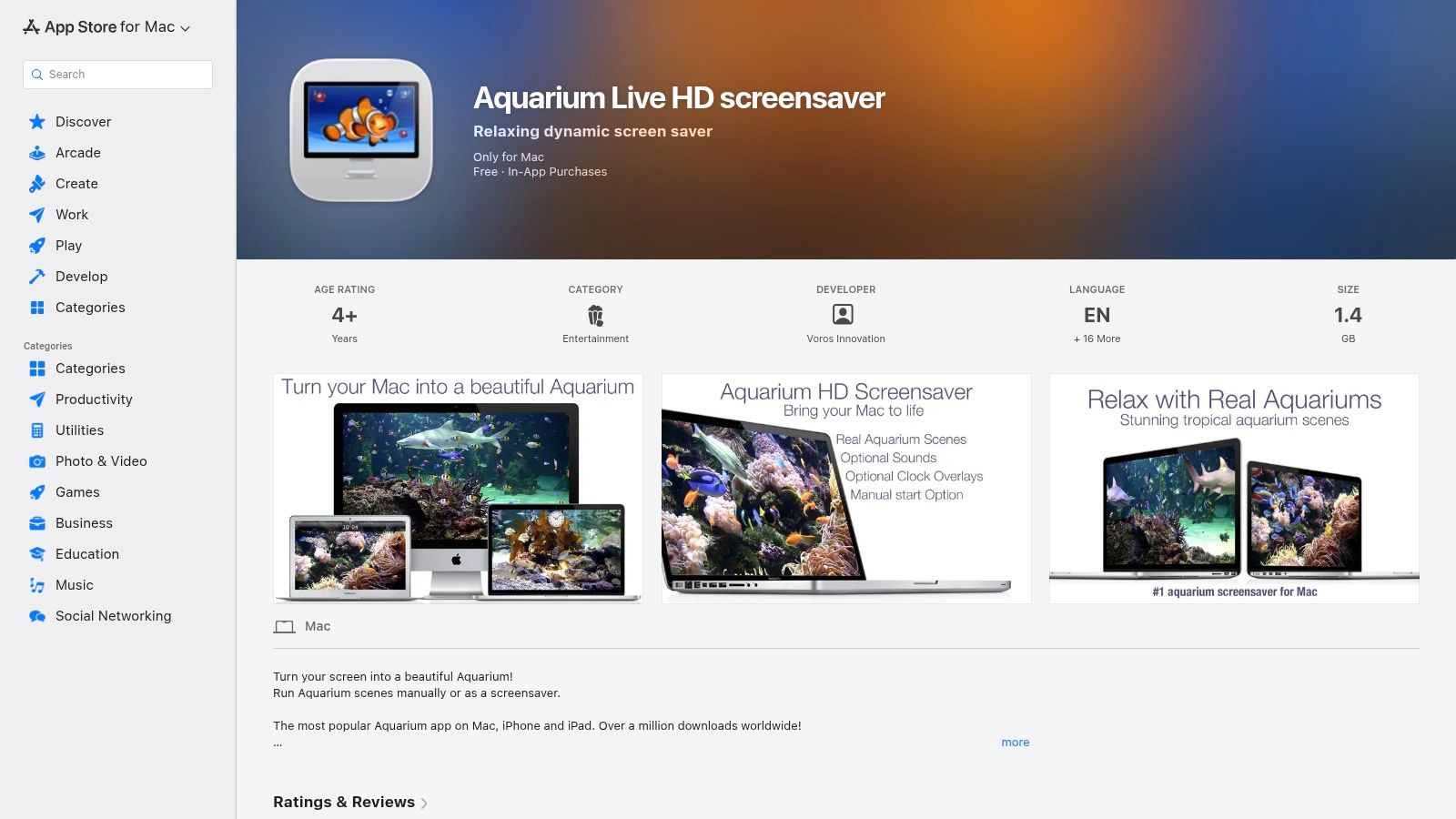
It goes for polished aquarium footage instead of a simulated tank you tinker with for 40 minutes and then ignore. That choice matters. The vibe is clean, glossy, and passive, which makes it better for people who want visual atmosphere on a Mac and worse for anyone chasing fish-by-fish realism.
Best for easy ambient motion on Mac
Aquarium Live HD works best if your taste runs toward "pleasant background presence" rather than "desktop aquarium hobbyist." You pick a scene, let it run, and get on with your day. The optional sound effects and clock overlays push it closer to decorative screensaver territory, which is either charming or a little hotel-lobby-coded depending on your tolerance.
That simplicity is the whole selling point. If you like underwater visuals but want something with a broader aesthetic range, the ocean wallpaper collection is a smart side trip. Aquarium Live HD stays in its lane. It wants to look soothing, not edgy, surreal, or hyper-stylized.
Honest verdict
Choose Aquarium Live HD on the App Store if you want:
- Fast setup: Open it, choose a scene, done.
- A glossy aquarium look: More curated video backdrop, less digital pet tank.
- A Mac-friendly ambient app: Good fit for idle-screen mood and low-effort visual motion.
Skip it if you care a lot about lock screen behavior. This is not the app that nails that specific Mac use case. It is good at one thing, though. Giving your desktop a calm aquatic vibe without asking you to babysit settings is a perfectly respectable lane, especially for people who already spend too much of life looking at rectangles.
4. Aqua TV
Aqua TV feels less like desktop customization software and more like ambient digital furniture. That's its charm. You run it because a moving aquarium in the room makes everything feel slightly calmer, and because humans will apparently stare at fish forever if given the opportunity.
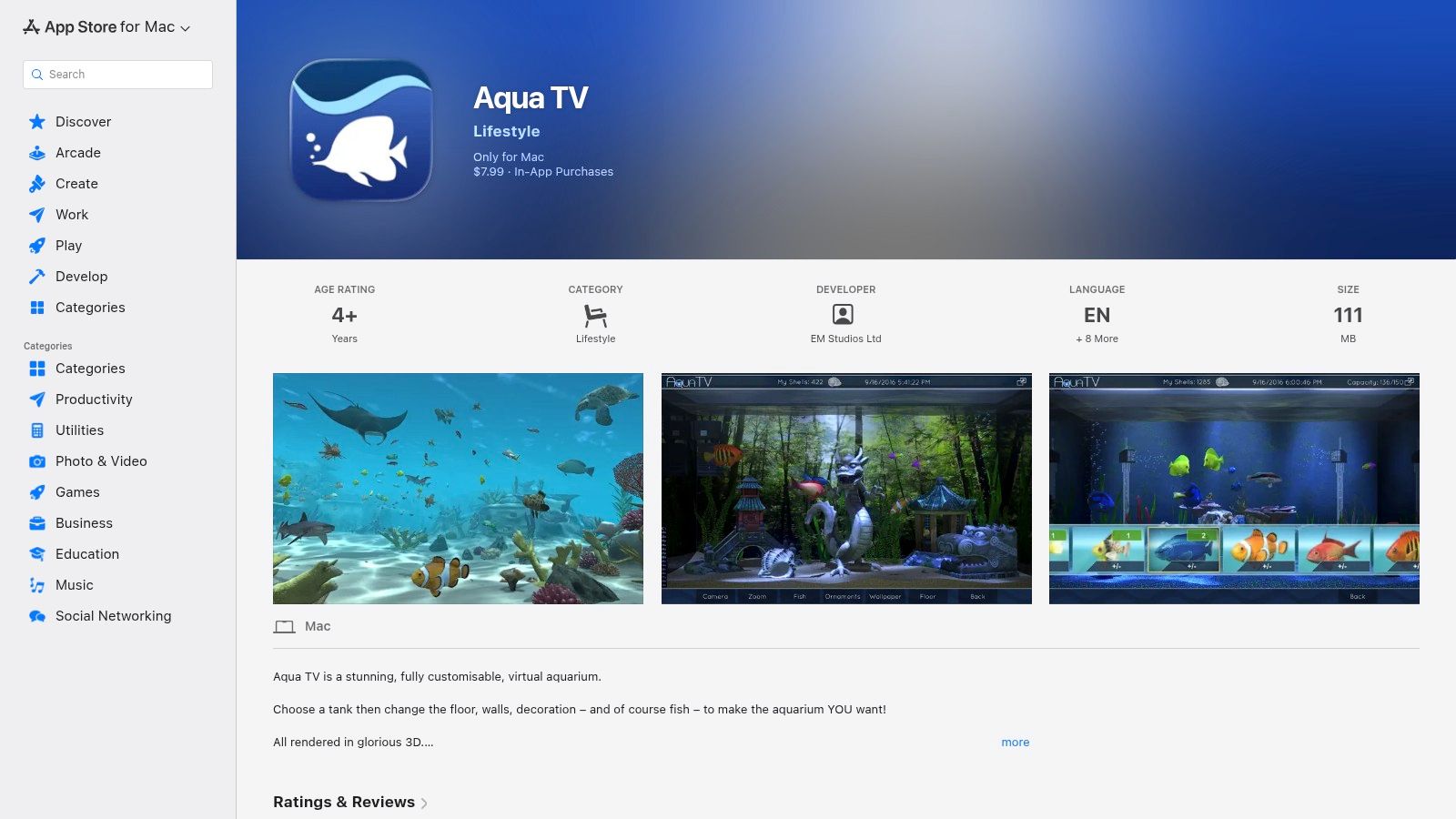
This one's for macOS users who want a polished tank display they can leave running without much fuss. Different tank themes and fish customization give it enough variation to stay interesting, but it doesn't ask you to micromanage every detail.
Ambient first, wallpaper second
Aqua TV works best when you treat it like visual atmosphere. If your monitor sits off to the side in a room, or you like having motion in the background while working, it fits nicely. It isn't trying to compete with broad wallpaper platforms that juggle every genre under the sun.
That narrower focus can be a strength. The app's purpose is obvious within minutes, and that's useful when you're not in the mood to configure seventeen unrelated settings.
Use Aqua TV if you want your screen to behave like a decorative aquarium. Don't use it if you want a full desktop-customization toolbox.
You should still check current compatibility on the Aqua TV App Store page, because app-store support details can change over time. But if you like the idea of a living-room-friendly fish tank display on a Mac, it's one of the cleaner options.
5. Wallpaper Engine
If you're on Windows, Wallpaper Engine is the giant. Not the subtle giant. The obvious giant. Search for aquarium wallpapers in its Steam Workshop and you'll find everything from photoreal reef tanks to glowing cyber-fish, WebGL oddities, and enough jellyfish loops to suggest the internet has a very specific fixation.
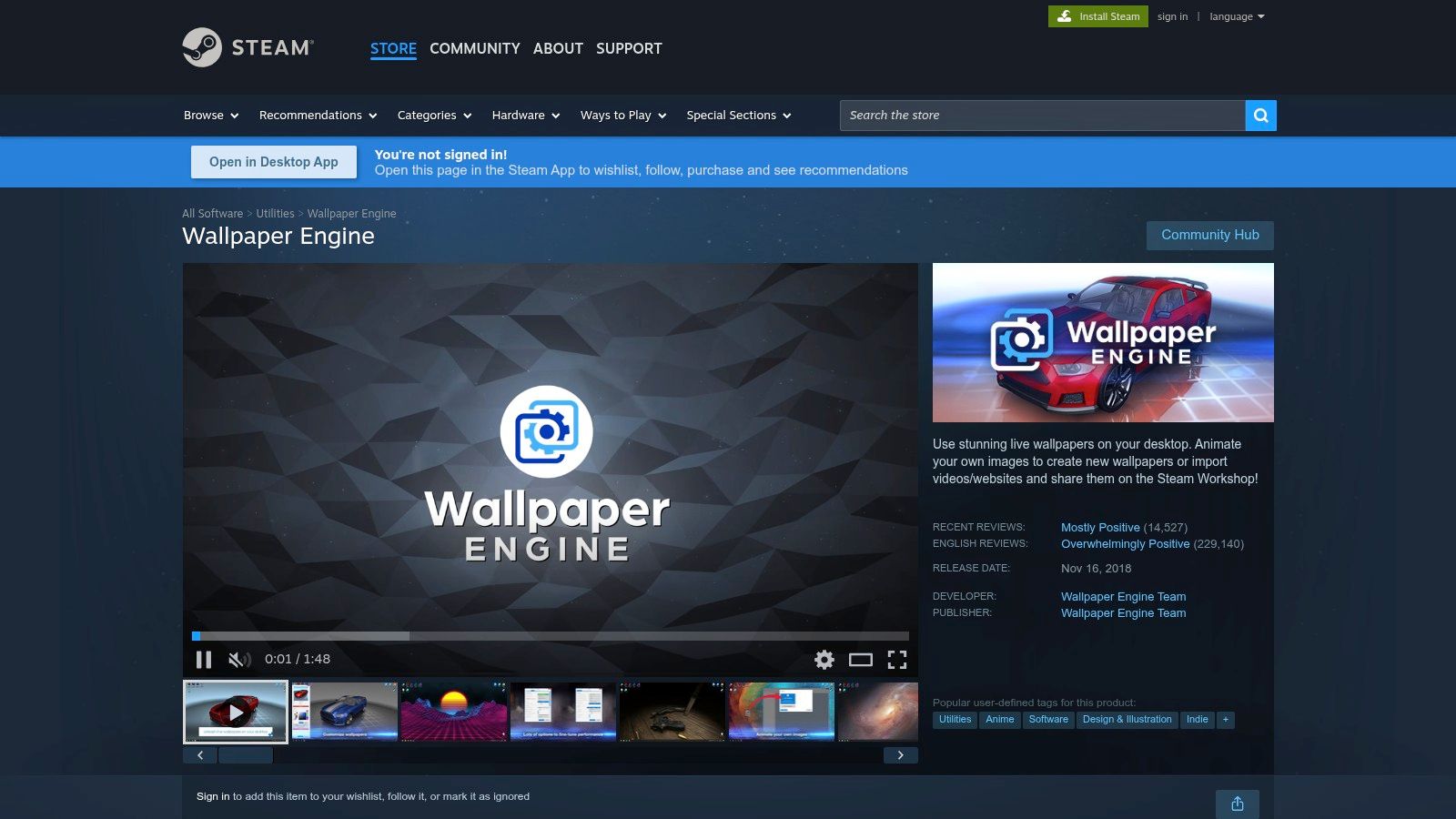
This is the best choice for Windows users who want volume and variety. It supports video, web, and 3D wallpapers, has mature creator tools, and includes performance controls so your desktop fish don't fight your games for attention.
Why Windows users keep ending up here
The Workshop is the whole story. A massive community means almost any aquarium vibe already exists somewhere. Clean reef tanks. Deep-sea horror-adjacent stuff. Cartoon fish. Neon fish. Fish for people who should probably admit they really wanted a cyberpunk wallpaper but took a scenic route.
The category itself is still growing. The global 3D aquarium background market is projected to expand at a 7.1% CAGR from 2025 to 2033. That doesn't tell you which wallpaper looks best, but it does confirm this isn't a dying little niche for screensaver archaeologists.
Good idea, with one caveat
Use Wallpaper Engine on Steam if you want the broadest aquarium selection on Windows. It's the easiest recommendation for sheer choice.
Just don't install random workshop uploads with your eyes closed. Stick to trusted creators and popular entries. Community libraries are fantastic until they aren't.
6. Lively Wallpaper
You want animated fish on your desktop without paying for a giant content ecosystem you may never use. Lively Wallpaper is the smart pick for that job.
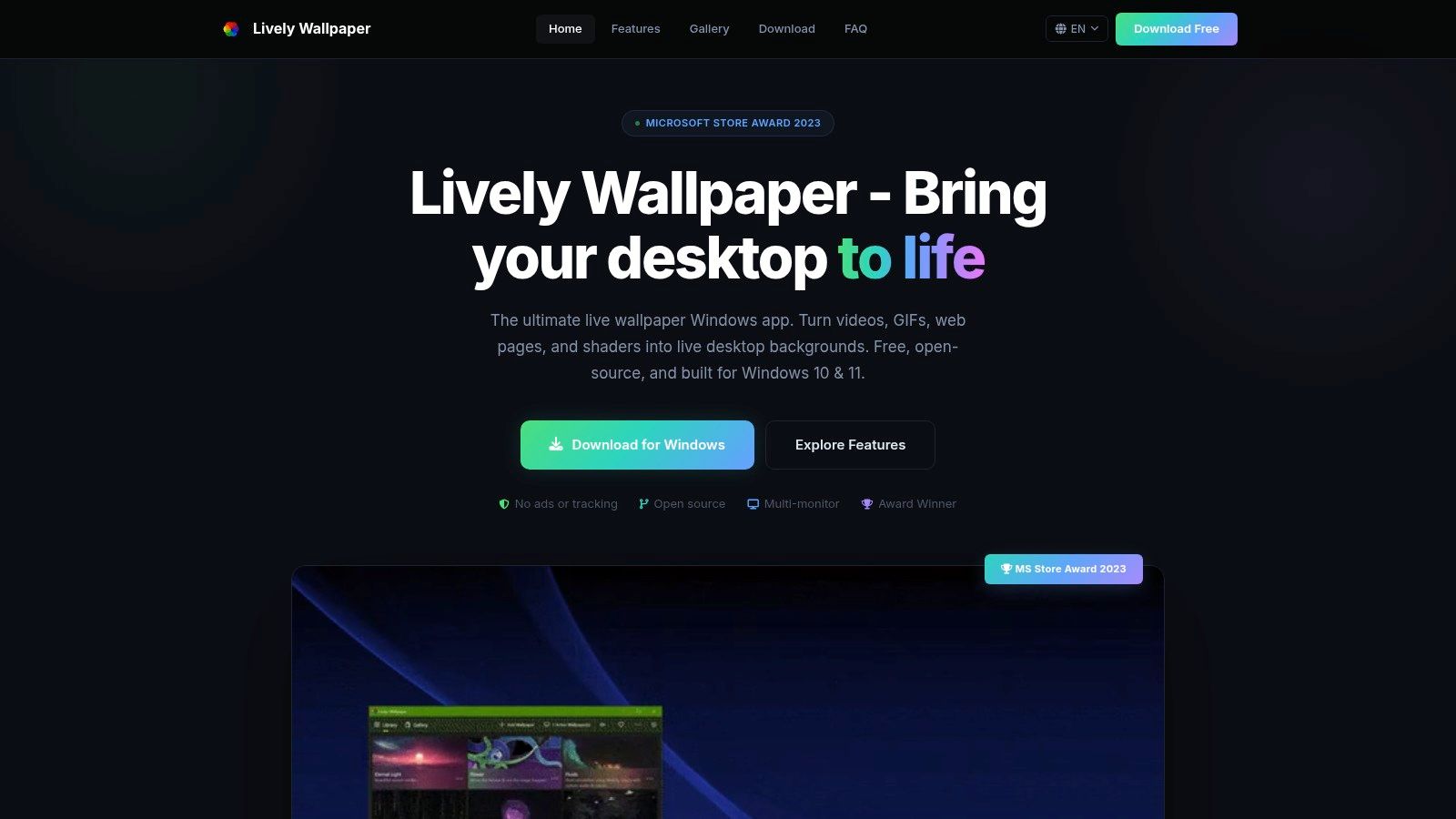
It is free, open-source, and unusually flexible. You can run a simple aquarium video loop, a GIF, a shader-based scene, or even an HTML wallpaper if your taste in desktops skews a little extra. That range matters because Lively is less about browsing a big fish catalog and more about building the exact mood you want, from calm reef footage to a glowing, stylized tank that looks better on a second monitor than half the tabs you pretend are work.
Best for people who like options
Lively Wallpaper supports video, GIF, web pages, and shaders on Windows, so it fits almost any aquarium style if you're willing to source the visuals yourself. That makes it a better match for users who already know their vibe and just need a player that behaves.
It also handles the practical stuff well. You can pause wallpapers during fullscreen apps, cut background activity on battery, and avoid turning your desktop into a space heater because some jellyfish loop looked cool at midnight.
If you want the bigger picture before setting one up, this guide to using video wallpaper for desktop explains the basics clearly.
Install it if you want control
Use Lively Wallpaper if you want:
- A free entry point: No purchase required.
- Real format support: Video, GIF, web, and shader wallpapers all work.
- A DIY aquarium setup: Great if you care more about aesthetic control than a built-in marketplace.
- Open-source software: Nice for people who prefer tools that are transparent and well documented.
Skip it if you want everything handed to you inside one app. Lively is excellent, but it rewards a little initiative. If Wallpaper Engine is the packed aquarium store, Lively is the clean tank setup for people who know exactly which fish belong in it.
7. Stardock DeskScapes
DeskScapes is the polished Windows customization veteran. It isn't aquarium-specific, and that's the point. It's for people who want to run high-quality animated backgrounds, organize them properly, apply effects, and generally treat the desktop like a customizable object instead of a landfill for screenshots.
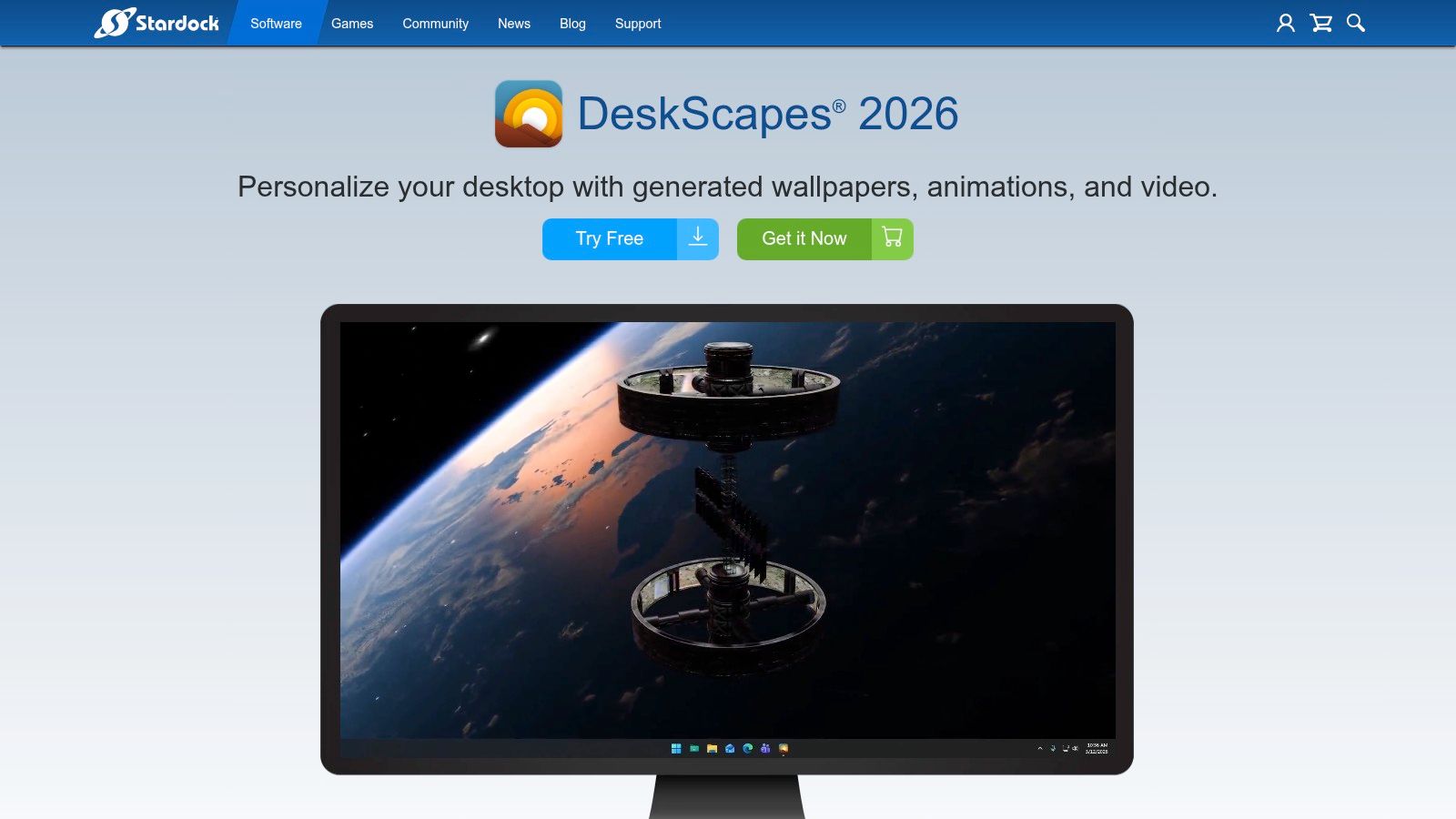
For aquarium use, it's a strong fit if you already have video loops you like or want to manage animated content across monitors without relying on community marketplaces. The UI feels more polished than a lot of niche wallpaper tools, which matters if you're going to use it regularly.
Better for control freaks, respectfully
DeskScapes can play animated wallpapers, manage playlists, and apply a long list of effects. That means your aquarium setup can stay clean and realistic, or get weird if that's your thing. No judgment. Some people want a serene reef. Some want a fish tank that looks like it was art-directed by a nightclub.
A free trial helps, but the price isn't shown upfront on the landing page, which is mildly annoying in the old-fashioned software way. Still, Stardock DeskScapes is a solid pick for Windows users who care about desktop customization as a category, not just fish specifically.
Good aquarium wallpaper software should disappear once it's set. The fish should be noticeable. The tool shouldn't be.
Top 7 Animated Aquarium Wallpaper Comparison
| Product | Platform | Implementation complexity | Resource requirements | Expected outcome | Ideal use cases | Key advantages |
|---|---|---|---|---|---|---|
| Vaporwave Aquarium (gifPaper) | macOS | Low, one‑click install via app | Moderate–High (4K video can use CPU/battery) | Neon, perfectly looped 4K vaporwave aquarium wallpaper | Mac users wanting a retro‑futuristic desktop aesthetic | True 4K loops, retina‑optimized, affordable one‑time price |
| SereneScreen Marine Aquarium | macOS, Windows | Low–Medium, install and configure tank | Low (lightweight, stable) | Natural, hand‑modeled 3D virtual aquarium | Users who want a lifelike virtual tank for displays | Very realistic visuals, multi‑monitor support, many fish species |
| Aquarium Live HD | macOS | Very Low, pick and play UI | Moderate (video playback; optional audio) | Curated looping HD aquarium videos with ambient audio | Mac users seeking simple relaxing screensaver/wallpaper | Simple setup, actively maintained, screensaver + clock options |
| Aqua TV | macOS | Low, install and choose themes | Moderate (designed to run continuously) | Polished, living‑room‑friendly virtual aquarium | Ambient decor left running in workspace or living room | Polished presentation, multiple themes and customizations |
| Wallpaper Engine | Windows (Steam) | Medium, install + browse/create Workshop content | Variable (performance controls; can pause for fullscreen) | Huge variety: video, 3D, WebGL, stylized to photoreal tanks | Windows users wanting broad selection and creator tools | Massive Workshop library, editor tools, multi‑monitor controls |
| Lively Wallpaper | Windows 10/11 | Medium, install and import scenes | Efficient (auto‑pause on fullscreen/battery) | Flexible free wallpapers: video, web, GIF, shaders | Users preferring free/open‑source, customizable wallpapers | Free, open‑source, strong performance management |
| Stardock DeskScapes | Windows | Medium, install, apply effects and playlists | Moderate (visual effects may increase load) | High‑quality animated/video wallpapers with effects & playlists | Power users wanting curated effects and multi‑monitor playlists | Polished UI, many visual effects, playlist and monitor controls |
How to Get Your Animated Aquarium Running
You open your laptop for the tenth time today. If you're going to stare at a screen that much, the wallpaper should at least earn its keep.
Start with your OS, then pick your vibe. Windows gives you the widest range. Wallpaper Engine is the best choice if you want everything from realistic reef tanks to weird neon aquarium loops from the Steam Workshop. Lively Wallpaper is the free pick if you don't mind importing files and tweaking a few settings. DeskScapes makes more sense if you want a tidier control panel and built-in effects without digging through community uploads.
Mac is less crowded, and that's helpful.
gifPaper is the clear pick if you want the aquarium wallpaper to feel like part of macOS instead of a trick sitting on top of it. It's still the only option here that really gets the Mac lock screen right, which matters more than people admit. You see the lock screen before anything else. If the animation looks natural there, the whole setup feels better. If it doesn't, it feels cheap fast.
There's also the setup headache. Custom live wallpapers on modern macOS usually mean the right file format, the right folder, and enough patience to tolerate Apple making a simple thing weird. If you want to see what that manual route looks like, this custom Mac live wallpaper setup walkthrough shows the process. Some people enjoy babysitting folders with names that sound like prototype hardware. I don't recommend becoming that person. Use the app that handles it for you.
Animated aquariums are still popular for a reason. They work. A hyper-real coral tank feels calm and expensive. A vaporwave fish loop feels like your desktop finally developed a personality. A darker jellyfish scene is great if you want your screen to stop yelling at you after sunset.
If your taste runs moodier than tropical, the full nature wallpaper collection and dark wallpaper collection are better places to browse than another generic wallpaper dump.
gifPaper is a very specific kind of indulgence. A Mac app for people who stare at screens all day and would rather see jellyfish tunnels, dark water, neon rain, fireplaces, or lofi train windows than another dead default background. You can browse the wallpaper gallery free on the site, then try the full Mac app with a 7-day free trial. It's $4.99 once, not a subscription, because paying monthly for your desktop background would be ridiculous.