7 Best Animated Backgrounds That Move for Your Mac (2026)
Your Mac's probably showing a polite default wallpaper right now. Maybe a gradient. Maybe some extremely expensive-looking coastline that Apple chose on your behalf. It's fine. It's also the visual equivalent of hotel oatmeal.
You're going to stare at this screen for hours anyway, so yes, caring about animated backgrounds that move is reasonable. It's not vanity. It's interior decorating for the rectangle that runs your life. The trick is finding something that looks good on a Mac without turning your battery into a hostage situation or your fans into a small aviation event.
I've spent an unhealthy amount of time obsessing over this category, partly because most "Wallpaper Engine for Mac" advice is either outdated, weirdly vague, or written by someone who thinks a blurry GIF from 2003 is still acceptable. It isn't. If you also want your desktop to feel less corporate and more yours, this list should save you some time, several tabs, and at least one mild crisis.
1. gifPaper
You open your Mac, the lock screen looks alive, and the whole thing feels like a machine from this decade instead of a laminated brochure. That is the bar. If you want the closest answer to the "Wallpaper Engine for Mac" question, gifPaper is the one I'd point at.
Also, yes, I made it. I'm aware that sounds suspicious. I made it because I was annoyed by the usual Mac live wallpaper options pretending a floating video layer counted as a proper desktop experience.
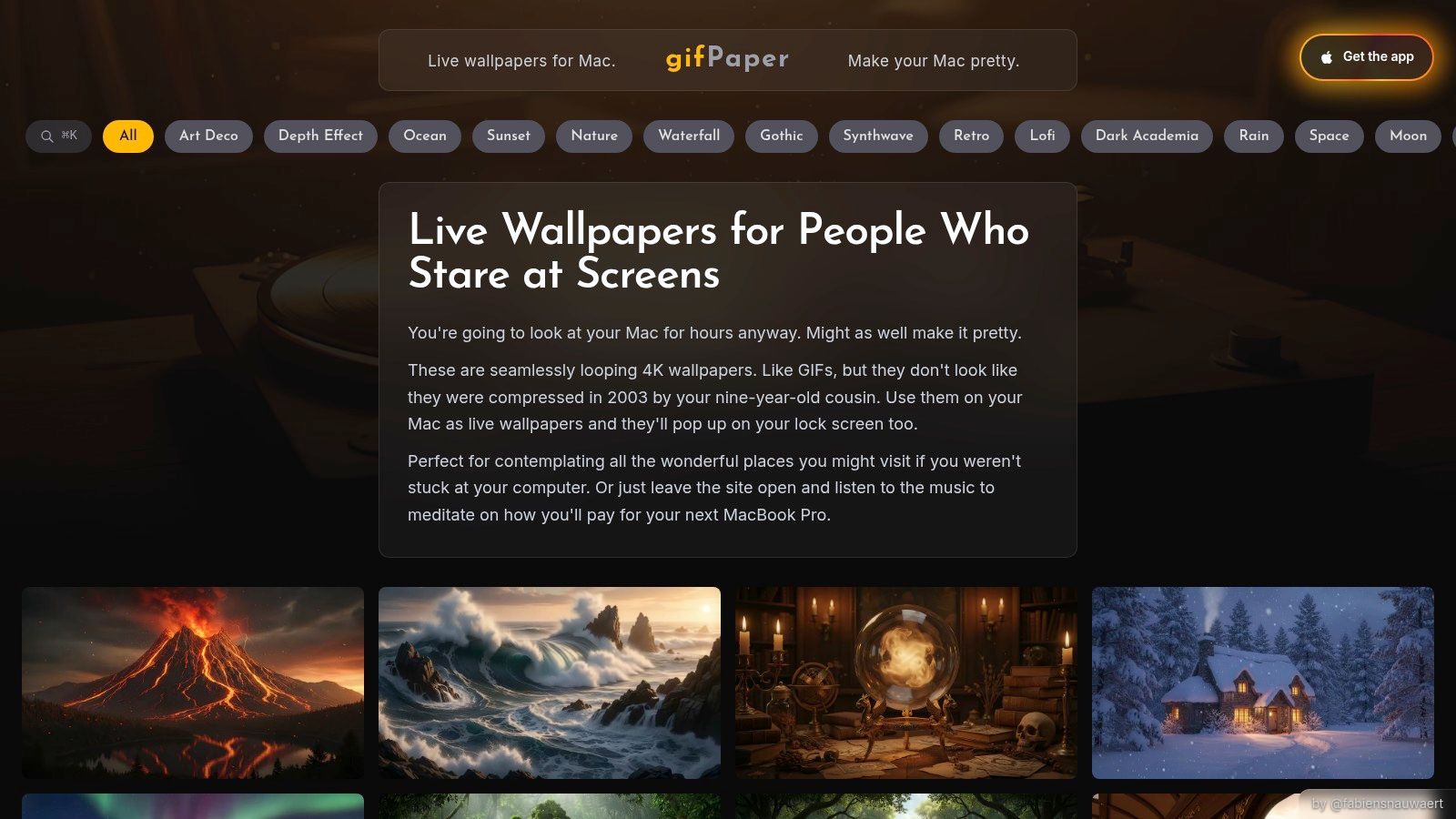
gifPaper for Mac uses Apple's native Aerial wallpaper format, the same undocumented format Apple uses for its own video wallpapers. That choice changes everything. Your Mac treats the wallpaper like part of the system instead of some needy overlay app that always looks slightly wrong and behaves like it knows it is trespassing.
Why It Feels Right on a Mac
The lock screen is the giveaway. gifPaper can stay animated there, then settle into a still frame as you log in. That transition feels native because it is native, which you can see in the gifPaper Reddit demo.
That detail matters more than feature-count nonsense. A lot of Mac wallpaper apps technically move. Far fewer feel like they belong on macOS instead of squatting on top of it like a confused aquarium screensaver.
The gifPaper website has more than 150 looping 4K wallpapers with ambient music, including lofi wallpapers and neon wallpapers, plus fireplace scenes, winter scenes, and other suspiciously specific moods. If your desktop preferences are oddly particular, good. Mine too.
Who Should Pick It
Pick gifPaper if your specific neurosis is, "I want this to look native, I want the lock screen to matter, and I do not want to babysit some janky workaround." That is the core difference in this category. Some apps give you motion. This one gives you Mac-like behavior.
It requires macOS 14.6 or later and ships as a direct download because App Store sandboxing blocks lock screen live wallpaper access. The app is notarized by Apple, and the setup is explained in this guide for getting animated wallpaper running on Mac.
- Best part: 7-day free trial, no credit card required.
- Price: $4.99 one-time purchase at launch.
- Smart default: Desktop uses a still frame by default, and you can turn full animation on when you want it.
The recommendation is simple. If the lock screen matters to you even a little, choose the app built around that experience from the start.
The strengths are clear. Native lock screen support, true 4K loops, ambient audio, and a curated library that feels chosen instead of dumped into a bin. The tradeoff is clear too. It is Mac-only, and animated 4K backgrounds will use more battery than a static image, especially on older machines.
2. Backdrop by Cindori
Backdrop by Cindori is the polished grown-up option for people who want a broad library, clean controls, and a community layer without turning their desktop into a science project. It feels like software made by people who understand that Mac users notice details and will absolutely judge a bad toggle.
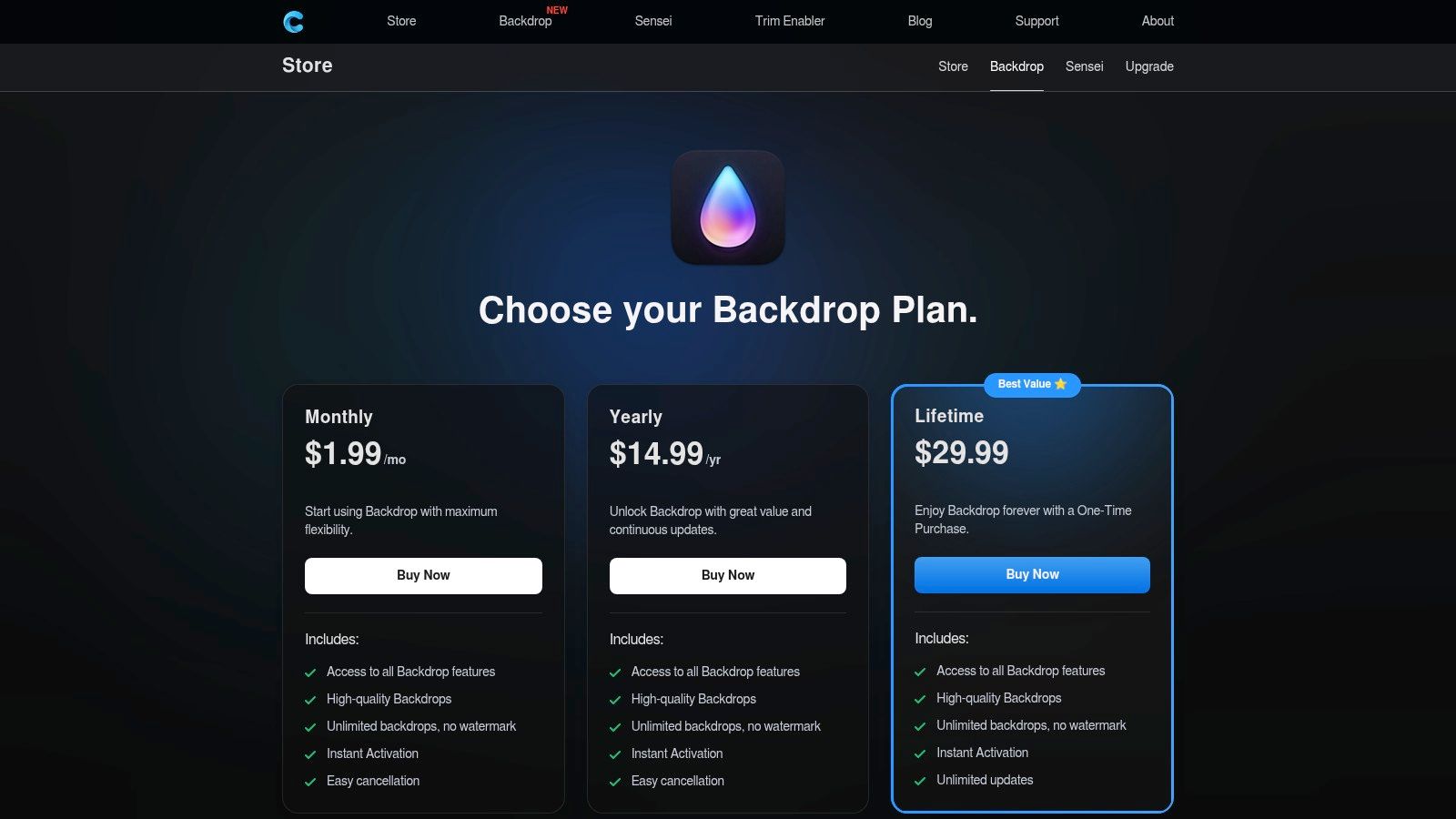
Its pitch is straightforward. Native Mac app, big 4K backdrop library, lock screen and desktop support, plus community sharing through iCloud-backed features. If you like browsing what other people made and then immediately thinking "I could do better," this will suit you nicely.
Who Should Pick It
Backdrop makes sense for two types of people. First, the Mac user who wants a large curated library without hunting around forums. Second, the tinkerer who wants to build custom scenes from personal media and still have the whole thing feel organized.
The pricing structure is flexible, which some people like and some people find spiritually irritating. At least it gives you options. Monthly, yearly, and one-time licensing all exist, so you can choose based on whether you commit to wallpaper aesthetics like a collector or like a tourist.
- Strong point: Large curated 4K library with regular updates.
- Useful extra: Community discovery and sharing for people who enjoy browsing.
- Nice practical feature: Multi-display support and quick controls.
Backdrop is for the person who wants a wallpaper app that feels established, not experimental.
The catch is familiar. Full library access is paid, and heavier scenes can be more demanding on older Intel Macs. On Apple Silicon, it's a better fit.
Use Backdrop by Cindori if you want variety, community features, and a more expansive library-first experience than a tiny indie tool usually offers.
3. Aerial
Aerial is the free, open-source answer for people who enjoy native-feeling Mac customization and don't mind touching settings that normal civilians would avoid. It started life around Apple's cinematic aerial videos, and that DNA still shows.
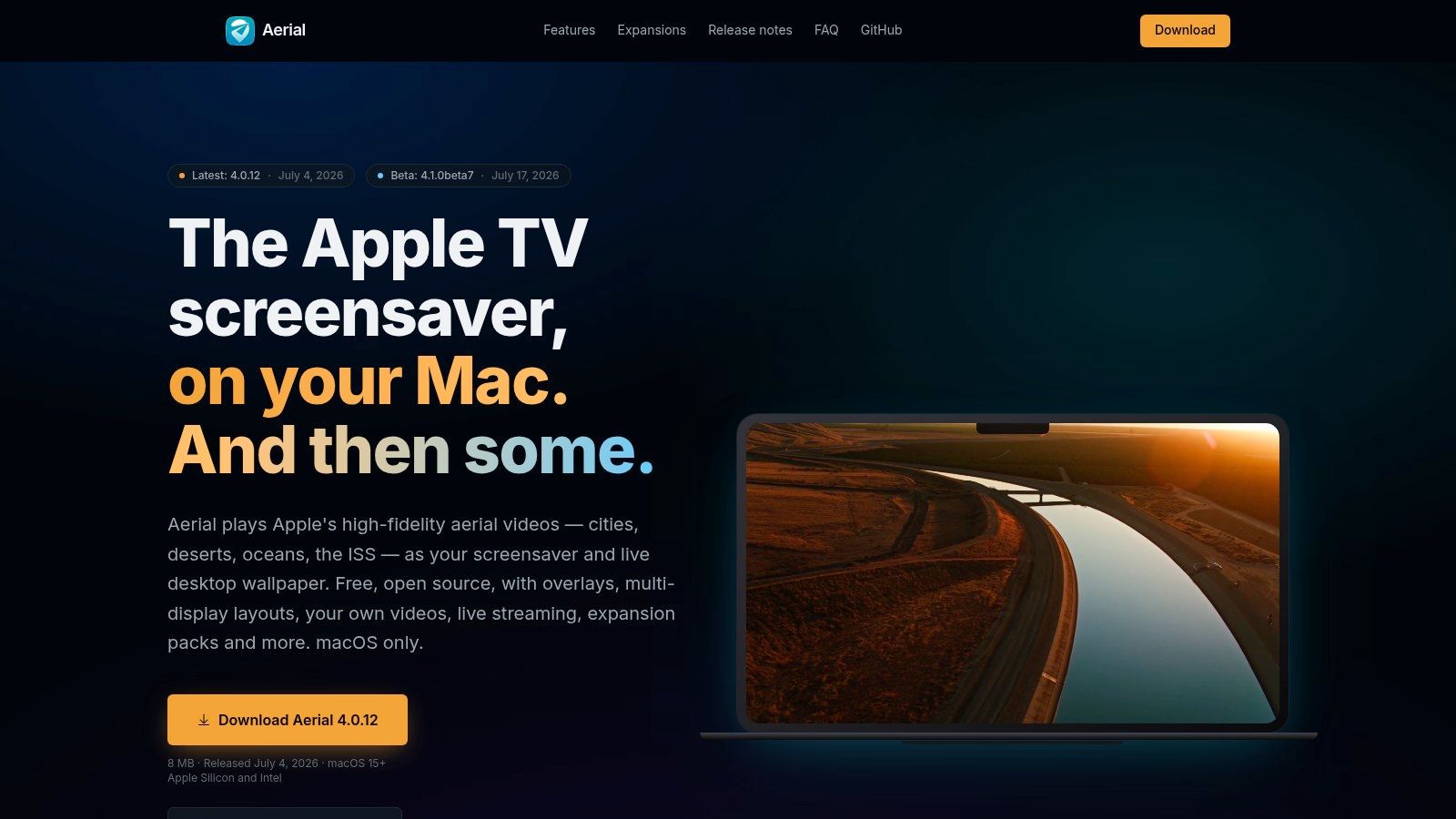
It can run as a screensaver and, in newer versions, as a live desktop wallpaper with smart pause behavior. You can also add your own videos, tweak playlists, use overlays, and generally fiddle to your heart's content. If your dream desktop includes weather info floating over cinematic footage, Aerial has heard your cry.
The Best Free Option
The obvious reason to try Aerial is price. There isn't one. It's free and open source, and that alone makes it worth a look if you want animated backgrounds that move without paying upfront.
Its other advantage is native sensibility. It fits the Mac aesthetic better than many generic wallpaper tools do. You can tell it grew out of the Apple screensaver world instead of trying to duct-tape a media player onto your desktop.
- Free forever: Open source and actively maintained.
- Power user appeal: Granular playlist controls, overlays, and hotkeys.
- Flexible input: Your own videos, plus optional feeds if you want to get fancy.
There's a catch, because of course there is. Some advanced features may require extra tooling, and your power or thermal experience depends heavily on the clips you use. High-resolution motion can be expensive.
If you like free software and don't mind a bit of setup, Aerial is excellent. If you want hand-picked aesthetics and less tinkering, you'll probably want one of the paid tools instead.
4. Magic Window 4K by Jetson Creative
Magic Window 4K has been around long enough to know exactly what it is. It's not trying to be a reactive shader playground or a wallpaper social network. It does cinematic time-lapse motion wallpapers and screensavers, and it does them with the calm confidence of a person who owns a very good tripod.
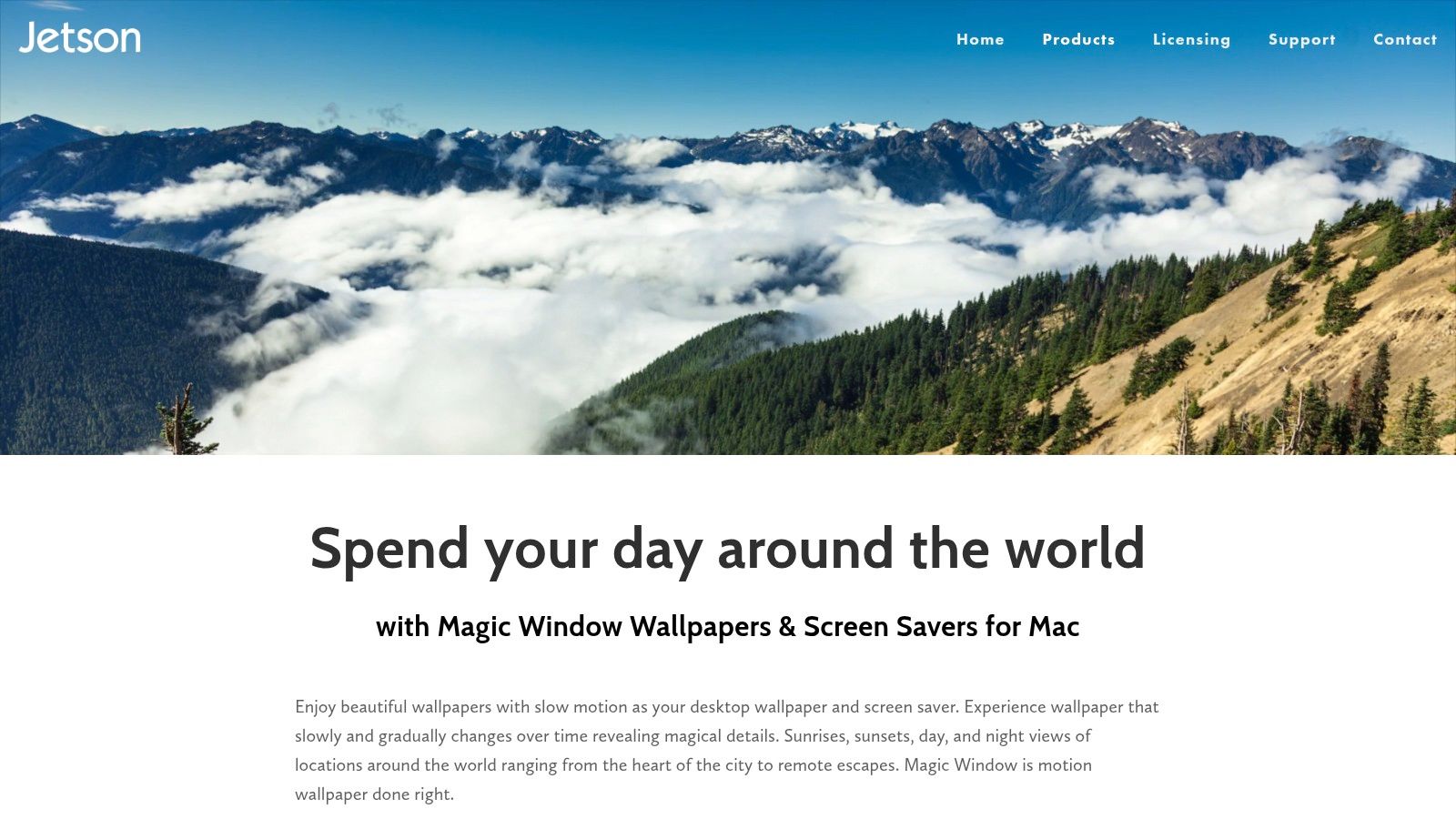
The killer feature here is speed control. That sounds minor until you've used a wallpaper that moves just a little too much and starts stealing your attention like a needy houseplant. Magic Window lets you dial the motion from subtle to noticeable, which is exactly what a lot of people need.
Best for Calm, Slow Motion
If your ideal desktop is "beautiful but not trying to perform a musical number," Magic Window 4K is a strong pick. The catalog leans into professional time-lapse footage, which makes it especially good for focus-friendly ambience.
That also means it's narrower than some competitors. You're getting a curated cinematic style, not every possible visual genre under the sun. For many people, that's a plus. Choice paralysis is still paralysis, even if it's in 4K.
If you're comparing loop quality in this category, the visual difference between a proper video loop and a compressed animated image matters. That's part of why 4K matters on Retina screens. They notice everything.
- Good fit: Calming time-lapse scenes for work and study setups.
- Simple economics: One-time purchase, plus a free starter version.
- Less ideal: No shader toys, no interactive effects, no chaos.
Use Magic Window 4K by Jetson Creative if you want movement that feels meditative instead of flashy. It's the "expensive hotel lobby, but in a good way" option.
5. Wallper
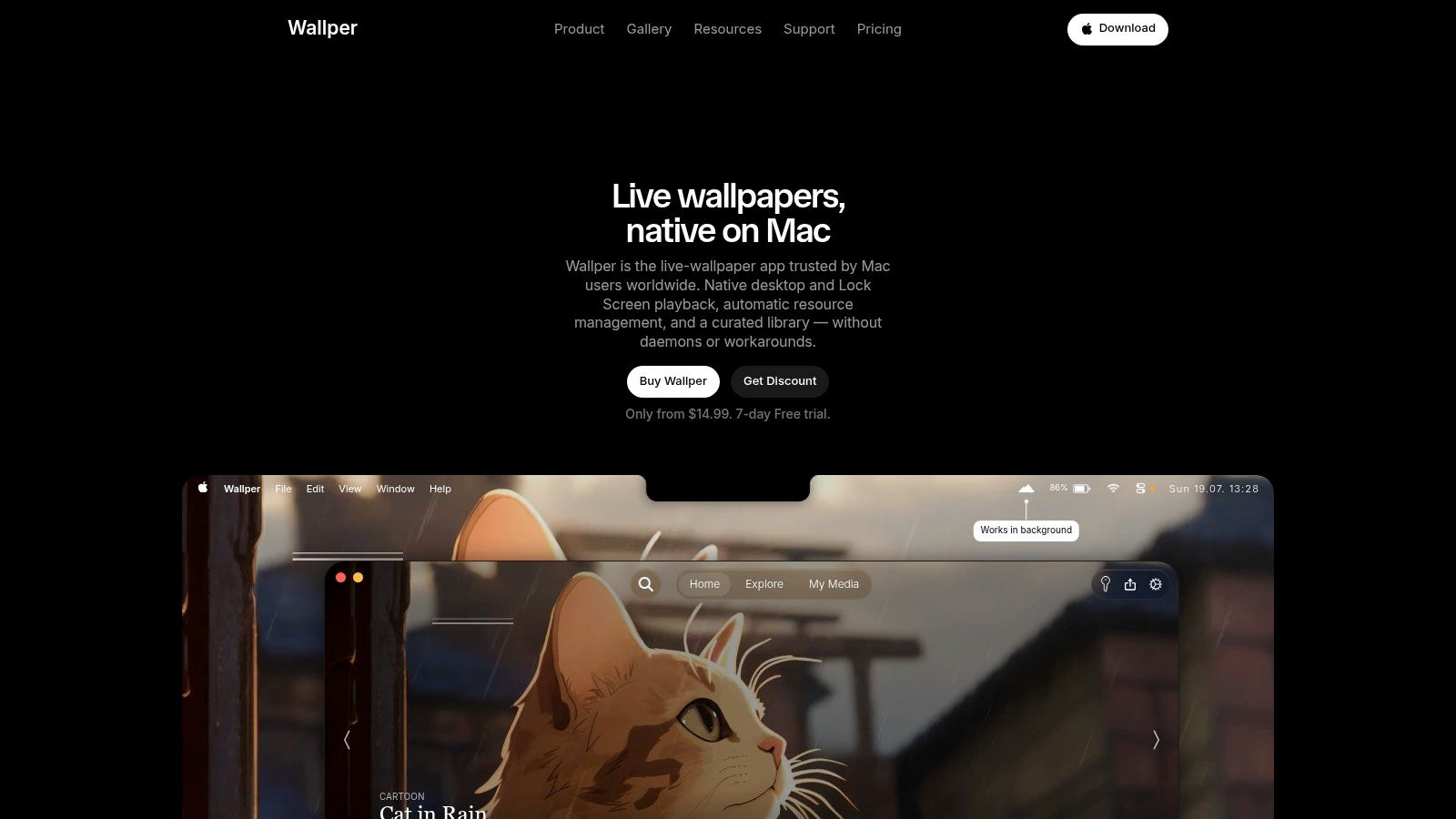
Wallper exists for a very specific person. The person who says, "I want Wallpaper Engine energy on Mac, but I still want it to feel native and not ridiculous." That's a fair request. Quite a lot of Mac switchers feel exactly that way.
Why People Like It
Wallper offers native playback on desktop and lock screen, a curated 4K library, support for your own videos, and resource-aware behavior like pausing when fullscreen apps take over. That's the right checklist. It shows somebody thought about how people use their Macs, not just how wallpapers look in screenshots.
The one-time license plus free trial is also refreshing. The category has too many apps behaving like your wallpaper needs a recurring billing relationship. It doesn't.
If your first search was "Wallpaper Engine for Mac," Wallper belongs on your shortlist.
Its weakness is the same one most pure video wallpaper tools share. Very busy scenes can distract, especially on smaller displays. And because the library is still growing, it doesn't have the same long-tail feel as older platforms with bigger ecosystems.
Pick Wallper if you want a native-feeling Mac app with practical controls and a clear focus on video wallpaper quality.
6. Reactive Wallpaper
Reactive Wallpaper goes in a different direction. Instead of leaning entirely on continuous video loops, it uses real-time Metal shaders that respond to your cursor. That makes it interesting for people who want motion without the exact feel of "a movie playing behind my icons."
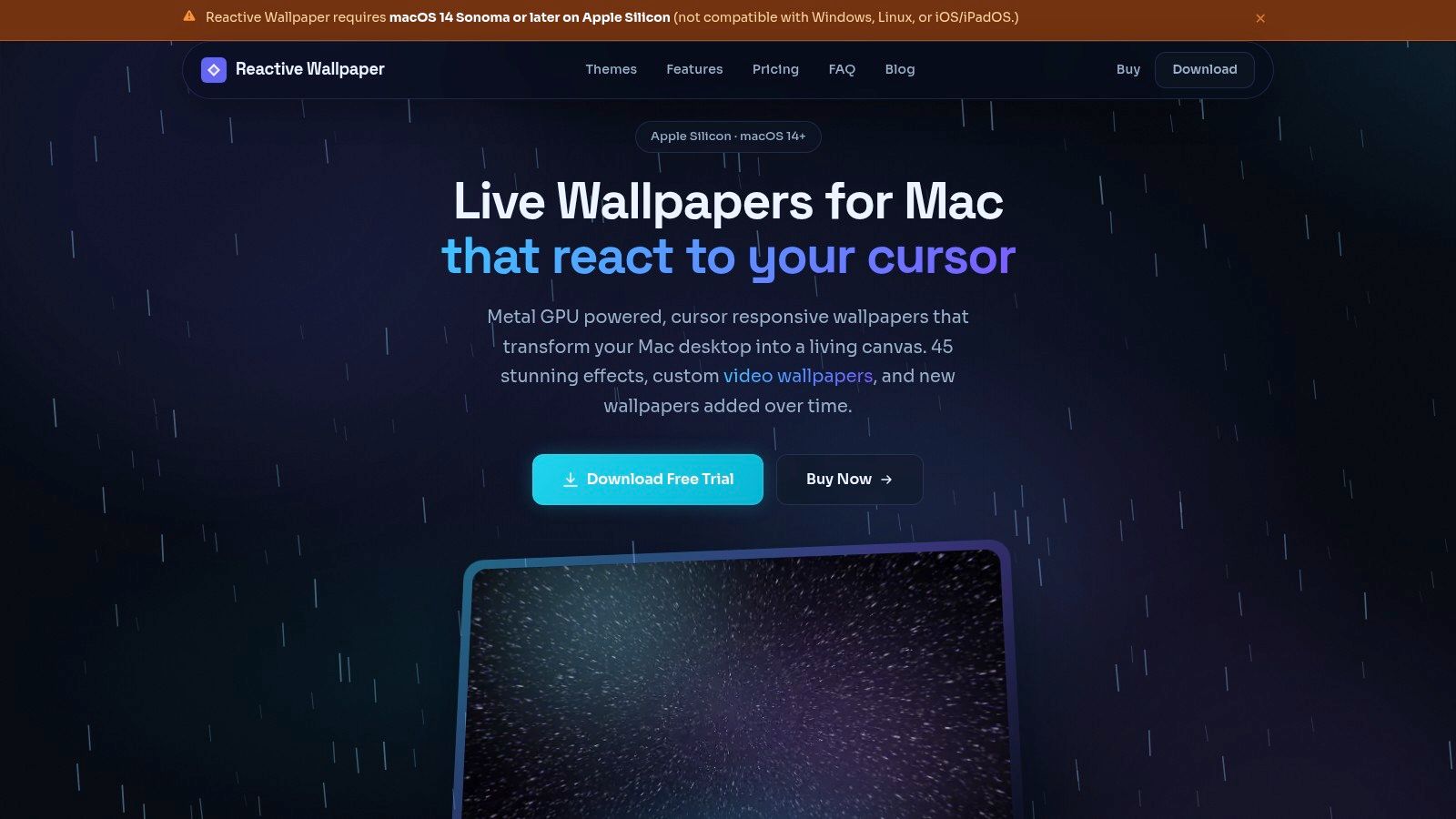
This approach matters because not all motion costs the same. Shader-based effects use less power than constant video playback—different technology choices produce different overhead.
Best for Apple Silicon Efficiency Nerds
Reactive Wallpaper is built for Apple Silicon and macOS 14+, which tells you exactly who it's for. Modern Macs. Modern graphics stack. Minimal interest in supporting every old Intel machine still hanging on through spite and firmware updates.
The built-in catalog is smaller than some video-heavy options, but that's part of the trade. You're paying for smooth shader scenes, cursor-responsive effects, and a cleaner technical approach on supported hardware.
- Best feature: GPU-accelerated shader scenes that feel alive without playing full video all day.
- Useful backup plan: You can still import MP4, MOV, and MKV files.
- Limitation: No Intel support. If your Mac is old enough to remember butterflies in iPhoto, this isn't your app.
There's also a privacy-minded angle, which I appreciate. No tracking, simple licensing, fewer weird strings attached.
Use Reactive Wallpaper if you want animated backgrounds that move, but you want them rendered more like graphics than media. It's the neatest option for technically picky Apple Silicon owners.
7. Lively Wallpaper
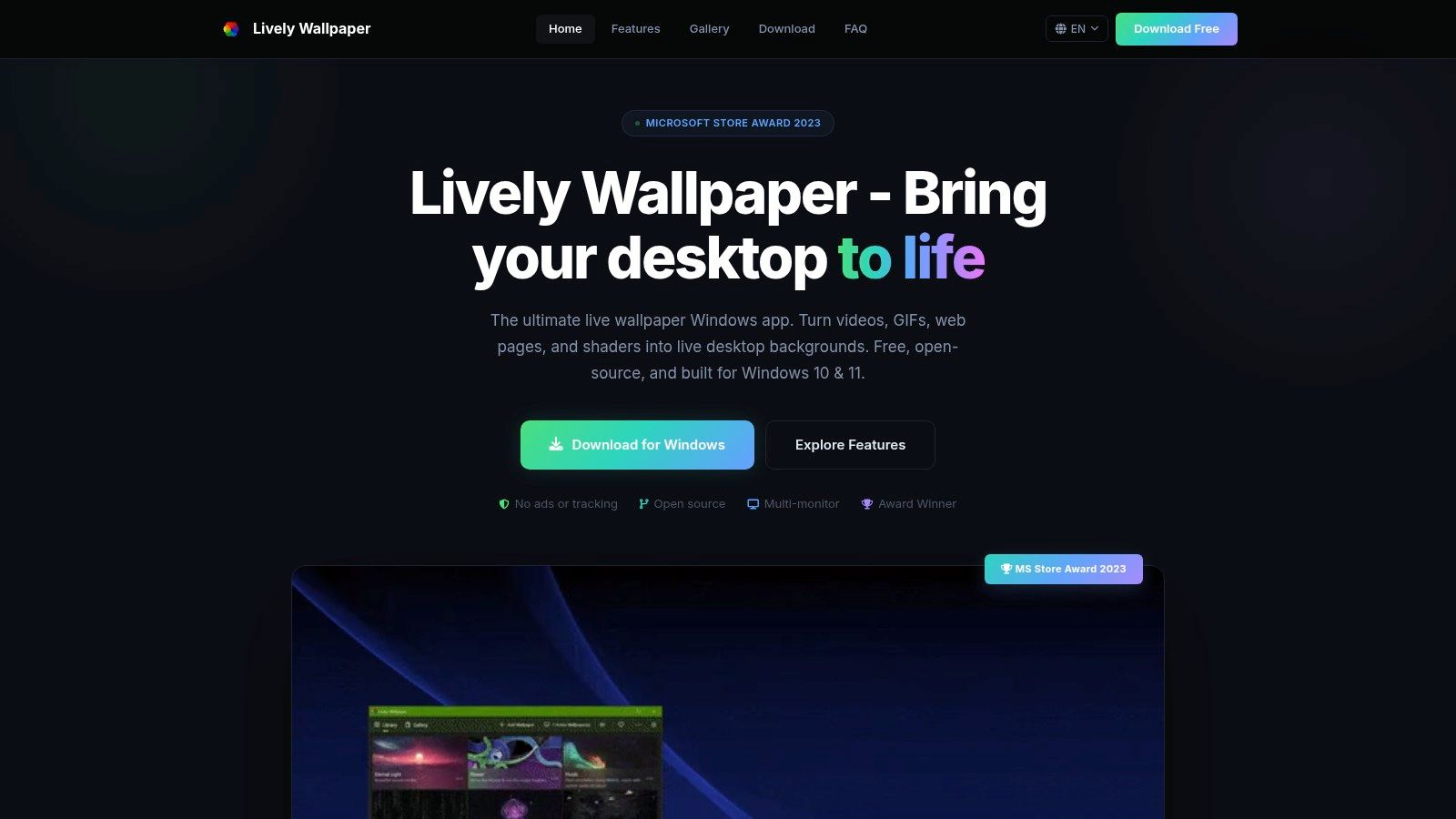
Lively Wallpaper is not for your Mac. I'm including it anyway because half the search traffic around this topic is really people asking the same thing in different clothes. "What's the Mac version of Wallpaper Engine?" "Can I get Lively Wallpaper on Mac?" "Why does Windows get the fun stuff?"
The short answer is no, there's no native macOS build. But Lively matters because it shows what people want from this category. Flexibility. Video support. GIFs. Interactive web pages. Shaders. A wallpaper app that acts like a toy box instead of a static gallery.
Why It's in a Mac List at All
Because it sets the expectation. If you're coming from Windows, Lively is one of the reasons Mac wallpaper apps can feel undercooked by comparison. It's free, open source, broad in format support, and happy to turn all sorts of things into wallpapers.
That broad format support is also why it can get heavy, especially with interactive web wallpapers. Still, if you want to understand the benchmark many switchers have in mind, Lively is part of the story.
Windows users get Lively. Mac users get taste, stubbornness, and a smaller but improving set of options.
Use Lively Wallpaper if you're on Windows. If you're on Mac, treat it as a reference point for the kind of flexibility you're probably looking for elsewhere.
Top 7 Moving Animated Backgrounds, Comparison
| App | Platform | Implementation complexity | Resource requirements | Ideal use cases | Expected outcomes / Key advantages |
|---|---|---|---|---|---|
| gifPaper | macOS only | Easy, native integration, simple setup | 4K video can use noticeable battery on older Macs; efficient via Apple APIs | Users who want animated desktop + lock screen with minimal setup | Seamless 4K loops, native lock-screen support, large curated gallery, one-time low price |
| Backdrop (Cindori) | macOS | Easy, polished installer; community features via iCloud | Video-heavy library; heavier scenes may tax older Intel Macs | Users wanting a large curated library, community sharing, and custom scenes | Polished app, flexible licensing (monthly/year/lifetime), active development |
| Aerial | macOS (open-source) | Moderate, basic use simple; advanced feeds may need ffmpeg/yt-dlp | Depends on clips; 4K/HDR can be demanding | Users wanting free, customizable Aerial screensavers and playlists | Free and open-source, native-feeling, overlays and granular playlist controls |
| Magic Window 4K | macOS | Easy, focused feature set, simple install | Time-lapse files can be large; optimized for Retina/Apple Silicon | Users preferring slow cinematic time-lapses and fine speed control | High-quality calming loops, precise speed control, one-time purchase |
| Wallper | macOS | Easy, native behavior and quick controls | Video-based; includes resource-aware pauses to reduce battery/CPU use | Users seeking a Wallpaper Engine-like macOS experience with per-display control | Curated 4K library, multi-display controls, transparent about power use |
| Reactive Wallpaper | macOS 14+ (Apple Silicon only) | Easy but Apple Silicon required; shader-focused workflow | Very lightweight on Apple Silicon; not supported on Intel | Users wanting interactive, cursor-reactive wallpapers with low GPU cost | GPU-accelerated interactive shaders, smooth performance, privacy-minded, one-time price |
| Lively Wallpaper | Windows only | Moderate, many format options and settings to configure | Varies widely; interactive/web wallpapers can be heavier on older PCs | Windows users needing maximum format flexibility (video, GIF, HTML, shaders) | Extremely flexible format support, free and open-source, strong community support |
So, Which Moving Background Is for You?
If you want the short version, here it is.
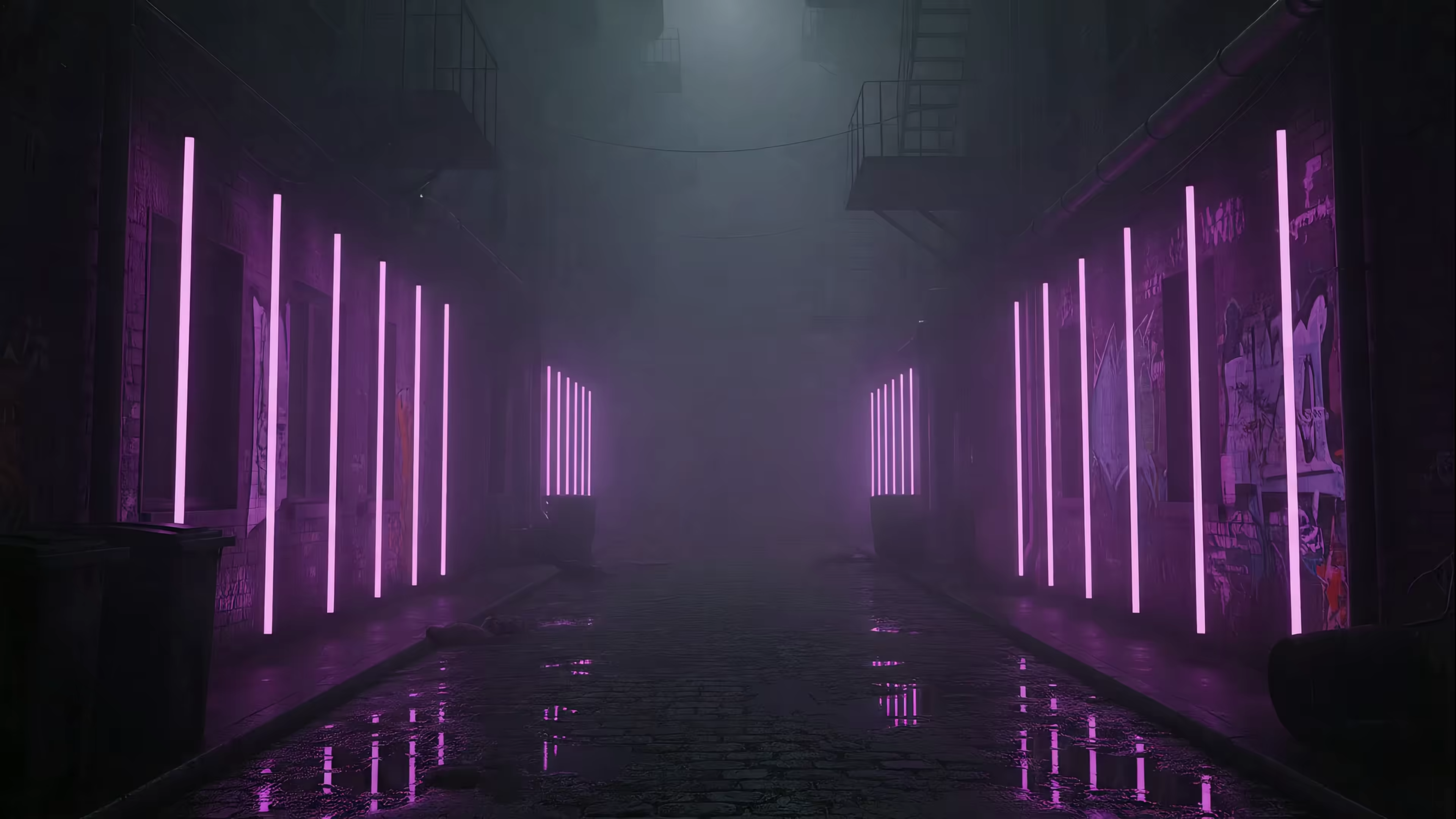
Pick gifPaper if you care most about the Mac lock screen and want the whole thing to feel like Apple built it, then accidentally forgot to ship the fun part. It's the most focused option here for people who want a curated aesthetic library, native behavior, and no subscription nonsense. The lock screen is the star, the desktop still-frame default is sensible, and the whole thing is designed for people who spend long stretches at their screens and would rather look at rain-soaked neon or a fireplace than another anonymous gradient.
Pick Backdrop if you want a broader library and a more platform-like feel with community sharing. Pick Aerial if free and open source matters more than convenience. Pick Magic Window 4K if you want calm time-lapse motion and very little visual drama. Pick Wallper if your brain keeps saying "yes, but what about Wallpaper Engine for Mac." Pick Reactive Wallpaper if you're on Apple Silicon and prefer technically elegant shader motion over constant video playback. Pick Lively only if you're on Windows, in which case congratulations, your wallpaper options are absurd.
There's also the comfort question, which people ignore until they don't. Many Mac wallpaper apps still miss sensible questions about distraction, battery drain, and focus mode. That's why motion shouldn't just be decoration. If motion is going to live on your screen all day, it should be intentional.
Your Mac is furniture now. Very expensive furniture. Make it pleasant to look at.
If you want animated backgrounds that move on your Mac without subscriptions, blurry loops, or weird desktop hacks, try gifPaper. You can browse 150+ fluid 4K scenes on the site first, then use the Mac app to set them on your desktop, lock screen, and screen saver. There's a 7-day free trial with no credit card, the app is a one-time $4.99 purchase at launch, and yes, that's on purpose. Subscriptions for wallpapers remain an unserious idea.