
7 Best Animated Sunset Wallpaper Options for Mac in 2026
Meta description: The best animated sunset wallpaper options for Mac in 2026, from one-click apps to DIY stock video sources, with clear picks and no nonsense.
It is 3:17 p.m. You have six tabs open, two messages you are avoiding, and your Mac is still showing the same static wallpaper it had during your last personality phase. Fix that.
A good animated sunset wallpaper gives your screen a pulse. A bad one gives you a jittery loop, muddy color, or some bargain-bin clip you downloaded at midnight from a stock site and then had to trim, convert, and babysit like a tiny cursed side project. That is the fundamental split here. You can go full DIY with stock video libraries and a little patience, or you can pick something curated that works on the first click.
For Mac, the smart choice is a clean loop, sharp 4K detail, and setup that does not require you to become the household IT department for your own desktop. If you want the shortest path to a wallpaper that looks right, start with a curated animated sunset wallpaper collection for Mac on gifPaper. Pick the scene, set it, move on with your life.
DIY still has a place. Stock libraries can help if you want to build your own moving wallpaper from scratch, and if that sounds fun instead of mildly exhausting, there are guides out there. If you do not want your sunset wallpaper to become a weekend craft project with file formats, loop points, and preventable regret, this list will save you time.
1. Beach Sunset Lofi | Aesthetic 4K Live Wallpaper
Some picks require patience, file wrangling, and the sort of optimism usually reserved for assembling flat-pack furniture. Beach Sunset Lofi does not. It's the cleanest answer here if you want an animated sunset wallpaper that looks right immediately.
This one lives inside gifPaper, so setup is gloriously boring. Click it, set it, done. No trimming clips, no testing loop points, no muttering at your desktop like it personally betrayed you. The scene itself is exactly what the name promises. Warm orange sky, gentle water, lo-fi calm, and enough visual softness to make your menu bar look less judgmental.
A preview helps.
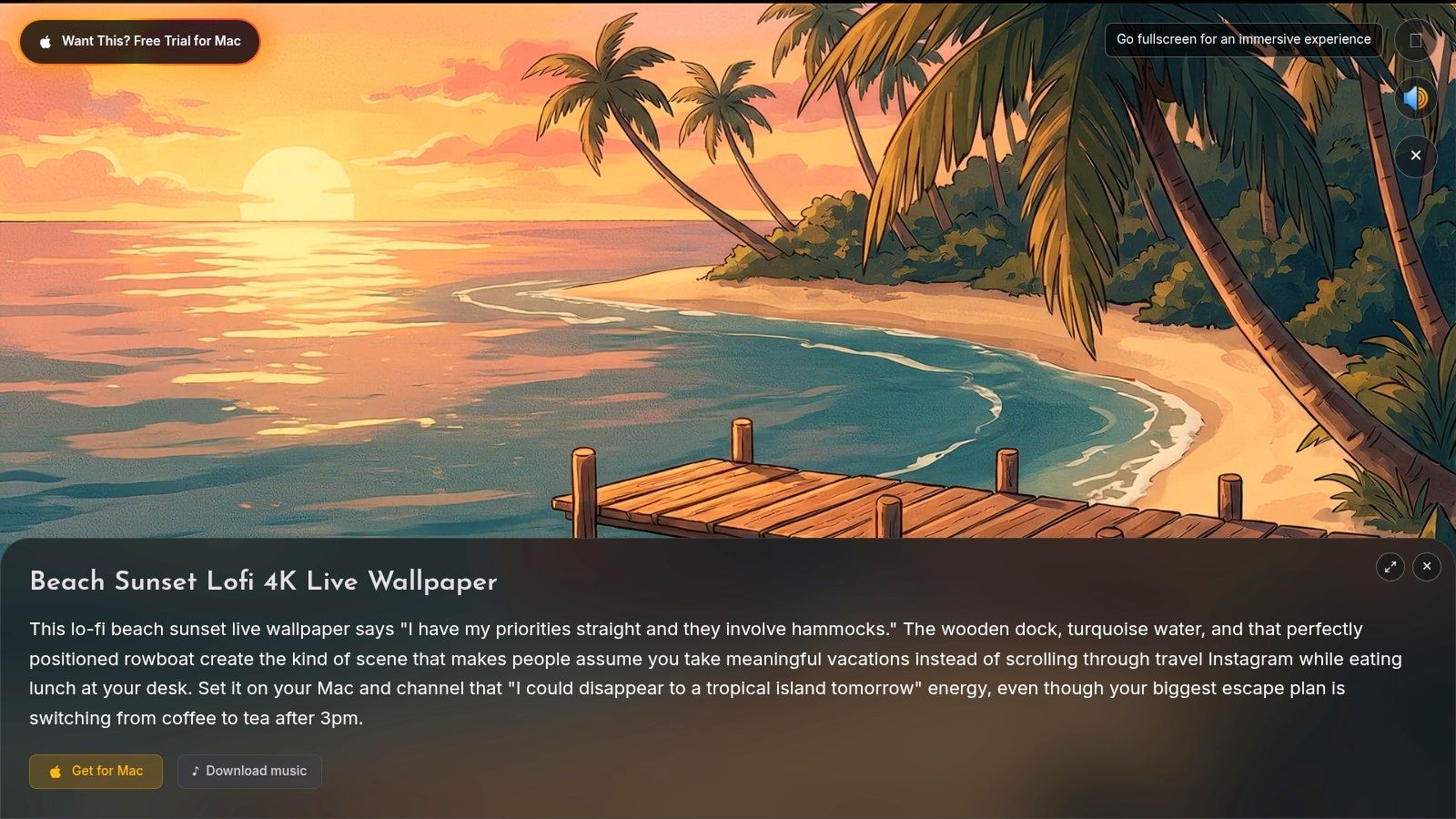
Why this one wins
gifPaper's whole pitch is simple. The collection has 150+ continuously looping 4K live wallpapers with ambient music, and the Mac app sets them as your lock screen, desktop, and screen saver. Beach Sunset Lofi is the version of that pitch that makes immediate sense. It's pretty, calm, and doesn't ask you to become a hobbyist video editor.
The technical side matters more than people think. Official Apple video wallpapers use the native Aerial format that powers Apple TV aerials and macOS video wallpapers, which is why they transition cleanly from the Lock Screen into the desktop instead of floating there like a weird overlay costume. gifPaper uses that same native system, which is the whole reason the lock screen effect feels correct rather than improvised by raccoons with a code editor. You can read more about Apple's Aerial format on the Aerial project site.
Practical rule: If you notice the loop point, it's not relaxing anymore.
There's also a broader aesthetic reason this category keeps showing up. Sunset loops fit neatly into the anime and lo-fi visual world a lot of Mac users already like, especially people spending long sessions at their screens and wanting calmer visuals instead of static wallpaper fatigue. If you want more in that vein, the sunset wallpaper collection on gifPaper is the obvious next stop.
Pros and cons
- Best part: True 4K continuous video loop, built for Retina displays, not a crusty old GIF.
- Also good: One-click setup in gifPaper for Mac, including lock screen support.
- Nice bonus: The pricing is refreshingly normal. There's a 7-day free trial, then a $4.99 one-time purchase, no subscription drama.
- Downside: It's a Mac-first experience and requires gifPaper.
- Another downside: Live wallpapers can use more CPU or GPU than a static image, especially on older laptops.
If your goal is "I want my Mac to look like a lofi beach at golden hour, and I want that solved today," this is the best pick on the list.
2. Jetson Creative Magic Window
Magic Window goes in a different direction. It feels less like "lofi beach dream" and more like "a very polished time-lapse scene installed by someone who alphabetizes camera lenses." That's a compliment.
It's a native Mac app with a long-running reputation, and it leans hard into cinematic sunrise and sunset footage. If you like slow-motion skies, smooth transitions, and a more photographic vibe than stylized animation, it's a strong option.
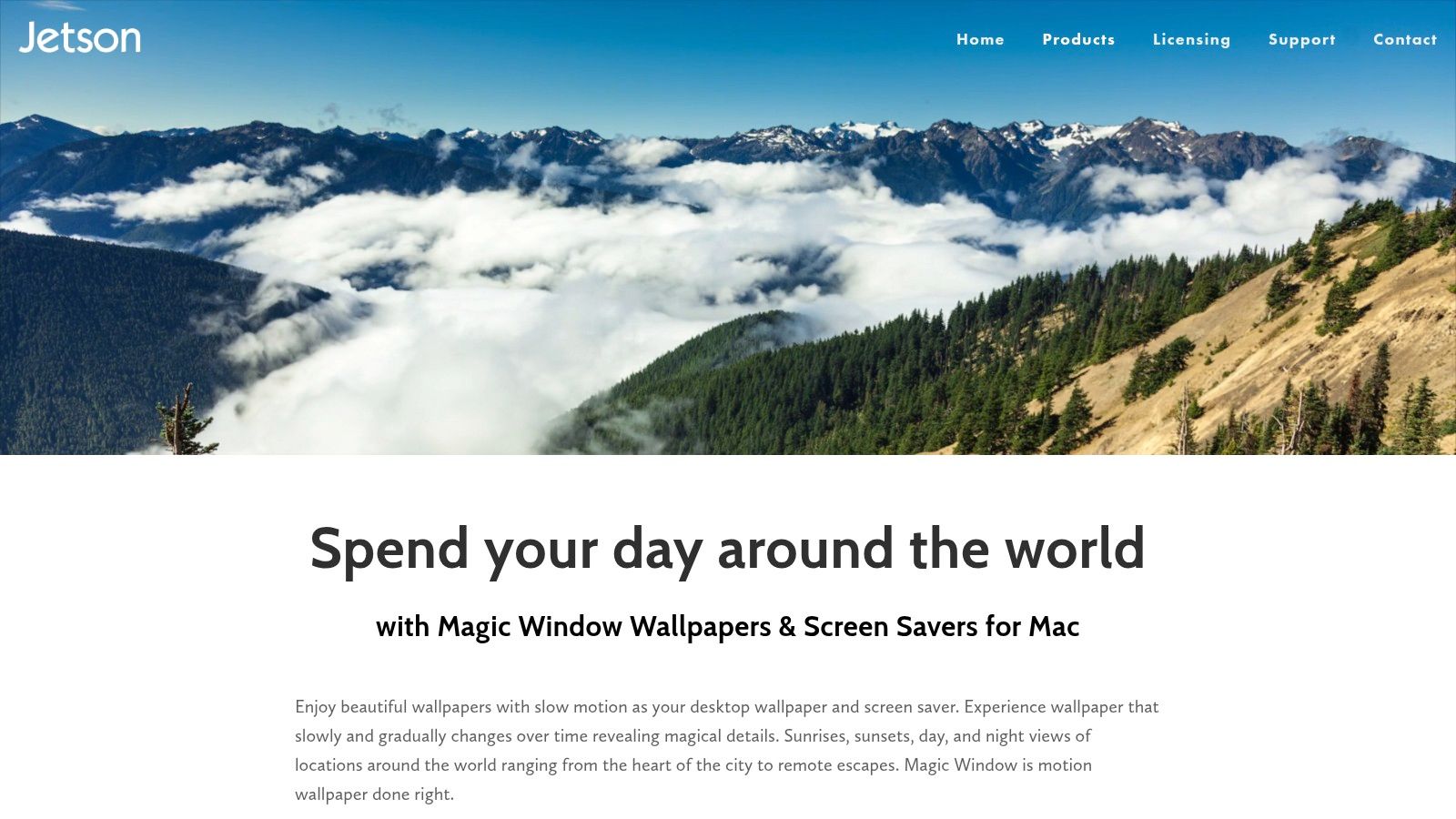
What it does well
Magic Window offers curated time-lapse scenes, including sunset-heavy environments, plus controls for motion speed and screen saver behavior. There's also a 4K-focused edition, which matters because high-resolution looping content is what keeps modern desktop wallpaper from looking like it escaped from an old forum signature.
macOS itself now treats video wallpapers more seriously than it used to. In Sonoma, Apple integrated Aerial screen savers and wallpapers directly in System Settings, and users can match the same theme across screen saver and wallpaper while shuffling categories like Nature, Cityscape, Underwater, and Earth, as shown in this macOS Sonoma Aerial walkthrough. Magic Window benefits from that growing expectation that moving backgrounds should feel native on a Mac.
It's for people who want their sunset wallpaper to look like it was shot from a helicopter, not sketched in a notebook during chemistry.
Pros and cons
- Strong point: Native Mac experience with mature support and Apple Silicon compatibility.
- Useful feature: Motion-speed control makes the scene less distracting if you're trying to work and not join the clouds emotionally.
- Limitation: The catalog is curated, which also means limited.
- Tradeoff: High-resolution content can mean bigger downloads.
If you want practical setup advice before choosing any Mac app, the live wallpapers on Mac guide covers the basics clearly.
3. 3Planesoft Earth 3D / Screen Wonders
Not every sunset has to come from filmed footage. Sometimes you want your desktop to look like an elegant science museum exhibit that got a little too into atmosphere rendering.
That's where 3Planesoft fits. Earth 3D and the wider Screen Wonders catalog use real-time rendered scenes instead of video loops. The result is cleaner, more synthetic, and very much its own flavor.
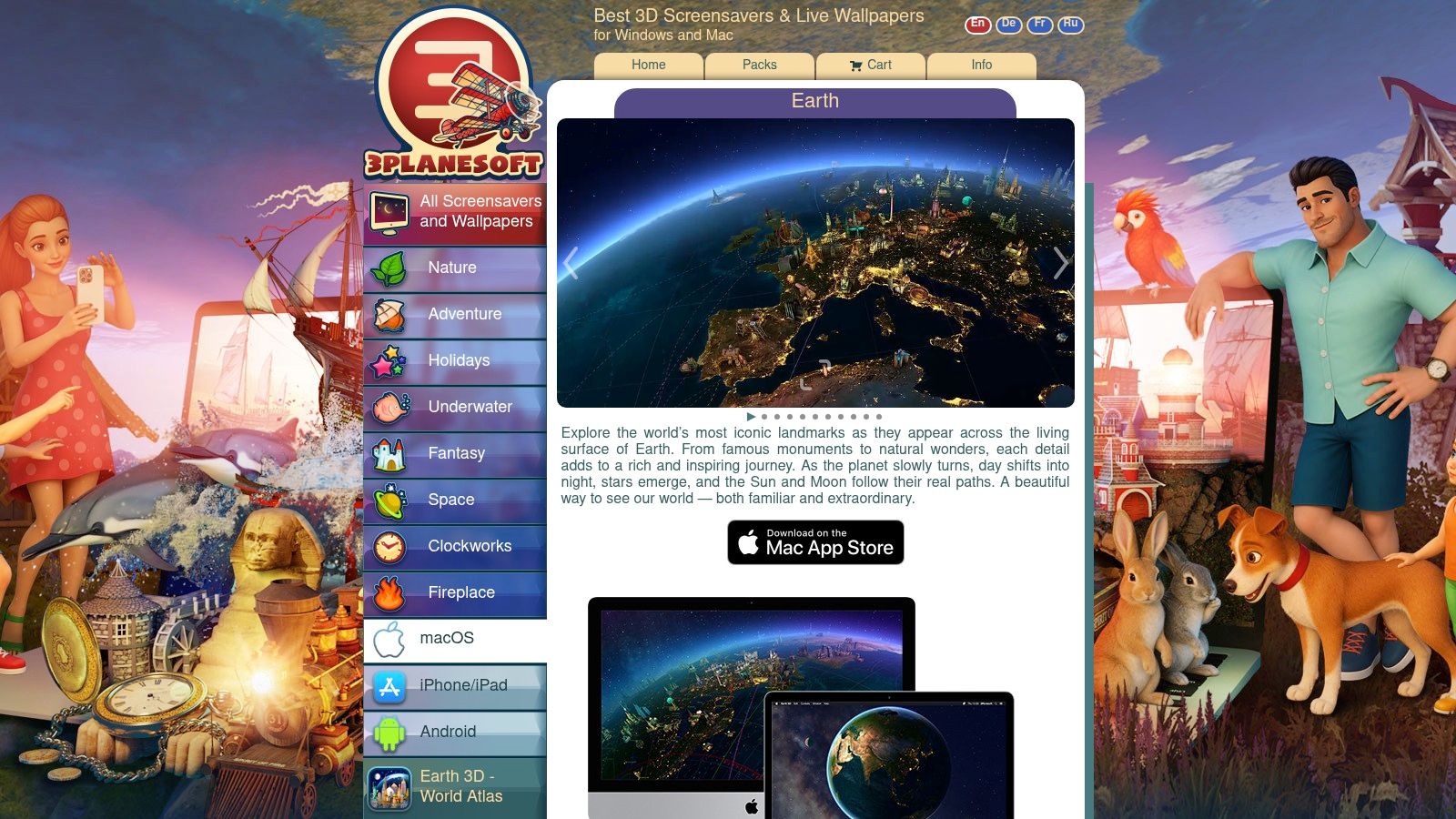
Best for CG sunset people
Earth 3D gives you a globe with a day and night cycle, city lights, and the sort of rotating planetary serenity that makes you feel briefly above your calendar. It supports Retina and multi-monitor setups, and the vendor has been around long enough that this doesn't feel like abandonware in a trench coat.
The upside of CG is consistency. You don't have to worry about whether a camera move loops naturally because the whole scene is rendered to behave itself. The downside is taste. If you want the dreamy warmth of ocean waves at golden hour, rendered graphics may feel a bit too clean.
Pros and cons
- Good fit: Long-running Mac developer with broad animated wallpaper and screen saver experience.
- Practical upside: App Store availability makes installation easy.
- Main drawback: Visual style leans 3D and computer-generated, not filmed 4K footage.
- Another catch: Catalog differences between Windows and macOS can be annoying if you've seen a scene elsewhere and want the same one on your Mac.
This is the best pick if your ideal sunset is less "beach lo-fi" and more "orbital calm." Some people want waves. Some people want the whole planet. Fair enough.
4. Pexels Videos "Sunset" collections
Now we enter the DIY district, where everything is free and nothing is simple.
Pexels has a massive library of sunset footage. Beach sunsets, drone sunsets, city skyline sunsets, slow sunset waves, the whole glowing buffet. If your budget is zero and your tolerance for fiddling is high, it's a great raw-material source.
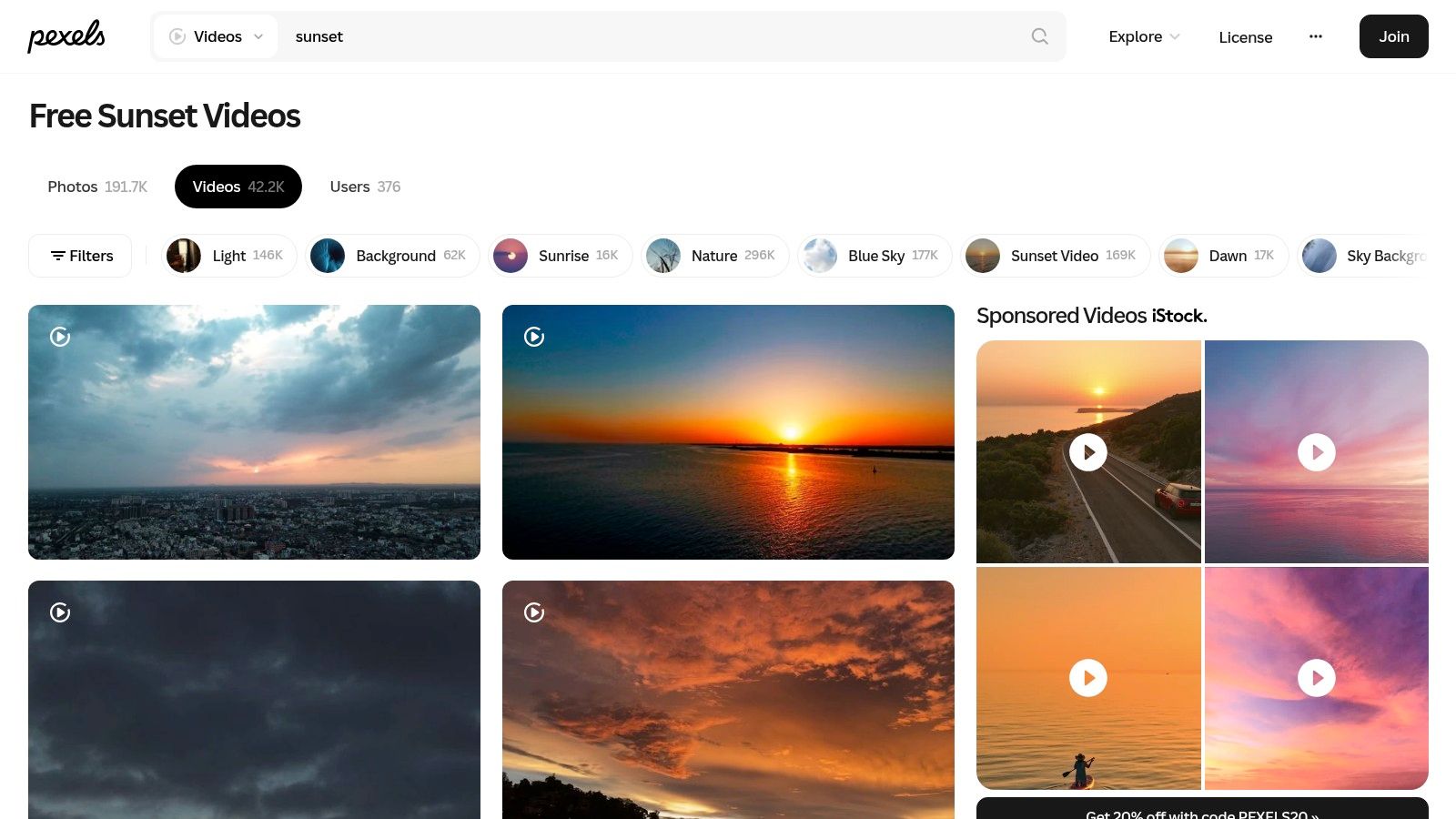
The catch nobody mentions
Free stock video is not the same thing as a finished animated sunset wallpaper. You still have to find a clip that loops well, trim it if needed, then load it into an app that can run it on macOS. That's the difference between "I found a sunset video" and "my lock screen now looks like a tiny vacation."
That distinction matters because loop quality is where a lot of DIY setups fall apart. There's growing demand for continuous 4K loops among Mac users on Retina displays, while many tutorials still point people toward old GIF habits that stutter or look soft. In other words, the internet still hands out butter knives for jobs that need a proper wrench.
Pros and cons
- Best reason to use it: Free, broad selection, and plenty of clips available in 4K.
- Good for: Testing a bunch of moods quickly before settling on one.
- Main annoyance: Quality varies, and many clips aren't loop-ready.
- Reality check: Popular stock shots can feel generic unless you edit them.
If you want to make a Pexels clip into an actual desktop background, the guide to putting video as a desktop background on Mac walks through the process.
5. Pixabay Videos "Sunset" collections
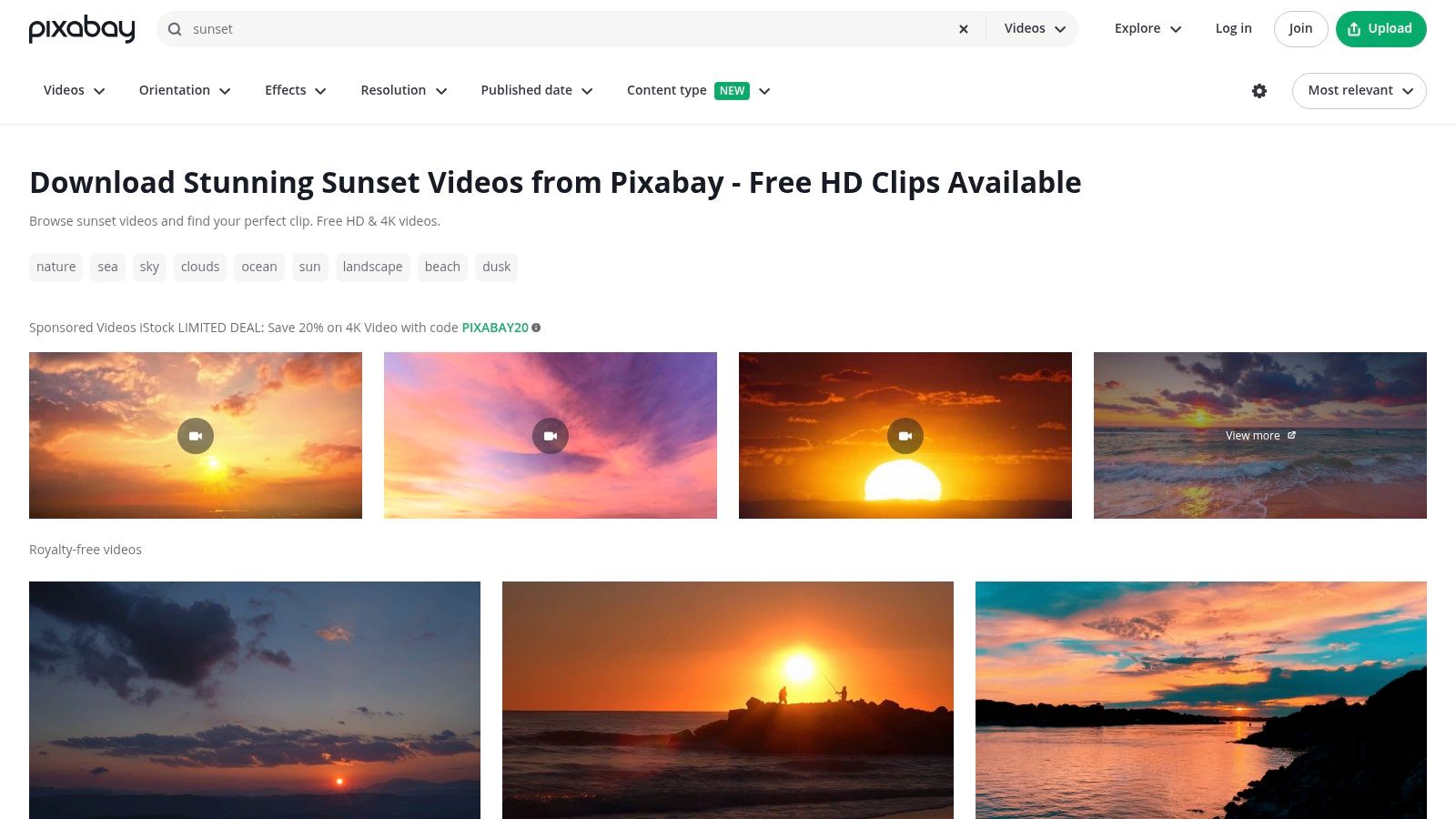
Pixabay is Pexels' close cousin in the free-footage family. Similar promise. Similar tradeoff. Similar possibility that you'll spend twenty minutes comparing three nearly identical orange horizons like a very tired art director.
The upside is range. Ocean sunsets, mountain sunsets, open-water drone shots, skyline silhouettes. It's all there, and the platform is familiar to a lot of creatives for a reason.
Good raw material, not a finished product
Pixabay works best if you know what you're doing and don't mind curation. Search, preview, download, test, reject, repeat. If that sounds mildly relaxing to you, excellent. If not, the DIY path may start to resemble unpaid labor.
There's also a bigger market reason these sunset loops keep appearing everywhere. Professional platforms now offer substantial sunset-animation catalogs for commercial use, and the broader visual culture around sunset live wallpapers is tied closely to anime and lo-fi aesthetics that show up heavily on social platforms. People want calming motion on devices they stare at all day. They are not wrong.
Free footage is the thrift store of wallpapers. Sometimes you find treasure. Sometimes you find a lamp with emotional damage.
Pros and cons
- Why people like it: Large free catalog with lots of sunset variations.
- Helpful detail: Filters make it easier to narrow by resolution and style.
- Big drawback: You still have to judge loop quality yourself.
- Small nuisance: Free pages can mix in sponsored results and distract from the useful stuff.
Pixabay is solid if you want choice and don't mind doing a little detective work.
6. Mixkit by Envato
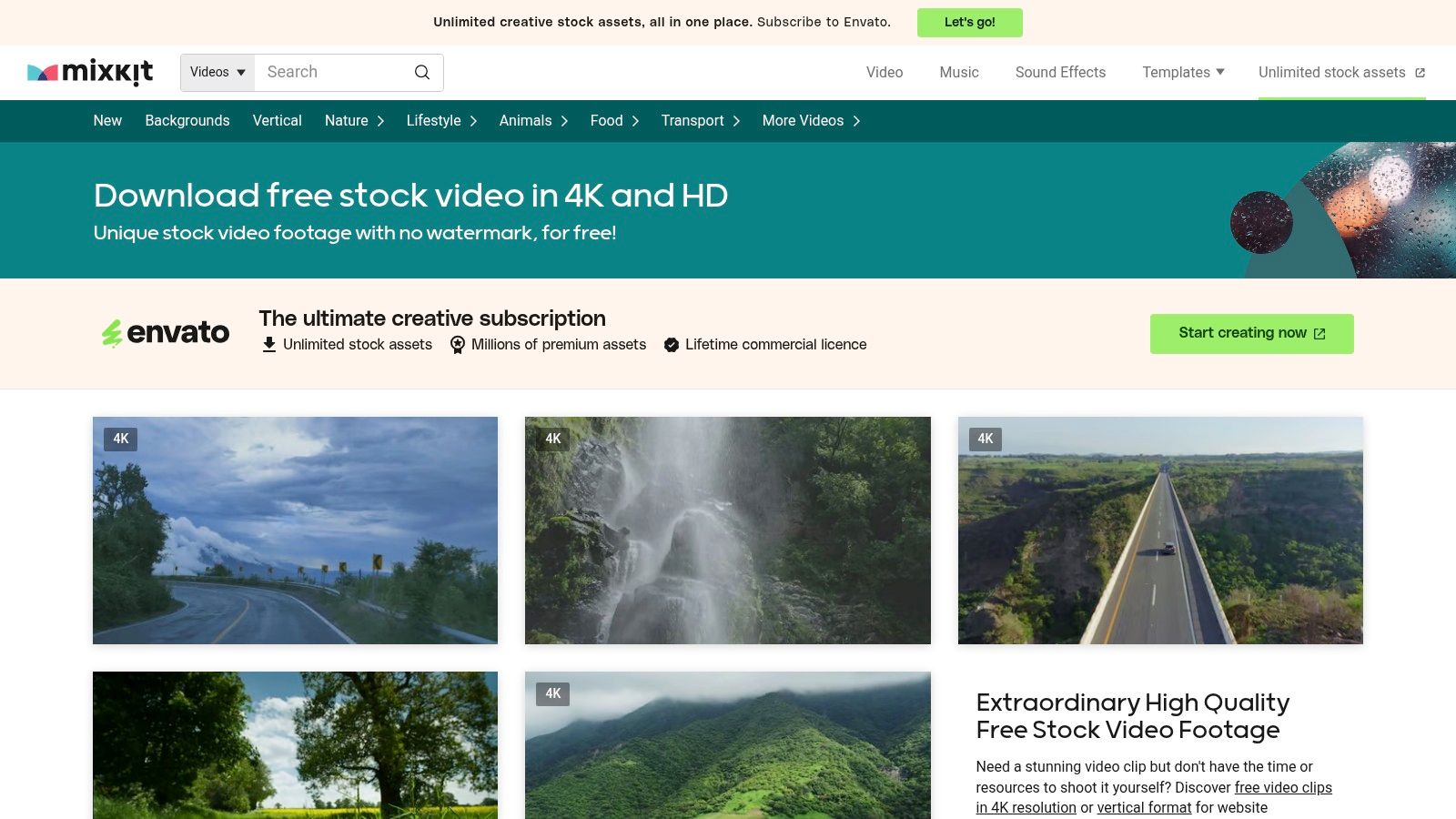
Mixkit is what happens when someone takes the free-stock-video idea and removes some of the chaos. The library is smaller than Pexels or Pixabay, but the baseline quality usually feels more deliberate.
That smaller size is the entire point. Less wandering. Fewer random uploads. Fewer moments where you ask why a clip tagged "sunset serenity" contains a shaky pan that looks filmed from the back of a confused scooter.
Better curated, still DIY
Mixkit gives you free clips with clear licensing and no watermark nonsense. For an animated sunset wallpaper project, that means less sorting and a slightly better chance of finding footage that already feels clean enough to use.
It's still DIY, though. You still need to check whether the clip can loop without a visible jump. You still need an app to run the file on your Mac. And you still might need to trim a few seconds if the camera move starts or ends awkwardly.
Pros and cons
- Best part: Cleaner curation than giant community-driven libraries.
- Why it's nice: Straightforward licensing and polished presentation.
- Main limit: Smaller catalog means fewer weirdly specific sunset scenes.
- Technical catch: Not every video is an uninterrupted loop out of the box.
Mixkit is the sensible middle ground for people who want free footage without the flea-market energy.
7. Envato Elements
You start by hunting for one nice animated sunset. Twenty tabs later, you somehow own opinions about LUT packs, title templates, and stock b-roll of a woman spinning in a wheat field. That is the Envato Elements effect.
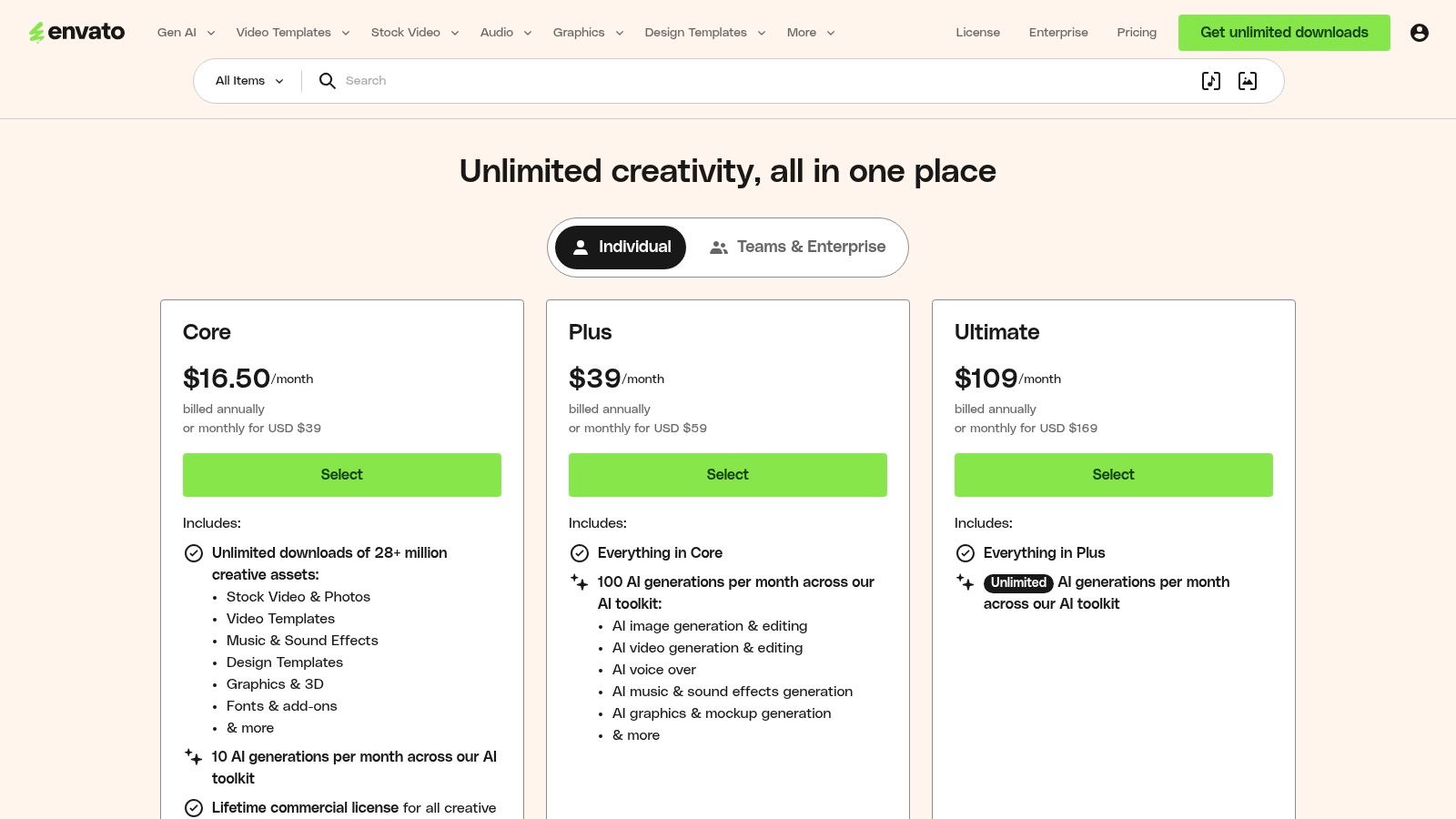
Envato Elements sells abundance. If you already use stock assets for design or video work, that abundance is useful. For a Mac wallpaper, it is often too much of a good thing. You are paying for a giant creative buffet when you probably just want your desktop to stop looking like a tax form.
Great library, wrong kind of convenience
The footage quality is usually better than the free-for-all libraries. Search is cleaner. Licensing is clearer. You also have a better shot at finding sunset clips that look like they were made by someone with a tripod and basic self-respect.
But the workflow still asks you to do the annoying parts yourself. You have to browse, choose, download, test for loop quality, and then run the file through a live wallpaper app on your Mac. That is fine for editors and designers. It is a weird amount of ceremony for "please put a pretty sky behind my Dock."
This is the split that matters. Envato Elements gives you premium raw material. gifPaper gives you the finished thing. If you want a curated, one-click animated sunset wallpaper that just works, the DIY stock route still loses on convenience, even when the source footage is excellent.
Pros and cons
- Best part: Stronger overall quality control than free stock libraries.
- Good fit for: Designers, editors, and subscribers who will use the broader asset catalog.
- Main drawback: Monthly cost makes little sense for a single wallpaper.
- Real-world catch: You still need to prep the video and load it into a Mac wallpaper app.
Envato Elements is a solid asset subscription. It is not the smartest wallpaper choice unless you already live in that ecosystem. For everyone else, a curated gifPaper setup is the saner move.
Animated Sunset Wallpaper, 7-Option Comparison
| Product | Implementation complexity | Resource requirements | Expected outcomes | Ideal use cases | Key advantages |
|---|---|---|---|---|---|
| Beach Sunset Lofi | Very low, one‑click via gifPaper | Moderate, 4K video, macOS only, small CPU/GPU overhead | High‑fidelity seamless 4K loop with lo‑fi beach aesthetic | Mac users who want an effortless, calming wallpaper | True 4K loop; Retina ready; cheap one‑time purchase |
| Jetson Creative – Magic Window | Low, install native macOS app and choose scene | Moderate to high, 4K assets, large downloads, Apple Silicon supported | Smooth professional time‑lapse sunrises/sunsets; screen saver option | Users wanting curated, adjustable time‑lapses with native performance | Native app, speed controls, multi‑year support |
| 3Planesoft – Earth 3D / Screen Wonders | Low, install from App Store | Moderate, real‑time 3D rendering, supports Retina/5K and multi‑monitor | Dynamic CG scenes with real day/night cycles rather than filmed footage | Users preferring real‑time 3D/CG visuals and globe effects | Real‑time day/night globe, long‑standing vendor support |
| Pexels Videos – "Sunset" collections | Medium, search, download, trim and set up yourself | Low, free downloads; needs live‑wallpaper app to run videos | Wide variety of free 4K clips; quality and loopability vary | DIY users on a budget who are willing to curate and edit clips | Very large free library and fast sourcing |
| Pixabay Videos – "Sunset" collections | Medium, locate, download, and prepare clips for wallpaper use | Low, free assets; mixed sponsored results possible | Extensive free options with variable loop readiness | DIY creators seeking many free sunset options | Large catalog, trusted stock resource |
| Mixkit (by Envato) – Free stock video sunsets | Medium, download and set up; fewer clips to sift through | Low to moderate, free polished clips; needs wallpaper app | More curated free selections with higher baseline quality | Users wanting free but better‑curated footage with minimal filtering | Curated, no watermarks, clear licensing |
| Envato Elements – Premium 4K sunset loops | Low, subscription then download professional clips | High, subscription cost, large professional files, requires wallpaper app | Professional, often loop‑ready 4K footage with commercial licensing | Creative professionals needing many high‑quality assets | Vast high‑quality library and predictable licensing |
One Click to a Perfect Sunset
You can spend an afternoon combing through stock libraries, downloading giant files, checking licenses, trimming loop points, and wondering why your supposedly soothing wallpaper now contains a visible jump every few seconds. That route works. It's also a bit like cooking an elaborate meal because you wanted toast.
gifPaper is the straightforward answer. It's the app I built because Mac users kept ending up in the same silly situation. They could find nice videos, but setting a live wallpaper that worked properly on the lock screen and desktop was still weirdly annoying. gifPaper fixes that with a curated collection of 150+ perfectly looping 4K wallpapers with ambient music, plus one-click setup for your lock screen, desktop, and screen saver.
It also takes the native route instead of the hacky one. gifPaper is the first app that uses Apple's own Aerial wallpaper system, the same high-fidelity format used for official macOS video wallpapers. That means your lock screen and desktop are the same wallpaper, and the animation slows down as you gain access, the way Apple's own implementation does. Other wallpaper apps often feel like they're taping a video on top of your desktop and hoping nobody notices.
There are practical constraints, and I'm not pretending otherwise. It requires macOS 26 or later, and direct distribution is part of the deal because Apple's App Store sandboxing blocks third-party apps from setting live lock screen wallpapers. That's also why direct-download Mac wallpaper apps in this category have to work around those limits. gifPaper is notarized by Apple, so you're not installing mystery meat software from the void.
No subscription. No nonsense. It's a one-time $4.99 purchase, there's a 7-day free trial with no credit card required, and a 30-day money-back guarantee if your Mac somehow decides it prefers sadness. If you want more moody scenery beyond sunsets, the nature wallpaper collection and lofi wallpaper collection are full of excellent ways to make screen time less visually dull.
If you want the easiest path from "my desktop is fine, I guess" to "my lock screen now looks suspiciously better than my actual window," try gifPaper. Browse the free wallpaper gallery on the site, then install the gifPaper for Mac app if you want the one-click setup. It's built for exactly this. Smooth 4K loops, ambient audio on many scenes, lock screen support, desktop support, screen saver support, and none of the compressed-GIF archaeology.