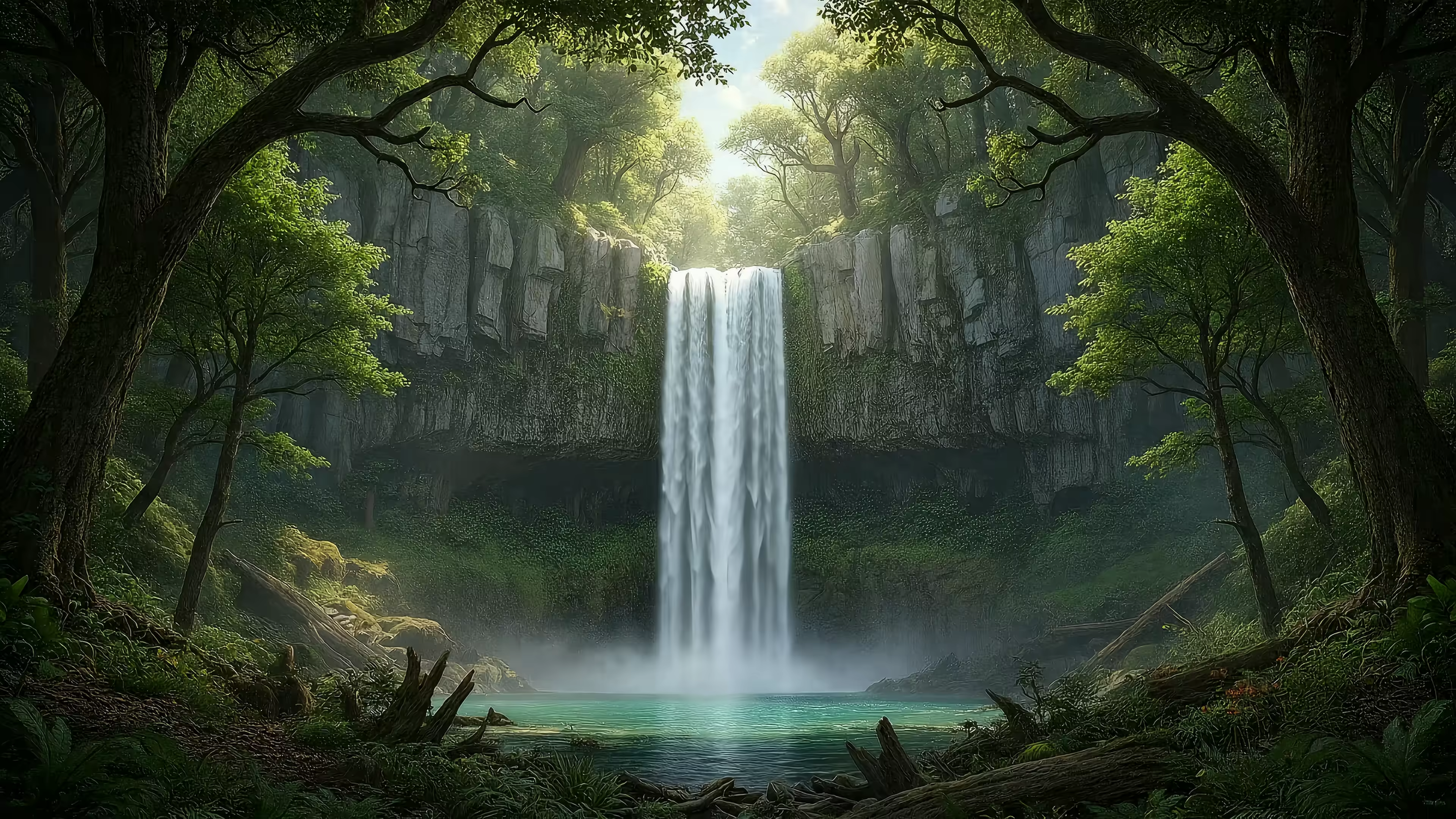
7 Best Animated Waterfall Wallpaper Sources for Your Mac
Your Mac needs more waterfalls. Immediately.
You're looking for an animated waterfall wallpaper. This is a noble and correct pursuit. A good waterfall loop is the digital equivalent of a Zen garden — calming, perpetually in motion, and a much better backdrop for your spreadsheets than a static photo of a mountain you've never climbed.
The problem is, most "live wallpapers" are either grainy GIFs from 2004 or they behave like a needy side project your CPU didn't ask for. On Mac, the gap gets even more annoying. A lot of waterfall wallpaper content still assumes you're on Android, while Mac users keep searching for live nature wallpapers with audio more often, with a 42% increase in searches for "live nature wallpapers with audio" showing where the interest is going.
So yes, the appetite is there. The quality control usually isn't.
The wallpaper market itself is also moving toward more personalized digital decor, with the global wallpaper market projected to grow from USD 2.37 billion in 2024 to USD 3.94 billion by 2035. Translation: people care what they look at all day. Reasonable.
Let's get you a proper 4K, loopable waterfall scene for your Mac lock screen and desktop.
1. The gifPaper Collection
You know the moment. You find a gorgeous waterfall clip, download it, then spend twenty minutes discovering it was shot for a promo reel, not for a desktop you have to stare at all day. The camera drifts, the loop breaks, the colors are blown out, and your menu bar disappears into mist.
If you want a version that works on a Mac, start with the gifPaper waterfall wallpaper collection.
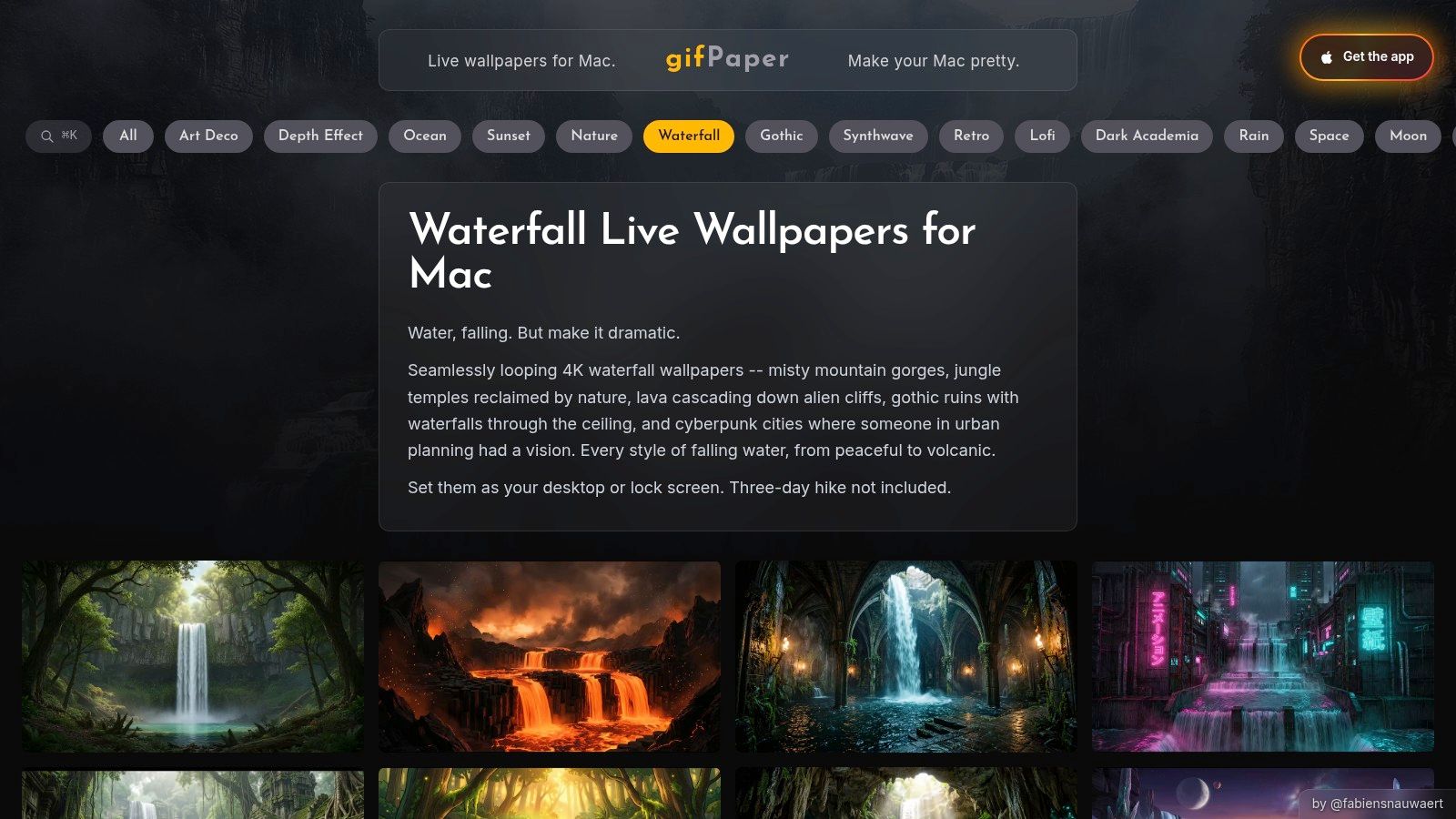
gifPaper is a curated library built for Mac wallpapers first. That distinction matters. A good waterfall wallpaper needs more than pretty footage. It needs stable framing, motion that can repeat without calling attention to itself, enough visual depth to feel alive, and enough restraint that your icons still look like icons.
The library includes 150+ smoothly looping 4K live wallpapers with ambient music across categories like nature, winter, lofi, neon, and fireplace scenes. The waterfall picks are especially strong because they sit in the sweet spot between calming and usable. You get moving water, soft environmental detail, and none of the frantic drone work that looks impressive for ten seconds and annoying by Tuesday.
The setup is also much cleaner than the usual stock-video workaround. You pick a scene and use gifPaper for Mac to set it as your lock screen, desktop, or screen saver. No fiddly conversion step. No pretending a random MP4 was designed for wallpaper duty.
Why it fits Mac better
gifPaper uses Apple's native Aerial wallpaper format, the same format family behind Apple's own video wallpapers. The Aerial screensaver project gives useful background on how that format became the standard reference point for high-quality motion wallpapers on Apple devices.
That native approach changes the feel of the whole thing. On supported versions of macOS such as macOS 14 (Sonoma) and later, lock screen behavior feels properly integrated, the desktop can rest on a still frame until you want motion, and the screen saver feels like part of the system instead of a fake layer sitting on top of it.
Practical rule: If a wallpaper app relies on a floating window hack, expect compromises.
gifPaper also gets the small stuff right. Many scenes include ambient audio. The videos are built for Retina displays. The loops are made to disappear into the background, which is exactly what a desktop wallpaper should do after the first minute.
Trade-offs worth knowing
There are a few. gifPaper is Mac-only, and the curated approach means less raw variety than a giant stock site. I'd still take that trade every time for a lock screen or desktop, because wallpaper quality is mostly about restraint and loop design, not infinite choice.
The app is a direct download rather than a Mac App Store install, because Apple's sandboxing rules get in the way of live lock screen wallpapers. It's notarized by Apple, offers a 7-day free trial with no credit card, costs $5 once, and includes a 30-day money-back guarantee. That is refreshingly reasonable software behavior.
2. Pexels Videos
Pexels is the "I'll find my own clip, thank you" option. If you like hunting through a huge pile of free footage until something clicks, Pexels Videos is one of the better places to do it.
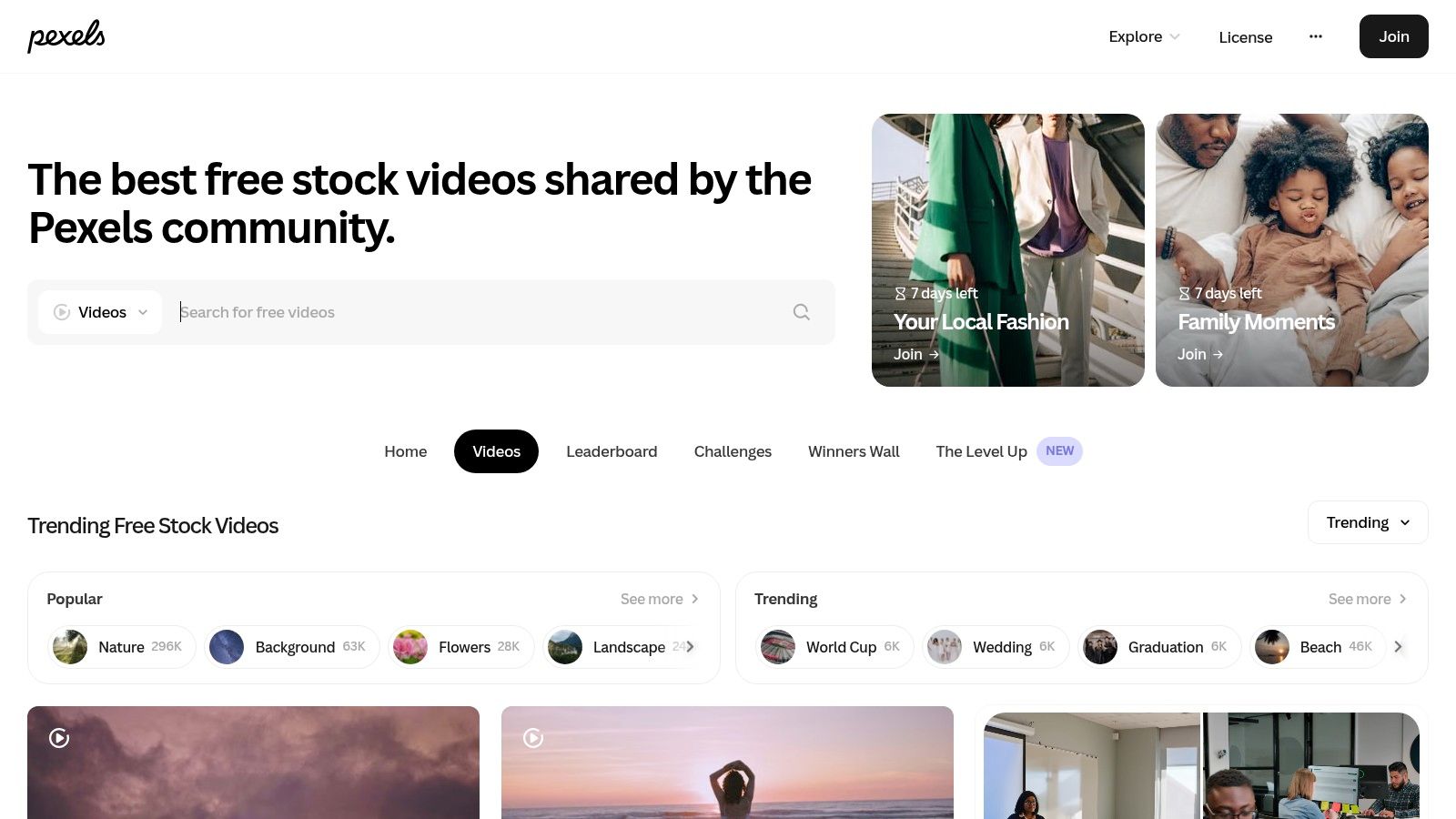
The good part is obvious. You get direct MP4 downloads, plenty of nature footage, and a lot of waterfall clips that look far better than the average "live wallpaper" you find on mobile-first sites. The less good part is that Pexels is a stock library, not a wallpaper collection. Beautiful shot does not automatically mean good loop.
A lot of the clips are classic stock-video waterfall material. Drone glides, wide nature vistas, dramatic angle changes, heroic mist. Nice footage, often wrong for a lock screen or desktop because the motion is too busy or the start and end points don't marry up.
When Pexels works best
Pexels is useful when you want:
- A free test run: You can try several waterfall looks without spending anything.
- Direct file access: MP4 downloads make it easy to test inside a Mac wallpaper app.
- Broad variety: Forest falls, tropical falls, slow water over rock, the whole damp catalog.
Pick clips with steady framing and repetitive motion. Waterfall flow loops better than a sweeping drone reveal, which usually screams "start over" when it resets.
If you're pairing Pexels with gifPaper for Mac, the workflow makes sense. Find a clip you like, import it, see if it feels calm enough to stare at for hours, and keep or toss. That last part matters more than people admit. A waterfall wallpaper can be gorgeous and still be a terrible coworker.
3. Pixabay Videos
Pixabay feels like Pexels' equally generous cousin who offers unrestricted access. You can often grab files without even making an account, which is handy when you just want to test three waterfall clips and go on with your day. The main library lives at Pixabay Videos.
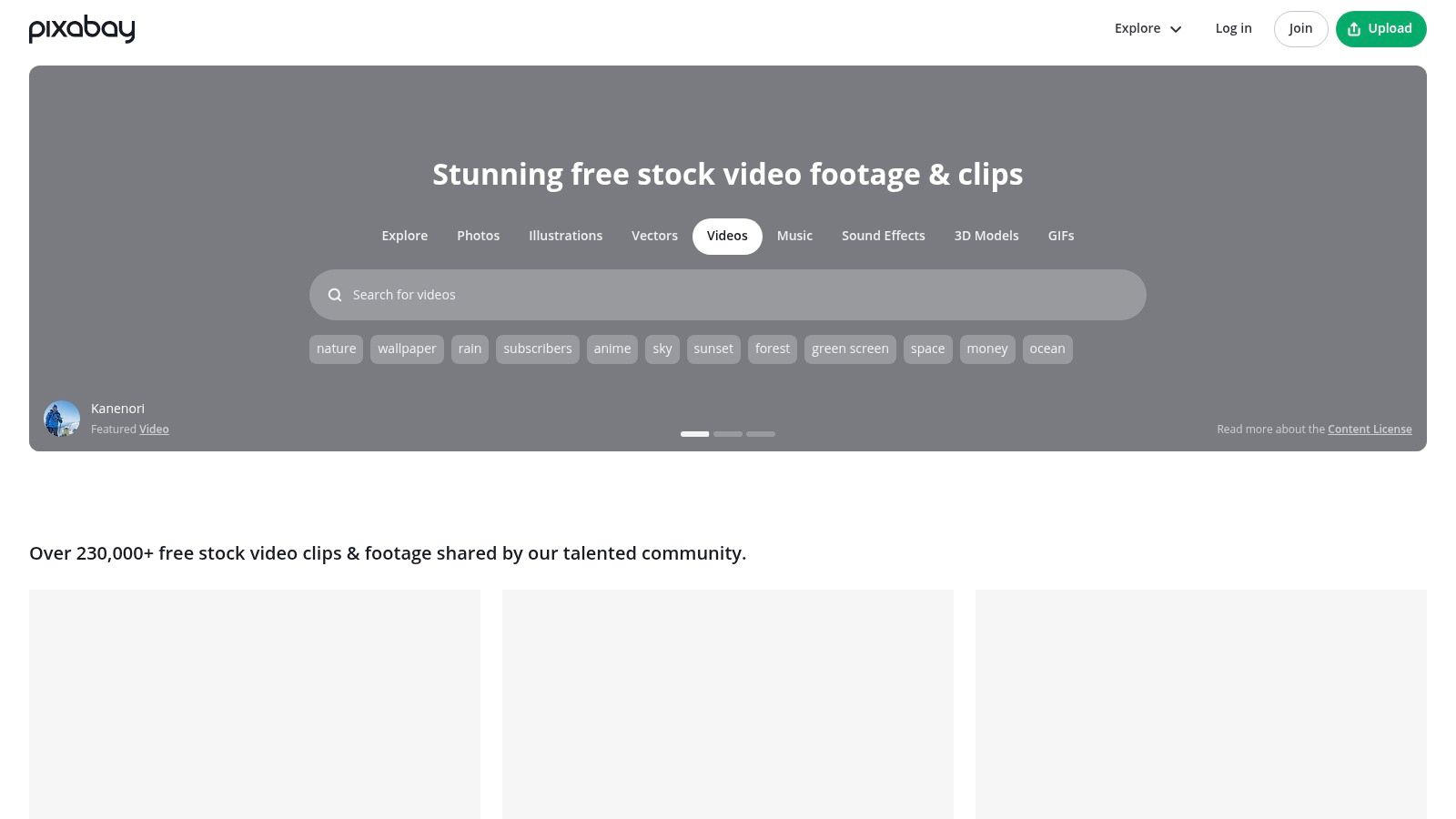
For animated waterfall wallpaper hunting, Pixabay is strong on sheer variety. You'll find close-up water textures, distant falls in deep forest, slow-motion spray, and the occasional clip that looks like it belongs in a meditation app that charges too much for breathing exercises.
What it's good at
The big win here is experimentation. Pixabay is great when you don't yet know whether you want your Mac to feel like "lush national park at dawn" or "mysterious cliffside waterfall where a wizard probably pays taxes."
Its large free catalog also makes it useful for edge cases. If you want a more unusual framing or mood, Pixabay can turn up things the smaller curated libraries don't have.
What usually goes wrong
Quality varies more than on curated platforms. Some clips look polished. Some look like they were uploaded by a drone with unresolved emotional issues.
You also run into the same loop problem as every big stock site. Many clips are video first, wallpaper second. If the camera moves too much, or the shot has a hard beginning and end, you'll need to trim it or accept a noticeable reset.
A good wallpaper loop should disappear into the room. If you keep noticing the loop point, the clip is failing the assignment.
Still, for zero-cost browsing and fast downloads, Pixabay earns its place. It's not elegant. It is useful. Sometimes that's enough.
4. Videvo
Videvo sits in the middle. Not as sprawling and chaotic as the biggest free libraries, not as premium-only as the paid marketplaces. For waterfall footage, that middle ground is pretty handy. You can browse the catalog at Videvo.
What Videvo does well is showing the license on each clip clearly. That's not glamorous, but it saves time. If you're grabbing footage for personal wallpaper use, you still want to know what you're dealing with before downloading half a dozen files and realizing some have extra conditions attached.
Why people end up liking it
Videvo is good when the giant libraries feel noisy. The footage mix usually includes close shots, wide shots, mist-heavy scenes, and the usual drone material, but the site doesn't feel quite as endless.
That makes it easier to make decisions, which is underrated. At some point, searching for the perfect waterfall clip becomes a hobby you did not mean to start.
A quick shortlist:
- License clarity: Each clip spells out the usage terms more plainly than many competitors.
- Free plus premium mix: You can test free footage, then step up if the better clip is paid.
- Decent variety: Enough range to find calm and dramatic looks without opening ten tabs.
The catch
The free catalog can be inconsistent. Some clips are lovely. Some are there because the internet is a democracy, and democracy has side effects.
Also, Videvo still isn't a Mac wallpaper product. It's a source for raw material. If you want native lock screen support, synced desktop behavior, and less fiddling, you still need an actual Mac wallpaper app to do the final step properly.
5. Coverr
Coverr is what I'd use when I'm in no mood to wade through twenty mediocre waterfall videos to find one good one. It's smaller, more curated, and generally less chaotic than the giant free sites. You can browse it at Coverr.
The footage tends to feel more intentionally shot and graded, which matters on a Mac display. A wallpaper sits there all day. Bad color, awkward framing, or weird compression gets old fast. Coverr usually avoids those sins.
Why it punches above its size
Because the catalog is curated, results are cleaner. You spend less time filtering out junk and more time deciding whether you want "serene water over mossy rock" or "cinematic cascade with enough mist to hide a plot twist."
That's the upside. The downside is obvious. Smaller library, fewer niche options.
Some people want infinite choice. Most people want one clip that looks good and doesn't annoy them by lunchtime.
If you care more about taste than volume, Coverr is a good stop. It also suits people who don't want to edit much. You still need to check whether a clip loops nicely, but the average starting point is stronger than what you get from many giant free libraries.
One more practical note. Resolution isn't always the same across every clip, so check before downloading. For Mac wallpapers, especially on Retina displays, that detail matters more than the thumbnail suggests.
6. Envato Elements
Envato Elements is the power-user route. If free libraries feel random and you want a giant paid catalog of more polished assets, Envato Elements does the job.
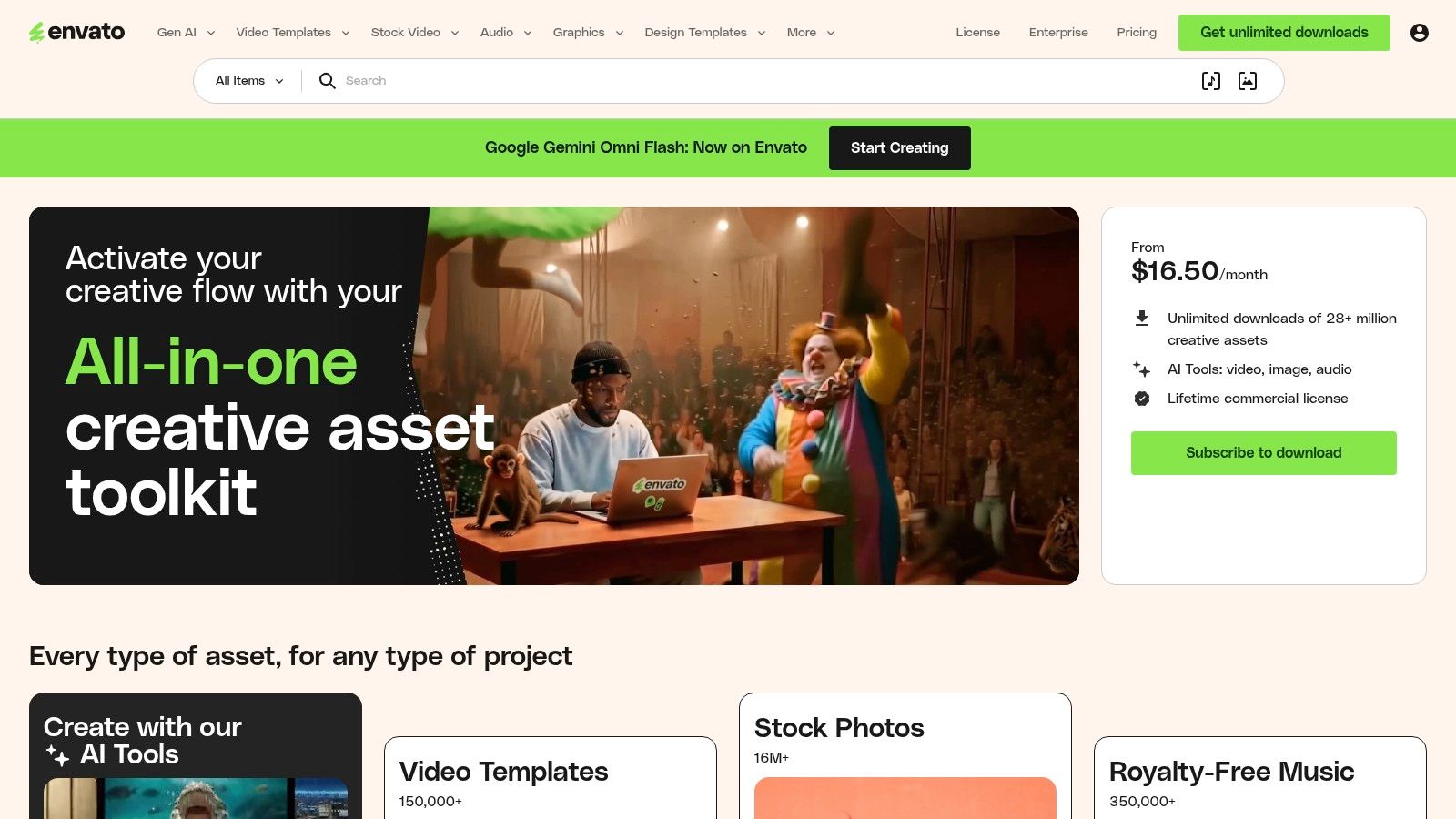
When people plan to swap wallpapers often, test multiple styles, or pull in more than just one waterfall clip, they find value in this approach. You're not paying for a single file. You're paying for access to a large creative library, which changes the math.
Who it's for
Envato makes sense if you're the kind of person who notices details like loop smoothness, color consistency, and whether motion assets look professionally built. In the broader wallpaper world, 3D and animated wallpaper segments are growing quickly, with the 3D wallpaper market projected at $12.8 billion by 2034 from $7.2 billion in 2025. That doesn't magically make every clip good, but it does explain why the premium side of this category keeps getting better.
You'll also find more purpose-made motion backgrounds here than on free stock sites. That matters because true loops are worth money. Editing your own loop is possible. Not having to is nicer.
The real trade-off
Envato is efficient if you want lots of options. It's less sensible if you only need one waterfall clip and then plan to live with it for six months while pretending your desktop choices are part of your personality.
A few reasons to choose it:
- Professional consistency: The average footage quality is stronger than free libraries.
- Good for testing moods: Calm rainforest waterfall today, icy cascade next week.
- Less DIY repair work: More assets feel ready for wallpaper use.
The subscription is the catch. If you're not going to use it much, buying access can feel like renting a canoe to cross a puddle.
7. Pond5
Pond5 is the "I know exactly what I want, and apparently I'm willing to pay for it" option. If your mental image is oddly specific, Pond5 is one of the better places to test whether that image exists. The marketplace is at Pond5.
This isn't a curated wallpaper collection and it isn't a free-for-all stock bin. It's a large professional marketplace with detailed search filters, lots of contributors, and enough variation to satisfy people who use words like "atmospheric" without irony.
Where Pond5 shines
Search depth. That's the whole story.
If you want a broad, moody waterfall at dusk, you can look for that. If you want close-up water motion with minimal camera movement because you care about looping, you can look for that too. The filtering makes the site more practical than many competitors when your standards get annoyingly specific.
The pay-per-clip model is also cleaner than a subscription if you only need one asset. Buy the file you want, keep it, move on with your life.
Why it's not for everyone
Experimenting gets expensive fast. Pond5 is great when you've narrowed your taste. It's less great when you're still in the "maybe tropical, maybe Icelandic, maybe just wet and calming" stage.
There's also a hidden workflow truth here. Even a premium stock clip still needs a proper Mac wallpaper app to feel native. Buying better footage solves the source problem. It doesn't solve the setup problem.
Animated Waterfall Wallpaper: Top 7 Sources Compared
| Item | Implementation complexity | Resource requirements | Expected outcomes | Ideal use cases | Key advantages |
|---|---|---|---|---|---|
| The gifPaper Collection | Very low, one‑click setup via macOS app | Requires macOS and gifPaper app; GPU/CPU for 4K playback | Seamless 4K looping wallpapers with optional ambient audio | Mac users wanting plug‑and‑play animated desktops | Curated 4K loops, ambient sound, effortless setup |
| Pexels Videos | Moderate, search/download; may need manual looping/editing | Free downloads; video editor and storage for 4K files | High‑quality MP4 clips; loopability varies | Budget users seeking large variety of free clips | Massive free 4K library, zero cost |
| Pixabay Videos | Moderate, similar to Pexels; may need trimming for loops | Free downloads (often no account); editor for looping | Variable quality 4K clips; may require editing | Quick experimentation with many styles | Large free selection and fast downloads |
| Videvo | Moderate, choose free or premium, check per‑clip license | Mix of free/premium; may require attribution; editor | Mixed quality; clear license labels per clip | Users needing licensing clarity and mixed budget options | Per‑clip license transparency; free+paid options |
| Coverr | Low, curated, ready‑to‑use downloads (check resolution) | Free; smaller catalog; may need to confirm 4K availability | Cinematic, well‑shot clips with less sifting | Users wanting polished clips quickly without filtering | Curated high quality and simple permissive license |
| Envato Elements | Low, subscription yields instant access to assets | Paid subscription; internet and storage for downloads | Consistent professional‑grade, often loopable 4K assets | Power users or creators needing many assets regularly | Unlimited downloads, consistent pro production quality |
| Pond5 | Low, purchase per clip and download with clear license | Pay‑per‑clip budget; storage; licensing per purchase | Very specific, top‑tier cinematic footage | Users needing niche or highly specific professional shots | Huge catalog, granular filtering, premium quality |
From Video File to Live Wallpaper
You find a gorgeous waterfall clip, set it as your background, and five minutes later it either looks wrong, stutters, or only works on the desktop while the lock screen stays boring. That is the part people skip. The file matters, but the setup matters just as much.
For a Mac, the sweet spot is a clean, loopable video that feels native on both the desktop and lock screen. A lot of wallpaper apps get close by floating a video window over the desktop. Sometimes that is fine. Sometimes it burns battery, breaks Spaces behavior, or just feels janky enough that you stop noticing the waterfall and start noticing the hack.
I built gifPaper for Mac to solve that specific problem. It uses Apple's wallpaper system instead of faking the effect with an overlay, so the result behaves like a real wallpaper, not a video player pretending to be one. If your goal is a proper animated waterfall wallpaper on Mac, that trade-off matters more than another hundred mediocre clips from stock sites.
The workflow is simple. Pick a clip that loops cleanly, avoid shots with abrupt camera moves or obvious start and end points, then load it into the app and set it once for the desktop and lock screen. Waterfall footage works especially well here because the motion is naturally repetitive. Mist, flowing water, and slow foliage movement hide the loop better than city traffic or drone flyovers ever will.
The site has a curated set of 150+ looping 4K wallpapers with ambient music, including nature scenes that work well on a Mac display. The app turns those files into a lock screen, desktop, and screen saver setup on macOS 14 or later. It is a direct notarized download, not a Mac App Store app, because Apple's sandbox rules get in the way of live lock screen wallpaper features.
If you want more than waterfalls, the lofi wallpaper collection is there too. Different mood, same idea. Calm motion, clean loops, no nonsense.
gifPaper has a 7-day free trial with no credit card required. If it works for you, it costs $5 once. No subscription, because paying monthly for moving water on your lock screen would be a little ridiculous.
If you want the fastest path from "nice stock clip" to "my Mac setup now looks suspiciously expensive," gifPaper is the easiest way to do it.