7 Best Sources for Anime Animated Wallpapers
You've ascended. You're past the point of using a static, boring image as your desktop background. You demand motion, mood, and maybe a touch of melancholy rain viewed from a train window. You're looking for anime animated wallpapers, and you've come to the right place.
The goal isn't just to find a looping video; it's to find the right one. A scene that makes staring at your screen between tasks feel less like a chore and more like a brief escape. For Mac users craving a flawless lock screen that just works or Windows veterans who miss Wallpaper Engine, the right tool makes all the difference.
This guide is your shortcut. Forget endless sifting through low-resolution GIF sites. I'm breaking down the best apps and platforms to find high-quality anime animated wallpapers, from curated 4K loops with ambient sound to massive community-driven libraries. You're going to look at your Mac for hours anyway. Might as well make it pretty.
1. gifPaper
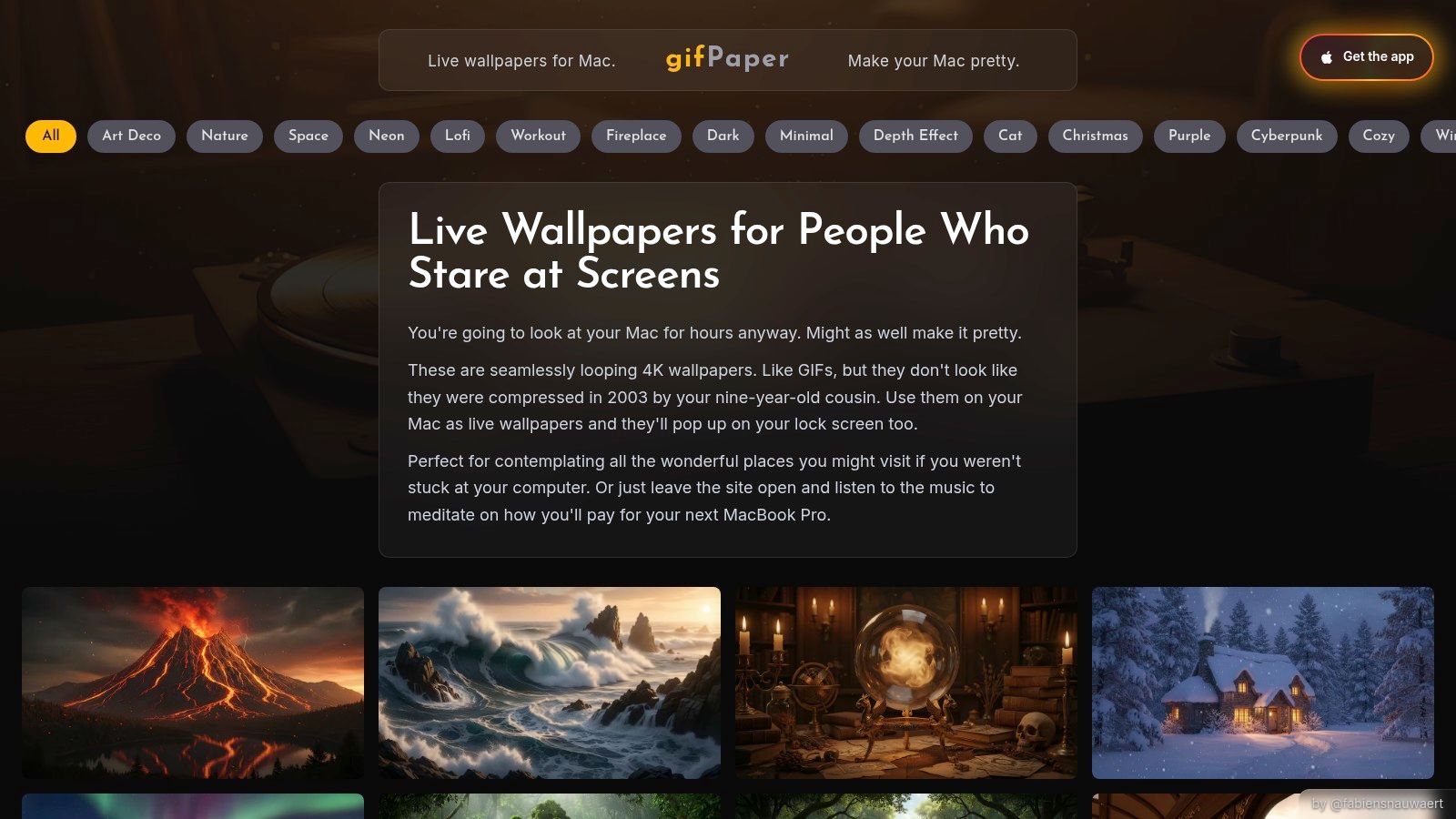
For Mac users who believe their desktop deserves better than a static vacation photo, gifPaper offers a curated gallery of high-end animated wallpapers. While not strictly an anime-only platform, its collections of Lofi, Neon, and Cyberpunk scenes hit the exact aesthetic sweet spot for anyone seeking stylish, moody, or cozy anime animated wallpapers. The whole experience is built from the ground up for macOS, prioritizing a seamless, native feel that other apps often miss.
What Makes It Stand Out
The killer feature is its native lock screen integration. gifPaper is the first and only app that uses Apple's official Aerial wallpaper format, meaning your live wallpaper appears on your lock screen and slows to a stop as you log in, just like Apple's own video wallpapers. No hacks or clumsy overlays are involved. One click sets the wallpaper on both your desktop and lock screen—a combination nobody asked for but everyone secretly needed.
The app comes with a carefully selected gallery of over 150 4K video loops, many with ambient audio. You can find everything from a quiet, crackling fireplace perfect for lofi study sessions to rain-soaked neon cityscapes. For example, its Cozy Fireplace Lofi Anime wallpaper is ideal for anyone who wants to channel that studious, relaxed vibe. The girl who's always studying would approve.
Key Features & Access
- Native Lock Screen: Wake your Mac to a living wallpaper. It's the real deal.
- Curated 4K Gallery: High-resolution loops that look razor-sharp on Retina displays.
- Desktop & Screen Saver: A still frame on the desktop by default (with a toggle for full video), and a screen saver that's actually worth looking at.
- One-Time Purchase: $4.99 (launch price). No subscription. Includes a 7-day free trial and a 30-day money-back guarantee. It's a direct download, as Mac App Store sandboxing prevents live lock screen wallpapers.
Pros: * Mac-first design provides a superior, native experience. * True lock screen support without workarounds. * High-quality, curated library saves you from endless searching.
Cons: * Mac-only (macOS 14 Sonoma or later). Windows users are out of luck. * Smaller dedicated "anime" category than community-driven sites.
Website: https://gifpaper.com/
2. Wallpaper Engine
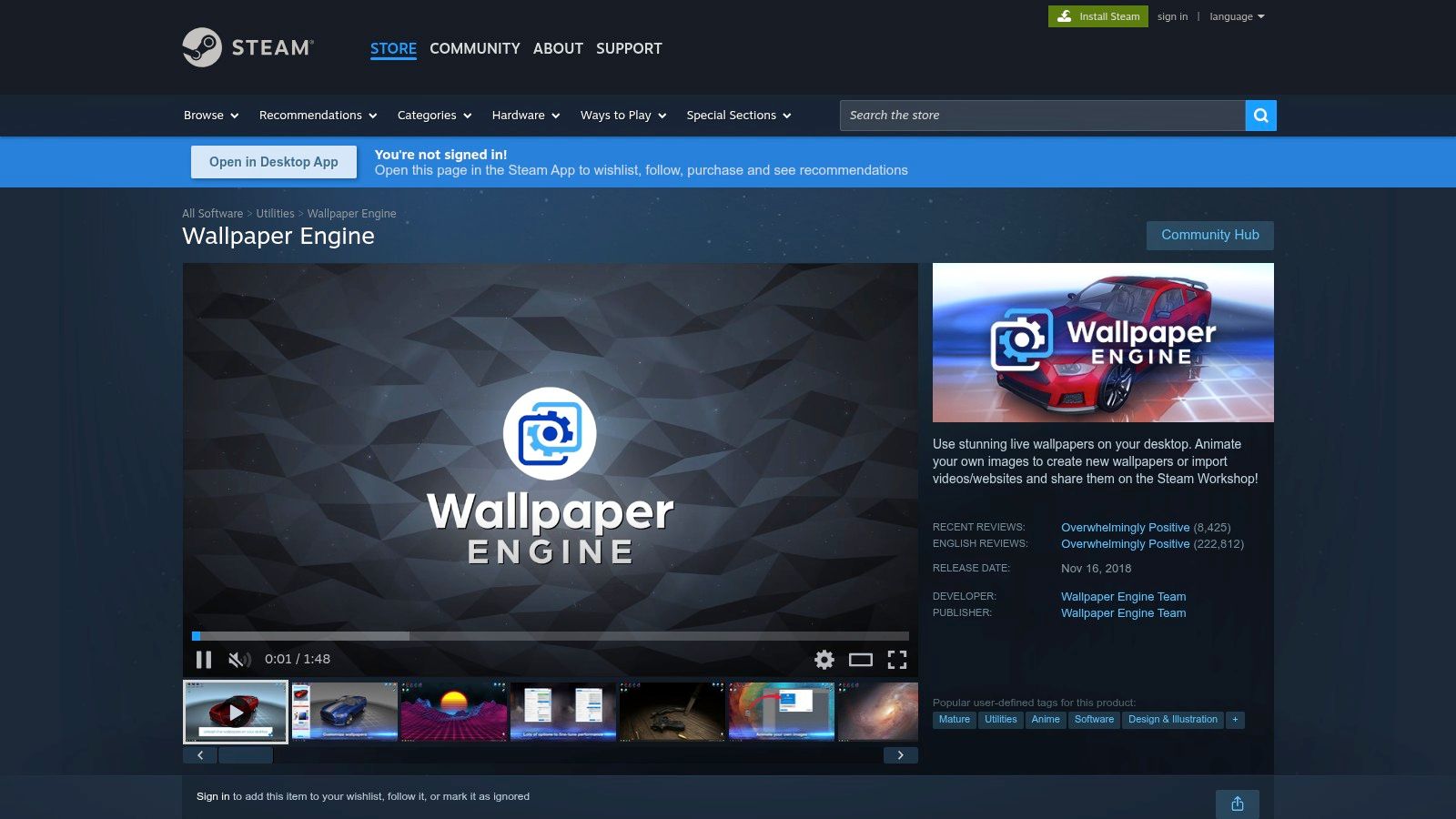
For Windows users, Wallpaper Engine is the undisputed titan of desktop customization. It's less a single app and more a sprawling ecosystem built on the Steam Workshop, where a massive community shares creations. Its "Anime" tag is one of the most vibrant, hosting hundreds of thousands of user-made anime animated wallpapers, from simple video loops to complex, interactive 2D and 3D scenes that react to your mouse.
What Makes It Stand Out
The sheer scale of its community-driven library is its defining feature. While curated platforms offer a polished selection, Wallpaper Engine provides an ocean of content. You can find animated scenes from virtually any anime, fan-art creations, and interactive wallpapers with audio-reactive effects that pulse with your music. Its powerful performance settings let you control resource usage, with options to automatically pause the wallpaper when you're gaming or using full-screen applications.
Beyond playback, it includes a powerful editor for creating your own animated wallpapers or customizing existing ones. This depth, combined with its official Android companion app for taking your favorite wallpapers on the go, makes it a complete solution for anyone serious about desktop personalization.
Key Features & Access
- Massive Steam Workshop: An almost endless supply of community-made wallpapers, searchable by tags like "Anime".
- Deep Customization: A powerful editor, audio-reactive options, and extensive performance controls.
- Multi-Monitor Support: Set different wallpapers on each display or stretch one across all of them.
- Android Companion App: Sync and use your wallpapers on your Android phone.
- One-Time Purchase: The software is a $4.99 one-time purchase on Steam, giving you access to the entire Workshop.
Pros: * Unmatched selection, especially for anime fans. * Extensive customization and performance-tuning options. * Official Android app provides a unified desktop-to-mobile experience.
Cons: * Windows-only; not available for macOS. * Quality is inconsistent due to its community-driven nature. * Requires the Steam client to be running.
Website: https://store.steampowered.com/app/431960/Wallpaper_Engine/
3. Motion Backgrounds (formerly MoeWalls)
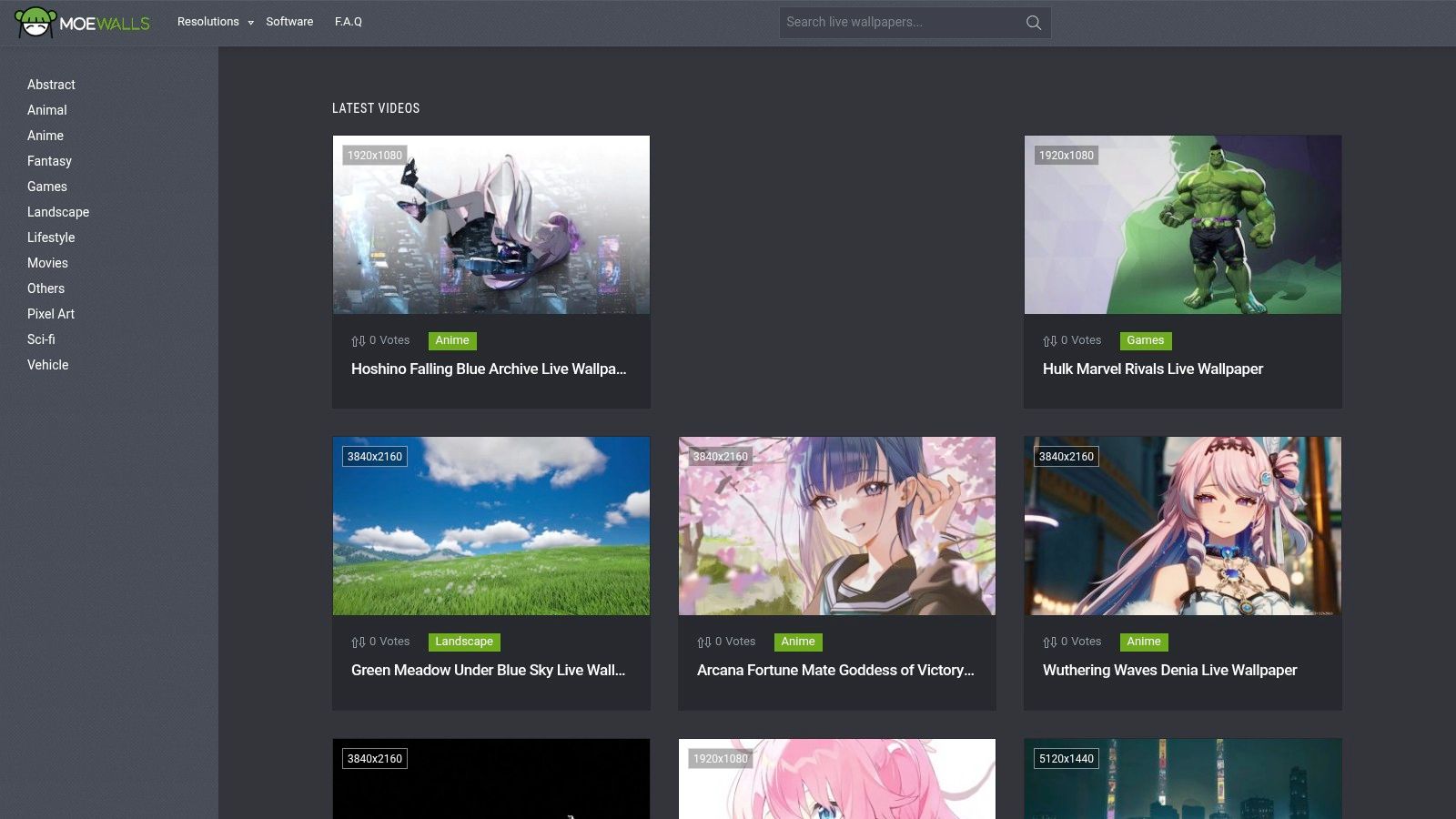
For those who treat finding the perfect anime animated wallpapers like a treasure hunt, Motion Backgrounds is the sprawling bazaar where you're guaranteed to find gold. Formerly known as the popular MoeWalls, this site acts as a massive public library for downloadable live wallpapers. Its real strength lies in its enormous and highly specific anime collection, letting you filter not just by series but by individual characters, ensuring you can find that perfect shot of your favorite hero or villain.
What Makes It Stand Out
The killer feature here is the sheer breadth and depth of its catalog, specifically for anime fans. While other sites might have a generic "anime" category, Motion Backgrounds provides a detailed taxonomy. You can browse for wallpapers from Jujutsu Kaisen, Chainsaw Man, or Attack on Titan and then drill down to find loops featuring Gojo Satoru, Makima, or Levi Ackerman. This community-driven approach means new wallpapers from the latest trending series appear almost immediately.
Everything on the site is provided as a direct MP4 download. This makes the files incredibly versatile; they can be used with a variety of wallpaper engines on Windows or imported directly into an app like gifPaper on Mac. The site offers desktop, mobile, and ultrawide variants, with many available in crisp 4K resolution. Quick previews and trending sections make it easy to see what's currently popular in the community.
Key Features & Access
- Extensive Anime Taxonomy: Filter by series and character for precise results.
- Direct MP4 Downloads: Grab high-quality video files that work in any compatible app.
- 4K & Ultrawide Support: Find resolutions that fit modern high-resolution and wide-screen displays.
- Free Access: The entire library is free to browse and download, supported by on-site ads.
Pros: * A massive and constantly updated catalog for anime fans. * Granular tagging system makes finding specific characters easy. * MP4 downloads are versatile and compatible with many platforms.
Cons: * The site is supported by ads, which can be distracting. * As a public repository, quality and artist attribution can be inconsistent.
Website: https://moewalls.com/
4. DesktopHut
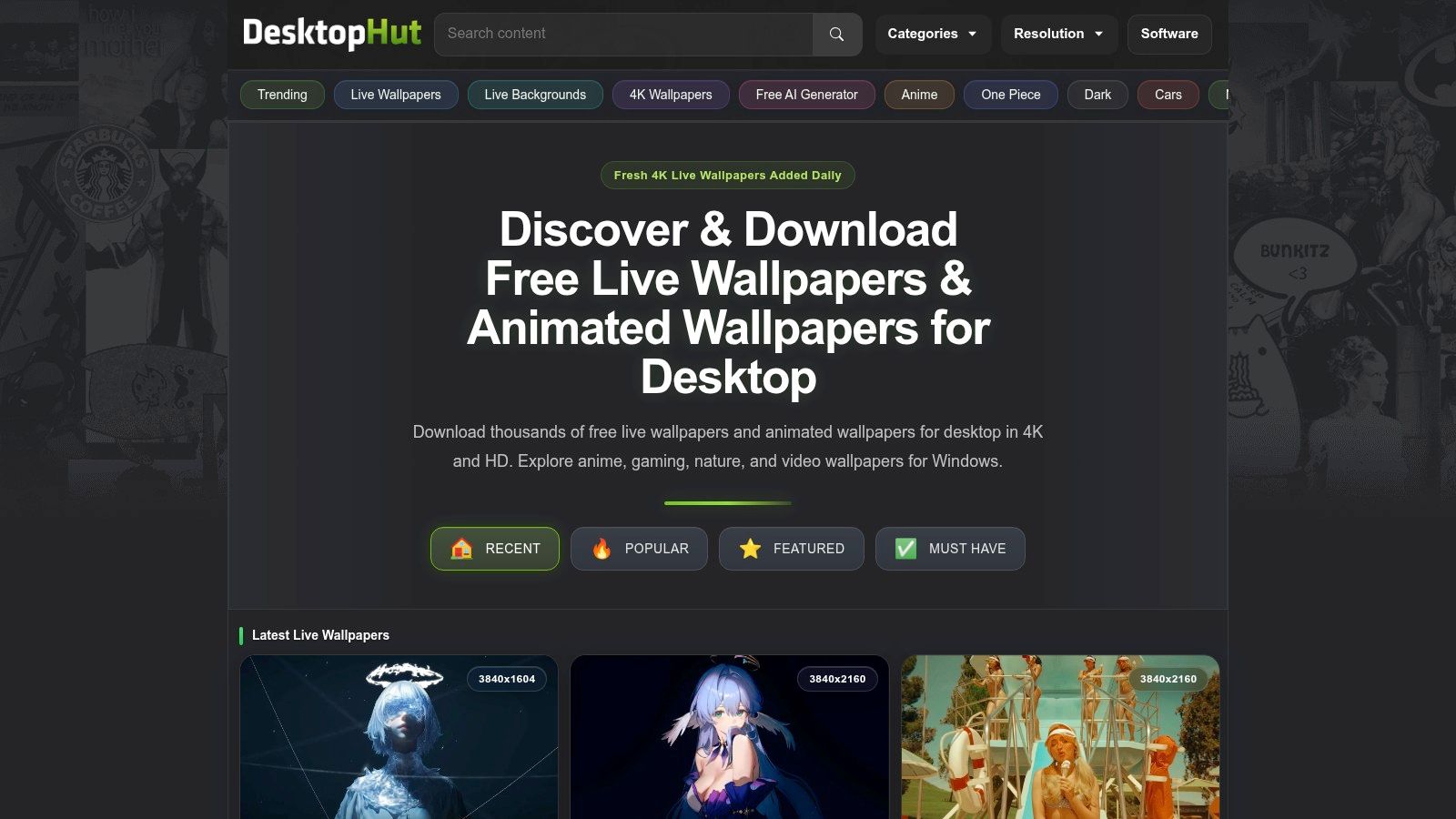
For those who crave sheer volume, DesktopHut is a long-standing library with an enormous repository of free anime animated wallpapers. It operates as a straightforward download hub, offering thousands of video files ready to be set as a desktop background. The site is a massive, user-contributed archive where you can find clips from almost any anime series or movie imaginable, from mainstream hits to obscure fan favorites.
What Makes It Stand Out
The biggest draw is its massive, unfiltered selection combined with its direct download model. Unlike curated platforms, DesktopHut is a community-driven treasure trove. Its power lies in its search bar and extensive filtering options, which let you drill down by resolution including 1080p, 2K, 4K, and even ultrawide formats. This makes it an invaluable resource for finding a specific clip from a specific show that fits your exact monitor setup.
While the site is primarily for downloading MP4 files, it also offers a companion Windows application to help manage and play the wallpapers. For Mac users, the downloaded MP4s are perfectly compatible with apps like gifPaper, allowing you to use DesktopHut as an endless source of content for a more advanced wallpaper manager.
Key Features & Access
- Massive Anime Library: Thousands of user-submitted clips from a huge range of anime.
- Resolution Filters: Easily find wallpapers in 1080p, 2K, 4K, and ultrawide resolutions.
- Direct MP4 Downloads: Free, straightforward video file downloads without requiring an account.
- Windows App: A free companion app for Windows users to apply wallpapers with one click.
Pros: * Extremely large and diverse selection of anime wallpapers. * Excellent resolution filters, especially for ultrawide and 4K displays. * MP4 downloads are free and compatible with various wallpaper applications.
Cons: * The website is supported by ads, which can be intrusive. * Quality and loop seamlessness can vary greatly since content is user-submitted.
Website: https://www.desktophut.com/
5. Lively Wallpaper
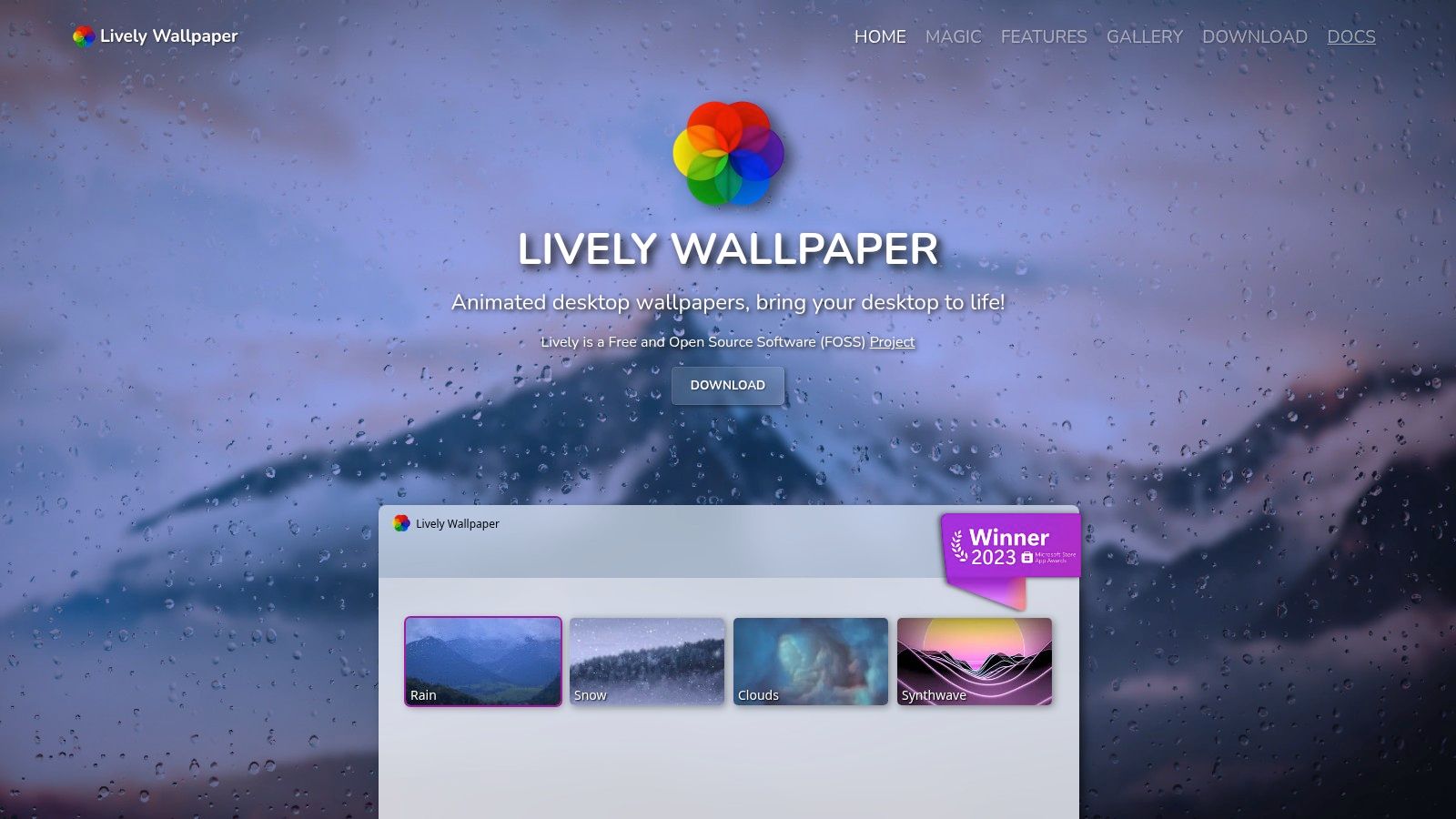
For Windows users who want total control without paying a dime, Lively Wallpaper is the go-to answer. It's a free and open-source engine that transforms your desktop into a dynamic canvas. While it doesn't host its own content library, it acts as a powerful player for any video file, webpage, or interactive app you throw at it. This makes it the perfect companion for anyone who finds their ideal anime animated wallpapers on sites like DesktopHut or wants to loop a specific scene from a downloaded video.
What Makes It Stand Out
Lively's strength is its combination of power and accessibility. As a completely free and open-source software (FOSS) project, it offers a level of transparency and community-driven development that paid programs can't match. It's a tool built by enthusiasts for enthusiasts. Its modern interface, designed to blend in with Windows 11, makes setup incredibly simple. You can drag and drop an MP4 or WebM file, paste a YouTube URL, or even set an interactive shader as your background.
The performance-first approach is another key benefit. Lively automatically pauses all animation when a full-screen application or game is running, ensuring your frame rates don't suffer. It also features robust multi-monitor support, allowing you to span a single wallpaper across multiple screens or set a different one for each. It's a "bring your own wallpaper" system that gives you the freedom to use any anime loop you can find.
Key Features & Access
- Broad Format Support: Plays local video files (MP4, WebM), GIFs, and even interactive HTML and Unity wallpapers.
- Performance-Aware: Automatically pauses playback when you're gaming or using full-screen apps to save resources.
- Free & Open-Source: Costs nothing and its code is publicly available for anyone to inspect or contribute to.
- Multi-Monitor Control: Set different wallpapers for each monitor or stretch one large wallpaper across your entire setup.
Pros: * Completely free with no hidden costs or ads. * Open-source nature provides transparency and active community development. * Excellent performance features, including automatic pausing.
Cons: * Windows-only, leaving Mac users to look for other options. * Requires you to find and download your own wallpaper files.
Website: https://rocksdanister.github.io/lively/
6. Zedge
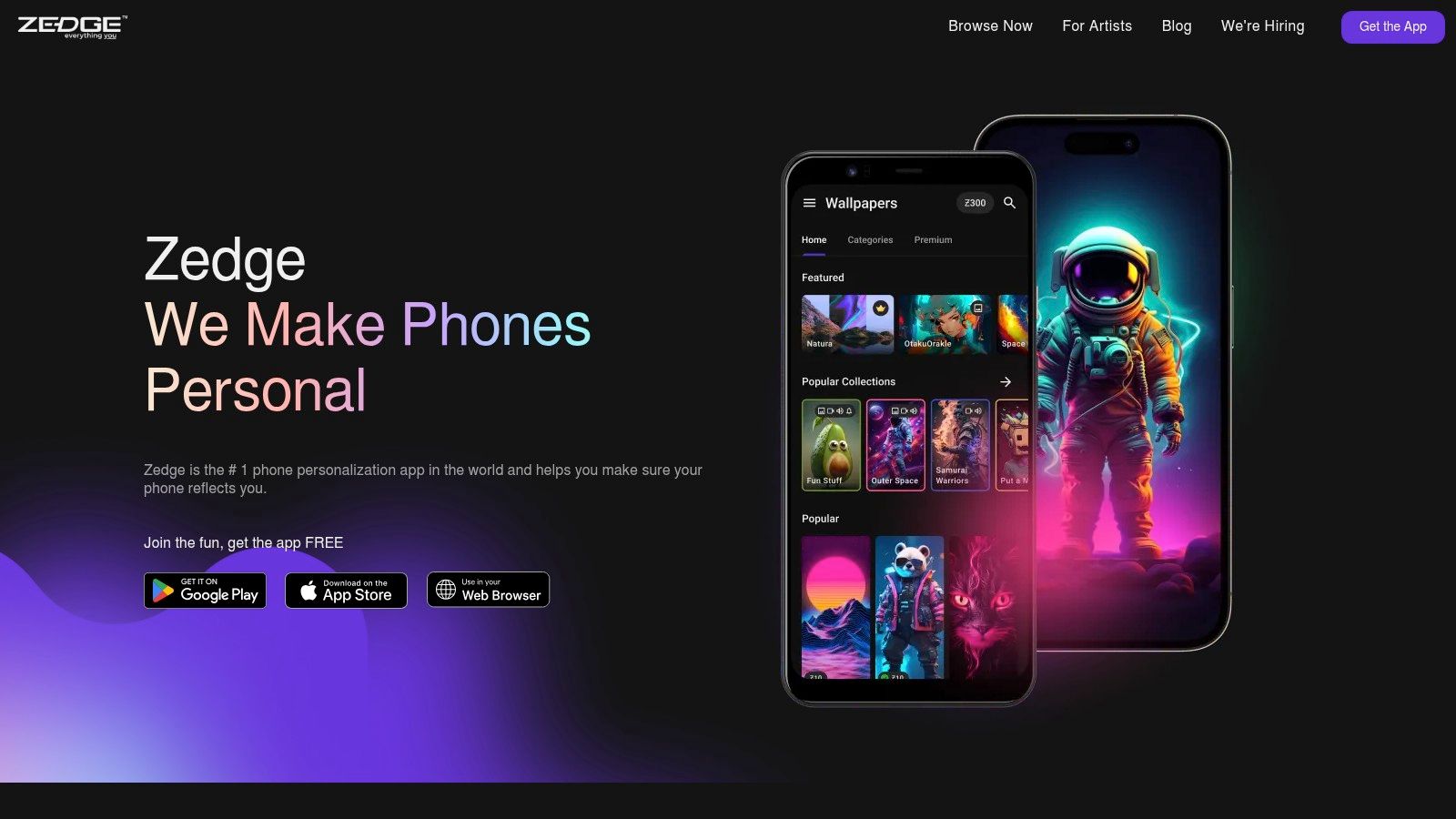
For anyone who lives on their phone, Zedge is a household name in mobile personalization. It's a massive, mainstream platform for ringtones, backgrounds, and, crucially, anime animated wallpapers for iOS and Android. While not exclusively an anime hub, its sheer volume of user-uploaded content means its anime category is packed with options. It's the go-to, low-friction choice for getting motion onto your phone's home screen or lock screen without much fuss.
What Makes It Stand Out
Zedge's primary strength is accessibility. As official iOS and Android apps, the process of finding and setting a video wallpaper is incredibly simple. You browse, tap, and the app guides you through setting the animation on your home screen, lock screen, or both. There's no need to manually download files or use third-party tools. It just works.
The platform operates on a freemium model. Many video wallpapers are free to download, supported by ads within the app. Others are premium, requiring you to either watch an ad or spend Zedge Credits, which you can earn or purchase. This model ensures a constant stream of new content from creators, giving you an endless library of clips from popular series, moody character loops, and dynamic action scenes to discover.
Key Features & Access
- Mobile-First Experience: Official, easy-to-use apps for both iOS and Android.
- Massive Library: A huge, discoverable "Anime" category filled with user-generated video wallpapers.
- Freemium Model: Access a mix of free (ad-supported) and premium content.
- All-in-One Personalization: Also offers static wallpapers, ringtones, and notification sounds.
Pros: * Extremely easy to find and apply animated wallpapers on mobile devices. * A vast and constantly updated selection of anime content. * Free options are widely available, making it highly accessible.
Cons: * Video quality and loop smoothness can vary significantly between uploads. * The ad-based system and premium credits can feel intrusive to some users.
Website: https://www.zedge.net/
7. AnimeLiveWallpaper.com
For those who want to skip the broad, multi-genre platforms and get straight to the goods, AnimeLiveWallpaper.com offers a focused, no-nonsense approach. This site acts as a simple aggregator, collecting downloadable MP4 video loops from across the anime spectrum. It strips away the complexity of community hubs, providing a straightforward gallery for finding anime animated wallpapers featuring specific characters and popular series.
What Makes It Stand Out
The site's strength is its simplicity. While larger platforms can feel overwhelming, AnimeLiveWallpaper.com provides a direct path to finding content for a specific show. You won't find lofi, cyberpunk, or abstract genres here; the entire experience is dedicated to anime. The navigation is built around a gallery and download section, making it easy to grab an MP4 file for your favorite character, whether it's from Jujutsu Kaisen or Demon Slayer.
These downloaded video files are perfect for users on Windows who rely on apps like Wallpaper Engine. For Mac users, these MP4s can be imported directly into gifPaper, allowing you to use them on your desktop and lock screen. Its pure anime focus makes it a solid resource if you have a particular character in mind and just need the file without any extra steps.
Key Features & Access
- Anime-Only Focus: The gallery is exclusively dedicated to anime, making browsing quick and relevant.
- Direct MP4 Downloads: Provides video files suitable for various wallpaper engines on both PC and Mac.
- Character & Series Search: Built to help you find wallpapers from specific, well-known anime titles.
- Free Access: The site is free to use, serving as an ad-supported repository for wallpaper files.
Pros: * Clear, anime-centric browsing saves time. * Easy to download files for specific characters or series. * Completely free to access and download content.
Cons: * Much smaller library compared to large community-driven sites. * Users have occasionally reported friction with download links or ads. * Lacks the curated quality control of premium platforms.
Website: https://animelivewallpaper.com/
Making It Your Own: The Mac User's Choice
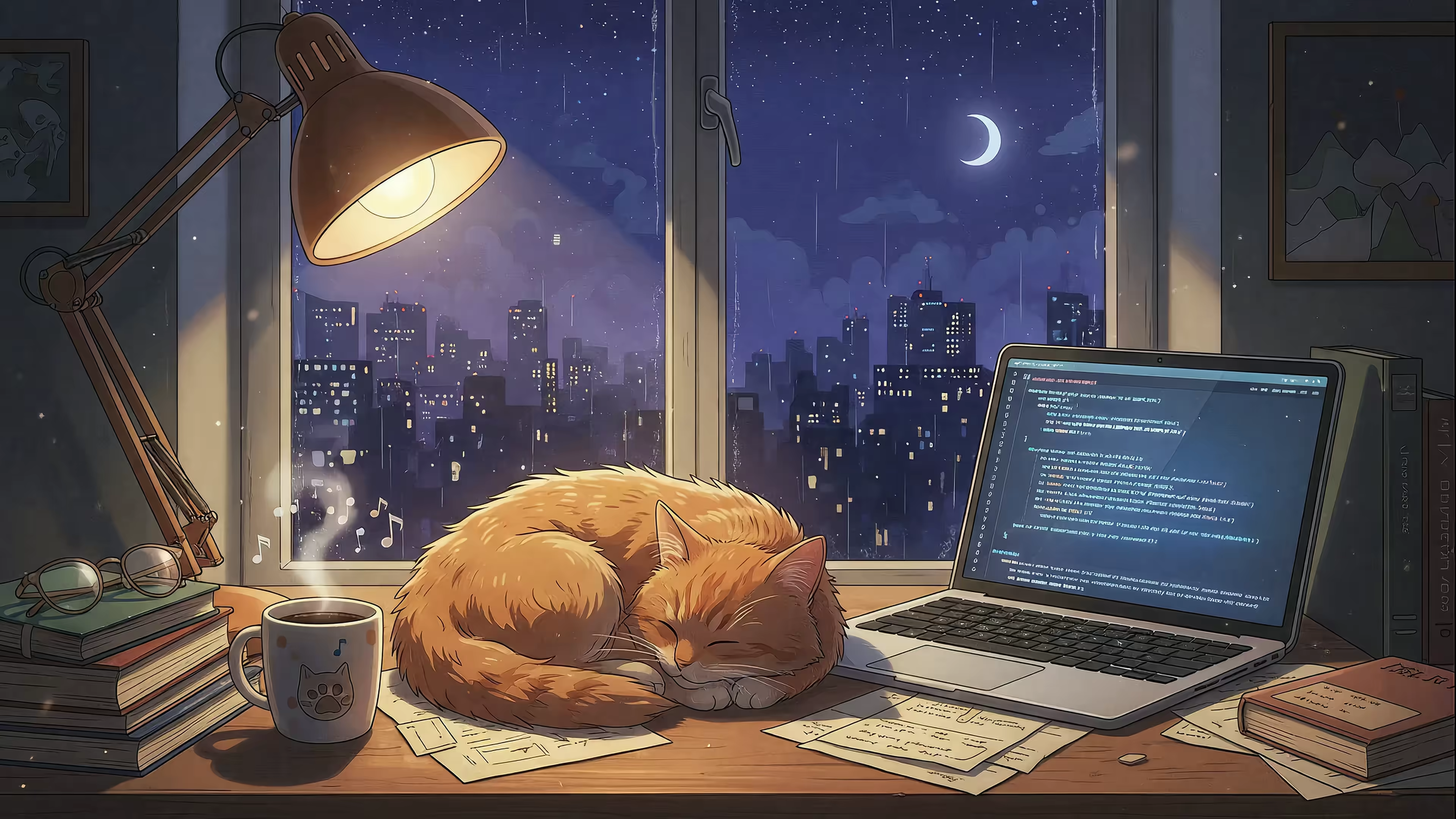
You've seen the possibilities. Your desktop doesn't have to be a static, forgotten space. It can be a portal to a rain-soaked neon alley, a quiet moment in a sun-drenched field, or a cozy, book-filled room with a cat judging you from afar. The right anime animated wallpaper transforms the mundane act of checking emails into something with a little more atmosphere and personality. It's a small detail, but you stare at this screen for hours a day. It might as well be something you enjoy looking at.
This guide covered a range of tools and resources, each with its own place. For Windows users, the path is clear: Wallpaper Engine is the undisputed king, offering a massive, community-driven library. For everyone else, sites like Motion Backgrounds and DesktopHut provide a steady stream of downloadable MP4 files, giving you the raw material to build your perfect aesthetic.
But for Mac users, the real challenge isn't finding the wallpaper; it's getting it to work correctly without compromises.
The Mac Dilemma: Most wallpaper apps for macOS are just glorified video players running in a layer behind your icons. They drain your battery, don't work on the lock screen, and feel like a clumsy hack. This is the core problem that drove me to build gifPaper in the first place.
I designed gifPaper for Mac to solve this specific problem. It's the only app that uses Apple's native system for video wallpapers, the same one Apple uses for its own moving backgrounds. This makes it incredibly efficient. More importantly, it's the only way to set a live wallpaper on your macOS lock screen. Wake your Mac, and your chosen scene animates beautifully as you type your password. The desktop shows a crisp still frame by default to save power, but you can toggle full video animation with a single click.
Ready to stop settling for static images on your Mac? gifPaper brings your desktop and lock screen to life with seamless, 4K animated wallpapers, from lofi study scenes to neon cityscapes. Download the app and start your free 7-day trial to see what you've been missing. No credit card required.