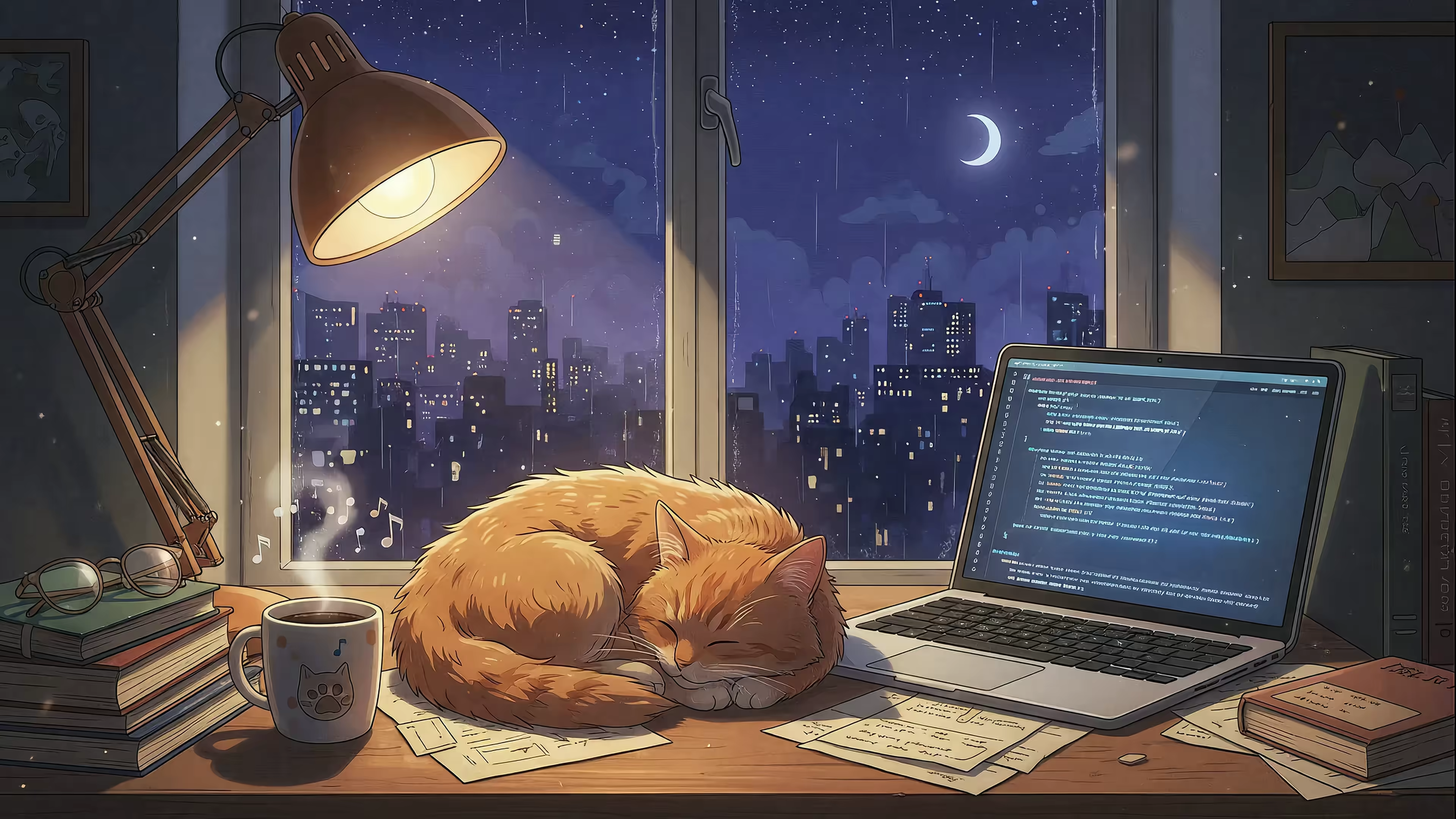
7 Best Sources for Cat Live Wallpapers
The internet was invented for distributing cat content. It is the highest and best use of our global network infrastructure. So why is your desktop background still a static photo of a mountain you've never climbed? It's time to upgrade your screen to something that truly reflects your priorities: a cat, in glorious motion, silently judging your emails.
This guide solves a specific problem: making your Mac lock screen and desktop look incredible with minimal effort. You're going to stare at that screen for hours anyway; it might as well be occupied by a peacefully sleeping kitten or a majestic feline overlord surveying its domain.
Here, you'll find a curated roundup of the best options, from dedicated Mac apps to vast libraries for DIY enthusiasts. Each entry includes direct links, a short description of its vibe, and notes on why it works so well—from seamless 4K loops to native Mac integration.
1. gifPaper
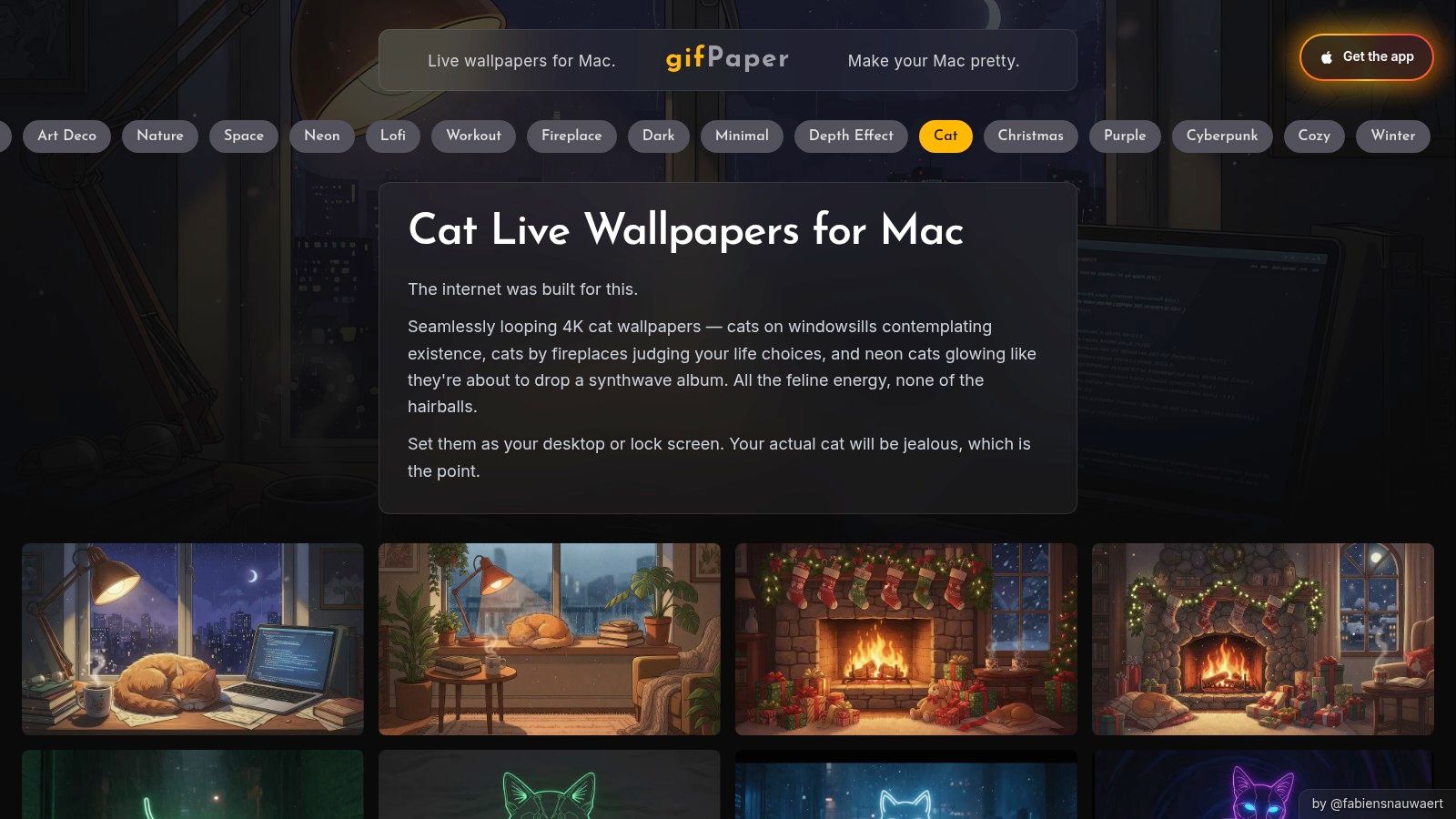
For Mac users who believe aesthetics are non-negotiable, gifPaper is the answer. It's a native macOS app built to do one thing exceptionally well: put beautiful, seamlessly looping videos on your Mac's desktop and lock screen. Forget the hacky workarounds and resource-hogging apps of the past; this is how live wallpapers are supposed to work. It uses Apple's native Aerial wallpaper format, the same system Apple uses for its own video scenes. The result is polished, stable, and frankly, a bit magical.
Why It's Great for Cat Lovers
The dedicated Cat wallpaper collection is the main draw, offering high-quality cat live wallpapers that go beyond simple GIF loops. You'll find scenes designed to create a specific mood, from a lofi cat studying in a cozy room to a cat napping by a crackling fireplace. Each wallpaper is a pristine 4K loop, so it looks crisp on any Retina display, and many include optional ambient music for full immersion.
- Curated Quality: The library isn't an endless marketplace but a hand-picked gallery of over 150 wallpapers. Every scene is chosen for its aesthetic, loop quality, and overall vibe.
- True Mac Integration: It sets your lock screen, desktop, and screen saver. Wake your Mac to a living wallpaper that slows down as you unlock, exactly like Apple's own. One action sets both the lock screen and desktop.
- One-Click Simplicity: Setting a wallpaper is as simple as clicking a button in the app. No complex configurations needed.
The experience is designed for people who spend hours at their Mac and want their digital space to feel as intentional as their physical one.
Access and Pricing
gifPaper for Mac is a one-time purchase of $4.99 (that's the launch price) and is available directly from my website. Apple's sandboxing rules on the Mac App Store prevent live lock screen wallpapers, so I distribute it directly. The app is notarized by Apple, so it's completely safe. It requires macOS 14 (Sonoma) or later.
You can try it out with a 7-day free trial that gives you full access to all features and wallpapers—no credit card required. There's also a 30-day money-back guarantee.
2. Wallpaper Engine
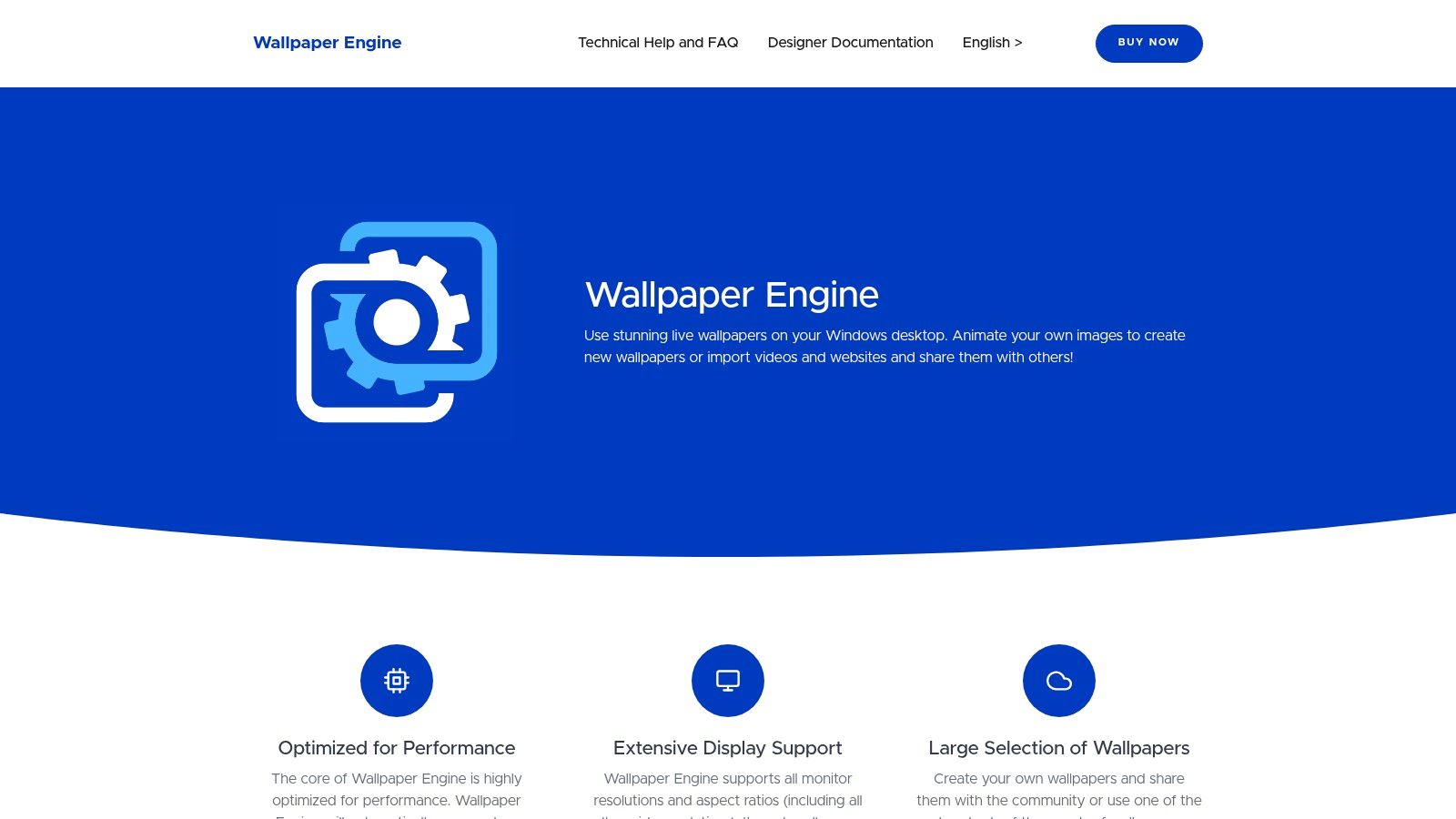
For Windows users, Wallpaper Engine is the undisputed king of desktop customization. It's less of an app and more of a massive, creativity-fueled ecosystem built on the Steam Workshop. It allows you to customize your desktop with everything from simple video loops to complex, interactive scenes that react to your mouse movements or system audio. If you can dream up a desktop, chances are someone has built it.
Why It's Great for Cat Lovers
The sheer volume of content is Wallpaper Engine's superpower. A simple search for "cat" on the Steam Workshop returns thousands of cat live wallpapers in every conceivable style. You'll find everything from pixel art cats vibing in a cafe to photorealistic 4K loops of cats sleeping in sunbeams. The community-driven nature means new creations are uploaded daily, offering an almost endless supply of feline-themed desktops.
- Endless Variety: With thousands of user-created wallpapers, you can find a cat for any mood or aesthetic, from cyberpunk to cottagecore.
- Powerful Customization: Many wallpapers come with options to change colors, add effects, or react to audio.
- Android Companion: A companion app allows you to transfer and use your favorite wallpapers on your Android phone or tablet.
The experience is perfect for tinkerers and anyone who craves variety. While the quality on the Workshop can vary, filtering for "Approved" or highly-rated content helps you find polished gems.
Access and Pricing
Wallpaper Engine is available on Steam for a one-time purchase of $3.99. It requires a Windows operating system (Windows 7 or newer). Once purchased, you gain full access to the application, its editor, and the entire Steam Workshop library without any subscriptions. The Android companion app is free.
3. Wallper
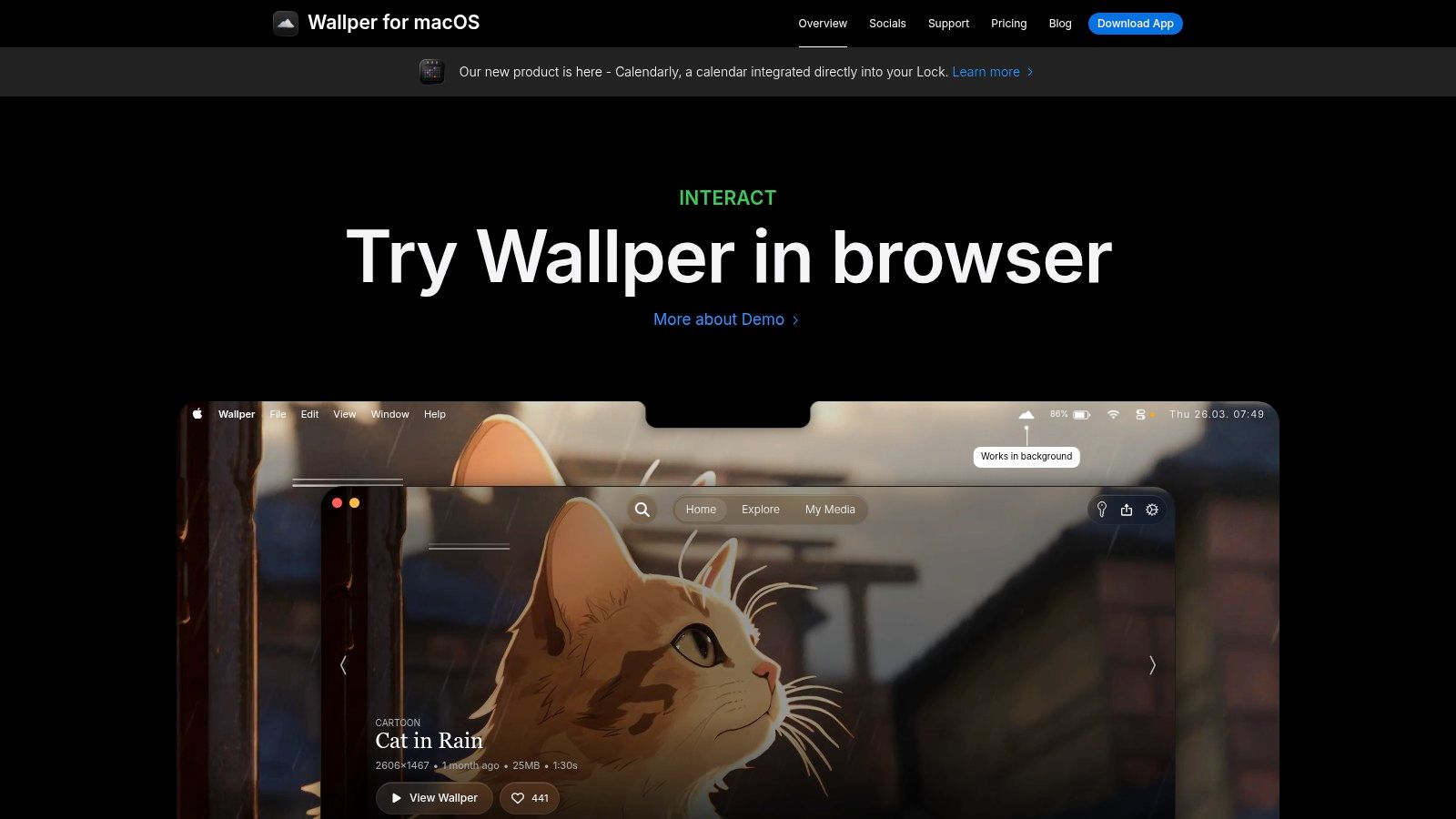
For Mac users seeking a modern, lightweight, and deeply integrated live wallpaper experience, Wallper is a compelling choice. It's a native macOS app built with a Mac-first philosophy, focusing on performance and a clean user experience. Wallper offers native video support for both the desktop and the lock screen on recent macOS versions, providing a fluid and polished effect that feels like part of the operating system itself.
Why It's Great for Cat Lovers
Wallper's in-app gallery features a growing selection of animated and cartoon cat live wallpapers perfect for those who prefer artistic interpretations over photorealistic scenes. The content is regularly updated, offering fresh, playful, and stylized feline animations that add personality to your screen. From whimsical cartoon cats to sleek animated pieces, the focus is on artistic expression.
- Performance-Tuned: The app is designed to be lightweight, pausing video decoding when on battery power or when windows are maximized, ensuring it doesn't drain your resources.
- True Mac Experience: It offers native lock screen video support on compatible macOS versions and provides full multi-display control.
- Privacy-Focused: Wallper requires no accounts, contains no ad trackers, and keeps your experience clean and private.
The app is ideal for users who appreciate an animated or illustrative aesthetic and want a utility that respects their Mac's performance. You can learn more on the official Wallper website.
Access and Pricing
Wallper is available directly from its website and requires a modern version of macOS for full functionality. It is offered as a one-time purchase, avoiding the subscription model. Its catalog is more curated and smaller than massive marketplaces, but the quality and Mac-centric design make it a standout option.
4. LiveWallpapers.com
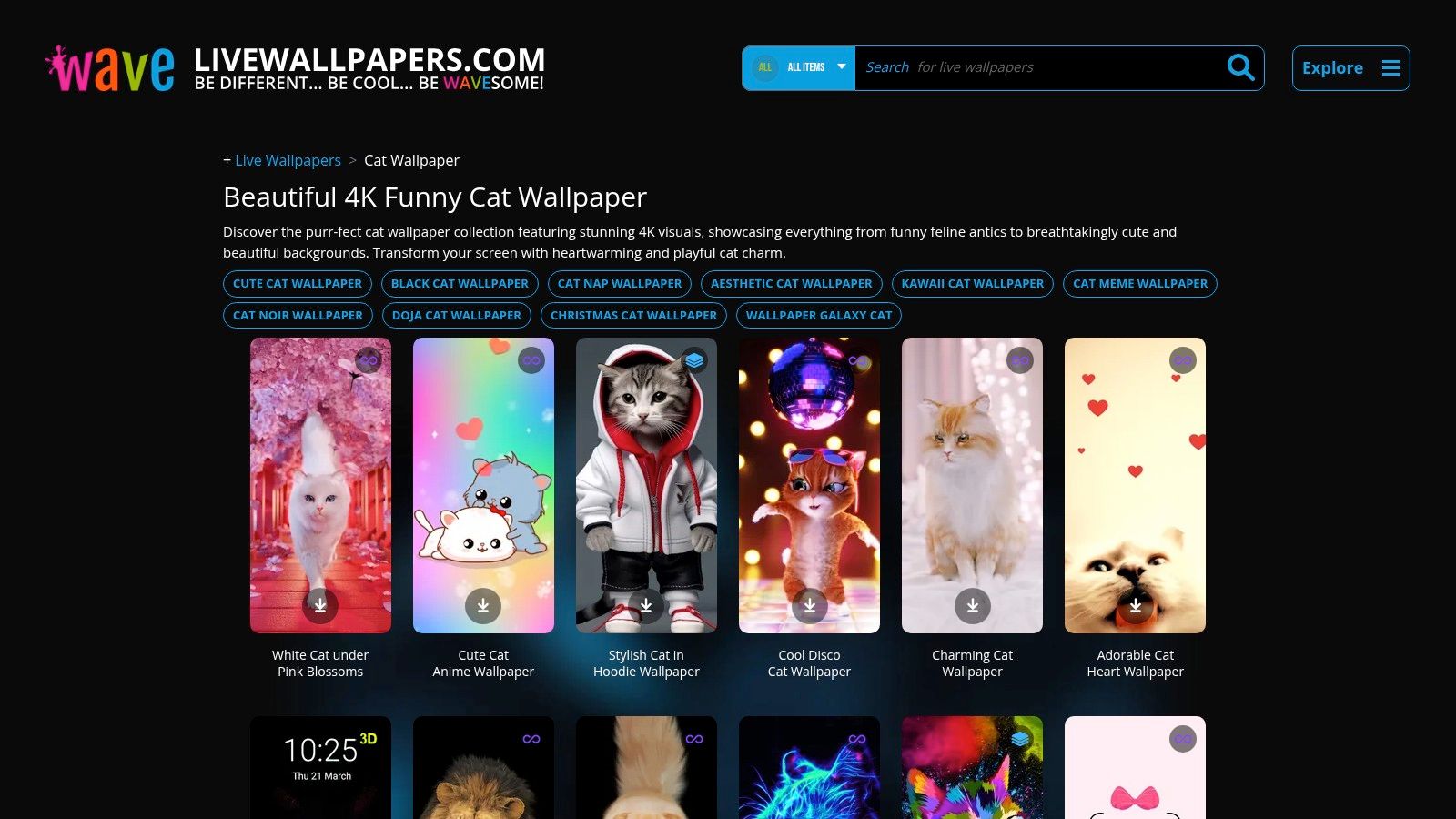
For those who live on their phones and want a constant stream of feline energy, LiveWallpapers.com is a mobile-first hub packed with options. This platform serves as a massive, browsable gallery specifically for iPhone and Android users. It offers a huge variety of downloadable cat live wallpapers, from cute and cuddly to neon and abstract. It's less of an integrated app and more of a discovery engine for mobile content.
Why It's Great for Cat Lovers
The breadth of the cat-specific categories is the main appeal. You can filter for "Cute," "Neon," "Aesthetic," or browse a general collection that features everything from photorealistic kittens to stylized, animated art. It's a great starting point if you're unsure what aesthetic you want and prefer to browse a wide selection before committing.
- Broad Variety: The gallery is a mix of designer-made and creator-submitted content. If you want a cyber-cat one day and a napping kitten the next, you'll find both here.
- Built-in Setup Guides: The site provides clear, step-by-step instructions for setting live wallpapers on both Android and iPhone, linking to necessary apps.
- Constantly Updated: New wallpapers are added regularly, so the collection doesn't feel static.
This platform is ideal for users who want a quick, easy, and free way to find a new cat live wallpaper for their mobile device. If you value a large selection, you can browse the full cat collection on their site.
Access and Pricing
The wallpapers on LiveWallpapers.com are free to download. The platform monetizes by recommending third-party apps on the App Store and Google Play that are needed to set the wallpapers. These apps are typically free but may contain ads or offer in-app purchases.
5. Zedge
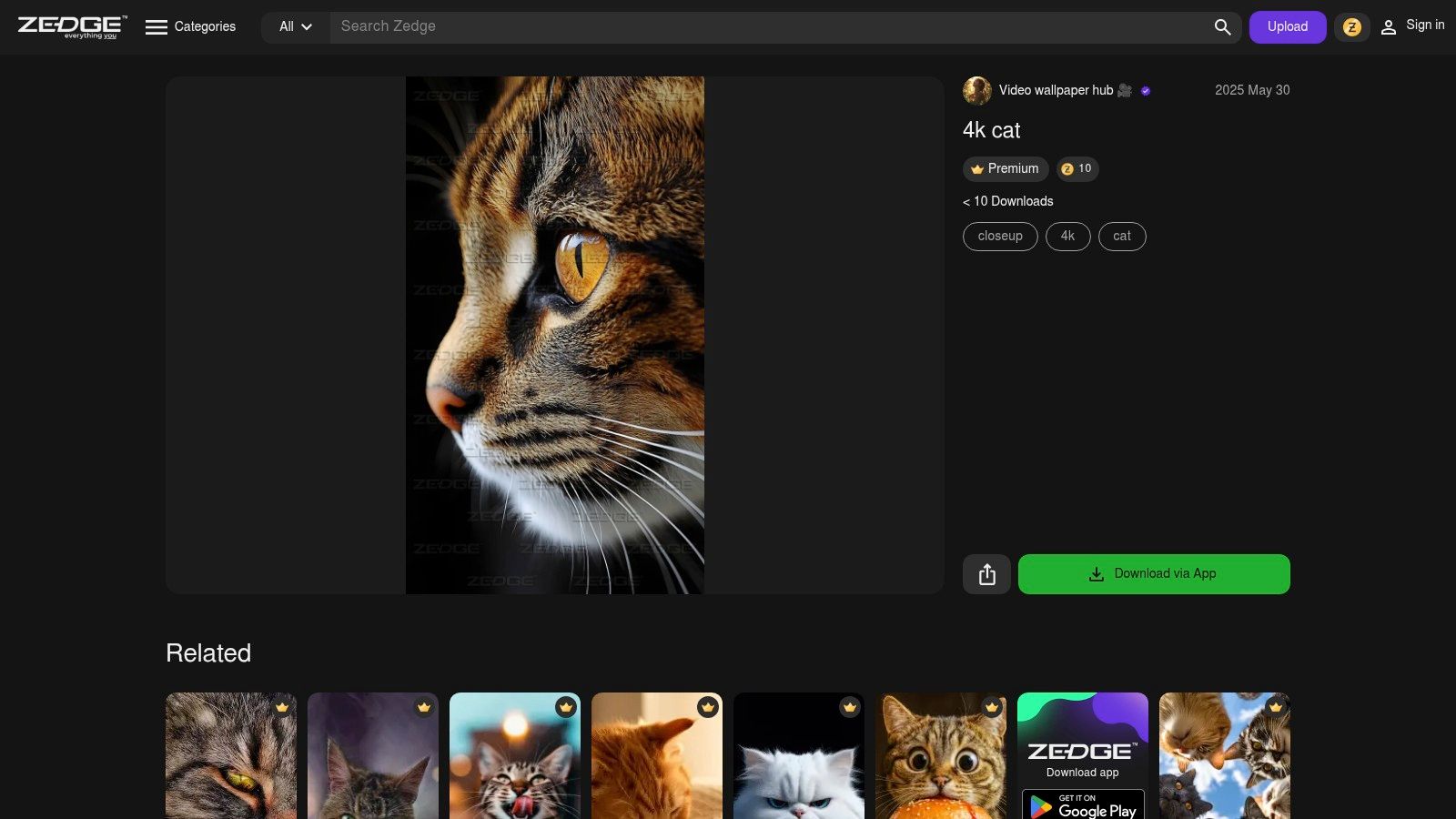
For those who treat their phone's home screen like a digital art gallery, Zedge is an endless emporium of personalization. It's less of a curated boutique and more of a sprawling, user-driven marketplace packed with wallpapers and ringtones. Its primary home is a mobile app, making it convenient for quickly finding and applying new backgrounds directly on your device.
Why It's Great for Cat Lovers
Zedge's strength is its overwhelming variety. A search for cat live wallpapers unleashes a tidal wave of options, from realistic 4K videos of sleeping kittens to animated felines and abstract neon designs. Because the content is largely user-uploaded, you'll find an eclectic mix of styles that caters to every possible taste. If you want a grumpy cat judging you from your screen or a playful tabby chasing a laser, you will almost certainly find it here.
- Enormous Selection: The library is vast and constantly updated by a global community of creators.
- Mobile-First Convenience: The entire experience is built around the mobile app. Finding, previewing, and setting a live wallpaper takes just a few taps.
- Creator-Driven Variety: With so many different creators contributing, the stylistic range is immense.
The platform is ideal for users who enjoy frequently changing their phone's look and want a near-infinite well of options. You can browse the live wallpaper collection on their site to get a sense of the variety.
Access and Pricing
Zedge is a free app on both iOS and Android. Many wallpapers are free, supported by ads. Premium content is unlocked by purchasing Zedge Credits or through a Zedge Premium subscription.
6. Pexels
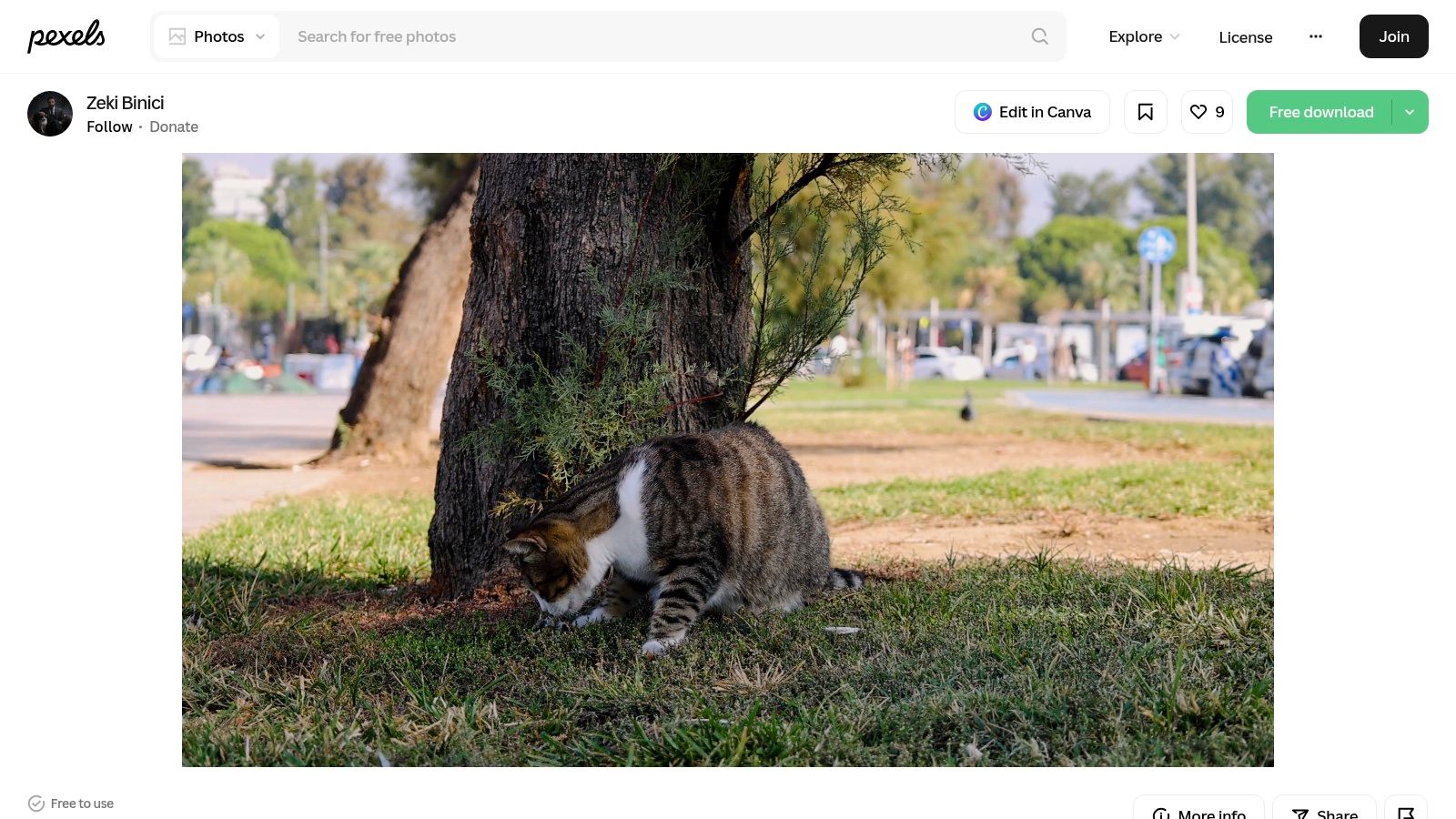
For the DIY enthusiast who wants a truly custom live wallpaper, Pexels is an essential resource. It's a massive library of high-quality, royalty-free stock videos. While not a dedicated wallpaper app, it serves as the perfect source for raw material. You can find thousands of true 4K video clips of cats in every imaginable scenario, ready to be turned into your next desktop background using an app like gifPaper for Mac.
Why It's Great for Cat Lovers
Pexels offers an incredible variety of cat live wallpapers in the form of raw video files, giving you full creative control. You can find everything from a slow-motion clip of a tabby cat exploring a sun-dappled forest to a close-up of a kitten sleeping soundly. Since you download the source file, you can edit it, trim it to create the perfect loop, and then set it as your wallpaper.
- Completely Free: All videos on Pexels are free to download and use for personal projects, no strings attached.
- Massive Variety: The library is enormous, featuring professional-grade footage of different cat breeds and environments.
- DIY Flexibility: It's the ideal starting point for creating a custom wallpaper. You can find a clip, trim it, and use an application to set it.
This approach is best for those who enjoy the process of curation. If you find a ten-second clip but only love a specific three-second segment, you have the power to isolate it and make it your own personal, perfectly looping cat live wallpaper.
Access and Pricing
Pexels is completely free to access and use. You can browse and download as many high-resolution videos as you want. To use the videos as a live wallpaper on your Mac, you will need a separate application, such as gifPaper for Mac, which can set any video file as a desktop, lock screen, and screen saver.
7. Motion Array
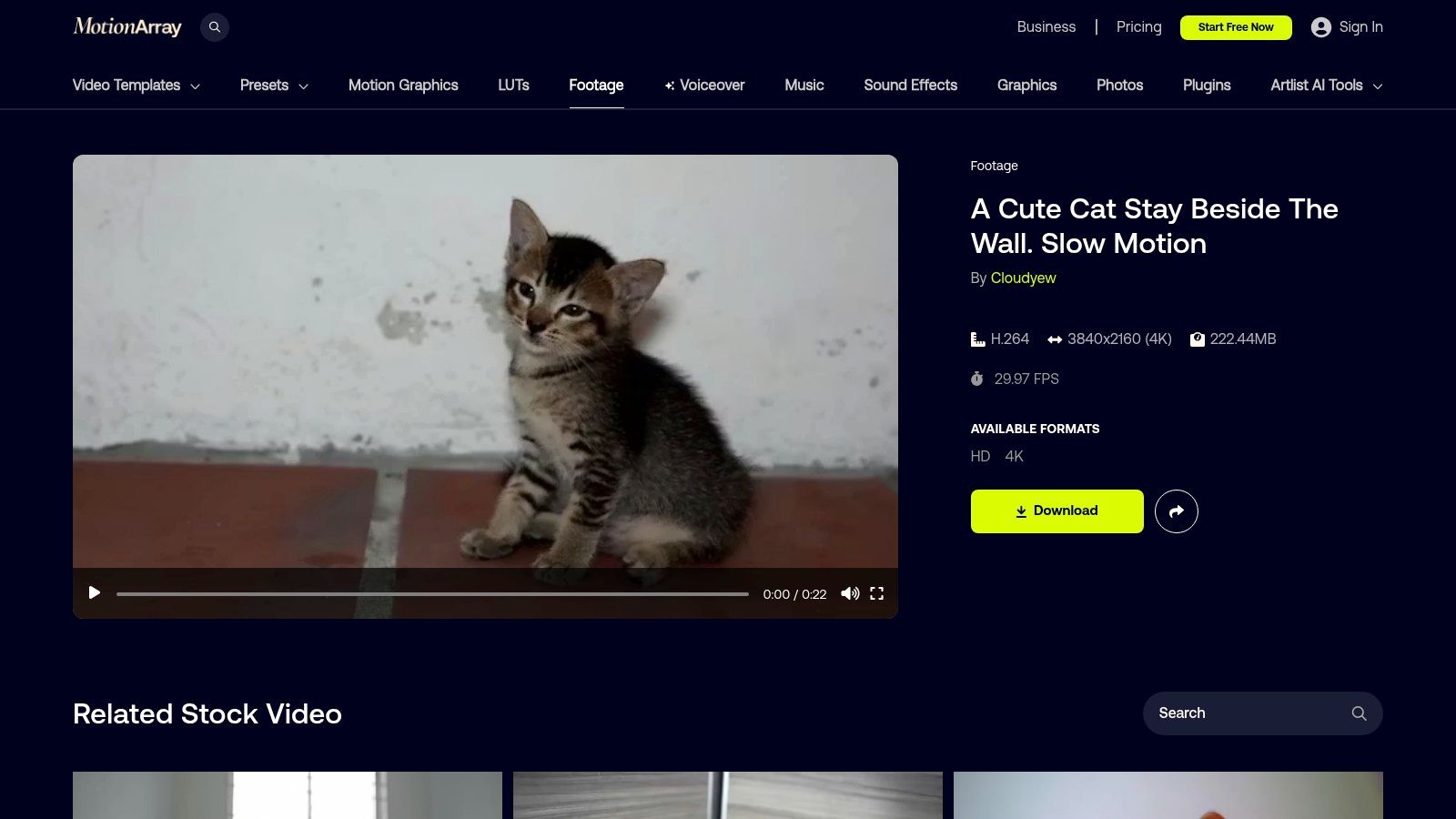
For those who want to curate their own premium wallpaper experience, Motion Array is a treasure trove. It's a professional stock marketplace for video creators, offering a vast library of high-quality footage. While not a wallpaper app, it's an exceptional source for finding pristine, color-graded 4K cat videos that you can then use with an app like gifPaper for Mac to create your own unique cat live wallpapers.
Why It's Great for Cat Lovers
Motion Array stands out for its production value. The cat footage here is often professionally shot, lit, and color-corrected. This means you can find clips with a consistent aesthetic, perfect for matching a specific desktop theme. Whether you're looking for a slow-motion video of a tabby kitten or a beautifully framed shot of a cat basking in the sun, the library provides raw ingredients of a higher caliber.
- Professional Production Quality: The clips have that cinematic look-and-feel you won't find on most free sites.
- Broad Licensing: The subscription model includes a license that covers projects created while your subscription is active.
- Extensive Search Filters: You can easily sift through the massive library to find the exact type of cat, action, or mood you want.
This platform is ideal for users who see their desktop as a creative canvas. If you have a vision for the perfect cat scene and are willing to do a little legwork, Motion Array offers the premium footage to make it happen.
Access and Pricing
Motion Array operates on a subscription model. A subscription provides unlimited downloads across the entire library. While this might be overkill for someone wanting just one wallpaper, it's a great value for creators. Pricing typically starts around $29.99/month, with discounts for annual plans.
Turn Your Mac into the Ultimate Cat Appreciation Station
You've now seen the full spectrum of options, from dedicated Mac apps to vast video libraries. The core takeaway is that you are no longer confined to a static image of a cat. Your desktop can now be a living testament to their enigmatic, and often sleepy, majesty.
Whether you're a design-conscious professional who appreciates a perfectly seamless loop or a student who needs a calming, lofi-inspired study buddy, the right cat live wallpaper is out there. It's about matching a tool to your needs and technical comfort level.
Your decision likely comes down to a few key factors:
- For the "It Just Works" Mac User: If you value simplicity and a high-quality, native experience, an app like gifPaper for Mac is the most direct path. It's built for macOS, handles the tricky lock screen integration perfectly, and offers a curated gallery where the quality is already vetted.
- For the DIY Enthusiast or Windows User: On a PC, Wallpaper Engine is the champion. On a Mac, you can piece together a solution using an app and sourcing your own clips from sites like Pexels or Motion Array. This gives you ultimate control but requires more effort.
- For the Budget-Conscious: Free options like LiveWallpapers.com or sifting through Pexels are great starting points. Just be prepared for a mixed bag in terms of quality—a classic trade-off of time versus money.
Ultimately, turning your desktop into a portal for cat appreciation is more than an aesthetic choice. It's about curating a digital space that brings you a little moment of calm during long hours of work or study.
Ready to stop browsing and start appreciating? gifPaper for Mac is the simplest way to bring these cozy, judging, and perpetually napping cats to your desktop and lock screen. Try it free for 7 days, get access to the entire 4K collection, and see what it feels like to have your Mac greet you with a perfectly looping scene. Find out more at gifpaper.com/macos-app.