Live Wallpaper For Desktop PC: Mac User's 2026 Guide
You typed live wallpaper for desktop pc, probably because every useful result seems to assume you're on Windows. Fair. The internet hears "desktop PC" and immediately throws Wallpaper Engine at you like a brick through a window.
Then you look at your Mac and realize Apple, in its infinite taste and limited interest in letting people have fun, doesn't really offer a proper equivalent.
You're not being picky. You're just tired of staring at the same dead image all day. If Windows users can have neon rain alleys, slow snowfall, and looping train-window lofi scenes, Mac users shouldn't be sentenced to "Blue Gradient 4" and quiet disappointment.
The Great Wallpaper Divide Why Your PC Habits Fail on Mac
Windows got the toy aisle
If you're coming from Windows, your expectations are completely reasonable. Windows users have multiple solid options, including Wallpaper Engine and the open-source Lively Wallpaper. Mac users get a much thinner field, and most discussions about live wallpapers barely acknowledge that gap at all, as noted in this breakdown of the Wallpaper Engine for Mac problem.
That's the issue. Not that live wallpapers are niche. Not that nobody wants them. It's that macOS has lagged behind on this specific kind of customization, while Windows built an entire small civilization around it.
Practical rule: If a guide says "just use Wallpaper Engine" and stops there, it wasn't written for Mac users. It was written by someone who forgot Macs exist.
A lot of people search for "desktop pc" when they really mean "my computer on a desk." Search habits are messy. Human language is chaos. Google lives with that. So if you're on a Mac and ended up here, yes, this is still the right conversation.
Apple loves minimalism a little too much
Apple's built-in wallpaper system looks polished, but it doesn't go very far. You get static images, some system-managed motion in Apple's own style, and a lot of implied messaging that maybe you should be content with less.
That is charming until you've spent all day at your desk.
If you want actual motion, smooth loops, ambient scenes, and control over how your desktop feels, macOS doesn't hand that to you out of the box. It makes you go looking. And when you go looking, you mostly find Windows-first advice, half-working workarounds, or apps that feel like they were assembled in a basement during a thunderstorm.
For a practical overview of how animated desktops are usually created and handled, these MakerSilo tips for animated desktops are worth a read. They explain the moving parts without pretending the platform differences don't matter.
Why this annoys people so much
Because it isn't frivolous. You're going to look at your screen for hours anyway. A desktop background isn't some sacred productivity altar. It's part of the environment.
Windows users proved the demand years ago. Mac users just got left standing outside in good shoes.
Here's the split in plain English:
| Platform | What you get | What it feels like |
|---|---|---|
| Windows | Several mature live wallpaper tools | Choice, libraries, customization |
| macOS | Limited native options, fewer serious tools | "No, but tastefully" |
That mismatch is why so many Mac users keep searching for a Wallpaper Engine for Mac. They aren't confused. They're trying to solve a real problem that Apple has politely ignored.
Introducing gifPaper The Wallpaper Engine Mac Users Deserve

Demand isn't the problem
People clearly want dynamic desktops. On PC, Wallpaper Engine sold over 20 million units by 2023 and became a top-10 best-seller on Steam, while searches for "live desktop wallpaper" surged by 300% during the 2020 lockdowns according to SteamDB chart reporting referenced here. So no, this isn't some weird corner-case hobby for three guys with RGB keyboards and too much free time.
The demand is there. Mac support just hasn't kept up.
That makes the answer pretty obvious. You don't need a fake Mac port of a Windows idea. You need something built for macOS on purpose, with enough respect for Apple's weird rules to work properly instead of sitting on top of the desktop like a nervous sticker.
The Mac version should feel native or it's not worth it
Many wallpaper apps fall short. If an app looks bolted on, fights the system, or behaves like an always-on overlay, I'm out. A live wallpaper app should feel like it belongs on the machine, not like it smuggled itself in through a side door.
The clean approach is simple:
- Lock screen support matters because that's the first thing you see.
- Desktop animation should be optional because sometimes you want motion, sometimes you want a calm still frame.
- Screen saver support still matters because screen savers are fun again when they're good.
That's also why the gallery side matters. Browsing random junk from the internet gets old fast. A curated library is better. The main gifPaper site is built around that idea. You can browse looping wallpapers first, then decide whether you want the app that puts them where they belong.
What makes it the obvious fix
Not "an alternative." The obvious fix.
Because the good version of this idea on Mac should do a few specific things:
| What you want | What the right Mac app should do |
|---|---|
| A real lock screen wallpaper | Use the same visual language Apple already uses |
| A proper desktop wallpaper | Let you keep a still frame or enable full video |
| No subscription nonsense | Charge once and move on with your life |
| No sketchy install vibe | Feel clean, modern, and intentional |
A live wallpaper app on Mac should feel boring in the best possible way. You install it, click once, and your desktop becomes cooler than you are.
That last part is important. The best utility apps don't make you think about them much. They just solve the thing Apple decided not to solve.
And yes, it's a little absurd that this gap still exists. But once you stop waiting for Apple to care, the path forward gets much simpler.
Your First Live Wallpaper Running in Five Minutes
Download it like a normal person, not a hostage
The first surprise is that the proper Mac solution usually isn't sitting in the App Store. That sounds suspicious until you remember Apple sandboxing gets in the way of deeper wallpaper features, especially anything involving the lock screen. So direct download is the sane route here, not the shady one.
What matters is whether the app is notarized by Apple. If it is, your Mac won't behave like you've just attempted to install pirate radio.
A practical walkthrough of the process lives in this guide to a desktop live wallpaper app for Mac. It's the concise version for common use. Download, install, open, choose wallpaper, done.
The part where you browse longer than planned
You will tell yourself you're "just testing it."
Then you'll spend ten minutes deciding whether you want snow outside a cabin window, a city soaked in purple neon, or a fireplace scene that says "I own at least one blanket" even if you absolutely do not.
That part is normal. Picking the wallpaper is the whole sport.
The nice thing about a curated gallery is that you don't have to filter through low-resolution garbage, awkward crops, or loops that restart like someone tripped over the power cord.
What actually happens after you click
This is the important bit. Setting the wallpaper shouldn't feel like configuring a flight simulator.
A good setup flow looks like this:
- Open the app and give it the permissions it asks for, because macOS likes consent screens almost as much as it likes brushed aluminum.
- Browse the gallery until something feels right.
- Set the wallpaper and let the app apply it where it belongs.
If it's done properly, the same wallpaper can carry across the lock screen and desktop in one move. That's the detail people notice immediately, because it feels cohesive instead of patched together.
The best first-run experience is the one that makes you say, "Wait, that's it?" Yes. That's it. Computers can still be nice sometimes.
If you're the sort of person who wants a low-stakes first choice, start with something forgiving. A winter loop, a lofi scene, or a dark ambient background works almost anywhere and won't fight your icons for attention.
And that's basically it. No codec lecture. No giant settings maze. No support thread from 2019 telling you to disable three system services and reboot under a full moon.
Advanced Customization Making Your Desktop Uniquely Yours

Motion when you want it, stillness when you don't
A smart live wallpaper setup doesn't force constant movement. Some days you want the full loop. Other days you want the hero frame sitting still in the background while you pretend to be very serious.
That's why the desktop video toggle matters. Leave the desktop as a still image when you want less motion. Turn animation back on when the mood calls for it. The lock screen can keep the drama. The desktop can mind its manners.
That balance matters more than people admit. A wallpaper should support the room, not audition for a lead role in it.
Ambient audio is either delightful or too much
Used badly, ambient sound is annoying in under a minute. Used well, it's excellent.
For Mac-specific apps like this, Metal API integration can yield a 1.2x efficiency boost over older OpenGL methods, and adding ambient audio in AAC at 128kbps adds about 0.5% CPU overhead, based on the technical reference in this implementation discussion. In plain English, good engineering keeps the vibe from turning into fan noise.
So yes, a crackling fireplace or soft rain can work without your Mac reacting like it's rendering a feature film.
Some wallpapers benefit from silence. Others deserve a little atmosphere. If your desktop sounds like a distant café and you work better because of it, that's not ridiculous. That's taste.
Start with a mood, not a feature list
Users choose better wallpapers when they stop thinking in technical terms and start thinking in moods.
Try one of these routes:
-
Need calm without looking sleepy
Start with the winter wallpaper collection. Snow, cabins, cold air you don't have to physically experience. Very civilised. -
Need focus with a pulse
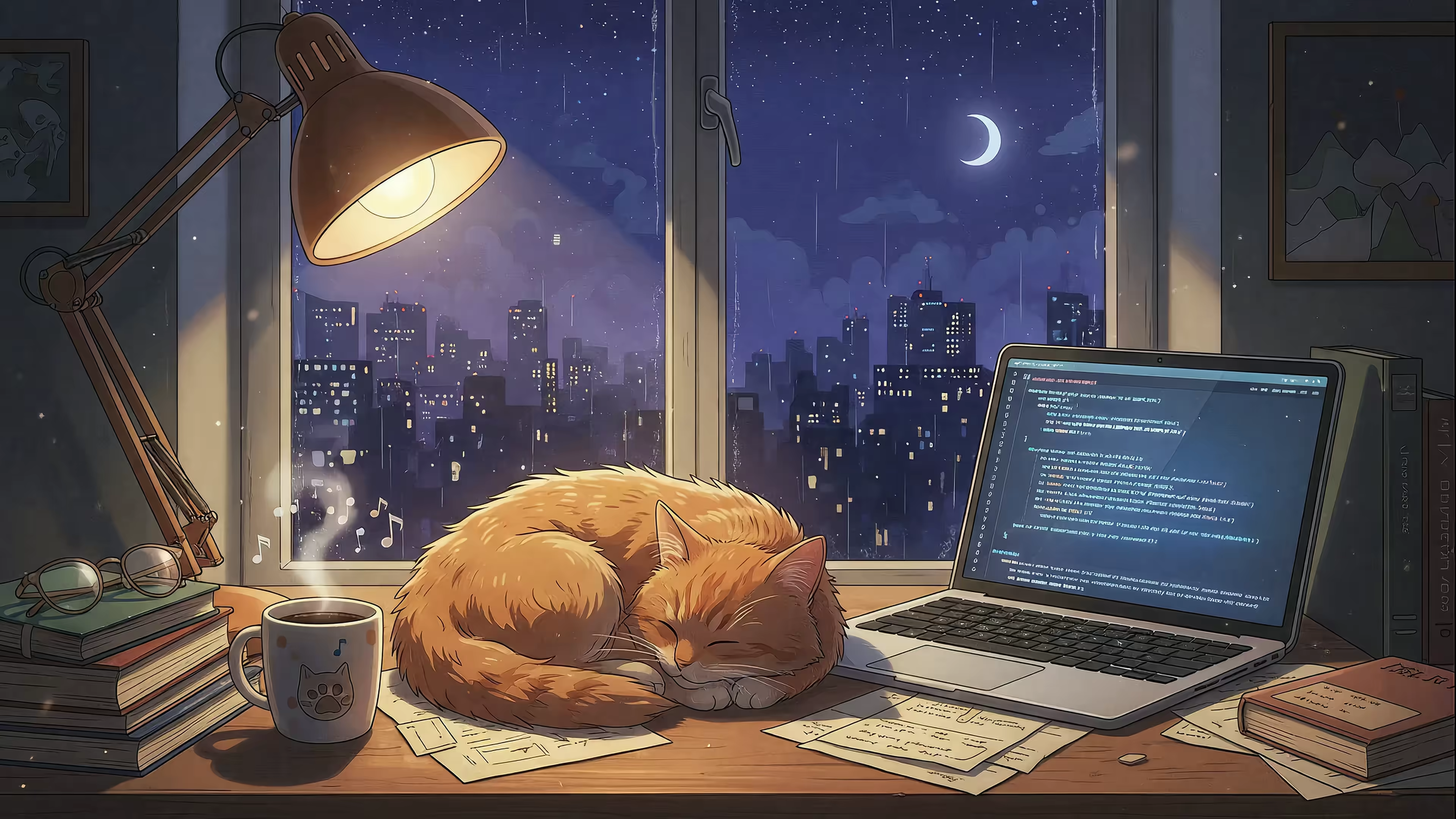
The lofi wallpaper collection is the obvious move. Train windows, desk lamps, rainy city views. The girl who's always studying would approve. -
Need a little menace
Dark scenes, neon scenes, or something with enough shadow to make your desktop look like it has secrets.
Small choices make the whole thing feel personal
You don't need endless controls. You need a few good ones.
| Setting | Why you'd use it |
|---|---|
| Still desktop mode | Less motion while working |
| Animated desktop mode | More atmosphere when you want it |
| Ambient audio | Adds depth to scenes that support it |
| Category browsing | Faster way to find a look you actually like |
Live wallpaper stops being novelty and starts becoming part of your setup. Not because it's "productive," which is a grim word for wallpaper, but because it makes the machine feel like yours.
Performance Retina Displays and Other Reasonable Anxieties

No, it shouldn't turn your Mac into a space heater
This is the first sensible objection. Animated wallpapers sound like the kind of thing that might chew through battery, cook your lap, and make Activity Monitor look accusatory.
A well-built app avoids that by using the system's native graphics path, efficient video formats, and sensible behavior. It shouldn't brute-force motion when the machine is busy. It should behave like a grown-up utility.
That means a few practical things:
- Use proper video formats instead of giant clumsy GIFs
- Respect full-screen apps so motion isn't running needlessly in the background
- Render cleanly on Retina displays so the wallpaper looks crisp, not smeared
Crisp matters more on Mac than almost anywhere
Mac users notice softness immediately. A blurry wallpaper on a Retina display looks cheap in about half a second.
That's why 4K looping video matters here. Not as a brag. As a minimum standard for a screen you're going to stare at all day. If you're unsure how your display dimensions affect cropping and composition, this guide to MacBook wallpaper size and fit is useful before you pick a scene.
The right questions to ask
If you're judging a live wallpaper app, don't ask whether animation is possible. Ask whether it behaves well.
Here's the short checklist:
| Question | Good answer |
|---|---|
| Will it look sharp on Retina? | Yes, if the source video is high quality |
| Will it waste resources all day? | Not if it uses native frameworks and pauses intelligently |
| Will it feel hacked together? | It shouldn't |
| Will it distract me? | Only if you choose a wallpaper with the emotional volume of a nightclub |
A live wallpaper doesn't need to be flashy. It needs to be smooth, crisp, and quiet about it.
That last part is the difference between "nice detail" and "regret installed at 11:40 p.m."
Frequently Asked Questions and Final Thoughts
Does live wallpaper for desktop pc even apply if I'm on a Mac
Yes. The query is messy, but the need is real. A lot of people search the Windows phrase when they really mean "I want my computer desktop to move." If that's you, you're not lost. You're just using the language the internet trained you to use.
Is this a subscription
No, thank God.
The sensible version is a one-time purchase of $4.99, with a 7-day free trial and 30-day money-back guarantee. That's the correct level of drama for wallpaper software. Pay once, try it properly, keep it if you like it.
What version of macOS do I need
It requires macOS 26 Tahoe or later.
Is it on the Mac App Store
No. Apple's sandboxing prevents the kind of live lock screen support that makes this worth doing in the first place. Direct download is the better option here, and the app is notarized by Apple.
Can I use it on the lock screen, desktop, and screen saver
Yes. That's the whole point. The lock screen is especially important because it's the bit Apple almost gets right, then stops.
Can I use my own videos
Not currently. The focus is on a curated library so the experience stays clean and consistent instead of turning into a file-management side quest.
What kind of wallpapers are available
The site has 150+ smoothly looping 4K live wallpapers with ambient music, organized into collections like winter, lofi, neon, fireplace, dark, space, and more. About 150 right now. More coming. A perfectly unreasonable number of moods for a laptop.
Final thought
If you're on Windows, you already have choices. If you're on a Mac, the whole category has felt oddly underbaked for too long. That's why this matters.
You're going to look at your computer for hours anyway. It might as well look good. Not "corporate default good." Actually good.
If you're done settling for static wallpaper and Apple's polite refusal to let you have nice things, try gifPaper. Browse the wallpapers, run the free trial, and see your Mac wake up with a lock screen worth looking at. It's a one-time purchase, not a subscription, which is refreshing in the same way indoor plumbing is refreshing.