
7 Best Lofi Study Wallpapers for Your Mac in 2026
Your Mac's desktop is a vast, boring wasteland. You stare at it for hours. A static photo of a mountain you've never climbed. A default gradient doing its brave little best. It's fine. But you're here because fine isn't the brief.
You want the lofi study vibe. Cozy, focused, vaguely rain-soaked, permanently 11:47 PM even when it's 9 AM and you're answering email with cereal nearby. You want the productivity of the girl who is always studying, without having to become her. Fair enough.
That craving isn't random. The whole lo-fi study world got big for a reason. The Lofi Girl channel grew to over 14 million subscribers after launching in 2017, and research cited here links the genre's slow tempo and calming effect with better focus and lower stress. The visual side followed naturally. If the music says "settle in," the wallpaper should stop screaming "corporate laptop issued by sadness."
If you're also obsessing over your physical room, this guide to choosing bedroom wallpaper scratches the same oddly specific itch.
1. Lofi Study Desk | Aesthetic 4K Live Wallpaper
It's 11:48 PM. You have too many tabs open, one cold drink you forgot to finish, and a very specific desire for your desktop to stop looking like office equipment. This wallpaper is for that version of you.
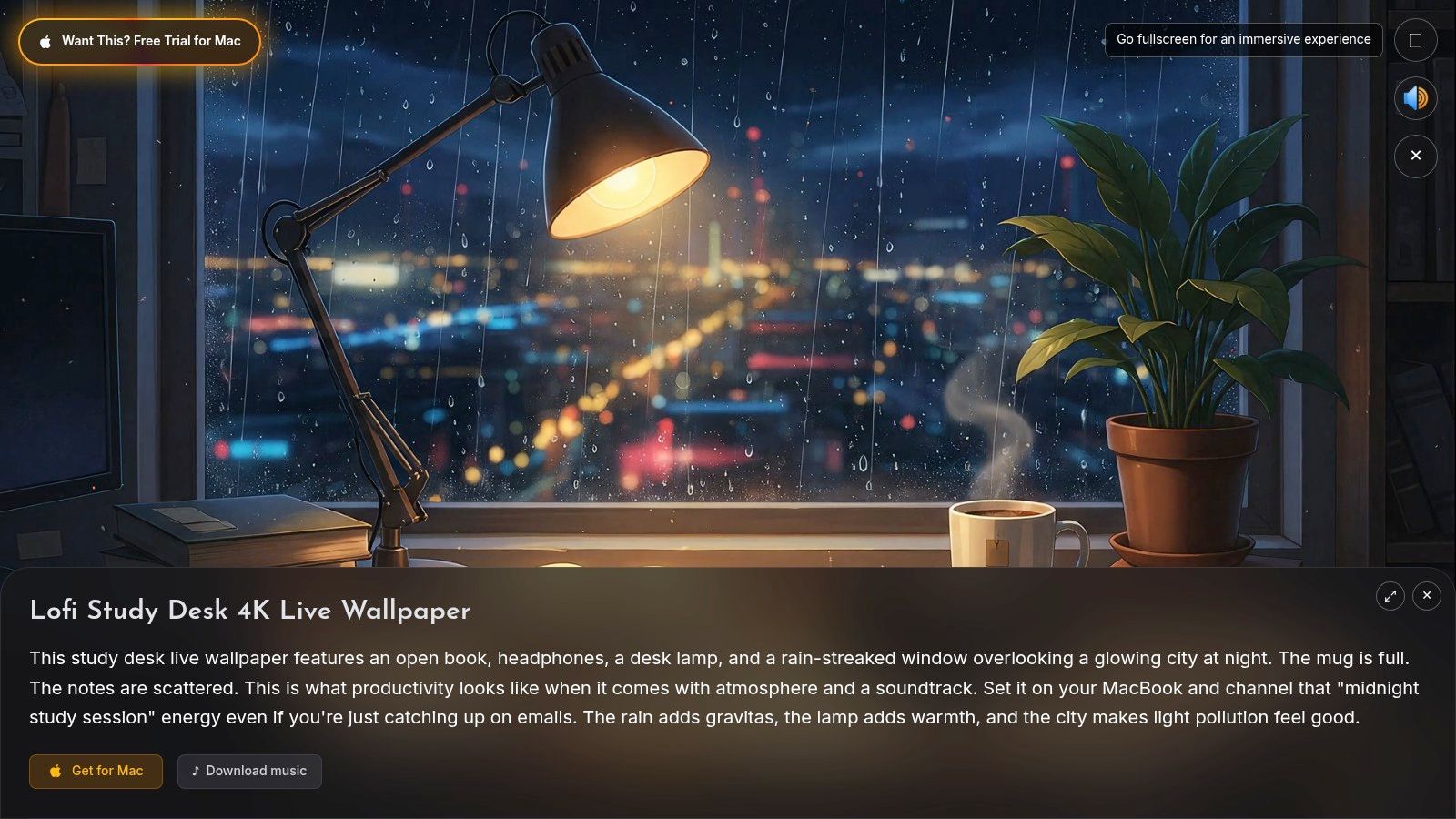
Lofi Study Desk on gifPaper nails the classic all-night cram session character without turning your Mac into a toy. You get rain on the window, warm lamp light, a desk that looks lived in, and motion that stays in the background where it belongs. The mood is cozy, slightly sleep-deprived, and weirdly competent. Basically, the desktop equivalent of having your notes color-coded even though your life is not.
The reason it works is restraint. A lot of lofi wallpapers copy the ingredients and miss the pacing. They add floating particles, flashy neon, or camera movement that keeps tugging at your attention. This one behaves like a room, not a screensaver trying to win an award.
The technical side helps too. macOS doesn't treat animated GIFs as proper desktop wallpaper, so video is the cleaner route. A walkthrough on animated Mac wallpapers explains why video formats fit the system better for motion backgrounds on Mac, which is exactly why a 4K loop feels calmer and less janky than a stretched GIF pretending it still has a job in this guide to animated Mac wallpapers.
Why this one works
This is the wallpaper for the person who wants a study mood, not just a moving background. It plays the role of the rainy desk setup you wish you had in real life. That character angle matters. People do not pick lofi scenes at random. They pick a version of themselves. The rainy cafe person. The midnight essay goblin. The calm note-taker with a fountain pen and suspiciously good posture.
This desk setup lands because the motion supports focus instead of competing with it. A Vaughn College article on studying with lo-fi music connects the genre to intentional imperfections, ambient texture, and focus-friendly sessions, and the same logic carries over visually in this piece on studying with lo-fi music. If the scene feels too busy, your peripheral vision keeps checking it like a needy app notification. If it feels stable, your brain files it as atmosphere and gets back to work.
Practical rule: If your wallpaper keeps asking to be noticed, it is bad at being wallpaper.
There's also a Mac-specific advantage here. gifPaper uses Apple's native Aerial wallpaper format, so the live background behaves like part of the system instead of some sketchy overlay waiting to break after the next macOS update. It can set the wallpaper across your desktop, lock screen, and screen saver in one place, which is cleaner than juggling separate tools. If you care about matching the visual mood with the audio side, this guide to lofi study music for the same focus vibe pairs well with it.
For the full visual backstory, the lofi aesthetic guide explains why this exact formula keeps showing up in bedrooms, study setups, and desktops that are trying very hard to feel like a safe little bunker.
Trade-offs
- Best thing: It's a 4K video loop, so it looks sharp on a Retina display instead of soft and crunchy.
- Also good: The scene has a clear identity. Rain, coffee, warm light, no forced whimsy.
- Catch: It's built for Mac through the app, so it is not trying to be your one wallpaper solution across every device you own.
- Real-world catch: Live 4K wallpaper uses more battery than a static image. That is the tax for having a desktop with a pulse.
The pricing is refreshingly unserious. The app is a $4.99 one-time purchase at launch, with a 7-day free trial, no credit card required, plus a 30-day money-back guarantee. It requires macOS 26 Tahoe or later, and it's a direct download because Apple's sandbox rules block live lock screen wallpaper apps on the Mac App Store. It's notarized by Apple.
2. DesktopHut | Lofi Live Wallpapers Library
DesktopHut is for people who want quantity first, curation second, and that's not an insult.
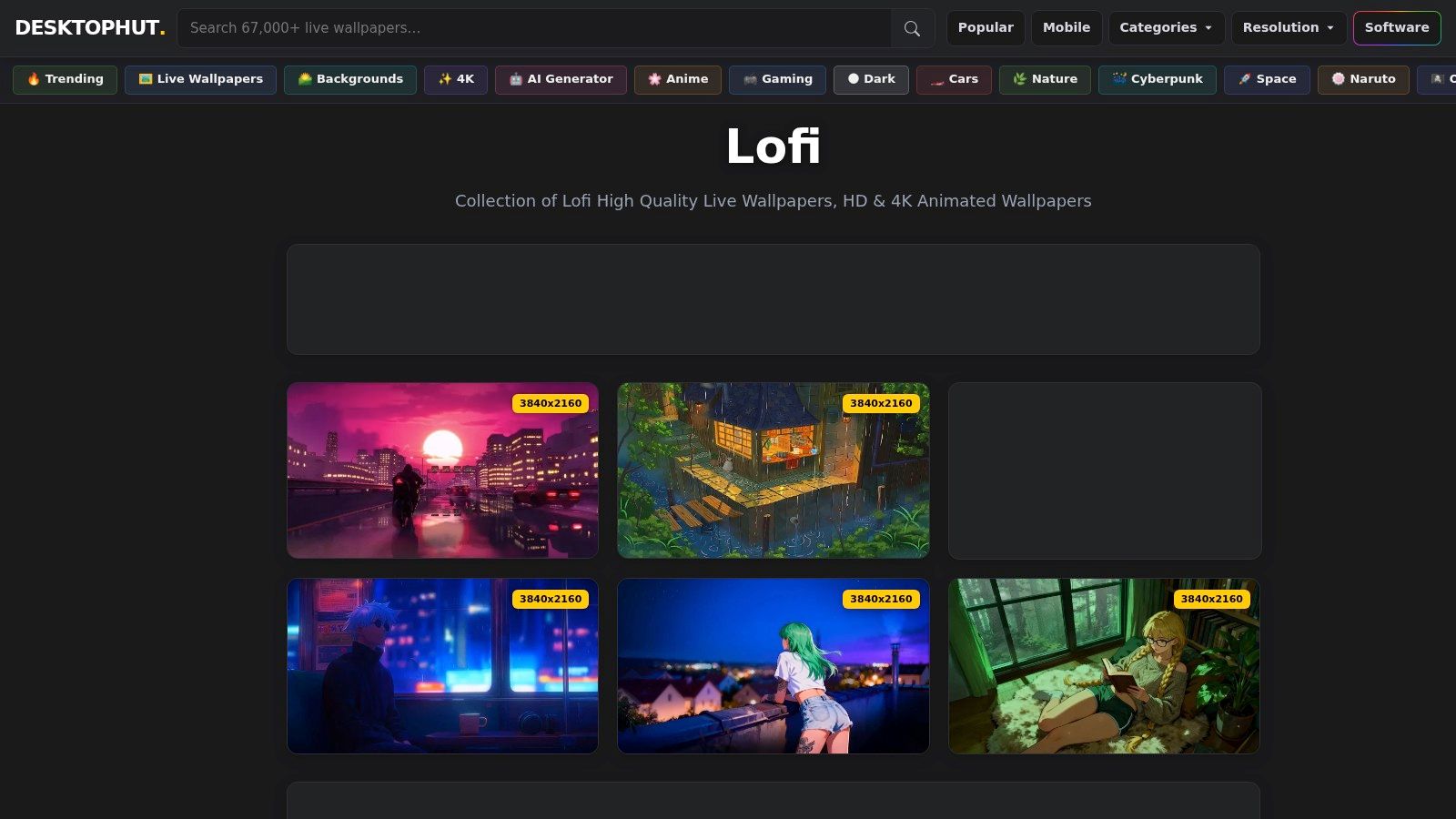
The DesktopHut lofi section is full of the usual suspects. Rainy windows. Anime desk corners. Neon nights. Rooms where somebody definitely owns at least one excellent mechanical keyboard. If you want a broad library of downloadable loops to test against your own taste, it's useful.
What it doesn't do is filter hard for restraint. Some entries feel properly cozy. Some feel like they were made by a caffeinated wallpaper goblin with no concept of peripheral distraction. That's the trade.
Who it's good for
If you already know how you like to listen while working, a big raw library can be handy. There's a reason people pair these scenes with study audio in the first place. Research published in SAGE Open says lo-fi consumption has grown as a wellness and productivity tool, with relaxation being a primary motive, and it notes that lo-fi visuals can support concentration and a productive environment in this journal article on lo-fi media use.
That combination matters more than people admit. If a scene looks busy, your brain knows. If it looks settled, you usually settle with it.
For the audio side of that pairing, this guide to lo-fi study music is worth a read before you marry a rainy room to the wrong playlist.
More choice is only good if you're willing to reject most of it.
DesktopHut works best if you treat it like crate digging. You're not there for "the best." You're there to find your weirdly specific rainy train window at 1 AM mood and move on.
3. Alpha Coders | Lofi 4K Stills
Not everybody needs motion. Sometimes a still image is the adult choice.
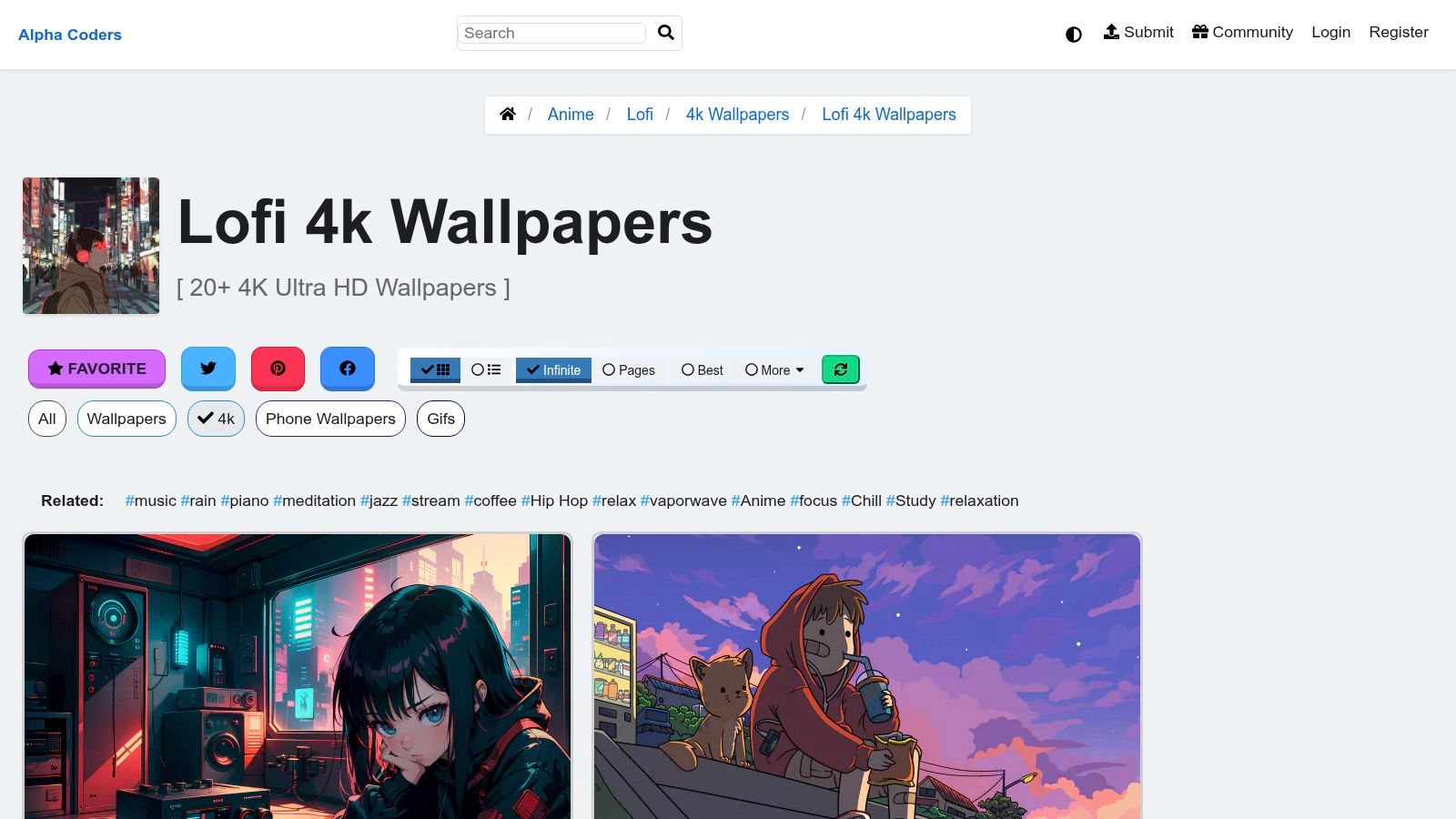
Alpha Coders' lofi 4K wallpapers are for the person who likes the lofi study wallpaper aesthetic but doesn't want movement on the desktop all day. Fair. A still can feel cleaner, especially if you're juggling a lot of windows and don't want the wallpaper auditioning for a supporting role.
Alpha Coders is good at the practical stuff. Resolution info is easy to check. Tags help. Many image pages include artist credit or personal-use notes. It feels less like rummaging in a digital yard sale.
Best use case
This is the "rainy day cafe" option for someone who wants atmosphere without battery trade-offs. And a lot of people overestimate how much motion they want while trying to read, code, or write.
There's also a reason static lofi art remains popular. The visual grammar of lo-fi is strong enough to survive without animation. Grain, muted neon, desk lamps, train windows, handwritten notes, a city outside doing its moody best. The scene sells the story before anything moves.
- What it does well: High-quality stills in study-friendly themes like interiors, city nights, and desk setups.
- What it doesn't do: No ambient motion, no audio, no lock-screen continuity.
- Where it wins: You can set it and forget it, which some people prefer.
If your main goal is "make my Mac feel less sterile," Alpha Coders is a solid low-maintenance answer. If your goal is immersion, you'll hit the ceiling pretty fast.
4. Wallpapers.com | Lofi and Lofi Girl Collections
You open your Mac at 11:47 p.m., three tabs are playing audio you forgot about, and your desktop needs to stop looking like a tax form. Wallpapers.com works well for that very specific crisis because it lets you pick a lofi mood fast, then download it in a size that fits your screen perfectly.
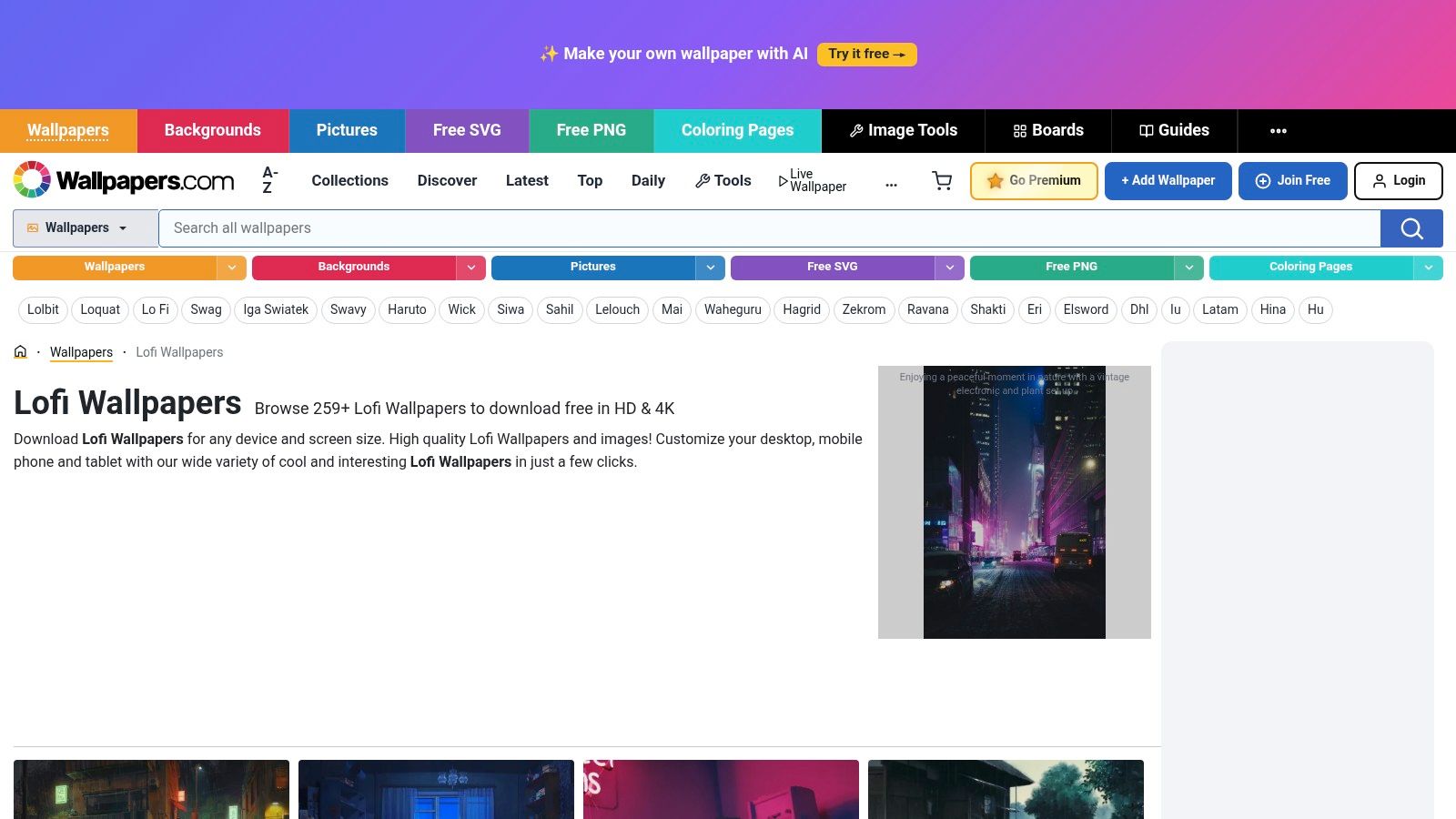
Wallpapers.com's lofi collection is heavy on familiar study-anime cues, especially the Lofi Girl-adjacent stuff. Bedroom desks. Window rain. Late-night lamps. Big headphones that imply concentration whether or not any is happening. If Alpha Coders was the tidy archive, this is more like a mood rack. You browse for the version of yourself you want on screen.
That matters more than people admit. Lofi wallpaper is not just decoration. It gives your desktop a role. The all-night cram session. The rainy-day cafe regular. The train-window philosopher who has never once missed a deadline because the city lights were too poetic. A good pick validates the kind of focus you want, even if the actual task is answering emails and renaming PDFs.
The practical win is the download flow. Resolution options are easy to spot, which saves a lot of stupid trial and error on Mac displays where a slightly wrong crop can make a beautiful image look cheap.
Where it gets annoying
The free and premium split is pretty obvious, and some pages come with attribution rules. Read before downloading. Clicking blindly here is how you end up with a wallpaper you like and terms you do not.
If your real goal is motion, skip the still-image theater and go straight to a lofi live wallpaper collection for Mac. Wallpapers.com is better for people who want a fixed scene with a specific emotional job.
That is the core use case here. You are not hunting for "a nice background." You are choosing whether your desktop feels like a softly lit desk at 1 a.m. or a cafe booth with rain on the glass and one unfinished paragraph left. Wallpapers.com is good at serving those recognizable lofi identities quickly, even if the upsell can be a little needy.
5. Wallspace | Native Mac Live Wallpaper App
Wallspace is for the Mac person who already has video files and just wants a sensible player.
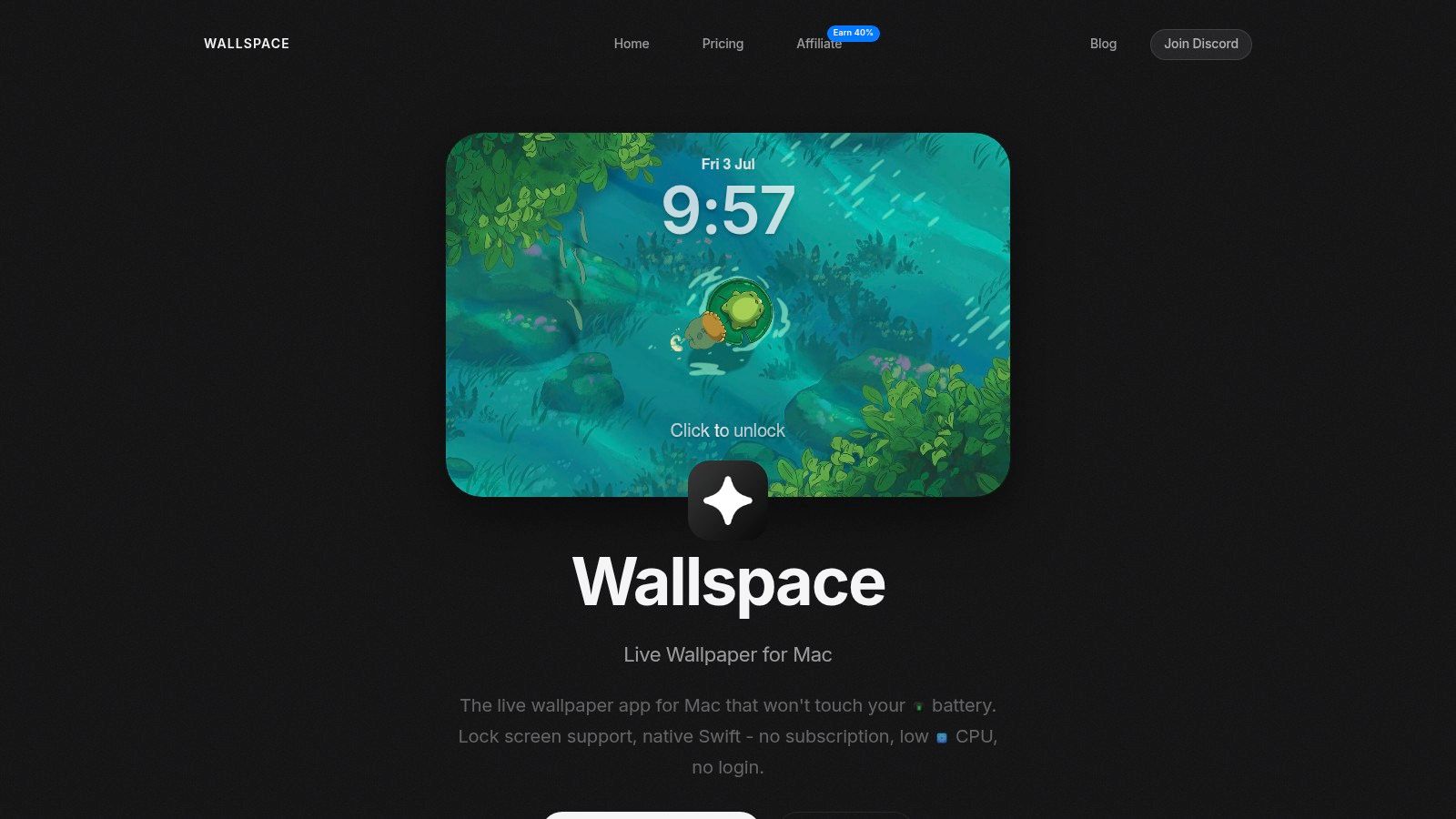
Wallspace isn't lofi-specific, which is both the downside and the appeal. It's a native Mac app that gives you a way to run live wallpapers with per-display control, and it's especially useful if you've already collected your own loops from elsewhere.
That setup appeals to tinkerers. Download a scene from one place, test it in another, swap displays around, decide your secondary monitor gets the subdued rainy room while the main display behaves itself. Very Mac. Very "I have preferences and they are annoyingly specific."
What it gets right
The app side matters more than people think because Mac wallpaper support is weirdly particular. Apple introduced native Aerial video wallpapers and screen savers in macOS Sonoma, with the same high-fidelity transition concept from the Lock Screen to the desktop as described in this Sonoma Aerial wallpaper tutorial. Native-style behavior tends to feel better than fake overlays sitting on top of the system like a haunted transparency.
If you can see the trick, the wallpaper stops feeling calm.
Wallspace is good if your priority is efficient playback and display control. It's less good if you want a tightly curated lofi library handed to you on a tray with a warm mug and a train passing in the distance.
That's the difference. Wallspace is a tool. Not a mood curator.
6. Fluxlay | Cross-Platform Live Wallpaper App and Marketplace
Fluxlay is the "browse first, commit later" option.
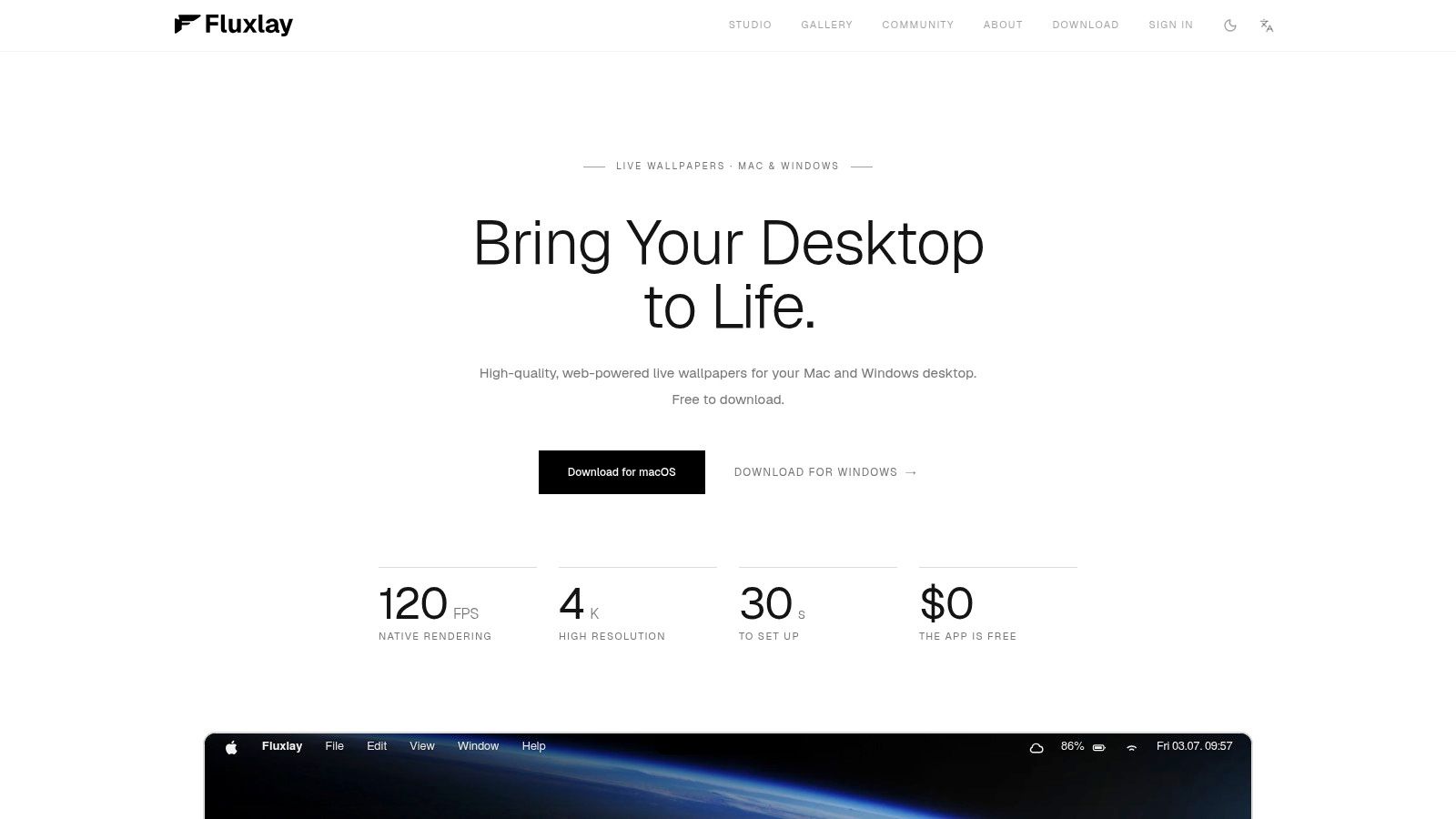
Fluxlay runs on Mac and Windows, which instantly makes it appealing if you bounce between machines or still miss Wallpaper Engine on the Windows side. It has a marketplace model, so the upside is variety. The downside is also variety.
Some of the chill and study-friendly scenes are great. Some are too flashy for anyone trying to read more than three consecutive sentences. Marketplace ecosystems are like that. They give you a city. You still have to choose a café.
The real trade-off
Fluxlay works best for people who enjoy browsing as part of the hobby. If your idea of a good time includes testing multiple creators' loops and deciding which animated rain is the least irritating, you'll probably like it.
There's a practical demand behind that whole "lofi live wallpaper" search trend too. People keep trying to turn static lofi art into smooth, audio-friendly live loops, and there's a noticeable gap between "cool image" and "effective looping wallpaper on a Mac," something visible in TikTok's lofi live wallpaper search results. A lot of mainstream advice still stops at GIFs, which is exactly where the experience starts looking tired.
- Best for: Cross-platform users who want a marketplace and broad creator choice.
- Less ideal for: People who want a pre-curated lofi study wallpaper setup with minimal fuss.
- Reality check: You'll need taste. The app can't install that for you.
7. Aniloop Wallpaper | Anime and Art-Focused Live Wallpapers
Aniloop is what happens when the anime side of the lofi universe gets its own apartment.
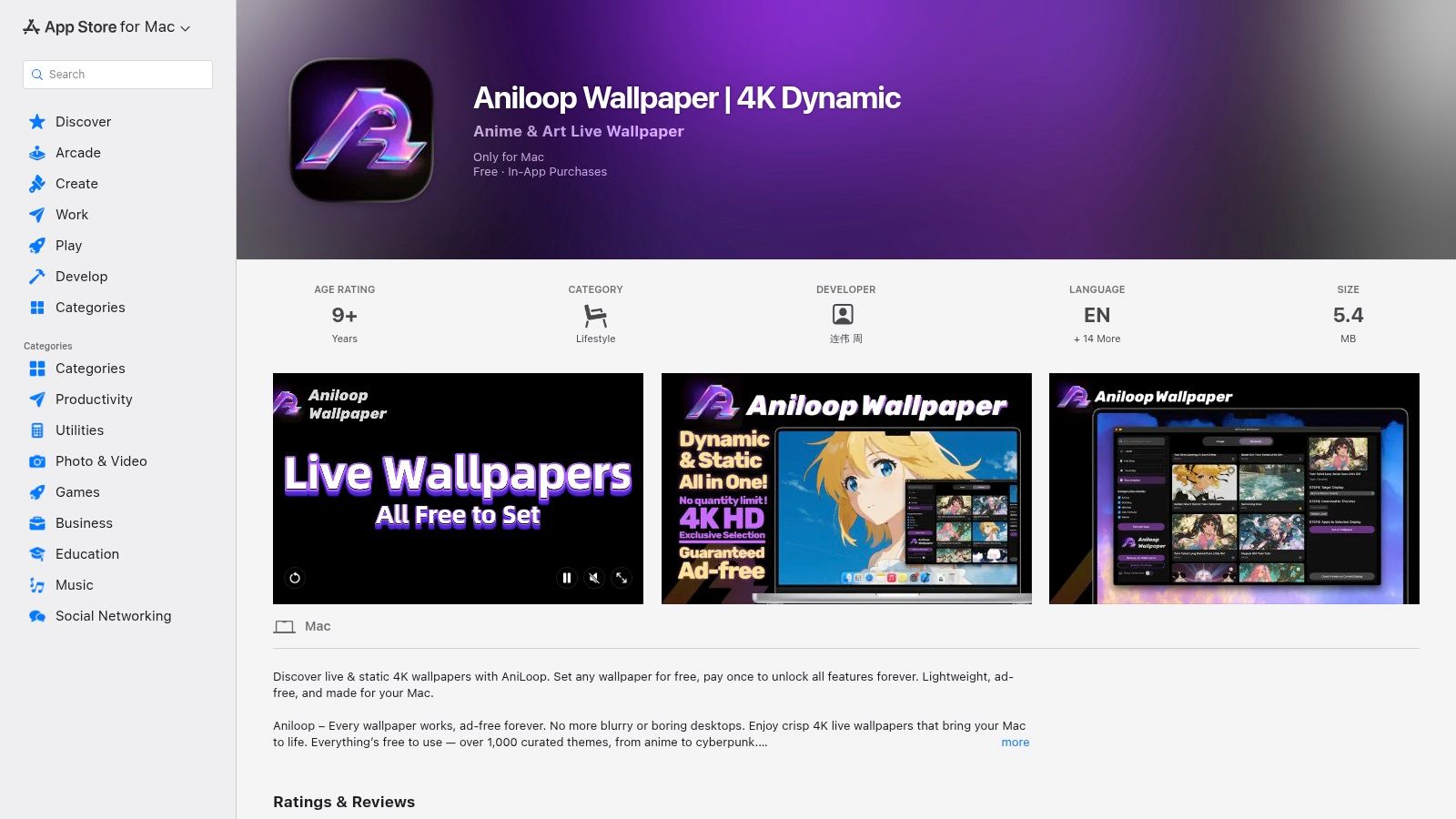
Aniloop Wallpaper on the Mac App Store leans into illustrated and art-forward scenes, which overlaps nicely with the lofi study aesthetic. Cozy rooms, city sunsets, rainy windows, soft color palettes, all that good stuff. If your ideal wallpaper looks like it came from an animated film nobody can stop recommending, this will make sense immediately.
The free tier showing a watermark is the obvious drawback. You can try before buying, which is nice. But the watermark means the trial is really a test drive, not a final setup.
Why some people will prefer it
Aniloop is convenient. Mac App Store install. Compact feel. Art-heavy catalog. For some people, that simplicity beats deeper technical control.
And sometimes illustrated lofi works better than realistic footage. The whole genre runs on suggestion. You don't need literal realism. You need enough cues for your brain to go, "Ah yes, productive melancholy with tea."
If you want that same feeling with enhanced lock-screen integration and a gallery built around 4K looping video plus ambient audio, gifPaper is the more Mac-native-feeling route. If you mainly want anime-adjacent mood boards that move, Aniloop has a clear lane.
Top 7 Lofi Study Wallpaper Comparison
Choosing lofi study wallpaper is really choosing your study persona. Do you want the all night cram session with screen glow and mild academic panic, or the rainy cafe scene that makes answering emails feel faintly poetic? The table below is the practical version of that question. It shows what each option is like to live with, not just how it looks in a screenshot.
| Product | Implementation complexity | Resource requirements | Expected outcomes | Ideal use cases | Key advantages |
|---|---|---|---|---|---|
| Lofi Study Desk (gifPaper) | Very low, one click set via app | High, 4K video with optional audio, higher CPU/GPU use | Cinematic, smooth live loop that keeps the desk feeling occupied | Mac users who want the classic midnight study desk mood in motion | Retina ready 4K video, affordable one time purchase, free trial |
| DesktopHut, Lofi library | Low, download and run with a wallpaper player | Variable, depends on file quality and player overhead | Big mix of animated loops with uneven curation | People hunting for a very specific scene or character vibe fast | Large library, frequent updates, many free downloads |
| Alpha Coders (Wallpaper Abyss), 4K stills | Very low, download a static image | Low, minimal battery and memory impact | Clean still wallpapers with a study friendly look | Low power setups, older Macs, or anyone who hates motion on the desktop | Good image quality, artist credit, clear personal use notes |
| Wallpapers.com, Lofi collections | Very low, pick a size and download | Low to moderate, very high resolution stills | Sharp stills that fit odd display sizes properly | Retina and ultrawide displays that punish bad crops | Huge size selection, easy resolution matching |
| Wallspace, Native Mac app | Moderate, install and configure by display | Low, optimized for Apple Silicon | Animated wallpapers that feel efficient day to day | Mac users who care about battery life and multi monitor control | Native performance, lock screen support, per display settings |
| Fluxlay, Cross platform app + marketplace | Moderate, install app and browse marketplace | Moderate to high, supports high resolution and high frame rates | Polished motion wallpapers across Mac and Windows | People who switch between operating systems and want one wallpaper habit | Cross platform support, efficient engine, marketplace model |
| Aniloop Wallpaper (Mac App Store) | Low, App Store install and try | Low to moderate, 4K live and still wallpapers, watermark in free tier | Illustrated and anime forward scenes with cozy color work | Mac users who want the rainy window, neon city, animated film kind of lofi | App Store convenience, curated art focused library, one time purchase |
A few trade-offs matter more than the marketing copy.
If you want the "I study by a lamp while rain hits the glass" mood, animated wallpapers do more heavy lifting than stills. They add tiny cues your brain reads as atmosphere. If you care about battery life, stills win every time. That is not glamorous, but it is true.
gifPaper fits the person who wants the full all-night desk setup. Wallspace makes more sense for the efficiency nerd with multiple displays. Alpha Coders and Wallpapers.com are the low-drama picks for people who just want a cozy screen without asking the GPU to perform theater.
Then there is Aniloop, which is for the reader whose ideal desktop looks suspiciously like a frame from an anime about burnout and herbal tea. Extremely specific. Also, yes, a real category.
Get These on Your Mac in 60 Seconds
It is late, your menu bar is crowded, and the desktop behind everything still looks like a computer at a dentist's office. That is usually the moment people realize they do not want "a wallpaper." They want a setting. A role. A little background fiction that makes opening another document feel slightly less bleak.
That is why lofi study wallpaper works when it works. A good one turns your Mac into a specific scene you can drop into. The all-night cram desk with the lonely lamp. The rainy cafe with zero expectation that anyone answers your email. The neon apartment window for people who want their desktop to look like they are one soft jazz loop away from finishing the semester and changing their life.
Getting there is quick.
- Install the gifPaper Mac app.
- Pick the mood that matches tonight's version of you.
- Set it as your desktop, lock screen, or screen saver.
Done.
Speed matters here because nobody sane wants to spend an hour fiddling with video settings just to get a loop of rain, window glow, or desk clutter behind Finder. gifPaper keeps the process short. That is the whole appeal.
The choice is not "live wallpaper or regular wallpaper." It is which character you want your Mac to play. Full motion suits the rainy-window insomniac, the midnight note-taker, and the train-ride-home romantic. A still image makes more sense for the battery-conscious library goblin working off a MacBook with 18 percent left and no outlet in sight.
If you keep using it after the trial, gifPaper charges a one-time $4.99. Good. Recurring wallpaper fees remain one of the more embarrassing inventions of modern software. The app supports desktop, lock screen, and screen saver setup, includes still-frame options with optional animation, and runs on macOS 26 Tahoe or later.
If your Mac is going to stare back at you through long study sessions, give it a better personality. gifPaper lets you pick a lofi scene that fits the night, then apply it in a couple of clicks. Cozy is vague. "Rainy cafe with unresolved deadlines" is a usable setting.