Stunning Mac Free Wallpapers for Your Desktop
Meta description: The best places to find mac free wallpapers, from clean 6K stills to true dynamic desktops and tasteful live wallpapers for Mac.
Your Mac is boring. Let's fix it.
You spend hours staring at the thing. The least it can do is show you something nicer than the default blob, a blurry mountain, or some relic that looks like it escaped from a 2005 PowerPoint template. Caring about wallpaper this much is faintly ridiculous, yes. It's also correct. You're going to look at your screen all day anyway.
Finding good mac free wallpapers is the annoying part. A lot of "free" wallpaper sites are ad farms with mushy images, weird crops, or giant watermarks lurking like a curse. This list skips that nonsense and gets straight to the sources that are useful on a Mac display, especially if you care about Retina sharpness, clean composition, and not having your desktop look like a teenager's gaming PC from another era.
There's also a real gap here. Most free Mac wallpaper content still treats wallpapers as static images only, while big free libraries focus on still photos and ignore live wallpaper options entirely, even though Mac users switching from Windows often go looking for that missing animated category. So this list includes both static and moving options, because your desktop deserves range.
If you're already in full desktop-customization mode, pair your wallpaper with countdown widgets on your Mac. If you're going to fuss over the background, you may as well commit to the bit.
1. Unsplash
Unsplash is the obvious answer, and annoyingly, it's obvious for a reason. The library is huge, the photography quality is consistently high, and downloads are clean. No watermark. No account wall just to save a decent-looking image of a foggy forest pretending to understand your mood.
The catch is that Unsplash isn't Mac-specific. You still need to pick images that suit your display, menu bar, and desktop icons instead of just grabbing the prettiest thing and hoping for the best. A dramatic portrait can look great in a browser tab and terrible once your folders start sitting on someone's forehead.
What works best on a Mac
On Mac displays, simple compositions win. Wide panoramas, abstract gradients, architectural shots with negative space, and low-noise textures tend to look better than busy images packed with tiny detail.
If your taste leans cleaner and more design-led than "random stock sunset," consider the MacBook wallpaper aesthetic approach—focus on compositions that give your icons room to breathe before you lose an afternoon scrolling.
Practical rule: If your desktop icons disappear into the wallpaper, the wallpaper is too busy. Your Finder mess shouldn't need camouflage.
A few things Unsplash does particularly well:
- Clean editorial photography: Scenic views, interiors, nature, and minimal abstracts usually look expensive on a Retina screen.
- Straightforward free downloads: You can save images quickly without stepping through popups and dark patterns.
- Enough variety to be dangerous: Good if you like changing wallpapers often and can't commit to one visual personality.
The downside is that the search results can feel broad in that "I asked for calm blue wallpaper and got seven hundred unrelated photos" kind of way. Some queries also mix in paid options, which is mildly irritating when you're trying to stay in the free lane.
Still, for anyone starting from zero, Unsplash remains one of the best first stops for mac free wallpapers. You just need a bit of taste and a tiny bit of restraint, which is admittedly harder than it sounds.
2. Pexels

Pexels feels faster than Unsplash. That's its charm. You search, you spot something decent, you download it, and you move on with your life. No ceremony. No art-school soul-searching over whether this particular desert road "reflects your current season."
For mac free wallpapers, that speed matters. Pexels has a good spread of nature shots, dark backgrounds, cityscapes, gradients, and abstract images that work well on Mac displays. It's especially handy when you know the mood you want but don't need the wallpaper to become a major lifestyle decision.
Where Pexels beats more curated sites
Pexels is better for quick practical wins than for rare gems. If you want "dark wallpaper that won't fight with menu bar text" or "minimal ocean image with room for icons," it's efficient.
I also like it for testing categories before committing to a whole aesthetic. Try a few dark wallpapers for a week. Try a cleaner nature setup the next. Your Mac can have phases. It's fine.
- Fast browsing: The wallpaper and high-resolution categories are easy to skim.
- Good mood coverage: Nature, minimal, abstract, dark, and urban styles are all easy to find.
- No account friction: Downloading doesn't feel like applying for a mortgage.
Sometimes the best wallpaper source is the one that doesn't waste your afternoon.
The trade-off is consistency. Pexels has plenty of excellent images, but the overall curation isn't as tight as a more design-focused archive. You'll run into duplicates, near-duplicates, and the occasional image that looked crisp in the thumbnail and less impressive full-size.
That said, if your standard is "free, sharp, pleasant, and not embarrassing," Pexels clears the bar comfortably. It's one of the easiest places to find high-resolution stills that suit a Mac without making the whole process weird.
3. 512 Pixels Every Default macOS Wallpaper in up to 6K
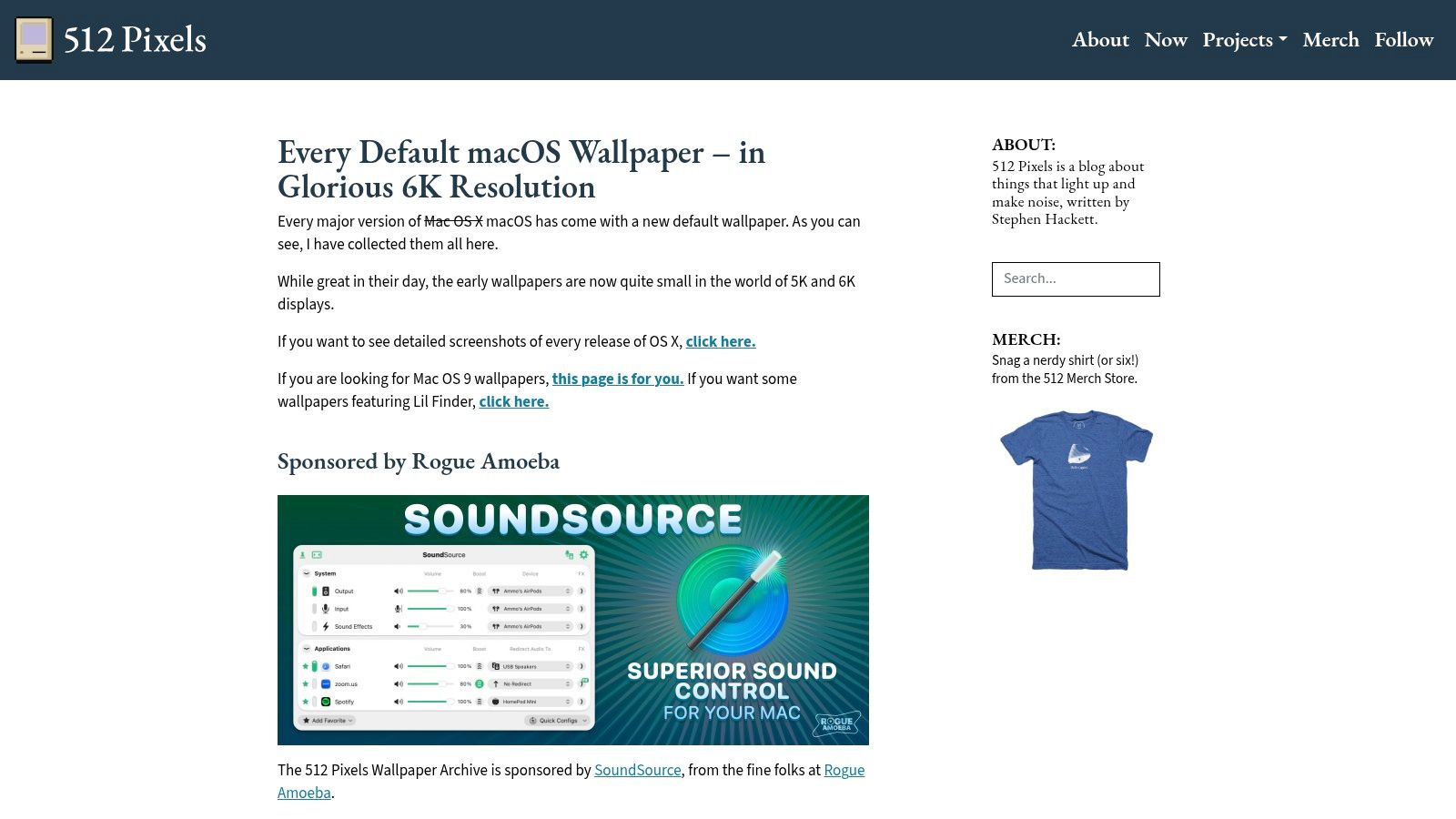
If you're the kind of person who thinks Apple peaked with a specific leopard, dune, or wave image, 512 Pixels is your museum. It archives Apple's default macOS wallpapers and presents them in proper high resolution, which is exactly the sort of niche public service the internet should do more often.
This is less a wallpaper site than an act of preservation. And for Mac users, that matters. Apple's own wallpapers are designed to fit Mac displays and macOS UI conventions, so they usually behave better on the desktop than random third-party images.
Why Mac purists love it
A lot of wallpapers look good in isolation. Apple default wallpapers tend to look good while living under your menu bar, Dock, widgets, and windows. That's a different test.
If you want that polished Mac-native feel without hunting around for modern imitations, high-resolution Mac wallpaper options are easier to judge once you've compared them against the originals.
Here's where 512 Pixels shines:
- Proper Mac fit: These wallpapers belong on a Mac, and it shows.
- Historical completeness: Great if you miss an older macOS era and want the exact vibe back.
- Reliable quality: No guessing whether the file will hold up on a larger display.
The limitation is obvious. This is one lane. If you want moody cyberpunk streets, illustrated scenes, or cozy winter cabins, you won't get that here. You're getting Apple's visual history, not a broad creative catalog.
A useful filter: If you love macOS design language and hate visual clutter, start here before trying anything louder.
For people who want free wallpapers that feel naturally suited to a Mac, 512 Pixels is one of the strongest picks on the list. It's specific, focused, and better than scrolling endless stock-photo feeds hoping to rediscover Snow Leopard by accident.
4. Basic Apple Guy
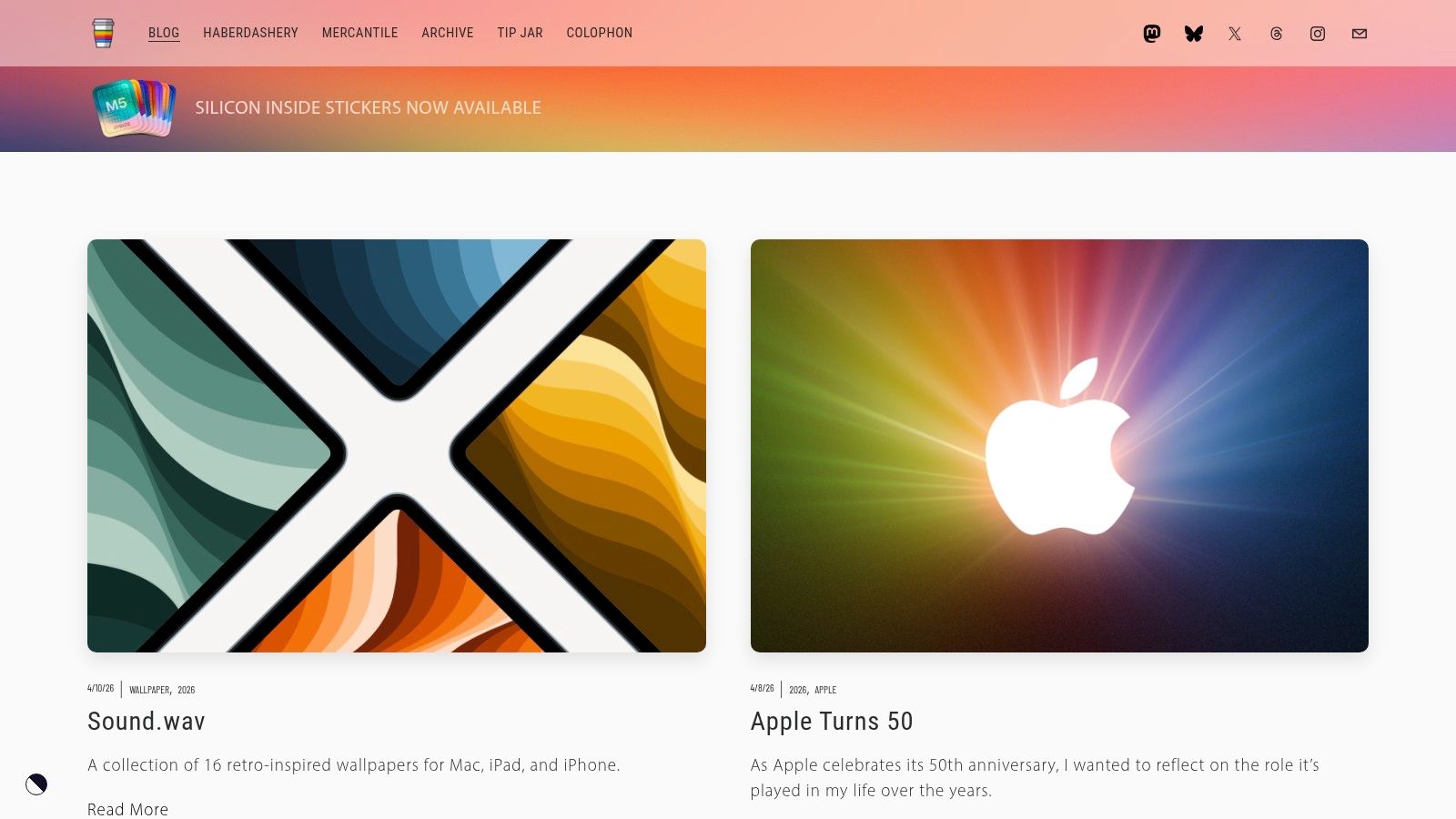
Basic Apple Guy sits in a very pleasant niche: wallpapers for people who like Apple design, Apple events, Apple hardware, and probably have opinions about aluminum finishes that nobody asked for. Which is to say, a lot of Mac users.
The style here is more authored than stock-photo sites. You're getting original Apple-flavored designs, seasonal themes, event-inspired artwork, and visuals that generally flatter macOS instead of competing with it. The result feels cohesive in a way massive free libraries often don't.
The appeal of a strong point of view
Some wallpaper sources give you everything. Basic Apple Guy gives you taste. That can be better.
There's usually a clear design idea behind each release, whether it's minimal geometry, a macOS-inspired gradient, or something keyed to a product launch. On a Mac desktop, that kind of restraint works well. It feels considered instead of random.
A few strengths stand out:
- Mac-friendly composition: Good balance, sensible use of negative space, and colors that usually play nicely with macOS.
- Original work: You're not browsing the same stock images everyone else downloaded last year.
- Seasonal and event-themed drops: Fun if you like changing your desktop with the calendar or Apple's latest keynote circus.
The weakness is variety. If you don't care for the Apple-adjacent aesthetic, there's no reason to force it. This isn't the place for sprawling photo collections or every possible mood under the sun. It's curated, and curation always excludes as much as it includes.
That said, Basic Apple Guy is one of the best sources for wallpapers that look like they belong in the Mac ecosystem instead of merely being tolerated by it. If your desktop taste runs clean, modern, and just a little bit nerdy, this one earns a permanent bookmark.
5. Jetson Creative Free Dynamic Desktops 24 Hour Wallpaper
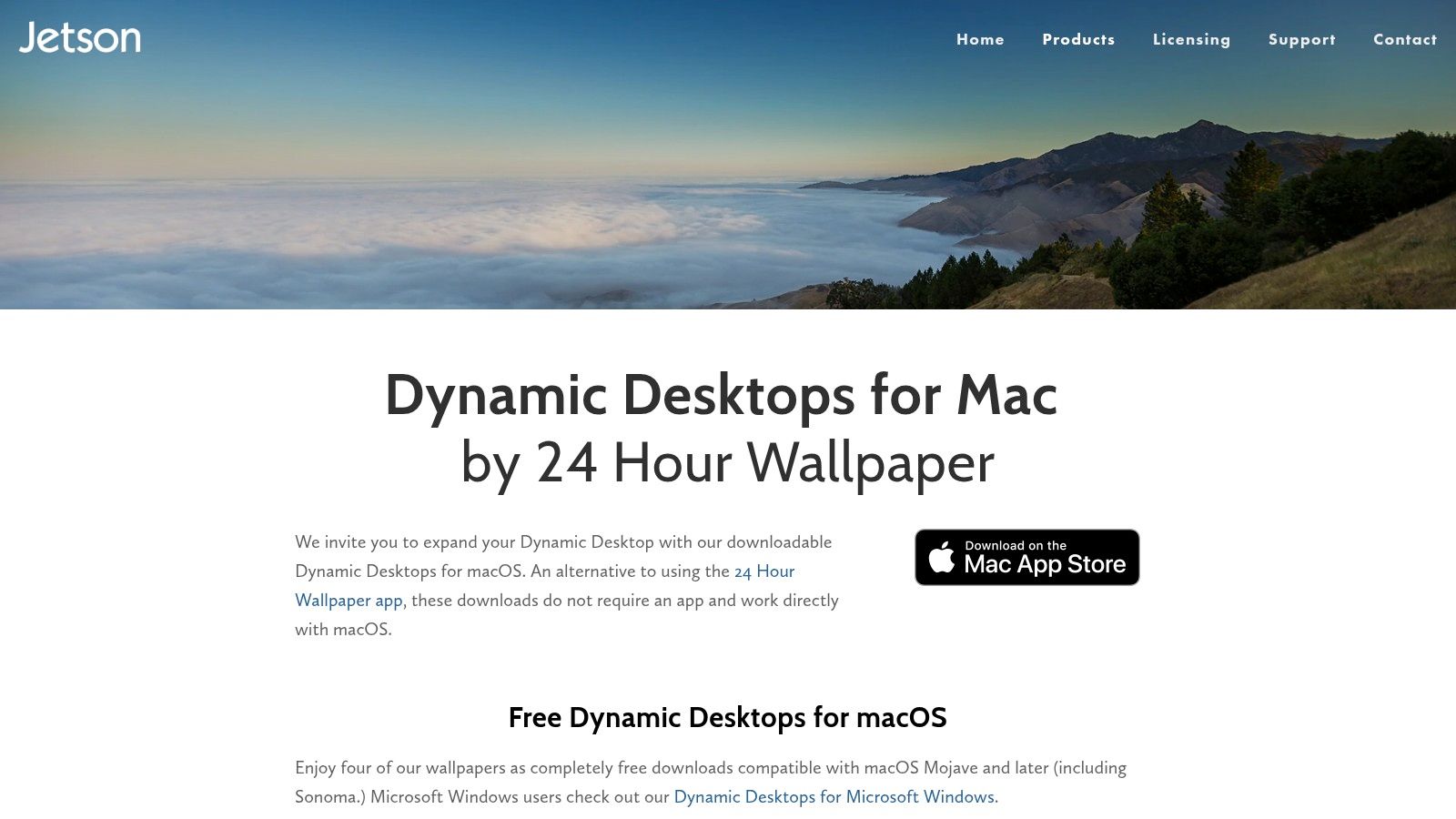
The list becomes more interesting. Jetson Creative offers true macOS Dynamic Desktop wallpapers. Not video loops. Not fake motion. Native time-of-day wallpaper sets that shift as the day changes, which is one of the most elegant wallpaper features Apple ever shipped and then left oddly under-discussed.
Dynamic desktops are the middle path between static and live. You get change and atmosphere without constant movement. For a lot of people, especially on a work machine, that's the sweet spot.
Why dynamic desktops are underrated
Most wallpaper guides treat everything as a still image problem. That misses a useful category entirely. If you want something more than a frozen image but less demanding than a looping video, dynamic wallpapers occupy that exact gap.
Jetson Creative's free dynamic desktops are a good answer if you want your desktop to feel alive, but not in a distracting "my wallpaper is trying to become cinema" way.
- Native macOS format: They behave like proper Dynamic Desktop wallpapers, because they are.
- Subtle time-based change: Morning, afternoon, dusk, night. The desktop evolves without demanding attention.
- Good fit for work setups: You get atmosphere without a moving background constantly tugging at your peripheral vision.
Dynamic wallpapers are what I recommend to people who want more personality than a static image and less drama than a looping video.
The obvious catch is catalog size. The free options are a sampler, not an endless vault. But the quality is strong, and the format itself is worth trying if you've never gone beyond static backgrounds.
For Mac users who want native behavior and a little daily variation, Jetson Creative is a good detour from the usual still-image treadmill.
6. Dynamic Wallpaper Club
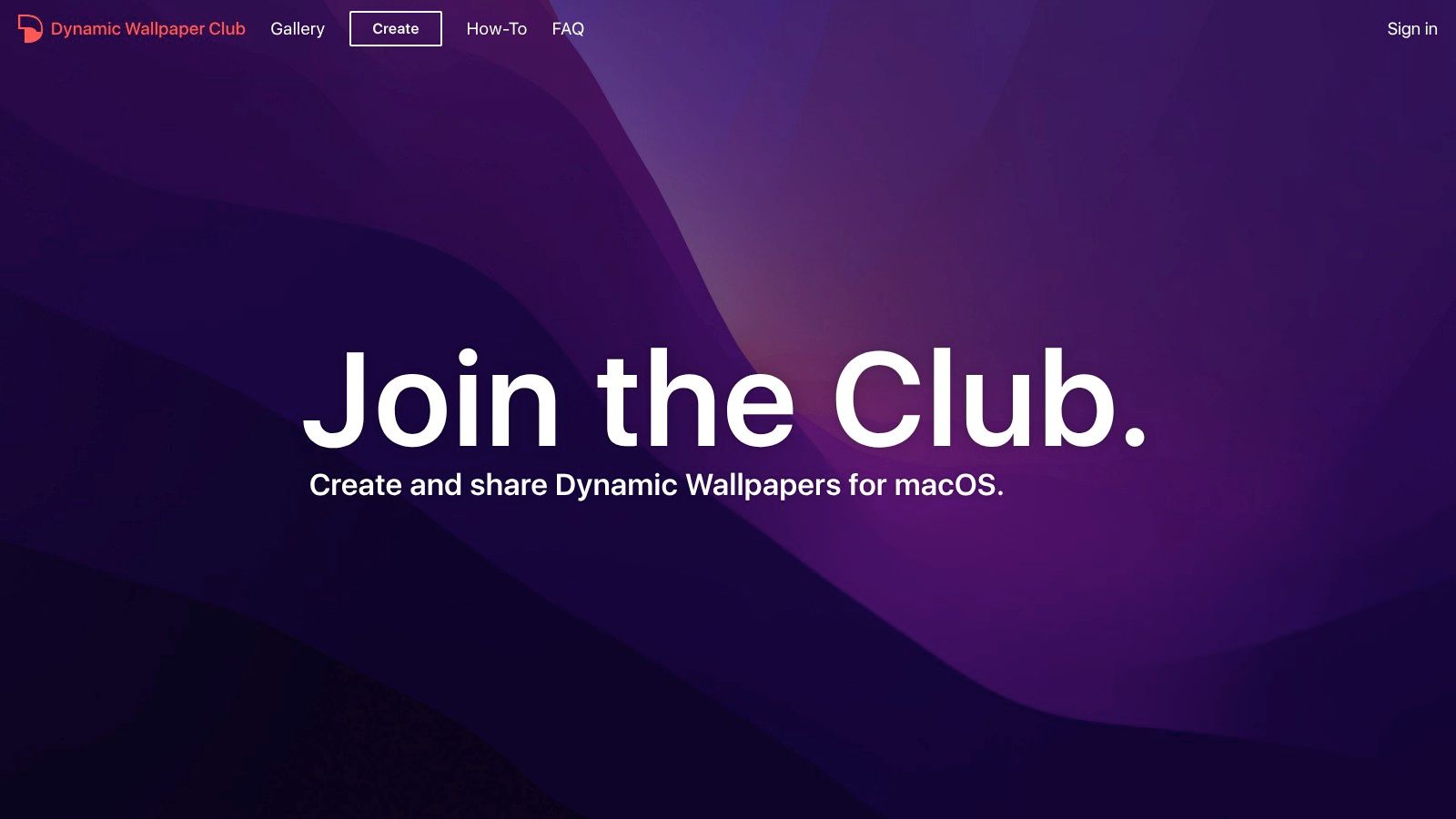
Dynamic Wallpaper Club is less polished than Jetson Creative and more fun because of it. It's a community-built gallery for macOS dynamic wallpapers, plus a creator tool for making your own. That means more range, more experimentation, and occasionally more chaos.
If you've ever looked at a changing sky over your own city, or a series of photos from one place at different times of day, and thought "this should be my desktop," this is the site that indulges that impulse.
Best for tinkerers and custom setups
The big draw isn't just downloading other people's dynamic wallpapers. It's building your own HEIC set for macOS. That makes Dynamic Wallpaper Club especially good for Mac users who want something personal instead of another generic mountain.
Community galleries always come with trade-offs, and this one is no exception.
- More variety: Scenic views, city scenes, experiments, and oddities you won't find on more curated sites.
- Custom creation tools: Handy if you want to turn your own photo sequence into a dynamic wallpaper.
- Mac-ready concept: The entire site is built around the native dynamic wallpaper idea, not just wallpaper in general.
The weakness is quality control. Some uploads are excellent. Some are merely earnest. Download reliability can also vary, particularly on older entries, which is the price of community archives everywhere on the internet.
Still, Dynamic Wallpaper Club earns its place because it offers something most wallpaper sites don't. It treats your Mac desktop like a format you can author, not just decorate. If you enjoy tinkering, this one is far more interesting than another endless feed of static JPEGs.
7. gifPaper Live 4K Wallpapers for Mac
You open your Mac to answer two emails, and suddenly your desktop is a rainy alley, a glowing fireplace, or a slow neon city loop. Slightly ridiculous. Also kind of great. If you care enough to get your wallpaper exactly right, live wallpapers are the point where the hobby turns into a preference.
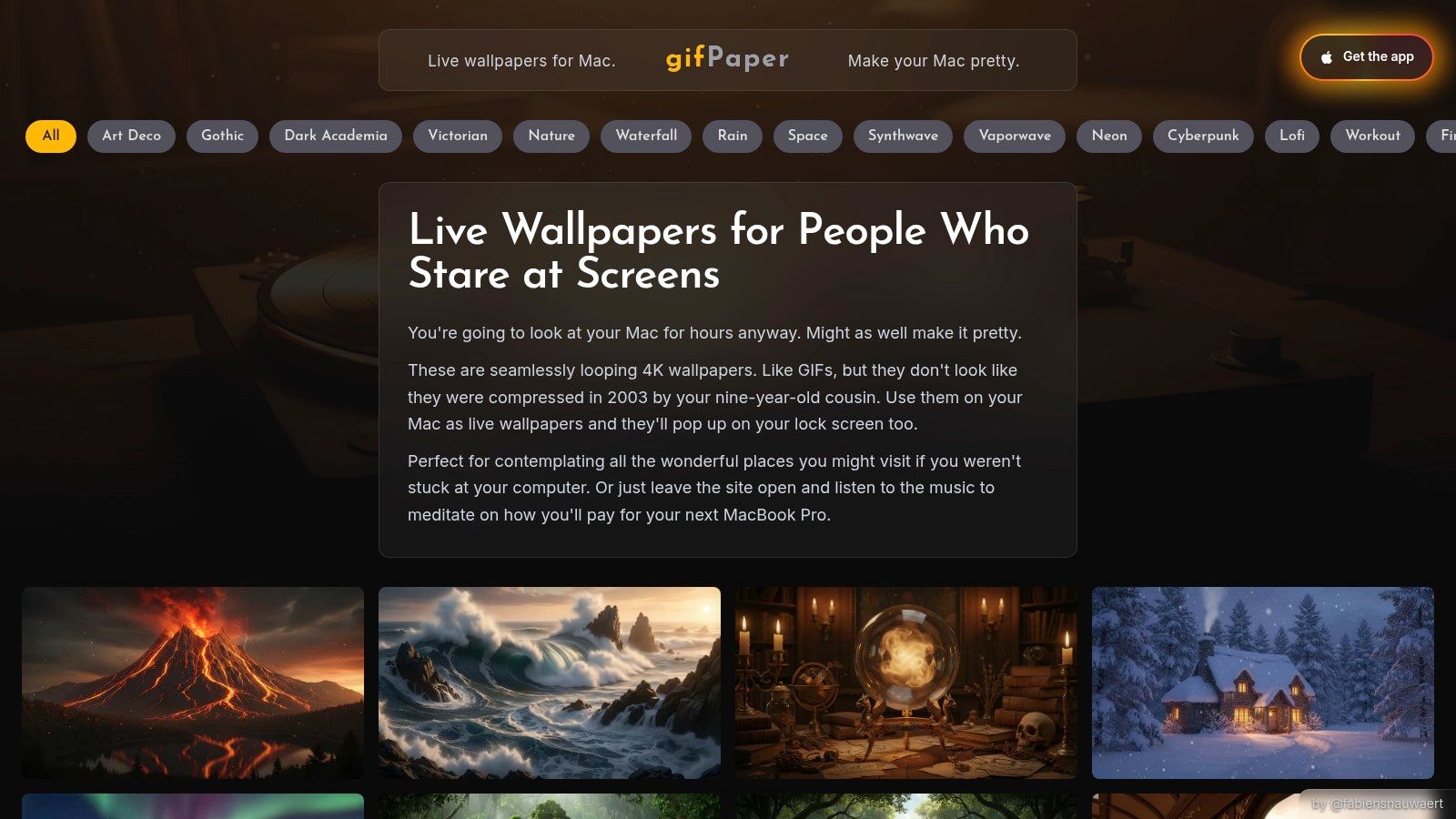
gifPaper covers the part most free wallpaper roundups skip. It focuses on live 4K wallpapers for Mac, not just static 5K and 6K images or native macOS Dynamic HEIC files. That makes it a different category from the other sources on this list, and a useful one if you want actual motion instead of a wallpaper that only changes by time of day.
The site is a browseable gallery with 150+ looping 4K wallpapers in categories like lofi wallpapers, neon wallpapers, nature wallpapers, winter wallpapers, fireplace wallpapers, and dark wallpapers. The better ones understand the assignment. They add atmosphere without turning your desktop into a glowing disaster.
A lot of scenes also include ambient audio. That sounds gimmicky until you try a rain loop in silence and realize it feels oddly unfinished. Used sparingly, audio gives the wallpaper a sense of place instead of just movement.
If you want the practical setup details first, start with this guide on how to get live wallpapers on Mac.
The trade-off, stated plainly, is that live wallpapers demand taste and restraint. Motion affects a workspace more than any still image does. Pick a busy loop and it will pull focus every time you glance at the desktop. Pick a calmer scene and it works more like lighting. Present, but not nagging.
gifPaper is free to browse, but the app is paid after a 7-day free trial with no credit card required. It is a $4.99 one-time purchase, not a subscription. It requires macOS 14 or later, and it is distributed directly because App Store sandbox rules interfere with live lock screen wallpaper features. The app is notarized by Apple, which is the detail I look for before installing anything outside the Mac App Store.
7-Way Comparison of Free macOS Wallpaper Sources
| Item | Implementation complexity | Resource requirements | Expected outcomes | Ideal use cases | Key advantages |
|---|---|---|---|---|---|
| Unsplash | Very low, browse and download; may require manual cropping | 4K+ image files; no app or account required | High-resolution, diverse static photos; not Mac-specific fit | Quick sourcing of high-quality static wallpapers across many styles | Massive free catalog, permissive license, no watermarks |
| Pexels | Very low, browse and download; may require cropping | 4K files; no account required | High-res static images with variable quality | Fast access to free 4K photos in varied moods (nature, abstract, minimal) | Dedicated "Wallpapers"/"4K" categories and fast UX |
| 512 Pixels, Every Default macOS Wallpaper (in up to 6K) | Minimal, one-click downloads | 5K/6K restored files; web archive | Authentic Apple default wallpapers with perfect macOS aspect ratios | Mac purists wanting original Apple wallpapers and historical collection | Complete, restored/upscaled Apple defaults with faithful color |
| Basic Apple Guy | Low, download curated posts | High-res up to 6K; periodic releases | Cohesive, Apple-flavored static designs tailored to macOS | Users seeking tasteful, system-style Apple-inspired wallpapers | Mac-optimized aesthetic and strong community reputation |
| Jetson Creative, Free Dynamic Desktops (24 Hour Wallpaper) | Moderate, install/apply HEIC dynamic files | 5K HEIC dynamic files; requires macOS Mojave+; some paid bundles | Native time-of-day changing dynamic desktops with smooth transitions | Those who want authentic, battery-friendly macOS dynamic wallpapers | Premium-author dynamic packs that integrate natively with macOS |
| Dynamic Wallpaper Club | Moderate, use web creator or download community HEIC files | HEIC dynamic up to 5K; community-hosted assets (variable reliability) | Wide variety of user-made time-based desktops; quality varies | Custom dynamic wallpapers from personal images or community uploads | Web-based creator and strong community customization options |
| gifPaper (Live 4K Wallpapers for Mac) | Moderate, install app; one-click apply; trial/paid | 4K looping videos/loops, app runtime; higher power use than static | Seamless, subtle live wallpapers (often with ambient audio) | Users wanting tasteful motion or ambient live wallpapers for Mac | Purpose-built Mac app with curated, calm looping visuals and easy setup |
The Obvious Question: What About Live Wallpapers
You open your Mac at 8 a.m. and get the same frozen gradient you saw at midnight. It still looks fine. It just feels a little dead once you know the machine could do more.
That is the primary reason for live wallpapers. Static images still win for simplicity, and true macOS Dynamic wallpapers are the best middle ground if you want time-of-day changes with almost no overhead. Live wallpapers serve a different purpose. They add motion, atmosphere, and a sense that the desktop was chosen on purpose rather than inherited from whatever came with the last OS update.
Yes, this is slightly ridiculous to care about. It is also completely reasonable. If you spend all day on a Mac, the background sets the tone more than people admit.
The catch is that live wallpapers on Mac have historically been a bit messy. Plenty of apps feel bolted on, use clumsy workarounds, or turn a nice idea into a battery-hungry novelty. That trade-off matters. A good live wallpaper should look calm, run smoothly, and feel like part of macOS instead of a weird layer sitting on top of it.
gifPaper for Mac is the cleanest option I've seen because it is built around Apple's native Aerial wallpaper format. That means the same wallpaper can work across the lock screen, desktop, and screen saver without the usual fiddling. Set it once, and it behaves the way Mac users expect. If you have tried older wallpaper tools, you already know how rare that is.
The library focuses on the kind of motion that works on a Mac. Lo fi rooms, neon city scenes, fireplaces, winter cabins, space backdrops. The loops are smooth, the visuals are in 4K, and many include ambient audio if you want more presence from the scene. It is tastefully restrained, which is harder to find than it should be.
The pricing also passes the sanity test. There is a 7 day free trial with no credit card required, then a one time $4.99 purchase with a 30 day money back guarantee. No subscription. Renting a wallpaper is silly.
If you want maximum sharpness and zero fuss, stick with the static 5K and 6K sources above. If you want native day-to-night changes, use a proper macOS Dynamic wallpaper source. If you want actual motion on your Mac without turning the desktop into a glowing disaster, gifPaper for Mac is the one I'd use.