Aesthetic MacBook Wallpaper Ideas to Make Your Screen Less Boring
You're going to stare at your Mac for hours anyway. Might as well make it pretty.
Finding the perfect MacBook wallpaper aesthetic isn't just about downloading a pretty picture; it's about setting a mood for your entire day. It's the difference between opening your laptop to a void and opening it to a cozy fireplace, a rain-soaked neon city, or a spaceship quietly drifting past Jupiter. You are a person of taste. Your digital space should reflect that.
This guide skips the generic, low-res image dumps and gets straight to the good stuff. I'll cover different vibes—from neon-drenched nightscapes to lofi corners perfect for pretending to study—and show you exactly where to find them. More importantly, I'll show you how to make these aesthetics an actual part of your Mac, not just eye candy in a browser tab.
Neon for Night Owls
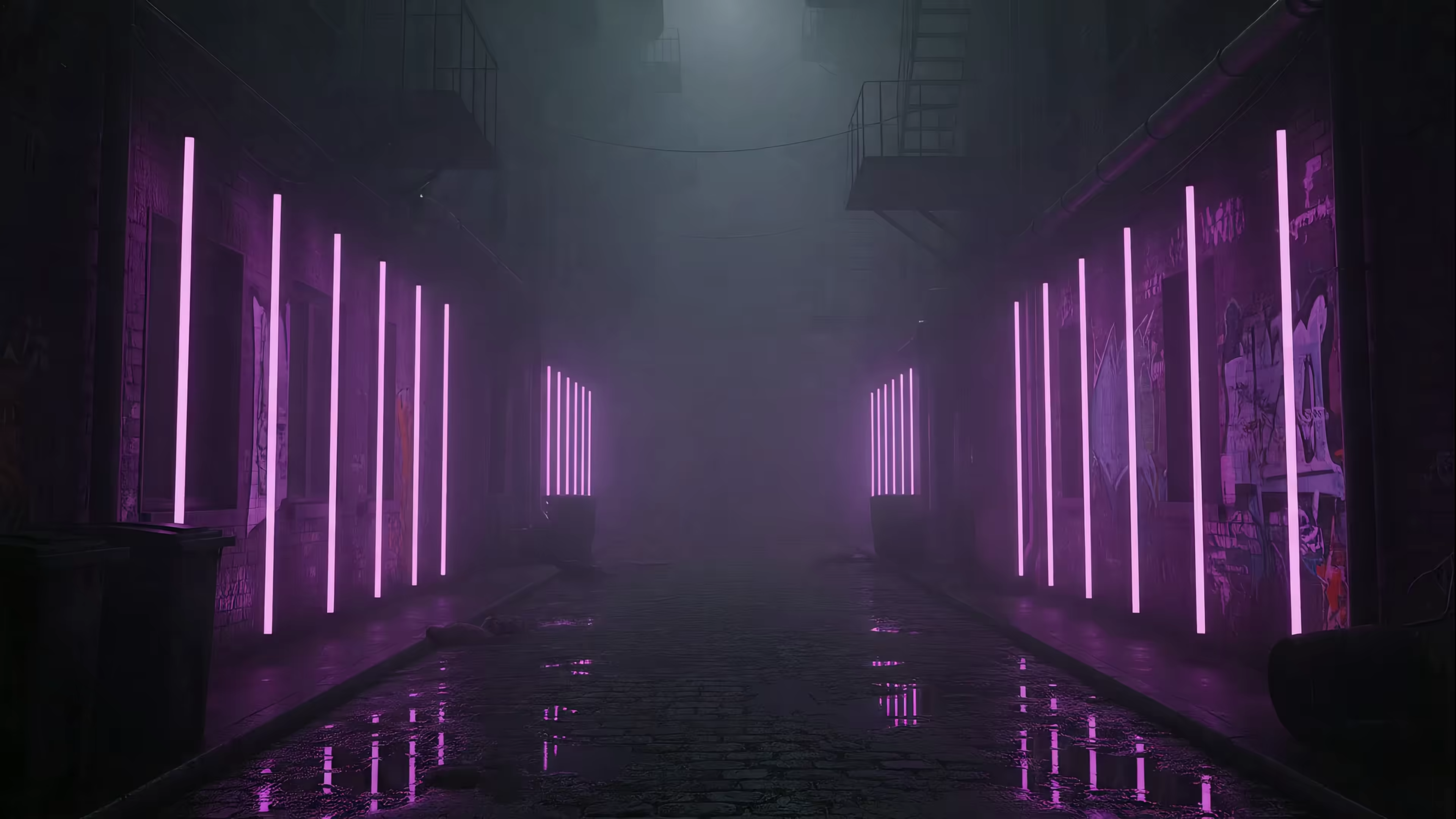
This is for when you do your best work after midnight, fueled by caffeine and the glow of a screen. The neon aesthetic is all about vibrant, electric colors cutting through the darkness—think cyberpunk cityscapes, glowing signs in a language you don't understand, and rain reflecting a million points of light. It's moody, futuristic, and looks incredible on a Retina display.
A great aesthetic wallpaper for Mac is one that creates an atmosphere. Neon does this instantly. It's perfect for coding, late-night creative work, or just feeling like you're in a much cooler city than you actually are. If you're drawn to this vibe, the neon wallpaper collection has over 20 different rain-soaked, futuristic, and glowing scenes to choose from.
Lofi for Study Sessions and Deep Focus
The lofi aesthetic is the digital equivalent of a warm blanket and a cup of tea. It's gentle, nostalgic, and designed to help you focus without being distracting. Visually, it's defined by soft, often animated scenes: a cat sleeping on a windowsill as rain falls outside, steam rising from a coffee cup in a cozy café, or a girl endlessly studying at her desk. It's comfort, distilled into pixels.
This is one of the most popular MacBook wallpaper aesthetic choices for students and remote workers. It sets a calm, productive mood without demanding your attention. It says, "It's okay, you can finish that report. There's nowhere else you need to be." If this speaks to your soul, there are dozens of similar scenes in the lofi wallpaper collection, perfect for your next all-nighter.
Dark and Dramatic for the Bold
Some people want a calm desktop. Others want a statement. This is for the latter. The dark and dramatic aesthetic uses high-contrast, moody visuals to create a powerful effect. Think swirling cosmic nebulas, stark minimalist landscapes under a full moon, or abstract shapes moving through an inky void. It's less about a specific theme and more about a feeling: intense, focused, and a little bit theatrical.
Everything is purple. We don't make the rules. These wallpapers for MacBook are for people who aren't afraid of a little drama. They make your app icons and windows pop, creating a clean, high-contrast workspace that feels intentional and powerful. The purple wallpaper and dark wallpaper categories have plenty of bold, atmospheric options.
Minimal and Cozy for Hygge Enthusiasts
Hygge is the Danish concept of cozy contentment. This aesthetic translates that feeling to your screen. It's about warmth, simplicity, and finding beauty in the understated. Think of a minimalist fireplace with a softly crackling fire, a sunbeam moving across a clean, Scandinavian-inspired room, or gentle snow falling outside a cabin window. It's all the cozy, none of the smoke damage.
This aesthetic wallpaper MacBook choice is perfect for anyone who wants their workspace to feel like a calm sanctuary. It's clean, unobtrusive, and brings a sense of organic warmth to a cold metal and glass device. It's the visual equivalent of putting on a comfortable sweater. The fireplace wallpaper collection has plenty of scenes ready to warm up your desktop.
Okay, But How Do I Make These My Actual Wallpaper?
You've seen the vibes. You've picked a favorite. Now what?
A great aesthetic wallpaper is useless if it's stuck on a website. The real magic happens when that looping neon cityscape or cozy fireplace becomes the first thing you see when you wake your Mac. For years, this was a frustrating experience on macOS. Other wallpaper apps often use clunky overlays that drain your battery, don't work on the lock screen, or just feel like a hack.
Static images are fine. But you came here looking for an aesthetic, which is more than a JPG. It's a living mood.
All the wallpapers you've seen here aren't just website demos. They are part of a library of 150+ seamless, 4K looping scenes designed for gifPaper for Mac. It's the first and only app that uses Apple's native system to set live wallpapers—the same way Apple's own aerial screen savers work.
This means: 1. A live lock screen: Wake your Mac to a living wallpaper that slows to a stop as you unlock. No hacks, just a beautiful, integrated experience. 2. A dynamic desktop: A beautiful still frame by default to save power, with an option to toggle full video animation. 3. A screen saver worth watching: When your Mac sleeps, your chosen scene plays in full, with ambient sound.
It's a one-time $4.99 purchase (that's the launch price), not a subscription. Try everything with a 7-day free trial, no credit card required. Go from browsing an aesthetic to living in it.