7 Best Naruto and Hinata Wallpapers for Mac
Craving Naruto and Hinata on Your Mac?
Why does every guide assume finding the image is the hard part, when the actual problem is making your Mac feel less like a tax document and more like a quiet shinobi shrine? Static downloads are easy. Getting Naruto and Hinata on your lock screen, desktop, and screen saver without the whole setup feeling like a garage project is the gap nobody talks about.
Here are 7 picks for Naruto and Hinata wallpapers that are worth your time. Some are official, some are giant wallpaper libraries, and all of them are useful in different ways depending on whether you want clean canon art, oddball crops, or something you can adapt into a continuous 4K live wallpaper. If you're also curious about generating quality anime art, that's another path. But if you already know the pairing you want, let's not pretend you came here for philosophy.
One useful bit of context: there isn't any credible public dataset for downloads or search volume specific to Naruto and Hinata wallpapers, so anyone pretending to have exact market numbers is doing improv in a lab coat. The list starts with the obvious choice.
1. NARUTO Official Site
Start with the official portal at NARUTO Official Site wallpaper page. If you care about canon artwork, correct colors, and not wondering whether a file came from someone's mysteriously crusty repost account, this is the cleanest option.
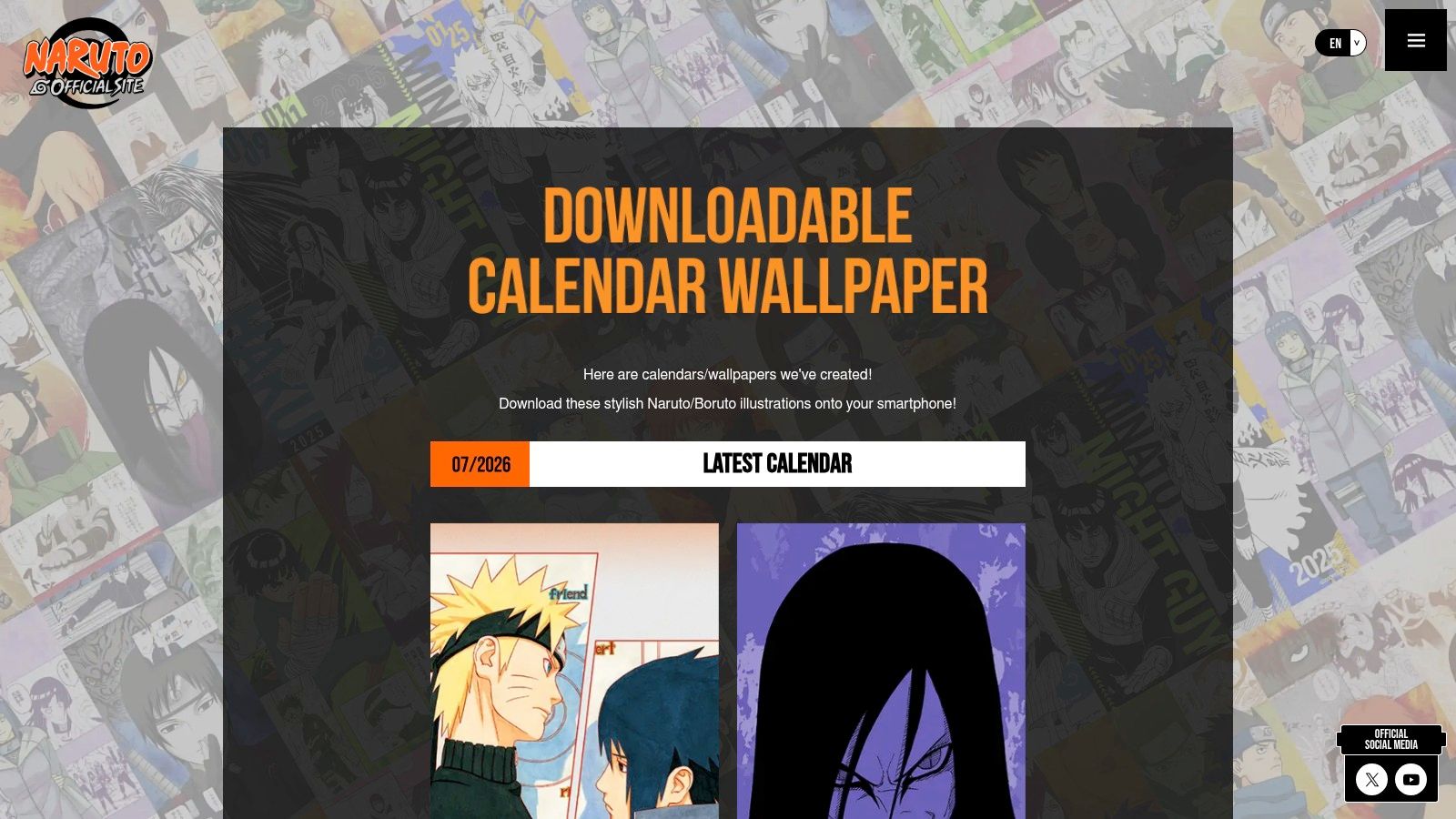
The site rotates seasonal wallpaper drops and calendar-style releases, which makes it feel alive instead of abandoned in some digital alley behind 2012. Naruto itself ended its original manga run in November 2014 after 15 years and 700 chapters, with over 250 million copies in circulation worldwide as of 2023, which explains why official art still has a gravitational pull large enough to bully your browser history into compliance.
Why it makes the cut
Official art matters more on a Retina Mac than people admit. Slightly wrong skin tones, over-sharpened edges, and crunchy contrast look especially bad when blown up across a desktop. The official site avoids that.
- Best for canon accuracy: You get on-model Naruto and Hinata art from the actual franchise portal.
- Best for safe downloads: No ad maze, no "download now" button that really means "meet 14 popups."
- Best for clean color: Official promotional art usually holds up better when scaled.
Practical rule: If you want one wallpaper that feels unmistakably "real Naruto" and not "someone discovered a blur tool at 2 a.m.," start here.
The catch
Desktop-first options can be limited, and Naruto plus Hinata as a pair won't always be available at the exact moment your devotion peaks. A lot of the crops lean mobile. That said, it's still the first tab I'd open, because licensed art ages better than random fan reposts.
2. VIZ
For English-language official material, VIZ's blog is the next sensible stop. It's less of a wallpaper destination and more of a place where wallpapers occasionally appear like a polite ninja who forgot to announce the entrance.
VIZ is useful because it gives you a trustworthy U.S. publisher context, in English, without forcing you to hunt through forum archaeology. Updates aren't constant, but when promotional wallpapers show up, they're legitimate and easy to grab.
What VIZ does well
This is the low-drama option. Open post, save image, continue with your day.
- Best for English-language browsing: You don't need to guess your way through menus.
- Best for publisher-safe files: Rights status is clear, which is nice if you dislike moral ambiguity before coffee.
- Best as a backup official source: When the Japanese official portal doesn't have the couple art you want, VIZ sometimes fills the gap.
Naruto remains one of the top 5 most-searched anime franchises on Google every year since 2010, and "Naruto wallpaper" averages 15 to 20 million monthly searches in the U.S. and EU combined, which tells you the broader appetite is enormous even if pair-specific numbers don't exist.
Where it falls short
Couple-specific Naruto and Hinata pieces can be rare, and many image dimensions lean phone-first. You may need to crop or scale for desktop use, especially if you're trying to preserve faces instead of accidentally turning Hinata into a forehead monument.
Official publisher art is the easiest way to avoid fake colors, fake logos, and fake confidence.
3. Wallpapers.com
If your real goal is volume, Wallpapers.com's Naruto and Hinata page is the practical monster truck of the list. It's built for browsing moods, crops, edits, and scenes at speed.
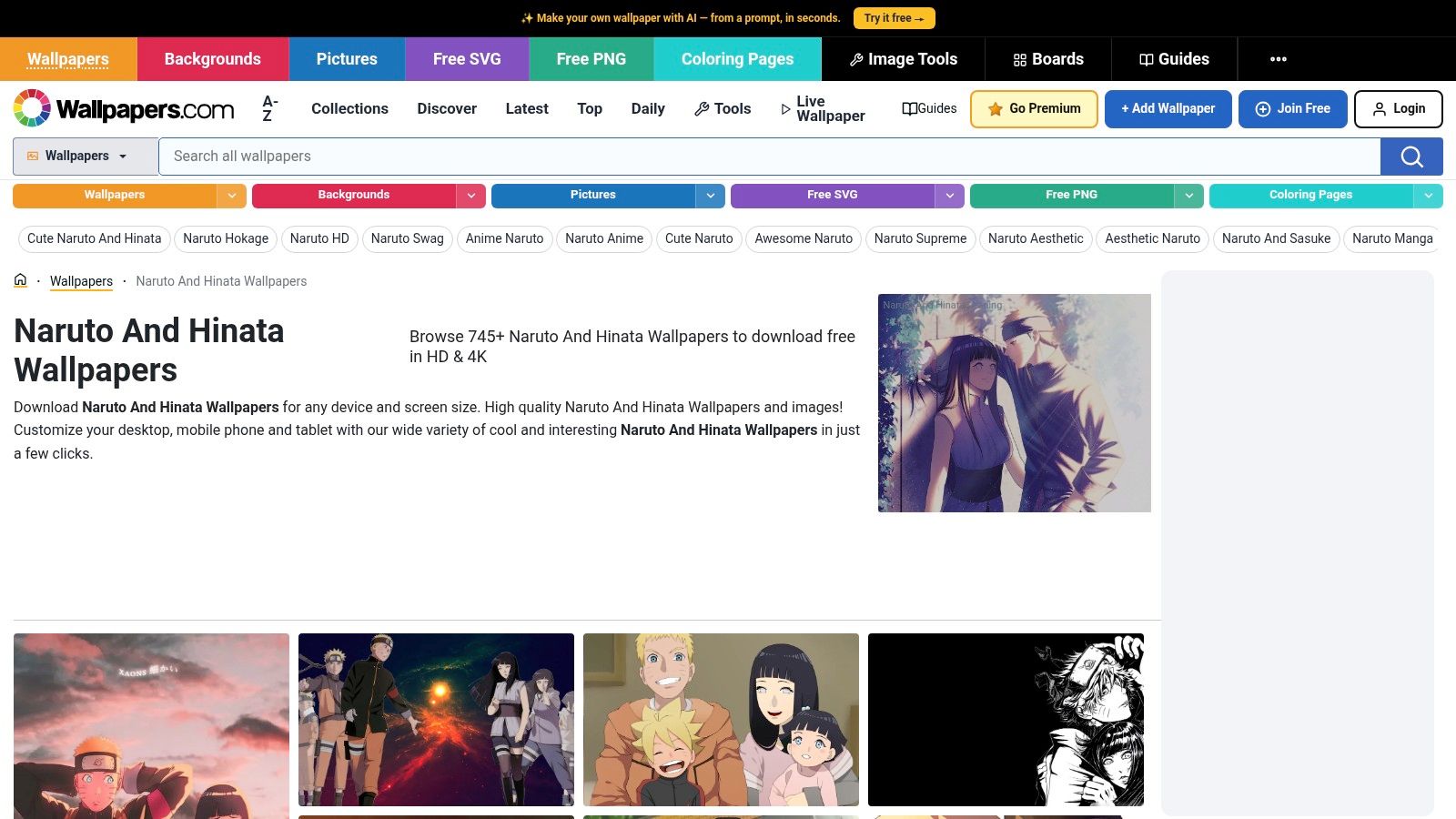
When "official only" stops being enough and you want choices, a vast selection awaits. Sweet scenes, battle poses, softer fan edits, dramatic skies, cherry blossoms, improbable quantities of glowing particles. The whole anime wallpaper internet buffet.
Why it's worth using
The broader Naruto category on Wallpapers.com hosts over 3,256 verified Naruto images in HD and 4K, which makes it one of the densest easy-browse libraries around for this franchise. That doesn't mean every image on the couple page is a masterpiece. It does mean you can usually find a crop that works for desktop without needing a second life as an image editor.
- Best for variety: Different moods and compositions show up fast.
- Best for desktop-fitting crops: Wider-format options are easier to find than on mobile-first sites.
- Best for casual hunting: It's straightforward and doesn't try to become your life coach.
For people who like anime visuals but want more context around why certain colors, moods, and compositions feel good on screen, the lofi and neon collections on gifPaper show how motion and palette can shift the entire mood of a static image.
What to watch for
This is aggregated content. Rights provenance varies, and quality does too. Some uploads look crisp. Others have that faint "saved, reposted, screenshotted, re-uploaded, blessed by chaos" softness.
Still, for Naruto and Hinata wallpapers specifically, this is one of the strongest places to find a scene you can work with on a Mac.
4. Alpha Coders
Alpha Coders' Naruto Hinata gallery feels built by people who understand the sentence "I need a real desktop resolution, not a vertical crop pretending to be brave." That's why it earns a spot.
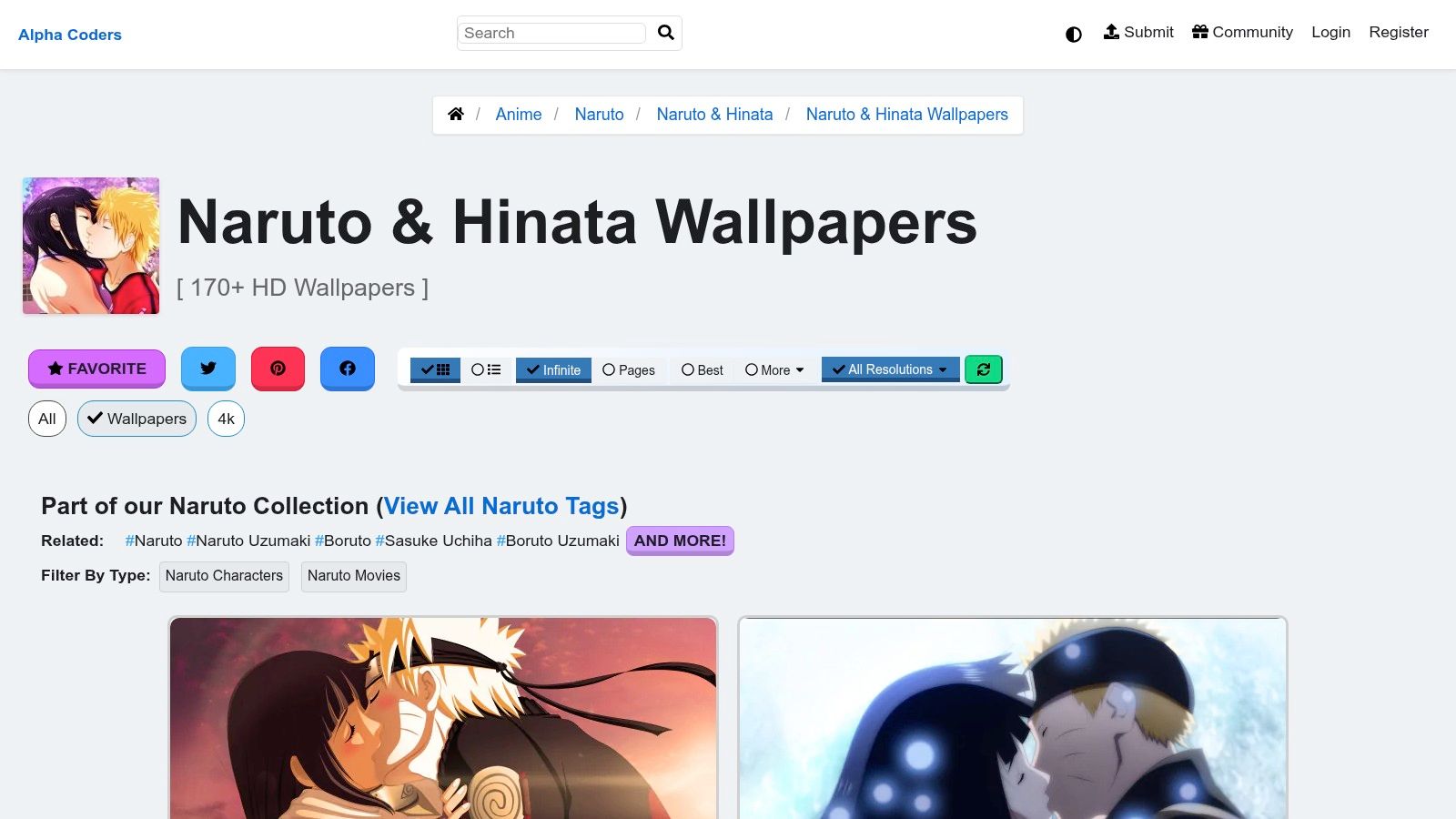
The per-image pages are useful because they show resolution and uploader details. That doesn't solve every rights question, but it does help you avoid downloading something too small for a large display and discovering the blur only after you've emotionally committed.
Where Alpha Coders shines
Mac users with larger displays need room to breathe. This gallery tends to offer more desktop-friendly images than phone-heavy alternatives.
- Best for high-resolution desktop crops: Especially good if you hate visible compression.
- Best for trying multiple looks quickly: Preview, compare, discard the over-edited ones, move on.
- Best for orientation filtering: Helpful when you know what shape you need.
Hinata ranked 12th among female anime characters in global fan polls conducted between 2020 and 2023, with about 8.7% of more than 150,000 respondents selecting her as a favorite, which lines up nicely with the amount of fan-made wallpaper interest she attracts.
The weak point
Uploads come from a mix of contributors, so provenance varies. Older files can show compression artifacts, and a few look like they survived several wars. But for true desktop sizes, Alpha Coders is often better than slicker sites with smaller actual files.
If your Mac has a big display, resolution matters more than novelty. A mediocre crop at the right size beats a gorgeous image that's too small.
5. Zedge
Zedge's Naruto and Hinata category is the phone-native creature on this list. It excels at portrait crops, lock-screen compositions, and quick scrolling when you want to test ten moods in five minutes.
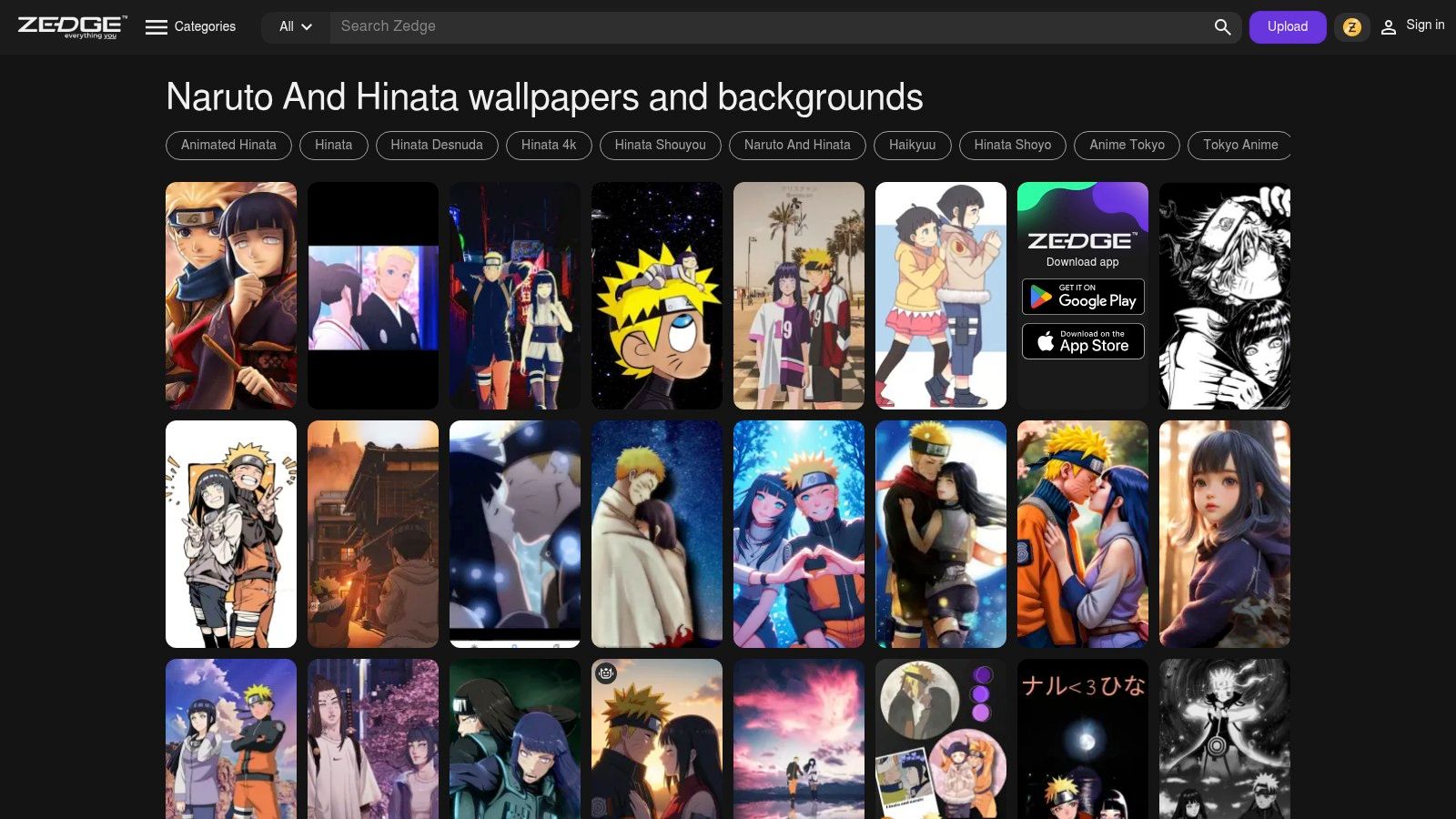
If your source image starts on mobile, that's not automatically bad news for Mac. Vertical art can be great for the lock screen, especially if you like character-focused framing instead of wide scenic shots.
Why you'd use it anyway
Zedge is useful when you want emotional framing over technical purity. Close-up couple art, soft portrait crops, dramatic glances. All very "yes, I am an adult, and yes, my laptop does feature anime devotion."
- Best for portrait compositions: Great for lock-screen-first ideas.
- Best for fast experimentation: The app-centric flow makes trying styles easy.
- Best for newer community uploads: Fresh material appears often.
There's also a larger technical point here: existing Naruto and Hinata wallpaper content mostly focuses on static HD and 4K images for general devices, while Mac users looking for smooth ambient live loops get very little specific guidance. That's exactly the gap gifPaper is built to fill.
The downside
The web experience is secondary, and rights checking is light. Use your judgment. Zedge is great for inspiration and portrait-first hunting, less great as the one sacred archive you'll trust forever.
6. WallpaperBat
WallpaperBat's Naruto and Hinata page is the minimalist of the bunch. Not minimalist as an aesthetic. Minimalist as in "it doesn't make me close twelve tabs out of self-defense."
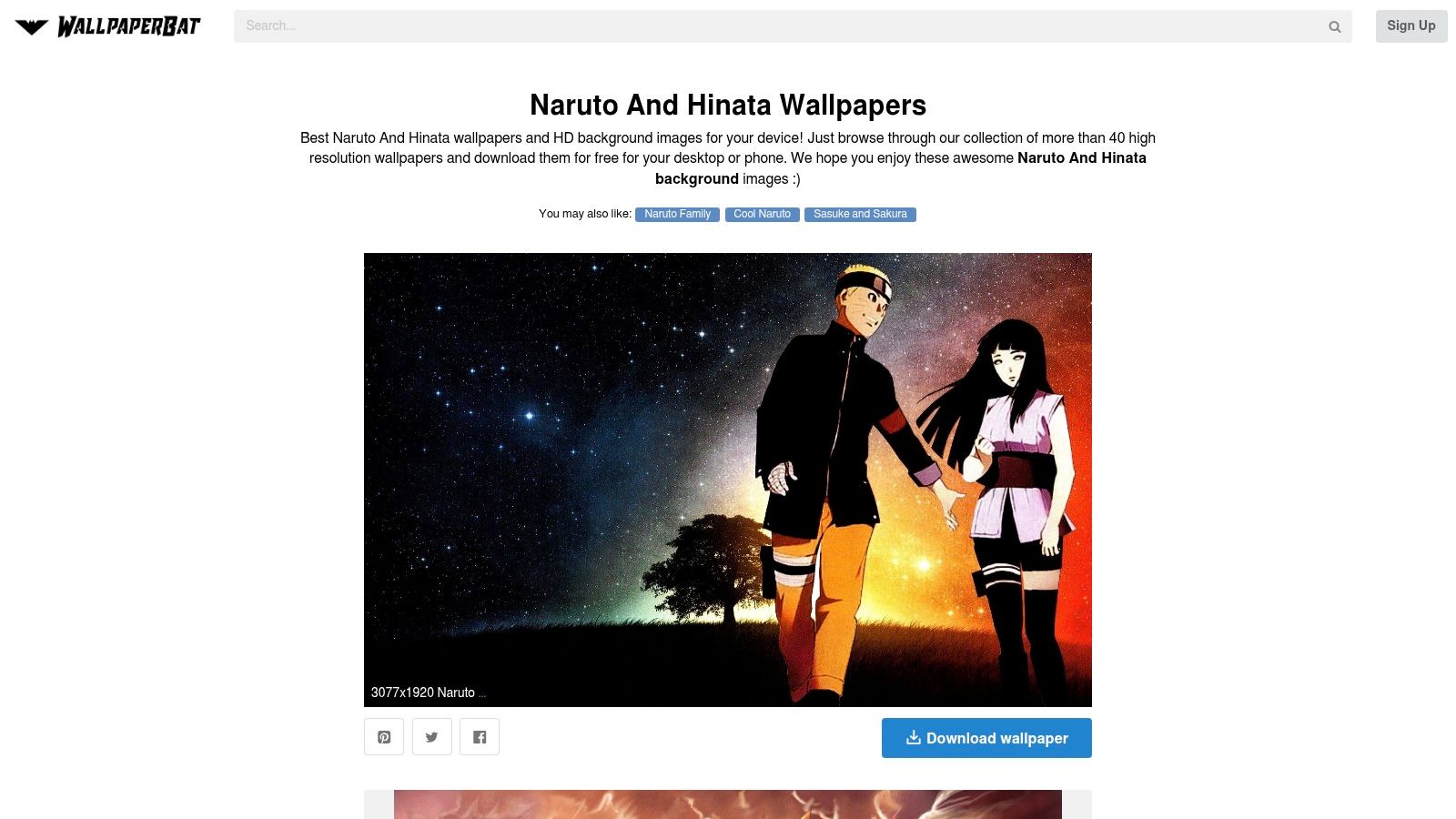
This is a backup source I like. When the giant aggregators feel cluttered or blocked, WallpaperBat gets you to a workable image quickly.
Why it works
The layout is simple, previews load fast, and one-click downloads keep the ritual painless. That's enough reason to keep it in your pocket.
- Best for quick widescreen grabs: Good when you're hunting desktop crops, not phone art.
- Best for low-friction browsing: Less noise, more image-first.
- Best as a secondary source: Handy when your first stop comes up empty.
About 1.2 million downloads on GitHub for Lively Wallpaper on Windows point to strong demand for animated backgrounds in the broader anime live wallpaper niche, which is part of why Mac users keep looking for cleaner alternatives on their own machines.
What it can't guarantee
Like most aggregators, credits and licensing can be unclear. The catalog is smaller too. Think of WallpaperBat as the efficient side character who solves one problem and leaves before the dramatic soundtrack starts.
7. WallpaperSet
WallpaperSet's Naruto and Hinata gallery is the skimmable, low-ceremony closer. It's not the biggest library, but it often surfaces specific couple scenes that don't appear where you'd expect.
This is the site for the third pass. You already checked the official places. You searched the large hubs. Now you want that one crop with blossoms, evening light, or a film-era frame that your brain insists exists.
Why it's useful
Fast browsing matters. Thumbnail density matters. Direct download buttons matter. WallpaperSet gets these basics right.
- Best for scene hunting: Good when you're after a specific emotional tone.
- Best for quick previews: The page is easy to skim.
- Best as a final search layer: Sometimes it has the oddly perfect crop.
The original manga's ending and the later canon that established Naruto and Hinata as a confirmed couple are a big reason fans keep making and sharing pair-focused wallpapers at all. Hinata first appeared in Chapter 3, then became central in the Shippuden era before the pairing became canon in later sequel material. That's fandom fuel with a very long shelf life.
The limitation
True 4K options can be thinner here than on larger platforms, and artist credits may be missing. But as a targeted search tool, WallpaperSet earns its place. Not every hero wears a headband. Some just provide the exact crop you were about to waste another hour chasing.
Comparison of Top 7 Naruto & Hinata Wallpaper Sources
| Source | Implementation complexity | Resource requirements | Expected outcomes | Ideal use cases | Key advantages |
|---|---|---|---|---|---|
| NARUTO Official Site | Very low, direct downloads and scheduled drops | None (free, no account) | Official licensed art, mobile-first crops, consistent color quality | Canonical wallpapers for personal use, mobile wallpapers, calendar art | 100% licensed, reliable source, Retina-ready colors |
| VIZ (official U.S. publisher) | Low, occasional blog-post downloads | None (web access; English-language) | Official promotional wallpapers, phone-optimized, sporadic exclusives | English-friendly official promos and phone wallpapers | Trustworthy rights, English hub, occasional exclusive content |
| Wallpapers.com | Low, browse filters and direct downloads | None (web) | Very large selection (HD/4K), mixed provenance and variable quality | Finding specific moods/scenes; broad desktop and mobile crops | Extensive catalog, strong filtering, many desktop crops |
| Alpha Coders (Wallpaper Abyss) | Low, per-image pages with resolution details | None (web) | Many true desktop and ultra-wide 4K images; mixed provenance | High-resolution desktop/Retina and ultra-wide displays | Large number of true desktop resolutions, quick previews |
| Zedge | Low–medium, app-centric apply flow | App recommended for best experience (iOS/Android) | Many portrait/vertical mobile crops, frequent uploads, lighter rights checking | Lock screens and quickly testing wallpapers on phones | Fast app workflow, mobile-optimized vertical crops |
| WallpaperBat | Very low, one-click downloads, lightweight UI | None (web) | Quick widescreen HD downloads, smaller catalog, unclear credits | Fast retrieval of landscape backgrounds when needed | Minimal friction, fast previews, low ad clutter |
| WallpaperSet | Very low, skimmable thumbnails and direct downloads | None (web) | Focused set (~70+) with fewer true 4K options, mixed credits | Third-pass source for rare crops or specific scenes | Fast browsing, occasionally surfaces rarer crops |
Seal the Deal with gifPaper
Once you've picked your favorite Naruto and Hinata still, the Mac part is where most guides suddenly become useless. They'll help you find an image, then abandon you on the shoreline with a JPEG and a dream. Very noble. Not very practical.
gifPaper fixes that specific annoyance. The website at gifPaper is a curated collection of 150+ looping 4K live wallpapers with ambient music, spread across categories like neon, lofi, winter scenes, fireplaces, space, dark rooms, and other things that make your Mac look like it has taste. The app at gifPaper for Mac does the part that matters: it sets your live wallpaper on the lock screen, desktop, and screen saver.
The app is the first and only one that uses Apple's native Aerial wallpaper format, the same undocumented system behind Apple's own video wallpapers. The developer reverse-engineered it over two weeks to achieve zero CPU usage with file sizes between 4 and 8 MB per wallpaper. That's why it feels like a proper Mac feature instead of a clever disguise.
Setup is refreshingly simple. Install the app directly because it's not on the Mac App Store. Apple's sandboxing blocks live lock screen wallpapers, so direct distribution is the only sensible route, and the app is notarized by Apple. On macOS 26 Tahoe or later, one action sets the same wallpaper for both lock screen and desktop. The lock screen animates like Apple's own. The desktop can stay on a still frame or play the full video. Screen savers are back, somehow, and now they have a reason to exist.
The offer is clear: $4.99 one-time purchase at launch, not a subscription, with a 7-day free trial that requires no credit card and includes all wallpapers and features, plus a 30-day money-back guarantee. That's a very fair price for making your Mac look less like office equipment and more like something you'd actually want to open.
If you've found the Naruto and Hinata image you want, the last step is making it feel alive on your Mac. gifPaper gives you the gallery to browse and the app to set live wallpapers on your lock screen, desktop, and screen saver. It's built for people who stare at screens all day and would prefer those screens to look a bit nicer. A niche concern, yes. Also a completely reasonable one.