
7 Flawless Sources for Two Monitor Wallpapers in 2026
Getting a second monitor is a productivity boost. Suddenly, you have all the screen real estate in the world. But then comes the aesthetic crisis: what do you put on it? A single wallpaper looks comically stretched, and setting two different images feels… disjointed. You've created a digital chasm right down the middle of your workspace.
Finding great two monitor wallpapers is an art, not a science. It doesn't have to involve hours of frustrated searching and manual cropping. It's about finding the right sources—places that understand the unique challenge of a 32:9 aspect ratio or the desire for a seamless loop that flows from one screen to the next.
This guide rounds up the best platforms to find wallpapers built specifically for dual-screen setups. From massive community archives and panoramic photos to curated live video galleries, here's where to find a background that won't make you resent your second monitor.
1. gifPaper
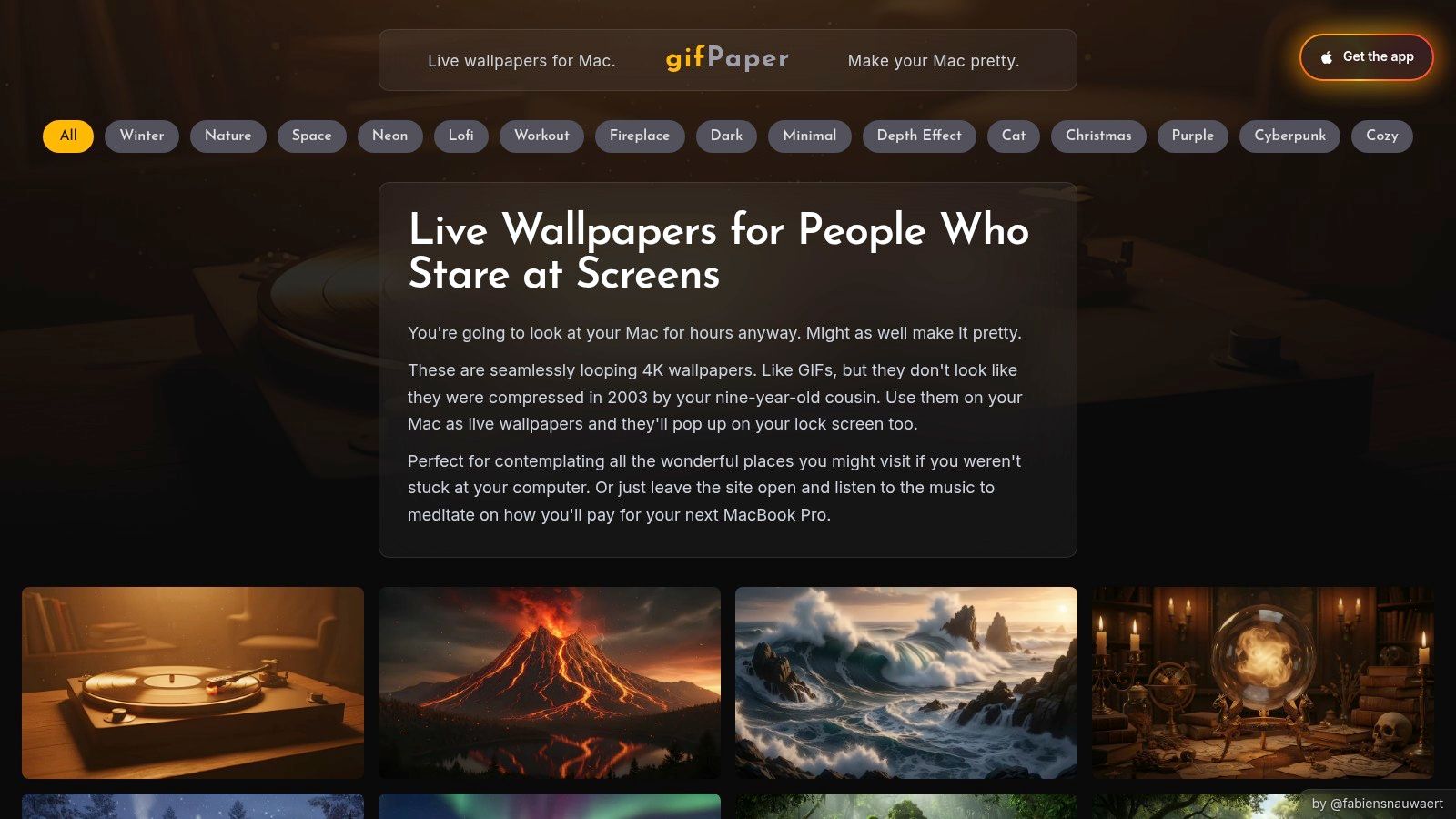
For Mac users who believe their desktop should be more than just a grid of icons, gifPaper is a specialized app and gallery built for seamless live wallpapers. It bypasses the pitfalls of other wallpaper apps by using Apple's native wallpaper technology—the same system that powers the Mac's own built-in video wallpapers. This means wake-from-sleep and lock screen behavior is smooth and glitch-free, something many other apps struggle with.
Why It Stands Out
What makes gifPaper a top choice for two monitor wallpapers is its dedication to quality and native integration. The gallery features over 150 meticulously crafted 4K video loops, all designed to be seamless. Many scenes also come with ambient audio, adding another layer of immersion to your desktop environment. The app lets you span these high-resolution videos across both monitors, creating a single, cohesive animated scene rather than a stretched static image.
The core advantage is its native macOS behavior. When you wake your Mac, the lock screen wallpaper slows down as you unlock, exactly like Apple's own, but with a scene you've chosen. For a more detailed guide on setup, there's an article explaining how to change the wallpaper on your Mac using this system.
Access and Pricing
gifPaper offers a 7-day free trial with full access to all features and wallpapers, no credit card required. After the trial, the app is a one-time purchase of $4.99—the launch price. It's a direct download from the website, as Apple's App Store sandboxing rules prevent the live lock screen functionality.
Pros: * Uses Apple's native wallpaper tech for smooth lock screen performance. * All wallpapers are high-quality 4K seamless loops. * Creates a single, continuous motion scene across two monitors.
Cons: * Requires macOS 14 (Sonoma) or later. * Live video naturally uses more system resources than a static image.
Website: https://gifpaper.com
2. DualMonitorBackgrounds.com
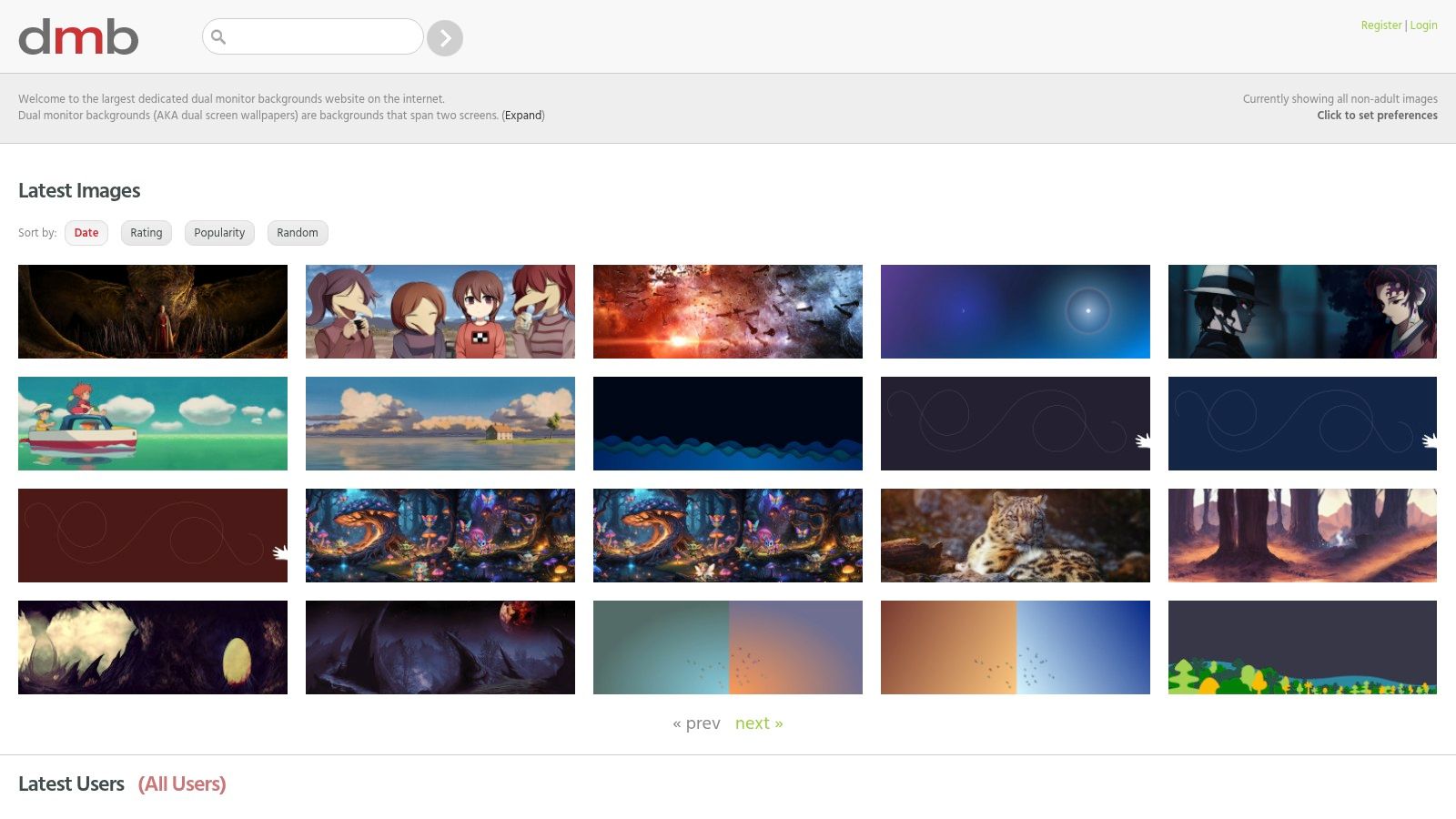
For those who prefer a classic, static image that spans perfectly across their setup, DualMonitorBackgrounds.com is a long-standing resource built for exactly this purpose. It's a community-driven repository of images already cropped and sized for common dual-monitor resolutions like 3840x1080 and 5120x1440. This specificity eliminates the guesswork and manual editing often required to make a standard wallpaper look good across two screens.
Why It Stands Out
The strength of DualMonitorBackgrounds.com is its single-minded focus. Instead of offering generic images you have to stretch or crop, its entire library consists of pictures specifically intended for two monitor wallpapers. Browse a vast collection of user-submitted content sorted by date, rating, or popularity, making it easy to find high-quality panoramic scenes, abstract designs, and gaming-related art that feels like one continuous canvas.
The core advantage here is simplicity and fit. When you download an image, you can be confident it was formatted for a dual-display aspect ratio. This is ideal if you just want one large, cohesive image without the resource usage of a live wallpaper.
Access and Pricing
The entire site is free to browse and download. There are no subscriptions or hidden costs. Since the content is largely user-submitted, it operates as a community-supported gallery. The interface is straightforward, allowing you to find what you need without navigating complex menus or signing up for an account.
Pros: * Large library of wallpapers sized specifically for dual-monitor aspect ratios. * Completely free to browse and download all images. * Simple sorting options make it easy to find popular or new content.
Cons: * Image quality can be inconsistent due to user-submitted content. * Licensing varies; always check image notes before any commercial use.
Website: https://www.dualmonitorbackgrounds.com/
3. WallpaperFusion (Binary Fortress)
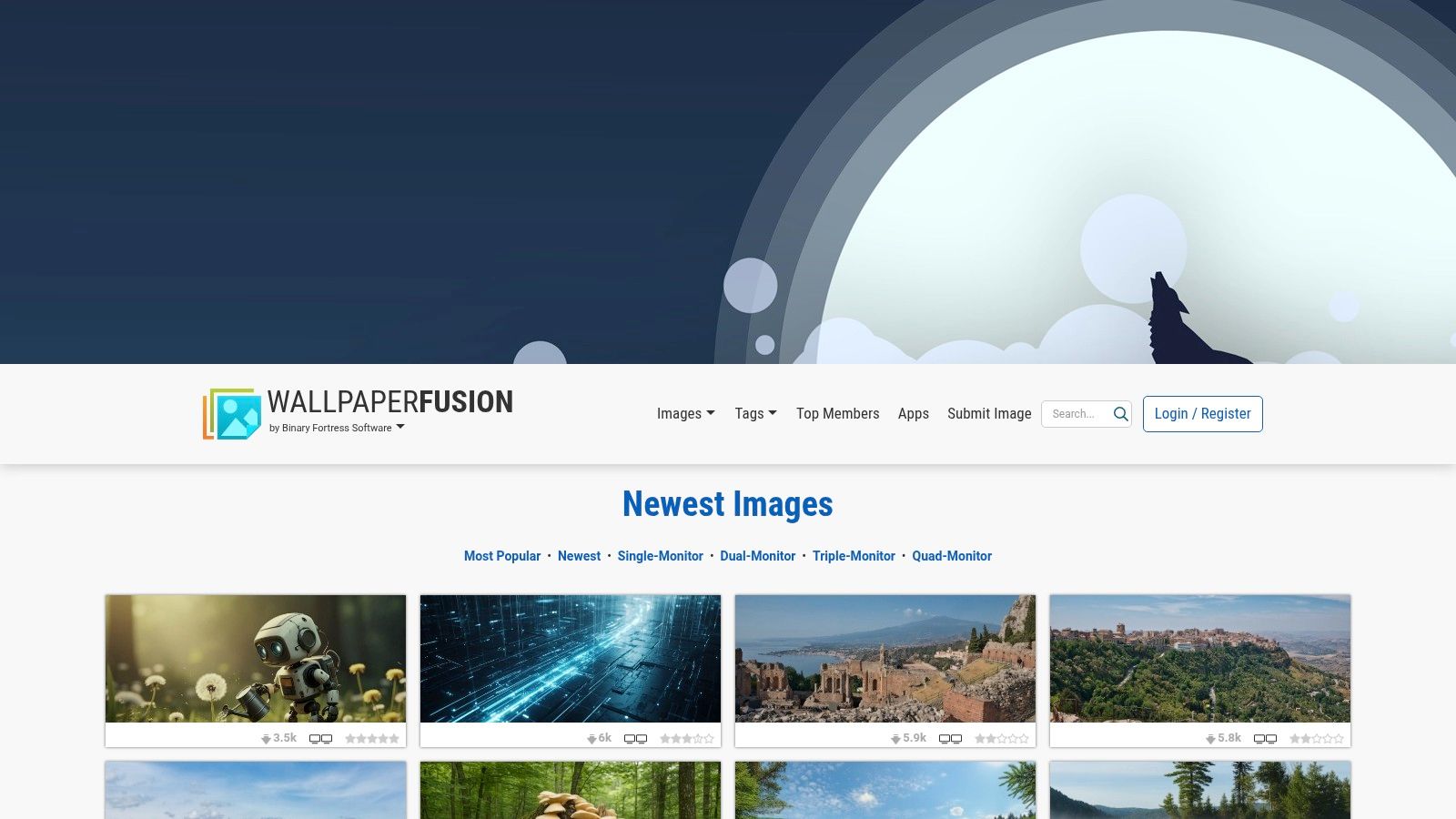
For those who need a reliable, no-fuss library of multi-monitor images, WallpaperFusion has been a mainstay for years. Run by the same team behind the popular window management tool DisplayFusion, this site is built with an explicit focus on setups with more than one screen. It offers dedicated categories for Dual-Monitor, Triple-Monitor, and even Quad-Monitor images, making it easy to find files sized correctly for your specific arrangement.
Why It Stands Out
WallpaperFusion's primary strength is its purpose-built navigation for finding two monitor wallpapers. Instead of hunting for extra-wide images and hoping for the best, filter directly for files designed to span two screens. The site features a massive, actively maintained collection that can be sorted by tags like "Nature," "Space," or "Abstract," as well as by popularity or upload date. The entire space wallpaper collection is particularly strong. Every image is available for direct download, making them compatible with any operating system, including macOS.
The real advantage is the pre-sized downloads. When you find an image, the site automatically detects your screen resolution and provides a download button for that specific size. You can also manually select from a list of common dual-monitor resolutions (like 3840x1080 or 5120x1440), which takes the guesswork out of spanning an image correctly.
Access and Pricing
WallpaperFusion is completely free to use. All images on the site can be browsed and downloaded without an account or any payment. The site is supported by its integration with the paid DisplayFusion software on Windows, but the wallpaper repository itself is open for everyone. Simply visit the website, find an image you like, and download it for your Mac or any other device.
Pros: * A massive, well-established library with dedicated multi-monitor categories. * Extremely easy to filter and find wallpapers specifically for two monitors. * All images are free to download and use on any OS.
Cons: * The aesthetic leans more toward traditional gaming and Windows themes than minimalist Mac styles. * Full browsing and auto-detection features require JavaScript to be enabled.
Website: https://www.wallpaperfusion.com/
4. Wallhaven
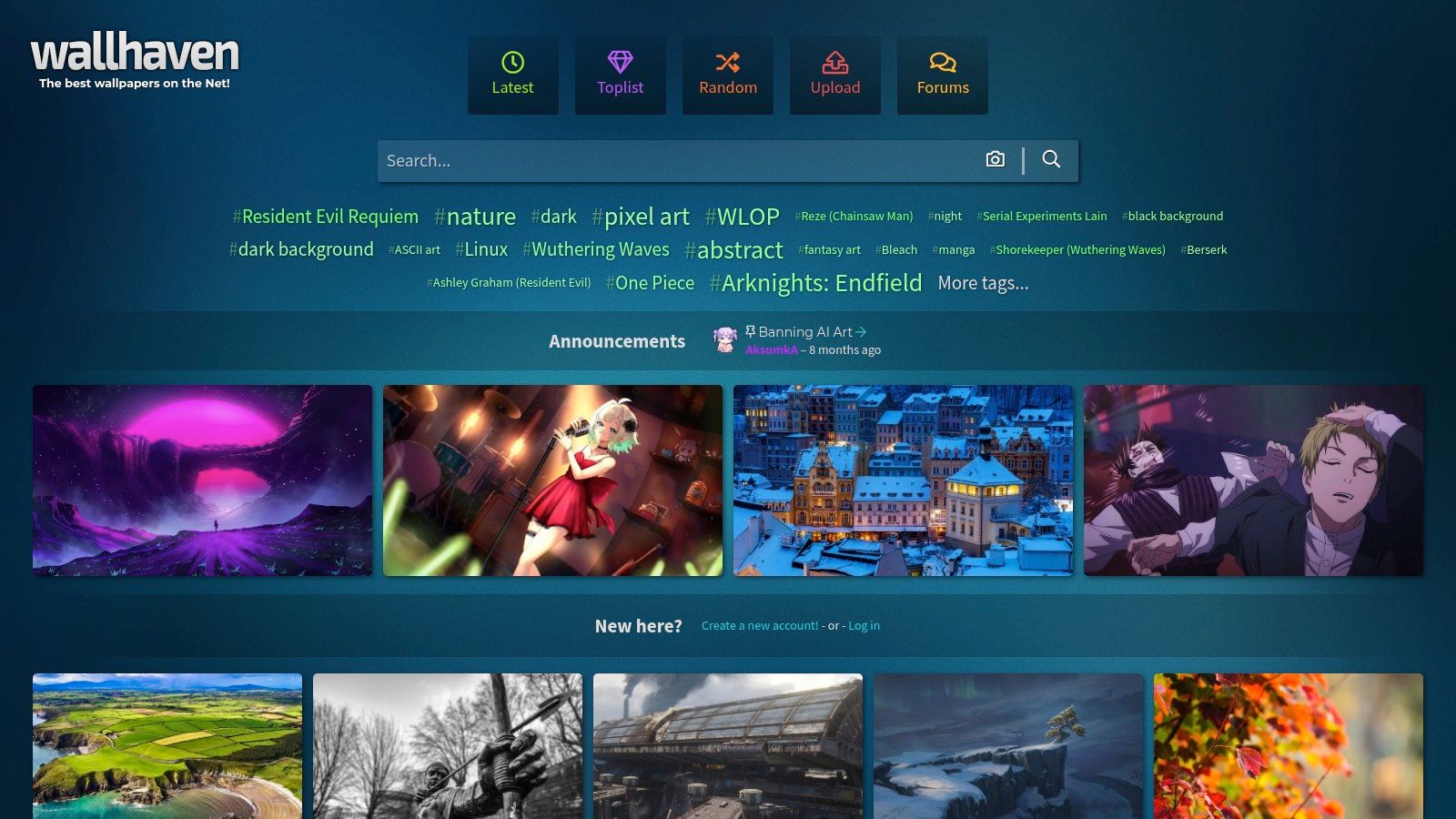
For those who prefer a treasure hunt to a curated gallery, Wallhaven is a massive, community-driven wallpaper repository. It's a sprawling database of images where you can find almost anything, provided you're willing to dig. Its power lies in its incredibly granular tagging and filtering system, which is a lifesaver when searching for something as specific as two monitor wallpapers.
Why It Stands Out
Wallhaven's main advantage is its sheer scale and the precision of its search tools. Filter by tags like "multiple display" or "dual monitors" and then further refine your search by exact resolution. This allows you to input your combined monitor width and height, such as 3840×1080 or 5120x1440, to find images perfectly sized for your setup. The selection covers a huge range of styles from photography and abstract digital art to minimalist designs.
The most effective way to use Wallhaven is to stack filters. Start with a resolution filter that matches your total desktop size, then add tags for your desired aesthetic (e.g., "cityscape," "minimalism," "space"). This works particularly well for finding something that would fit a dark wallpaper collection.
Access and Pricing
Wallhaven is completely free to use. It operates as a community site supported by users. Browse, search, and download an unlimited number of wallpapers without an account. Creating an account is also free and allows you to create collections and customize your experience. The trade-off for this free access is that quality and licensing are user-managed; you'll need to check the details on each image page yourself.
Pros: * A vast and deep selection driven by an active community. * Helpful resolution filters for targeting the exact combined width of your monitors. * Completely free to access and download.
Cons: * Curation is user-driven, so quality can be inconsistent. * You must verify the licensing for each image on its page.
Website: https://wallhaven.cc/
5. Unsplash
For those who prefer a clean, photographic aesthetic, Unsplash is an indispensable resource. It's a vast library of high-resolution, professional-grade photos contributed by photographers worldwide, all available for free under a generous license. This makes it an excellent source for finding static images that look sharp and sophisticated, especially for non-gamer setups where realism and artistry take precedence over animation.
Why It Stands Out
Unsplash excels at providing two monitor wallpapers with a natural, uncluttered feel. Searching the platform for "dual monitor" or "panorama" yields thousands of beautiful landscapes, cityscapes, and abstract photos already composed to span across two screens. Unlike algorithmically generated or overly stylized graphics, these images bring a touch of real-world beauty to your digital workspace. The quality is consistently high, ensuring your desktop doesn't look pixelated or stretched, even on Retina displays.
The key is to find images with a wide aspect ratio, often labeled as panoramas. Many photographers specifically upload 3840x1080 or wider shots with dual-screen users in mind. This gives you a single, cohesive vista instead of a jarringly duplicated or cropped image on each monitor.
Access and Pricing
Unsplash is completely free to use for both personal and commercial purposes. Download as many high-resolution photos as you like without creating an account or paying any fees. While attribution is not required, the platform makes it easy to credit the photographer, which is a nice gesture to support the creators who make the library possible.
Pros: * Free library of exceptionally high-resolution, professional photos. * Excellent source for wide-format panoramas perfect for two monitor wallpapers. * Clean, photographic style ideal for professional or minimalist aesthetics.
Cons: * Static images only; no live or animated wallpaper options. * Requires manual searching and sometimes cropping to get the perfect fit.
Website: https://unsplash.com/s/photos/dual-monitor-wallpaper
6. Digital Blasphemy
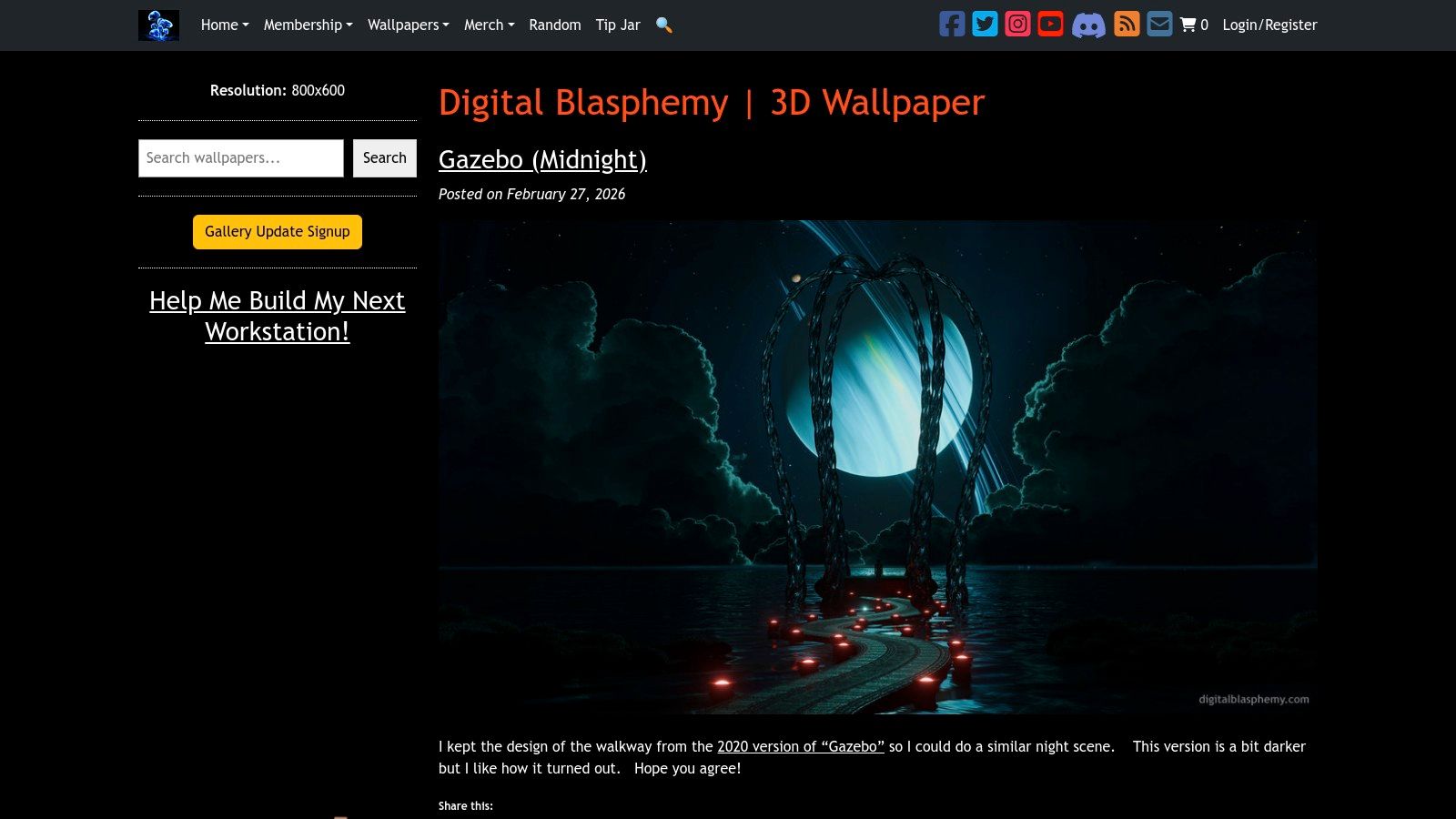
For those who view their desktop as a canvas for otherworldly art, Digital Blasphemy is a long-standing institution. Run by artist Ryan Bliss since 1997, the site offers an extensive catalog of original 3D-rendered digital art. These are not stock photos or AI generations but meticulously crafted fantasy landscapes, deep-space nebulas, and surreal sci-fi scenes, all born from a single artist's vision.
Why It Stands Out
What makes Digital Blasphemy essential for two monitor wallpapers is its dedicated "Multi-Screen Renders" section. Unlike sites where you're left to stretch or crop a single image, Ryan Bliss creates true multi-monitor versions of his artwork. These files are rendered specifically for dual, triple, or even wider setups, ensuring that the scene flows perfectly across bezels without distortion or awkward cuts. The artistic consistency is a major plus; you get a cohesive, high-quality look that feels like a deliberate art installation, not a cobbled-together desktop.
The core benefit is having a single, sprawling scene that was designed from the ground up for a multi-monitor display. A mountain range can perfectly span your left monitor while its peak extends onto your right, creating an immersive diorama that a simple stretched image could never replicate.
Access and Pricing
While a selection of older and lower-resolution wallpapers are available for free, accessing the full-resolution multi-screen renders requires a paid membership. Plans range from a 30-day pass for $5.99 to a Lifetime Membership for a one-time fee of $100. This grants you access to the entire back catalog of thousands of images, plus all new renders, in every resolution available.
Pros: * True multi-screen files designed to align perfectly across displays. * High artistic consistency and quality from a single, dedicated artist. * Massive back-catalog spanning decades of digital art evolution.
Cons: * Full-resolution and multi-screen versions require a paid membership. * The distinct 3D fantasy and sci-fi style may not suit every aesthetic.
Website: https://digitalblasphemy.com/
7. Vladstudio
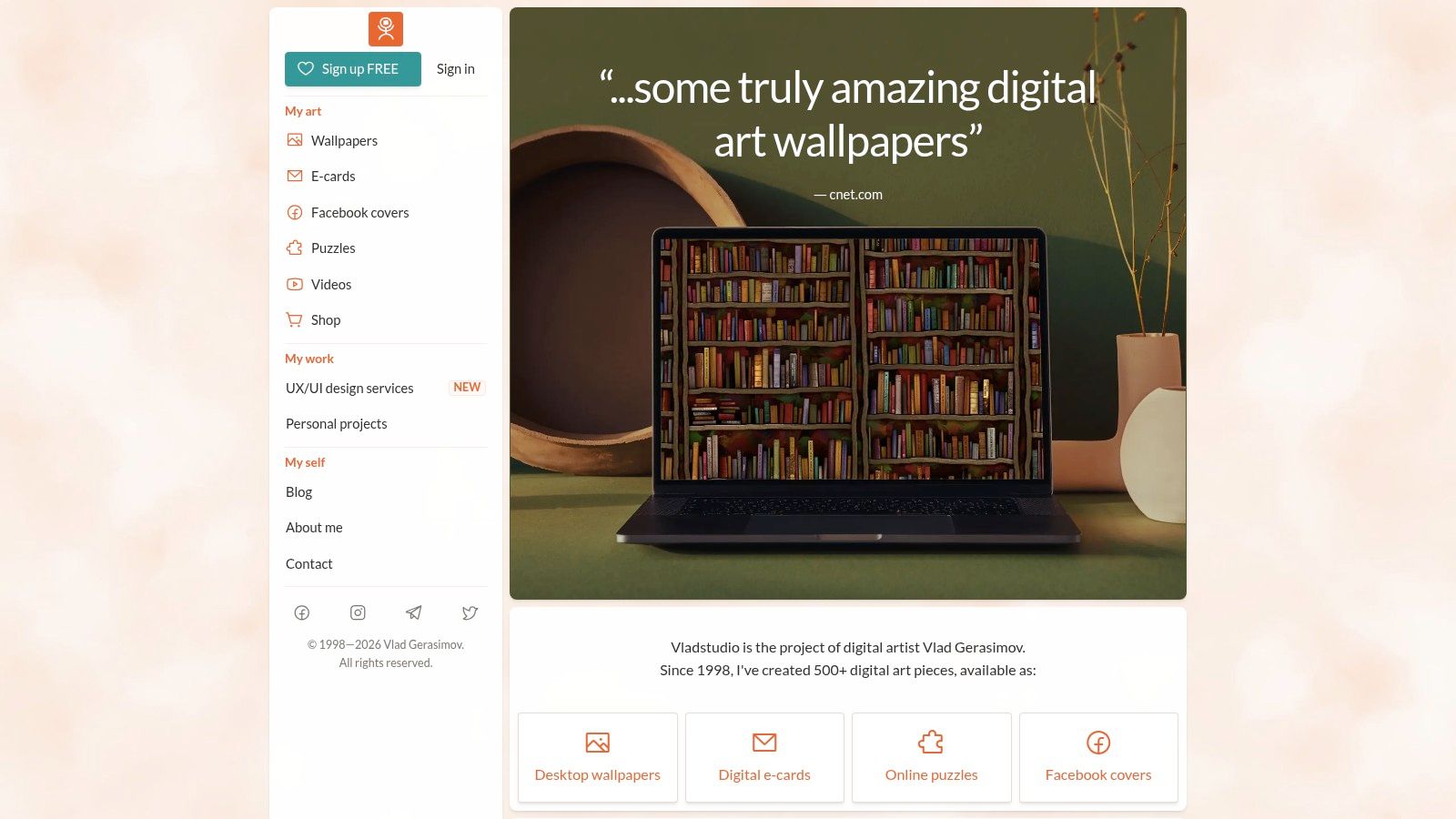
For those who prefer their desktop background to be a piece of art rather than a photograph, Vladstudio is a long-standing creative project by digital artist Vlad Gerasimov. The site is a gallery of his original, often whimsical and minimalist illustrations. Many are designed as panoramas, making them a natural fit for spanning across a dual-monitor setup without awkward stretching or cropping. The cohesive, illustration-forward style is a breath of fresh air compared to typical wallpaper aggregators.
Why It Stands Out
Vladstudio shines because of its singular, curated vision. Instead of a random assortment of images, you get access to an artist's complete portfolio, filled with charming seasonal scenes, abstract gradients, and playful characters. This consistency is a huge advantage for creating a thoughtful two monitor wallpaper theme. The clean, minimalist aesthetic of many pieces ensures your desktop icons and user interface elements remain perfectly readable, avoiding the visual clutter that can come with overly busy backgrounds.
The real benefit is the artistic touch. These aren't just high-resolution images; they are deliberate compositions. Find a single panoramic illustration that tells a small story across both of your screens, turning your workspace into a unified digital canvas.
Access and Pricing
Vladstudio operates on a freemium model. Many wallpapers are available for free download in standard resolutions, which is great for trying them out. For access to the full catalog, including high-resolution files suitable for large dual-monitor setups (up to 8K and beyond), a premium account is required. A lifetime premium account is available for a one-time payment, offering solid value for those who appreciate the artist's work.
Pros: * Cohesive, original art direction for a curated desktop theme. * Minimalist styles keep desktop icons and UI legible. * Many designs are intentionally panoramic for wide displays.
Cons: * Not all designs are available in specific dual-monitor dimensions. * The catalog is smaller than large wallpaper aggregator sites.
Website: https://vlad.studio/
Top 7 Two-Monitor Wallpaper Comparison
| Item | Implementation complexity | Resource requirements | Expected outcomes | Ideal use cases | Key advantages |
|---|---|---|---|---|---|
| gifPaper | Install Mac app; simple setup; trial/paid checkout | Higher CPU/GPU and storage for 4K video; supports dual monitors | Native, seamless 4K live wallpapers with optional ambient audio | Mac users who want animated wallpapers and motion across monitors | macOS-native integration; Retina-quality loops; gallery previews |
| DualMonitorBackgrounds.com | No install; browse and download images | Low (static images); files sized for dual resolutions | Static images pre-sized to span two displays cleanly | Users needing ready-made dual-monitor static panoramas | Purpose-built dual-monitor sizes; free to browse/download |
| WallpaperFusion (Binary Fortress) | Browse/download; optional DisplayFusion integration on Windows | Low for images; extra features with Windows integration | Curated multi-monitor-sized wallpapers with tag filters | Windows users or anyone needing curated multi-monitor collections | Dedicated multi-monitor sections; long-standing, reliable source |
| Wallhaven | Tag/search-driven browsing; may require manual cropping | Low; user-submitted quality varies | Massive variety across styles with resolution filters for dual setups | Users wanting broad stylistic options and precise resolution targeting | Extensive catalog; granular tags and helpful resolution filters |
| Unsplash | Very easy download; may need cropping/aligning | Low; high-resolution photographic files | High-quality photographic panoramas suitable for clean aesthetics | Design-conscious users seeking free professional photos | Generous license; consistently sharp, natural-looking images |
| Digital Blasphemy | Browse site; paid membership for full-resolution multi-screen files | Low runtime overhead; large downloads for high-res multi-screen packs | Artist-rendered multi-screen images that align across displays | Users wanting premium 3D/fantasy multi-monitor art | High artistic consistency; multi-screen files designed to align |
| Vladstudio | Browse/download; optional membership for higher resolutions | Low; static illustration files | Whimsical, minimalist panoramas that span two monitors | Curated, design-forward setups seeking cohesive art direction | Cohesive art direction; minimalist, UI-friendly designs |
How to Set a Flawless Dual Monitor Wallpaper on Mac
You've found the perfect panoramic image. It's high-resolution, the colors are perfect, and it has the exact vibe you want. Now for the hard part: getting it to display correctly across two Mac monitors. It sounds simple, but it's often a frustrating dance with macOS System Settings.
Static images can be a pain. You spend twenty minutes fiddling with the Span and Fit to Screen options, only for the image to stretch weirdly, get cropped in the wrong place, or look like a low-resolution mess. Getting a static background to align perfectly is often a tedious process of trial and error, especially with different monitor resolutions and Retina scaling in the mix.
The goal isn't just to fill two screens with an image; it's to create a single, cohesive digital environment. One that feels intentional and enhances the space, rather than just decorating it.
This is where a live wallpaper becomes so compelling. A static image is a picture of a moment, but a live wallpaper is the moment itself. A gentle snowfall, a cyberpunk city drenched in neon rain, or a cozy fireplace crackling away. The problem is that most wallpaper apps for Mac that handle animation treat your screens as separate boxes, or they layer a clunky video player over your desktop that drains resources.
gifPaper for Mac was designed to solve this specific problem. It uses Apple's native wallpaper format—the same one used for the swooping Aerial screen savers. This isn't a hack or an overlay. The result is a single, seamless live wallpaper that spans perfectly across both of your monitors, creating one continuous canvas.
More importantly, it extends this experience to your lock screen. When you wake your Mac, you're greeted by a living scene that flows across both displays, slowing to a halt as you log in. It's a small detail, but it's the kind of detail that makes your setup feel less like a collection of hardware and more like a curated space. You're going to stare at these screens for hours anyway. They might as well be incredible to look at.
Ready to stop fighting with System Settings and give your Mac the seamless dual-monitor background it deserves? gifPaper for Mac makes it effortless to set a single, looping 4K live wallpaper across your entire setup. Try it free for 7 days, with no credit card required, and see the difference for yourself.