The 12 inch MacBook Air: Specs, Tips, and Wallpapers
Apple never made a 12-inch MacBook Air. The machine people usually mean is the 12-inch MacBook, Apple's most compact notebook when it debuted in March 2015, with a 12-inch Retina display, a fanless chassis, and battery claims of up to 9 hours of wireless web browsing or 10 hours of iTunes movie playback (Wikipedia's 12-inch MacBook overview).
If you're here because you typed "12 inch macbook air" into search, stared at your little gold-or-space-gray laptop, and thought, "Right, but what is this tiny creature called," you're in good company. Apple's naming has never been above a little chaos. The useful part is this: if you own the 12-inch MacBook, you also own one of the nicest screens Apple put into an ultra-portable machine of that era. That matters if you care how your desktop looks, which is not frivolous. You're going to look at it for hours anyway. Might as well make it pretty.
The Mac You're Thinking Of Is The 12-Inch MacBook
You search for "12 inch macbook air," open the lid on that tiny gold, silver, or Space Gray notebook, and want a straight answer. The name Apple gave that machine was 12-inch MacBook.
That confusion is reasonable. For years, "Air" was shorthand for the small, light Mac. Then Apple released an even slimmer notebook that looked like it belonged in the same family, but it was a separate model with its own priorities: ultra-portable size, a fanless design, and a sharper, more refined display than many buyers expected from the smallest Mac.
Why people still call it a MacBook Air
A lot of owners remember this machine by feel rather than product chart. It was the tiny one you could toss in a bag, carry one-handed, and use in quiet places without any fan noise. From a distance, that sounds very Air-like.
Apple's lineup also did not help. The 12-inch MacBook sat in an awkward middle spot. It looked premium, felt lighter and more modern than older Air models, and borrowed some of the minimalism people usually associate with the Air name. So the search term stuck, even if the official name never did.
How to identify it quickly
The fastest giveaway is the overall design.
If your Mac has a 12-inch Retina display and one USB-C port, you are almost certainly looking at the 12-inch MacBook. That single-port setup was part of the machine's whole philosophy: cleaner shape, less hardware clutter, and a laptop that prioritized portability and visual polish over flexibility.
It also came with trade-offs. The butterfly keyboard divided owners. The port situation was restrictive. Performance was fine for light work, but nobody sensible bought this model for sustained heavy tasks.
Why that matters for this guide
Clearing up the name matters because the 12-inch MacBook deserves to be judged for what it is. A lot of older buying advice treats it as the weak little Mac. That misses part of the appeal.
If your goal is a laptop that still looks beautiful on a desk, the 12-inch MacBook has a better case than its reputation suggests. Its display is a big reason why. If you want a broader refresher on the key differences between Macbooks, that guide is useful. For this machine, the interesting part is not the mistaken Air label. It is how good that small Retina screen can still look with the right wallpaper and setup.
Why Its Screen Was Secretly Great for Aesthetics
The 12-inch MacBook's quiet little flex was always the display. Apple shipped it with a 2304×1440 Retina IPS panel, while many contemporary 13-inch MacBook Air models were still using a 1440×900 TN panel. In side-by-side review testing, the 12-inch panel covered over 100% of the sRGB color space, while the Air landed at around 76%, which helps explain why saturated images look richer on the smaller Mac (side-by-side display comparison).
Smaller did not mean worse-looking
People often remember the 12-inch MacBook as "the underpowered one." That's true in some contexts, but visually it had taste. IPS gave it better viewing angles. Retina gave text and images cleaner edges. Color coverage gave wallpapers, album art, and photos more life than the old non-Retina Air could manage.
If your whole laptop hobby involves opening the lid and seeing something pleasant instead of a default blue blob, this matters more than benchmark chest-thumping.
A good display changes the mood of a machine. The 12-inch MacBook understood that before the rest of the thin-and-light lineup fully caught up.
Why aesthetic users still care
The old Air's TN screen could shift and wash out depending on lid angle. The 12-inch MacBook's panel was more forgiving. That makes it a better canvas for things like:
- Color-heavy wallpapers that would look flat on weaker panels
- Dark scenes where subtle gradients matter
- Ambient visuals you'll keep on-screen for long stretches
That's the overlooked upside of this machine. It isn't only small. It's a small Mac with a display that still rewards good artwork.
Choosing the Right Wallpaper Resolution and Aspect Ratio
Wallpaper choice is where this machine stops being a trivia answer and starts being fun. The 12-inch MacBook uses a 2304×1440 display with a 16:10 shape, which means standard 16:9 wallpapers often need a little cropping at the sides or top and bottom depending on the image.

What resolution actually works
You don't need to hunt for files that match 2304×1440 exactly. In practice, high-quality 4K wallpaper files often look excellent because macOS scales them down cleanly. A larger source image gives the system more detail to work with, which usually looks better than feeding it a lower-quality file and hoping for mercy.
If you want a deeper breakdown of how Mac wallpaper sizing works across different models, this guide on MacBook wallpaper size is the useful version, not the "just eyeball it" version.
The easy selection rule
Use this quick filter when you're picking backgrounds:
- For still wallpapers: choose high-resolution artwork, ideally with enough breathing room around the subject so cropping doesn't decapitate anything important.
- For motion-heavy scenes: avoid clutter. Small screens love a clear focal point.
- For dark setups: look for clean contrast, not muddy blacks pretending to be cinematic.
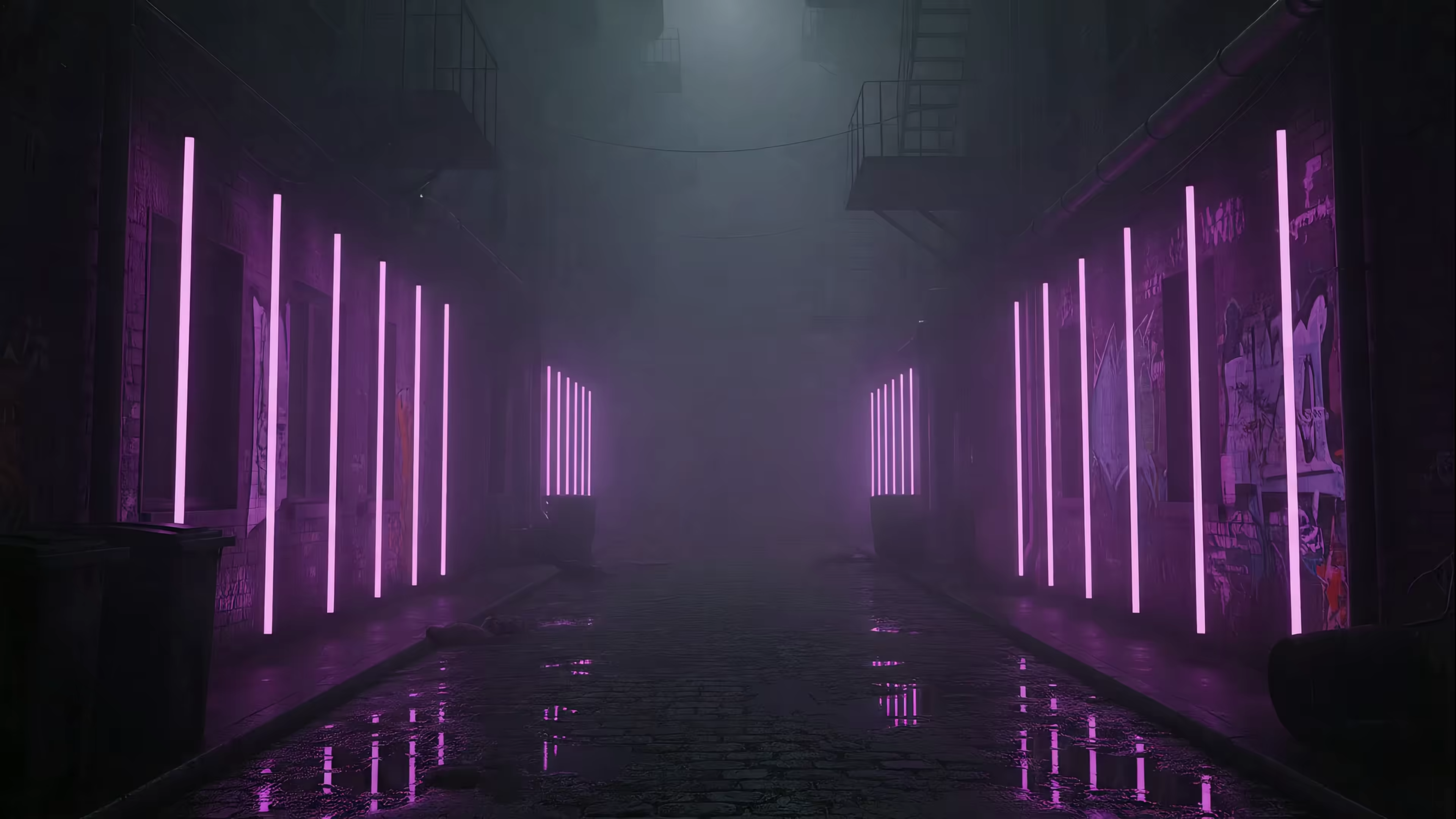
A neon scene is a good example because it can show off color and contrast without needing a giant display to feel immersive. The neon wallpaper collection suits this Mac especially well. Tiny machine, big Blade Runner feelings.
Aspect ratio matters more than people think
A wallpaper can be objectively gorgeous and still fit badly. On a 16:10 screen, wide cinematic images may lose a key detail once macOS fills the frame. Before setting anything permanent, preview it and check three spots: menu bar area, center focal point, and the lower corners where desktop icons tend to loiter like uninvited pigeons.
That little check saves a lot of "why does this look weird now?" moments.
Can It Handle Live Wallpapers in 2026?
Yes, if you treat the 12-inch MacBook like the quiet, low-power machine it is. It has enough screen quality to make motion look lovely. It does not have much patience for wasteful wallpaper apps running all day in the background.

A tasteful live wallpaper can work well here. A noisy, resource-hungry one can make the Mac feel slow, warm, and slightly offended. On this machine, the difference is not the idea of motion itself. The difference is how efficiently that motion is delivered.
What works and what absolutely does not
The 12-inch MacBook still feels pleasant for writing, web work, video streaming, and other light tasks. It starts to struggle when a wallpaper tool keeps redrawing the desktop, stacks extra overlays on top of macOS, or burns CPU for no visual payoff.
That matters more in 2026 because modern apps assume more headroom than this Mac has.
Good live wallpaper setups usually share a few traits:
- They use macOS-native behavior where possible: less overhead and fewer odd glitches
- They keep animation controlled: short loops, subtle motion, and restrained effects suit this screen
- They let the desktop stay calm while you work: motion is nicest in moments, not as a constant demand on the system
- They respect battery life: pretty backgrounds lose their charm fast when they cost hours of unplugged use
I would skip anything that turns the desktop into a full-time visualizer. The Retina display can make a simple moving scene look rich. It does not need chaos to feel impressive.
If you like more surreal visual ideas, this piece on how to make trippy visuals 2026 is a fun inspiration source. Just apply some restraint before bringing that style onto a one-port, fanless Mac.
For practical setup advice, this guide to live wallpapers on Mac explains which approaches are light enough to live with. The short version is simple. The 12-inch MacBook can handle elegant motion. It should not be asked to run a tiny desktop nightclub all day.
How to Set a Live Wallpaper with gifPaper
This is the part where a sensible tool matters more than enthusiasm. The one I'd use here is gifPaper, because it sets live wallpapers on the lock screen, desktop, and screen saver, uses Apple's native Aerial wallpaper format, and keeps the lock screen and desktop tied together in one action. It requires macOS 26 or later, offers a 7-day free trial with no credit card required, costs $4.99 as a one-time purchase at launch, and includes a 30-day money-back guarantee.

The setup that makes sense on this Mac
The best approach on a 12-inch MacBook is restrained. Let the machine look elegant first. Let it show off second.
-
Pick a wallpaper with a clear focal point
Dense, chaotic motion can feel cramped on a 12-inch screen. Cleaner scenes read better. -
Use the lock screen feature as the main event
A living wallpaper feels most magical on the lock screen, because you wake the Mac and get that motion-first moment without turning the desktop into a constant distraction. -
Keep the desktop still unless you want movement
A still frame by default is the civilized option. Full animation is nice when you're in the mood, not mandatory all day. -
Don't ignore the screen saver
Screen savers are fun again once they stop looking like corporate aquarium software from a dentist's waiting room.
Good wallpaper choices for this machine
The 12-inch MacBook rewards scenes with color depth and clean composition. Two collections fit especially well:
- Lofi wallpapers: calm interiors, train windows, late-night study vibes
- Dark wallpapers: better for reducing visual clutter on a smaller screen
If you mainly want your old little Mac to feel charming again, that's the play. Not maximalism. Atmosphere.
Frequently Asked Questions
Is the 12-inch MacBook a 16:10 display?
Yes. The 12-inch MacBook uses a 16:10 display, which matters more than the raw number on the spec sheet. A lot of wallpapers are made for 16:9 screens, so they can look slightly cropped or awkwardly framed here.
The upside is that 16:10 usually looks better on a Mac desktop. You get a little more vertical space, and images with a centered subject or clean composition tend to sit more naturally on the screen.
Is buying a 12-inch MacBook in 2026 a bad idea?
It depends on what you expect it to do.
The 12-inch MacBook still makes sense as a tiny travel Mac, a second machine for writing and web use, or a laptop you keep because the hardware still feels unusually refined. It is a poor fit for heavier editing work, sustained multitasking, or a desk setup built around dongles, external drives, and multiple displays.
Buy it for portability, quiet operation, and the kind of Retina screen that still makes wallpapers look crisp. Buy something newer if performance is the priority.
How does it compare with a modern MacBook Air?
A current MacBook Air is plainly the more capable computer. It is faster, more flexible, easier to live with, and a safer pick for someone buying one Mac to do everything.
The 12-inch MacBook holds up differently. Its appeal is size, design, and the way that compact Retina display makes simple visual choices look great. If your goal is a charming little Mac for reading, writing, browsing, and dressing up with a beautiful wallpaper, it still has a case. If your goal is headroom, ports, battery life, and fewer compromises, the modern Air wins without much debate.
Here is the practical version:
| Use case | 12-inch MacBook | Modern MacBook Air |
|---|---|---|
| Writing and browsing | Pleasant | Effortless |
| Travel companion | Excellent | Very good |
| Heavy creative work | Limited | Far better |
| External display life | Basic | Much more flexible |
| Aesthetic desktop machine | Still lovely | Lovely, with more headroom |
That is why the "12 inch macbook air" search keeps leading people slightly sideways. The machine you probably mean is the 12-inch MacBook. And for screen aesthetics, that is a happy mistake.
If you want to give it a better backdrop, gifPaper is a straightforward way to try live wallpapers on a Mac that still deserves a good-looking screen.