
7 Great Sources for Acoustic Pop Songs
You need a soundtrack for life, or at least for the next four hours of answering emails, renaming files, and pretending the inbox is a finite object. Something with a pulse, but not enough to make you want to stage a one-person flash mob in the kitchen while the kettle screams. This is the sacred territory of acoustic pop songs: familiar, calm, and suspiciously good at making a room feel less like a tax form with furniture.
There's real logic behind that appeal. A Columbia analysis of nearly 27,000 Billboard songs from 1958 to 2016 found that the biggest pop hits tend to live in a balance of novelty and familiarity, not at either extreme. Acoustic pop benefits from that same trick. Strip away the production glitter, keep the melody and emotional core, and a good song still works.
Your screen, meanwhile, is still a glowing rectangle full of tabs or Apple's default wallpaper doing its best National Geographic impersonation. That's only half a vibe. Let's fix the audio part first, then the visual part, because a proper atmosphere deserves both. If you care about how music shapes mood on screen, Klap's video music insights are also worth a look.
1. Spotify and The Sound of Acoustic Pop
Monday, 9:14 a.m. You need music that keeps the room alive while your Mac fills up with tabs, calendar alerts, and one file named final_FINAL_v2 for reasons nobody can defend. Spotify's The Sound of Acoustic Pop is good at that job because it is built for flow, not just one-off song picks.
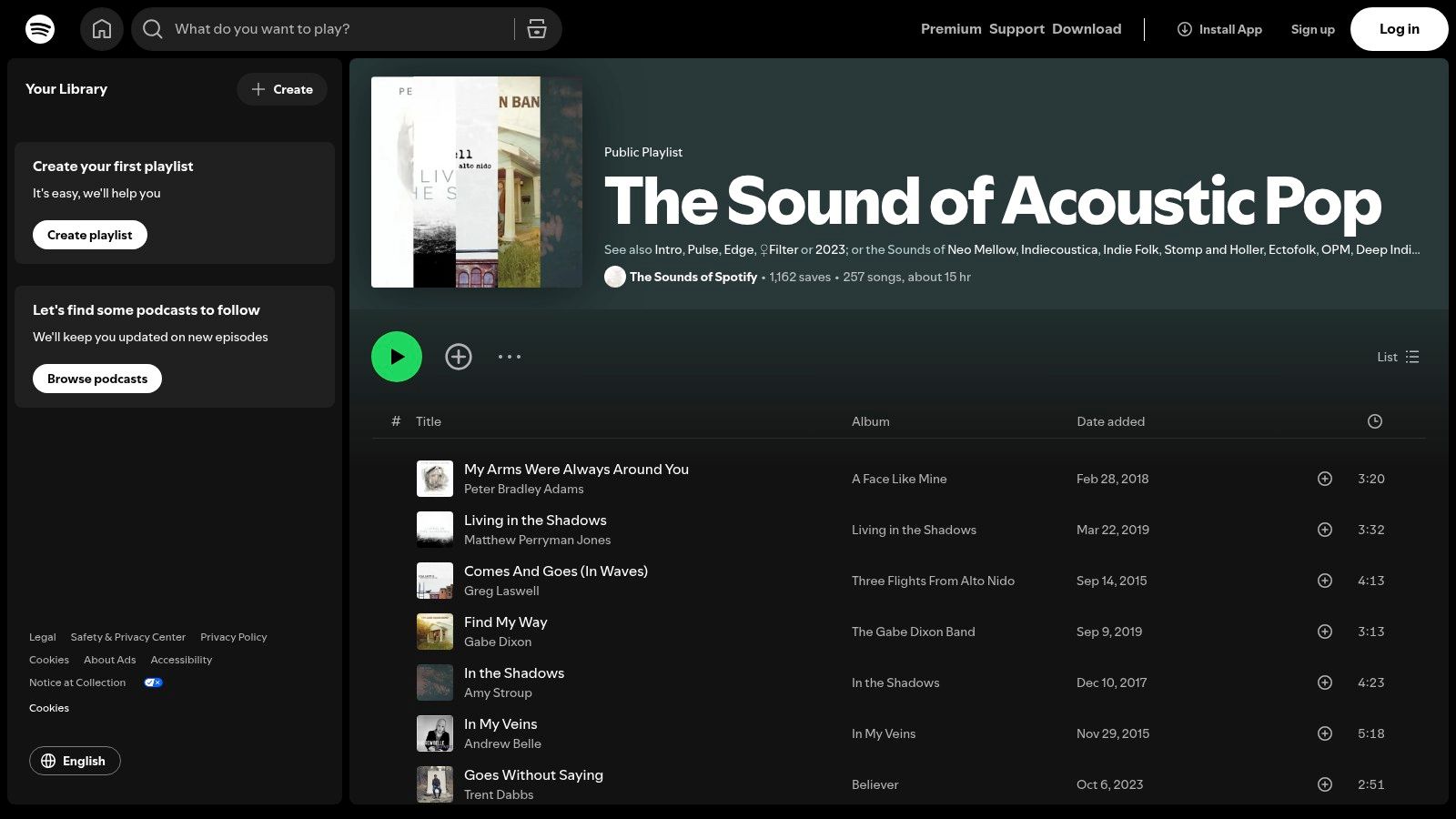
This playlist gives you a usable starting lane. Follow it, save the tracks that match your preferred level of emotional weather, then spin out into Song Radio or artist pages. Spotify does that handoff better than most services. The result feels less like picking songs one by one and more like setting a temperature for the next few hours.
That matters if your goal is a continuous acoustic pop stream instead of a museum tour of isolated "best songs." Spotify's recommendations are trained on a huge listening base, and you can hear it in the middle ground. It tends to surface material between obvious chart entries and ultra-delicate indie cuts that sound like they were recorded inside a wool sock.
Why Spotify earns the first click
- Best for keeping the vibe going: The editorial playlist is solid, and the recommendation chain after it usually stays coherent.
- Best for light-effort discovery: Save a few winners and Spotify will keep handing you adjacent artists without demanding that you play full-time curator.
- Less ideal for strict mainstream tastes: If you only want acoustic takes of giant pop singles, the mix can drift a little left of center.
I use Spotify when I want the least fussy route to "put something good on and keep it there." That makes it especially useful during work blocks, casual hosting, or those weirdly specific cleaning moods where only soft guitar and mild yearning will do.
If your taste runs calmer and more study-friendly, the same logic applies to lofi study music playlists for long focus sessions. You are choosing a source that can hold a mood, not just a track that peaks for three minutes and disappears.
A useful side note. This breakdown of Spotify playlist curation explains why some playlists stay consistent while others feel stitched together by an algorithm that just discovered bongos.
2. Apple Music and Acoustic Hits
Apple Music's Acoustic Hits is for the person who wants songs they already know, just with less synthetic scaffolding around them. Same melody, same chorus, fewer production pyrotechnics. It's the audio equivalent of taking your shoes off at the door.
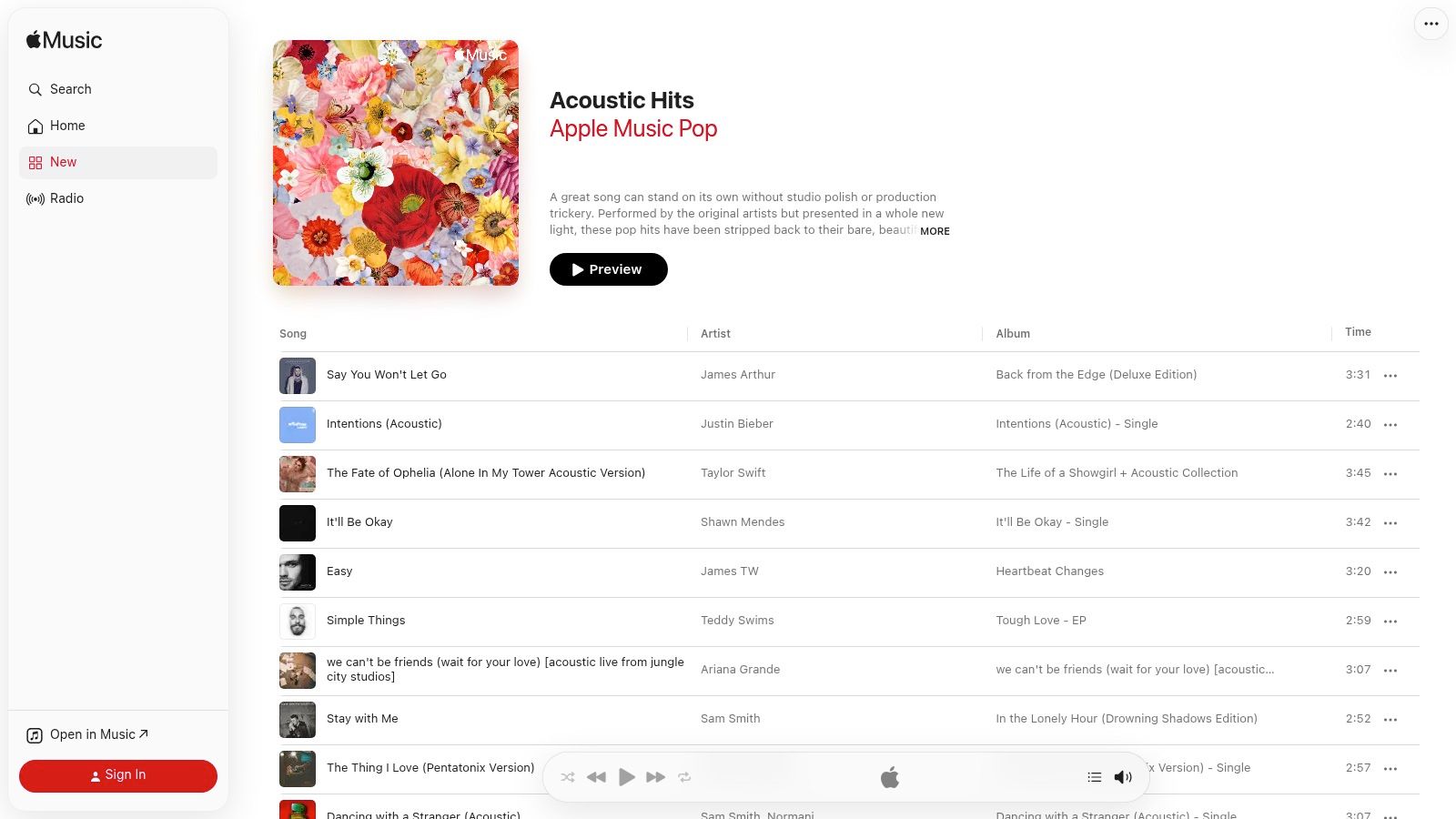
This playlist skews toward recognizable artists and cleaner editorial intent. That's good if you're working, studying, or trying to keep the room feeling polished. It's less good if you want deep rabbit-hole discovery. Apple tends to hand you a well-ironed version of the genre.
The Mac advantage
On a Mac, Apple Music is the least fussy option. Native app, tight OS integration, lyrics done properly, and playback that feels like it belongs there instead of renting space. If you already live in the Apple ecosystem, this is the low-friction choice.
There's another advantage here. Live-session channels teach your ear what translates well acoustically. Usually it's some combination of clear melody, harmonic simplicity, emotionally direct lyrics, and a chorus people can grab onto quickly. When a pop song has those ingredients, it survives the arrangement change.
- Best for recognizable material: You'll hear songs you know in stripped-back arrangements that still feel "pop."
- Best for Apple users: It plays nicely with macOS and the rest of your devices.
- Less ideal for treasure hunters: Discovery is narrower than on Spotify.
The good acoustic version doesn't erase the pop song. It reveals the song that was hiding under the chrome.
If your taste overlaps with voice-first arrangements and cleaner vocal textures, there's a related rabbit hole in this piece on acapella pop songs. Different format, same pleasure of hearing the song's bones.
3. Amazon Music Unlimited and Acoustic Pop
Amazon's Acoustic Pop playlist is the practical pick. Not glamorous, not cool in a way that requires a tote bag, just useful. If your house already listens through Alexa speakers or you're already paying for Amazon services, it fits into daily life with almost no ceremony.
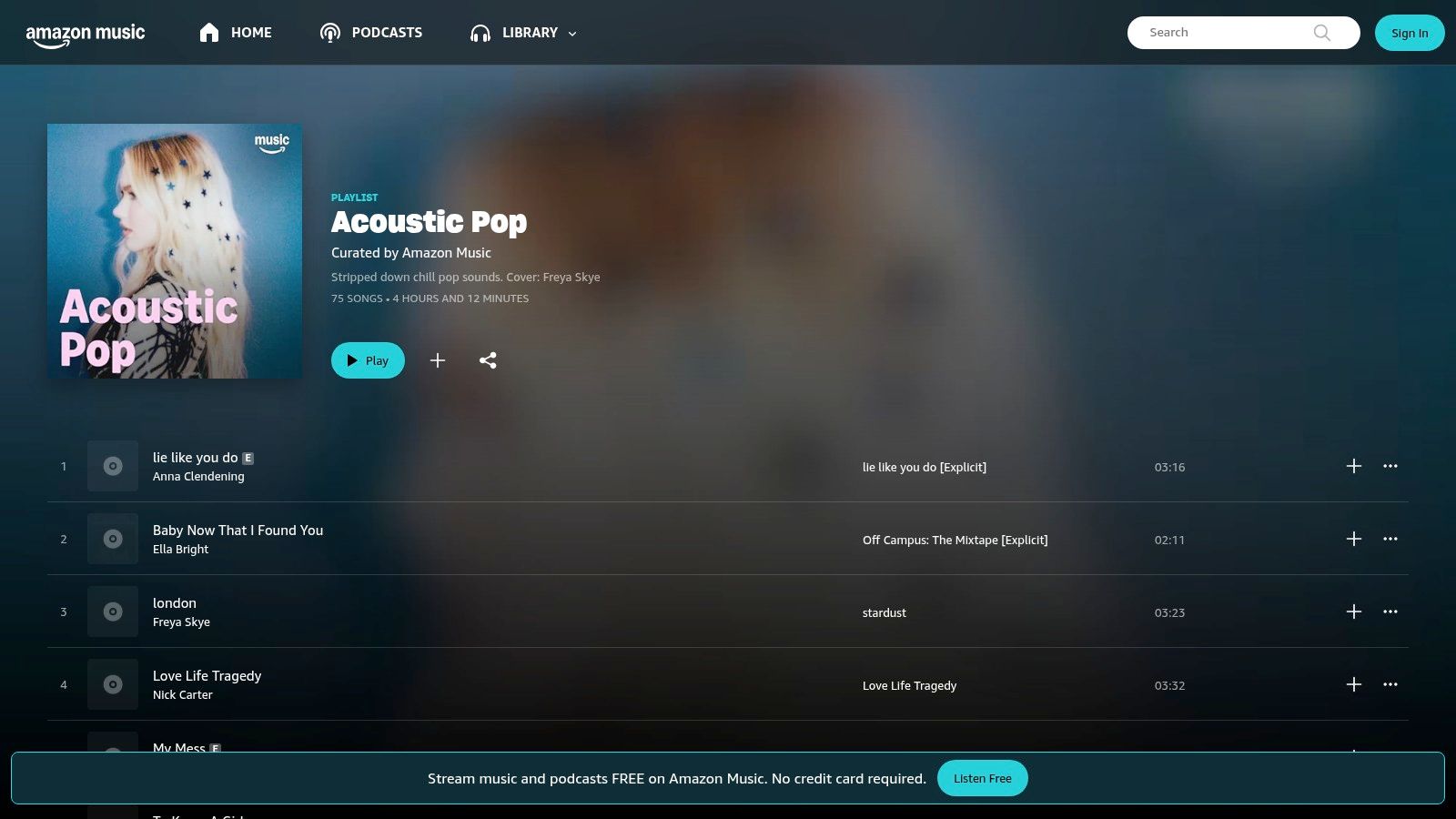
The editorial angle is straightforward. Lighter, guitar-forward pop, refreshed often enough that it doesn't go stale immediately. That matters when you want a playlist to feel alive instead of embalmed.
Where it earns its place
This isn't the slickest interface in the bunch, and that's the trade-off. Spotify feels more fluid. Apple feels more integrated. Amazon feels like a capable appliance, which is not an insult. Rice cookers also rule.
For a lot of people, acoustic pop songs are part of a broader "focus but make it human" listening habit. If your day swings between lyric-forward acoustic music and beat-led concentration playlists, this sits comfortably next to things like lofi study music. One is café table with guitar. The other is train window, rain loop, and heroic levels of keyboard tapping.
Real-world pros and annoyances
- Best for voice control: "Play the Acoustic Pop playlist" is handy when your hands are occupied or your brain is made of soup.
- Best if you're already inside Amazon's ecosystem: Echo devices and account integration remove friction.
- Main annoyance: Regional differences can make playlists feel a bit inconsistent depending on where you are.
What I like here is the absence of drama. You put it on, it plays acoustic pop, and your room becomes about 14 percent less fluorescent in spirit. Qualitatively, anyway. No made-up science lab required.
4. Pandora and Acoustic Pop radio
Pandora's Acoustic Pop station is for people who don't want to curate. At all. Not a little bit. Not "I'll just tidy this queue." You want to press play, thumb things up or down, and let the machine do the gardening.
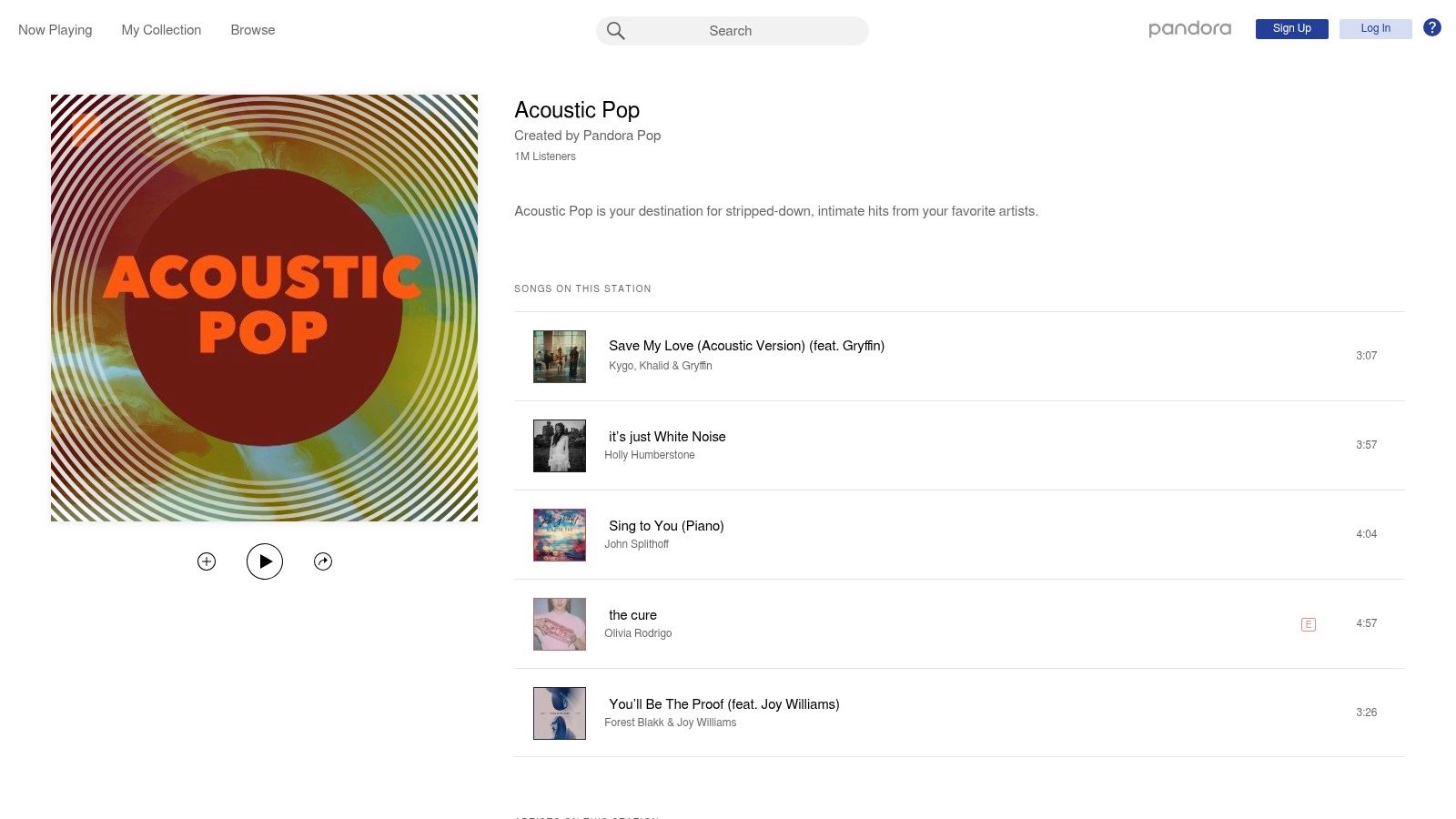
That radio-style approach makes Pandora feel different from playlist-first platforms. Instead of handing you a finite sequence, it keeps morphing based on your reactions. For acoustic pop songs, that can be excellent when you want variety but don't want to become the curator of your own little sonic museum.
Best for set-and-forget listening
Pandora shines in situations where music is there to regulate atmosphere, not demand attention. Writing session, Sunday apartment reset, low-stakes dinner, pretending to read while scrolling. It handles all of that well.
The weakness is control. If you need exact songs, exact versions, exact sequencing, Pandora will eventually annoy you. It can also drift into adult-alternative territory if you don't steer it. Sometimes that's pleasant. Sometimes it feels like the dentist office got an artisanal playlist intern.
Lean-back rule: Pandora is strongest when you want acoustic pop songs as a mood source, not as a collection project.
This one also makes sense if you care about what works in a room. Performance-focused advice often points out that acoustic material has to shift mood quickly and stay accessible to a crowd, while generic "best songs" lists rarely explain why. That gap is part of why station-based discovery can be useful. It lets you notice what keeps landing, not just what keeps getting listed.
5. Mahogany Sessions on YouTube
Mahogany Sessions is where acoustic pop stops being "background" and becomes "hang on, this arrangement is better than it has any right to be." The channel's official YouTube home is full of intimate live performances that often reveal more personality than the studio versions.
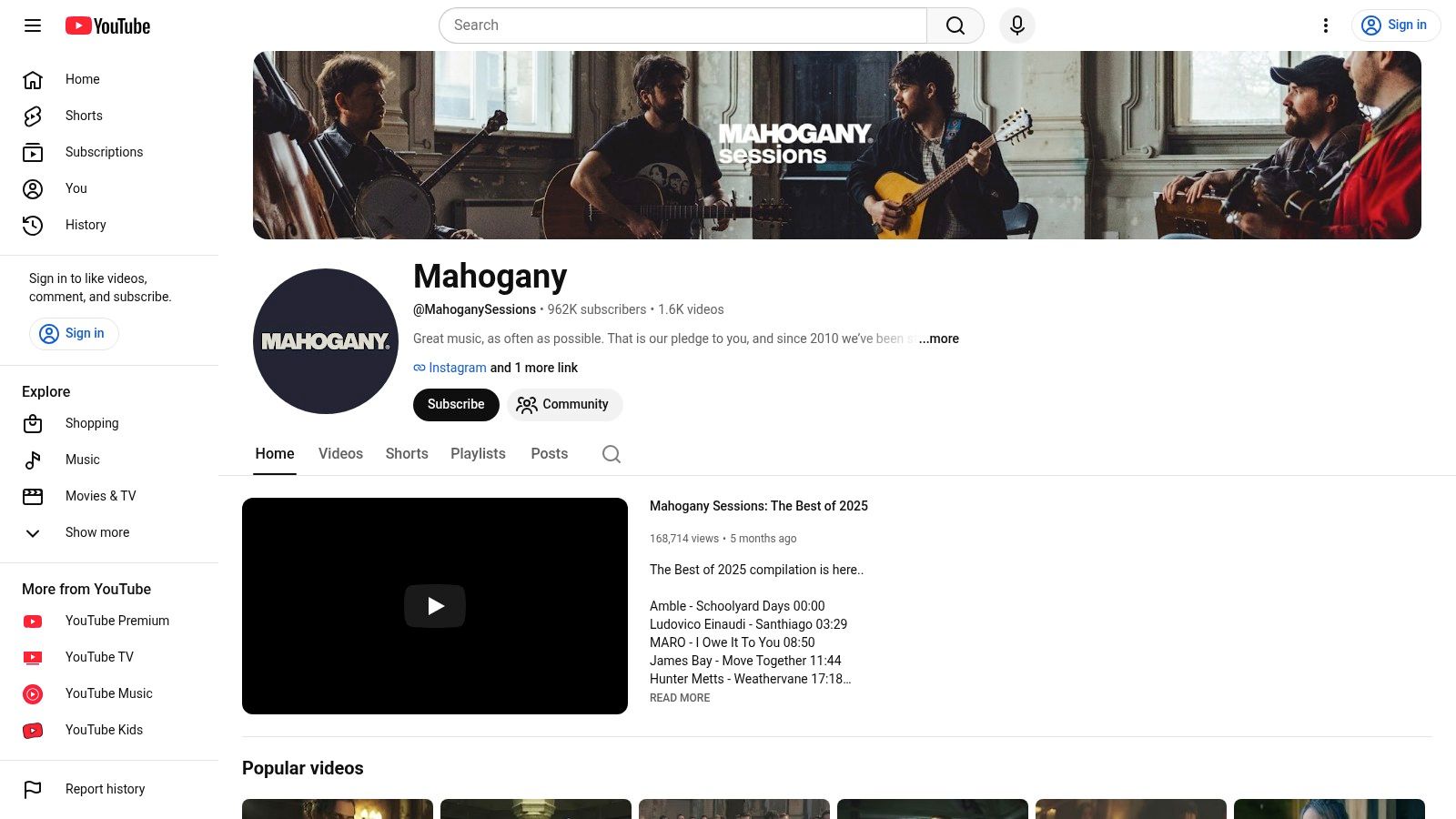
This is the source I use when I want acoustic pop songs to feel alive rather than merely tidy. The room sound matters. The camera matters. The tiny imperfections matter. It's less "playlist wallpaper" and more "private concert on a laptop while your pasta water boils."
Why YouTube still matters here
A lot of acoustic-pop search behavior revolves around reinterpretations, covers, and special versions rather than just original releases. That's one reason YouTube remains so important for the format. It's where people go when they want to hear what a song sounds like after the production scaffolding comes off.
There's depth here too. Good acoustic material usually boils down to a few reliable ingredients: clear melody, harmonic simplicity, emotionally direct lyrics, and a chorus that doesn't require a full band to work. When a pop song has those bones, it survives being stripped down.
- Best for exclusive versions: You'll hear arrangements that don't always appear in your standard streaming library.
- Best for active listening: Great when you want to watch as well as listen.
- Main drawback: Ads, unless you've paid YouTube to stop interrupting your fragile peace.
A good live acoustic session can make a familiar hit feel newly considered, even when it's just voice, guitar, and decent mic placement.
6. Epidemic Sound for creators who need legal clarity
You finish an edit, export it, post it, and then spend the next morning arguing with a copyright claim instead of doing anything enjoyable. Epidemic Sound exists to prevent that specific flavor of nonsense. Its happy acoustic collection is useful when you want acoustic pop as a steady source for projects, not just a one-off song that feels nice for three minutes.
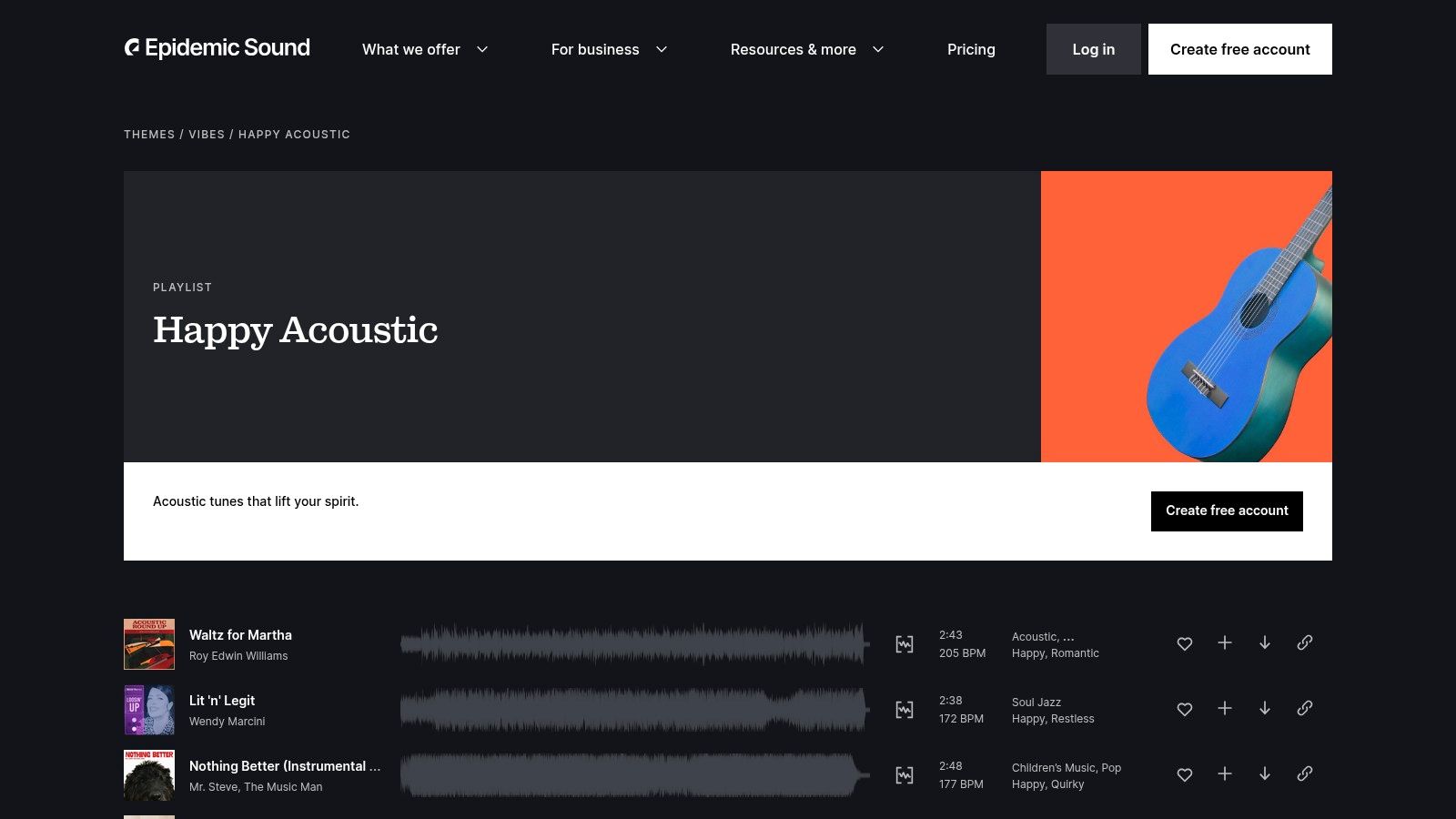
The big difference is intent. Spotify, Apple Music, and YouTube are great for listening. Epidemic is built for use. If your acoustic-pop habit overlaps with client videos, app trailers, social clips, or product demos, that distinction matters fast.
I like it most when the goal is to build a consistent lane. Warm guitar, light percussion, friendly vocal tone, no licensing panic. You can search by mood, energy, and usage, then keep a shortlist that survives contact with publishing platforms.
Where it wins
The workflow is practical. Audition tracks quickly, check versions, grab stems or alternate mixes when they exist, and test what sits under dialogue without wrestling a full commercial release into submission. For acoustic pop, that matters because small arrangement choices change the vibe a lot. A handclap can make a cue feel ad-ready. Pull the vocal and suddenly it becomes clean background music instead of a co-star.
Rights complexity is part of the job now. Licensing-first libraries solve a boring problem, which is exactly why they are useful. Boring problems are the ones that eat your afternoon.
- Best for creators: Music you can publish with far less rights anxiety.
- Best for continuous vibe-building: Curated acoustic collections work well when you need a whole palette, not one hero track.
- Main drawback: Casual listening feels a bit utilitarian, because the catalog is organized for editors and marketers rather than pure music wandering.
If your brain likes matching sound to screen, Epidemic makes that process pleasantly obsessive. Cue up a mellow acoustic-pop run, line it up with your desktop setup, and your Mac suddenly looks like it has its life together, even if your Downloads folder absolutely does not.
7. Artlist for faster filtering and mood matching
Artlist sits in the same broad creator category, but its acoustic pop track pages make a different promise. Faster filtering. More mood-led discovery. Better odds of finding "something like this, but with less ukulele optimism."
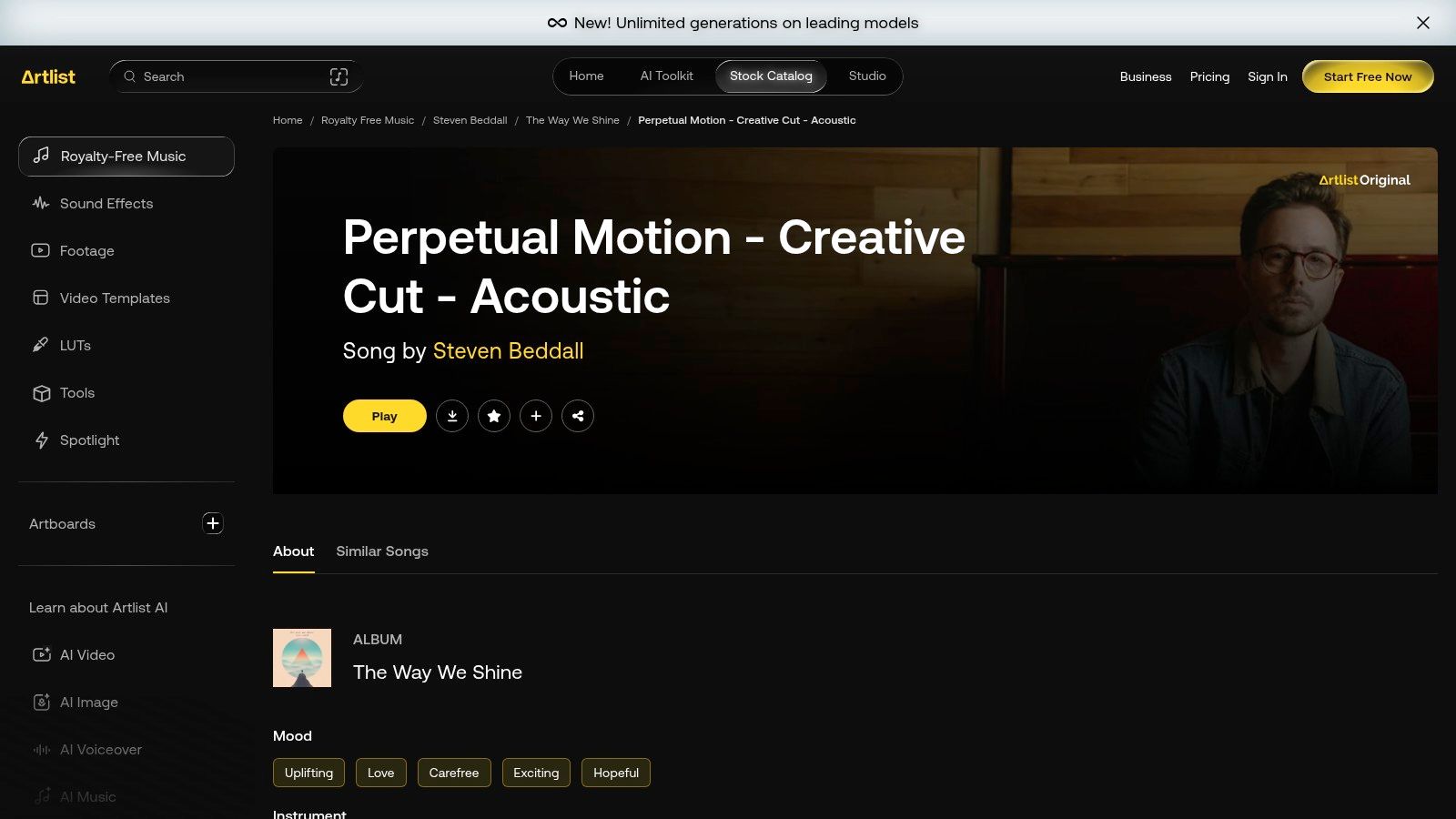
That's useful because acoustic pop can mean several different things depending on your job. Background ambience. Friendly branded content. Emotional reel soundtrack. Stripped-down live energy. Search tools matter when one label covers that much territory.
Better when you need precision
The filtering cuts down the endless preview spiral. Mood, tempo, instrument tags, alternate versions, and Song Match-style workflow all push you toward practical choices faster. That matters when you're trying to match an edit or build something for client work instead of just wandering through a catalog hoping something sticks.
- Best for matching an edit: Strong filtering cuts down the endless preview spiral.
- Best for commercial flexibility: Licensing is built for creators and client work.
- Main drawback: Quality varies, so you still need ears, judgment, and maybe a snack before your tenth audition.
Acoustic Pop: 7-Source Comparison
| Item | Implementation complexity | Resource requirements | Expected outcomes | Ideal use cases | Key advantages |
|---|---|---|---|---|---|
| Spotify – "The Sound of Acoustic Pop" (editorial playlist) | Very low, follow/save playlist or build radios | Spotify account (free or Premium); cross-platform apps | Steady discovery of acoustic-leaning indie/pop; strong adjacent recommendations | Deep-work/study, steady discovery, indie-focused listening | Consistent editorial curation; strong algorithmic recommendations |
| Apple Music – "Acoustic Hits" (official playlist) | Low, subscribe and follow playlist | Apple Music subscription for full features; compatible Apple devices for Lossless/Spatial | Familiar hit songs in stripped-back arrangements with high-fidelity playback | High-quality listening, hum-along sessions, Apple ecosystem users | Lossless & Spatial audio; tight Apple integration; recognizable tracks |
| Amazon Music Unlimited – "Acoustic Pop" (official playlist) | Low, add playlist or ask Alexa to play | Amazon Music Unlimited subscription for HD/Ultra HD; Alexa/Echo for voice control | Convenient playback of guitar-first pop with good fidelity options | Home/Echo users, background music while doing chores | Alexa voice control; Prime/Echo ecosystem convenience; HD/Ultra HD support |
| Pandora – "Acoustic Pop" (genre station) | Very low, start station and use thumbs up/down | Pandora account (free/paid); best features behind paid tiers | Set-and-forget radio-style stream with automated artist surfacing | Passive listening, background focus, long-form discovery | Music Genome Project personalization; minimal user effort |
| Mahogany Sessions (YouTube channel) | Low, watch video sessions; curate playlists manually | YouTube access; optional YouTube Premium to remove ads | High-quality live acoustic performances with video and exclusive takes | Evening relaxation, visual+audio discovery, fans of live sessions | Exclusive live arrangements; strong production values; visual experience |
| Epidemic Sound – Acoustic/Pop collections (royalty-free) | Medium, license selection and rights management | Subscription/license for creators; commercial-use clearance | Pre-cleared acoustic pop tracks ready for video/apps with stems available | Content creators, advertisers, brands needing safe music | Hassle-free licensing; stems/alternate mixes; large pre-cleared catalog |
| Artlist – Acoustic Pop tracks (royalty-free) | Medium, search/filter and manage licenses | Subscription plan; auditioning and matching tools | Find royalty-free acoustic pop matched by mood/BPM with licensing | Filmmakers and creators needing precise mood/tempo matches | Advanced discovery (Song Match, filters); broad license coverage |
Your Mac's Vibe, Sorted
It usually happens around hour two. You finally have the right acoustic pop source running, the room feels calmer, your brain stops opening 14 tabs for sport, and then your Mac ruins the spell with a stock wallpaper that says "I gave up in System Settings."
Sound sets the pace. The screen finishes the job.
gifPaper for Mac puts looping live wallpapers on your desktop, lock screen, and screen saver without the clunky workaround feel a lot of wallpaper tools still have. It uses Apple's Aerial wallpaper format, which matters more than it sounds like it should. Playback looks clean, setup is simple, and setting the lock screen and desktop together saves the kind of tiny annoyance that somehow becomes a daily feud.
The useful part is the pairing. If you picked Spotify, Apple Music, Pandora, or a YouTube channel because you wanted a continuous acoustic-pop stream instead of babysitting single tracks, the visual side should work the same way. A wallpaper loop should support the mood for hours, not beg for attention every 30 seconds like a toddler with a drum machine.
Warm guitars and close vocals usually pair well with softer motion and low-contrast scenes. The lofi wallpaper collection fits that nicely. If your taste runs cleaner, moodier, or more late-night than coffee-shop cozy, the gallery has plenty that feels intentional rather than "default background, but in 4K."
You already did the hard part and chose a source that keeps the vibe going. Give the screen the same standard.
gifPaper has a 7-day free trial with no credit card required, a one-time launch price of $4.99, and a 30-day money-back guarantee. No subscription. I miss when that sentence was normal.
If your acoustic pop setup is sorted, gifPaper gives your Mac the matching visual layer, with live wallpapers for your desktop, lock screen, and screen saver that make the whole setup feel considered instead of random.