
7 Cozy Animated Christmas Wallpaper Sources for Your Mac
Your Mac deserves better than a static JPG of a reindeer you found on a search engine in 2008. You spend hours staring at this screen, whether you're working, studying, or pretending to do either. It might as well be something that brings a little joy, a flicker of life, or at least the quiet dignity of softly falling snow. That's where an animated Christmas wallpaper comes in, turning your desktop from a static background into a living, breathing holiday window.
This guide is your direct path to finding the perfect animated Christmas wallpaper for your Mac. Forget endless searching and questionable downloads. I've curated a list of the best sources, each with its own style, from cozy fireplace scenes to minimal, abstract winter animations. You'll see thumbnail previews, get a feel for the vibe of each option, and find direct links to get them on your screen immediately. This roundup focuses on making your desktop and lock screen look incredible, solving the problem for anyone who misses the customization options available on other platforms.
Beyond just wallpapers, you can even explore ways to create your own animated Christmas cards to share the festive spirit.
1. Christmas Live Wallpapers for Mac
For Mac users who demand more from their desktop than a static image, the Christmas wallpaper collection from gifPaper is the definitive choice. This isn't your average gallery of compressed, pixelated GIFs. Instead, it offers a curated selection of seamlessly looping 4K video wallpapers designed to bring a dose of high-fidelity holiday cheer directly to your desktop and lock screen. It's built for anyone who stares at a screen all day and secretly wishes it felt a little cozier.
The platform's core strength lies in its uncompromising approach to quality. Each animated Christmas wallpaper is a fluid, high-resolution scene, from a crackling fireplace casting a warm glow to a hypnotic snowglobe that never stops shaking. Many wallpapers also include ambient audio, adding an extra layer of immersion that transforms your workspace into a peaceful winter escape. This focus on smooth, 4K video ensures that every animation looks crisp and professional on Retina displays.
Key Features and User Experience
What truly sets this option apart is its integration with the gifPaper macOS app. While you can browse and preview the full animations for free on the website, the app is what brings them to life. The setup is remarkably simple: find a wallpaper you love, click a button, and the app sets it as both your desktop background and your lock screen wallpaper simultaneously.
The experience is deeply integrated into macOS. Waking your Mac reveals a living lock screen that animates beautifully, slowing down as you unlock—exactly like Apple's native video wallpapers, but with your chosen scene. By default, the desktop shows a sharp still frame to conserve resources, but you can toggle full video playback for those moments when you want the complete ambient effect. If you want to get started, you can find a complete walkthrough on how to get live wallpapers on Mac, which details the entire process.
Why It Stands Out
- Genuine 4K Video Quality: All wallpapers are delivered as high-bitrate, seamlessly looping videos, not low-quality GIFs. The difference is immediately noticeable on any Mac display.
- Immersive Ambient Audio: Select scenes come with built-in soundscapes, like the crackle of a fire or the gentle hum of a winter night, to deepen the cozy atmosphere.
- Effortless One-Click Setup: The gifPaper app handles all the technical details, allowing you to set your favorite animated Christmas wallpaper with a single click.
- Affordable One-Time Purchase: The app offers a 7-day free trial, followed by a single $4.99 one-time purchase (launch price). There are no recurring subscriptions to worry about.
Limitations to Consider
The primary limitation is its exclusivity to macOS; there is no support for Windows or Linux. Additionally, running animated 4K backgrounds can consume more CPU and GPU resources than a static image. While the app is optimized, users with older hardware should be mindful of potential performance impacts, especially with continuous video playback enabled on the desktop. The app requires macOS 13 (Ventura) or later and is distributed directly, as Apple's Mac App Store sandboxing prevents live lock screen wallpapers.
Website: gifpaper.com/christmas-wallpaper/
2. MotionBGS
MotionBGS offers a curated, no-nonsense approach to finding your next animated christmas wallpaper. The site organizes its library into clean categories, including a dedicated Holiday > Christmas section, making seasonal browsing incredibly straightforward. Forget sifting through a massive, user-uploaded marketplace; every wallpaper here is selected for quality and presented with a clear, instant preview.
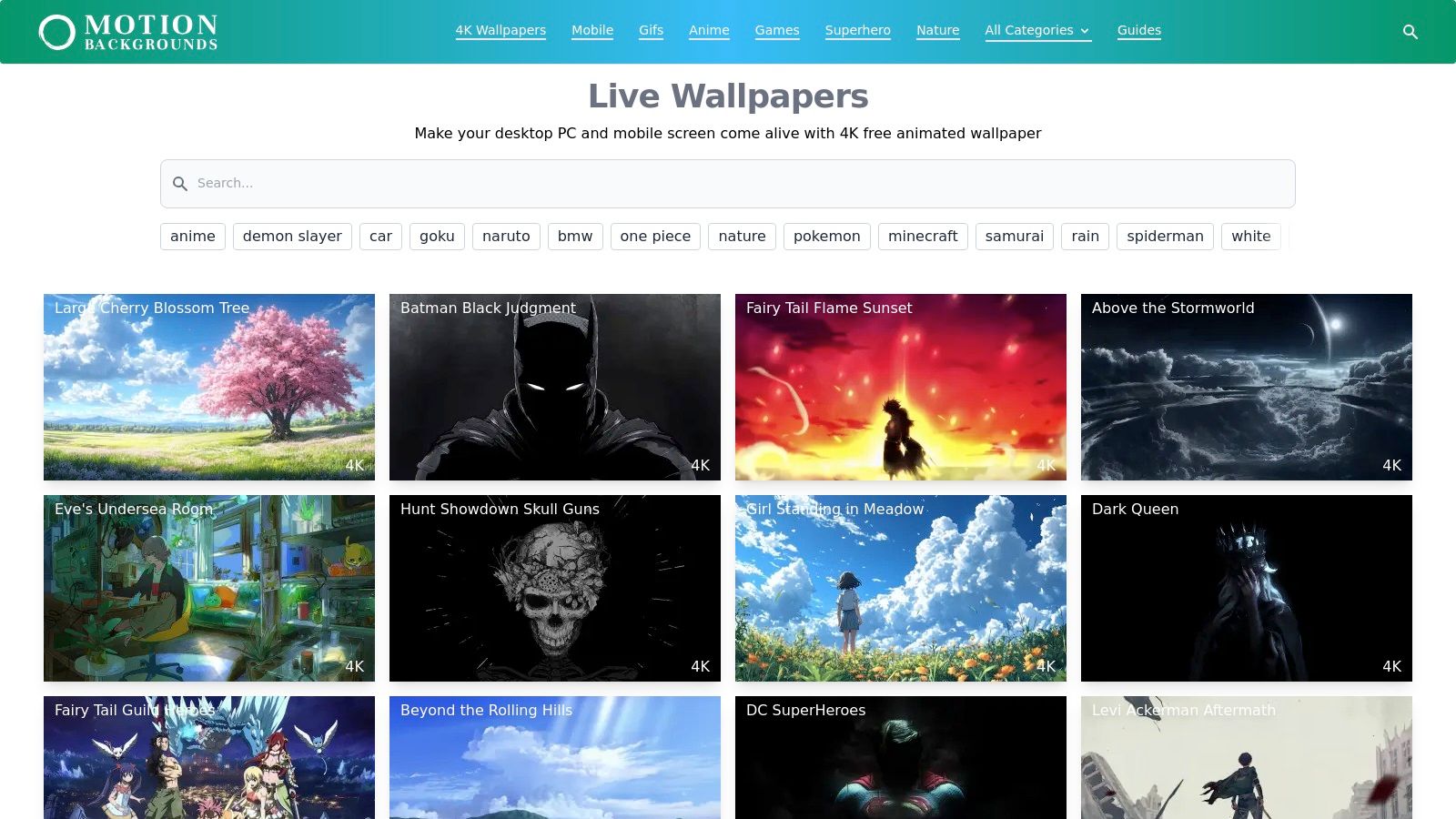
The primary advantage of MotionBGS is its simplicity. When you find a wallpaper you like, you get a direct one-click download for an MP4 file, available in both 1080p and 4K resolutions. This is perfect for Mac users who want to avoid complex platforms and simply import a high-quality video into their preferred live wallpaper app.
Key Features & User Experience
What truly sets MotionBGS apart for Mac users are the per-item setup guides. Each wallpaper page includes a small but invaluable set of instructions for both Windows and macOS. This small detail removes the guesswork often involved with other wallpaper apps, providing clear steps to get your new background running. This is especially helpful for anyone who misses the ease of Wallpaper Engine on Windows.
The library does lean heavily into anime and gaming aesthetics, so if you're looking for photorealistic cozy cabins, your options might be limited. However, for stylized, illustrated, or whimsical holiday scenes, it's a fantastic resource.
Pro Tip: Use the 4K download option even on a non-4K display. The higher-bitrate file often results in a crisper, more vibrant image with fewer compression artifacts, making the animation appear smoother and more professional on your desktop.
Website: https://motionbgs.com
3. WallpaperWaifu
WallpaperWaifu is a long-standing repository for live wallpapers, serving a community with a strong appreciation for anime and fantasy aesthetics. If you're searching for a stylized animated christmas wallpaper, its tag-based system makes discovery simple. The site aggregates all festive submissions under a dedicated "Christmas" tag, presenting a vast back catalog of user-uploaded animated scenes perfect for a holiday desktop refresh.
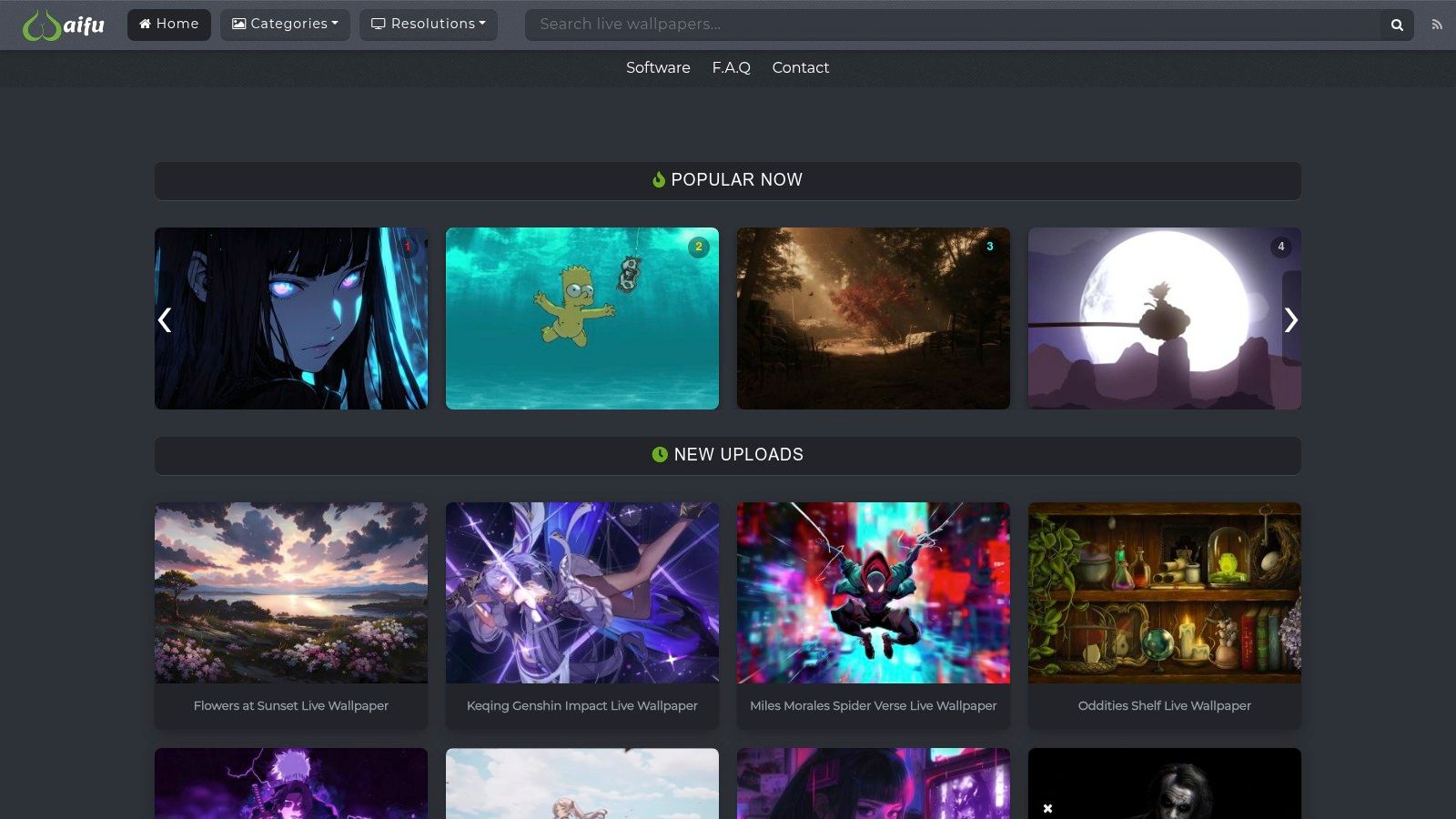
The main draw of WallpaperWaifu is its extensive, freely accessible library. Each wallpaper page clearly lists its native resolution, which is most often 1920x1080. Downloads are provided as direct MP4 or WebM files, two of the most common formats that import cleanly into almost any desktop live wallpaper application on macOS. This straightforward process removes any platform friction, letting you grab a file and load it up immediately.
Key Features & User Experience
WallpaperWaifu excels in its directness. There are no accounts or paywalls; you simply find a design, check its resolution, and download the video file. This is ideal for users who already have a live wallpaper app and just want to source new content without commitment. The community-driven nature means you'll find a huge variety of art styles, from pixel art to cel-shaded anime characters in santa hats.
While the site is a fantastic resource, the quality of submissions can vary. You'll find some true gems, but also some lower-resolution or less smoothly-looped animations. Additionally, true 4K options for the Christmas tag are less common compared to other, more popular categories on the site. However, for a massive selection of 1080p stylized holiday loops, it remains a top-tier destination.
Pro Tip: When you find a wallpaper you like, check the comments section. Users often share feedback on loop quality or provide links to higher-resolution versions, which can save you time and help you find the best possible version of an animation.
Website: https://wallpaperwaifu.com
4. MoeWalls
MoeWalls is a popular desktop live wallpaper site with a fantastic selection of animated christmas wallpaper, perfect for anyone seeking that specific cozy, room-interior vibe. The site provides video previews, resolution details, and helpful metadata tags on each item page, making it simple to filter for exactly the holiday aesthetic you want. It's a community-driven platform, so you'll find a wide variety of styles, from hand-drawn scenes to 3D-rendered fireplaces.
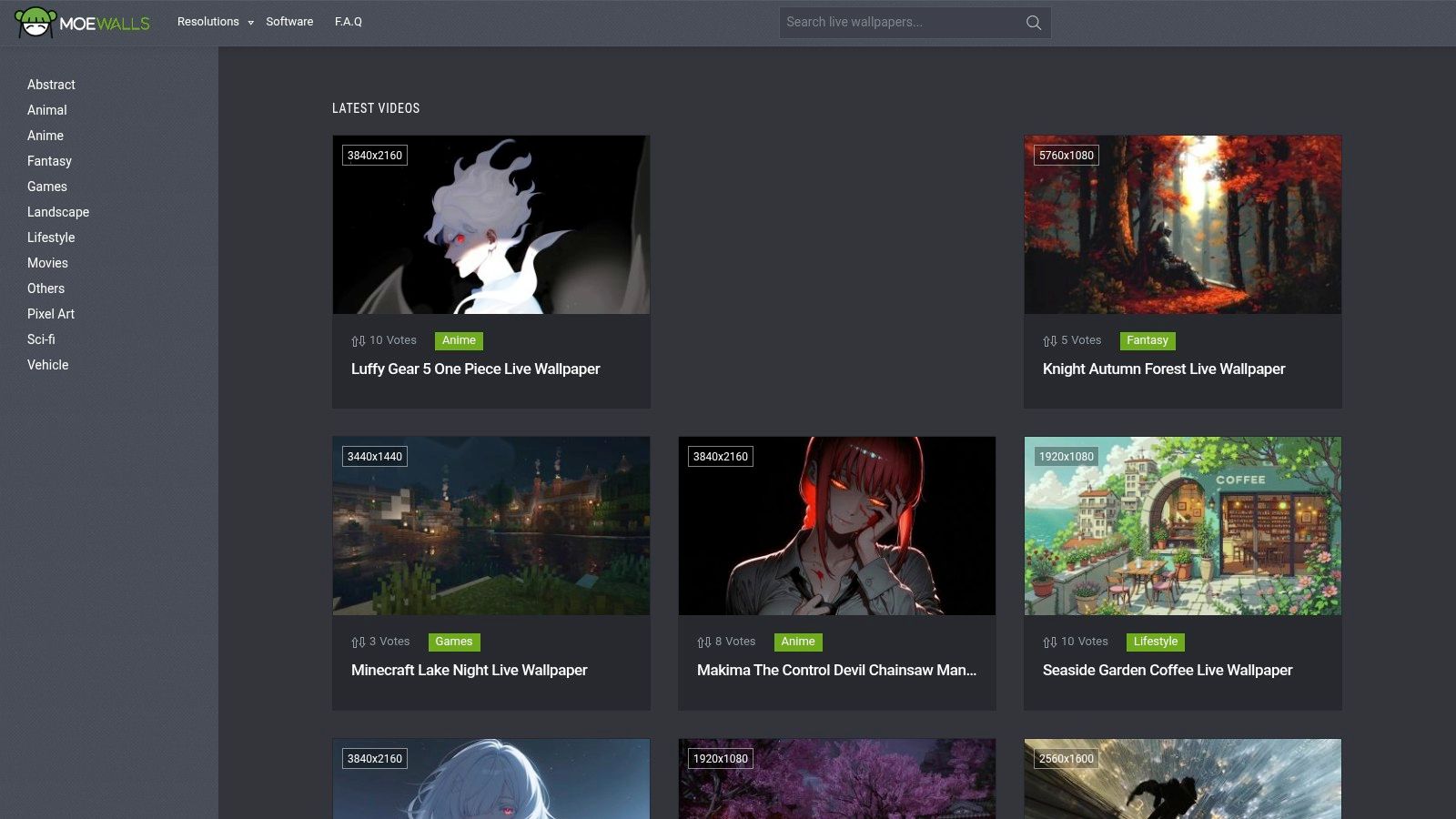
The major benefit of MoeWalls is its directness and accessibility. Downloads are free for the wallpapers, and the community focus means you can discover unique, niche aesthetics that larger, curated libraries might miss. It's an excellent starting point if you're looking to find a specific type of holiday scene, like a snowy window view or a decorated room with a cat sleeping by the fire.
Key Features & User Experience
For anyone new to the world of live wallpapers, MoeWalls is particularly welcoming. Each page includes a step-by-step "How to install animated wallpaper" guide for Windows users. While Mac users will need to adapt these instructions for their own third-party apps, the general principles are a helpful primer on how these video files function as desktop backgrounds. The clear metadata tagging is also a great feature, allowing you to quickly find related wallpapers with elements like "Christmas tree," "snow," or "fireplace."
Because it's a user-contributed library, quality and resolution can vary. Some entries are only available in 720p or 1080p, which might not be ideal for Retina displays. However, there are plenty of high-resolution gems to be found, and the sheer volume of cozy Christmas interiors makes it a worthy stop in your search.
Pro Tip: Pay close attention to the original resolution listed on each wallpaper's page. If you're on a Mac with a Retina display, prioritize wallpapers listed as 4K or "Original" if the dimensions are high. This ensures your background remains crisp and avoids pixelation.
Website: https://moewalls.com
5. DesktopHut
DesktopHut is a massive repository for live wallpapers, functioning as a free-for-all library where you can find an enormous selection of animated christmas wallpaper. While it has its own Windows application, the real value for Mac users is its direct delivery of MP4 video files. This means you can browse its extensive collection, find a holiday-themed loop, and download it directly to import into your Mac live wallpaper app of choice.
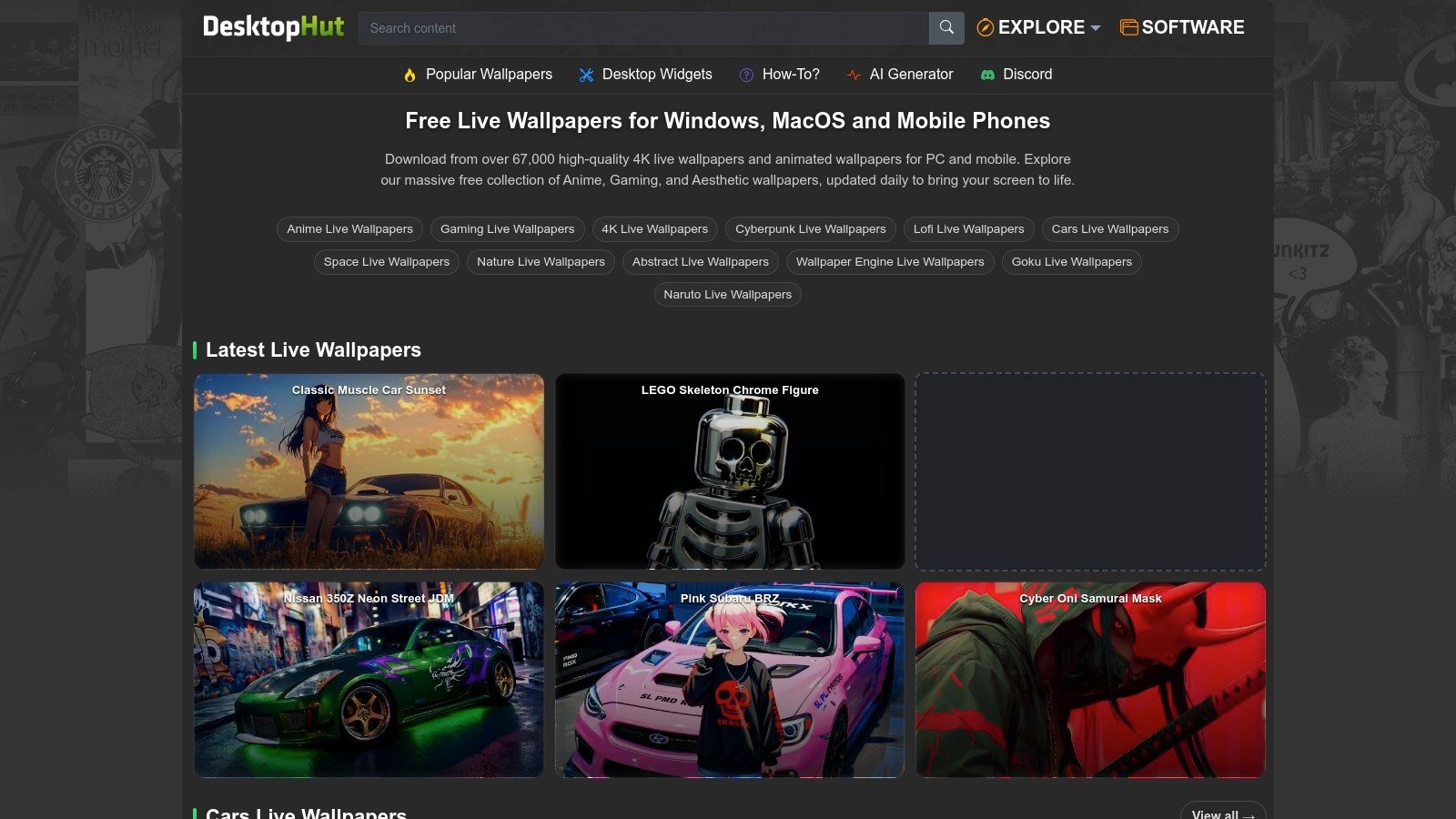
The primary appeal of DesktopHut is its sheer volume. The site hosts countless user-uploaded wallpapers, spanning genres from anime and gaming to ambient nature scenes. Its Christmas and winter categories are packed with options, making it a great place to hunt for that perfect festive background if you're willing to do a bit of digging. Downloads are free and direct, with resolutions and file sizes clearly listed.
Key Features & User Experience
DesktopHut stands out by providing both desktop and mobile variants for many of its wallpapers, which is a thoughtful touch. For each file, you get important details like resolution and file size upfront, helping you choose a loop that won't strain your system resources. The site also includes compatibility notes for popular wallpaper engines, which can be helpful even if you're using a different app on macOS.
The main drawback is that quality can be inconsistent, a natural consequence of its user-driven library. The site's organization can also feel a bit crowded, with ads and a busy layout. However, if you have a specific vision for your holiday desktop, like a "lofi Christmas study session" or a "snowy anime village," there's a good chance you'll find it here with some persistent searching.
Pro Tip: Pay close attention to the file size before downloading. Lighter, more ambient loops are often smaller and more efficient, ensuring they won't impact your Mac's performance while you're pretending to work through your holiday email backlog.
Website: https://www.desktophut.com
6. Motionbolt
Motionbolt takes a broadcast-quality approach to finding an animated christmas wallpaper. This isn't a marketplace of user-generated content; it's a curated library of stock motion backgrounds, offering free, loopable Christmas clips in crisp HD and 4K MP4 formats. Think polished, professional-grade loops of falling snow, soft-focus bokeh lights, and flickering candlelight perfect for a clean, sophisticated desktop aesthetic.
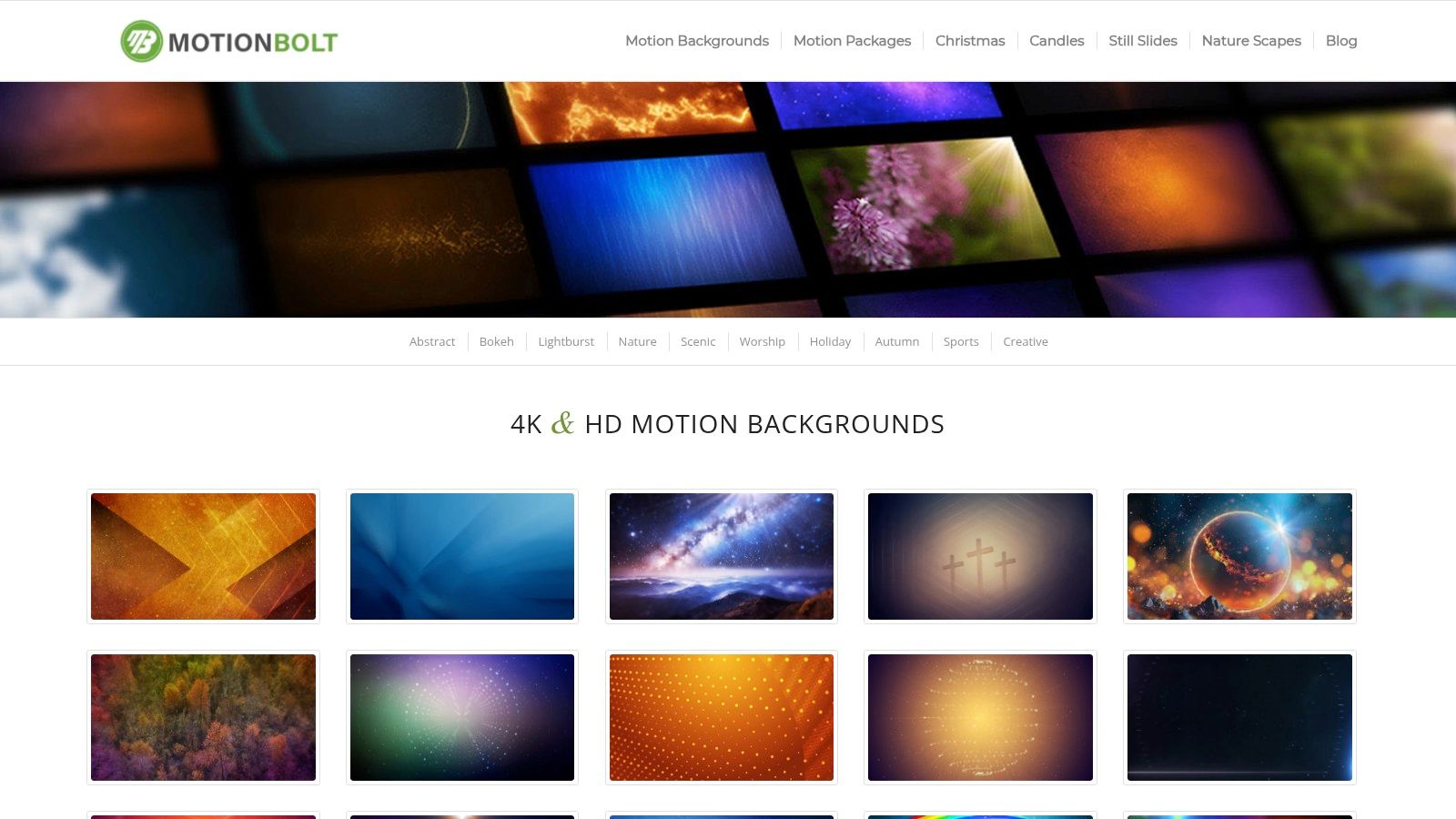
The main draw here is the technical precision. Clips are clearly labeled as "seamless" loops, so you won't get any jarring jumps when the video repeats. This makes them ideal for setting a continuous, ambient mood without distraction. The free clips are royalty-free for many uses and come with multiple resolution options, a great perk for getting the perfect fit for your specific display setup.
Key Features & User Experience
What makes Motionbolt stand out is the professional-grade detail provided for each file. Before you download, you can see the clip's codec, exact duration, and file size. This information is invaluable for users running multi-monitor setups or those who are meticulous about performance and resource usage, allowing you to choose the most efficient file for your needs.
The aesthetic leans heavily into classic, almost cinematic holiday visuals rather than illustrated or character-driven scenes. If you want a perfectly looping video of gentle snowfall over a pine branch, this is your destination. However, be aware that while there is a solid collection of free clips, the site's primary business is selling premium stock footage, so you'll need to navigate to the free sections to avoid a paywall.
Pro Tip: Pay attention to the "Seamless Loop" tag on the clip's download page. This guarantees the video's beginning and end frames match perfectly, creating an infinite, uninterrupted animation on your desktop—essential for a polished look.
Website: https://www.motionbolt.com
7. Pixabay (Christmas Loop Videos)
For those who want a massive, completely free library of video assets, Pixabay is an essential destination for finding an animated christmas wallpaper. It functions as a huge repository of community-uploaded stock footage, and a simple search for "christmas loop" yields thousands of options. You can find everything from realistic clips of twinkling lights on a tree to abstract, stylized motion graphics and animated illustrations.
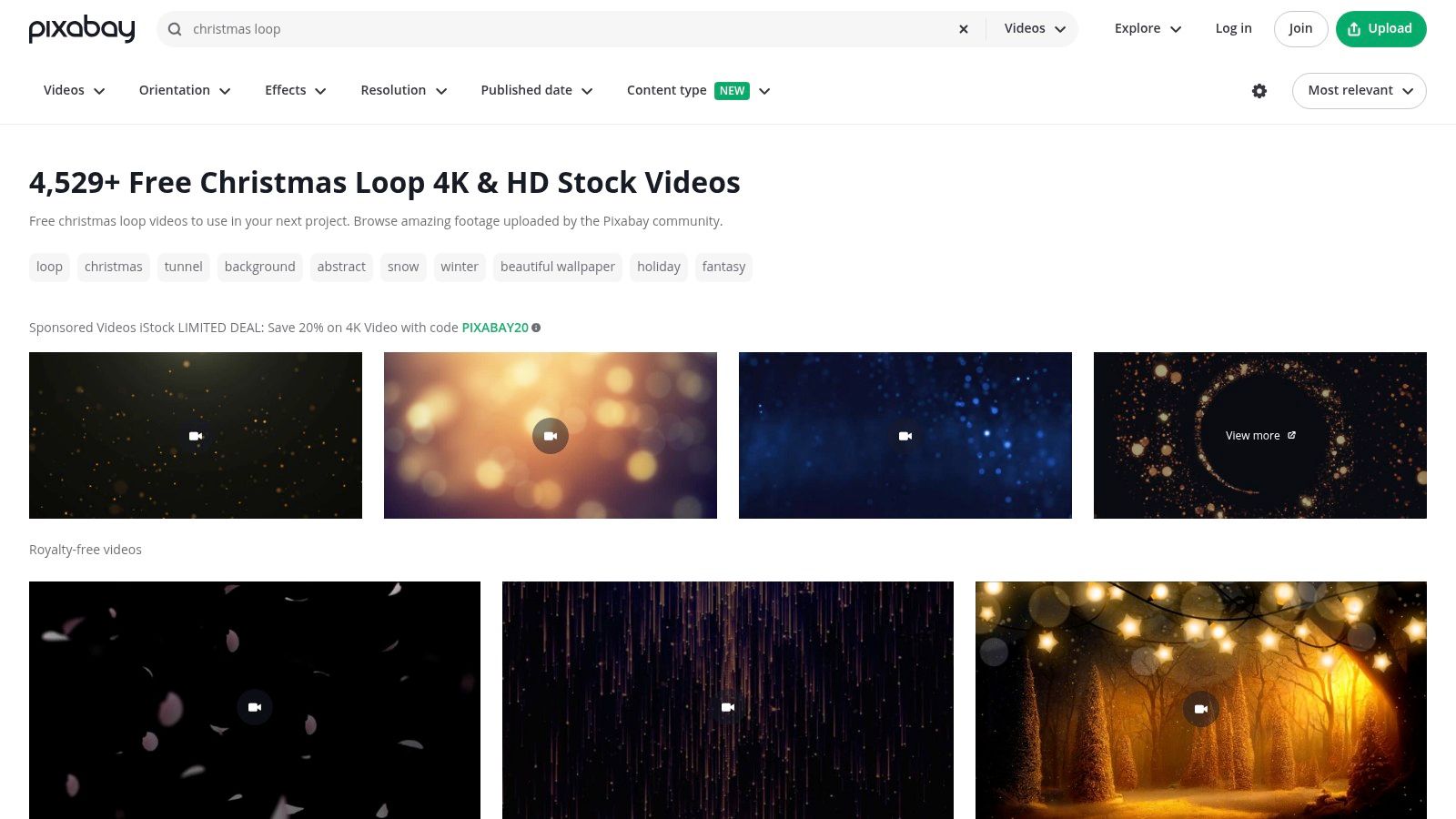
The primary benefit of Pixabay is its sheer volume and accessibility. There's no cost and no signup required to download videos. When you find a clip you like, you can download the MP4 file directly in various resolutions, often including HD and 4K. These files are ready to be imported into any live wallpaper app, giving you an almost limitless supply of holiday visuals for your desktop.
Key Features & User Experience
Pixabay's interface is straightforward, offering filters that let you sort by resolution, orientation (horizontal or vertical), and recency. This helps you narrow down the vast selection to find high-quality clips that fit your screen perfectly. The Pixabay License is another major advantage, permitting free use without attribution for most personal projects, including setting a video as your desktop background. Just be sure to review the license terms, as they restrict reselling the clips as-is.
The downside is the inherent variability of community-uploaded content. While you can find gems, you may also encounter videos with noticeable loop points or lower production quality. It requires a bit more digging than a curated site, but the payoff can be a unique find, like a perfect clip to recreate the look of a magical snowglobe with Christmas lights on your screen.
Pro Tip: When searching, add keywords like "seamless," "animation," or "motion graphics" to your "christmas loop" query. This helps filter out raw video footage and prioritizes content specifically designed to loop smoothly, saving you time previewing clips that have a hard cut.
Website: https://pixabay.com/videos/search/christmas%20loop/
So, Your Mac Is Festive. Now What?
You've surveyed the landscape of digital holiday cheer, from dedicated wallpaper sites to vast stock video libraries. Your mission was to find a great animated Christmas wallpaper, and now you're armed with more options than a reasonable person needs for decking their digital halls. The key takeaway is that getting a live wallpaper on your Mac involves two distinct steps: finding the video file and then finding an app to make it run.
This list presented several paths. You can sift through sites like WallpaperWaifu or MoeWalls, which offer a massive, unfiltered collection often geared toward a specific anime-inspired taste. Or you can dig through stock video sites like Pixabay, downloading high-quality clips with the understanding that you'll have to do the heavy lifting yourself. Each approach works, but they all place the burden of curation and technical setup squarely on your shoulders. You become the quality control manager, the video editor, and the IT support, all before you can enjoy a simple looping fireplace.
Beyond the File: The Right Tool Matters
The real friction isn't finding a video; it's what you do with it. The experience of an animated Christmas wallpaper is defined by the app that powers it.
- Performance: Does the app drain your battery or run efficiently? Many other wallpaper apps are resource-heavy because they are hacky overlays.
- Seamlessness: Does it feel like a native part of macOS, or a clumsy addition? The gold standard is waking your Mac to a living lock screen that animates smoothly as you log in, just like Apple's own built-in wallpapers.
- Simplicity: How many clicks does it take to get from seeing a wallpaper to it running on your screen? The ideal process should be as simple as choosing a wallpaper and clicking "Set."
These considerations are what separate a fun, temporary novelty from a genuinely delightful part of your daily Mac usage. You're going to look at that screen for hours anyway; the experience might as well be flawless and beautiful. Choosing the right tool ensures your festive upgrade is a joy, not a technical chore that makes you long for a static JPEG.
Your Mac deserves better than a clunky workaround. For an animated Christmas wallpaper that just works, check out gifPaper for Mac. It's the first and only app that uses Apple's native system for live wallpapers, giving you a perfect lock screen, desktop, and screen saver experience. You can browse the curated collection of seamless 4K loops, try everything for 7 days (no credit card required), and get it for a one-time $4.99 launch price if you decide it's for you.