
7 Perfect Autumn Live Wallpaper Picks for Your Mac (2026)
It's that time of year. The air gets crisp, the sweaters come out, and every beverage suddenly tastes like a gourd. While you're embracing the season, your Mac's desktop is probably still stuck in July. Let's fix that.
This isn't about finding a static, lifeless JPG of some leaves. This is about giving your Mac a proper seasonal makeover with a living, breathing autumn live wallpaper. I'm talking about scenes that make you want to grab a blanket and a book, even if you're just answering emails in your pajamas. All the cozy, none of the potential smoke damage.
In this guide, I'll show you the best places to find high-quality fall scenes, from curated app collections to cinematic video libraries. Because if you have to stare at a screen for eight hours, it might as well be a beautiful one.
1. gifPaper for Mac
If you want the fastest path from a boring desktop to an aesthetic one, gifPaper is the answer. It's a curated collection of over 150 seamless 4K live wallpapers, many with ambient sound, designed to turn your screen into a window overlooking a cozy, autumnal world. It's built around a simple premise: your screen is on for hours, so it might as well be beautiful.
Unlike other wallpaper apps that can feel like a clunky overlay, gifPaper integrates directly with macOS. It's the first and only app that uses Apple's native Aerial wallpaper format, the same system that powers Apple's own dynamic backgrounds. This allows it to set a living wallpaper on your lock screen that animates as you wake your Mac—a feature previously exclusive to Apple's default options. One click sets the scene for both your desktop and lock screen.
Standout Features and User Experience
The primary strength of gifPaper lies in its curation and technical quality. Every autumn live wallpaper is selected to evoke a specific, comforting mood. Think less "random stock footage of leaves" and more "rain-streaked cabin window overlooking a forest."
- Pristine Visual Quality: All wallpapers are true 4K seamless video loops, not upscaled GIFs. This ensures visuals are crisp, vibrant, and jitter-free, even on large Retina displays. The loops are edited to be perfect, so the mood never breaks.
- Live Lock Screen & Screen Saver: Wake your Mac to a living wallpaper that slows down as you unlock, just like Apple's own. It also brings back the screen saver, because now they're worth looking at.
- Immersive Ambient Audio: Many scenes include optional, high-quality ambient audio. You can have the soft crackle of a fireplace or the gentle patter of rain accompany your visual, adding another layer of immersion.
- Effortless One-Click Setup: Browse the gallery, find a scene you like, and apply it to your desktop and lock screen with a single click. Swapping scenes is just as fast.
Pricing and Access
gifPaper operates on a refreshingly straightforward model. You can browse the entire wallpaper collection for free on the website. To apply them to your Mac, the app offers a 7-day free trial with full access to all features and wallpapers, no credit card required.
After the trial, it's a single, one-time purchase of $4.99—that's the launch price. There are no subscriptions and there's a 30-day money-back guarantee. It's an honest deal for making your Mac a little more magical. You can learn more about the cozy aesthetic and see how these wallpapers fit into that popular style.
Website: https://gifpaper.com/cozy-wallpaper/
2. Dynamic Wallpaper Club
For those who appreciate subtlety over constant motion, Dynamic Wallpaper Club offers a different, more integrated approach. Instead of a looping video, this community-driven platform specializes in native macOS Dynamic Wallpapers. These are high-resolution HEIC files that contain multiple images of the same scene, shot at different times of day.
Your desktop subtly shifts from a bright, morning-lit forest to a warm, golden-hour vista, and finally to a cool, dusky evening scene. It's an elegant solution that feels like it was built by Apple itself. Because these aren't full-motion videos, they are exceptionally light on your Mac's battery and processor, making them ideal for laptops.
Key Features & Offerings
Dynamic Wallpaper Club is a free-to-use repository of community-created wallpapers. You can browse, preview the time-lapse changes, and download any wallpaper you like. Installation is straightforward and doesn't require any extra software; you just add the HEIC file in your Mac's System Settings.
- Format: Native macOS Dynamic (HEIC)
- Resolution: Up to 5K, perfect for Retina and Studio Displays.
- Cost: Completely free to browse and download.
- Motion Type: Time-based stills, not continuous video.
- Unique Angle: Provides a built-in feel, changing with the sun's position or a set time schedule.
How to Use It Effectively
Start by searching for "autumn" on the site. Use the previewer to see how a wallpaper evolves throughout the day before you commit. Since these are a native feature, they work flawlessly with your lock screen as well. While they don't require a separate app, if you're looking for full video motion or more advanced controls, you may want to learn how to get live wallpapers on Mac for different options.
3. Motion Places – Fall Collection
For those who crave cinematic quality, Motion Places offers a premium source for your next autumn live wallpaper. This platform provides professionally shot, high-bitrate nature footage, with a dedicated Fall collection that feels less like a stock library and more like a curated gallery. The clips are long, often loop-friendly, and color-graded to perfection.
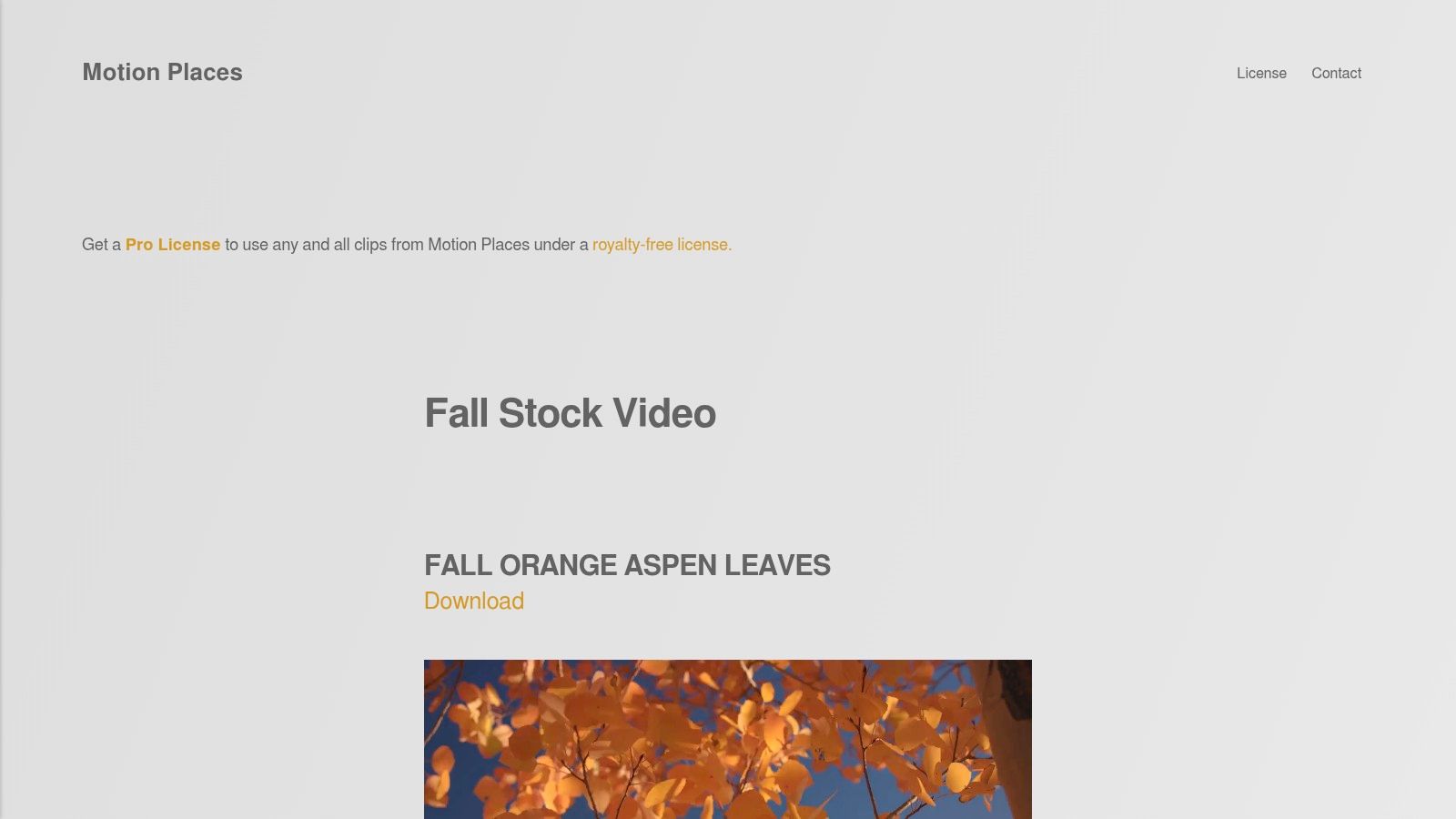
The footage from Motion Places sets a high aesthetic bar. Think sweeping drone shots over a forest canopy ablaze with orange and red, or a tranquil, misty lake reflecting golden foliage. Because these are long, high-quality video files, they look fantastic when applied as a live wallpaper with an app like gifPaper, providing a window into a perpetually perfect autumn day directly on your desktop.
Key Features & Offerings
Motion Places offers free clips for personal use and paid options for higher resolutions or commercial projects. The site is well-organized, making it easy to find the exact autumnal mood you're looking for.
- Format: High-bitrate MP4 video files.
- Resolution: Clips are available up to 4K and beyond.
- Cost: Many clips are free for personal use in lower resolutions; premium 4K clips require a paid license.
- Motion Type: Continuous, cinematic video loops.
- Unique Angle: Focuses on premium, professionally color-graded footage.
How to Use It Effectively
Start by browsing the "Fall" category. Look for clips described as "loop-friendly" for the most seamless experience. Once you download a video file, you'll need an application to set it as your wallpaper. An app like gifPaper is built for this, allowing you to use these high-quality video files for your lock screen and desktop.
Visit Motion Places – Fall Collection
4. Motion Array – Autumn Background Loops
For those who need a professionally produced autumn live wallpaper, Motion Array is a massive creative asset platform. Instead of user-submitted content, this site offers studio-grade, ready-to-use Autumn Background Loop videos created by professionals. These are purpose-built looping motion graphics and nature wallpaper backdrops perfect for a seamless and polished desktop experience.
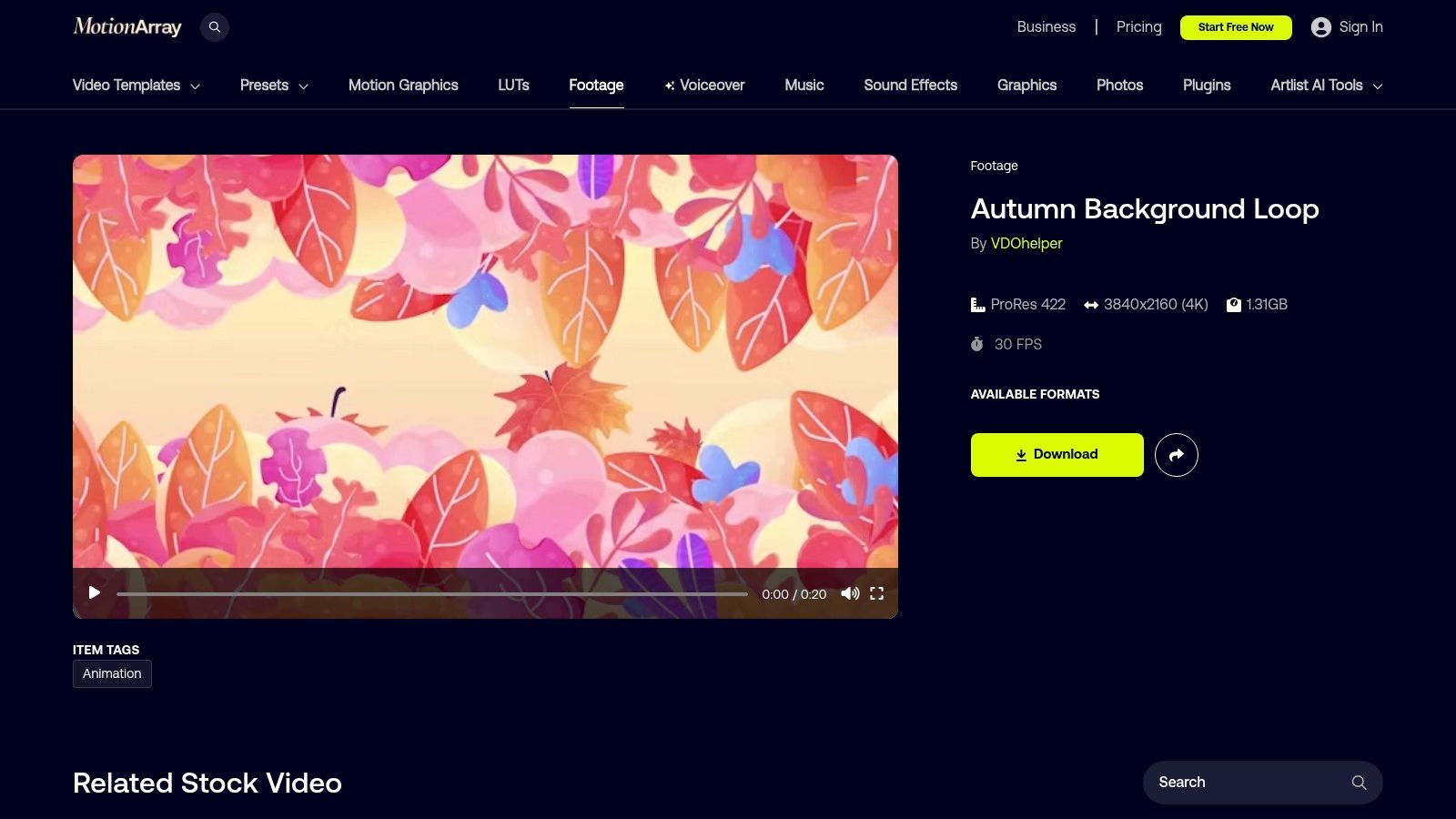
Motion Array is less of a wallpaper gallery and more of a creative professional's toolkit. The files are often provided in formats like 4K ProRes 422, which guarantees exceptional color and detail. The clips are designed to loop flawlessly, so you won't see any jarring jumps when using them with an app like gifPaper. This is the go-to choice if you want broadcast-quality visuals for your Mac.
Key Features & Offerings
Access to Motion Array's library requires a subscription, but this includes unlimited downloads of not just video loops but also sound effects, music, and other creative assets. It can be overkill if you just need one wallpaper, but it's a great value for creators.
- Format: 4K ProRes 422 and other high-quality video codecs.
- Resolution: Primarily 4K (3840x2160) at 30 fps.
- Cost: Requires a subscription (monthly or annual plans available).
- Motion Type: Continuous, seamless video loops.
- Unique Angle: Provides professional, technically superb clips that go beyond typical wallpapers.
How to Use It Effectively
Start by searching "autumn background loop" on the platform. The key is to find videos specifically designed as loops to ensure a smooth, continuous animation. Since a subscription gives you unlimited access, you can also grab some ambient fall sound effects or lofi music to complete the vibe.
5. Pexels – Autumn Video Clips
For the DIY enthusiast who wants complete control and a massive library to choose from, Pexels is an indispensable resource. It's a free stock video library with a vast collection of high-quality autumn footage, making it a goldmine for creating your own perfect autumn live wallpaper. You'll find everything from serene forest paths and gently falling leaves to dramatic golden-hour timelapses.
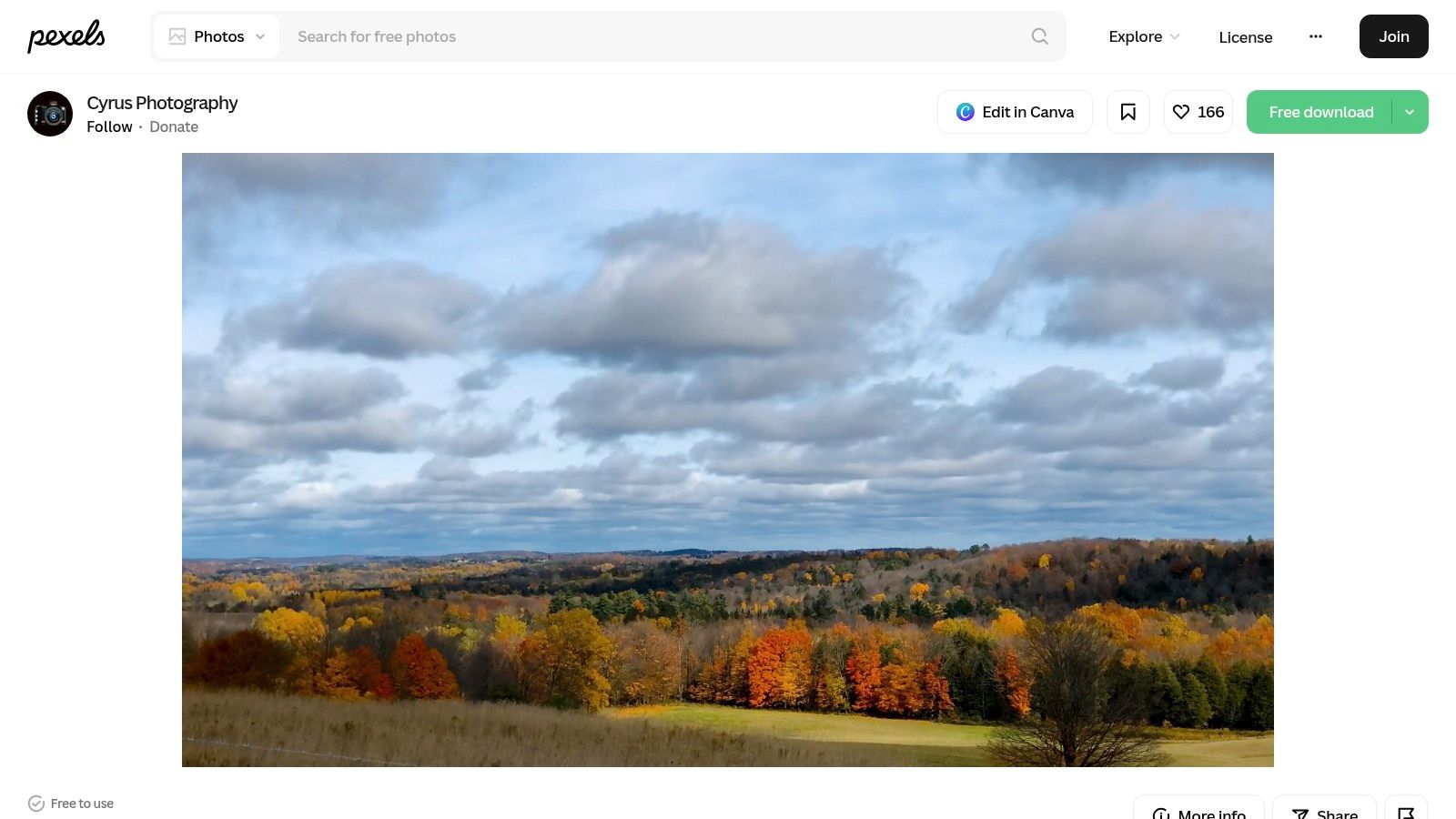
The advantage here is pure variety. You get access to thousands of different styles, from realistic and documentary-style shots to more artistic and moody clips. The generous Pexels License means you can download and use them for personal projects without worrying about watermarks or attribution.
Key Features & Offerings
Pexels stands out by offering a nearly endless supply of raw material. I'm the creative director here—you choose the exact clip that matches your ideal fall aesthetic.
- Format: MP4 video files, ready for wallpaper apps.
- Resolution: Many clips are available in 4K and even higher.
- Cost: Completely free to download and use under the Pexels License.
- Motion Type: Standard video clips, some designed for looping, others not.
- Unique Angle: An almost unlimited, free source of high-resolution video content for creating a custom live wallpaper.
How to Use It Effectively
Start by searching for specific phrases like "autumn forest," "falling leaves slow motion," or "autumn timelapse." The main challenge is that not all clips are designed to loop perfectly. You may need to find a video with subtle, continuous motion or one that's long enough that the reset isn't noticeable. This approach gives you ultimate freedom but requires an app like gifPaper for Mac to set the video file as your live lock screen and desktop background.
6. Mixkit – Free Autumn Stock Video
For those who want to find a high-quality, ready-to-use video clip without opening their wallet, Mixkit is an excellent resource. Primarily a repository of free stock video, it offers a surprisingly rich collection of curated autumn clips. These are polished shots of falling leaves, misty forest trails, and golden-hour city parks.
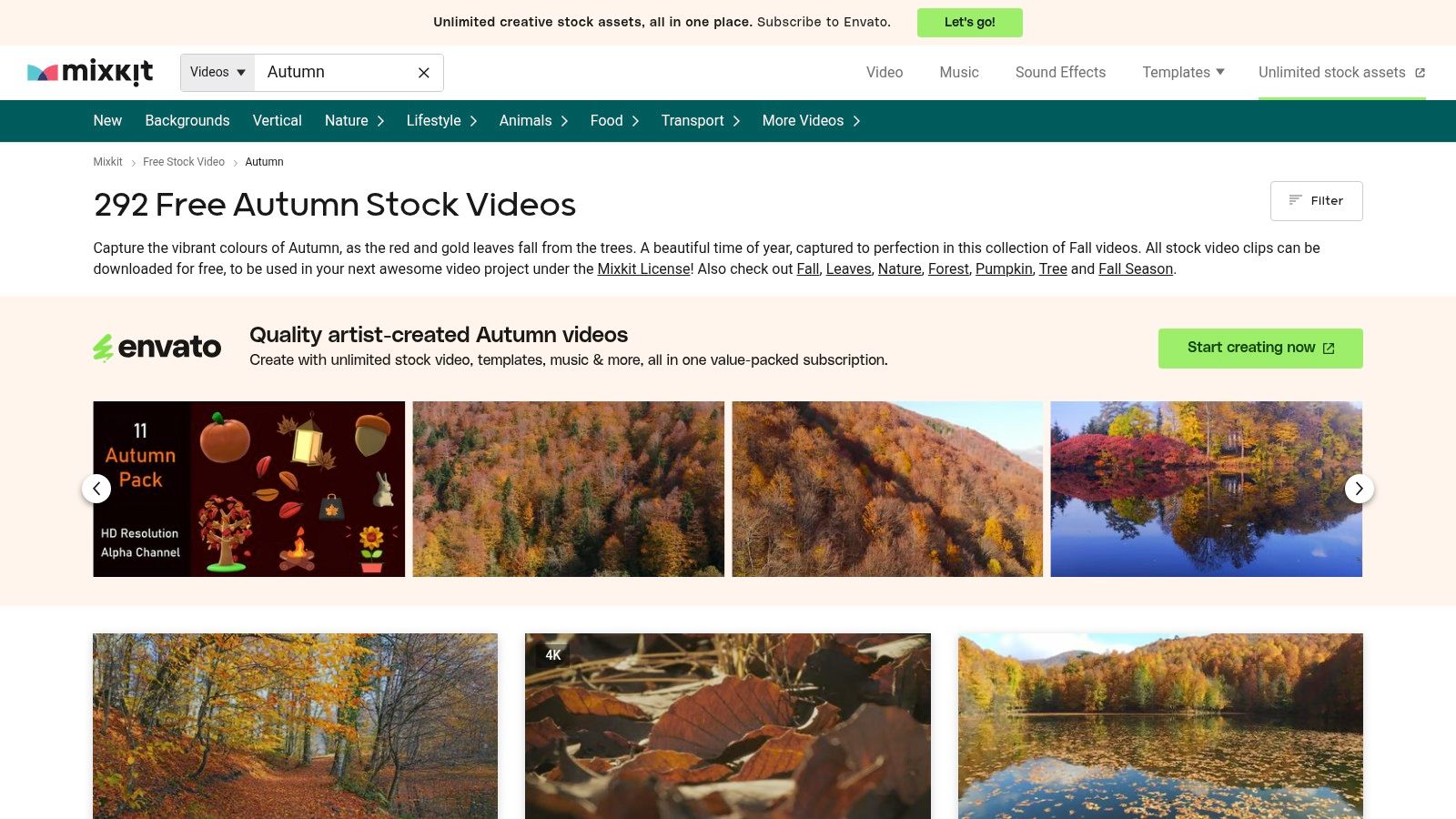
The main advantage of Mixkit is its simplicity. There are no accounts to create or complex licenses to navigate. You find a clip you like, download it in 4K or HD, and it's yours to use. The selection is smaller than massive paid libraries, but what's there is generally high-quality and well-shot.
Key Features & Offerings
Mixkit provides a curated, easy-to-browse gallery without watermarks or attribution requirements. Its straightforward approach makes it one of the fastest ways to get a beautiful fall scene onto your screen.
- Format: Standard video files (MP4).
- Resolution: Many clips are available in 4K and HD.
- Cost: Completely free with a simple, permissive license.
- Motion Type: Continuous video loops of varying lengths.
- Unique Angle: Offers a "grab-and-go" experience for high-quality, no-cost video loops.
How to Use It Effectively
Use the search bar for themes like "autumn leaves," "fall forest," or "rainy autumn." Pay attention to the clip's motion; some feature slow, panning shots that are ideal for a calm desktop. Once you download a clip, you can use an application like gifPaper for Mac to set it as your desktop background or a stunning live lock screen.
Visit Mixkit – Free Autumn Stock Video
7. MotionBolt – "Fall Tree Line"
For those who need an autumn live wallpaper that is guaranteed to loop perfectly right out of the box, MotionBolt's "Fall Tree Line" is an excellent find. This isn't a sprawling stock footage site; it's a focused collection of purpose-built motion backgrounds. This specific asset is designed from the ground up to be a seamless, professional-grade looping video.
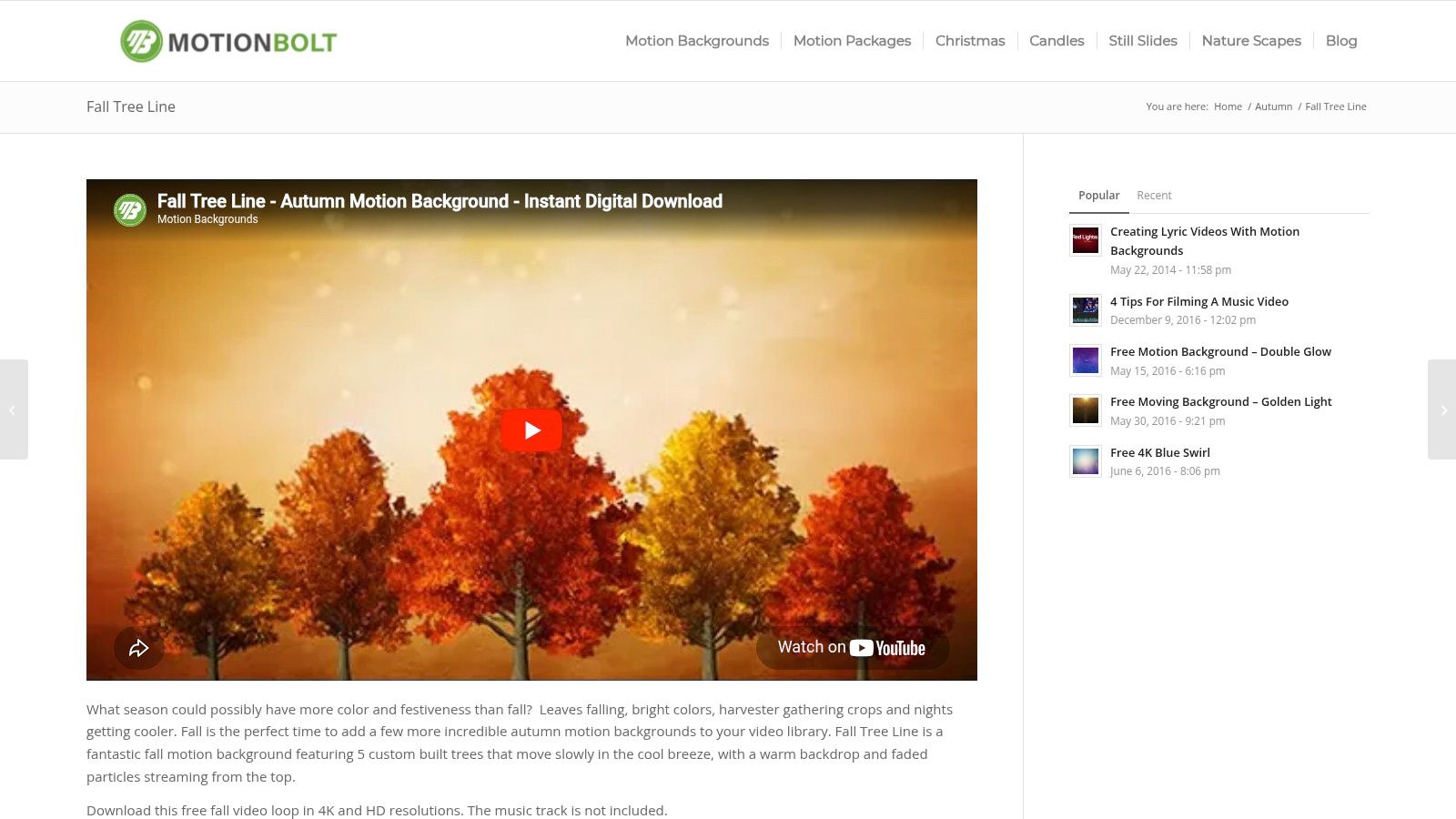
The style here is more motion-graphics oriented, featuring a clean, stylized depiction of autumn trees gently swaying. It's a clean and modern take on the season, perfect for users who appreciate a more illustrative look over pure photorealism. The gentle, consistent motion provides a calming backdrop without being distracting.
Key Features & Offerings
MotionBolt provides the "Fall Tree Line" loop as a free download. The file is optimized for easy use, with a compact H.264 MP4 format that works flawlessly with apps like gifPaper without requiring any conversion or editing.
- Format: H.264 MP4
- Resolution: 4K and 1080p options available.
- Cost: Completely free to download and use.
- Motion Type: A seamless 30-second loop designed for continuous playback.
- Unique Angle: Provides a guaranteed flawless loop with a stylized, motion-graphics aesthetic.
How to Use It Effectively
Download the 4K MP4 file directly from the MotionBolt site. Since it's a standard video file, you can easily load it into gifPaper to set it as your autumn live wallpaper. Because it was built to loop, you don't need to fiddle with any settings; it just works.
Visit MotionBolt – "Fall Tree Line"
Top 7 Autumn Live Wallpaper Comparison
| Item | Implementation complexity | Resource requirements | Expected outcomes | Ideal use cases | Key advantages |
|---|---|---|---|---|---|
| gifPaper for Mac | Very low — one‑click macOS install | Moderate — 4K video loops, may use CPU/battery | Immersive, cozy animated desktop/lock screen with optional ambient audio | Personal Macs where quick, high‑quality mood backgrounds are desired | Curated cozy themes, 4K, live lock screen, one-time $4.99 price, 7‑day trial |
| Dynamic Wallpaper Club | Very low — native HEIC install, no extra app | Low — HEIC image sets, battery/GPU‑friendly | Subtle time/sun‑position based shifts (not full motion) | Users wanting native macOS dynamic backgrounds and low power use | Native format, free community catalog, up to 5K support |
| Motion Places – Fall Collection | Medium — download and apply; consider licensing | High — long, high‑bitrate 4K cinematic clips | Premium photorealistic, color‑graded visuals for large displays | Premium wallpaper on Retina/Studio displays or commercial use | High aesthetic quality, curated cinematic footage, clear licenses |
| Motion Array – Autumn Background Loops | Medium — subscription setup and asset selection | High — 4K ProRes files, large storage and bandwidth | Technically precise, production‑ready looping clips | Creators needing many assets or exact codecs for projects | Wide selection, exact technical specs, includes related assets (SFX/music) |
| Pexels – Autumn Video Clips | Low–Medium — simple downloads; may need editing to loop | Variable — many 4K options but quality varies | Broad variety of autumn looks; some clips need loop editing | Free testing and casual users seeking diverse styles | Free, large searchable library, generous license for personal/commercial use |
| Mixkit – Free Autumn Stock Video | Very low — download and use immediately | Low–Moderate — 4K/HD clips, smaller catalog | Quick, often ready‑to‑loop seasonal clips | Fast, no‑cost seasonal wallpaper swaps without accounts | Free, curated, no watermarks, simple permissive license |
| MotionBolt – "Fall Tree Line" | Very low — purpose‑built seamless loop ready to use | Low — compact H.264 MP4 optimized for playback | Guaranteed seamless looping motion background | Situations requiring perfect loops and minimal setup | Free, guaranteed seamless loop, optimized file format |
The Easiest Way to Get That Autumn Vibe
So, you've seen the options. From stock video libraries to specialized dynamic wallpaper platforms, there are several paths to getting a dose of autumn on your Mac. You can spend your time sifting through thousands of clips, hoping to find a high-resolution video that also loops cleanly, or you can piece together a solution with apps that might not support your lock screen. It's a valid approach, but it often involves manual conversion, wrestling with settings, and a fair bit of compromise.
Your Mac is a tool you likely stare at for hours every day. Making it a place you genuinely enjoy looking at isn't a frivolous luxury; it's a smart move. An autumn live wallpaper can make the difference between another day of answering emails and a day where your screen provides a small, calming window to a world of falling leaves and misty mornings.
For those who value both aesthetics and efficiency, the goal is to get that perfect vibe with the least amount of friction. You want a wallpaper that: - Just works. No file conversions, no complicated setup. - Looks incredible. True 4K resolution without compression artifacts. - Loops seamlessly. No jarring jumps or awkward cuts to break the spell. - Covers everything. The effect should extend to your desktop, screen saver, and especially the lock screen.
This is exactly why I built gifPaper for Mac. It sidesteps the entire DIY process. Instead of hunting for the perfect wallpaper, I've already curated a collection of over 150 of them. All you have to do is pick the one that speaks to you. The app handles the rest, using Apple's native system to set a gorgeous, looping scene on your desktop and lock screen with a single click.
To create a cohesive aesthetic, you can pair a live wallpaper with a great static one, like a dedicated fall wallpaper. Use the static one for deep focus, and let the live one take over when you're between tasks or waking your Mac.
Ultimately, you have a choice: become a part-time video editor and system-settings-wrangler, or simply choose a scene and enjoy the view. If the latter sounds better, then gifPaper is your answer.
Ready to give your Mac the cozy autumn upgrade it deserves? Download gifPaper for Mac and start your free 7-day trial. You get instant access to the entire library of 150+ 4K live wallpapers, with no credit card required.