Dynamic Wallpaper on Mac: A Guide to Getting Backgrounds That Actually Move
You've searched for "dynamic wallpaper mac" and landed in one of Apple's most confusingly named rabbit holes. Let's sort this out. The short version is that a macOS "Dynamic Desktop" is not a video wallpaper. It's a clever bundle of still images that shift throughout the day to match the light outside. Beautiful, but probably not what you were looking for.
If you want a Mac background that actually moves—rain falling, a fire crackling, stars twinkling—you're in the right place. You just need to know the difference between what Apple calls "dynamic" and a true video wallpaper.
Untangling Apple's "Dynamic" Wallpaper
When you open System Settings > Wallpaper and see the "Dynamic Desktop" options, you'll find a collection of gorgeous, high-resolution landscapes and abstract graphics. But they don't move. They just change.
This feature, first introduced in macOS Mojave, makes your desktop feel more alive without slowing anything down. That's because it's not a video. Apple's built-in options use almost zero extra CPU because they're just swapping static pictures on a timer.
How Does It Actually Work?
The magic is a special file format called HEIC (High Efficiency Image Container). Think of a single .heic file as a digital flipbook. It holds multiple JPEGs—usually around 16 of them—and each is tagged with metadata for a specific time of day. Your Mac reads that data and shows the right picture based on your local sunrise and sunset.
It’s an elegant, battery-friendly solution. But it's not animated. It's a time-shifting slideshow.
The Secret: Your Mac Already Has Video Wallpapers
Here’s the twist: your Mac is already a pro at playing high-quality, animated wallpapers. Apple just hides the feature in plain sight. They're called Aerial screen savers.
Those incredible, slow-moving drone shots of New York, coral reefs, and sweeping landscapes? They aren't a slideshow. They’re actual video files, baked right into macOS. This is the big “aha” moment—the tech for a truly animated wallpaper isn’t some third-party hack; it's a native system your Mac already uses.
You can find them under System Settings > Screen Saver, tucked away in categories like Landscape, Cityscape, Underwater, and Earth.
These beautiful, high-resolution videos are the proof. Your Mac is ready for something far more engaging than a static background. This built-in Aerial format is efficient, optimized for both Apple Silicon and Intel chips, and designed to run without killing your battery.
The catch? Apple locks these gorgeous videos to the screen saver and lock screen. You can't set them as your desktop background, and you definitely can't add your own. Apple built the engine but only handed out a very limited set of keys.
When Apple's Curated Vistas Aren't Enough
Let’s be clear: Apple’s built-in wallpapers are gorgeous. But they’re also a walled garden. You get a handful of professionally shot vistas—Sonoma, Hawaii, Big Sur—and that’s it.
What happens when your personal vibe isn't a sweeping shot of the California coast? What if you're trying to set a specific mood that a generic landscape can't touch?
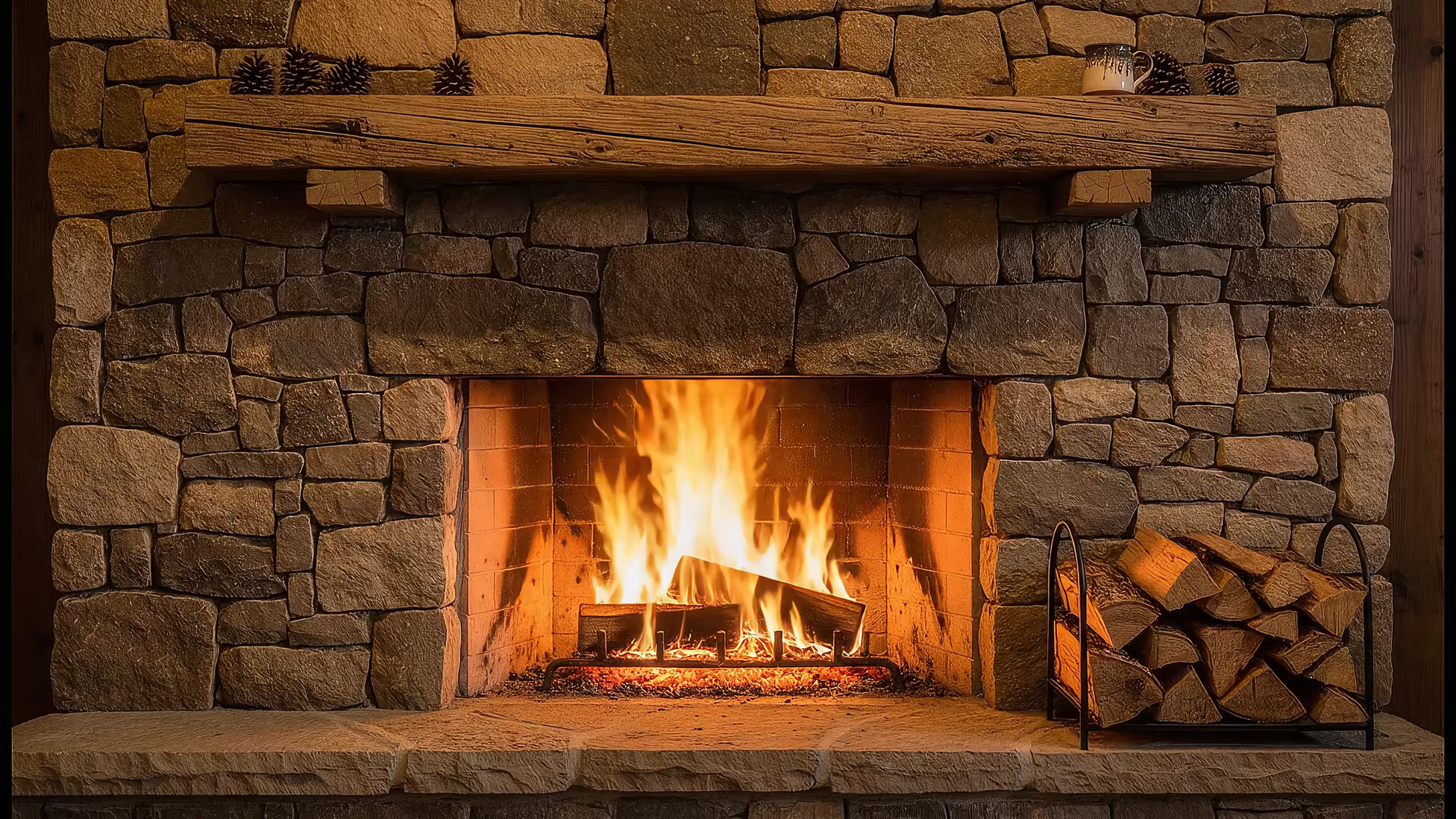
- A cozy vibe: Imagine a crackling fireplace on a rainy day. Apple's library is fresh out of those.
- A focused mood: Maybe a chill, animated coffee shop scene helps you get in the zone. Apple offers mountains, not mochas.
- A specific aesthetic: If you love cyberpunk cityscapes or dreamy lofi animations, you’re completely out of luck.
This is where the difference between Apple's "Dynamic" wallpapers and a true video wallpaper solution becomes crystal clear. It's not just about having more options; it's about having the right options. Your Mac is your personal space, and it should feel like it.
Dynamic Wallpaper vs. Live Wallpaper: The Showdown
To put it plainly, what Apple calls "Dynamic" often isn't what people are actually looking for.
| Feature | Apple Dynamic Desktop | True Video (Live) Wallpaper |
|---|---|---|
| Animation | 16 still images that change over 24 hours. | A seamlessly looping 4K video. Always in motion. |
| Selection | A small, fixed collection of landscapes. | A curated library of diverse aesthetics and moods. |
| Customization | You cannot add your own wallpapers. | Choose from a huge gallery reflecting your taste. |
| Lock Screen | Works, but limited to Apple's videos. | Full video playback on the lock screen for any wallpaper. |
| Vibe | Professional, scenic, and a little impersonal. | Whatever you want it to be: cozy, futuristic, or weird. |
The takeaway is simple. Apple gives you a beautiful, locked-down system. A true video wallpaper app gives you freedom. It’s the difference between a museum tour and getting to hang your own art on the walls.
Unlocking True Animated Wallpapers on Your Mac
This is where the real fun starts. Since Apple built this fantastic, battery-friendly Aerial technology for their video wallpapers but locked it down, the obvious next step is to unlock it.
That's exactly what gifPaper for Mac does. It uses the same native system Apple created and opens it up, giving you access to a curated library of over 150 seamlessly looping 4K video wallpapers.
This isn't some clunky overlay fighting macOS for resources. It’s the genuine article—the same technology, just without the arbitrary limits.
The Seamless Lock Screen and Desktop Experience
What really sets this approach apart is how deeply it integrates with your Mac. In one action, you set a matching animated wallpaper for your lock screen, desktop, and screen saver. They all become one unified, living environment.
When you wake your Mac, the lock screen comes alive with full-motion video. As you start to log in, the video gracefully slows to a halt, exactly like Apple’s own Aerial wallpapers do. It’s a polished little detail that makes the whole experience feel native, not tacked on. It’s the expanded, personalized dynamic wallpaper experience you were probably looking for all along.
Instead of being stuck with a dozen scenic vistas, you can finally pick a vibe that actually fits your personality, from cozy fireplace wallpapers to chill lofi wallpapers.
You can learn more in our detailed guide on how to get live wallpapers on Mac.
How to Get Started
Ready to see it for yourself? The next step is easy. Head over to gifPaper and download the free 7-day trial.
You don’t need a credit card, so you can explore the entire library of 150+ 4K wallpapers and test out all the features with zero commitment. If you're just looking for the basics, check out our guide on how to change the wallpaper on your Mac.
The app is a one-time $4.99 purchase—not a subscription. It even comes with a 30-day money-back guarantee, just in case you decide a perpetually cozy fireplace isn't for you.
From download to having a new live background takes just a couple of minutes. It’s a small change that makes a huge difference in how your digital space feels—less like a tool and more like your own personal corner of the internet.
FAQ: Your Dynamic Wallpaper Questions Answered
Let's clear up a few things people usually ask about performance, battery life, and how this all works.
Will an animated wallpaper kill my Mac’s battery?
Less than you’d think. A lot less. Because gifPaper is built on Apple's native Aerial technology, it's incredibly efficient. The video automatically pauses whenever you're using a full-screen app or if the desktop simply isn't visible. It only uses resources when you can actually see it.
What is the difference between live wallpaper and dynamic wallpaper on Mac?
This is the number one point of confusion, mostly because of Apple's naming.
- A macOS "dynamic wallpaper" is a set of still images that swap out based on the time of day. Think of it as a fancy slideshow.
- A "live wallpaper" (or animated wallpaper) is what you're probably looking for: an actual video loop that plays continuously.
gifPaper provides true live wallpapers for your lock screen, desktop, and screen saver.
Is it safe to install an app from outside the Mac App Store?
Absolutely, as long as the app is notarized by Apple. The Mac App Store has security rules ("sandboxing") that prevent apps from changing the lock screen wallpaper. To give you that seamless experience where your lock screen actually matches your desktop, gifPaper is distributed directly. The app is fully notarized by Apple, which is their official seal of approval confirming it's been scanned for malicious software and is safe to run on your Mac.
Ready to stop settling for static backgrounds? gifPaper for Mac is a one-time purchase, not a subscription, and it comes with a 7-day free trial. No credit card required.
Download it and find a wallpaper that actually fits your vibe.
Explore the full collection and start your free trial at gifpaper.com/macos-app