
Transform Your Mac: Free Live Wallpapers Desktop
TL;DR: The free live wallpapers desktop world is a mess of Windows apps and bad GIFs. If you're on a Mac, the clean answer is a native app built for macOS, and the obvious shortcut is gifPaper with its 7-day free trial and $4.99 one-time purchase if you keep it.
Typing "free live wallpapers desktop" into Google feels like rummaging through a digital garage sale. Half the results are for Windows. The other half look like they were assembled by a feverish raccoon with a ZIP folder and no respect for Retina displays.
Mac users usually learn this the annoying way. You find a cool preview, click through, realize it's meant for Wallpaper Engine or some other Windows setup, then end up staring at a grainy looping GIF that makes your expensive screen look like a gas station TV.
The Messy World of Free Live Wallpapers

The first bad assumption is that "free" means "easy." It doesn't. It usually means broken categories, weird file hosts, sketchy downloader buttons, and a lot of animated sludge that looked mediocre even when people still said "netbook" with a straight face.
The market grew fast, just not evenly. Open-source tools like Lively Wallpaper pushed the category into the mainstream, and by 2023 it had over 4,500 free wallpapers on Steam, but Mac users were still mostly stuck watching from outside the window with their little coffee and their little dignity intact, until Mac-specific options started showing up, as noted by XDA's coverage of Lively Wallpaper and the Mac gap.
That gap matters because Mac users aren't asking for much. A proper loop. Clean playback. Something that doesn't look compressed to death. Maybe a lock screen that feels intentional instead of abandoned by software history.
Practical rule: If a "free" wallpaper setup requires browser hacks, random helper apps, or a tutorial with eleven steps and one warning about Terminal, it's already too expensive.
The sane approach is simpler than people think:
- Skip Windows-first tools: If the whole ecosystem assumes Windows, you're going to spend more time adapting than enjoying.
- Skip low-grade GIF packs: Motion is nice. Chunky artifacts and muddy blacks are not.
- Use a native Mac solution: The point is a great-looking Mac, not a weekend project in desktop troubleshooting.
That's the shortcut. You're not looking for "free" in the abstract. You're looking for something that looks good on a Mac and works like it belongs there.
Why That Free Wallpaper Is Probably a Trap
A lot of "free" live wallpaper options aren't free in any useful sense. They cost you image quality, battery life, or your patience. Sometimes all three, which is generous of them.
Most free options were never built for Mac
The biggest reason this search feels cursed is simple. The live wallpaper scene grew around Windows. If you came over from that side of the fence, you probably already know the feeling. Wallpaper Engine gets all the cool toys, while Mac search results keep trying to hand you leftovers in a plastic container.
That's why so many Mac users end up bouncing between repackaged video files, vague tutorials, and sites that seem one pop-up away from asking you to disable common sense. If you want a calmer starting point for static backgrounds and cleaner Mac-specific advice, this Mac free wallpapers guide is a much better use of your time.
GIFs are the enemy of a nice display
A modern Mac screen is ruthless. It shows everything. The beautiful parts, yes. Also the banding, compression, rough edges, bad loop point, weird crop, and that charming blocky flicker straight from 2003.
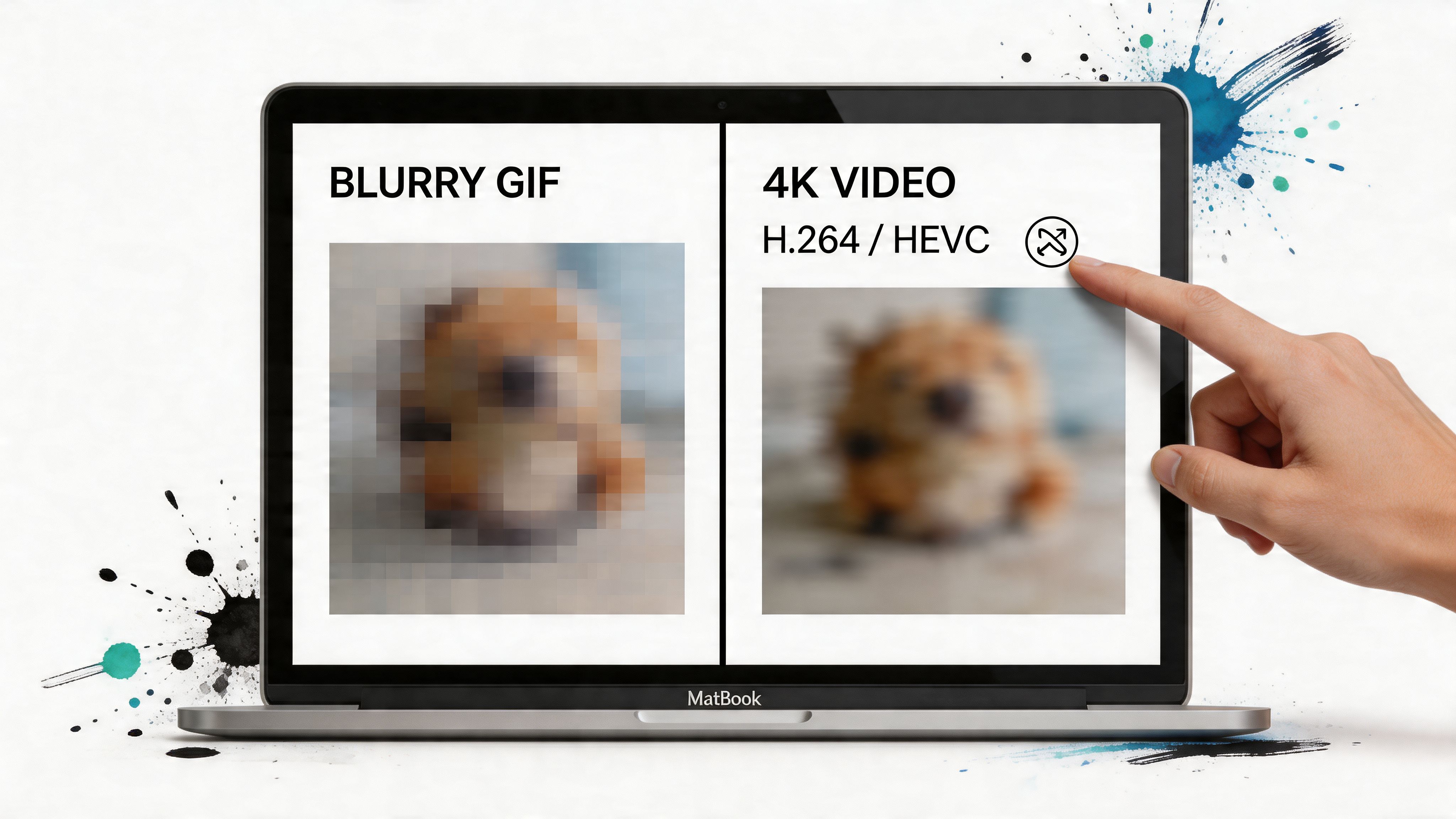
The core problem is format. GIFs are clunky, inefficient, and visibly worse than modern video on a Retina display. Proper looping video is the right tool for the job.
A live wallpaper should disappear into the desktop. If you can see the seam, the stutter, or the compression, it stops feeling calm and starts feeling homemade in the bad way.
Here's the difference that matters:
| Format | What it usually feels like on Mac |
|---|---|
| GIF | Blurry, heavy, jumpy, often visibly compressed |
| MP4 or HEVC video | Cleaner motion, better detail, more efficient playback |
| Web-based shader hacks | Fun in theory, inconsistent in practice |
Free often means badly optimized
Even when the wallpaper itself is decent, the playback layer is often not. Generic apps and web wrappers tend to treat your desktop like a browser tab that never closes. That's not a compliment.
The common failure modes are familiar:
- Battery drain: Some setups keep pushing video even when they should pause.
- High-DPI weirdness: Retina scaling exposes sloppy app design immediately.
- Fullscreen conflicts: Open a video call or presentation, and the wallpaper app starts acting haunted.
- Sleep and wake bugs: Black screens, frozen frames, or wallpapers that forget what job they had.
This is why "free live wallpapers desktop" results disappoint so often on Mac. The issue isn't a lack of wallpapers. It's a lack of Mac-native execution.
The Anatomy of a Flawless Live Wallpaper
A good live wallpaper doesn't scream for attention. It just sits there looking improbably correct, like your desktop suddenly got its life together.
Three things separate a polished live wallpaper from animated wallpaper soup.
Seamless looping matters more than people think
The loop point is where most wallpapers die. If the end jumps back to the beginning with a little hiccup, your brain catches it every time. You won't always notice it consciously, but you'll feel it. Like a squeaky chair in a quiet room.
A proper loop should feel endless. Snow keeps falling. Neon keeps humming. The train keeps rolling through the rainy night while you pretend your inbox is under control.
Resolution and codec do the heavy lifting
On a Mac, 4K isn't vanity. It's how you avoid turning a sharp display into mush. The best live wallpapers use modern video formats, not ancient GIF logic dragged uphill with a rope.
The underlying video should be clean, the motion smooth, and the file efficient enough that your computer doesn't resent you for having taste.
A solid setup usually means:
- 4K source footage: Necessary for crisp playback on Retina displays.
- H.264 or HEVC encoding: Better than GIFs for quality and efficiency.
- Short, well-crafted loops: Long enough to feel natural, short enough to stay lightweight.
Native playback is the part most people miss
This is the boring part, which means it's also the part that actually matters. A wallpaper app either respects macOS or it doesn't.
According to Rocksdanister's technical note on looping and native decoding, achieving fluid 4K playback depends on precise encoding and hardware-accelerated decoding through native macOS APIs like CALayer. That same reference states 98% no-drop success on M1+ chips for this approach, versus 72% for common alternatives. That's not a cosmetic difference. That's the difference between "nice desktop" and "why is this thing juddering like a cursed slideshow."
What to look for: Native frameworks, hardware acceleration, and proper video playback. Not an overlay pretending to be one.
A flawless live wallpaper is basically invisible craftsmanship. You don't want to think about codecs or frame timing every morning. You just want to open your Mac and see something good.
Your Step-by-Step Guide to Using gifPaper
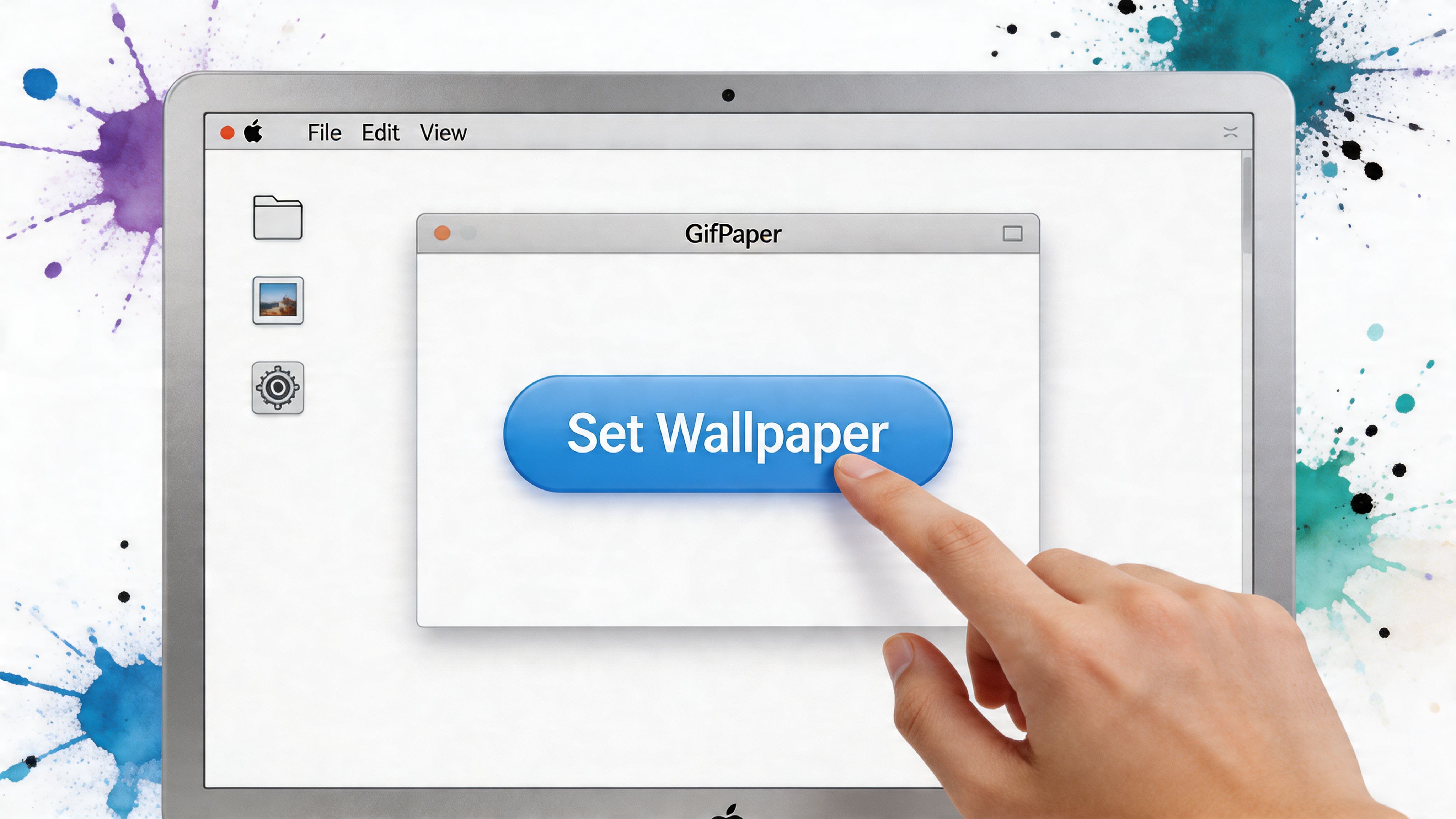
If you want the shortest path from "my desktop is boring" to "my lock screen now has better taste than I do," this is it.
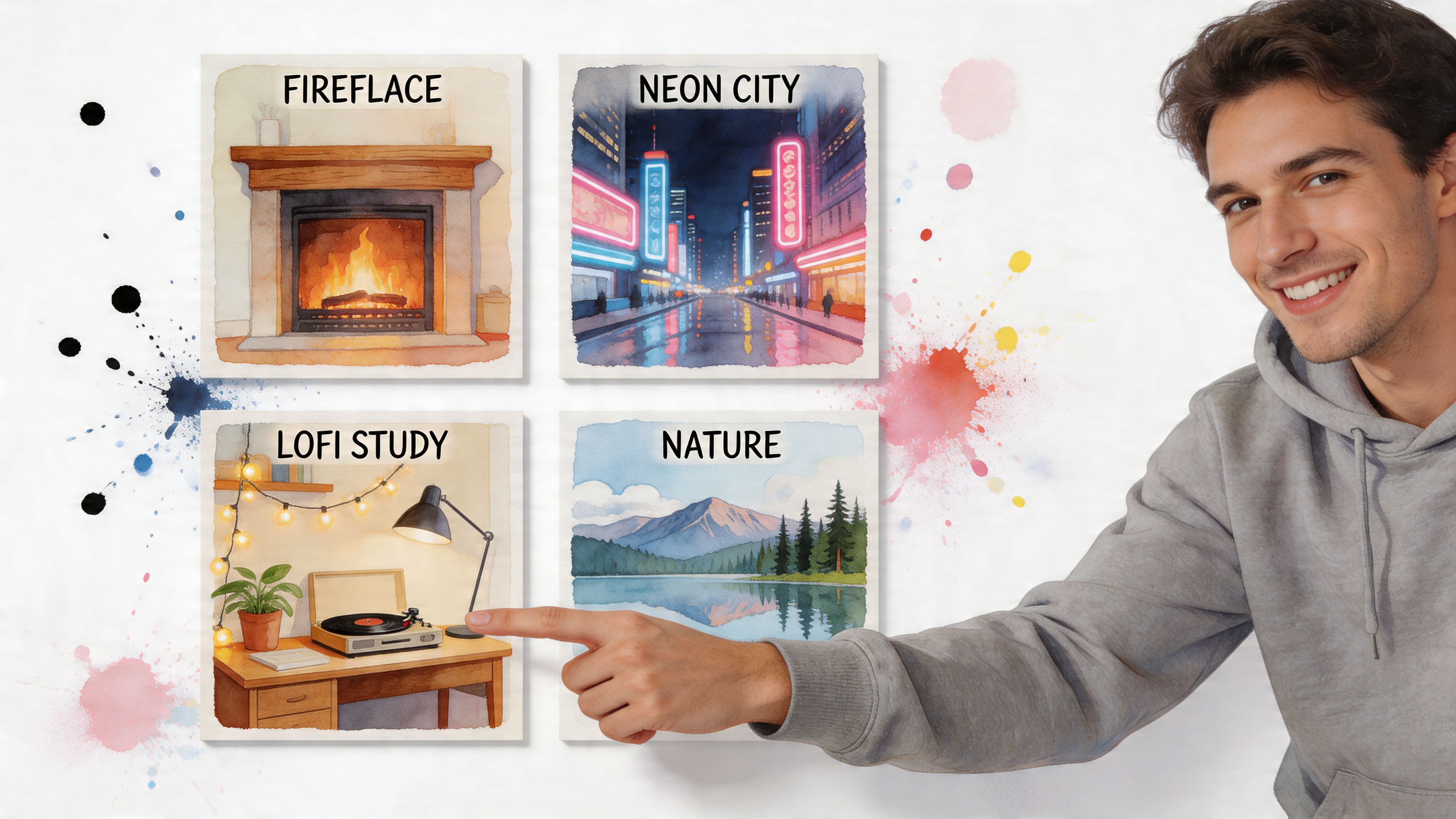
The first stop is the gifPaper website. Browse the wallpapers there first. That part is free, which is ideal because you can figure out whether you want rainy neon, cozy winter cabin, fireplace, train, or some dark moody thing that suggests you own more black turtlenecks than any person needs.
How the setup works
The app is a direct download, not a Mac App Store app. That's for a practical reason, not a dramatic one. Apple's sandboxing gets in the way of live lock screen wallpapers, so direct distribution is the route that makes the feature possible. The app is notarized by Apple.
Once installed, the flow is refreshingly uneventful:
- Start the 7-day trial. No credit card, no theatrical commitment ceremony.
- Pick a wallpaper. The gallery is curated, which is better than pretending endless junk is a feature.
- Set it once. Lock screen and desktop use the same wallpaper in one action.
- Adjust the desktop behavior. Keep a still frame by default, or turn on full animation when you want motion.
- Use ambient audio if the scene supports it. Good for fireplaces, snowfall, and general anti-chaos operations.
What makes it feel Mac-native
This part matters more than the sales copy on most wallpaper apps. The lock screen behaves like it belongs on macOS. You wake the Mac, the wallpaper is already there, and it slows down as you proceed past the lock screen. That's the right kind of polish. Quiet polish. The kind Mac users notice immediately and then pretend not to care about.
The desktop side is flexible too. Some people want animation all the time. Others want a still frame most of the day and motion only when they're in the mood to make their computer look suspiciously more cinematic than their actual life.
Use animation selectively if you want. A live wallpaper doesn't need to be constantly moving to earn its keep.
And yes, screen savers are back. They become interesting again when they're worth looking at.
Performance, Battery Life, and Other Anxieties
People don't really ask whether live wallpapers look good. They ask whether their MacBook will start wheezing like it just climbed a hill.
Fair question. Most of the fear comes from bad implementations.
CPU use is where native apps win
The most useful benchmark here is straightforward. Performance testing cited in the Lively GitHub reference says gifPaper averages 4.2% CPU usage on an M2 chip, while equivalents like Lively on Windows hit 12%. The reason given is native Swift/AVFoundation optimization.
That's the sort of detail people should care about more than giant wallpaper libraries. A pretty desktop isn't impressive if your laptop sounds like it's preparing for takeoff.
Here's the practical view:
| Concern | What actually matters |
|---|---|
| CPU usage | Native playback and hardware acceleration |
| Battery drain | Whether the app pauses when it should |
| Heat | Efficient decoding, not brute-force rendering |
| Smoothness | Proper sync and good source files |
Battery anxiety is real, but it's not the whole story
A live wallpaper app should know when to get out of the way. Fullscreen apps, sleep states, and idle moments matter. If the app keeps rendering blindly through all of that, your battery pays the price for no reason.
Good Mac behavior looks like this:
- Pause on fullscreen: Your wallpaper doesn't need to perform behind your actual work.
- Pause on sleep: Obvious, but not every app gets the memo.
- Respect battery state: Motion is optional. A dying battery is not.
- Handle multiple displays properly: Stretching and weird scaling should not be part of the experience.
If an app treats your desktop like a permanent benchmark test, it's not optimized. It's just enthusiastic in the wrong direction.
Mac users should be picky. Not dramatic, just picky. You bought a nice screen and a battery-powered machine. You're allowed to expect both to remain nice.
Finding Your Vibe in the Wallpaper Gallery
The technical side matters. The fun side is why you're here.
There's a reason these galleries keep growing. Wallsflow's overview of animated wallpaper trends says free libraries now offer hundreds of animated options, and over 50% of customization apps prioritizing motion over static images reflects just how far tastes have shifted. People are done staring at lifeless desktops if they don't have to.
The useful question isn't "what's free." It's "what suits your screen for hours at a time without becoming annoying."
Cozy, neon, and quiet menace
Some categories are easy wins.
If you want calm, the winter wallpaper collection is the obvious move. Snowfall, quiet houses, cold blue light, all the seasonal mood with none of the frozen driveway.
If your taste runs toward city glow and late-night keyboard clacking, the neon wallpaper collection does the trick. Purple streets, rain, signs humming in the dark. Somewhere out there, a fictional detective is making very poor emotional decisions.
If you just want to browse by mood instead of guessing category names, the full wallpaper categories page is the cleanest shortcut.
Lofi is still undefeated
Lofi wallpapers work because they know their role. They're calm. They don't beg for attention. They make your setup feel more intentional while you answer emails, write, study, or pretend to be doing any of those things.
The lofi wallpaper collection is especially good if you like rainy windows, record players, and the faint sense that your life is a better montage than it really is.
You don't need a giant chaotic library. You need a handful of wallpapers that feel right when you see them every day. That's a very different standard.
Your Questions Answered
Do live wallpapers drain battery on a MacBook
They can. The top unanswered concern in this category is battery drain, and developer forums note a 15-25% idle battery hit from unoptimized MP4 loops, according to the referenced app listing and related discussion summary. That's the version people are worried about, and their worries are justified.
The key distinction is optimization. A native implementation that pauses rendering at the right times behaves very differently from an always-on loop chewing through resources for no reason.
Are free live wallpapers on Mac usually low quality
A lot of them are, yes. Not because motion is hard, but because most "free" results lean on bad formats, weak compression, Windows-first tools, or generic web wrappers. On a Retina display, that stuff gets exposed instantly.
If the preview looks soft, the loop point is obvious, or the app itself feels bolted together, trust your eyes and move on.
Is it safe to install a wallpaper app outside the Mac App Store
It can be, if the app is notarized by Apple and the developer is clear about why it's distributed directly. In this category, direct download often exists because App Store rules limit deeper lock screen features.
That's a normal tradeoff for software that needs tighter integration with macOS. Key red flags are vague installers, shady ads, and websites that seem more interested in your clicks than the actual app.
Can a live wallpaper work on the lock screen and desktop together
Yes, if the app is built for that specific job. That's one of the biggest differences between a real Mac-native wallpaper app and a generic animated desktop overlay. The latter might animate your background. The former can make the whole experience feel coherent.
The best setup is the one you forget about because it behaves exactly like it should.
If your real goal is a Mac that doesn't look like it gave up, don't overcomplicate this. Browse the wallpapers, pick a vibe, use the trial, and keep the thing that works.
If you want the shortest route to a Mac that doesn't look like it gave up, try gifPaper. You get a 7-day free trial with all wallpapers and features, the app sets your lock screen, desktop, and screen saver, and if you keep it, it's $4.99 once, not a subscription. About 150+ wallpapers are on the site right now, more are added regularly, and yes, that's a very fair price for never having to look at a tragic blurry GIF again.