7 Best Sources for Hi Res Mac Wallpaper (2026)
You open a gorgeous Retina Mac, and the wallpaper looks like it lost a fight with JPEG compression. That is absurd.
Apple screens are brutally good at exposing bad wallpaper. A lazy 1080p image might survive on an old office monitor. On a Retina Mac, a 5K iMac, or a Pro Display XDR-class setup, it looks soft, stretched, and slightly embarrassing. If your screen is this sharp, your wallpaper needs to keep up.
Here's the practical rule. For a modern Mac, "hi-res" starts at 4K. For larger Apple displays, 5K at 5120x2880 is the optimal target. If you use a 6K display, 6016x3384 gives you the headroom you want for clean scaling and cropping without turning everything into blur soup.
That matters more than people admit. Wallpaper sits behind everything all day. If it looks muddy, your whole desktop feels cheaper than it is. If it looks crisp, the machine feels better every time you open the lid. And if you stare at that screen for work, fixing the visuals is basic maintenance, right up there with sensible brightness and decent lighting.
This list starts with the best experience, not just the best image dump. Motion first. Then the static sources worth your time.
If you just want to get your Mac wallpaper set correctly before you start browsing, use this quick guide on how to change wallpaper on Mac.
1. gifPaper
You wake your Mac, and the desktop feels good again.
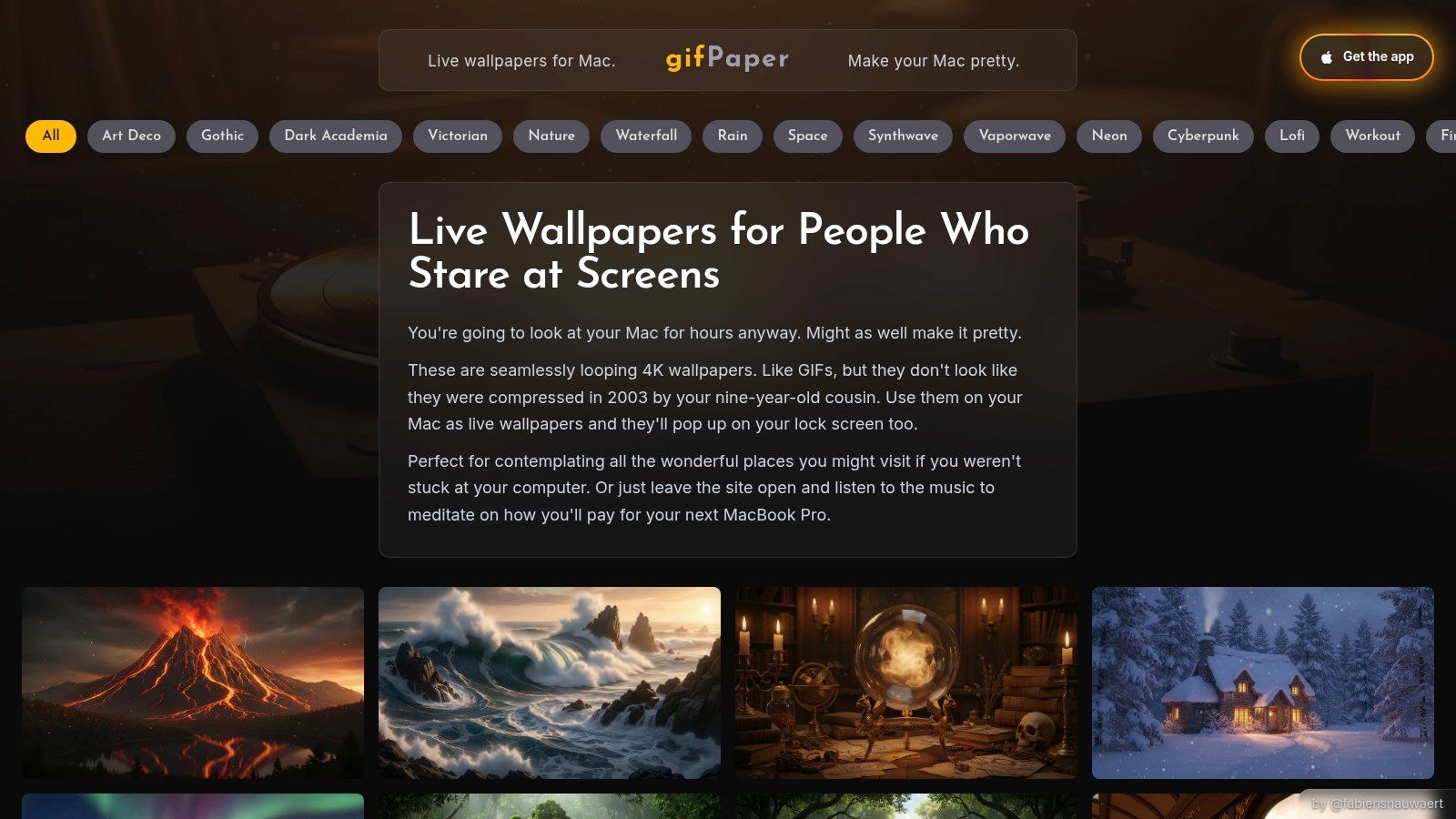
That is why gifPaper sits at the top of this list. It gives you live desktop wallpapers, live lock screen support, and screen savers that feel built for macOS instead of taped onto it afterward. On a sharp Mac display, motion done well looks better than another static mountain photo you will stop noticing by Thursday.
A lot of the library also includes ambient audio. Slightly extra. Completely worth it if you want your setup to feel like a place instead of a spreadsheet delivery device.
Why this is the best experience
gifPaper wins on experience, not novelty. The big difference is the lock screen. You open the lid and get movement right away, instead of the same stale image that has been sitting there since some forgotten macOS update.
It also uses Apple's Aerial wallpaper format, which is the detail that separates "cool idea" from "works properly." The result feels native. No clunky overlay effect. No weird desktop gimmick energy.
If you need to match the file to your display first, use this guide to MacBook wallpaper sizes for different Mac screens.
What you actually get
The library is curated, which matters more than people admit. You are not digging through pages of muddy "HD background" junk with random anime reposts and badly compressed sunsets. You pick a mood and move on.
Useful collections include:
- Lofi scenes: lofi wallpaper collection for train windows, desk setups, and fake productivity vibes
- Nature loops: nature wallpaper collection for forests, snow, and weather you can enjoy from indoors
- Neon mood: neon wallpaper collection for city glow and tasteful cyberpunk nonsense
Practical rule: If you want the best-looking hi res mac wallpaper experience, static images are step one. Smooth 4K video is step two.
The app is refreshingly simple. You get a 7-day free trial with no credit card nonsense, then a one-time purchase. No subscription. No premium tier. No monthly charge for the privilege of watching animated rain behind your folders. It requires macOS 13 or later, it is distributed directly because App Store sandboxing blocks live lock screen wallpapers, and it is notarized by Apple.
Pros and cons
- Best lock screen support: One action sets both desktop and lock screen
- Retina-ready motion: 4K loops hold up on modern Mac displays
- Ambient audio on many scenes: Great if silence makes your desktop feel dead
- Simple pricing: Free trial, then one-time purchase
The tradeoff is obvious. It is Mac-only, and animated wallpapers use more battery than a static image on a laptop. That is the price of having standards.
2. Unsplash
If you want your pixels to stand perfectly still, Unsplash is still one of the best places to start.
Its strength is photography. Real places, real lighting, real texture. You can find sharp nature shots, moody architecture, abstract surfaces, ocean scenes, snowy roads, brutalist interiors, and the occasional image so tasteful it practically whispers "I own a mechanical keyboard."
Best for clean photographic wallpapers
Unsplash is the easiest recommendation for people who want a hi res mac wallpaper without thinking too hard about file hunting. Search works well. Collections help. Downloads are simple. The license is generous for personal use.
This guide to MacBook wallpaper size helps if you're not sure what your screen wants.
Bigger file dimensions matter more than the words "HD" or "Ultra HD" in a title. Those labels get abused constantly.
What Unsplash gets right
The images usually hold up well. Compression is relatively gentle compared with a lot of wallpaper dump sites, so detail survives. That's important on Apple displays where softness shows immediately in skies, shadows, and edges.
You also get broad style coverage without the site feeling chaotic. Search for "fog forest," "minimal architecture," "night city," or "desert aerial," and you'll usually find something usable in minutes.
The drawback is curation drift. Because it's community-driven, you'll run into generic stock-photo energy sometimes. A mug. A desk. A person joyfully holding salad for reasons known only to stock photography. Keep scrolling.
If your taste leans stiller and calmer, pair a clean photographic wallpaper with a more restrained aesthetic. And if you want something less photo-heavy altogether, Simple Desktops later in this list is the opposite end of the spectrum.
3. Pexels
Sometimes Unsplash doesn't have the shot. That's when Pexels earns its keep.
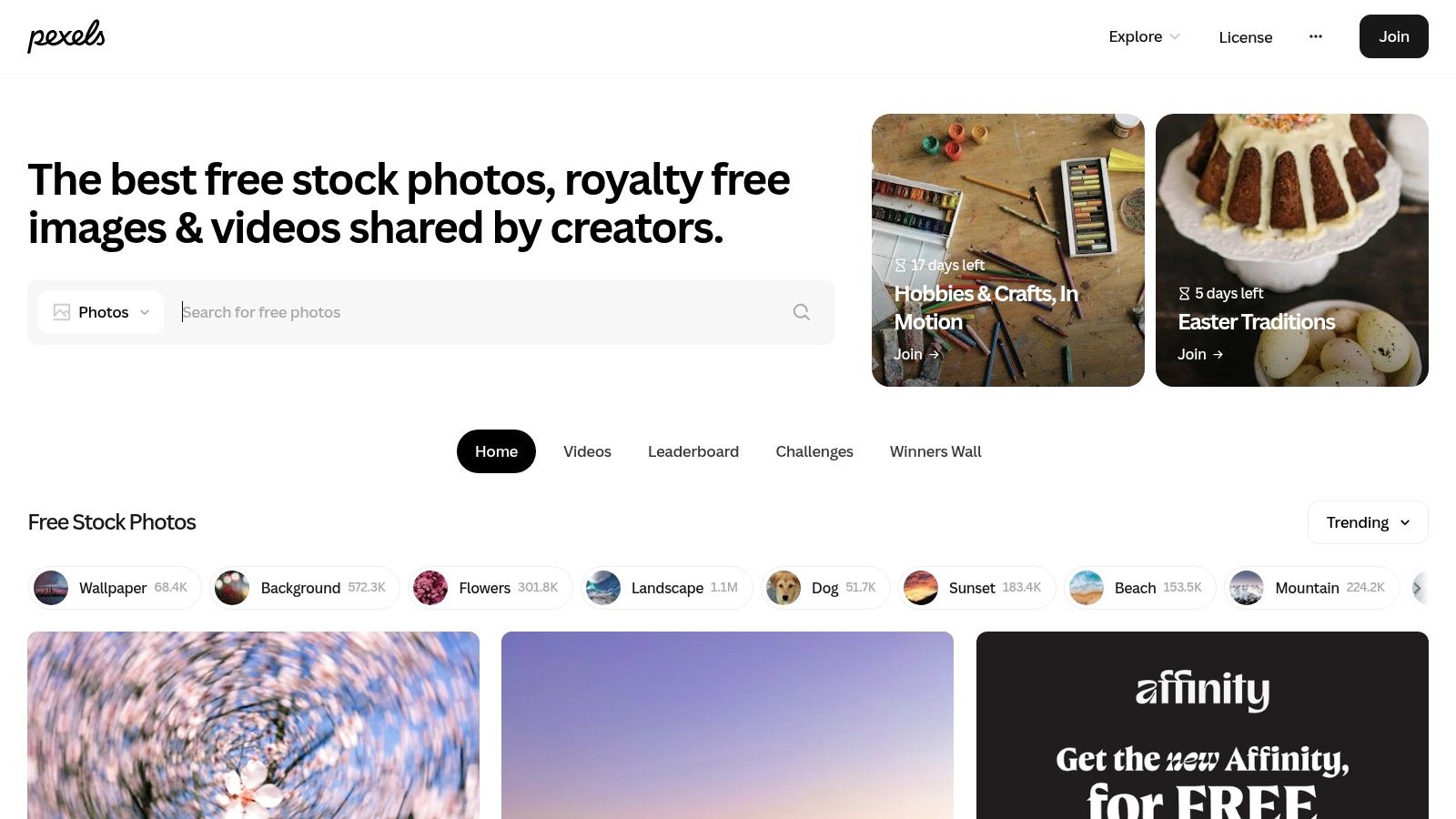
Pexels is the backup that often becomes the pick. It has a deep library of free high-resolution photos and videos, and for wallpaper use it's especially good when you want color. Big sunsets, city lights, textured abstracts, dramatic weather, glossy interiors, all that good visual nonsense.
Where it beats other free photo libraries
Filters do a lot of the heavy lifting here. Orientation, color, and size controls make the browsing less annoying than the average stock site. If you already know you want a dark blue vertical cityscape or a wide warm-toned mountain scene, Pexels lets you narrow things down quickly.
That makes it useful for Mac users chasing a specific mood instead of "something nice, I guess."
If you eventually decide a still image isn't enough, the jump to motion is pretty natural. The dark wallpaper collection and winter wallpaper collection on gifPaper hit a lot of the same moods, just with actual movement.
What to watch for
Pexels has more variance than the best tightly curated libraries. Some uploads look polished. Some feel overly edited. Some have that AI-adjacent smoothness that can turn ugly on big Retina displays because gradients and fake texture don't always survive enlargement.
If a wallpaper looks "fine" in a small preview, zoom in before you commit. Big Mac displays are brutally honest.
That said, Pexels is still one of the best static wallpaper sources because it's fast, permissive, and broad. If your goal is "find a sharp wallpaper in ten minutes and get on with your day," it does the job.
Also useful if you like experimenting. Download a few options. Rotate them weekly. Pretend you have your life together.
4. 512 Pixels
You open your Mac, set an old Panther or Yosemite wallpaper you still love, and it looks like it survived a fax machine. That is the problem 512 Pixels fixes.
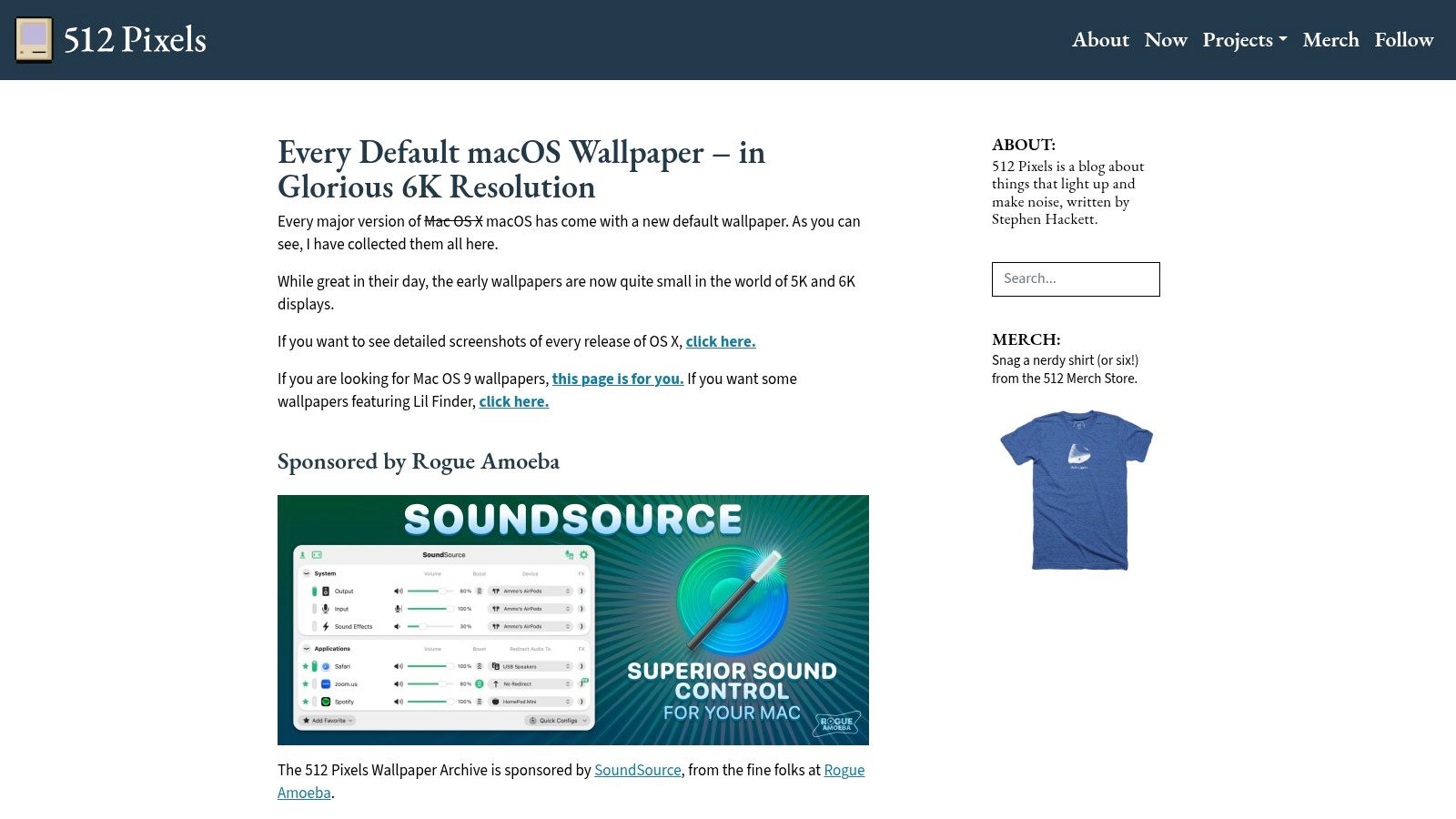
It collects Apple's default wallpapers and rebuilds them for modern displays, so the classics hold up on Retina screens instead of turning soft and sad. If your idea of a great hi res mac wallpaper is "the Apple one I already know, just not blurry this time," start here.
Best for classic Apple wallpapers in modern resolutions
Apple's default wallpapers changed a lot over the years. Early Mac OS X leaned hard into glossy abstract graphics. Later releases shifted toward mountains, deserts, oceans, and other scenic photography. As noted earlier, the bigger point is not the timeline trivia. It's that many of those originals came from pre-Retina eras and were never meant to be stretched across a sharp modern display.
512 Pixels solves that by offering versions sized for current hardware, including 5K and 6K-class screens. That matters on a Mac because "hi-res" is not some vague marketing label. A wallpaper that looks fine on an older panel can fall apart fast on a 27-inch 5K iMac or a Pro Display XDR.
Why people keep coming back to it
512 Pixels is curated nostalgia with standards. You are not digging through a messy wallpaper dump full of random uploads, questionable edits, and filenames like final-final-3.jpg. You are getting the Apple defaults people remember, cleaned up for hardware people use.
That focus is the whole appeal.
Go there for Cheetah, Tiger, Snow Leopard, Mojave, Catalina. Go there because one of those wallpapers is burned into your brain from the first Mac you used at school, at work, or in the Apple Store when you were pretending not to check the price.
The limitation is obvious. You are choosing from Apple's history, not from every aesthetic on the internet. Good. Constraints help. If you want endless options, Wallhaven is next. If you want the familiar Apple look, in a resolution that does not insult your display, 512 Pixels is the right pick.
Nostalgia is great. Nostalgia with enough pixels to survive a Retina panel is better.
5. Wallhaven
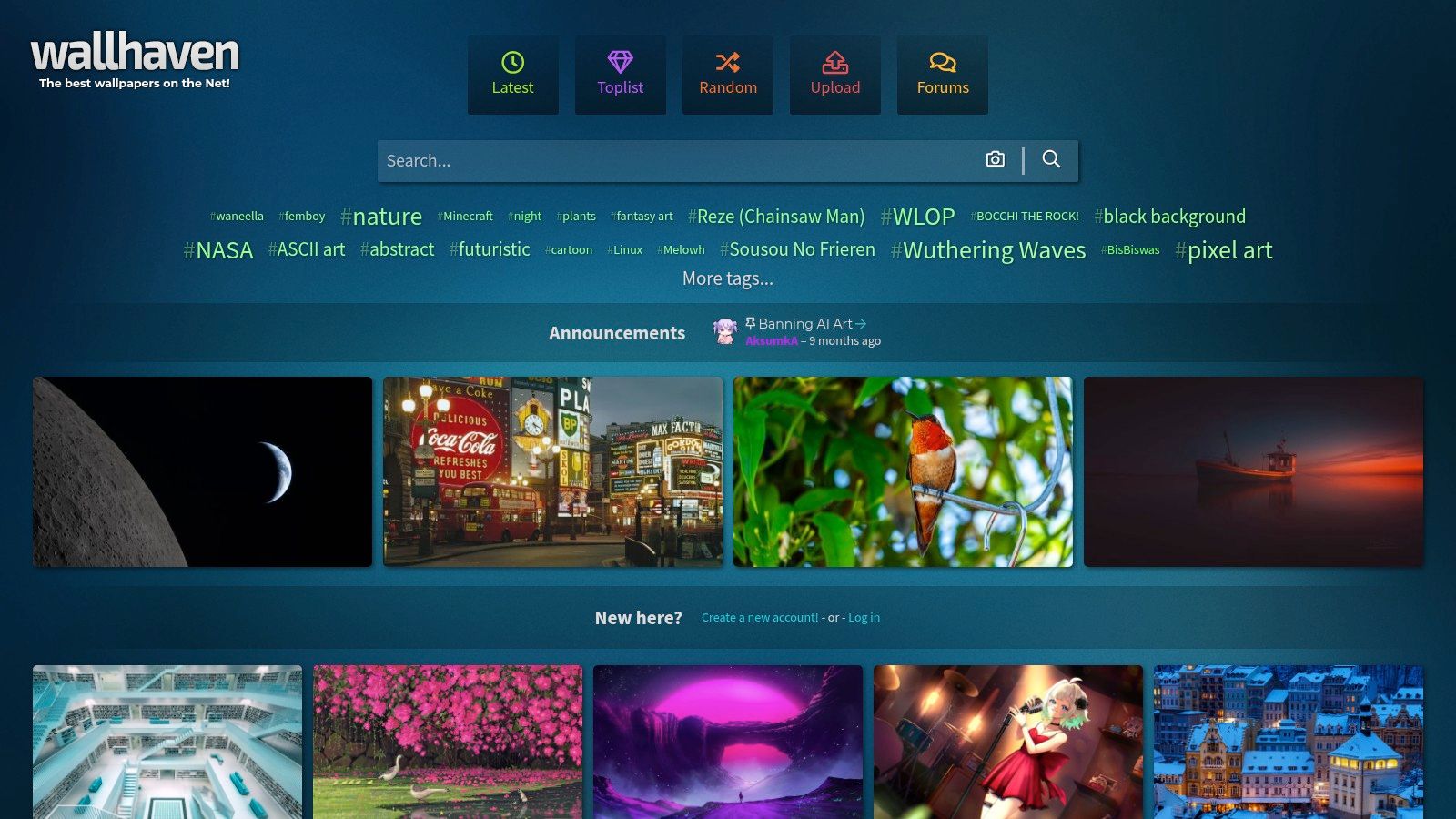
Wallhaven is for people who know exactly what they want and don't need a website to hold their hand.
Search by exact resolution. Search by aspect ratio. Search by color. Search by tags. Search by whether the wallpaper is safe for work, sketchy, or absolutely not something you should browse during a team call.
It has the best filtering system on this list. Not the prettiest. The best.
Best when resolution is non-negotiable
If you're trying to find a hi res mac wallpaper for a very specific display, Wallhaven is brilliant. It lets you target exact resolutions such as 5120x2880 or 6016x3384 instead of hoping some vague "4K wallpaper" page means what it says.
That matters more than people think. Apple hardware isn't just "high resolution." It has specific native dimensions, and matching those dimensions gets you cleaner scaling and fewer ugly surprises.
The catch
Wallhaven is a community upload site, so licensing is mixed. You have to check what you're downloading and not assume every image comes with the same terms. That's not hard, but it is your job.
It also includes NSFW material, so set the filters before you start browsing unless you enjoy adrenaline.
What you get in return is range. Photography, digital art, anime, abstract, game-inspired art, niche aesthetics, oddball color palettes. If your taste is specific enough to sound ridiculous when said aloud, Wallhaven probably has something for it.
- Best search controls: Exact resolution and aspect ratio filters save time
- Deep variety: Great for niche aesthetics and fandom-adjacent tastes
- Mixed licensing: Always check the upload details before downloading
- Work-safe browsing requires effort: The filters exist for a reason
For a lot of users, Wallhaven is where "I can't find anything" turns into "I have 27 tabs open and now need restraint."
6. Simple Desktops
Some people don't want their desktop to look like the opening scene of a sci-fi film. They want calm. They want empty space. They want their icons to remain legible instead of fighting a flaming nebula for attention.
Those people want Simple Desktops.
Best for minimalist setups
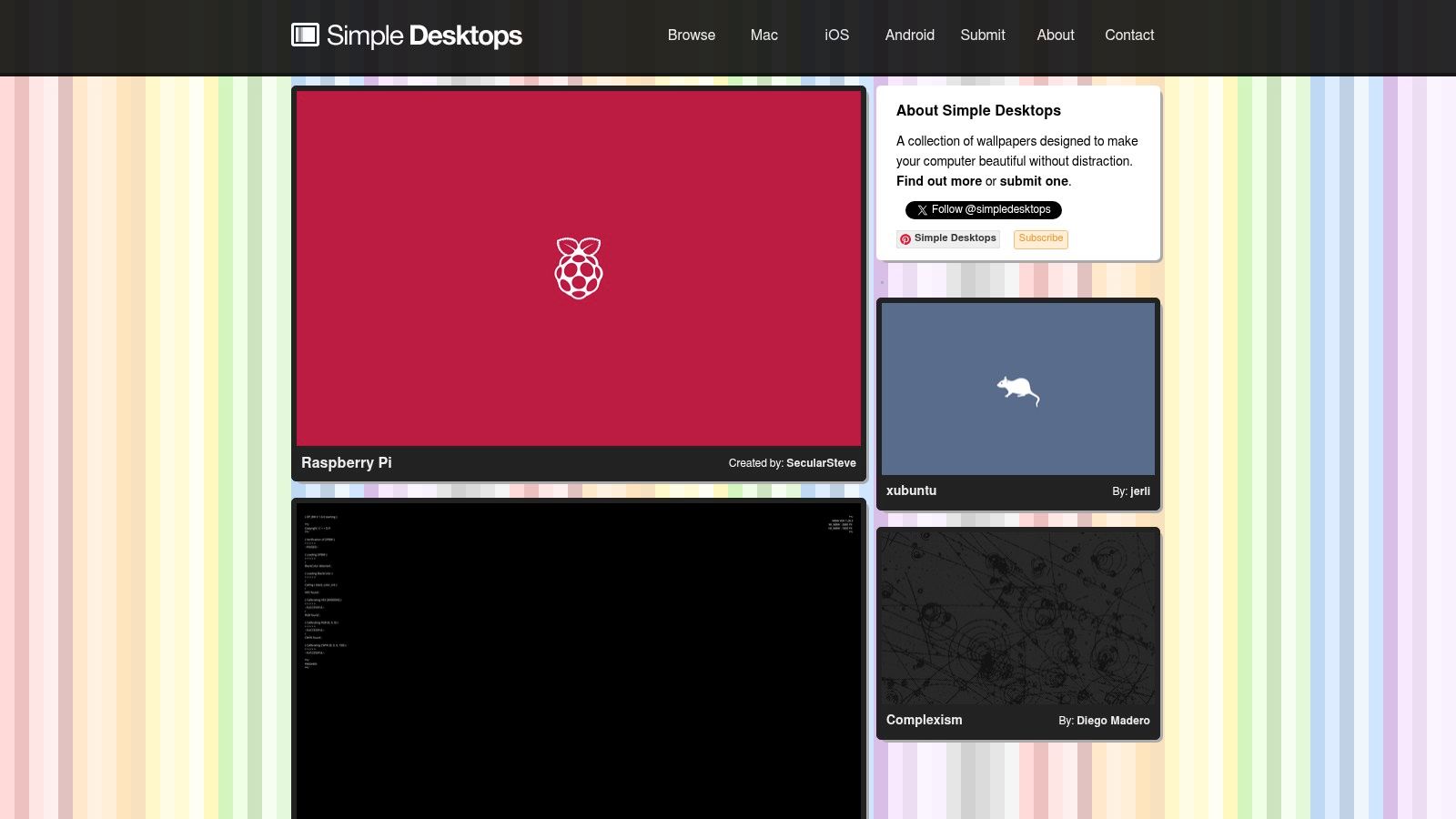
Simple Desktops is aggressively restrained. Flat shapes, clean colors, tiny jokes, lots of negative space. The whole point is that the wallpaper sits back and lets your desktop function.
If your screen is already crowded with files, apps, or menu bar utilities multiplying like rabbits, a minimalist background helps. It keeps the machine from looking visually noisy all the time.
If that's your lane, this piece on MacBook wallpaper aesthetic is useful. Same idea. Less chaos, better choices.
Why it still matters
A lot of wallpaper sites confuse detail with quality. Simple Desktops doesn't. It knows a good wallpaper can be one clever shape on a clean field of color, and on a Retina display that kind of crisp vector-style simplicity looks fantastic.
The downside is baked in. This is a narrow aesthetic. No cinematic photos, no elaborate fantasy art, no "I want my laptop to look like a spaceship cockpit" material. Just minimal designs.
That said, minimal doesn't mean boring. It means your wallpaper isn't trying to become the main character.
If you want a moving version of that same uncluttered feeling, the minimal wallpaper collection and fireplace wallpaper collection hit surprisingly well. Quiet motion works.
7. Dynamic Wallpaper Club
There's a middle ground between static images and full video wallpapers. Dynamic Wallpaper Club lives there.
It focuses on dynamic HEIC wallpapers that change with the time of day, the way Apple's built-in dynamic desktops do. Morning light, afternoon tone, evening shadows. Same scene, different atmosphere.
Best for native day-to-night changes
This is the pick for people who want motion in spirit, not in literal continuous playback. Dynamic wallpapers are efficient because they use macOS's native dynamic format instead of running a full video loop all the time.
That's a good fit if you like the idea of your Mac shifting with the day but don't necessarily want animated rain, moving trains, or ambient audio.
Why this category matters more now
Apple has gradually pushed further into dynamic visuals. macOS Sonoma and Sequoia introduced more than 50GB of aerial screen savers featuring global landmarks such as the Golden Gate Bridge and Tokyo skylines, with a large library of high-resolution clips that push Apple's ambient visual style well beyond old static backgrounds (GitHub project documenting Sonoma screen savers).
Dynamic Wallpaper Club sits in the older, lighter, more customizable branch of that family tree. It gives you native-feeling time-based changes without the size and spectacle of giant video libraries.
The common limit is variety at the very top end of resolution. You can find plenty of good-looking dynamic sets, but if you're chasing the sharpest possible 6K results, the pool gets thinner than with still images.
Still, for people who want "more alive than static, less committed than video," it's the right compromise. Native behavior. Good efficiency. Nice idea. No drama.
Hi-Res Mac Wallpaper: 7-Source Comparison
| Item | Implementation complexity | Resource requirements | Expected outcomes | Ideal use cases | Key advantages |
|---|---|---|---|---|---|
| gifPaper (For Video Wallpapers) | Low, native macOS app, one‑click set | High, 4K video uses CPU/GPU and battery (especially laptops) | Seamless 4K looping video wallpapers with optional ambient audio and lock‑screen support | Mac users who want dynamic, immersive wallpapers and lock‑screen animation | Native integration, lock‑screen support, one‑time $4.99 purchase |
| Unsplash (For Photography) | Very low, download and set | Low, static high‑res images, moderate storage | High‑quality photographic wallpapers in 4K–8K | Users seeking tasteful, high‑resolution photos for personal use | Huge free catalog, generous license, designer‑trusted |
| Pexels (Unsplash Alternative) | Very low, download and set | Low, static images/videos; videos require more storage | Wide variety of high‑resolution photos and videos, often vibrant | Alternative source for cityscapes, abstracts, and high‑res media | Large library, permissive license, good filtering options |
| 512 Pixels (For Apple Nostalgists) | Very low, direct downloads from archive | Low, static upscaled images optimized for Macs | Faithful 5K–6K upscales of classic macOS default wallpapers | Users wanting authentic Apple defaults at modern resolutions | Accurate upscales, organized by macOS release, simple access |
| Wallhaven (For Power Users) | Moderate, advanced filtering and selection | Low–moderate, static high‑res files; variety in file sizes | Precise matches for uncommon resolutions, aspect ratios, and niches | Power users, ultrawide/multi‑monitor setups, niche aesthetics | Unmatched resolution/aspect filtering, huge variety, API support |
| Simple Desktops (For Minimalists) | Very low, browse and download curated PNGs | Very low, lightweight files, minimal resource use | Clean, distraction‑free minimalist wallpapers | Minimalist and focus‑oriented desktops | Tightly curated minimal designs, low system impact |
| Dynamic Wallpaper Club (For Time‑Shifters) | Low–moderate, download sets or build HEIC files | Low, native macOS dynamic HEIC (efficient), typically up to 5K | Wallpapers that shift with time of day using macOS dynamic format | Users who want native dynamic behavior without video overhead | Native dynamic format, creator tool, greater variety than Apple's defaults |
The right wallpaper is the one you don't get tired of
You open your Mac on a Monday morning. The wallpaper looked incredible three days ago. Now it feels loud, blurry, distracting, or just weirdly try-hard. That is how most wallpaper picks fail.
A good hi res mac wallpaper has a simple job. It should look sharp on the screen you own, whether that is a Retina MacBook, a 5K iMac, or a 6K Pro Display XDR. It should also hold up after a week of email, browser chaos, and low-caffeine decision-making. That is the true test.
This is why dumping a bunch of wallpaper links is lazy advice. Resolution matters. Motion matters. Restraint matters too. The best choice is not always the flashiest file. It is the one that still feels right when you have seen it fifty times and your desktop is covered in screenshots you meant to sort yesterday.
Static sources still do a good job, and each one has a lane. Unsplash and Pexels are the fast answers for photography. 512 Pixels is the obvious pick if you want classic Apple wallpapers without old-school pixel mush. Wallhaven is for picky people who want exact resolutions and niche styles. Simple Desktops keeps visual clutter under control. Dynamic Wallpaper Club gives you native day-to-night changes without asking your Mac to play video in the background all day.
If you want the best overall experience, pick gifPaper.
It goes beyond the usual static wallpaper routine and gives your Mac a desktop, lock screen, and screen saver that feel like part of one setup instead of three unrelated choices. That difference sounds minor until you use it. Then every still image starts to feel a little dead.
The library covers the stuff people want to live with. Lofi rooms, rainy neon streets, cozy winter scenes, darker minimal looks. Enough variety to match your mood without turning your desktop into a gimmick.
The app part is refreshingly sane. There is a free trial, then a one-time purchase if you decide you want it. No subscription nonsense. You buy it, it runs, and your wallpaper stops being an afterthought.
If your Mac has a great display, use something that deserves it. Static wallpapers are still worth downloading, especially from the better sources above. But for pure day-to-day enjoyment, gifPaper wins because it changes how the desktop feels, not just how it looks.
If you're ready to stop feeding your Mac blurry leftovers, browse the live wallpaper gallery, then grab gifPaper for Mac if you want the full experience on your desktop, lock screen, and screen saver. It's a small, gloriously unnecessary improvement that becomes suspiciously necessary once you've used it.