
7 Moving Funny Wallpapers for Your Mac (2026)
Your Desktop Is A Joke, But Not a Funny One
Your Mac's wallpaper is probably the digital equivalent of beige paint. It's either a default gradient, some mountains you've never seen, or a photo of your own cat that's now three years out of date. It's fine. It's functional. It's also profoundly boring.
You stare at this screen for hours. It deserves better.
What it needs is a sense of humor. Not a blurry, pixelated meme from 2011 duct-taped onto your desktop like a bad dorm room poster, but something genuinely funny. Absurd. Whimsical. Slightly unhinged, in a tasteful way. The sweet spot is a moving wallpaper that gets a laugh without screaming for attention every five seconds.
That's the whole appeal of good moving funny wallpapers. They don't just slap a joke on your screen. They turn your desktop into a looping bit. A tiny visual gag that keeps working in the background while you answer emails, pretend to understand a spreadsheet, or open the same three tabs again because your brain has left the building.
And yes, subtle matters. Most "funny wallpaper" collections online are just meme dumps, crusty GIFs, or low-res chaos that look terrible on a Retina display. That's not charm. That's digital mildew.
So here's the better version. Seven moving funny wallpapers that feel curated, not scraped from the bottom of the internet. Weird enough to be memorable. Clean enough to live on your Mac's desktop and lock screen without making you look like you've lost a bet.
1. The Melting Smiley
A smiley face shouldn't be this emotionally accurate.
The joke here is simple. A bright, familiar yellow face slowly liquefies into a puddle, then snaps back and does it again forever. It's funny because it's dumb. It's also funny because it somehow captures the exact feeling of 3:47 p.m. on a Tuesday when your tabs are multiplying and your coffee has betrayed you.
Why this one works
Minimalism does a lot of heavy lifting here. There's no giant caption telling you what the joke is. No flashing text. No overcooked meme energy. Just one cheerful little icon subtly collapsing under the weight of existence.
That restraint matters. On a desktop, especially a Mac desktop, funny works better when it's deadpan.
If your current taste leans more clean and graphic than chaotic, this is the easiest entry point into moving funny wallpapers. It still feels designed. You can leave it running all day and it won't hijack your screen like a nightclub flyer from another dimension.
Practical rule: If the joke gets old in ten minutes, it wasn't desktop-worthy. The good ones keep landing because the loop is smooth and the gag is simple.
Best for
A few people should claim this one immediately:
- Minimalists with a pulse: You want humor, but you still want your desktop to look intentional.
- Office workers with plausible deniability: It's weird, but not so weird that someone walking by thinks you've installed malware.
- Anyone tired of static wallpaper: If you want motion without turning your Mac into Times Square, start here.
There's also a nice side effect. Because the whole concept is one shape doing one absurd thing, it plays especially well as a lock screen wallpaper. You wake your Mac, the smiley is mid-melt, and suddenly starting to use your laptop feels slightly less bureaucratic.
If you're still sorting out the basics of how animated backgrounds even work on macOS, this guide to animated moving wallpapers clears up the practical side without the usual forum nonsense.
2. The Cat Who Judges
Some wallpapers decorate your desktop. This one evaluates it.
A fluffy cat sits in the grass, barely moving, just enough to remind you it's alive and very aware of your choices. The humor isn't loud. It's in the stare. That slight narrowing of the eyes says, without saying, "Really? Another snack at 10:30?"
The power of silent disapproval
Cat people already understand this genre. The cat doesn't need to perform. The cat merely exists, and somehow that becomes a full critique of your calendar, your desktop clutter, and your decision to keep twelve unread messages sitting there like decorative objects.
That's what makes this one better than a lot of louder moving funny wallpapers. It has personality without chaos.
The motion should stay gentle. A blink. A faint shift in the grass. Maybe a tiny head movement that makes you notice it out of the corner of your eye and feel, briefly, judged by your own computer. Ideal.
The best funny wallpaper is the one that catches you off guard at 6 p.m. and still makes you grin like an idiot.
Where it fits best
This one belongs on machines used for long stretches. Study sessions. Workdays. Late-night doomscroll-adjacent "research." A loud joke gets exhausting. A quiet cat with opinions ages much better.
It's also one of the safest recommendations if you're trying to make your desktop more playful without turning it into a full-on meme altar. A cat in nature already has one foot in the respectable wallpaper world. The judging expression does the rest.
And if you know you're a cat desktop person, skip the scavenger hunt and go straight to the cat wallpaper collection. That's where the fluffy tyrants live.
For readers who want the funny angle but still want something cozy, this is also the bridge to calmer categories. A lot of the same people who like cat loops end up liking the softer scenes in the nature wallpaper collection, just with fewer tiny monarchs passing sentence.
3. The Dramatic Goldfish
You open your Mac in the middle of a painfully serious workday, and there it is. One goldfish gliding through a shadowy 4K loop like it just got cast as the lead in a prestige drama. That contrast is the joke, and it works.
This wallpaper is funny because it shows restraint. No chaotic aquarium clutter. No bargain-bin meme energy. Just a single fish, lit and framed with absurd seriousness, swimming through a smooth loop that feels far more expensive than the bit should be. Good. That's the whole appeal of a curated moving wallpaper collection. The humor comes from the commitment, not from visual yelling.

Dry humor ages better
A desktop joke has to survive repetition. This one does.
The fish moves with weird dignity, and the dark negative space sells the whole performance. Give any ridiculous subject cinematic treatment and it stops feeling cheap. It starts feeling deliberate, which is exactly what separates a good funny wallpaper from a messy folder full of low-res GIFs someone downloaded in 2017 and never should have trusted.
It also behaves well on a Mac. Icons stay readable. The motion sits in the background instead of trying to hijack your attention every thirty seconds. You get the joke immediately, then it settles into atmosphere. That is the sweet spot.
Who should use it
Pick this if your sense of humor is dry, slightly absurd, and allergic to obvious punchlines.
- You want something funny without looking twelve years old: This delivers.
- You use dark mode and keep a relatively clean desktop: The contrast looks better, and the empty space helps.
- You like wallpapers that reward the second glance: People notice it late, then laugh harder.
There's also a practical upside. On a busy desktop, negative space is not a bonus. It's mercy. A dramatic goldfish gives you a joke and leaves enough room to find your files without conducting a search party.
4. Infinite Donut Rain
You open your Mac to answer one boring email, and suddenly glazed donuts are drifting across the screen like this is a weather event nobody bothered to explain. Good. Your desktop needed the help.
Donut wallpaper lives or dies on restraint. If the motion is jerky or the colors are cheap, it turns into visual junk fast. If the loop is crisp, smooth, and built in 4K, the joke sticks. It stops feeling like a random GIF you dragged out of an ancient downloads folder and starts feeling curated, which is the whole point here.

Absurd works better when it stays calm
This one succeeds because it doesn't beg for attention. The donuts keep falling at a steady pace, the colors stay playful without screaming, and the loop has enough polish to fade into the background after the first laugh. That balance matters. A funny wallpaper should amuse you, not audition for the role of workplace distraction.
There is also something weirdly soothing about repeated nonsense. Your brain gets the joke immediately, then files it under "accepted desktop reality." From that point on, it's less punchline, more atmosphere with frosting.
Small warning: this may cause completely unnecessary donut cravings at 2:17 p.m.
Best use case
Use this if your setup is clean and slightly too serious. Minimal desk. Dark accessories. Responsible adult energy. Then your Mac wakes up and starts serving sugar precipitation. That contrast is the joke.
It also works especially well as an idle screen or screen saver replacement, because the loop reads clearly from across the room. You come back to your desk and there it is. Donut rain. Still happening. Still stupid. Still good.
5. Gummy Bear Rave
Some wallpapers whisper. This one arrives covered in sugar and bad decisions.
Gummy Bear Rave is pure candy-colored chaos. Little translucent bears bounce through a neon-lit scene like the inside of a vending machine has gained sentience and booked a DJ. If that sounds stupid, correct. That's why it works.

When loud is the point
Most of this list leans subtle. This one doesn't. It commits to visual silliness and dares you not to enjoy it.
That doesn't mean it has to be ugly. The trick is polish. Bright motion can still look good if the loop is smooth, the color palette is controlled, and the image isn't a crunchy disaster. That's the line between "delightfully absurd" and "someone downloaded a cursed GIF pack in 2012."
There's also a broader reason this style works right now. Meme culture is huge, and the appetite for animated, playful content keeps growing. That doesn't prove anything specific about wallpapers, because actual data on moving funny wallpapers is basically a void. But it does explain why bright, kinetic visual language feels normal now instead of terminally online.
Use this one strategically
Don't put this on a desktop packed with tiny icons and ten floating windows. It'll look like your files are trying to escape a candy nightclub.
Do use it when you want your Mac to have actual personality. Home setups. Creative workspaces. Students who already own at least one translucent object on purpose. People who miss the energy of Windows wallpaper culture but want something cleaner on a Mac.
A few scenarios where this one absolutely plays:
- Shared workspaces: Someone will ask what they're looking at.
- Afternoon slump hours: Bright motion helps when your brain has turned to soup.
- Second monitors: This kind of loop makes more sense on the side display that's allowed to be a little unserious.
6. Astronaut with a Rubber Chicken
Space gives every joke extra gravity. Sorry. That one was legally required.
This wallpaper takes a classic majestic setup, a suited astronaut drifting through a cosmic scene, then ruins the solemnity in the best possible way by adding a rubber chicken. Not a sleek sci-fi device. Not some meaningful symbol. A rubber chicken. The oldest dumb prop on Earth, now somehow in orbit.
Why absurd contrast works so well
Funny wallpapers get stronger when they put two incompatible ideas together and treat both seriously. That's the whole engine here. The void of space says wonder, scale, human ambition. The rubber chicken says discount joke shop and uncle at family barbecue.
Together, perfect.
This one also benefits from the fact that space scenes already look great on Mac screens. Deep blacks, scattered light, slow motion. You get the visual drama of a serious wallpaper with a joke embedded inside it. That balance is hard to beat.
If you already know you like cosmic desktops, go straight to the space wallpaper collection. It's a good place to find scenes that lean atmospheric first, ridiculous second.
Keep the joke inside a good-looking scene. That's how you end up with a wallpaper people actually keep.
Practical fit on a real Mac
This is a strong lock screen choice. You open the laptop and for a second your Mac looks like prestige science fiction. Then you notice the chicken and the whole thing collapses into nonsense.
That's exactly the right sequence.
It's also good for former Windows users who miss animated desktops but don't want the usual cluttered, workshop-style overload. Clean composition matters more on macOS because the whole interface tends to punish visual mess. One surreal object in a polished space scene feels intentional. Fifteen surreal objects feel like a cry for help.
7. Sisyphus Pushing a Meatball
This one is art history meeting lunch.
A tiny figure strains uphill, forever pushing a giant meatball instead of a boulder. The ancient myth of eternal labor, now improved by pasta-night energy. It's the kind of joke that gets funnier the more seriously the scene treats itself.

The highbrow lowbrow sweet spot
A lot of moving funny wallpapers aim low and stay there. This one has a nicer trick. It borrows the shape of something mythic and tragic, then swaps in a giant meatball like a gremlin editor got involved at the last minute.
That kind of contrast lasts. You notice the visual reference first. Then the food joke hits. Then you keep catching yourself laughing because yes, this is a pretty accurate portrait of repetitive effort.
Anyone who's ever spent a morning nudging the same task uphill knows the feeling. You fix one thing, another rolls back down. Only now it has marinara implications.
Who this one is for
This wallpaper belongs to a specific species of person.
- You like literary jokes: Not enough to be annoying about them, just enough.
- You want something funny but not childish: A meatball can still be tasteful. Sentence I didn't expect to write, yet here we are.
- You appreciate visual storytelling: Good wallpaper should feel like a tiny scene, not just an animated sticker.
The available search results mostly lead to funny charts, static wallpapers, and assorted nonsense with no real wallpaper metrics. Which tracks. This is still a niche. A glorious, unnecessary niche.
And that's partly why this kind of wallpaper feels fresh. It's not following an exhausted template. It's just taking a ridiculous idea and making your desktop less dull with it.
7 Moving Funny Wallpaper Comparison
| Item | Implementation complexity | Resource requirements | Expected outcomes | Ideal use cases | Key advantages |
|---|---|---|---|---|---|
| 1. The Melting Smiley | Low, simple looping animation | Low (minimal CPU/GPU) | Subtle surreal humor, light levity | Low-energy work, casual desktops, breaks | Minimalist, relatable, low distraction |
| 2. The Cat Who Judges | Low, gentle expressions/idle motion | Low (static with minor animation) | Amusing, familiar comfort, mild judgmental tone | Personal desks, browsing, passive viewing | Relatable, warm humor, nonintrusive |
| 3. The Dramatic Goldfish | Low, single-subject loop | Low (single element motion) | Deadpan whimsy, contemplative amusement | Focused work with a touch of absurdity, creative tasks | Elegant simplicity, low distraction, theatrical |
| 4. Infinite Donut Rain | Moderate, many repeated elements/particles | Moderate (multiple moving objects) | Playful, colorful, mood-lifting energy | Creative breaks, playful presentations, mood boost | Eye-catching, cheerful, whimsical |
| 5. Gummy Bear Rave | High, dense particle animation and rhythm | High (frequent updates, higher GPU use) | High-energy stimulation, playful chaos | Parties, creative sessions, quick energy boosts | Vivid, highly engaging, energizing |
| 6. Astronaut with a Rubber Chicken | Moderate, composited subject with effects | Moderate (detailed artwork/effects) | Absurdist amusement, epic-surreal contrast | Creative thinking, humor breaks, memorable backgrounds | Unique juxtaposition, conversation starter |
| 7. Sisyphus Pushing a Meatball | Moderate, looped character+object motion | Moderate (animated loop with transforms) | Darkly comic reflection, ironic motivation | Long tasks, work-humor contexts, morale reminders | Wry commentary, thematic depth, motivational irony |
How to Actually Use These on Your Mac
Finding a funny GIF is easy. Finding one that doesn't look like it was rescued from a dead Tumblr page is harder. Making it work properly as a Mac wallpaper is harder again. And getting that same motion onto your lock screen? Apple doesn't exactly hand you a friendly little button for that.
That's the part most articles skip, because it's less fun than talking about dancing food.
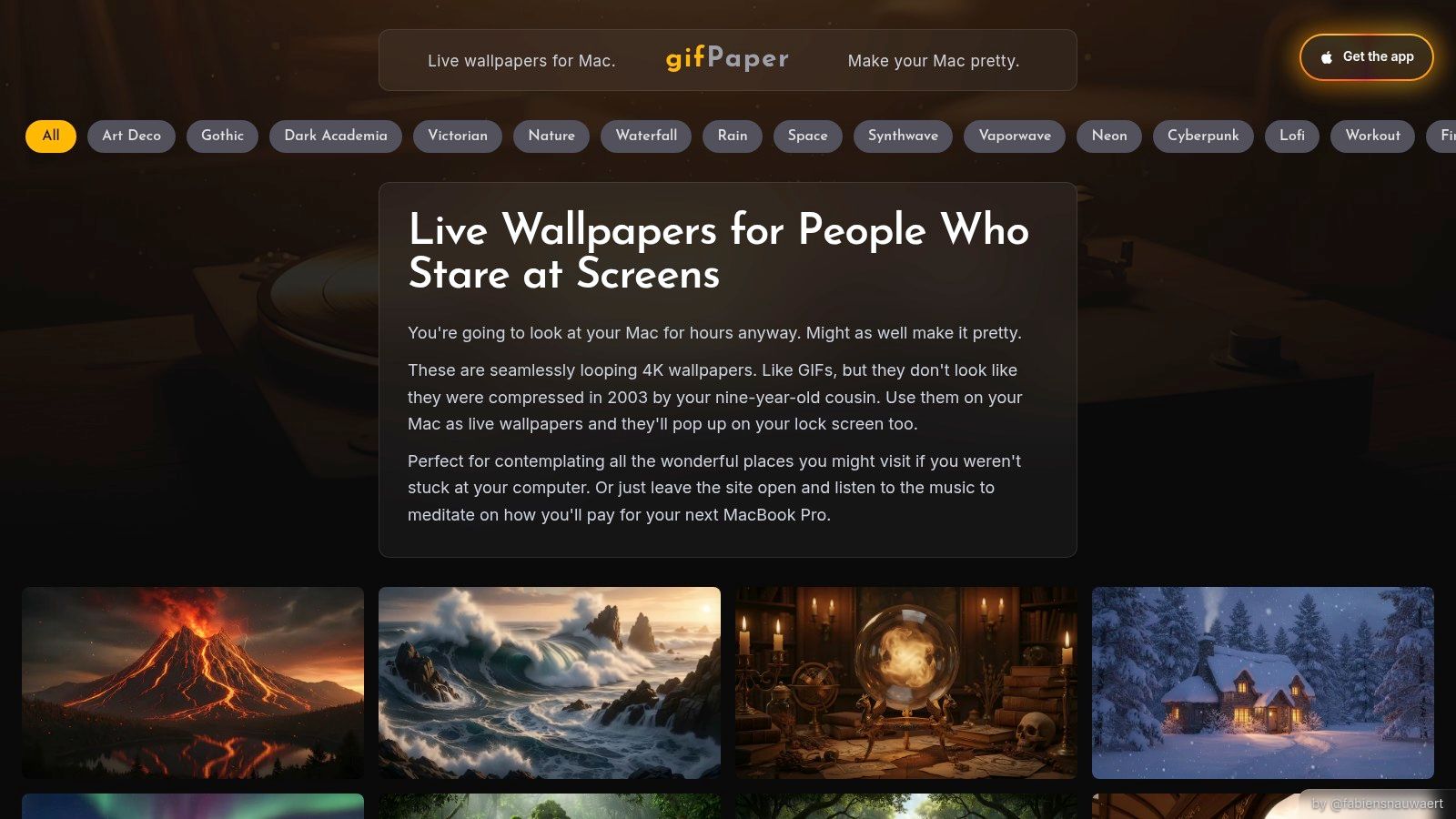
So I made gifPaper for Mac because I wanted live wallpapers on macOS that didn't feel hacky. It uses Apple's native Aerial wallpaper format, which is the same system Apple uses for its own video wallpapers. That matters. The result looks like it belongs on a Mac instead of sitting awkwardly on top of it like an animated sticker.
The lock screen is the best part. You wake your Mac, the wallpaper is alive, and it slows down as you proceed to the desktop, just like Apple's own. One action sets the same wallpaper for your lock screen and desktop, which is the sort of detail that should've existed already but didn't. So now it does.
The gallery on gifpaper.com has about 150+ wallpapers right now, including continuous 4K loops with ambient audio on many scenes. Some are cozy. Some are moody. Some are funny in that subtle "why is this strangely perfect?" way. If you're in a playful mood, browse the neon wallpaper collection or the darker, weirder stuff in the dark wallpaper collection. If you want your screen to calm down after all this meatball discourse, the lofi and winter categories are there too.
The app isn't on the Mac App Store, because Apple's sandboxing rules block live lock screen wallpapers. It's a direct download, notarized by Apple, and it requires macOS 14 Tahoe or later.
The pricing is refreshingly untheatrical. There's a 7-day free trial with no credit card required. If you like it, it's a $4.99 one-time purchase. Not a subscription. No monthly fee lurking in a trench coat. There's also a 30-day money-back guarantee, which is useful if you somehow discover that animated donuts are not your path in life.
One stray but practical detail: if you're coming from static images and wondering why some wallpapers crop weirdly, image aspect ratio explains the basic fit issue without making it sound like geometry class.
Your Mac is going to sit in front of you for a lot of hours. Might as well give it a personality.
If you want moving funny wallpapers that look like they belong on a modern Mac, not in a cursed downloads folder, start with gifPaper. Browse the gallery on the site, try the app free for 7 days, and put something delightfully ridiculous on your lock screen for once.