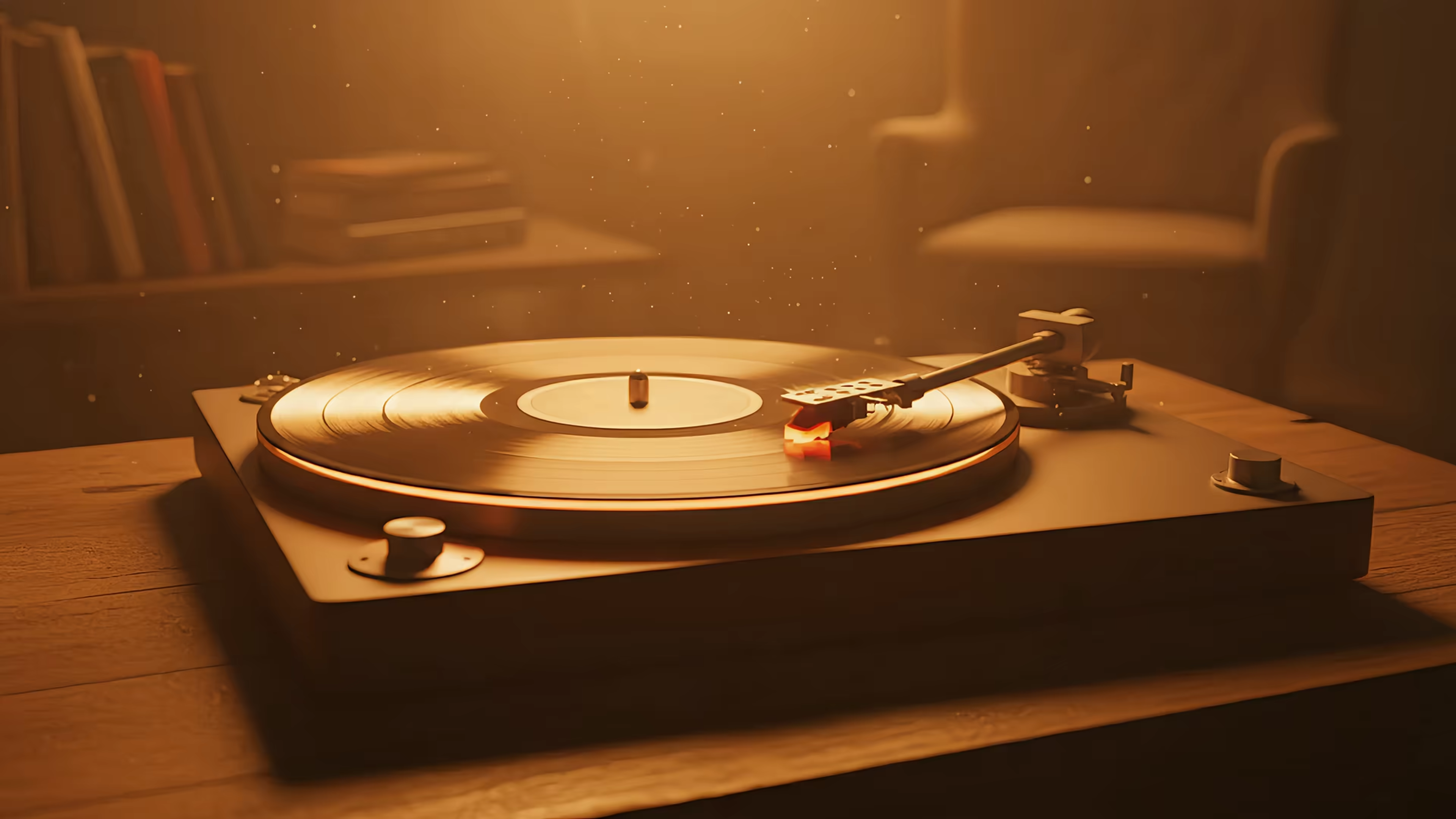
Elevate Your Screen Saver Mac Experience 2026
You know the moment. You walk away from your Mac for five minutes, come back with coffee, and the machine has decided its big theatrical gesture is either a black screen or some vague drifting shapes that feel like they were approved by a committee in a windowless room.
This is a little insulting.
You bought a slab of aluminum and glass with a ridiculous display. It can edit video, juggle monitors, and render things so crisp you start judging printed books. Then it goes idle and behaves like a bored office microwave. The whole screen saver mac experience feels oddly undercooked, especially if you remember when screen savers had personality instead of merely existing to fill dead air before sleep kicked in.
Apple hasn't exactly helped. "Wallpaper," "Lock Screen," "Screen Saver," "Aerial," "Dynamic" all sit around System Settings wearing similar outfits and refusing to explain themselves. The result is that plenty of people never bother. They leave the defaults alone, assume that's just how Macs work now, and move on.
That's a shame, because a well-set-up idle screen still does something useful. It gives your desk a pulse. It makes stepping away and coming back feel intentional. It turns downtime into something nicer than digital beige.
The Sad State of Your Idle Mac
A modern Mac spends a lot of its life waiting. Waiting while you read, waiting while you think, waiting while you stare at one email for much longer than the sender deserved. During all that waiting, macOS has every chance to look good and usually chooses not to.

The default pattern goes like this. You set a wallpaper once, maybe one of Apple's nice static photos. Then the machine locks. Then the display sleeps. Then whatever screen saver appears in the middle feels completely unrelated to the rest of your setup, as if three different product teams met briefly in an elevator and called it design.
What idle should feel like
A good idle screen should do at least one of these:
- Show taste: Your Mac should look like it belongs to you, not to "General User."
- Hide the transition: Moving from desktop to lock screen to screen saver shouldn't feel like changing channels on three different TVs.
- Reward your expensive display: Retina screens deserve better than abstract ribbons and polite disappointment.
Older computers understood this better than modern ones, weirdly enough. Back then, the screen saver wasn't just a technical utility. It was part mascot, part toy, part desktop identity.
A boring idle screen is a small problem. It's also the kind of small problem you notice every day.
That's why people still talk about old screen savers with the affection usually reserved for discontinued snacks and first-generation iPods. They remember them because those things had a point of view. Your idle Mac can still have one. It just takes more effort than it should.
The Secret History of Why Screens Needed Saving
The original screen saver wasn't born from aesthetics. It came from fear, specifically the fear that leaving the same image on a CRT for too long would burn it into the display. This traces back to terminal dimming practices from the 1970s, when preventing phosphor burn-in was a real hardware concern. The first screen savers were practical little defense mechanisms, not art projects.
Then someone had the good sense to make them fun.

The toasters that escaped containment
The turning point was After Dark. According to the Screensaver history on Wikipedia, it launched for Macintosh in 1989, featured the iconic Flying Toasters, and sold over 3 million copies worldwide by the mid-1990s. That number matters because it tells you this was not some obscure nerd novelty. It was mainstream desktop culture.
After Dark started as a hobby project by James "Jack" Eastman for early black-and-white Macs, then Berkeley Systems released it commercially at exactly the right moment, when the Macintosh GUI was making computers feel less like machines and more like personal spaces. The genius was its modular design. Flying Toasters got famous, but the larger idea was bigger than one animation. Your computer could have a little personality while you weren't using it.
Why people still miss that era
What made After Dark stick wasn't just nostalgia in advance. It turned idle time into a show. A tiny one, sure, but still a show. The screen saver stopped being invisible maintenance and became desktop entertainment.
A few things happened at once:
- Utility became identity: The screen was still "protected," but now it also said something about the person sitting at that desk.
- Modules made it playful: You could swap styles instead of living with one corporate-approved option forever.
- The Mac made it cultural: These weren't random system add-ons. They became part of the platform's personality.
Practical rule: If a feature exists only as maintenance, people ignore it. If it also feels personal, they keep coming back to it.
That old spirit is the part modern macOS mostly forgot. The hardware problem faded. Burn-in isn't the daily terror it used to be. So Apple let screen savers drift into a strange half-life, still present, rarely exciting.
That's also why current interest tends to lean toward aesthetic loops and ambient motion rather than "protecting the monitor." People want the same thing users wanted then, just with sharper screens and better taste. If your ideal vibe is less airborne kitchen appliance and more warm retro calm, looping wallpapers scratch that itch nicely.
Decoding Apple's Labyrinth of Screen Options
Open System Settings and Apple immediately starts speaking in a dialect of familiar words that don't mean what normal humans think they mean. Consequently, many users give up and leave the defaults alone.
The easiest way to understand it is to stop thinking of these as one feature. They're three separate surfaces that happen to live near each other.
Desktop, Lock Screen, and Screen Saver are not the same thing
Here's the plain-English version:
| Surface | What it is | What Apple lets it do |
|---|---|---|
| Desktop wallpaper | The image behind your icons and windows | Static image, some Apple-controlled motion in certain modes |
| Lock Screen | What you see when the Mac wakes or requires login | Closely tied to wallpaper choices, but not fully open in the way people expect |
| Screen Saver | What appears after idle time before sleep or lock | A separate module with its own timing rules |
That separation is the source of most confusion. You can easily assume that choosing something in Wallpaper means it will carry over to the lock screen and the screen saver in a sensible way. Sometimes it does. Sometimes it absolutely does not.
What Apple means by Dynamic and Aerial
"Dynamic Desktop" sounds like video. It isn't, at least not in the way one might expect. It's usually a changing still image behavior tied to time, appearance, or system state. Nice enough, but not a true looping video background.
Aerial is Apple's more cinematic option. It's the category often noticed because it uses motion and feels like someone at Cupertino remembered screens can be fun. The catch is that Aerial lives inside Apple's system on Apple's terms, which means flexibility is limited.
The first trap is timing. In macOS Sonoma and later, Cult of Mac's guide to Mac screen saver settings notes that "Start Screen Saver" must be set shorter than "Turn Display Off" or the video screen saver gets bypassed entirely. Their testing also found a 30 to 50 percent battery drain reduction on M2+ chips by prioritizing the saver over sleep on plugged-in setups. In plain English, if your display turns off first, the screen saver never gets its moment on stage.
That's the kind of rule Apple should explain in giant friendly letters. Instead, it remains unaddressed while people wonder why nothing happens.
If you want a deeper walkthrough of those timer settings without the usual System Settings fog, this guide on Mac screen saver settings is useful.
The naming is tidy. The behavior isn't.
A few practical translations help:
- "Wallpaper" isn't your whole visual setup. It's mostly your desktop base layer.
- "Screen Saver" still behaves like a legacy feature in some ways. It's not as integrated as it looks.
- "Aerial" is curated motion, not open-ended freedom. Apple gives you footage. Apple also decides the boundaries.
That's why a lot of Mac users feel like they're one checkbox away from getting the setup they want, then spend half an hour discovering the checkbox does something adjacent instead.
How to Actually Set Up Your Mac Screen Saver
Getting a screen saver running on Mac isn't hard. Getting the right one to appear at the right time, without the system unexpectedly doing something else, is where the nonsense begins.
The basic route is straightforward. Open System Settings, go to Screen Saver, choose a saver, then preview it. That part is fine. The trouble starts when the visual choice, idle timer, lock behavior, and display sleep are all living in neighboring settings panels like distant cousins who don't speak.

The settings that matter more than the preview
When you're configuring a screen saver mac setup, check these pieces together instead of one at a time:
- Choose the saver first: Pick the module or video category you want to see.
- Set the idle start time: Make it short enough that you'll see it in real life, not just during testing.
- Check display sleep separately: If the display sleeps earlier, your screen saver loses the fight.
- Confirm lock behavior: Decide whether the Mac should require a password immediately or after a short delay.
A lot of "my screen saver doesn't work" complaints are really "another setting beat it to the punch."
Hot Corners is the power-user move
The feature Apple hides in plain sight is Hot Corners. Move your pointer to a chosen corner of the display, and the Mac runs an action instantly. One of those actions is starting the screen saver.
This is one of those tiny adjustments that makes the machine feel more yours. Tap the corner as you stand up, and the screen changes immediately. It's practical if you want a quick privacy layer. It also feels faintly theatrical, like you're closing the curtain on your desk before walking offstage.
Apple explains the basics in its Hot Corners support guide for macOS. The bigger issue is that many tutorials stop there. They don't get into the quirks of using Hot Corners with video-based screen savers, even though that's where interest is strongest and where playback glitches can complicate the experience on some Macs.
Set one corner to start the screen saver and leave the other corners alone unless you enjoy accidental chaos.
A simple setup that tends to work well:
- Pick the top-right or bottom-right corner for screen saver activation.
- Avoid using the same corner for Mission Control or Notification Center.
- Test it a few times from a normal desktop, not just from Settings.
- If you use a video saver, watch for hesitation or stutter during the first second of playback.
If you want a more literal click-by-click walkthrough, this guide on how to change screensaver on Mac covers the menu path cleanly.
The Unspoken Problem with Apple's Free Screen Savers
Apple's built-in options are fine until you want something specific. That's when "fine" starts to feel like a synonym for "politely fenced in."
The biggest problem isn't that Apple's screen savers look bad. Some are lovely. The problem is that the system gives you a small, curated museum where many people want a studio. You can browse the approved exhibit, but making the Mac feel distinctly yours is harder than it should be.
The library is narrow
Most built-in options cluster around the same kinds of visuals. Aerial footage. Abstract motion. A few system-flavored themes. If your taste runs toward cozy interiors, looping rain, neon streets, lo-fi rooms, fireplaces, or anything remotely specific, the native library gets thin fast.
That's why Apple's screen saver setup often feels dated even when the visuals are technically modern. The footage is newer. The philosophy is old. It still assumes users should mostly receive choices, not shape them.
Performance is not a small detail
Once you move beyond static or simple modules, rendering quality matters. A video loop that stutters or drops frames doesn't feel atmospheric. It feels broken.
The useful benchmark here comes from the Metal side of Mac graphics. The RainingCubes project on GitHub shows that Mac screen savers using Metal API can sustain 60 FPS on Retina displays and deliver 2 to 3x efficiency gains over older methods, while legacy systems can drop frames by up to 40 percent on some models. That's not trivia. It's the difference between smooth motion and something that looks like it's fighting for air.
A lot of people assume all moving screen savers are basically the same under the hood. They aren't.
- Rendering path matters: Newer graphics approaches are better suited to high-resolution animated visuals.
- Retina screens are demanding: A loop that looks acceptable at lower fidelity can fall apart when pushed across a dense display.
- Poor playback ruins the illusion: The whole point is smooth motion. If the seam shows, the magic's gone.
Smooth motion is the feature. If it isn't smooth, the rest doesn't matter much.
Free is convenient. It's not the same as flexible.
The built-ins are good for people who want zero decisions. They're less good for people who care about atmosphere, continuity, or matching the idle screen to the rest of their setup. The gap gets especially obvious if you've come from Windows and are used to more experimental desktop customization.
Apple gives you a respectable default. It just doesn't give you much room beyond that.
A Modern Screen Saver That's Actually Worth Watching
At a certain point, the question stops being "How do I enable the Mac screen saver?" and becomes "How do I make all these visual layers behave like one system instead of three mildly related features?"
That's the modern problem. People don't just want a screen saver anymore. They want continuity. They want the same visual idea to carry from desktop to lock screen to idle state without looking hacked together.

The missing piece is consistency
A recurring frustration on Mac is using a single looping video across all the places you routinely see during a normal day. The Aerial project site points to that gap directly, noting a 40 percent spike in searches for "mac live wallpaper like wallpaper engine" and that native tools like Aerial can increase battery drain by 15 to 20 percent. That lines up with what many users run into in practice. Apple gives motion in selected places, under selected conditions, with selected content.
People want one source of truth instead.
That's where a dedicated tool starts to make sense. Not because screen savers are sacred objects. They are, in the grand scheme, decorative nonsense. But they're decorative nonsense you look at constantly, which gives them surprising importance.
What a purpose-built setup solves
The useful version of a modern screen saver system does a few things Apple doesn't do well on its own:
- Uses the same wallpaper idea across desktop, lock screen, and screen saver
- Offers a real library instead of a tiny handful of acceptable moods
- Keeps motion clean enough that Retina displays don't expose every flaw
- Feels native, not like a floating video layer taped onto your Mac with hope
That's the appeal of cool Mac screen savers that feel current. The category itself matters because "screen saver" no longer means "idle prevention utility." It means ambient motion with intent.
Mac Screen Saver Options Compared
| Feature | macOS Built-in | gifPaper for Mac |
|---|---|---|
| Screen saver selection | Apple's built-in library | Curated library of 150+ seamlessly looping 4K live wallpapers with ambient music on many scenes |
| Desktop support | Built-in wallpaper features with Apple's limits | Sets live wallpaper on desktop |
| Lock screen support | Apple-controlled, limited flexibility | Sets live wallpaper on lock screen |
| Use the same visual across surfaces | Inconsistent depending on Apple's categories and settings | One action sets the same wallpaper for desktop and lock screen, with screen saver support too |
| Playback approach | Varies by Apple feature | Uses Apple's native Aerial wallpaper format |
| Pricing | Included with macOS | $4.99 one-time purchase, 7-day free trial, 30-day money-back guarantee |
| Availability | Built into macOS | Direct download, notarized by Apple, requires macOS 26 (Tahoe) or later |
There's a reason this category keeps pulling people in. Your Mac is already the object you stare at for hours. Making it nicer isn't frivolous. It's just admitting the obvious.
A few things I appreciate about this approach:
- It respects the lock screen. Most apps treat the lock screen like an afterthought. It's one of the nicest moments in the whole Mac visual experience.
- It doesn't force fake futurism. Not everybody wants aerial footage of somewhere they aren't. Sometimes you want rain on windows, a record player, deep space, a snow cabin, or a room with genuine mood.
- It avoids the subscription circus. A wallpaper app should not behave like enterprise accounting software.
That last point matters more than it should. The product pitch here is refreshingly simple. gifPaper for Mac is a direct download, notarized by Apple, not on the Mac App Store because Apple's sandboxing blocks the live lock screen functionality. It's built by one developer, costs $4.99 once at launch, and lets you try everything for 7 days without a credit card.
That is a very reasonable amount of absurdity for a wallpaper app. Possibly the ideal amount.
Frequently Asked Questions About Mac Screen Savers
Do screen savers still matter on modern Macs
Yes, just for different reasons than they used to. Burn-in isn't the daily crisis it was in CRT days, but idle visuals still matter because Macs spend a lot of time idle, waking, locking, and waiting. The screen is part utility, part furniture. If it's going to sit there all day, it may as well be pleasant.
Why doesn't my video screen saver start reliably
Most often, another setting beats it. Display sleep can trigger before the saver starts, or lock timing can make the transition feel inconsistent. Earlier in this guide, the Aerial timing issue covered the biggest example of this. If the display powers off first, the saver never appears.
Are Hot Corners actually useful or just nerd decoration
Very useful, once you stop assigning too many things to them. One corner for "start screen saver" is enough for a typical user. It's quick, reliable, and much nicer than waiting for an idle timer when you already know you're stepping away.
The best Mac tweaks are the ones you start using without thinking about them.
Do video-based screen savers drain battery
They can. Motion always asks more of the system than a static image. How much depends on the playback method, your Mac, and whether the display would otherwise sleep. If you're on a MacBook and battery life matters more than aesthetics in that moment, use shorter screen saver windows and let the display sleep sooner.
Why are Mac screen savers still so oddly limited
Because Apple treats them like a legacy-adjacent feature with modern visuals layered on top. The interface looks newer than the underlying philosophy. You get some attractive built-ins, but not much freedom to define your own system across desktop, lock screen, and idle behavior.
Why isn't gifPaper on the Mac App Store
Because Apple's sandboxing restrictions prevent the live lock screen feature the app is built around. Direct distribution allows the app to do the interesting thing instead of pretending the interesting thing doesn't exist. It's notarized by Apple, which is the important part for safety.
What exactly does gifPaper set on the Mac
It can set your lock screen, desktop, and screen saver. The lock screen and desktop use the same wallpaper in one action, which is a big part of the appeal. It avoids that stitched-together feeling where every state of the Mac looks like a separate product demo.
Is this only for people who want flashy visuals
No. In practice, the people who benefit most are often the ones who want calm, not spectacle. A good loop can be subtle. A fireplace, snowfall, dim room, or slow-moving city scene does more than a hyperactive effects reel ever could.
If your Mac is going to sit on your desk all day pretending not to be part of the decor, you might as well call its bluff. gifPaper gives you a curated gallery of 150+ fluid 4K live wallpapers on the web, and the Mac app turns them into a proper desktop, lock screen, and screen saver setup using Apple's native format. It's $4.99 once, there's a 7-day free trial with no credit card, and it's built for the exact kind of person who has read this far and thought, correctly, that their idle screen deserves better.