7 Best Shinigami Ryuk Wallpapers for Your Mac (2026)
Your Mac needs more apples and existential dread.
You've decided your background should be less "pleasant default coastline" and more "chaotic neutral god of death who finds humanity mildly entertaining." Excellent call. A Shinigami Ryuk wallpaper says, yes, there are emails, but there's also taste. Specifically, gothic, high-contrast, red-eyed, apple-hoarding taste.
And you're not alone in this very specific form of desktop theater. Ryuk has become a durable fixture in wallpaper culture. One major wallpaper platform lists over 250 Ryuk wallpapers, with many tagged directly to Shinigami and Death Note, and top images pull in thousands of favorites, which tells you this isn't some tiny side alley of anime fandom (Ryuk wallpapers on Zedge). Ryuk-themed art also keeps showing up in dark and anime wallpaper collections, because apparently the internet agrees that spooky elegance belongs on screens.
If you're here, you probably want one of two things. A crisp static image for your Mac's Retina display, or something moodier that eventually graduates into motion. This guide starts with the best static sources and ends where good decisions become slightly unhinged in the best way.
Also, if your love of pop culture extends beyond your desktop, there's a nice guide to wall art that fits your space. Your room can match your lock screen. A dangerous amount of coherence.
1. Wallhaven
If you're picky, use Wallhaven's Ryuk tag. Not "kind of picky." I mean the sort of person who notices when the Dock sits awkwardly over Ryuk's chin and then spends ten minutes fixing it. Wallhaven is for you.
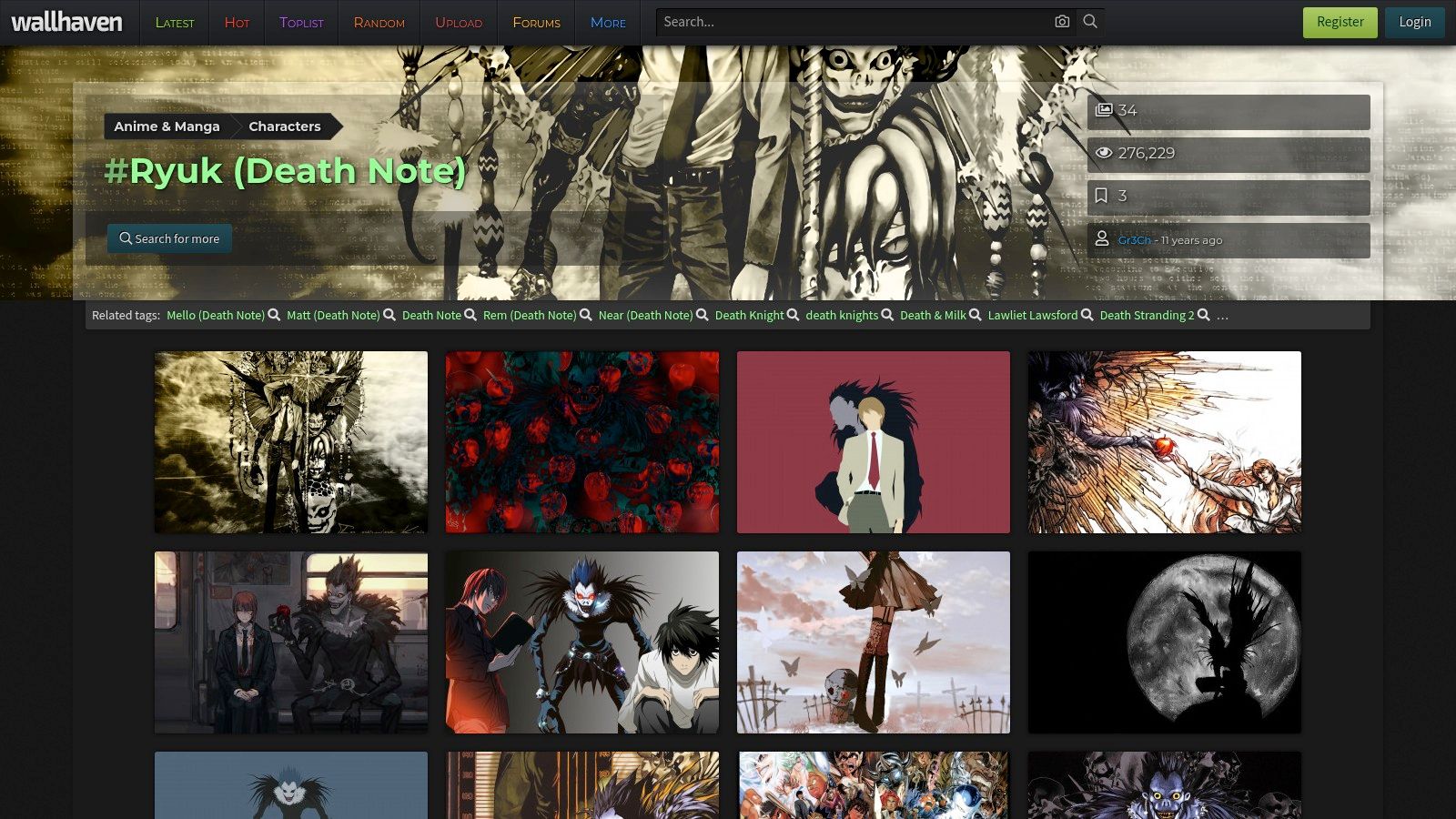
The strength here is control. You can browse the Ryuk tag directly, narrow by resolution, aspect ratio, color, and content filter, then pick something that fits a Mac display instead of vaguely occupying it. For shinigami Ryuk wallpapers, that matters. He's all spikes, wings, and dramatic negative space. Bad crops make him look like a haunted coat rack.
Why Wallhaven works so well
It behaves like a proper archive instead of a random pile. Metadata is visible, previews are reliable, and the crop tools help if you want menu bar clearance or room for desktop icons. That last bit is more useful than it sounds. Ryuk art tends to be composition-heavy.
A smart next stop after browsing Wallhaven is the broader gifPaper wallpaper categories, especially if you realize what you like is "dark ominous thing with cinematic lighting," not only "that exact anime ghoul."
Practical rule: On a Mac, choose the composition first, then the resolution. A slightly lower-res image with clean framing looks better than a cluttered 4K image that fights your icons.
A few caveats. Licensing is mixed because uploads come from different creators and sources. You'll also run into the occasional off-model AI image where Ryuk looks like he wandered in from the wrong underworld. Funny once. Less funny when it's your wallpaper for three weeks.
- Best for exact filtering: Great when you know you want dark, minimal, neon, or a particular aspect ratio.
- Best for Retina fussiness: Easy to find high-resolution files that don't turn your desktop into crunchy sadness.
- Watch for upload quality: Some art is brilliant. Some art is "close enough if you squint and fear legal nuance."
2. AlphaCoders and Wallpaper Abyss
AlphaCoders' Death Note wallpapers feel like a very old, very competent librarian decided anime fans deserved better filing systems. It's less chic than Wallhaven, but that's fine. Ryuk doesn't need chic. He needs stable downloads and enough file variants to cover your desktop, phone, and whatever other glowing rectangle runs your life.
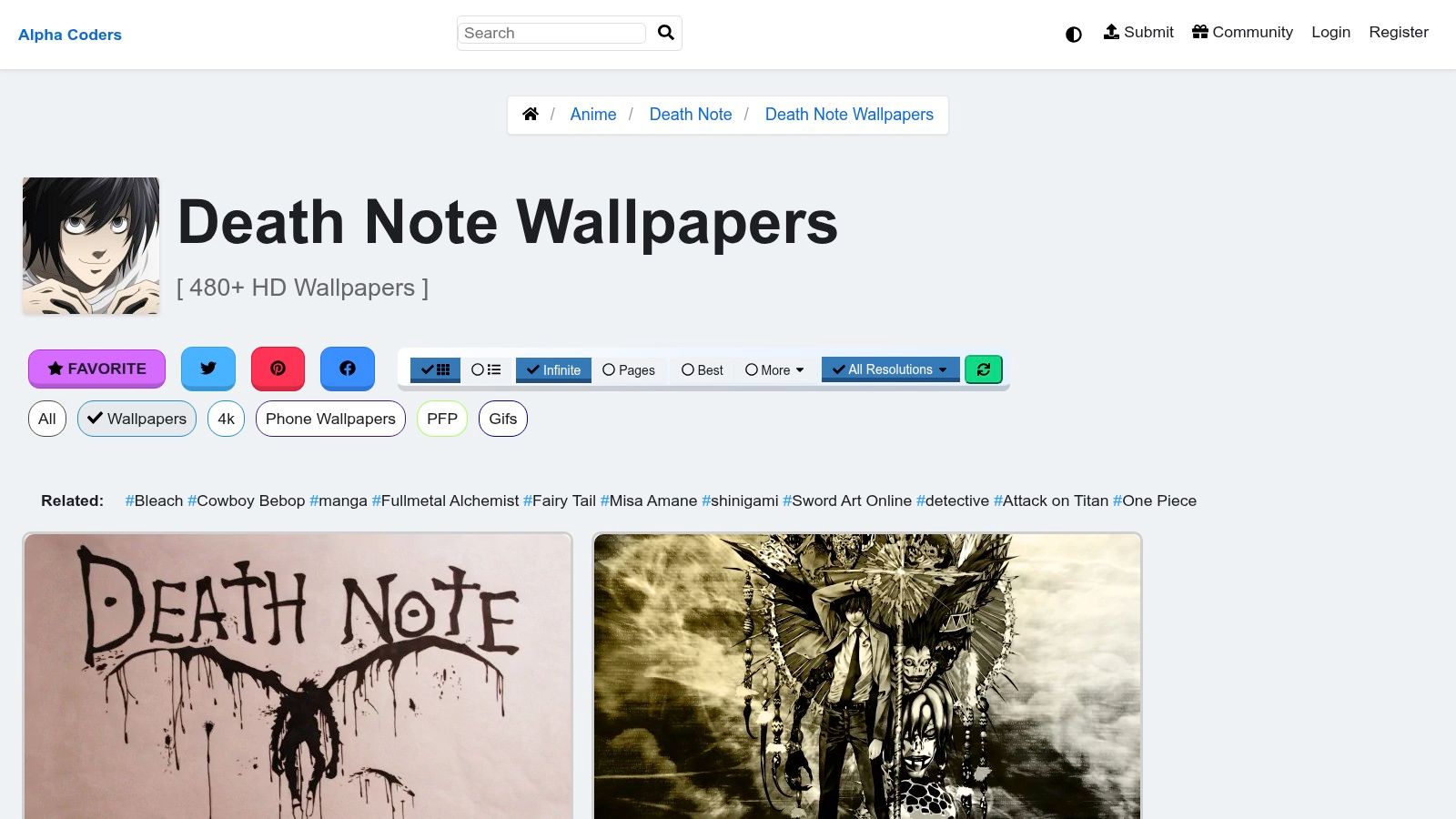
The big win is the "Original" file option. If a piece of art has the right mood, you can usually grab the full-size version and then choose other crops for different screens. That's useful if you want a matched setup without manually trimming the poor man's wings off.
The mood here is organized goth
AlphaCoders also does a decent job surfacing related Death Note art, so if your taste drifts from Ryuk alone into "Ryuk plus Light plus dramatic celestial judgment lighting," you won't have to restart your search.
If that specific dark, ornate anime energy is the part you love most, the gothic aesthetic guide on gifPaper is worth a look. Ryuk isn't exactly Victorian, but he absolutely understands theatrical darkness.
Some Ryuk art works better as a lock screen idea than a desktop wallpaper. If the face is centered and intense, it's great when you wake the Mac. If the composition is busy edge to edge, it can make your desktop feel like you're losing an argument.
AlphaCoders is also one of the easier places to sort by newest, most viewed, or highest rated. That helps when you don't want to inspect every single submission like an art director with insomnia.
- Best for matched device sets: Desktop and phone crops often exist from the same artwork.
- Best for broad Death Note browsing: Good if you're not committed to one exact Ryuk pose.
- Less ideal for purity: Older lower-res uploads still mingle with sharper newer ones, so you have to curate a little.
3. Wallpapers.com
Some days you want to compare metadata. Other days you want a decent image in ten seconds and to get on with your life. Wallpapers.com's Death Note section is built for the second mood.
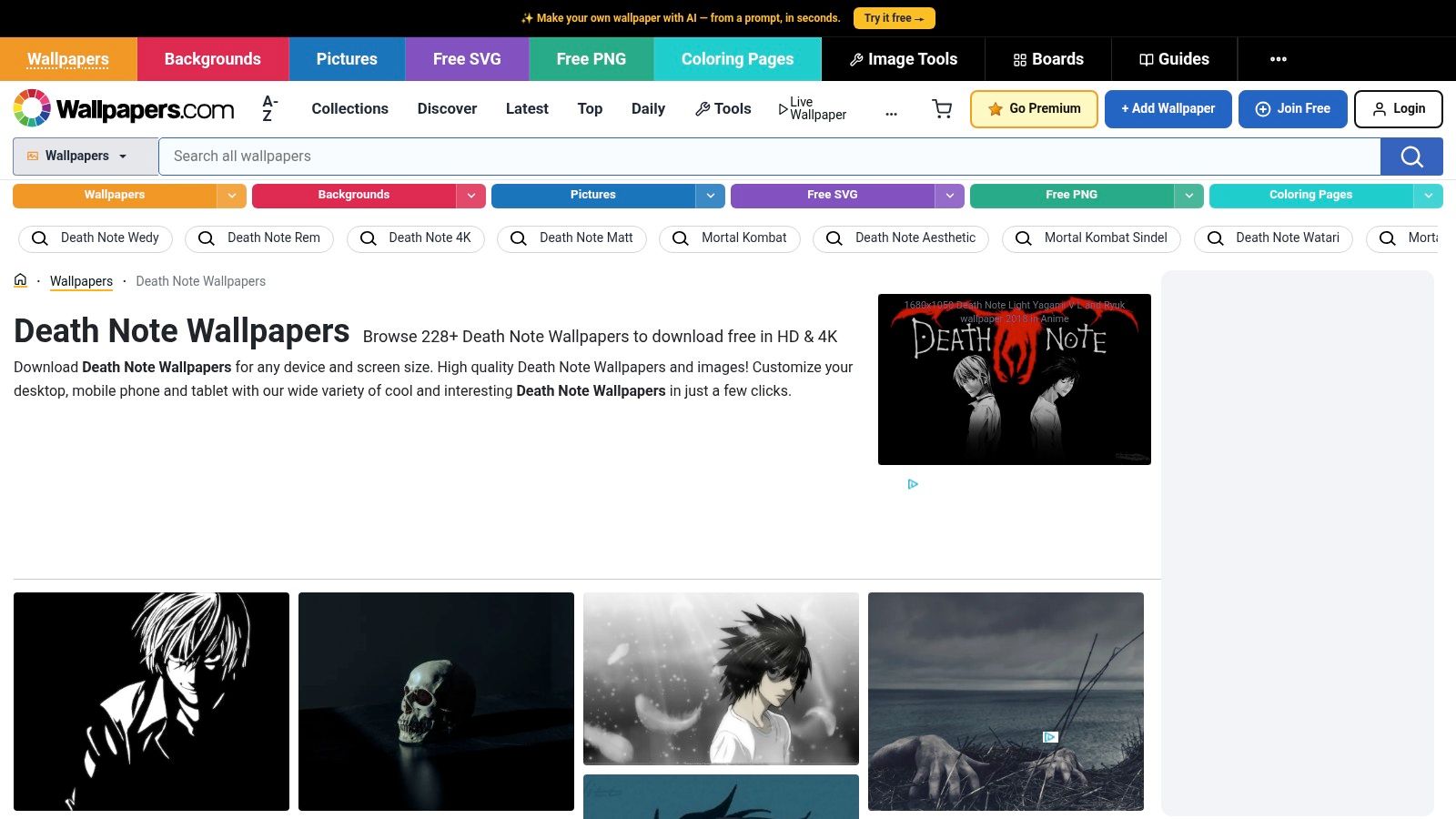
This site is consumer-friendly in the plainest possible sense. The layout is simple, size choices are easy, and Ryuk appears regularly enough in the broader Death Note mix that you can usually find something usable fast. If Wallhaven feels like a workshop, this feels like a clean front desk.
Fast picks for casual Mac customization
That speed matters more than people admit. Plenty of people looking for shinigami Ryuk wallpapers don't want a hobby. They want one menacing, high-contrast image that makes the machine feel more like theirs.
There's also a broader market signal behind the category itself. Death Note wallpapers, including Ryuk, have been reported to generate unusually high engagement on some wallpaper platforms, with the Death Note category accounting for roughly 3 to 5% of anime-themed downloads on one platform, and licensed bundles were linked to a roughly 25 to 30% year-over-year download increase during their run (Death Note Ryuk wallpaper trend reference). In plain English, people keep downloading this stuff because the visual formula works.
You don't need the rarest wallpaper on the internet. You need one that makes you happy every time you open the lid. That's a much lower bar, and a much saner one.
The tradeoff is breadth. You won't get the same enthusiast-level filtering you get elsewhere, and some images feel like repeats pulled from the wider web. Still, for one-click convenience, it does the job.
4. 4KWallpapers
4KWallpapers' Ryuk page is the answer to one specific complaint. "Why am I being shown a bunch of low-res near-misses when I typed 4K into my own soul?" Fair complaint. This site is narrower, cleaner, and much less interested in wasting your time.
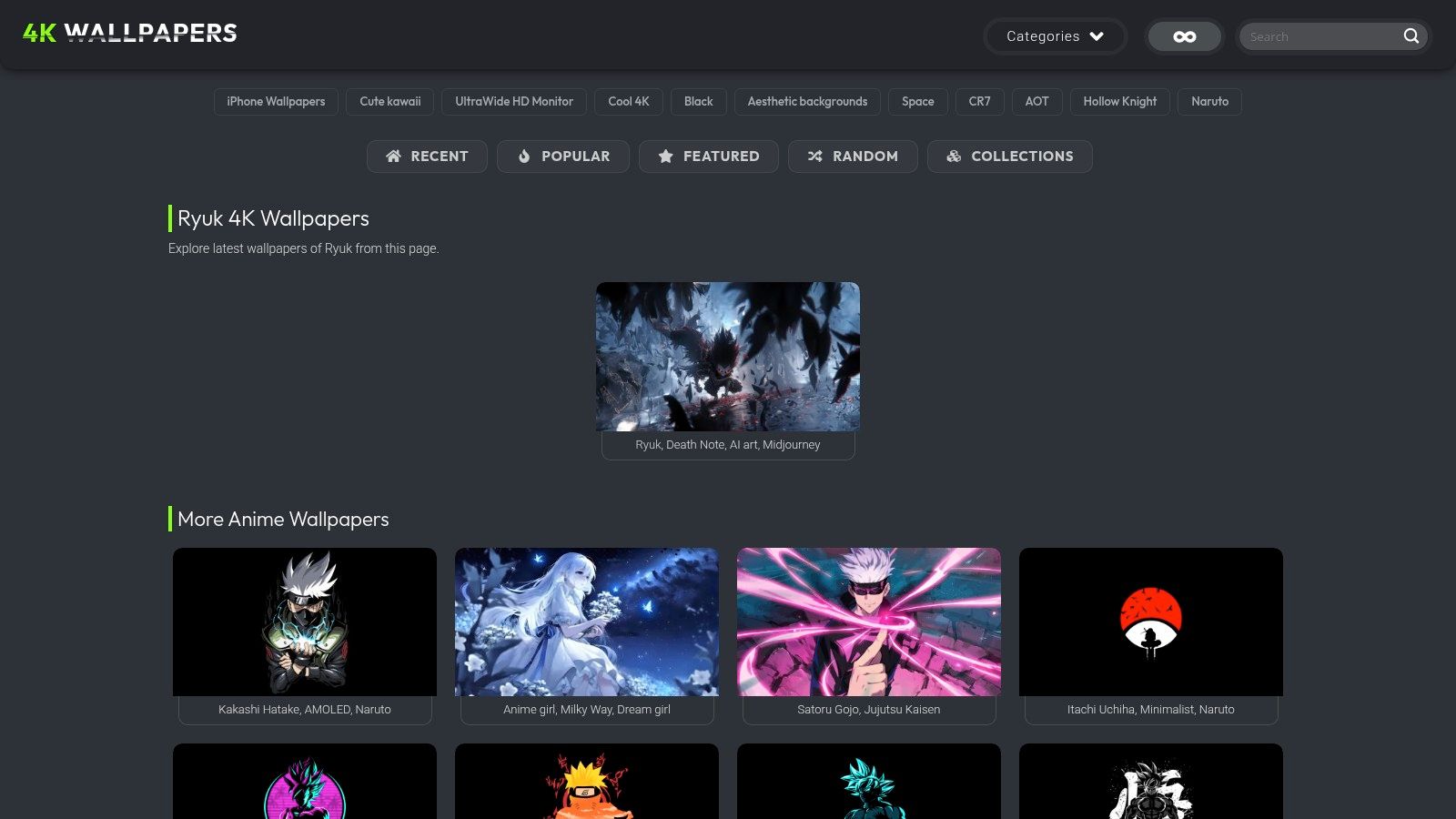
Resolution is clearly labeled, direct downloads are easy, and the interface doesn't bury the point. If your goal is a crisp Ryuk image for a Retina display, this is a strong shortcut.
Best when you care about pure sharpness
Ryuk-themed wallpapers are especially good candidates for high-resolution treatment because the aesthetic depends on contrast, texture, and lighting. Wallpaper sites and niche art pages frequently market Ryuk images in 3840×2160 with dark cinematic framing, which lines up neatly with what desktop customization people already want from premium anime art (Ryuk 4K dark anime art reference). Red eyes, black surfaces, fine linework. That stuff either sings in 4K or turns into soup.
The site's smaller catalog is part of its appeal. You won't be scrolling forever through marginal options. You'll get a shorter list, usually at the resolution you wanted, and move on.
- Best for 4K-first searching: Fewer distractions, more crisp files.
- Best for fast desktop upgrades: Good when you already know the vibe and just need the image.
- Possible annoyance: Some pieces may lean AI-assisted, which can drift away from canon style if you care about fidelity.
A practical note for Mac users. Dark, high-contrast anime art tends to look particularly good when paired with system-wide Dark Mode. Ryuk understands this instinctively.
5. HDQWalls
HDQWalls' Ryuk wallpaper page is for people who want the desktop to feel dark without becoming unreadable. That's a real distinction. Some wallpapers are moody. Some are just giant black blobs with a face somewhere inside them.
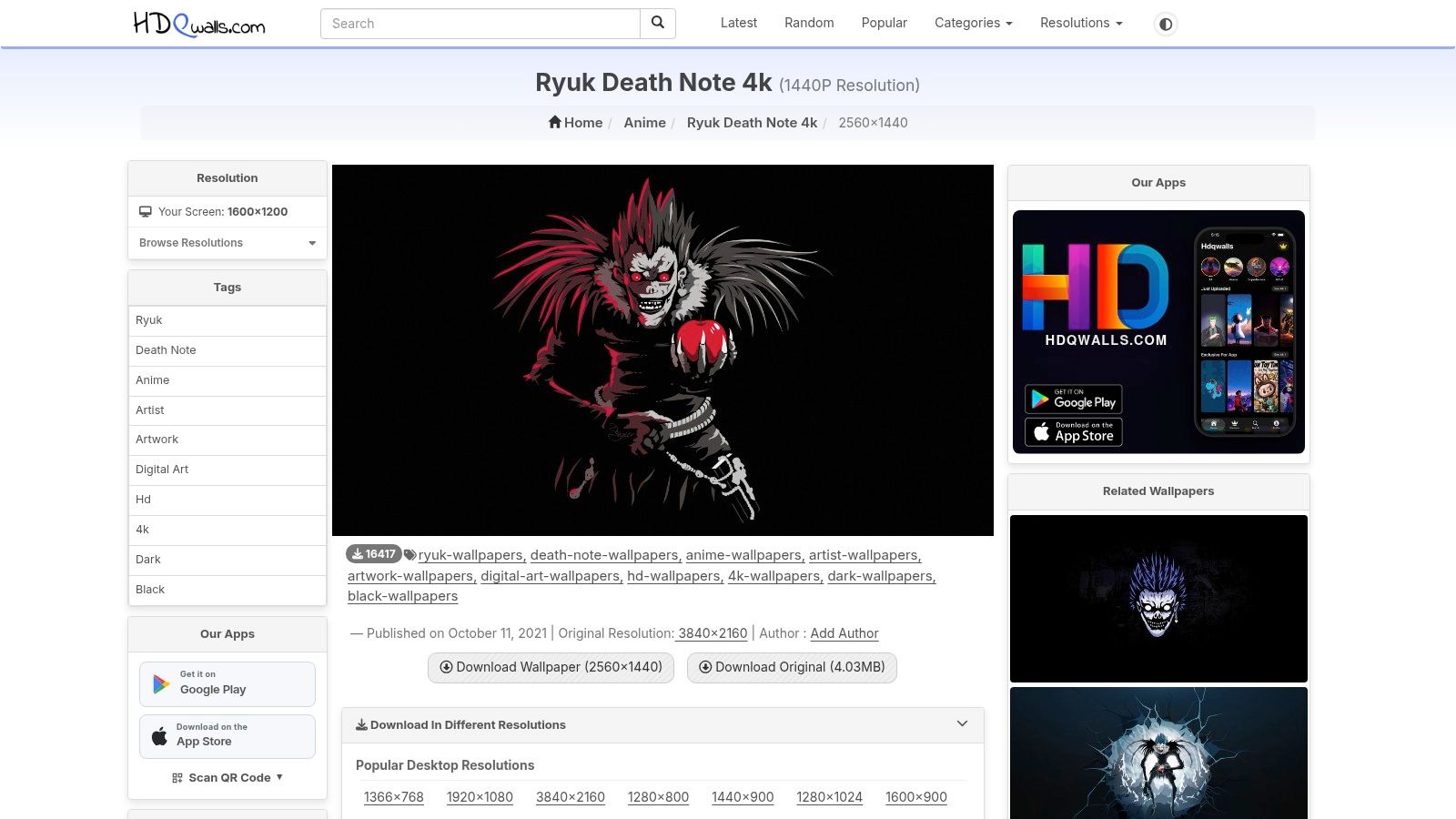
HDQWalls tends to favor the first category. The Ryuk entries here often have enough shadow and negative space to keep desktop text legible, which is surprisingly important if you still insist on seeing your files occasionally.
Good for Dark Mode loyalists
The download flow is straightforward. You get preset resolutions like 1440p and 4K, plus original files where available. Tagging usually points you toward dark, black, or Death Note-adjacent material, so if you're curating a whole theme, the rabbit hole is helpfully lit by candlelight.
There's also a conceptual fit here. Ryuk wallpaper demand tends to cluster around dark, horror, and anime aesthetics, and his visual language works because it's so adaptable to high-contrast backgrounds. Black wings, red eyes, bone-white grin. It's a desktop-ready recipe.
Small design rule: If your wallpaper is dark enough to make icons disappear, it's not "atmospheric." It's just rude.
HDQWalls isn't the biggest library in this list, and some older uploads show a bit of compression. But if your priority is "make the Mac look sinister and clean," it's a strong pick.
- Best for OLED-like drama: Deep blacks and darker palettes look great on modern displays.
- Best for icon visibility: Many compositions leave enough breathing room.
- Less ideal for endless browsing: The catalog is smaller, so treat it as a targeted stop, not an all-day expedition.
6. UHDpaper
UHDpaper's Ryuk and Light 4K page is almost aggressively efficient. Minimal page, clear file options, little nonsense. You arrive, inspect the image, download the right size, leave with your dignity intact.
That simplicity is the appeal. UHDpaper often provides a native 4K master and multiple crops, which makes it useful when you want your Mac wallpaper and phone wallpaper to feel like they belong to the same questionable religion.
Clean pages, clean files
The selection is limited, so this isn't where you browse for hours in search of revelation. It's where you go when a specific image lands properly and you want it in the correct format immediately.
That sort of matched-device use is underrated. A Ryuk desktop paired with a related phone wallpaper feels coherent in a way that's delightfully unnecessary. The same energy as color-matching your mechanical keyboard to your lock screen. Completely optional. Entirely valid.
There's another reason UHDpaper-style pages are useful. Existing Ryuk wallpaper posts rarely say much about reuse rights, edits, or whether turning a still into a stream background is wise. That silence is common across anime wallpaper culture, which leaves a lot of people guessing about what's okay.
- Best for quick 4K downloads: Good if you hate cluttered pages.
- Best for matching screens: Handy when desktop and phone need to coordinate.
- Weak point: Fewer Ryuk variants, and not much for ultrawide hunters.
If you stream, post setup videos, or monetize content, treat downloaded anime wallpapers carefully. Official art, fan art, and AI-assisted work all come with different baggage. Cute hobby. Mild legal swamp.
7. ArtStation
ArtStation's Ryuk art is where you go when you want something less "wallpaper database" and more "an artist spent actual time making this demon look magnificent." It isn't a wallpaper site. That's precisely why it's valuable.
Portfolio-grade fan art often has better lighting, stronger anatomy, and more personality than mass-upload wallpaper collections. You'll also get process shots, alternate versions, and occasionally access to the actual artist if you want permission, a commission, or to be a decent human and credit them.
The best source for unique Ryuk art
This is the most grown-up option on the list, which is funny because the subject is still an apple-obsessed death god from anime. But provenance matters. If you care where an image came from, ArtStation is the clear winner.
If your taste leans broader than Death Note, the anime aesthetic guide on gifPaper is a good companion read. Ryuk sits in a corner of anime design that blends horror, glamor, and absurdity. Not every character can pull off vertebrae chic. He can.
Don't assume "online" means "free to use however you want." If an artist posted it on a portfolio, that usually means they'd prefer you not treat it like abandoned treasure.
The downside is obvious. Not every post is downloadable, and licensing varies wildly. You may need to ask. Still, for the best-looking and least generic shinigami Ryuk wallpapers, ArtStation gives you the highest ceiling by far.
- Best for originality: Fewer recycled images, more distinctive work.
- Best for ethical sourcing: Easier to identify and credit the creator.
- Least convenient for instant grabs: You may need permission, and some posts aren't meant as wallpaper files.
Ryuk Wallpaper: 7-Site Comparison
| Source | Implementation complexity | Resource requirements | Expected outcomes | Ideal use cases | Key advantages |
|---|---|---|---|---|---|
| Wallhaven (Ryuk tag) | Medium, advanced filters and cropping options | Medium–High, large archives, high‑res downloads available | Precise resolution and mood matches across many variants | Finding exact mood/resolution for Retina/4K displays | Powerful filters, huge searchable archive, crop before download |
| AlphaCoders – Wallpaper Abyss | Low–Medium, straightforward UI with device crops | Medium, original files available; mixed resolution quality | Matched device sets and many 4K options | Building a consistent wallpaper set for desktop/phone/ultrawide | Original file downloads, device‑specific crops, stable servers |
| Wallpapers.com (Death Note category) | Low, one‑click size selection and simple search | Low–Medium, common sizes prioritized, fewer ultra‑high options | Quick, good‑enough backgrounds with minimal effort | Casual users needing fast, no‑fuss wallpapers | Fast, consumer‑friendly interface and quick downloads |
| 4KWallpapers (Ryuk selection) | Low, minimal UI, direct download links | High, 4K‑first catalog; large file sizes | Consistently crisp 3840×2160 (and above) wallpapers | Users prioritizing native 4K/Retina clarity | 4K‑focused catalog, fast and uncluttered site |
| HDQWalls (select Ryuk 4K) | Low–Medium, preset/resolution options | Medium–High, OLED/dark‑theme optimized images | Dark, OLED‑friendly 4K wallpapers that emphasize contrast | Dark Mode/OLED displays and darker desktop themes | Strong dark‑theme options; easy original or preset downloads |
| UHDpaper (Ryuk + Light, native 4K) | Low, minimal pages with direct downloads | High, native 4K masters, multiple aspect crops | High‑quality native 4K masters with device crops | Quickly obtaining matched high‑quality desktop/phone wallpapers | Consistent 4K master files and simple UI |
| ArtStation (Ryuk fan art, portfolio‑grade) | Medium, portfolio browsing and possible artist contact | High, 4K/8K source files; licensing/purchase may be required | Unique, high‑fidelity fan art with provenance | Sourcing unique pieces, commissioning, or crediting artists | Portfolio‑grade, original artwork and direct artist contact |
The Next Level: A Living, Breathing Shinigami
A great static wallpaper of Ryuk is a fine start. But let's be honest. He's not a character known for sitting still. He looms, floats, and generally behaves like the room belongs to him. A JPEG can only do so much heavy lifting.
What really suits the vibe is motion. Not chaos. Not some tacky animated loop with too much happening. Slow, ominous movement. A flicker of light. Drifting particles. Something that feels like Ryuk might be just off-screen, amused by your calendar notifications.
That's the opening for gifPaper for Mac. It's the app I made for setting live wallpapers on Mac lock screen, desktop, and screen saver. It's the first and only app that uses Apple's native Aerial wallpaper format, which is the same system Apple uses for its own video wallpapers. So this isn't a weird overlay pretending to be integrated. It behaves like it belongs there.
The lock screen is the best part. Wake your Mac and the wallpaper is alive, then it slows down as you gain access, exactly like Apple's own. The desktop can stay as a beautiful still frame by default, or you can toggle full animation. Screen savers are back too, which is nice, because they were unfairly demoted for years.
I can't offer Ryuk himself. Licensing is, to put it gently, a nest of knives. But the mood is absolutely available. The dark wallpaper collection and the neon wallpaper collection are where the good ominous stuff lives. Think rain-soaked streets, shadowy city glow, and that "someone important just laughed in the distance" energy.
There's a practical angle too. People keep downloading Ryuk imagery into dark and 4K collections because high-resolution, cinematic anime art is what they expect when they search for it, and subtle motion tends to feel more valuable than a static image in this category. That makes Mac live wallpapers a weirdly perfect home for the whole aesthetic.
If you want to animate a still image itself, there are also AI tools for image animation. But if the goal is to make your Mac look cooler every single day, gifPaper is the cleaner route. The app has a 7-day free trial with all wallpapers and all features, no credit card required. If you keep it, it's a one-time $4.99 launch price, not a subscription. It requires macOS 26 Tahoe or later, it's a direct download because Apple's sandboxing blocks live lock screen wallpapers in the Mac App Store, and the app is notarized by Apple.
About 150 wallpapers right now. More coming. Your Mac is going to stare back with much better taste.
If you've got the Ryuk wallpaper part handled and want the machine itself to join the performance, gifPaper is the obvious next step. Browse the live wallpapers on the site for free, then use the Mac app to set one on your lock screen, desktop, and screen saver. One click sets the same wallpaper on lock screen and desktop, which is wonderfully convenient and slightly ridiculous, exactly the way good Mac customization should be.