
11 MacBook Air: Still a Great Machine in 2026?
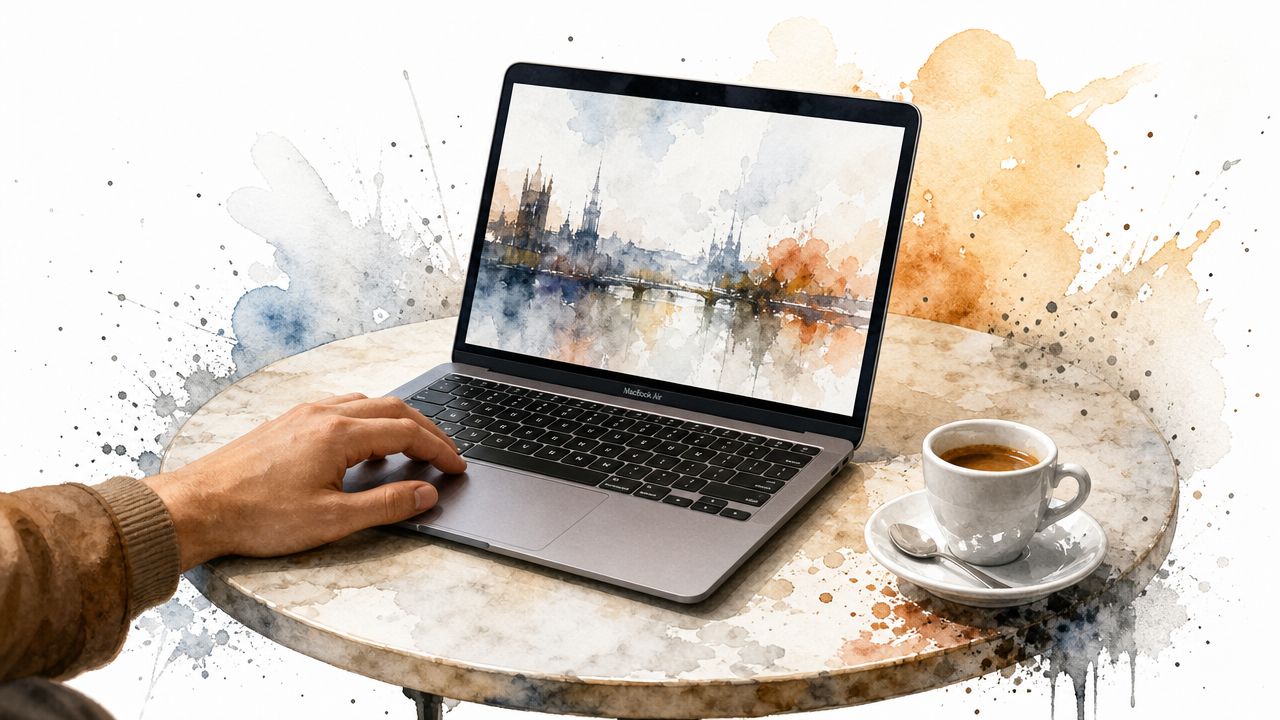
That little wedge-shaped laptop still has a hold on people for a reason. You can spot the 11-inch MacBook Air owner from across a café. They're the person whose computer fits on a tiny round table, leaves room for coffee, and still looks like they made an excellent life decision.
If you're searching for the 11 MacBook Air in 2026, you probably aren't looking for a museum plaque. You want to know if it's still pleasant to use, what its limits are, and whether you can make it feel less like an aging relic and more like a compact machine with taste. That's the right question.
The short version is simple. The 11-inch Air still makes sense for travel, note-taking, light writing, web use, and the kind of computing that happens on planes, couches, trains, and kitchen counters. Its problem was never portability. Its problem was always the display experience. Fix the vibe, respect the hardware, and the whole machine feels more modern than it has any right to.
The Last Truly Portable MacBook
You notice the 11-inch Air when there is barely enough room for a coffee, a phone, and half an elbow on the table, and it still fits. That is what makes it so desirable. The machine changes where and how you use a laptop.
Apple launched the 11.6-inch MacBook Air in October 2010 with a $999 starting price, a 1366×768 display, 2 GB of RAM, 64 GB of flash storage, and a 2.3-pound weight, according to Apple's MacBook Air specs archive. Those numbers look modest now, but the design goal still holds up. It was built to disappear into a bag and be ready in seconds, which matters more than raw specs on a machine this small.
That is why the 11-inch Air still has a following. It feels intentional.
Why people still care
A lot of compact laptops became compromised machines. The 11-inch Air did not feel that way. The keyboard was usable, the trackpad felt like a real Mac trackpad, and the wedge chassis still looks cleaner than plenty of newer budget laptops.
Its strengths are practical:
- It works in tight spaces. Train tables, lecture seats, hotel nightstands, and cramped couches all make sense with this size.
- It encourages carry, not hesitation. A laptop you bring everywhere gets used more than one that stays at home because it feels annoying to pack.
- It still feels like a Mac. Even now, the hardware has a coherence that many small Windows laptops missed.
I still think that is the definitive test. If a laptop makes you want to carry it, it is doing its job.
The trade-off is not hard to identify. The body aged well. The display did not. In 2026, the 11-inch Air feels most modern when you stop asking it to compete with Retina-era Macs and start tuning the experience around what it does well. A cleaner desktop, wallpaper choices that suit the panel, and lightweight software that respects older Intel hardware can make it feel charming and current instead of merely old.
A Quick History of the 11-inch MacBook Air
Open an 11-inch Air in 2026 and the appeal still makes sense in about five seconds. The machine feels purpose-built. Apple was chasing a very specific kind of portability here, and for a few years it kept refining that idea instead of abandoning it.
The launch model that set the tone
The 2010 11-inch Air established the formula: a real Mac notebook shrunk to the point where carrying it stopped being a decision. It introduced the 11.6-inch size, used flash storage from the start, and paired that quick wake-and-go behavior with the wedge design that still reads as unmistakably MacBook Air.
That mattered more than the raw parts list.
Even now, the earliest model is interesting less because of benchmark numbers and more because it defined the machine's personality. Small, fast to wake, quiet, and easy to keep with you all day.
The models that matter most now
For anyone buying, restoring, or tuning one today, three versions are the ones worth knowing: the original 2010 release, the stronger 2011 refresh, and the final 2015 model, which is the recommended option.
| Model Year | Resolution | Processor (Base) | RAM (Base) | Key Feature |
|---|---|---|---|---|
| 2010 | 1366×768 | Core 2 Duo | 2 GB | First 11.6-inch Air, flash storage standard |
| Mid 2011 | 1366×768 | Dual-core Intel Core i5 | 4 GB | Thunderbolt and a more convincing everyday spec |
| Early 2015 | 1366×768 | 1.6GHz dual-core Intel Core i5 | 4 GB | The most refined version, with better storage and battery behavior |
The Mid 2011 update is the point where the 11-inch Air started feeling like a complete product instead of an impressive experiment. Apple moved it to Intel Core i5 processors, raised the base memory, and kept the same compact chassis. The 11-inch version remained 2.3 pounds and Apple rated it for up to 5 hours of wireless web on that generation, according to EveryMac's 11-inch Mid-2011 MacBook Air reference.
That balance is why so many people still remember the 2011 model fondly. It kept the charm and removed just enough compromise.
The peak version
The Early 2015 machine is the one I recommend to anyone who wants to use an 11-inch Air now, not just admire it. It was the last and most polished version of the design, with faster PCIe flash storage, mature thermal behavior, and battery life that makes the computer feel less fragile in day-to-day use.
Apple's archived specs for the 11-inch Early 2015 MacBook Air list a 1.6GHz dual-core Intel Core i5 with Turbo Boost up to 2.7GHz, 4GB of 1600MHz LPDDR3 memory, 128GB or 256GB PCIe-based flash storage, and a built-in 38Wh battery, as shown on Apple's MacBook Air (11-inch, Early 2015) technical specifications page.
That hardware still has limits, of course. Memory is soldered, the screen never got better, and modern web bloat can make any dual-core Intel Mac feel older than it is. But the 2015 model has enough underlying speed to respond well when you choose software carefully, which is why it remains the sweet spot for turning this tiny laptop into a pleasant, current-feeling machine.
Understanding the 1366x768 Display
The display is the whole argument. If you hate it, you'll never love the machine. If you understand its limits, you can make it work surprisingly well.
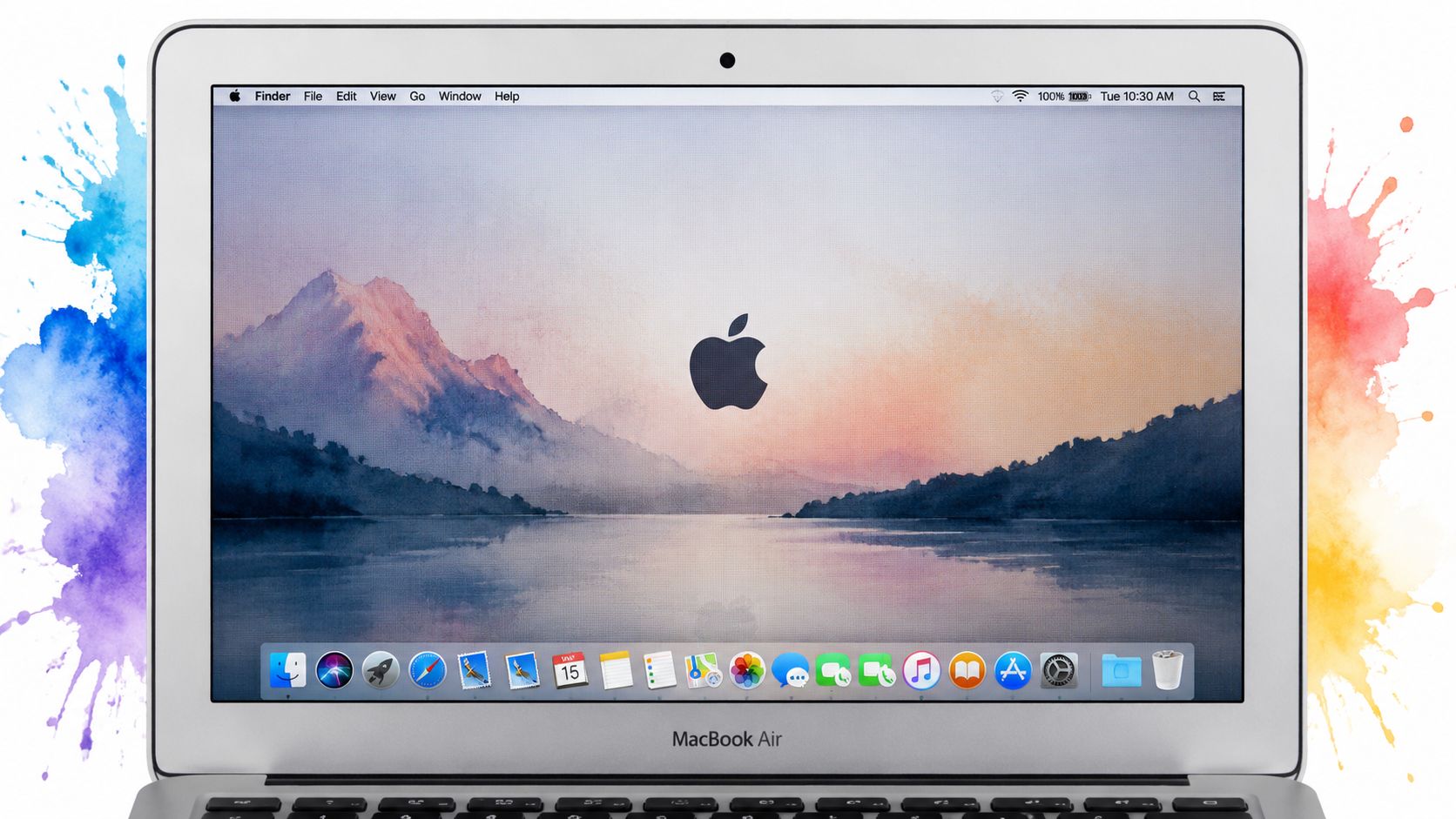
The screen is 1366×768 on an 11.6-inch panel, and one of the key compromises was the use of a TN panel with weaker viewing angles than modern IPS displays, as discussed in this enthusiast video about the 11-inch Air. That's the complaint you still hear most often, and it is fair.
What that means in real use
A TN panel looks best when you're sitting directly in front of it. Tilt the screen wrong, shift your posture, or work in bad lighting, and the image can lose some of its charm. On a larger laptop that's annoying. On a small laptop it can make the whole display feel more cramped.
The resolution creates a second trade-off. 1366×768 is a standard 16:9 shape, which is nice for video and useful for wallpapers because content fits naturally. The downside is workspace. Two side-by-side windows feel tight, and websites with giant headers act like they've never met a compact laptop before.
How to make the screen look better
The fix is less technical than people expect.
- Use darker wallpapers. They hide panel weaknesses better than bright gradients and wide pale skies.
- Choose simple compositions. A busy image on a small low-resolution panel turns into visual soup.
- Sit straight-on. This sounds absurdly obvious, but on a TN display it matters more than on modern screens.
- Keep desktop clutter minimal. Icons eat usable space fast on an 11-inch panel.
A wallpaper that feels slightly restrained on a big display can feel perfect on the 11-inch Air.
That's why this machine responds so well to careful aesthetics. You're not trying to overpower the screen. You're trying to work with it.
How to Run Live Wallpapers Without Tanking Performance
Open an 11-inch Air in a coffee shop in 2026 and the risk is obvious. One bad wallpaper app can turn a charming little Mac into a warm aluminum slab with half its battery gone by lunch.
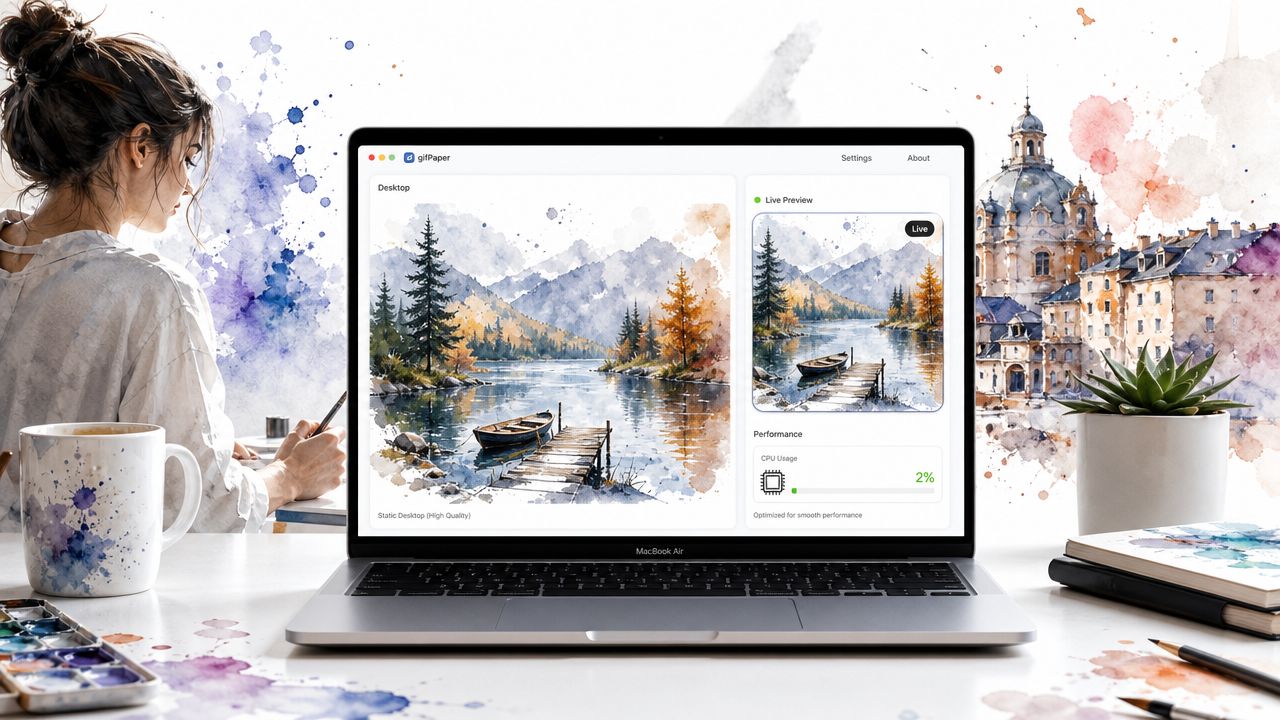
The machine itself is usually not the actual problem. Wasteful wallpaper software is. As noted earlier, even the older 11-inch Air models are perfectly usable if the app respects idle time, keeps background activity low, and does not treat the desktop like a constant video layer that needs attention every second.
The rule for older Macs
Run motion only when motion adds something.
That is why gifPaper for Mac makes sense on the 11-inch Air. It uses Apple's native Aerial wallpaper format instead of faking the effect with a heavy overlay, so the desktop can rest on a still frame and only animate when you choose. On this machine, that design choice matters more than flashy features. You get the modern look without turning the Finder into a low-grade stress test.
I have had the best results treating live wallpaper as an accent, not a permanent performance tax. The 11-inch Air still feels quick when the desktop is calm during actual work, then comes alive on the lock screen, screen saver, or a few idle moments between tasks.
Settings that keep the Air feeling light
A small amount of restraint goes a long way.
- Use a still frame as the default desktop. Let the animated version handle the lock screen, screen saver, or short idle periods.
- Choose slow loops over busy clips. Gentle motion hides compression and looks cleaner on the Air's small display.
- Test with Activity Monitor before committing. This guide on how to monitor performance on Mac is a practical way to check CPU and memory use.
- Avoid bright, chaotic footage. Older Intel graphics handle simple scenes more gracefully, and the screen itself looks better with restrained motion.
The 11-inch Air rewards good taste and good settings in equal measure. Set it up with software that stays out of the way, and live wallpaper stops feeling like a gimmick. It starts feeling like one more reason this tiny Mac is still worth carrying.
The Best Wallpapers for an 11-inch Screen
Open an 11-inch Air in a coffee shop and the screen tells the truth fast. Busy wallpapers make the desktop feel smaller, icons get lost, and bright detail turns the panel harsh. The right wallpaper does the opposite. It gives this little Mac some breathing room and makes it feel current, even in 2026.
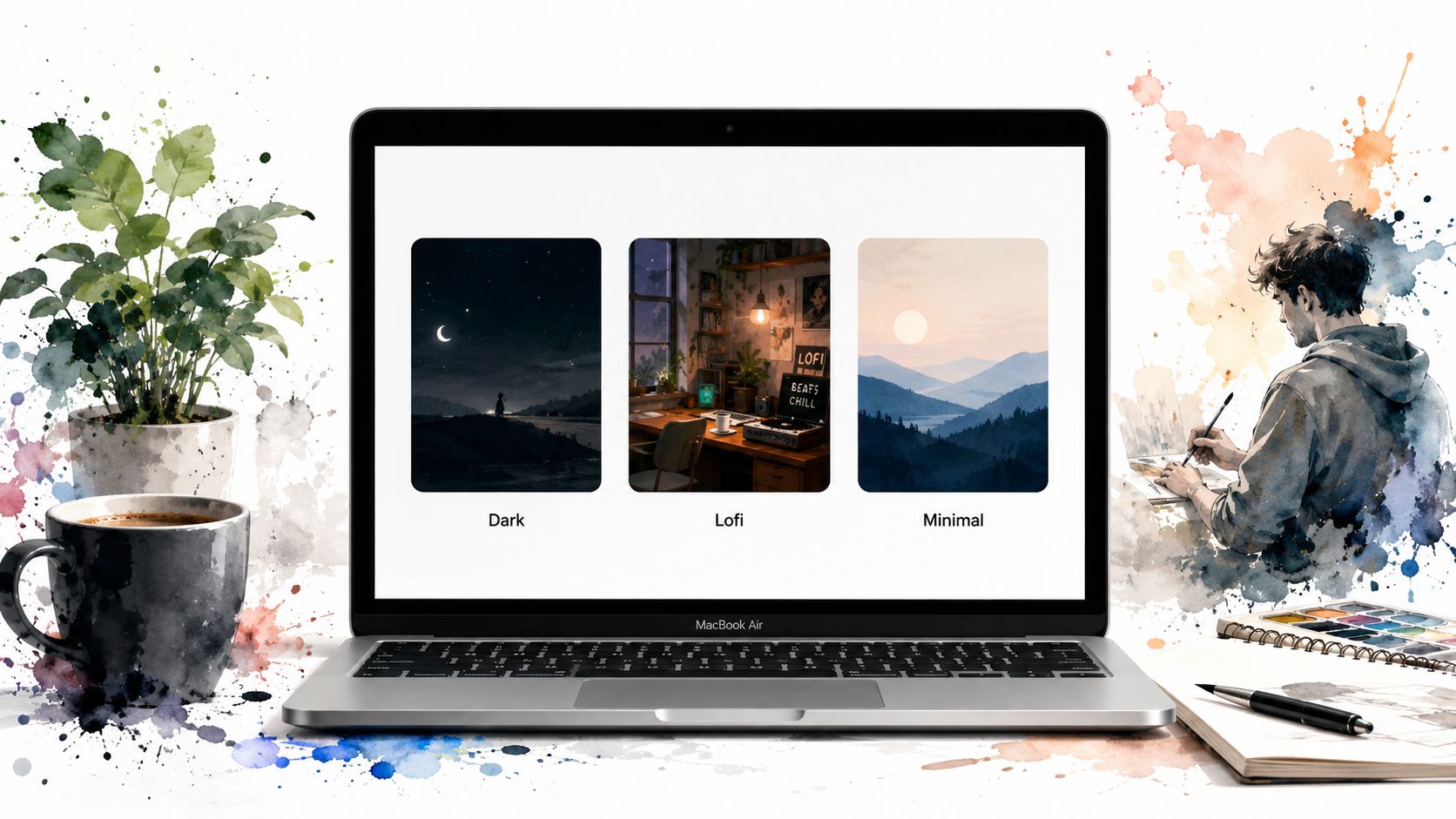
The trick is simple. Pick images with one obvious subject, restrained contrast, and enough empty space around the edges for menu bar items and desktop icons. That matters more on this machine than raw resolution charts do.
Dark scenes suit the screen
Dark wallpapers hide the panel's limitations better than bright, fussy artwork. They reduce the washed-out look older displays can show in pale gradients, and they make windows, the Dock, and menu bar text sit more comfortably on screen.
If you want a quick reference for cropping and fitting images cleanly, this guide to MacBook wallpaper size for different displays is useful.
A good dark wallpaper also matches the hardware. The silver chassis, black keyboard, and thin black display border all look more intentional against a low-glare background.
You can browse the dark wallpaper collection if you want something subdued that still feels current.
Lofi works because the screen is small
Lofi art fits the 11-inch Air unusually well. These scenes usually give you a lamp, a window, a desk, a train seat, one character, one mood. On a larger display that can feel a little too precious. On this Mac, it reads clearly and keeps the desktop from feeling crowded.
I like lofi on the 11-inch Air for another reason. It softens the machine's age instead of trying to hide it. The laptop already has a lightweight, inviting personality. A calm illustrated scene makes that feel deliberate.
Minimal and neon can both work
Minimal wallpapers are the safe choice, and often the smartest one. A single horizon, shape, moon, or gradient leaves room for actual work. That makes the desktop look larger than it is.
Neon is trickier, but not off-limits. It works best when the scene has a dark base and one bright focal area instead of detail in every corner. Simple cyberpunk alleyways, signs in rain, or distant city glow can look great here. Crowded sci-fi art usually collapses into visual noise.
How to Actually Get These Wallpapers
At some point the sensible question arrives. Fine, the old tiny laptop can still look good. How do you set this up without spending your afternoon in a swamp of hacks, weird utilities, and applications that look like they were designed during a Wi-Fi outage in 2009?
The clean route is a native wallpaper tool built for modern macOS behavior. If you specifically want live wallpapers on the desktop, lock screen, and screen saver, start with a guide that shows the current process for how to get live wallpapers on Mac.
What matters when choosing the software
Don't judge only by the preview library. Judge by how the app behaves.
- Lock screen support matters. The fun of a live wallpaper is seeing it when you wake the Mac, not only after you've already logged in.
- A still desktop option matters too. Older hardware benefits from a calm default.
- Direct download is not a red flag by itself. Some Mac customization features can't live comfortably inside App Store rules.
For this particular setup, the practical offer is simple. There's a 7-day free trial with no credit card, a $4.99 one-time purchase at launch price, and a 30-day money-back guarantee. It requires macOS 26 (Tahoe) or later, and it's distributed directly because Apple's sandboxing rules get in the way of live lock screen wallpapers. The app is notarized by Apple.
If you still love the 11-inch Air, the goal isn't to turn it into a new machine. It's to let it be itself, just with better taste.
The machine already gives you the portability. The right wallpaper setup gives you the sense that this old compact Mac still has some ceremony left in it.
If your Mac is going to sit in front of you for hours, it might as well look like somebody cared. gifPaper lets you set live wallpapers on your lock screen, desktop, and screen saver using Apple's native wallpaper format. It's a slightly absurd thing to care about, which is exactly why it's good.