How to Get an Aesthetic Wallpaper GIF on Your Mac the Right Way
You searched for "aesthetic wallpaper gif" because you want your Mac to look less like a spreadsheet machine and more like a vibe. I get it. The problem is, actual GIF files are a technical dead-end from the 90s, and they're a terrible way to get what you want.
They have a special talent for making your Mac's fan sound like a tiny jet engine while displaying a grainy, pixelated mess.
The Great GIF Deception
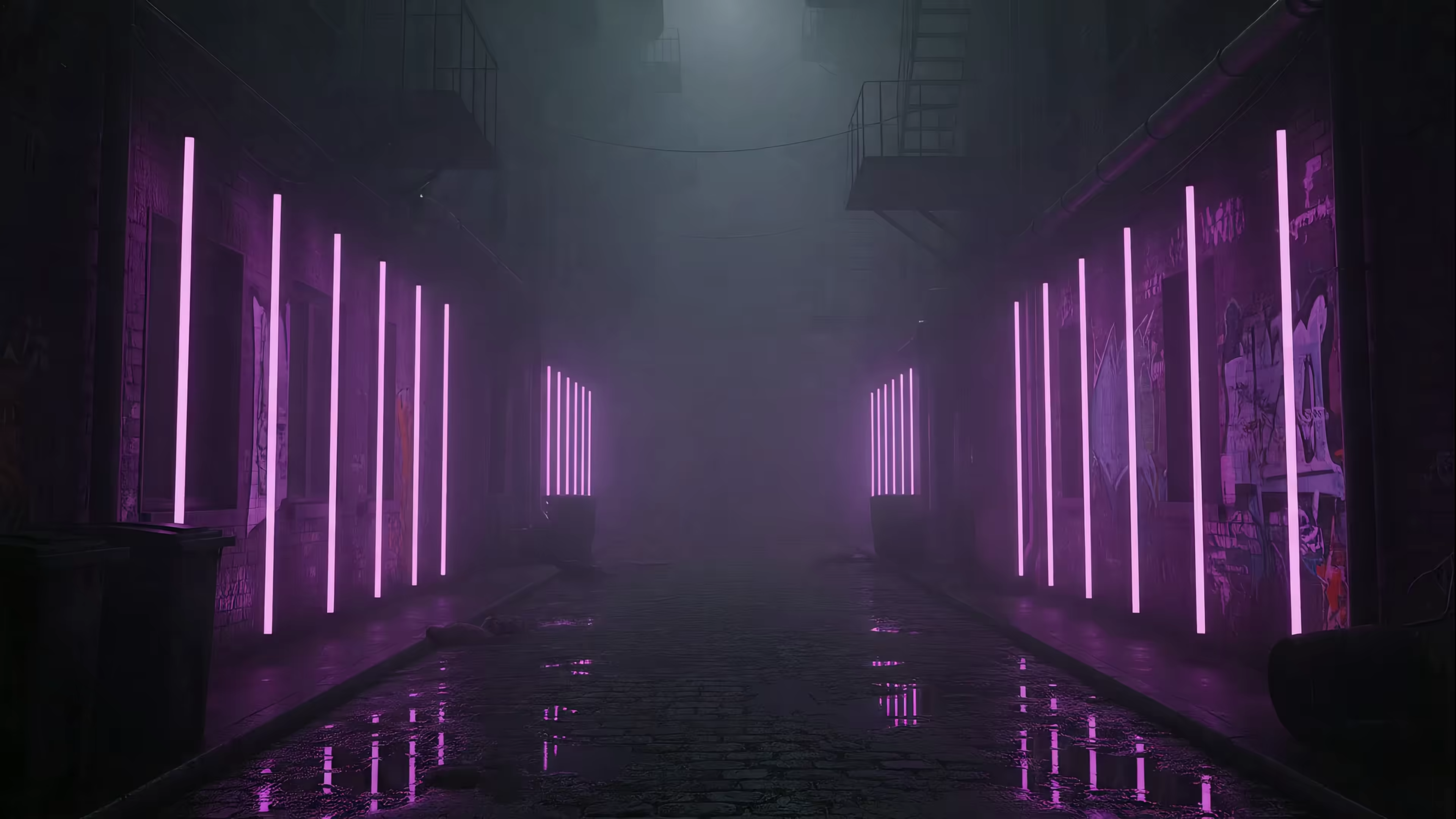
You don't actually want a GIF. You want the feeling of a GIF: a seamless, looping, living scene that brings your desktop to life. You want the lofi girl studying in her room or a neon-drenched alley in the rain.
You're chasing an aesthetic, not a file format.
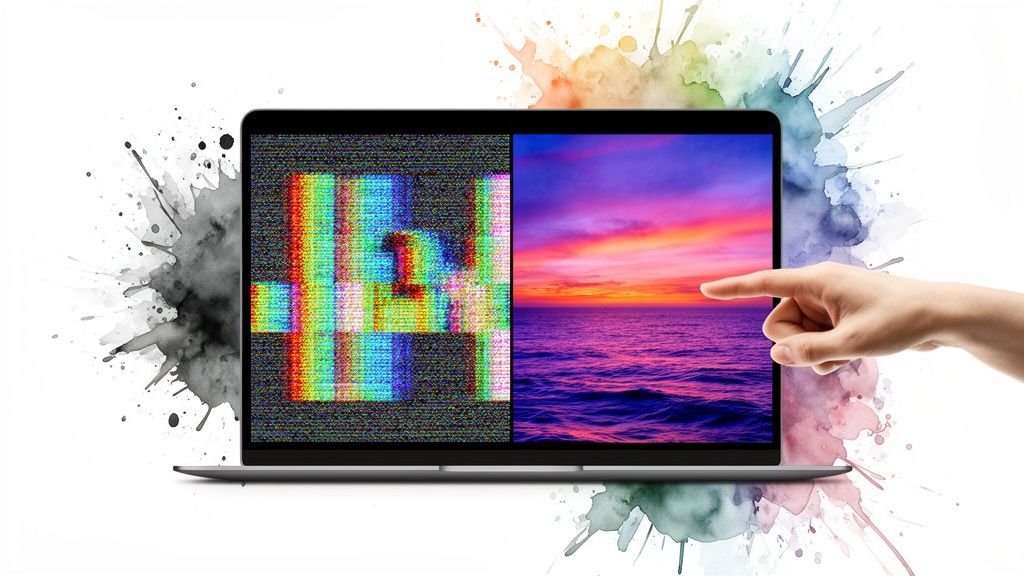
The term "aesthetic wallpaper gif" has become a catch-all for any moving background, but using a literal .gif file is like trying to watch a 4K movie on a black-and-white TV. It technically works, but the result is painful.
Why GIFs Are a Terrible Choice for Your Wallpaper
The GIF format was created in 1987. Your Mac's Retina display was not. The mismatch is almost comical. Somewhere out there, a teenager in 1987 is drawing a neon landscape in a notebook during math class, blissfully unaware that their art format will one day torture a 4K display.
Here's a quick breakdown of why it's such a bad idea.
GIFs vs Modern Video Wallpapers: A Showdown
This table really says it all. Traditional GIFs just can't compete with the technology available today.
| Feature | Traditional GIF | Modern Video Wallpaper |
|---|---|---|
| Color Support | 256 colors max | 16.7 million+ colors |
| Resolution | Low-res, pixelated | Crisp 4K and higher |
| File Size | Huge and inefficient | Highly compressed, small |
| CPU Usage | High, constant drain | Near-zero, hardware accelerated |
| Battery Impact | Significant drain | Minimal to none |
| Looping | Often has a visible "jump" | Perfectly seamless |
On one side, you have a format that struggles with basic gradients. On the other, you have cinema-quality video that barely sips your battery. It's not much of a fight.
What you're really looking for is a high-quality, looping video wallpaper. It delivers the smooth motion you want but with crisp 4K resolution and vibrant colors—all while being incredibly efficient. For more on this, check out the guide on setting a GIF as your desktop wallpaper (and why you should use video instead).
The goal is to get the aesthetic you're searching for, just with better technology. Think of it as wanting a vintage vinyl record sound, but listening to it on a high-fidelity turntable instead of a broken gramophone.
The modern solution uses optimized video that's built for this exact purpose. It provides a far superior visual experience without turning your MacBook into a space heater.
This distinction is the key. You want the motion, the mood, the aesthetic—not the ancient, clunky file format that just happens to share a name with your goal. Leave the GIFs in old forum signatures where they belong.
Finding Aesthetic 'GIFs' That Aren't Awful
Alright, we've established that actual GIFs are a technical dead end for wallpapers. Time to find the good stuff. You're really looking for a high-quality, seamlessly looping video that has that 'aesthetic wallpaper GIF' vibe, but without the terrible performance.
There are two ways to go about this: the DIY path and the curated path.
The Forager vs. The Chef
The DIY approach is like foraging for wild mushrooms. You can spend hours sifting through stock video sites like Pexels or Coverr, hunting for that one perfect, high-res clip that actually loops. It's rewarding when you find a gem, but it's a massive time sink.
You become the quality control department. You'll find something that looks great, only to realize it has a jarring jump-cut every six seconds. If you find a clip that's almost perfect, you could try to fix it yourself with a tool to loop video online, but that's another step and another skill to learn.
The Curated Approach
The other option is to go with a curated collection. This is the chef's table experience. The ingredients have been sourced, vetted for quality, and prepared perfectly. You just get to enjoy it.
Collections built for this exact purpose, like the neon wallpaper or lofi wallpaper collections I've created, offer pre-vetted, perfect loops. Each one is designed from the ground up to be a seamless, 4K experience right out of the box.
You get the perfect aesthetic without the guesswork, the endless searching, or the discovery that your "perfect loop" has a glaring glitch every four seconds.
Ultimately, it comes down to how you want to spend your time. Do you enjoy the hunt for unique video clips, or do you just want to sit down to a perfectly prepared visual feast? For more ideas on crafting that vibe, check out the guide on achieving the ultimate MacBook aesthetic.
There's no wrong answer, but only one of them gets a beautiful moving wallpaper on your Mac in the next five minutes.
The Problem with Other Mac Wallpaper Apps
So you've got the perfect, high-quality looping video. Now what? You might be tempted to grab the first wallpaper app you find on the Mac App Store. A word of caution: most are a terrible deal for your Mac.
Many of these apps are little more than glorified web browsers or clunky screen overlays. They run a transparent browser window behind your icons or plaster a video player over your desktop. It looks like a moving wallpaper, but it's a hacky workaround that comes with a steep performance tax.
This approach constantly eats up your CPU and hogs RAM, making your entire Mac feel sluggish. Ever had your fans spin up just from checking your email? This is why. It's like forcing your Mac to run a marathon just to look pretty while standing still.
The Lock Screen Disconnect
Even more frustrating is the lock screen experience. Most other wallpaper apps simply can't touch it. You end up with a beautiful, dynamic desktop that abruptly gives way to a boring, static login screen every time you wake your Mac.
It's a jarring disconnect. You wake your Mac, and for a split second, you get a glimpse of a static, default image before your fancy wallpaper finally loads. It breaks the illusion completely.
This happens because these apps are essentially putting a sticker on top of your existing desktop. They aren't integrating with macOS on a deeper, system level. They can't change the core components that control the lock screen.
Doing It the Right Way
I built gifPaper for Mac differently. Instead of fighting the system with overlays and hacks, it works with it.
It's the first and only app that uses Apple's native Aerial wallpaper format. This is the same hyper-efficient system Apple itself uses for its own gorgeous video wallpapers, like those swooping shots of landmarks.
- It's not a hack: It uses the technology as Apple intended, which means it's incredibly lightweight. Your Mac thinks these are its own wallpapers.
- It's battery-friendly: Your MacBook's battery life won't take a nosedive.
- It's seamless: It sets your wallpaper for the lock screen, desktop, and screen saver all at once. One action sets both.
The result is a flawless experience. When you wake your Mac, the lock screen is already alive with your chosen aesthetic. The animation smoothly slows to a stop as you type your password, transitioning perfectly to your desktop.
Other apps put a sticker on your Mac; gifPaper rebuilds the wall and paints a masterpiece on it.
Setting Your New Wallpaper with gifPaper
Alright, you've found the one. That perfect looping video is ready to replace Apple's default Hawaiian drone footage. This is the easy part. The whole point of building the gifPaper app was to make this process ridiculously simple.
You can grab the app directly from the gifPaper homepage. It's not on the Mac App Store, because Apple's sandboxing rules prevent apps from changing live lock screen wallpapers. No problem. The app is fully notarized by Apple, which is their stamp of approval saying it's safe and malware-free.
It comes with a 7-day free trial. No credit card, no weird sign-ups. You get full access to the app and the entire wallpaper library instantly.
From Download to Delight in One Click
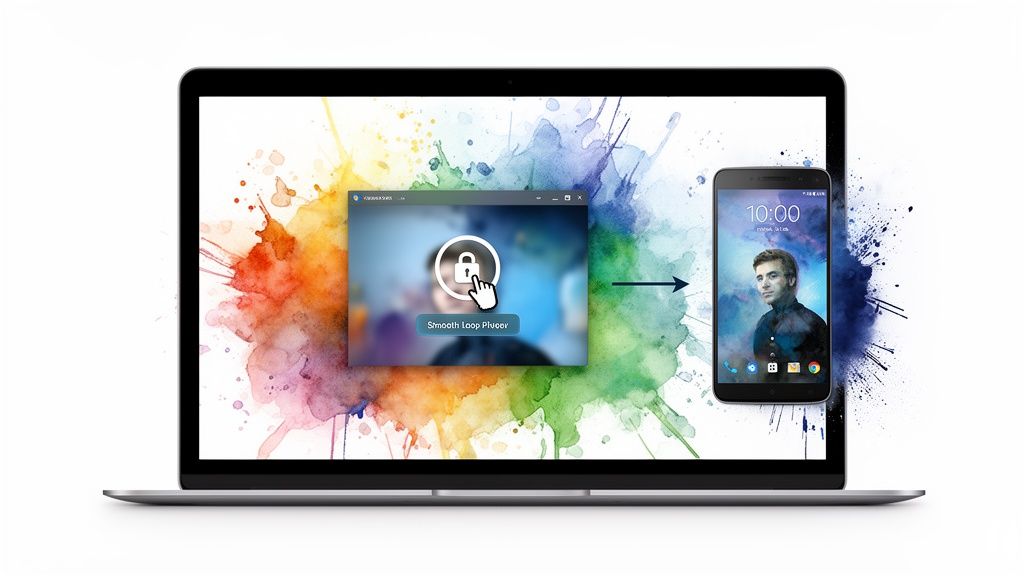
Once you've installed the app, setting a wallpaper is literally a one-click job. You browse the gallery inside the app, find the video you want, and click "Set Wallpaper." That's it.
This one click sets your chosen wallpaper everywhere: the lock screen, the desktop, and the screen saver. No more disjointed experiences or digging through three different settings panels.
Your Mac's vibe is now consistent from the moment you wake it up to the moment it goes to sleep. It's a small detail, but it makes the whole experience feel more polished and personal.
How It All Works
The goal was to make this feel native, not like some clunky app running in the background. It's about thoughtful integration, not just throwing a video on your desktop and calling it a day.
Here's how the core features behave:
-
The Lock Screen: This is where the magic happens. When you wake your Mac, it doesn't just blink on—it comes alive. Your chosen wallpaper is already playing in full, fluid motion, then slows to a graceful stop as you unlock. It's the exact same behavior as Apple's own video wallpapers, but you get to choose from a library of over 150+ options.
-
The Desktop: By default, your desktop shows a beautiful, high-res still frame from the video. You get the aesthetic without a constant, distracting motion loop while you're trying to work. Feeling fidgety? A simple toggle in the menu bar brings the animation to life anytime you want.
-
The Screen Saver: Remember screen savers? They're back, and they're finally not just flying toasters. When your Mac goes idle, it will display your chosen wallpaper in all its looping glory, turning an idle screen into a piece of living art.
It turns out people really care about what their walls look like, both physical and digital. North America is the biggest market for traditional wallpaper, which shows a huge appetite for investing in quality aesthetics. If you're curious about the data, you can read the full research about the wallpaper market on techsciresearch.com. This obsession with our surroundings is exactly why getting your digital space right matters, too.
Your Mac Deserves Better Than a Grainy GIF
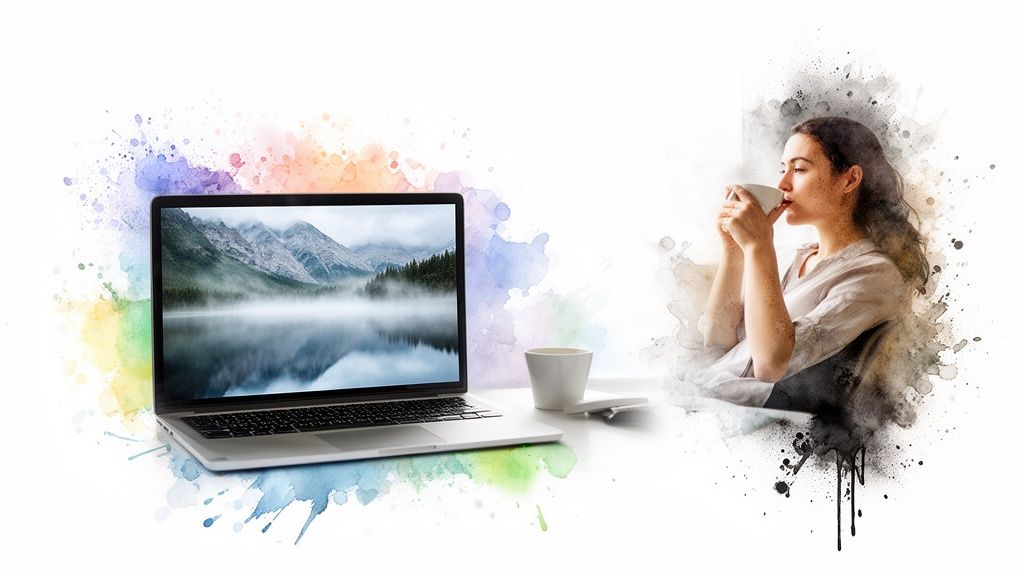
Let's be real. When you search for an "aesthetic wallpaper GIF," you have a specific vibe in mind. You want your Mac to feel like a small island of calm in a sea of emails and spreadsheets. The goal is valid. The technology you're reaching for is the problem.
Trying to use a literal GIF file from the 1990s on a modern Mac is like putting bicycle wheels on a sports car. The result is a grainy, pixelated, battery-draining mess that completely wastes your Mac's beautiful screen.
What you actually want is a high-quality video wallpaper.
The Modern Solution for a Modern Mac
That's where gifPaper for Mac comes in. It's built to deliver the vibe you were searching for, but with the technology your Mac deserves. This isn't just about pretty pictures; it's about making your digital space your own.
And people are investing in their spaces. The global wallpaper market is projected to hit $2.44 billion by 2030, a clear sign that we care about our surroundings. This trend isn't just for physical walls anymore—it extends to the digital ones we stare at for hours every day. You can read more on the commercial wallpaper market at openpr.com if you're into that sort of thing.
The Best Way to Get the Vibe You Want
With over 150+ curated 4K wallpapers, gifPaper gives you a whole library of moods to choose from. You're going to stare at this screen for a third of your life anyway. It might as well be something that doesn't make your eyes bleed.
If you've read this far, you clearly care about your Mac's appearance. You're not just looking for a file; you're looking for a feeling. This is the best way to do it right.
It's a $4.99 one-time purchase. Not another subscription chipping away at your bank account every month.
The most logical next step? Give it a try. The 7-day free trial is completely risk-free, with full access to every wallpaper and feature. You've got nothing to lose except that default desktop background you're tired of.
A Few Questions I Get Asked a Lot
Here are the straight answers to the questions that usually pop up. No corporate jargon, just the facts.
Will This Murder My Mac's Battery?
Nope. And this is a big one. A poorly-made app or a janky, un-optimized GIF can absolutely chew through your battery. I built gifPaper to avoid that.
It piggybacks on Apple's own native, hyper-efficient system for video wallpapers—the same one they use for their Aerial drone footage. It's designed from the ground up to be as light as possible.
By default, the desktop just shows a beautiful, crisp still frame. That uses zero extra power. The full video animation only plays when you want it to—on the lock screen or as a screen saver. You get all the aesthetic, none of the battery anxiety.
Can I Use My Own GIF or Video?
Not yet. For now, gifPaper is a closed system. Think of it like a restaurant with a set menu from a chef you trust.
This is all about quality control. I want to guarantee that every single wallpaper loops perfectly, looks incredible in 4K, and just works without you having to fuss with file formats, resolutions, or compression settings. The goal is to make the included collection so good you won't feel the need to look elsewhere.
I am looking into ways to let you bring your own files, but I won't release that feature until I can make sure the experience is seamless and meets the same quality standard as the built-in library.
Why Isn't This on the Mac App Store?
A fair question. The short answer: Apple's rules would make the app worse.
The Mac App Store has strict "sandboxing" requirements. These rules prevent apps from making changes to core parts of the operating system, like the live lock screen wallpaper.
To provide that seamless, native lock-screen-to-desktop experience that makes gifPaper special, it has to be distributed directly. The app is fully notarized by Apple, which is their official stamp of approval. It means they've scanned it for malware and confirmed it's safe to install and run on your Mac.
Is This a Subscription? Please Say No.
It's a one-time purchase. Absolutely. No subscriptions. No hidden fees. No in-app purchases to unlock more wallpapers.
You pay $4.99 once—that's the special launch price—and you get the app, all 150+ current wallpapers, and every future wallpaper and app update, forever.
In an age of being nickel-and-dimed by a dozen different subscriptions, I think there's something to be said for paying for a thing once and actually owning it. It feels like a small act of rebellion.
Ready to give your Mac the desktop it deserves? You've seen why old-school GIFs fall short and how using the right technology—Apple's own—makes all the difference.
See for yourself. Try gifPaper with a 7-day free trial. No credit card required.