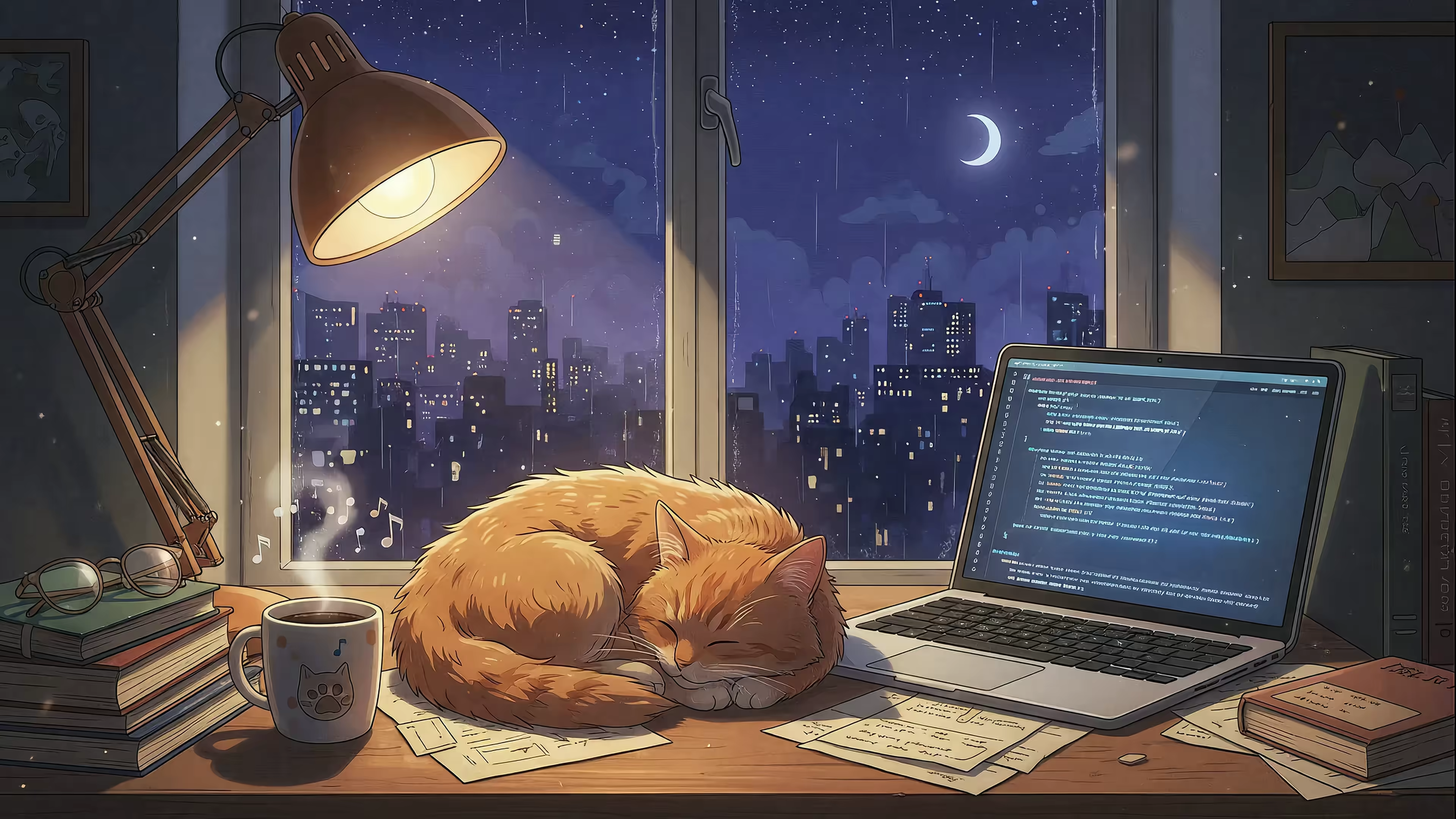
Your Mac Deserves Better Than A Desktop GIF Wallpaper
When you search for a "desktop GIF wallpaper," you're not actually looking for a pixelated, 256-color animation from the dial-up era. You're looking for something that makes your beautiful, high-resolution Mac screen feel alive.
You want a background that lives and breathes—something that matches the quality of the hardware you stare at all day.
Why Your Mac Deserves Better Than A GIF Wallpaper
The idea is fantastic. A dynamic, looping scene on your desktop is a great upgrade from a static photo.
But using an actual GIF file to do it? That's like trying to play a 4K movie on an original Game Boy screen. The technology simply wasn't built for the job.
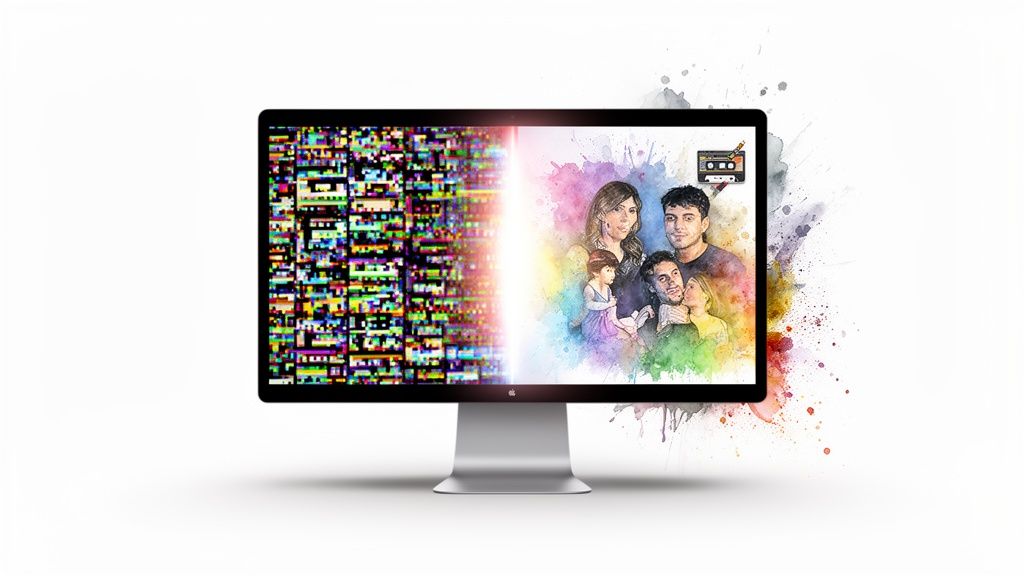
You're smart for wanting an upgrade, not silly for starting your search with GIFs. You're going to look at your Mac for hours anyway. Might as well make it pretty. It's just the technical solution that needs a serious update.
The Problem With Actual GIFs
The Graphics Interchange Format (GIF) was created way back in 1987. To put that in perspective, the original Macintosh was only three years old. GIFs were designed for a world of slow internet and tiny, low-resolution monitors. Their limitations are baked right into their DNA:
- Terrible Color: A GIF can only display a maximum of 256 colors. Your Mac's Retina display, by contrast, can show over a billion. That massive gap is why GIFs often look grainy, splotchy, or "crunchy" on a modern screen.
- No Real Transparency: GIFs support a basic, all-or-nothing transparency. A pixel is either 100% there or 100% gone, which results in jagged, ugly edges instead of the smooth gradients you're used to.
- Huge File Sizes: For the low visual quality they deliver, GIF files are surprisingly large. A short, low-res animated GIF can easily be several megabytes, while a much longer, higher-quality video is often smaller thanks to modern video compression.
In short, a GIF is a charming relic. It's perfect for a reaction in a chat message, but it's a technical disaster for a full-screen, high-definition wallpaper. Your Mac is capable of so much more.
The Modern Alternative: Video Loops
The aesthetic you're really chasing—a beautiful, moving background—is better served by a completely different technology: seamlessly looping video.
Modern video files, like the 4K MP4 loops used by gifPaper, solve all the problems that come with the GIF format. You get millions of colors, smooth motion, and crisp detail, all in an efficient file that won't grind your system to a halt. For a deeper dive, you can learn more about what live wallpapers are and how they work on macOS.
This isn't about abandoning the idea of a desktop GIF wallpaper. It's about fulfilling its promise with technology that actually does it justice. You want a dynamic, looping scene, and that's precisely what a well-made video wallpaper delivers—without the technical baggage of a file format that's older than the person who wrote this.
The Jump From Pixelated GIFs To 4K Video Loops
Moving from a classic GIF wallpaper to a 4K video loop isn't just an upgrade. It's like switching from a fax machine to a 4K TV. Sure, they both show you an image, but the quality, the detail, and the whole experience are worlds apart. A desktop GIF is the fax machine here — charmingly retro, but fundamentally broken on a modern high-resolution screen.
The GIF format was born in the 1980s, a clever fix for a time when monitors were tiny and the internet screamed at you through a modem. It was never meant for full-screen, high-fidelity playback. Its biggest flaw? A crippling 256-color palette. This is why GIFs have that signature grainy, banded look, where smooth color gradients turn into chunky, ugly steps. On a Mac display that shows millions of colors, it's just painful.
GIF vs 4K Video Wallpaper At A Glance
This table breaks down the technical gap between the old-school GIF and a modern 4K video wallpaper, like the ones used in gifPaper.
| Feature | GIF Wallpaper | 4K Video Wallpaper (Like gifPaper) |
|---|---|---|
| Color Palette | 256 colors max | Over 16 million colors |
| Resolution | Low-res, pixelated | Crisp, native 4K |
| File Size | Often large for poor quality | Highly efficient, smaller files |
| Visual Quality | Grainy, color banding | Smooth gradients, photorealistic |
| Playback | Can be choppy, CPU-intensive | Smooth, hardware-accelerated |
The difference is night and day. One was built for dial-up; the other is built for your Retina display.
The Technical Divide
Modern video formats, like the HEVC (H.265) codec inside MP4 files, are a different beast entirely. They were designed from the ground up for quality and efficiency. It's the same technology that powers the crisp 4K streams you watch on Netflix, and it's the perfect engine for a beautiful animated wallpaper.
Here's what that leap in technology actually gets you on your desktop:
- Real Color: Instead of 256 colors, you get over 16 million. This means photorealistic gradients, subtle lighting, and rich, deep colors that make a scene feel immersive, not compressed.
- Smarter Compression: Advanced video codecs are clever. They analyze frames and only store the tiny parts of the image that change, leading to surprisingly small file sizes for incredible quality. A short, looping 4K wallpaper is often smaller than a janky GIF of the same length.
- Flawless Playback: Video formats are built for smooth, consistent motion. They're optimized for modern graphics hardware, playing back cleanly without the stuttering or glitches that plague complex GIFs.
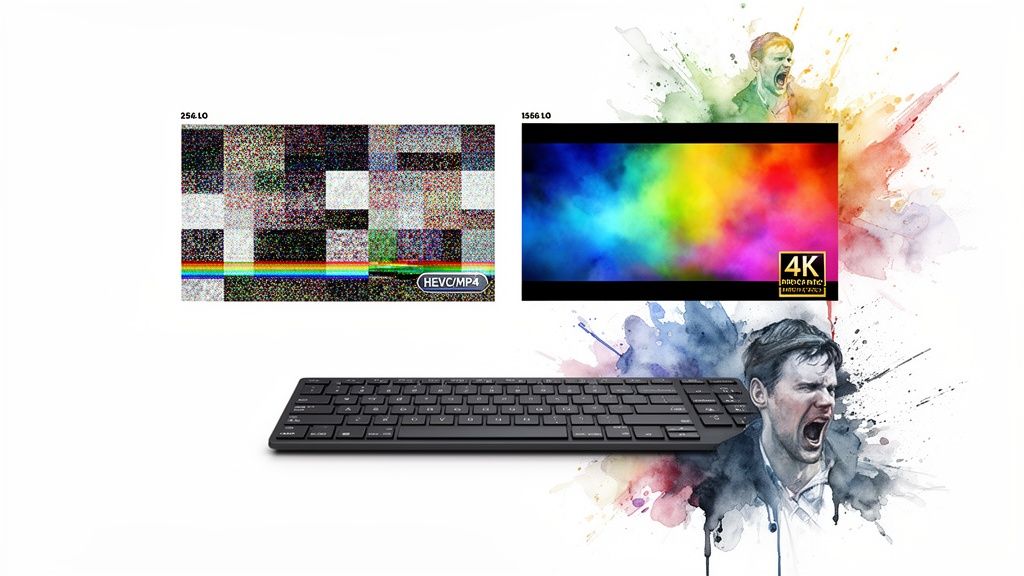
Why Video Is The Only Real Choice
Choosing a 4K video loop over a GIF for your Mac isn't just about looks; it's a practical decision. You want something that looks incredible without dragging your system to a halt. A well-optimized video wallpaper does exactly that—a feast for the eyes that's surprisingly gentle on your resources. For those interested in making their own, there are plenty of video maker tools available.
The term "desktop GIF wallpaper" still hangs around because it perfectly captures the feeling we're all chasing: a simple, looping animation. But to actually get that on a modern Mac, the answer isn't a GIF. It's a high-quality video loop.
By switching to video, you aren't giving up on the dream of a dynamic desktop. You're finally achieving it with the right technology. You get the looping magic of a GIF with the breathtaking quality of a 4K film.
It's the upgrade your Retina display has been waiting for. For more on getting this set up perfectly, see our complete guide to 4K wallpaper for MacBook Pro.
Will a Live Wallpaper Actually Slow Down My Mac?
This is the big one. The moment you consider something as cool as an animated wallpaper, a tiny voice in your head starts whispering about CPU cycles and battery life. And you're right to be skeptical.
Most live wallpaper apps are famous for being resource vampires, turning your sleek Mac into a wheezing, overheated slab of aluminum.
The fear is valid. A poorly made animated wallpaper is just a badly optimized video playing on a loop, constantly demanding attention from your processor. It's like having a needy houseguest who won't stop talking, even when you're trying to work.
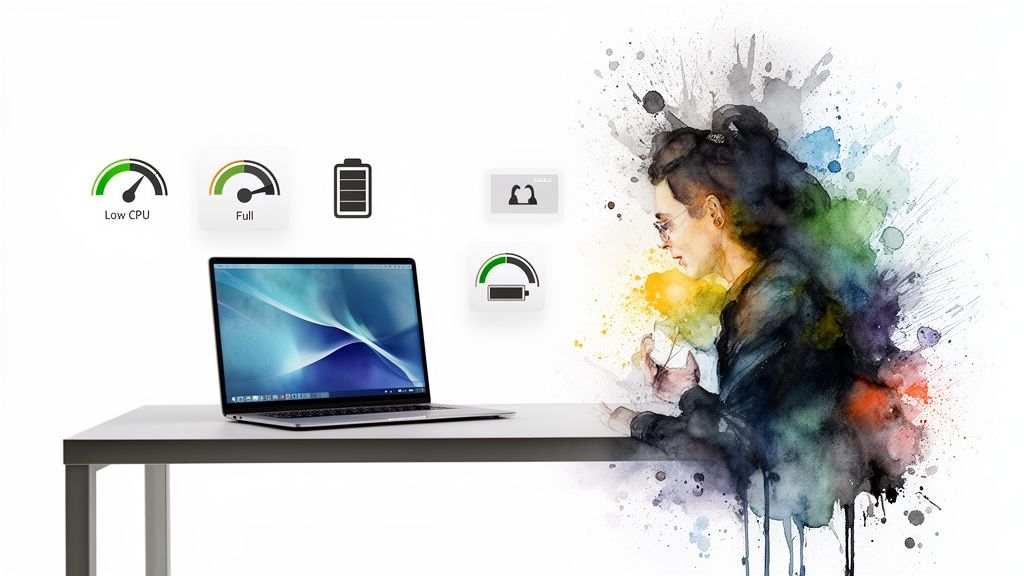
But not all live wallpapers are created equal. The difference between a performance hog and an efficient one comes down to how it's built. Is it a hacky overlay fighting the system, or is it working with it?
The Problem With "Hacky" Solutions
Many wallpaper apps are basically just crude overlays. They force a video player window to stay pinned to the back of your desktop, running constantly and fighting with macOS for resources. This brute-force method is what gives animated wallpapers a bad name, causing noticeable slowdowns and sad, rapidly draining batteries.
This isn't just an old problem; it's a persistent one. And it points to a bigger trend: people want beautiful desktops, but they're getting smarter about demanding software that doesn't turn their machine into a space heater.
The market reflects this. The global wallpaper software market was valued at $1.2 billion in 2024 and is projected to more than double to $2.5 billion by 2033. Live wallpapers are the fastest-growing part of this market, proving users want dynamic visuals without the performance hit. You can dig into the full market growth analysis on Verified Market Reports.
The gifPaper Difference: Native Integration
The good news? There's a much smarter way to do this. Instead of fighting macOS, you can just use the tools Apple provides.
The secret to a performance-friendly live wallpaper is using Apple's own native framework. gifPaper is the first and only app built on Apple's native Aerial wallpaper format—the same system Apple uses for its own gorgeous, slow-motion screen savers and dynamic desktops.
This isn't a hack. It's a modern, hardware-accelerated method designed by Apple's own engineers specifically for this purpose. Because it's a native system, macOS knows exactly how to handle it efficiently.
Here's what that means for you in practical terms:
- It Pauses Automatically: The wallpaper only animates when you can actually see it. The second you open an app in full screen or your desktop is covered by windows, the animation pauses. It doesn't waste a single CPU cycle rendering something that isn't visible.
- Minimal CPU Usage: When it is running, the playback is handled by your Mac's graphics hardware, not the main processor. This is incredibly efficient. You can keep editing a 4K video or have 50 browser tabs open; your wallpaper won't get in the way.
- No Battery Drain Drama: Because the wallpaper is paused most of the time you're actually working, its effect on battery life is minimal. It's designed for the reality of how you use your computer—in bursts of aesthetic appreciation between bouts of actual work.
In short, a modern live wallpaper app shouldn't slow down your Mac. If it does, it's using the wrong approach. By using Apple's native tech, gifPaper for Mac ensures your desktop can be beautiful without sacrificing the performance you need.
It's all the cozy vibes, none of the system lag.
Curated Wallpaper Ideas To Replace Your Old GIF
Alright, enough about why 4K video loops are better than grainy GIFs. Let's get to the fun part: picking one. You're going to stare at this screen for hours every day. It might as well be something you actually enjoy looking at.
Switching to a moving wallpaper is about setting a mood—making your digital space feel as intentional as your physical one. Here are a few ideas to get you started, leaving that old desktop GIF wallpaper in the dust.
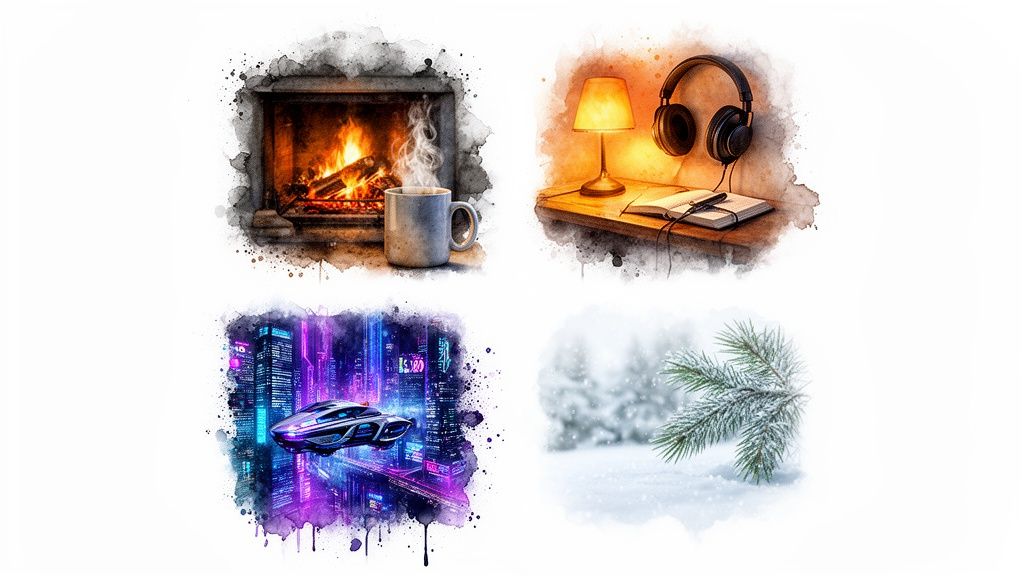
For Cozy Vibes and Pretending to Be Productive
Sometimes you need an atmosphere that feels warm and focused, even if you're just answering emails in your pajamas. Cozy aesthetics are perfect for this, creating a sense of calm that a default background just can't touch. Think late-night work sessions or rainy Sunday afternoons.
- The Crackling Fireplace: This is the undisputed champion of coziness. You get all the warmth and flickering light of a real hearth with none of the smoke or having to chop wood. The fireplace wallpaper collection delivers that classic, comforting vibe on demand.
- The Lofi Study Corner: For moments when you need to channel your inner "lofi girl studying," the right wallpaper is non-negotiable. These scenes are built for focus, with gentle rain, quiet rooms, and the soft glow of a desk lamp.
A moving background in this style can turn your Mac into a serene bubble of productivity. Or, at least, a bubble where you can pretend to be productive. Check out the full lofi wallpaper collection to find your perfect study-and-procrastination partner.
For Sci-Fi Daydreams and Escapism
Ready to leave the mundane behind? Some wallpapers are less about coziness and more about pure escapism. Think less "cozy cabin" and more "cyberpunk metropolis" or "drifting through the cosmos."
These are for when you want your Mac to feel like a portal to another world. They're bold, atmospheric, and a world away from a standard desktop GIF wallpaper.
An aesthetic isn't just a look; it's a feeling. Choosing a wallpaper that transports you can make the hours spent at your desk feel a little less ordinary. It's a small act of rebellion against the default.
The neon and space categories are packed with options here. Imagine your screen filled with rain-soaked alleys glowing with neon signs, or the silent, majestic drift of a spaceship through a nebula. It's perfect for feeling like you're in a '90s sci-fi movie while you're actually just editing a spreadsheet.
Dig into the neon wallpaper and space wallpaper categories when your desktop needs a dose of the extraordinary.
For Appreciating Nature Without the Bugs
If your idea of a perfect view involves more trees and fewer pixels, a nature-themed live wallpaper is the answer. These loops bring the tranquility of the outdoors straight to your screen—minus the mosquitos and spotty Wi-Fi.
Whether it's a gentle snowfall in a quiet forest or the subtle sway of leaves in a sun-dappled wood, these scenes offer a breath of fresh air for your digital workspace. The goal is to capture a single moment of peace and loop it forever.
You can find everything from serene lake views to blustery winter wallpaper scenes that make you want to curl up with a hot drink. It's the easiest way to get a window with a better view.
These ideas are just a starting point. With over 150 high-quality video loops available, you can find a moving wallpaper for just about any mood or aesthetic you can dream up. For a step-by-step tutorial, check out our guide on how to get live wallpapers on Mac.
The Best Way to Set a Live Wallpaper on Your Mac
Alright, let's get this right. You started this looking for a "desktop GIF wallpaper." It's what everyone calls them. But what you really want isn't the file format—it's the feeling. A beautiful, seamless, high-quality moving wallpaper for your Mac. Not some pixelated relic from 1995.
You're going to stare at this screen for thousands of hours. It might as well be something you love looking at. This isn't about productivity or life hacks. It's a small upgrade that makes your digital space feel a little more yours.
The Simple, Straightforward Offer
So here's the part where I pitch the solution. But instead of some slick sales page, let's just talk like humans. I made gifPaper for Mac to do one thing, and do it perfectly: set gorgeous, looping 4K video wallpapers on your desktop and lock screen.
The goal was simple: build the app I wanted for myself. Something that delivers beautiful visuals without the performance anxiety, subscriptions, or weird workarounds that plague other apps.
It's an honest product for a fair price. Here's exactly what you get:
- A 7-Day Free Trial: Try everything, no strings. All 150+ wallpapers and all features are unlocked. No credit card needed.
- A One-Time Purchase: If you like it, the app is $4.99. That's the launch price. It's not a subscription. Buy it once, it's yours forever.
- A 30-Day Money-Back Guarantee: If you're not happy for any reason, just let me know. I'll refund you, no questions asked.
Why It's Worth It
For less than a fancy coffee, you get to completely change the screen you look at all day. Wake your Mac to a living lock screen that gracefully slows to a stop as you unlock. Enjoy a beautiful still frame on your desktop by default, then toggle the full animation whenever you want. And bring back screen savers that are actually worth watching.
This is the upgrade your Mac has been waiting for. It's the best—and only—way to get a native video lock screen and desktop experience. The download link is right below. Give it a try.
Frequently Asked Questions
You've got questions. Good. It means you're paying attention. Here are the most common ones that pop up.
Does gifPaper work on older versions of macOS?
It requires macOS 26 (Tahoe) or later. I built the app on top of Apple's modern Aerial wallpaper system—the same one they use for their own drone footage wallpapers. That's how it gets native performance and seamless lock screen integration without being a resource hog.
This native approach means it needs a recent OS. If you're on an older version, you'll need to update macOS first.
Will an animated desktop wallpaper drain my battery?
Not with a well-built app. By default, gifPaper shows a beautiful, crisp still frame on your desktop. This keeps things lightweight with zero battery impact. The full video animation only plays on your lock screen or when you deliberately toggle it on from the menu bar.
The animation is smart, too. It automatically pauses whenever your desktop is hidden by other windows or you're using a full-screen app. It only uses power when you can actually see it, which means the impact on your battery is minimal.
Why isn't gifPaper on the Mac App Store?
The short answer: Apple's rules. The Mac App Store has strict "sandboxing" requirements that prevent apps from modifying the lock screen. To offer the live lock screen feature—which is the whole point—the app has to be distributed directly.
Don't worry, the app is officially notarized by Apple. This is a security check Apple runs to confirm the app is from a known developer and is free from malicious code. It's the same seal of approval you get from an App Store download, just without the restrictive sandbox.
Is it really a one-time purchase?
Yes. It's $4.99 one-time, at the current launch price. No subscriptions. No in-app purchases to unlock more wallpapers. No hidden fees.
You buy it once and you get everything: all current and future app updates, plus the entire growing collection of 150+ live wallpapers. It's a straightforward price for an app that does one thing really, really well.
Ready to give your Mac the background it actually deserves? gifPaper makes it ridiculously simple.
Download the app to start a 7-day free trial—no credit card needed—and see what a difference a truly great live wallpaper makes.
Learn more at gifpaper.com/macos-app.