Elevate Your Screen: Ambient Desktop Backgrounds 2026
Your Mac stares at you for 8 hours. Make it interesting.
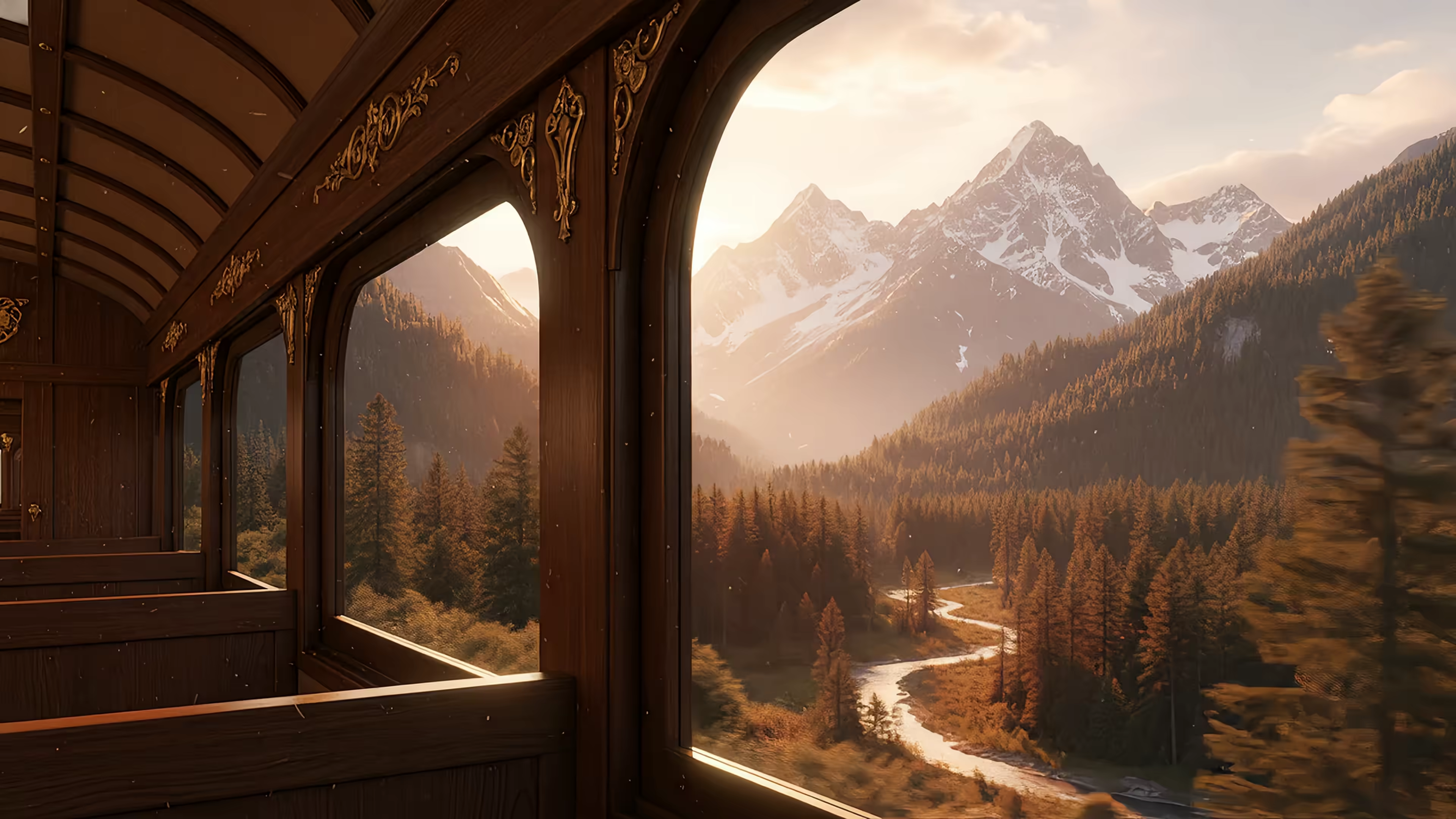
The default wallpaper is fine. It's tasteful drone footage of a place you'll never visit, probably with a mountain politely existing in the background. But fine is the enemy of great. Ambient desktop backgrounds turn the screen from a digital filing cabinet into a mood. It's the difference between a waiting room and a café where the lighting is suspiciously perfect and nobody asks you to buy another drink.
That urge to make desktops feel more alive isn't niche anymore. The global computer wallpaper software market was valued at about USD 1.4 billion in 2023 and is projected to reach USD 3.8 billion by 2033, with a projected 10.6% CAGR from 2025 to 2033, according to DataHorizzon Research on computer wallpaper software. People clearly aren't content with one static JPEG of Half Dome and a dream.
This isn't just a dry list of apps. It's a gallery of vibes. Calm nature. Lofi city scenes. Minimal motion. Tiny digital weather orbs for people who want their wallpaper to also be a control panel. If you're already fiddling with desktop aesthetics, the same part of your brain will probably also enjoy a good flip clock for Mac and iPhone. Different toy, same disease.
1. gifPaper
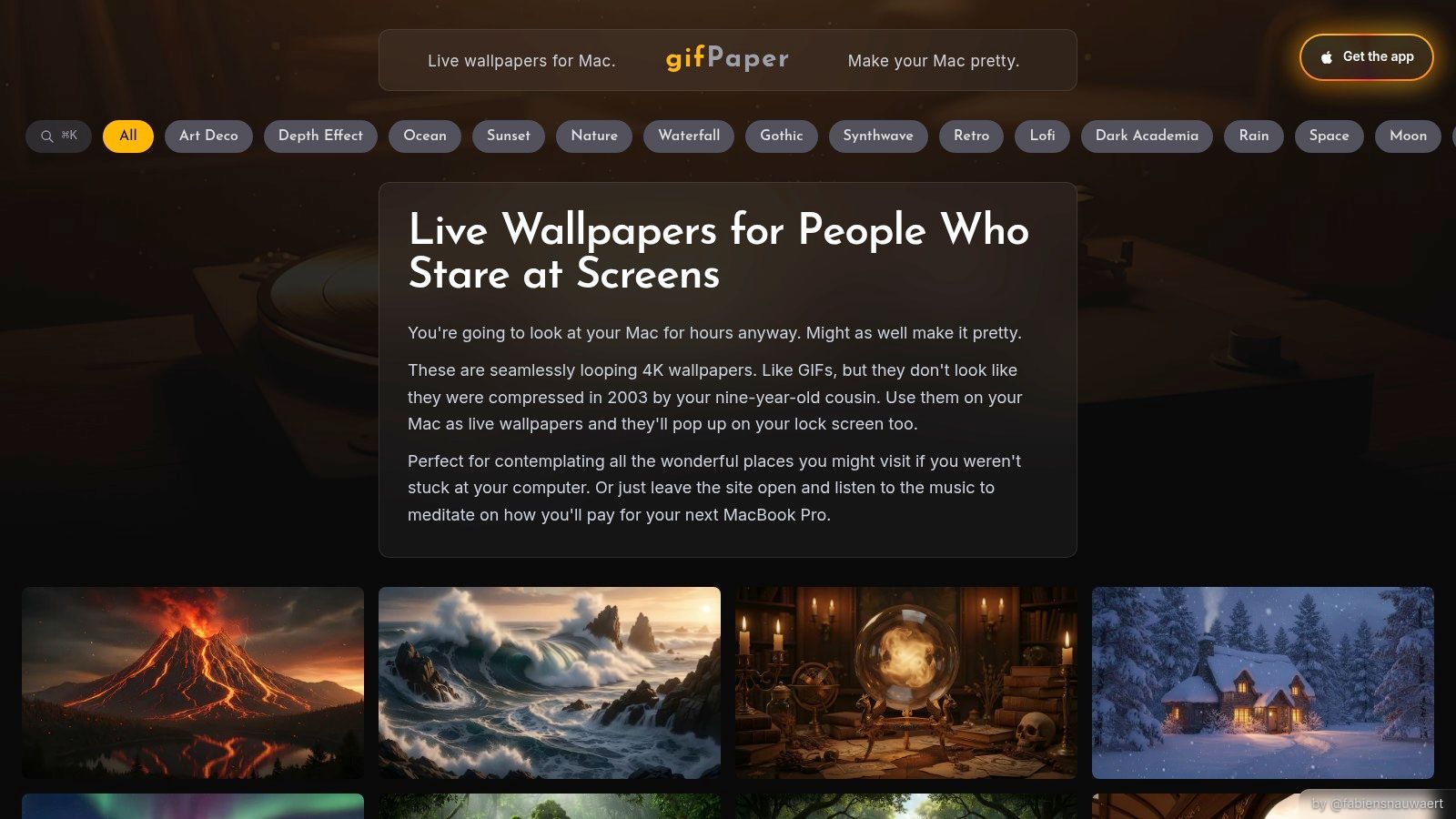
You open your Mac on a gray Tuesday, and the desktop looks like it gave up before you did. gifPaper fixes that fast. It's the pick here for people who want a specific mood on screen, not a weekend project involving codecs, GitHub issues, and a fan that suddenly sounds judgmental.
The setup is simple in the useful way. There is a wallpaper library with a strong ambient bent, then a Mac app that applies those scenes to the lock screen, desktop, and screen saver. The catalog covers the moods people search for once they get bored of generic mountain photos. Quiet cabins. Rainy neon windows. Fireplace loops. Lofi rooms. Space scenes. The occasional extremely composed cat.
Why it feels different on Mac
gifPaper uses Apple's native Aerial wallpaper format, which matters more than the marketing copy suggests. Apple added native video wallpapers and screen savers in macOS Sonoma, including the lock screen transition into the desktop, as explained by iDownloadBlog's macOS Sonoma Aerial overview. That gives gifPaper a cleaner fit with macOS than the older class of animated wallpaper tools that relied on workarounds.
Mac users have been trying to fake this for years. OSXDaily's GifPaper write-up is a nice artifact from that era. Endearing, mildly cursed, and very much from the period when an animated desktop often meant "good luck if you also want battery life."
That native approach changes the vibe as much as the tech. The wallpapers feel closer to Apple's own moving backdrops, except the mood curation is wider and less corporate-lobby safe. If your ideal desktop is "calm train window at night" rather than "drone footage of Iceland," this is the first option in the list that really gets it.
Best mood match
gifPaper works best for people who choose wallpapers by atmosphere first.
- Calm interiors and lofi scenes: Good fit if you want your Mac to feel like a study room, rainy apartment, or late-night train carriage.
- Soft nature and cozy loops: Better for fireplaces, snow, windows, and low-motion ambient scenes than for big cinematic spectacle.
- Lock screen obsessives: Strong option if you care how the Mac looks the moment you wake it, not just after all your apps cover the desktop.
Practical rule: If you care about smooth loops, Retina-friendly video, and minimal setup friction, start with the curated option.
The pricing is refreshingly plain. It's a one-time purchase at launch, with a free trial, no credit card required, and a money-back guarantee. It requires macOS 26 Tahoe or later, installs by direct download because App Store sandboxing blocks live lock screen wallpapers, and it is notarized by Apple. If you want the technical explanation, the guide on what live wallpapers actually are on Mac explains the difference between native video wallpapers and the fake desktop-overlay stuff.
The trade-off is the usual one with motion on a laptop. Live wallpapers still use CPU, GPU, and battery, especially if you pick a brighter scene with constant movement and leave it running all day. Audio support is also selective, so not every background doubles as an ambient sound machine. Still, for vibe-first desktop setups, gifPaper is the least fiddly route to a Mac that feels less like office equipment and more like a place.
2. Aerial
Aerial is for the person who opens settings panels recreationally.
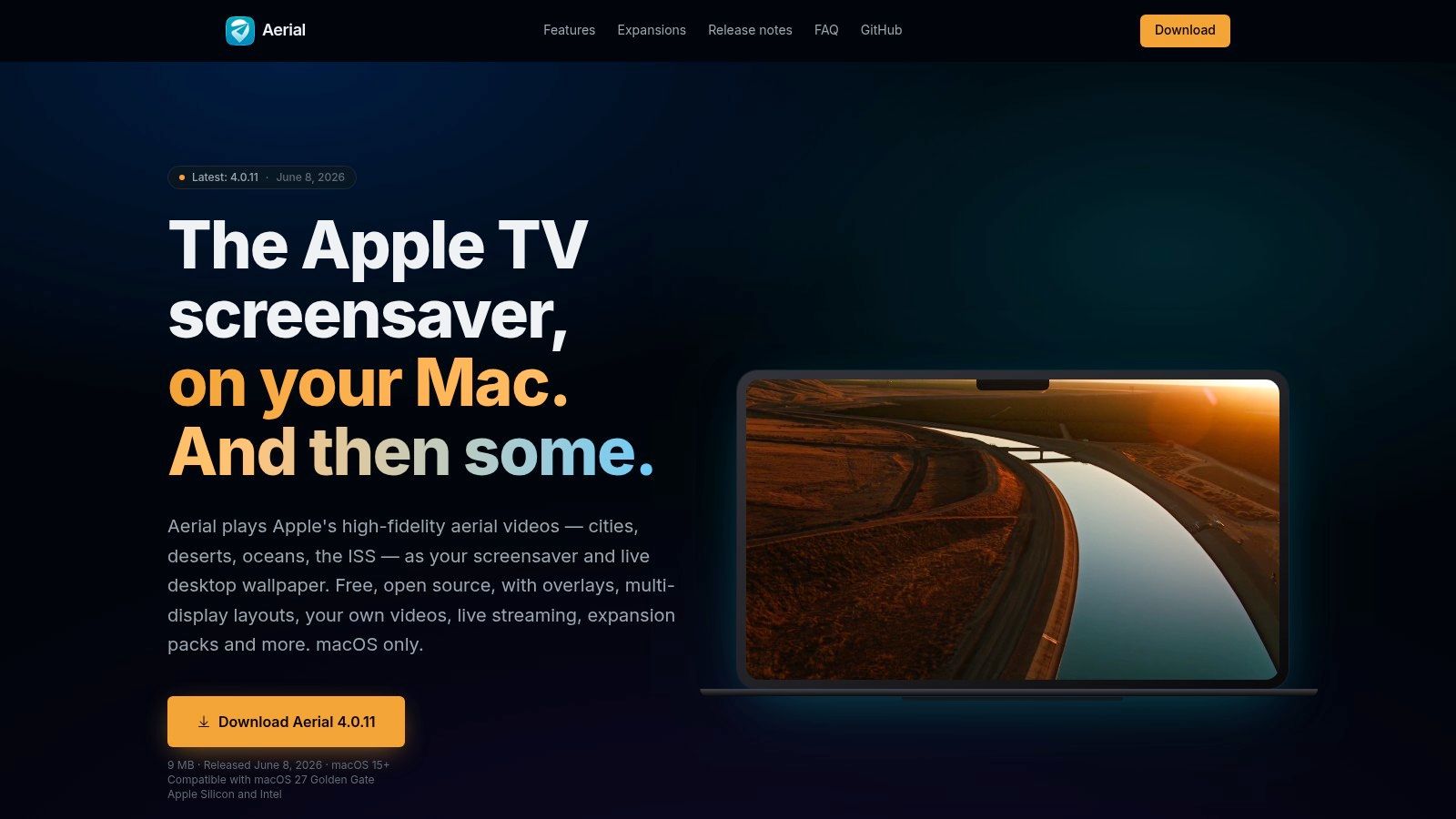
It started as a way to bring Apple TV's aerial footage to macOS, then kept growing into a much more serious ambient tool. You get cities, oceans, natural scenery shots, space footage, playlists, overlays, per-monitor layouts, hotkeys, and support for your own video files. If your idea of a relaxing evening includes configuring caption overlays on a helicopter shot of Dubai, congratulations, you've found your people.
Where it shines
Aerial is free and open source, and that alone gives it a different flavor from wallpaper apps that mostly want to sell you a pack of sunsets. It feels macOS-native, but in a power-user way. Not "one button, done." More "sure, you can route a live feed into this if you insist."
Its best trick is restraint. The app can pause motion when windows cover the screen, which is exactly the kind of sensible detail that keeps ambient desktop backgrounds from becoming a tiny Las Vegas behind your spreadsheets.
It's one of the few tools here that feels equally at home as a screensaver toy and as a serious desktop utility.
Best mood match
Pick Aerial if your ambient taste runs cinematic rather than cozy. It's better for ocean flyovers, city lights from absurd heights, and giant Earth-adjacent views than for lofi bedrooms and warm lamps. That makes it ideal for people who want motion without the visual clutter of heavily stylized art.
The downside is obvious after ten minutes in the settings. There are a lot of settings. Also, video-heavy libraries can use bandwidth and storage if you cache a bunch of scenes. On newer Macs, that's often fine. On older machines, you'll notice it faster.
If your ideal background is "Apple TV but more configurable," Aerial nails it.
3. 24 Hour Wallpaper
24 Hour Wallpaper is what I recommend to people who say they want ambience, but what they actually desire is peace and quiet.
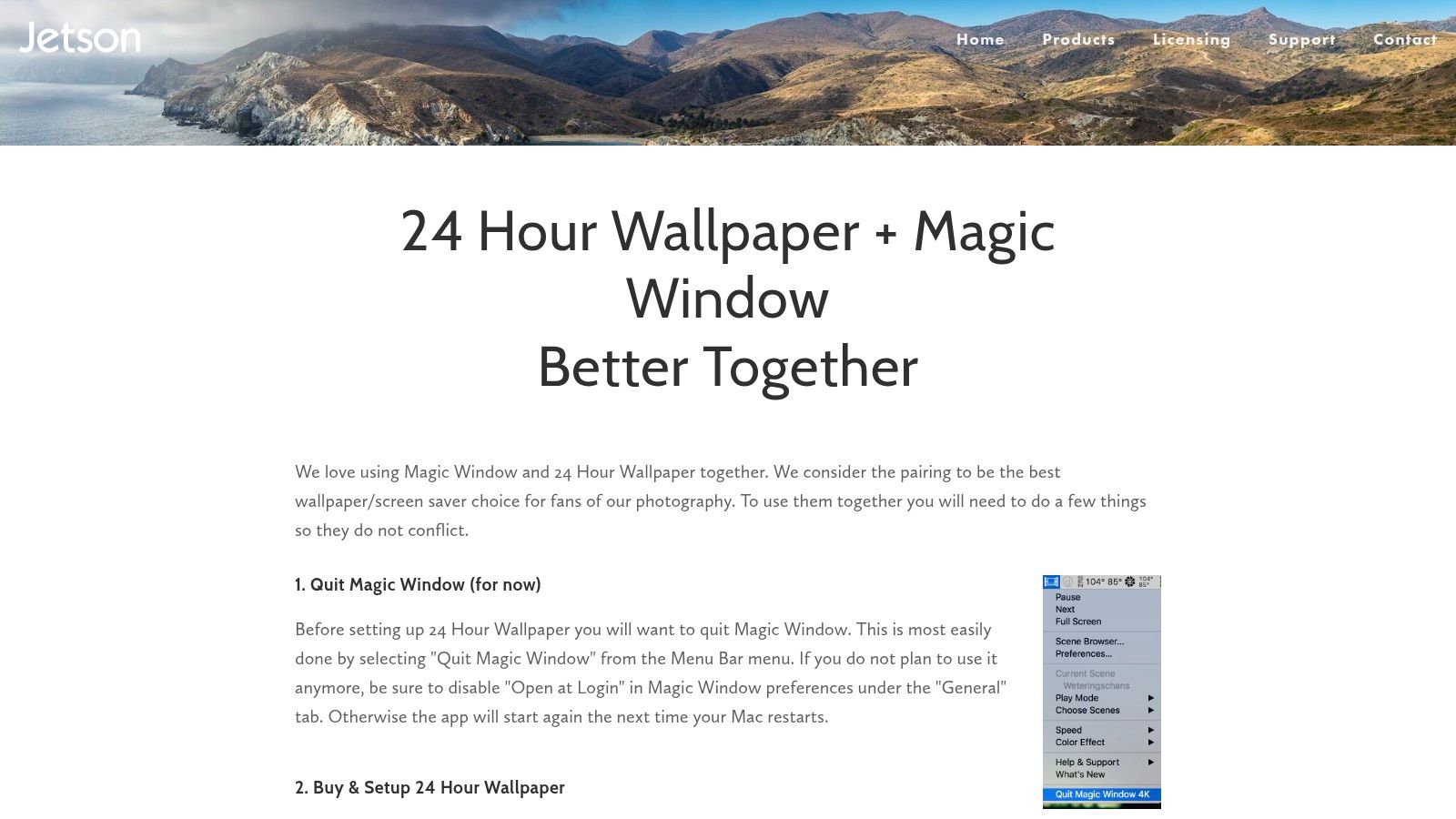
This one doesn't do motion wallpaper in the video sense. Instead, it uses macOS Dynamic Desktop scenes that change with the time of day and your location. Dawn becomes day, day becomes dusk, dusk becomes night. No animations. No ambient audio. No looping footage. Just beautifully chosen still photography that tracks the sun like a civilized adult.
Why static can win
The biggest strength here is battery friendliness. If live video feels like too much, time-based image changes give you an ambient feel without constantly rendering motion in the background. It looks native because it is native. Apple built Dynamic Desktop to behave like a proper part of the system, not a decorative pet.
Jetson Creative's catalog is curated and photographic, which gives it a very different personality from gifPaper's moodier loop library. Think real places, carefully shot, timed to natural light. Less "synthwave alley with purple rain." More "the same cliff face at 6:20 PM and then again after sunset."
Best mood match
This is the calm nature and quiet city option. If your screen should whisper, not perform, 24 Hour Wallpaper makes sense.
- Best for focus: The desktop changes over time, but it doesn't pull your eye every few seconds.
- Best for laptops: No continuous motion means less battery anxiety.
- Best for minimalists: It scratches the customization itch without becoming desktop theater.
If you want movement, this won't satisfy you. It's not trying to. It's in the same broad family as video wallpapers, but it belongs to the "subtle atmosphere" branch. If you want a quick primer on Apple's time-based style, this guide to dynamic wallpaper on Mac is useful context.
4. Magic Window / Magic Window 4K
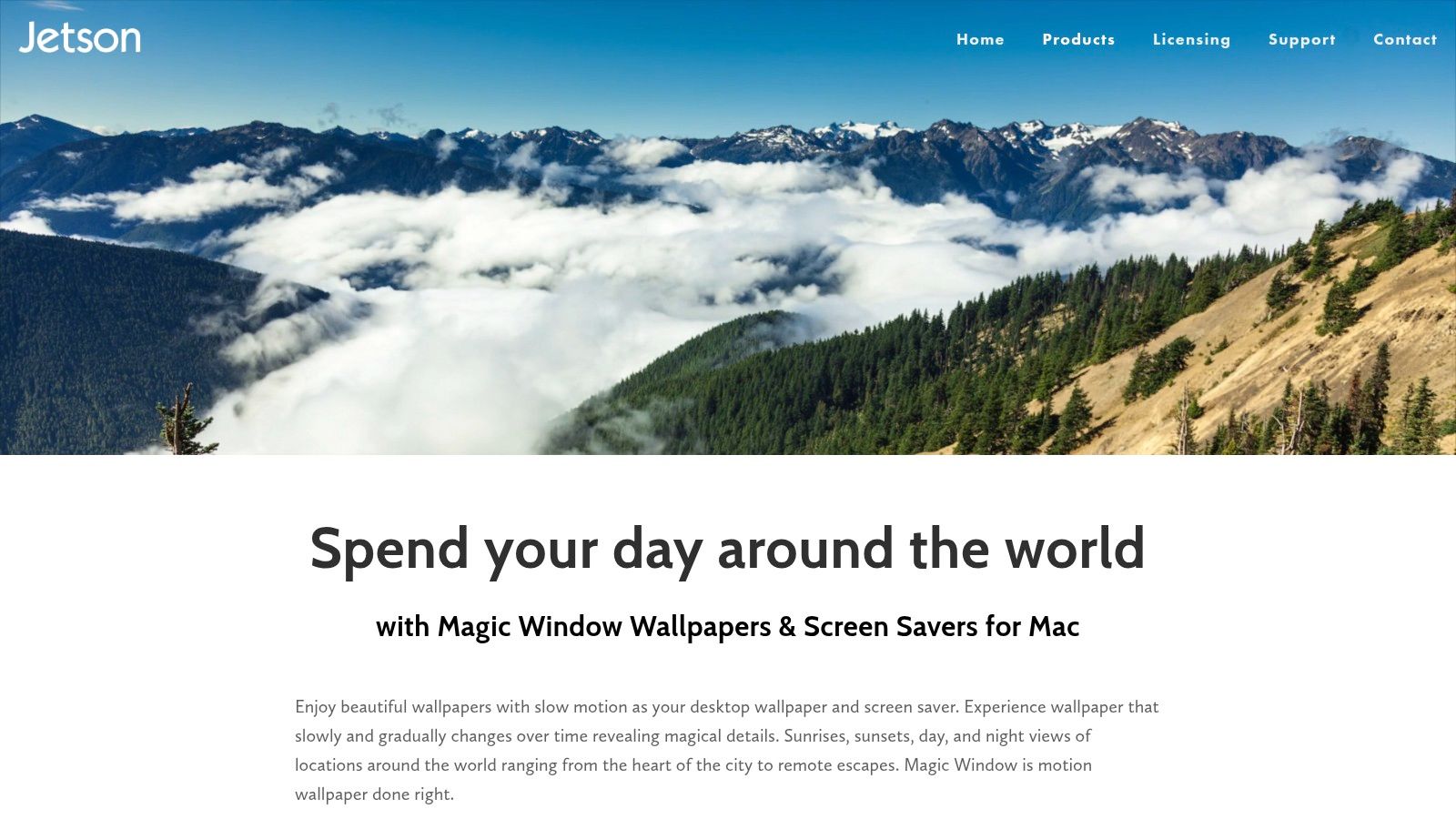
Magic Window sits in the middle ground between static Dynamic Desktop scenes and full-on looping live wallpaper apps.
Its thing is slow timelapse motion. Not hyperactive motion. Not animated GIF chaos. Just long-form scenic movement, often subtle enough that you notice it only when you pause for a second and realize the clouds have drifted somewhere else. For ambient desktop backgrounds, that's a good instinct.
The timelapse camp
Jetson Creative gives you a large professionally shot catalog, plus speed controls so you can decide whether the motion should barely register or be more visible. That slider matters more than it sounds. Too fast and your desktop feels busy. Too slow and you wonder if the app broke.
This is also one of the better picks if you like matching screensavers. It includes a dedicated macOS screensaver plug-in and supports multimonitor setups, which makes it appealing for desk setups that look like a minor air traffic control station.
Slow motion is the sweet spot for a wallpaper. Enough life to feel intentional, not enough to bully your peripheral vision.
Best mood match
Magic Window works best for broad, scenic ambience. Sunrises, skylines, natural vistas, travel-poster energy. If you want your Mac to feel like a quiet window onto somewhere else, it does that well.
The trade-off is less flexibility. You're buying into a curated library, not a community platform, and you can't upload your own clips. The 4K sets are also large enough that you should think about disk space before downloading everything because you got excited at midnight and briefly became a wallpaper prepper.
For people who want motion but don't want a full aesthetic universe, this is a sensible choice.
5. Dynamic Wallpaper Club
Dynamic Wallpaper Club is the public park of this category. Slightly uneven, often charming, full of people making things because they wanted them to exist.
It's a free web platform for creating and sharing macOS Dynamic Wallpapers in HEIC format. Those wallpapers can change based on time or sun position, which gives you that pleasant "the day is moving" effect without the overhead of video playback. If you want ambient desktop backgrounds that stay lightweight, this format is still one of the smartest options on Mac.
The good and the weird
The best part is obvious. It's free, community-driven, and native to macOS. The less-good part is also obvious. Community-driven means quality varies. Some wallpapers look polished and thoughtfully timed. Some look like somebody got halfway through a nice idea and then went to make toast.
Still, for a lot of users, that's fine. You're trading curation for variety. And because it uses Apple's dynamic wallpaper format, CPU and GPU use stays low compared with video-heavy apps.
Best mood match
This is a good pick for soft ambience and day-cycle aesthetics. Lofi-adjacent scenes, changing skies, interiors that warm up at dusk. If that's your preferred flavor, the broader lofi aesthetic on desktop fits naturally with this style.
There's also a larger cultural reason these slower, decorative formats keep spreading. The household wallpaper market is projected to grow from USD 7.02 billion in 2026 to USD 13.9 billion by 2035, according to Business Research Insights on household wallpaper. Physical walls, digital walls. Same species of impulse. Humans see an empty surface and immediately think, "This could have a mood."
If you can tolerate the occasional macOS quirk and a bit of quality roulette, Dynamic Wallpaper Club is easy to like.
6. Living Earth, Weather & Clock
Living Earth is the ambient background for people who also want to know what time it is in Reykjavík.
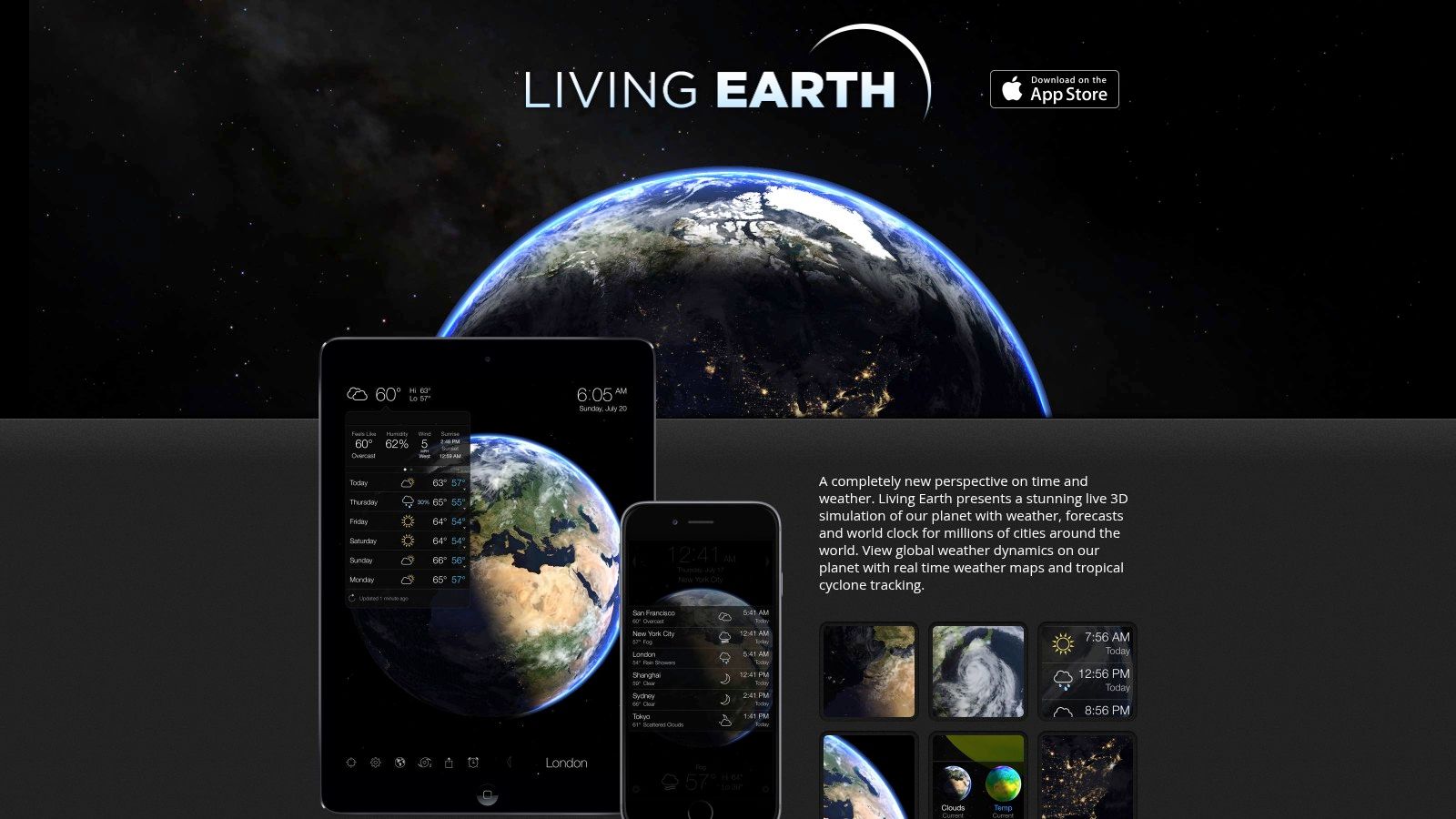
Instead of scenic loops or day-cycle photography, it gives you a real-time Earth view with live clouds, the daylight terminator, clocks, weather, and a sort of elegant dashboard feel. It's been around long enough to have the air of software that knows exactly what it is. Not trendy. Not trying too hard. Just a rotating planet minding its business.
More dashboard than scenery
If your ambient taste leans minimal and informative, Living Earth is weirdly soothing. The globe updates in real time, which gives it motion, but not the kind of motion that competes with your work. It doubles as a world clock and weather view, so the wallpaper earns its keep.
That practical angle matters. A lot of ambient desktop backgrounds are pure decoration, which is fine. This one is decoration plus utility, and the two parts don't fight each other.
A background can be calm and still tell you whether London is awake yet. Miracles happen.
Best mood match
This is for clean desks, dark mode fans, and anyone who likes the "Mission Control, but pretty" vibe. It's less suited to people who want cozy interiors, fireplaces, cats under neon signage, or any other highly specific emotional support wallpaper.
App Store sandbox limits also mean its screensaver can't lock the screen in the same way direct-distributed apps can. That's not really Living Earth's fault. It's just one of those classic Mac details where the operating system politely reminds you that freedom comes in carefully measured spoonfuls.
If your definition of ambience includes useful information, Living Earth is a strong pick.
7. Orbl
Orbl takes the dashboard idea and pushes it further into "what if your desktop were a calm control surface."
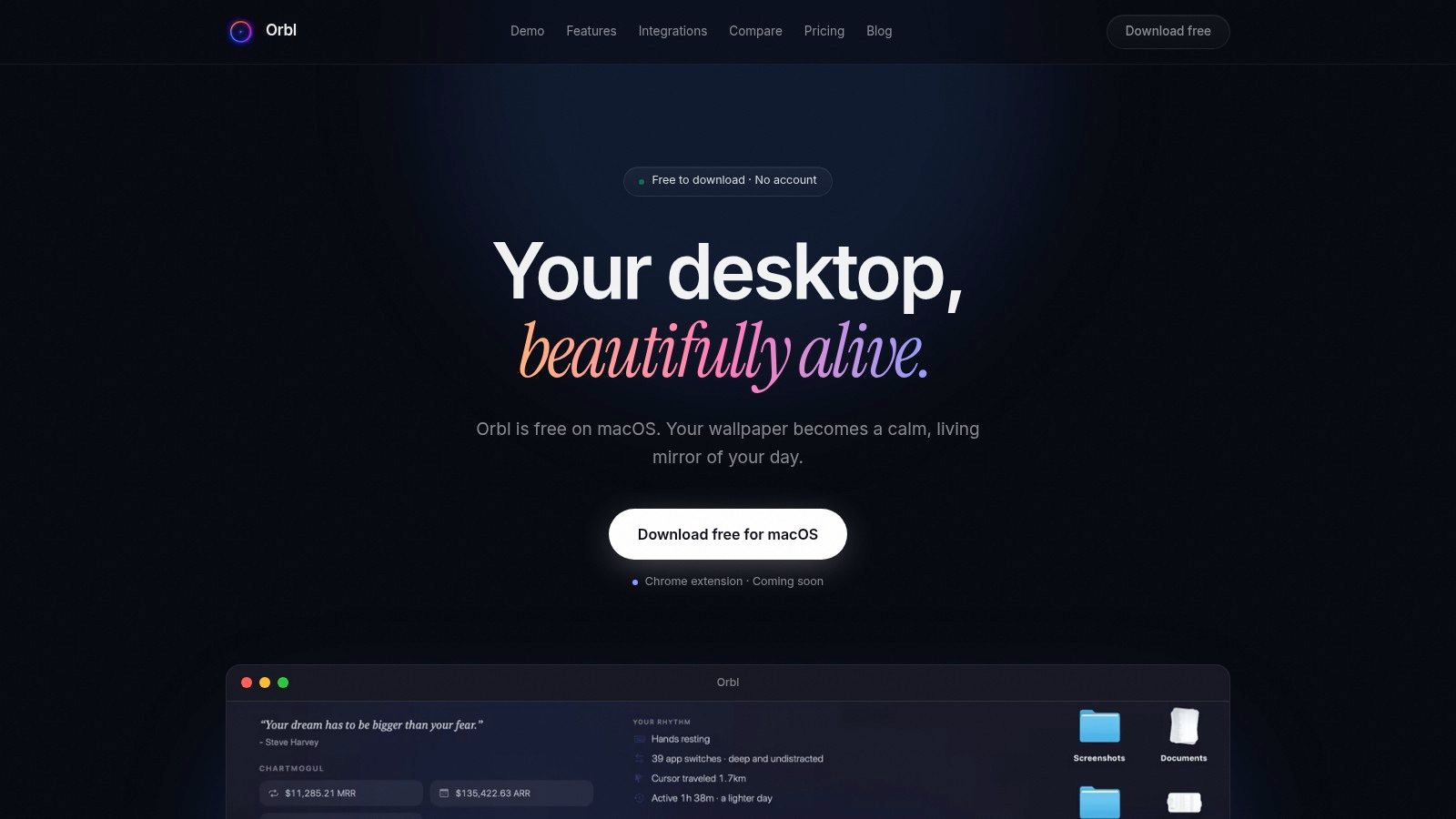
This isn't a scenic wallpaper gallery. It's a live-wallpaper-style environment with customizable widgets for time, weather, calendar, system stats, and optional integrations like GitHub, RSS, Stripe, and more. The result is ambient in a different sense. Less cozy room, more quiet command center.
What it gets right
Orbl's appeal is that it stays on-device and keeps privacy in view. API keys live in Keychain, there are no required accounts, and the app is designed to stay lightweight with adaptive frame rate behavior and pause-on-idle logic. For a live desktop layer, that's the right philosophy.
It also avoids a common mistake in wallpaper software. It doesn't assume everybody wants a cinematic backdrop. Some people want ambient presence and useful glanceable data. Orbl gives them that without making the desktop feel like a stock trading floor from a bad movie.
Best mood match
Choose Orbl if your vibe is minimal, modern, and slightly nerdy. It pairs well with clean setups and people who already care about what's happening on their machine. It does not scratch the same itch as a fireplace loop or a rainy lofi room. That's intentional.
There's a broader trend behind this appetite for customized visual surfaces. The digitally printed wallpaper market is forecast to increase by USD 10.42 billion at a 21% CAGR between 2024 and 2029, according to Technavio on digitally printed wallpaper. Different medium, same expectation. People want personalized, high-fidelity visuals, and they notice when the details are cheap.
Orbl won't give you ambient audio or a scenic gallery. It gives you a desktop that feels alive in a more functional way. For some people, that's exactly the point.
Ambient Desktop Backgrounds: 7-Way Comparison
Picking an ambient desktop is less about raw features and more about what you want sitting in your peripheral vision for eight hours a day. Some apps are basically mood machines. Others are glorified weather stations with better typography. A few do both, which is how you end up spending lunch break comparing cloud layers on your wallpaper like a completely normal person.
This chart is more useful if you read it by vibe. Calm nature and low-distraction setups tend to favor 24 Hour Wallpaper or Dynamic Wallpaper Club. Lofi city glow and slow cinematic motion point more toward gifPaper or Magic Window. Utility-heavy, slightly nerdy desks fit Living Earth or Orbl. Aerial is for people who see a settings panel and feel a sense of purpose.
| Product | Implementation complexity | Resource requirements | Expected outcomes | Ideal use cases | Key advantages |
|---|---|---|---|---|---|
| gifPaper | Low, one‑click setup, curated gallery | Medium, video playback uses CPU/GPU and may affect battery | Smooth 4K looping video wallpapers, optional ambient audio | Users who want polished, loop‑perfect video wallpapers and quick setup | Cheap one‑time purchase, curated Retina‑ready loops, lock‑screen support |
| Aerial | Medium, many power‑user settings and overlays | Medium, streaming/cache bandwidth and storage. Best on recent macOS | Cinematic Apple TV aerials as screensaver or live wallpaper with overlays | Power users who want deep customization, playlists, and multi‑monitor layouts | Free, open‑source, supports user videos/streams and rich overlays |
| 24 Hour Wallpaper (Jetson) | Low, install Dynamic Desktop package | Low, static 5K images. Battery‑friendly | Time‑aware high‑resolution stills that change with solar position | Users who prefer native dynamic desktops and low power usage | High‑quality 5K photography, solar sync, tight macOS integration |
| Magic Window / Magic Window 4K | Low–Medium, install large scene packs, minimal setup | Medium–High, large 4K downloads and disk usage. Video playback adds load | Slow, long‑form timelapse motion wallpapers with adjustable speed | Viewers who want subtle, cinematic motion on Retina/4K displays | Large professional timelapse catalog, speed control, matching screensaver |
| Dynamic Wallpaper Club | Medium, web creator and manual HEIC install (simple UI) | Low, macOS HEIC dynamic format keeps CPU/GPU usage minimal | Varied community dynamic wallpapers that change by time or sun | Creators and users seeking free, native dynamic wallpapers and variety | Free, community‑driven, native HEIC format for low resource use |
| Living Earth, Weather & Clock | Low, straightforward app with settings | Low–Medium, periodic network updates for clouds/weather | Real‑time Earth view with clouds, time zones, and weather dashboard | Users who want informative ambient wallpapers and quick weather glance | Informative dashboard, attractive visuals, lightweight operation |
| Orbl | Medium, configure widgets and optional integrations | Low, on‑device operation, adaptive frame rate for battery saving | Calm live wallpaper that surfaces time, weather, calendar, and stats | Privacy‑conscious users who want an ambient dashboard with integrations | Privacy‑first, low CPU, customizable widgets, optional integrations |
A few practical patterns show up fast. Video-based tools usually look richer, but they ask more from your battery, thermals, and storage. Native dynamic desktops look less flashy, yet they age better because they stay quiet. Quiet is underrated. Quiet is what keeps you from hating your own desktop by Thursday.
If the goal is a specific mood, the picks sort themselves out pretty cleanly. gifPaper and Magic Window are for motion-first setups where the background is part décor, part atmosphere. 24 Hour Wallpaper and Dynamic Wallpaper Club are better for people who want their Mac to feel alive without obvious animation. Living Earth and Orbl add useful information, which is great if you like glanceable context and terrible if you wanted your desktop to stop reminding you that weather exists.
Aerial sits in its own lane. It can look incredible, especially on a large Retina display, but it rewards people willing to fiddle with cache settings, overlays, playlists, and source options. That trade-off is fine if desktop customization is a hobby. Less fine if you just wanted a nice rainy skyline and accidentally adopted a weekend project.
How to Choose a Background That Won't Annoy You
By the end of a workweek, a wallpaper tells on itself. The one that looked incredible late Tuesday starts flashing in your peripheral vision during a spreadsheet, and suddenly your desktop has the energy of a hotel lobby TV.
Choose by mood first, because that is what you live with. Calm Nature fits desks that need less visual noise and a little breathing room. Lofi Cityscapes give you gentle motion, rain, neon, window light, and that suspiciously productive 1 a.m. atmosphere. Minimal Gradients are for people who want the Mac to look good without auditioning for attention every time they minimize a window.
Your eyes care about this more than wallpaper nerds like to admit. A National Institutes of Health paper on ambient illumination and user comfort links ambient lighting conditions with visual comfort and user satisfaction. Desktop backgrounds are part of that environment. Bright highlights, hard contrast, and constant motion can wear out a setup that looked great in a screenshot.
The practical rule is boring and useful. More motion means less tolerance over time.
That trade-off matters more than any feature list. Aerial makes sense if you enjoy fiddling with playlists, overlays, and source settings. 24 Hour Wallpaper and Dynamic Wallpaper Club are easier to live with if you want the desktop to shift with the day and then stay out of the way. Living Earth and Orbl work well for people who like a glanceable dashboard, assuming weather, clocks, and status widgets don't turn your wallpaper into a very polite control panel.
gifPaper still earns a mention here because it solves a specific problem. It helps when you already know the vibe you want and don't want to spend your evening sorting codecs, clips, and edge cases. The fireplace collection suits cozy, low-light desks. The lofi scenes fit rain, neon, moody interiors, and the exact kind of background that makes you look more focused than you feel.
One detail separates a desktop you keep from one you disable after three days. Match the lock screen and desktop mood. If one is a muted still and the other is a glowing cyberpunk aquarium, the transition feels cheap. I usually keep animation for downtime and switch to a still frame during work hours. It looks cleaner, burns less battery, and keeps the background ambient instead of needy.
Pick the vibe. Then choose the app that delivers it with the least maintenance, lowest distraction, and fewest weird surprises after a reboot. Your Mac should look intentional, not like it inherited somebody else's screensaver folder.