
Your 2026 Guide to Animated Snowing Backgrounds
An animated snowing background can turn your Mac from a static work tool into a quiet, calming winter scene. But the good ones—the seamless, 4K video loops—are a world away from the pixelated, distracting GIFs of the past. It's about creating a cozy atmosphere that makes staring at a screen for eight hours a little more bearable.
Why Your Mac Deserves a Better Snowstorm
Staring at the same desktop picture every day is the digital equivalent of watching paint dry, but with more email notifications. The hunt for a good animated snow background isn't just about making things look pretty; it's a practical upgrade for the digital space you live in.
It's about swapping a boring, fixed backdrop for something that actually feels alive. A gentle snowfall over a quiet forest or a blizzard swirling outside a cabin window can completely change the mood of your workspace. It's a small act of rebellion against the mundane.
The Problem with Old-School Animation
Most animated backgrounds from the early 2000s were awful. They were low-res, distracting GIFs that looped with a jarring, obvious jump. They looked cheap because they were, often killing your battery for a pixelated mess that was more likely to give you a headache than a sense of calm.
Modern animated wallpapers are a totally different animal. They're built from high-resolution, seamlessly looping 4K video. The goal isn't to distract you; it's to create ambiance.
A well-designed animated background should be like good background music for your eyes—present, but not demanding your full attention. It just makes the whole environment better without getting in your way.
More Than Just Decoration
Picking the right animated snow is less about decoration and more about curating your own environment. It's a simple, surprisingly meaningful improvement to your daily routine, especially if you're trying to set a specific mood for focus, relaxation, or just a little winter magic.
If you appreciate a well-crafted atmosphere, you might like the guide to the cozy aesthetic, which digs into how small details can make a big impact. An animated snow wallpaper fits right into that philosophy. You're going to be staring at your Mac for a long time anyway—it might as well be something beautiful.
How to Find a Perfect 4K Snowing Wallpaper
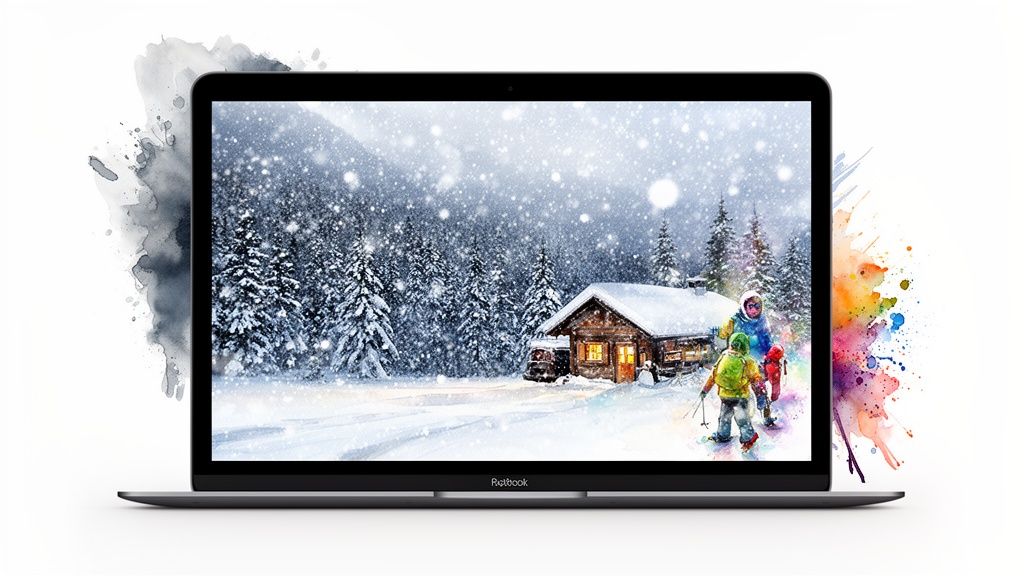
Not all digital snow is created equal. One person's calming flurry is another's pixelated headache. Finding the right animated snowing background comes down to spotting the difference between a random video file and a piece of art designed to be lived with.
The goal is to find something that adds atmosphere without being a constant distraction. It's the difference between a cheap holiday decoration and a genuinely cozy winter scene that you won't get tired of by lunchtime.
The Holy Trinity of Quality Animation
When you're browsing, keep an eye out for three specific qualities. If a wallpaper nails all three, you've found a keeper.
- A Truly Seamless Loop: This is non-negotiable. A good loop is invisible; you can't tell where it ends or begins. A bad loop has a jarring "jump" or reset that will constantly pull your focus and make the whole effect feel cheap.
- High Resolution (4K or Higher): Your Mac has a Retina display for a reason. A low-resolution video will look blurry and pixelated, completely ruining the immersive effect. You need a 4K source file so the snowflakes are crisp and the details are sharp.
- Thoughtful Composition: A great wallpaper is composed like a photograph. It has a clear focal point, a sense of depth, and a balanced feel. It's not just a chaotic blizzard of random pixels; it's a carefully crafted scene.
Think of it like this: anyone can film snow falling. A true artist frames it in a way that tells a story, even a simple one about a quiet cabin in the woods. That's what you're looking for.
Spotting Good Snow from Bad Snow
Once you start looking, you'll develop an eye for quality. A good animated snowing background often features subtle details like snow accumulating on surfaces, wind direction that feels natural, or variations in snowflake size. These small touches make the scene feel more authentic and alive.
Bad ones often have a uniform, "digital" look where every snowflake is identical and falls in the same repetitive pattern. For a deeper dive into making your screen look its best, you can check out the guide on finding the perfect 4K wallpaper for your MacBook Pro.
The winter wallpaper and nature wallpaper collections on gifPaper are curated specifically for these qualities. You'll find everything from gentle flurries over a remote cabin to a full-blown blizzard in a dark forest.
Choosing the right scene is about finding a mood that works for you. Whether you want the peaceful vibe of a quiet snowfall or the dramatic energy of a winter storm, the key is to pick something that genuinely enhances your desktop instead of just cluttering it.
Setting an Animated Background on Your Mac
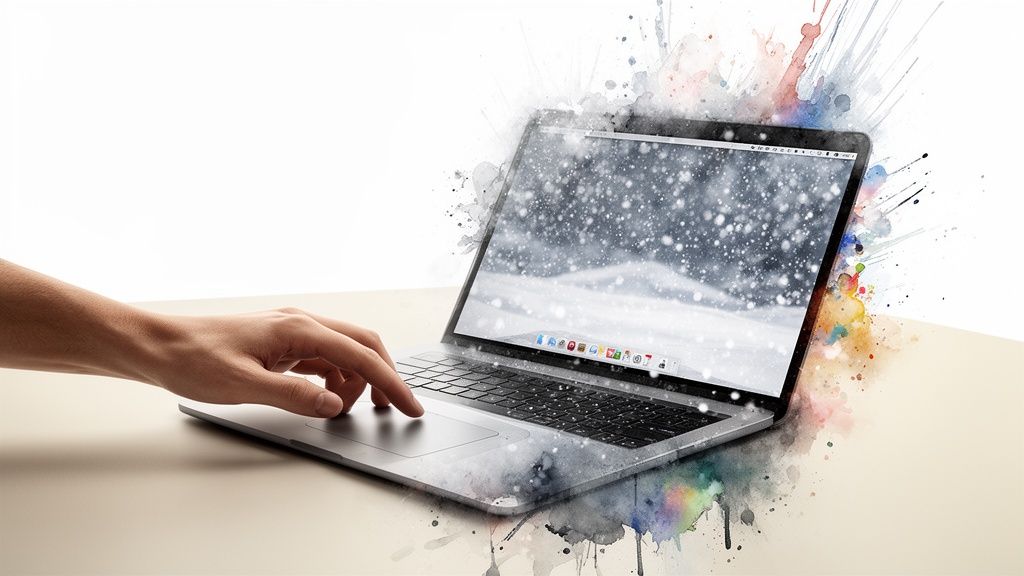
So, you've picked the perfect animated snow wallpaper. Now for the hard part, right? Getting it on your Mac usually means wrestling with sketchy apps or clunky workarounds that just float a video window over your desktop—about as elegant as taping a picture to your monitor.
I ran into this exact problem, which is why I built the gifPaper for Mac app. The entire process is almost laughably simple: download the free trial, find a wallpaper you like, and click "Set Wallpaper." That single click applies it everywhere: your lock screen, desktop, and screen saver.
How It Works Without the Headaches
The secret is how gifPaper hooks directly into macOS. Instead of faking it with an overlay, it uses Apple's native Aerial wallpaper format. This is the same system Apple built for its own video wallpapers, which means it's efficient, perfectly stable, and deeply integrated.
That native approach is what makes the live lock screen possible. When you wake your Mac, you'll see the snow falling, and it will gently slow to a stop as you unlock—exactly like Apple's own wallpapers do. It feels like it was built-in because, well, it is.
You shouldn't have to be a tech expert just to get a beautiful desktop. The goal is to make setting an animated background as easy as changing a static image, with zero fear of performance hits or complicated setups.
Performance and Peace of Mind
The first question everyone asks about an animated snowing background is about performance. Is it going to turn your MacBook into a very expensive space heater?
Not with gifPaper. It's designed to be incredibly lightweight. By default, your desktop shows a beautiful, crisp still frame from the animation. You get the whole aesthetic with zero extra CPU usage. If you want the full video loop playing on your desktop while you work, a single toggle lets you turn it on.
Here's a quick look at why this native approach delivers a better experience.
gifPaper vs Other Mac Wallpaper Apps
| Feature | gifPaper for Mac | Other Wallpaper Apps |
|---|---|---|
| Lock Screen | Native live animation; same system as Apple | Not supported, or uses a fake screen saver |
| Desktop Display | Still frame by default (saves power); video optional | Often a constant video loop, draining resources |
| Setup | One-click sets lock screen, desktop, & screen saver | Requires separate setup for each, if supported |
| Technology | Uses Apple's official wallpaper format | Relies on overlays or unsupported hacks |
This native integration is what separates a seamless experience from a clunky one. The app is built to give you all the visual payoff with none of the usual trade-offs.
If you're curious about all the different ways to get a moving background, there's a breakdown of more options in the complete guide on how to get live wallpapers on Mac.
Making It Your Own
Okay, you've set a snowstorm on your desktop. Nice. But a good wallpaper isn't one-size-fits-all. Some days you want the full, immersive blizzard. Other days, you need absolute silence to finish that spreadsheet that's been judging you all week.
The whole point of gifPaper is to give you control. It's not just about setting an animated background; it's about making it work for you, not against you.
Mastering Your Desktop's Vibe
Think of your desktop as valuable real estate. You decide what happens there. By default, gifPaper shows a gorgeous, high-resolution still frame from the animation. You get the full winter aesthetic with zero performance impact — it's as lightweight as a normal JPEG.
When you want the full show, a single click on the menu bar icon toggles the full video loop on your desktop. Perfect for when you want the complete, immersive experience while you work.
The idea is simple: you get the beauty of a winter scene by default, and the full animation is there when you want it, not when you don't. It's your Mac; you're in charge.
Many of the snow scenes also come with ambient audio—the soft sound of wind, the crackle of a distant fire, or just the gentle quiet of a snowfall. This can be great for focus, but you can toggle it on or off from the same menu in a second.
Busting Performance Myths
Let's talk about performance. The fear that a live wallpaper will grind your Mac to a halt is a legitimate ghost of wallpapers past. But modern apps are smarter.
I built gifPaper to be considerate of your Mac's resources. It automatically pauses the animation under a few common-sense conditions:
- When you're on battery power: The animation stops to save your charge.
- When a full-screen app is active: If you're watching a movie, playing a game, or in a presentation, the wallpaper gets out of the way.
- When other apps get hungry: It's designed to yield to more important tasks, so it won't steal resources from Final Cut Pro or Photoshop when you're on a deadline.
Creating a Panoramic Snowscape
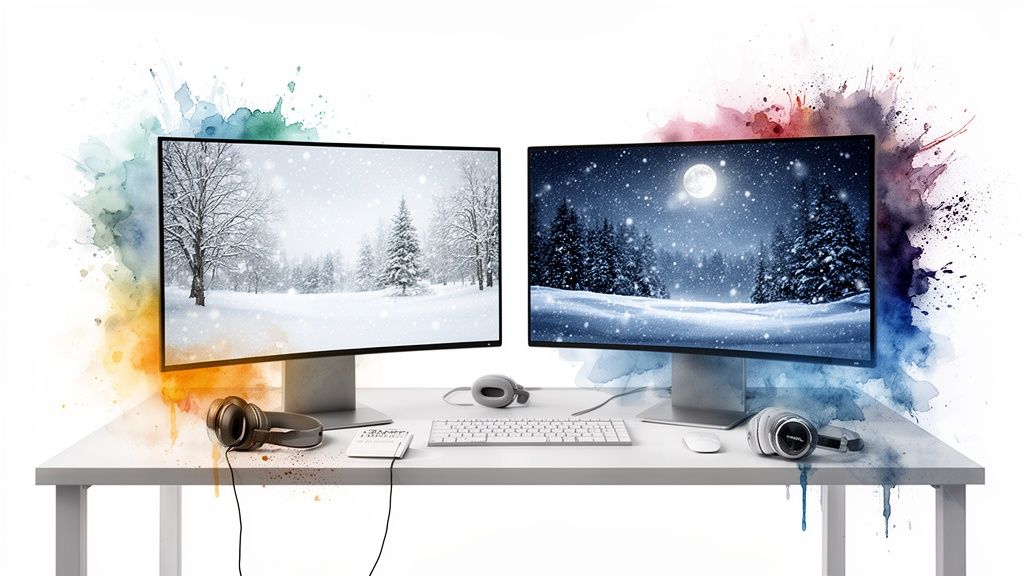
If you run a multi-monitor setup, this is where it gets really good. You can turn your entire desk into a panoramic winter vista. gifPaper lets you set a different animated background on each display.
Imagine a quiet forest scene on one monitor and a cozy cabin on the other. It lets you create a larger, more immersive environment for yourself. It's the ultimate setup for anyone who wants their digital workspace to feel a little less like an office and a lot more like a secluded winter retreat.
Why We All Want Digital Snow
That animated snowing background you're looking for? It's not as random a craving as you think. You're not just tweaking a setting. You're tapping into a whole aesthetic that stretches from billion-dollar Disney animations to late-night lofi study sessions.
This whole obsession has some surprisingly serious roots. If you've ever been mesmerized by a truly good digital snow flurry, you can thank the animators behind Frozen. They got so obsessed with getting it right that they developed a new particle-based simulation, tracking over 100 parameters for every single snowflake. As the Smithsonian noted, this was the moment digital snow started to feel real. The aesthetic was born.
The Rise of the Lofi Snowstorm
That cinematic-quality snow eventually found its true home online: the lofi hip-hop scene. Think of those endless "lofi girl" streams on YouTube. What's almost always outside her window? A quiet, snowy view. It's become the universal shorthand for focus, calm, and cozy productivity.
And it's no coincidence. The gentle, repetitive motion of falling snow is the perfect visual pairing for the steady, calming beats of lofi music. It creates a complete sensory bubble for studying, coding, or just tuning out the world.
The animated snow loop is the visual equivalent of your favorite chill-out album. You put it on, it sets a mood, and then it respectfully gets out of your way.
The demand for this vibe is real. The winter wallpaper category on gifPaper sees a traffic spike of over 250% every year between November and January.
So when you find yourself hunting for that perfect animated snow, you're plugging into something bigger. It's part Hollywood magic, part internet culture, and part the simple human desire for a little peace and quiet on your screen. You're not just decorating a desktop; you're curating a feeling.
Animated Snowing Background: FAQ
You've got questions. Will this melt your MacBook? Why isn't it on the App Store? And no, it's not a subscription. Here's the rundown on the practical stuff.
Will an animated snow background slow down my Mac or drain my battery?
No. This isn't 2005. I designed gifPaper to be as lightweight as possible. By default, your desktop shows a gorgeous, high-res still frame from the video, which has zero CPU impact. The full animation only runs when you want it to, and it automatically pauses when you're on battery power or using a full-screen app.
How does the live lock screen work if it's not on the Mac App Store?
Great question. The short answer is that Apple's App Store rules don't allow apps to get the deep system access needed for a truly native live lock screen. So, I distribute gifPaper directly. The app is notarized by Apple, their official process for scanning apps for malware and certifying them as safe. This direct approach is what allows gifPaper to tap into the same native wallpaper system Apple uses for its own backgrounds, which requires macOS 26 (Tahoe) or later.
What's the difference between a GIF and these 4K animated wallpapers?
A huge one. It's like comparing a child's flip-book to a 4K movie. Most GIFs are low-res, have a tiny color palette (causing that blotchy look), and have a noticeable "jump" when they loop. The backgrounds in gifPaper are actual 4K video files, designed to be perfectly seamless. The result is a crisp, smooth animation that looks incredible on any modern Mac display.
Is this a subscription?
No. Absolutely not. The world has enough subscriptions. gifPaper is a one-time purchase of $4.99 at its launch price. That gets you every wallpaper in the gallery (currently 150+ with more added regularly), all future wallpapers, and all app updates.
There's also a 7-day free trial with full access to everything, and you don't need a credit card to start it. A 30-day money-back guarantee is also included.
Ready to trade your static background for a living winter scene? The entire gifPaper collection is waiting. You can browse all the wallpapers for free, and with the 7-day trial, you can set your Mac's lock screen and desktop in about two minutes.
Give it a try at https://gifpaper.com/macos-app.