The 7 Best Desktop Backgrounds Free for Your Mac in 2026
Meta description: The best free desktop background sites for Mac users, plus when static wallpapers stop being enough and live wallpapers start making sense.
Your Mac is sitting there right now with either the default wallpaper, an old photo you forgot to replace, or some washed-out JPEG that looked fine three laptops ago. You stare at that screen for hours. It deserves better than accidental mediocrity.
A good desktop background isn't fake self-care for people who alphabetize tea. It changes the feel of the machine you use all day. The difference between a sharp, well-chosen wallpaper and a random image dump is the difference between a tidy desk lamp and fluorescent office lighting. Same work. Better atmosphere.
The good news is that free wallpaper libraries are no longer tiny little corners of the web with seven blurry sunsets and a dragon. Free image catalogs got huge. Unsplash shows 100+ free statistics images, Pngtree advertises 4,482+ free HD statistics backgrounds, and Adobe Stock surfaces 1,376,544 royalty-free statistics background assets in search results. That's why finding the best desktop backgrounds free now feels more like shopping a giant catalog than downloading a zipped wallpaper pack from 2009.
If you want to polish your own images before turning them into backgrounds, this quick guide to AI background removal and retouching is useful. If you just want something good, fast, and free, start with these.
1. Unsplash
Unsplash excels at tasteful, photography-first backgrounds. If you want your Mac to look clean, expensive, and slightly more put together than the person using it, start here.
It avoids the usual wallpaper-site mess. You can search for moods, lighting, colors, and real places without digging through anime collages, fake 3D renders, or images sharpened into oblivion. The photos usually feel like actual photography, which matters if you want a desktop that supports the rest of your setup instead of yelling over it.
Why it works
Unsplash stays useful because the catalog is broad enough that you can be picky. You are not forced to settle for the first decent mountain shot or the least embarrassing abstract blur. That alone puts it ahead of a lot of free wallpaper collections.
It is also a good reminder of what static wallpapers do well. A strong still image gives your desktop mood, depth, and polish with zero setup. If that is all you want, great. If you eventually want motion instead of a frozen scene, read this guide on installing live wallpaper on Mac and make the jump properly instead of stretching a random video into the background.
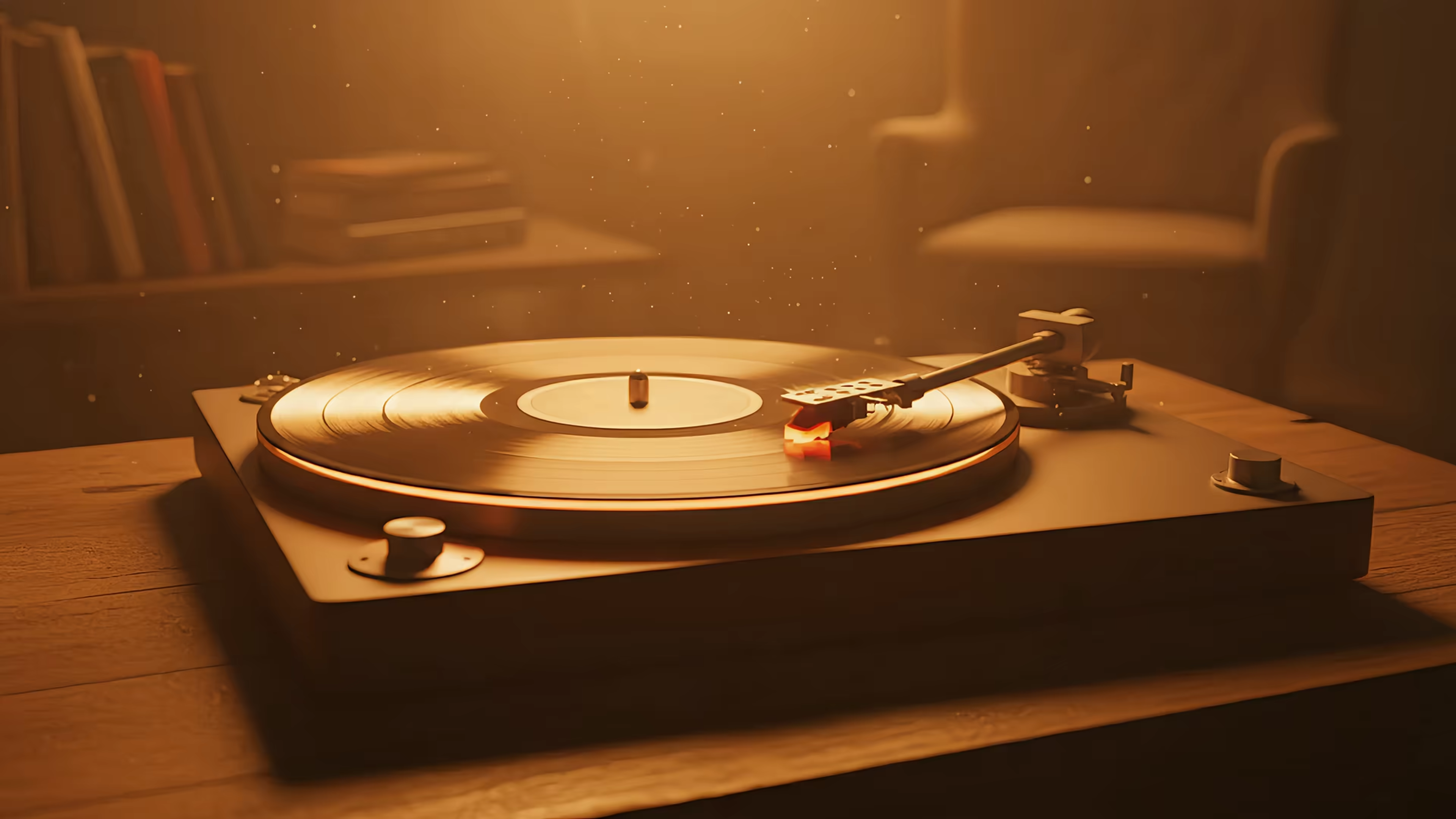
If your taste runs toward rainy windows, city lights, desk lamps, records, and generally pretending your inbox is part of a short film, the visual language overlaps nicely with this piece on the lofi aesthetic.
Practical rule: Search by mood first, subject second. "Moody night city" will usually beat "desktop wallpaper."
- Best for: Photography-first desktops that do not fight your icons
- What it does well: Clean curation, high-resolution downloads, easy browsing
- Annoyance: Some premium prompts show up in the feed, which is mildly annoying
Use Unsplash when you want the good version of a static wallpaper. It is not the final form of desktop customization, but it is a strong place to start.
2. Pexels
Pexels is what I recommend when you want free photos and you suspect you might want motion later. The photo side is broad enough for regular wallpaper hunting, and the video side is the interesting bit. That makes it more useful than a static-only library if you're already halfway to wanting a screen saver or live background.
The vibe is a little more stock-heavy than Unsplash. Not terrible. Just more likely to give you "professional person standing near window" if you search lazily.
Where Pexels beats pure wallpaper sites
Pexels sits in the group of free resources commonly highlighted for HD and 4K wallpaper downloads in a YouTube roundup of wallpaper websites. That matters because free wallpaper quality used to be dreadful. Now Mac users expect crisp files that don't fall apart on dense displays, and Pexels usually delivers.
There's also a practical upside. If static images start feeling a little dead after a week, Pexels gives you a low-stakes way to test video backgrounds before committing to a proper Mac live-wallpaper setup. If you want the actual setup part, this guide on how to install live wallpaper covers the Mac side without ceremony.
Free video is nice. A clean, seamless loop is nicer. Those are not always the same thing.
- Best for: People who want both photos and videos in one place
- What it does well: High-resolution assets, easy downloads, broad search coverage
- Annoyance: Some results feel generic if your search terms are generic
Pexels is less romantic than Unsplash, but more versatile.
3. Pixabay
Pixabay is the one to use when you're tired of nature photos and want something flatter, stranger, cleaner, or more design-y. It's strong for illustrations, vectors, gradients, abstract shapes, and backgrounds that feel more intentional than "mountain, but again."
That makes it good for desktops with lots of icons. Photographic wallpapers can get messy fast. A simple abstract background behaves itself.
Best use case
Pick Pixabay when you care more about shape and color than realism. It's one of the few free libraries where a minimal pattern, a geometric composition, and a dreamy illustration all sit side by side without feeling out of place.
The tradeoff is consistency. Pixabay has range, and range always comes with some junk. You'll need a little more taste and a slightly faster trigger finger on the back button.
- Best for: Abstract art, vectors, patterns, and non-photo backgrounds
- What it does well: Mixed media types, lots of styles, useful for cleaner icon visibility
- Annoyance: Quality varies more than on tighter curated libraries
If Unsplash is the stylish café, Pixabay is the warehouse. Messier, bigger, and occasionally exactly what you needed.
4. 4KWallpapers
4KWallpapers skips the stock-photo identity crisis and gets to the point. It's a wallpaper-first site. Resolution is the product, which is exactly what you want when a Retina display is waiting to expose every bad pixel decision you make.
This is the practical choice for people with larger screens, sharper screens, ultrawide screens, or standards.
Why resolution-first browsing matters
A lot of "free background" sites are really image sites that happen to contain wallpapers. 4KWallpapers is better at the boring but important part. It helps you find files that fit your screen instead of hoping macOS crops them politely.
That shift toward HD and 4K-first wallpaper discovery is part of why free wallpaper sites became mainstream in the first place, as noted earlier. Resolution stopped being a bonus and became the baseline.
Download the largest clean version available. Your Mac can scale down gracefully. It can't rescue mush.
- Best for: 4K, 5K, 8K, and ultrawide setups
- What it does well: Resolution filters, dark backgrounds, desktop-first browsing
- Annoyance: Trending sections can lean hard into pop culture, cars, and franchise imagery
If you know your display specs and want a site that respects them, this one is efficient.
5. Wallpaper Abyss
Wallpaper Abyss is for fandom people, genre people, and anyone who thinks "tasteful" is overrated. If you want anime, games, films, fantasy art, sci-fi scenes, or very specific visual niches, Wallpaper Abyss makes static wallpaper hunting fun.
It feels like the old internet survived here and learned how to filter by resolution. That's a compliment.
Where it shines
The strength of Wallpaper Abyss is category depth. Free-image libraries show that niche visual demand is real. Unsplash reports 100+ free market-data images, Wallpapers.com lists 135+ data wallpapers, Vecteezy advertises 1555 trading wallpaper assets, and Pngtree claims 67500+ cool stock market backgrounds, all noted in a Wallpapers.com data category page. Different sites count differently, but the pattern is obvious. People search for weirdly specific backgrounds, and broad "best wallpapers" pages don't fully serve that.
Wallpaper Abyss leans into that specificity. Search for a franchise, art style, or oddly precise mood, and there's a decent chance someone uploaded it years ago.
- Best for: Games, anime, movies, fandom desktops, ultra-specific themes
- What it does well: Huge thematic range, easy filtering by size, community-driven variety
- Annoyance: Licensing can be less straightforward than stock-photo libraries, so keep usage personal
If your wallpaper needs to say something about your taste instead of just looking clean, Wallpaper Abyss is a strong pick.
6. Simple Desktops
Simple Desktops has one job. Stop your wallpaper from sabotaging the rest of your desktop.
That means flat colors, restrained illustrations, clear negative space, and enough visual discipline that your icons don't disappear into a dramatic cloudbank like doomed hikers.
The anti-chaos option
Some people do better with a quiet background. Not because wallpaper changes your soul. It doesn't. But if your desktop is full of files, screenshots, and one folder you keep meaning to organize, a minimal wallpaper helps the machine feel less noisy.
Simple Desktops is narrow on purpose. You won't come here for cinematic photography or maximalist art. You come here because you want your desktop to look calm and stay readable.
Minimal wallpapers aren't boring when they're doing their job. They're furniture, not theater.
- Best for: Clean desktops, visible icons, distraction-free setups
- What it does well: Legibility, restraint, simple compositions
- Annoyance: Very limited aesthetic range compared with giant libraries
This is the right choice if every other wallpaper site feels like too much.
7. NASA Image and Video Library
NASA's archive gives you the kind of wallpaper that makes your desktop look mildly theological. Nebulas, Earth from orbit, lunar surfaces, instruments, mission imagery. It's serious material. Your menu bar will feel underdressed.
If you like deep blacks, stark highlights, and huge cosmic scale, NASA is hard to beat.
For people who want drama without gimmicks
There's a reason space wallpapers never fully disappear. They work. Dark backgrounds sit well with macOS, stars hide interface clutter, and real mission photography carries more weight than generic "galaxy art."
If that visual mood is your thing, the space aesthetic goes deeper into why cosmic imagery keeps showing up in design, media, and desktop setups.
- Best for: Space, astronomy, Earth imagery, dark dramatic desktops
- What it does well: High-resolution archival visuals, real mission photography, strong contrast
- Annoyance: You still need to pay attention to usage guidance around logos, insignia, and some third-party material
NASA is the easiest way to make your desktop feel vast while you answer perfectly ordinary emails.
Top 7 Free Desktop Wallpaper Sites Comparison
| Source | Implementation complexity | Resource requirements | Expected outcomes | Ideal use cases | Key advantages |
|---|---|---|---|---|---|
| Unsplash | Very low, one-click downloads | Standard bandwidth; may require manual cropping for desktop fits | High-quality, curated photography with natural aesthetics | General-purpose 4K/desktop wallpapers | Excellent curation and image quality, permissive license |
| Pexels | Very low, simple download + apps | Standard bandwidth; video files for live wallpapers require more storage | High-resolution photos and free motion loops | Static wallpapers and live/screensaver motion loops | Photos + free videos, clear license, native integrations |
| Pixabay | Low, straightforward search across media types | Variable quality; may need filtering; supports vectors/illustrations | Wide variety including vectors, patterns, and photos | Abstract, vector-style backgrounds and design assets | Huge mixed-media library, flexible modification terms |
| 4KWallpapers | Low, resolution-first browsing and filters | High bandwidth and storage for 4K/5K/8K files | Exact-fit ultrawide and high‑DPI wallpapers | Ultrawide monitors, high-resolution/ OLED-ready setups | Resolution filters, true 4K/5K/8K assets, curated dark sets |
| Wallpaper Abyss (Alpha Coders) | Low, large community archive with genre browsing | Ads unless premium; many user-submitted files to vet | Massive range of fandom and genre-specific wallpapers | Themed/fandom desktops (games, anime, movies) | Sheer breadth of categories, strong resolution filtering |
| Simple Desktops | Very low, small curated gallery | Minimal bandwidth; lightweight files | Ultra-minimal, distraction-free wallpapers optimized for icons | Clean, distraction-free setups and multi-display grids | Clean designs, icon/text visibility, lightweight files |
| NASA Image and Video Library | Low to moderate, centralized search, usage checks advised | High-resolution downloads; check media usage guidelines for logos/people | Dramatic, museum-grade space and Earth imagery | Space/astronomy desktops, educational or dramatic visuals | High-res images, largely public-domain, authoritative source |
From Static to Spectacular: What If Your Wallpaper Moved
You clean up your Mac, swap in a sharp wallpaper, hide the clutter, and for about three days it feels great. Then your brain stops seeing it. That is the limit of static backgrounds. They can look excellent, but they eventually fade into the furniture.
Start with static anyway. It is still the good free option. A high-resolution photo from Unsplash, Pexels, NASA, or one of the other solid sources above will beat the default wallpaper instantly. Just download the largest version your display can justify, because a soft image on a Mac screen looks cheap fast.
The problem starts after that. Static wallpapers do one job well. They set the tone. They do not add much life once you have gotten used to them. If you want your desktop to feel less like a pinned poster and more like part of the machine, motion is the upgrade that changes the experience.
That is why stopping at free wallpaper sites feels incomplete. They are good for still images. They are not the final answer for someone who stares at a Mac all day and wants a desktop with some personality. gifPaper for Mac uses Apple's native Aerial wallpaper format, which matters because it behaves like a proper macOS feature instead of a hacky overlay app. You can set the desktop and lock screen in one action, and it also works as a screen saver.
The app includes over 150 4K live wallpapers, and many scenes include ambient music. There are fireplace wallpapers if you want cozy without ash in real life, and space wallpapers if your taste runs more cold void than cabin. Browse the gallery first. You should know whether you want drifting clouds, neon city rain, or a fake fireplace before installing anything.
If you want the product page, use gifPaper for Mac. It has a 7-day free trial with no credit card, costs $4.99 as a one-time purchase, includes a 30-day money-back guarantee, and is available for macOS. It is a direct download because Apple's sandbox rules get in the way of live lock screen wallpapers. The app is notarized by Apple.
If you make videos and want polished source material for your own projects, a studio-quality video platform can help on that side. If your goal is simpler, making your Mac look less generic, start with a strong static wallpaper and admit the obvious next step. Still images are good. Motion is better.
If static wallpapers feel like a nice start but not the final form, browse gifPaper. The site has a growing gallery of live wallpapers, and the Mac app lets you set them on your desktop, lock screen, and screen saver with a 7-day free trial. It's for people who spend all day looking at a screen and would prefer that screen had a little atmosphere.