Best Mac Wallpapers 4K: Elevate Your Display
You open your Mac, the display looks gorgeous, and then the wallpaper ruins the illusion. Soft edges. Weird compression. A crop so bad it looks like the photo lost a fight with the menu bar. On a Retina panel, wallpaper mistakes are impossible to ignore.
Most "best Mac wallpapers 4K" lists do not solve that. They dump hundreds of images in a pile and call it curation. That is how you end up downloading a dramatic mountain shot that looks sharp in the thumbnail and turns into mush the moment it hits a Studio Display.
The useful question is simpler. Which sources consistently give you pixel-clean 4K images that fit macOS well, and which ones are just feeding your Downloads folder more clutter? This guide sticks to the sources that hold up on dense Mac screens, large external monitors, and awkward desktop crops.
It also covers the option most roundup posts miss entirely. Native-feeling live wallpapers. If you want motion without the usual tacky-app energy, start with this guide to animated 4K wallpapers for Mac. Good live wallpapers can look better than static ones, especially on the lock screen, and they no longer have to feel like a science project.
One small side quest before you hoard fifty background files "just to compare them later." If your machine is already full of screenshots, duplicates, and files with names like Final-Use-This-One, Crufti's MacBook storage management guide is a handy cleanup pass.
1. 4K Live Wallpapers for Mac | gifPaper
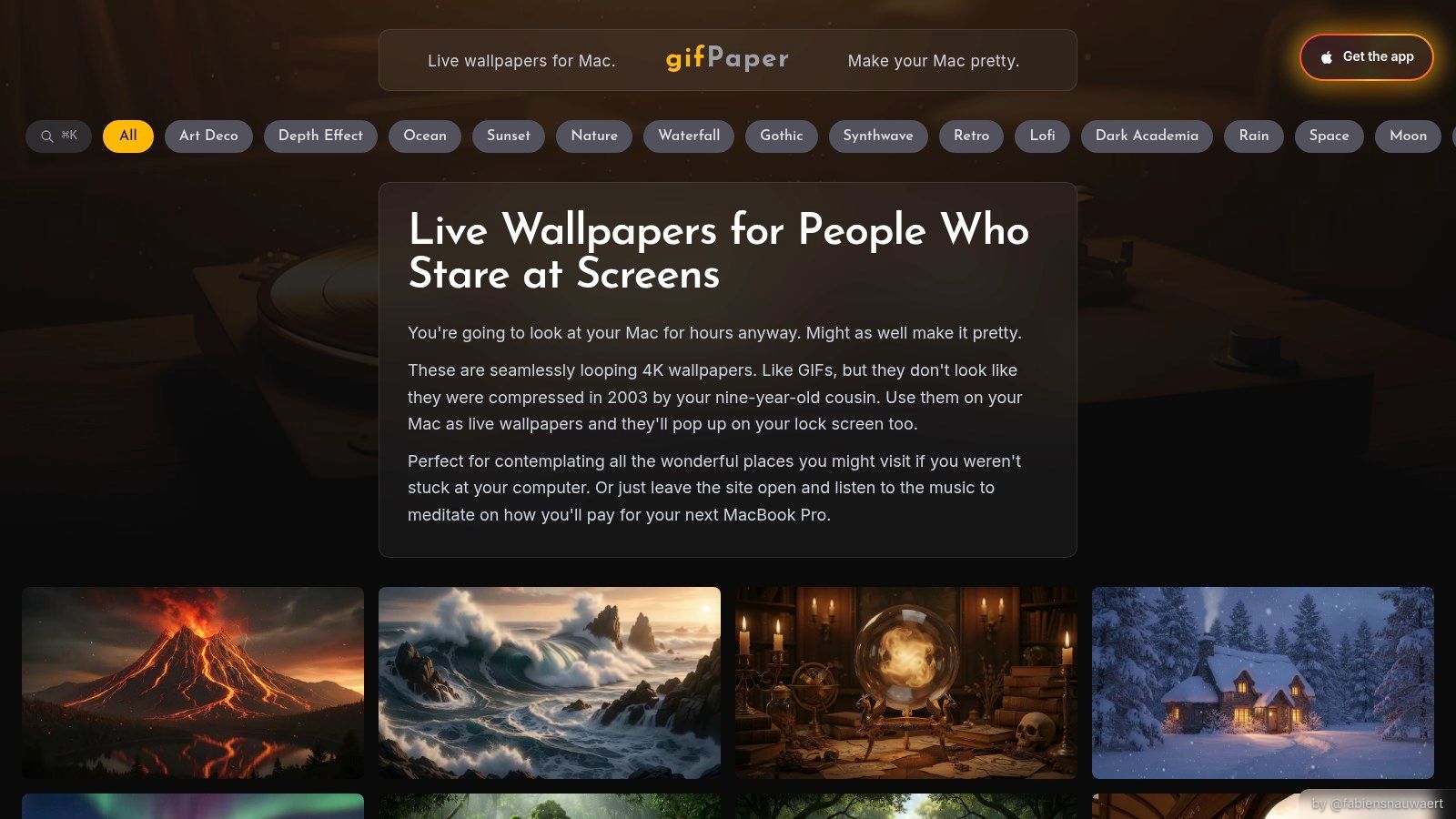
When you access your Mac, the wallpaper animates cleanly, and for once it does not feel like some bargain-bin desktop hack trying to cosplay as macOS. That is the appeal here. gifPaper offers 4K live wallpapers made specifically for Mac, and the companion app applies them to the lock screen, desktop, and screen saver with Apple's Aerial wallpaper format. The result feels native in a way most live wallpaper tools never quite manage.
Apple already supports Dynamic Wallpapers and aerial motion in recent versions of macOS, as explained in Apple's macOS wallpaper documentation. gifPaper fits that system instead of fighting it. That matters, because motion on a Mac either looks polished or looks like your desktop made a series of poor life choices.
Why it works better than the usual live wallpaper apps
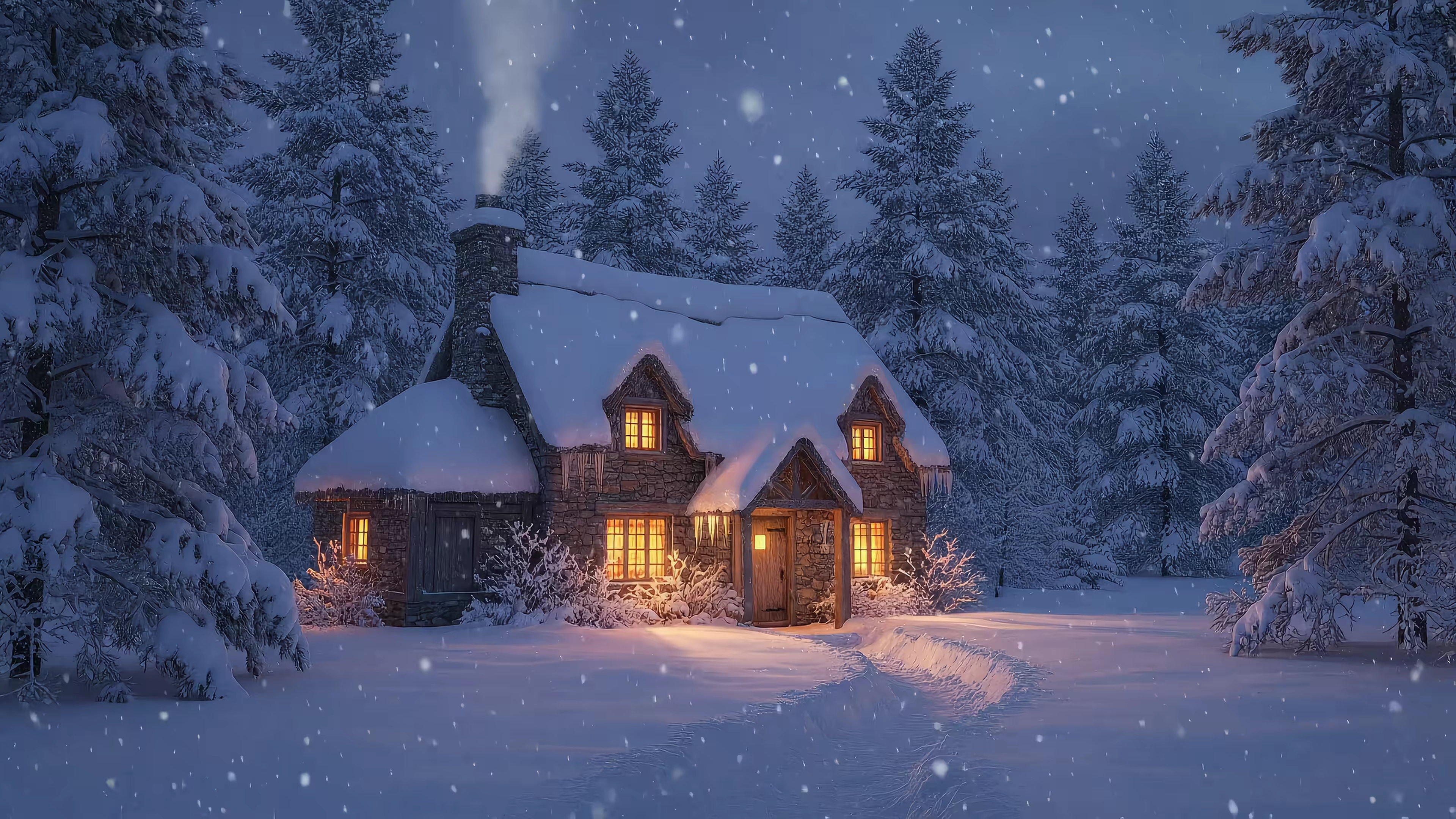
The library is curated, which is rarer than it should be. You are not digging through a pile of random uploads hoping one loop is sharp, properly cropped, and free of weird compression. The Lofi wallpaper collection is good for warm, low-key setups, while the Winter wallpaper collection gives you snow and cabin light without requiring actual shoveling.
Ambient audio is available on many scenes, and that changes the feel more than static wallpaper sites can. A quiet loop with sound can make the lock screen feel finished, not just decorated. Scenes like Snow House work well for that reason.
Color handling is another place where generic wallpaper dumps often disappoint. A file can be technically 4K and still look off on a Retina display if the grading is muddy or the scene is compressed too hard. gifPaper's Nature wallpaper gallery generally avoids that problem. Greens stay rich, shadows hold detail, and the image does not collapse the second it fills a larger Mac display.
Practical rule: Live wallpaper only works when the motion is smooth and the loop disappears into the background. If you notice the repeat point, you will keep noticing it forever. Ask me how I know.
Trade-offs worth knowing
gifPaper is Mac-only. It requires a recent version of macOS. Installation is done by direct download rather than through the Mac App Store, because Apple's sandbox rules get in the way of live lock screen wallpaper features. The app is notarized by Apple, which is the part that matters from a trust standpoint.
Pricing is straightforward. There is a 7-day free trial with no credit card, then a $4.99 one-time purchase and a 30-day money-back guarantee. That is a sane setup for wallpaper software. If you want a closer look at how these moving backgrounds behave on Mac, this animated wallpapers in 4K guide for Mac is the useful version of the story.
2. Unsplash
A lot of people don't need motion. They just want a very good still image that won't crumble under Retina scrutiny. For that, Unsplash remains one of the easiest places to start.
The scale is the giveaway. Unsplash currently advertises 500+ 4K Mac wallpaper images and 100+ free Mac wallpaper downloads on its Mac wallpaper search page. That matters because it shows this isn't a niche category anymore. There's enough volume here to browse by taste instead of settling for "mountain, but blue."
Best use case
Unsplash is strongest when you want photography. Real natural scenery, architecture, moody interiors, sky shots, oceans that suggest you answer email from a cliffside house you absolutely do not own. The search is decent, the visual quality is usually high, and the originals often give you enough room to crop for your display.
Don't assume "4K" means "ideal for your Mac." A wallpaper can be large enough and still crop badly on a taller display or a multi-monitor setup.
The weakness is consistency. Unsplash is broad, not curated for desktop composition. Some images look gorgeous full frame but fall apart once the menu bar, dock, and desktop icons start occupying territory like tiny bureaucrats.
If you want free, static, photographic wallpapers with lots of choice, Unsplash is still one of the cleanest options around.
- Best for: Photography-first wallpapers with a polished editorial feel
- What gets annoying: You'll sometimes need to crop manually for Macs with unusual aspect ratios
- What I'd skip it for: Minimal graphics, animated scenes, or lock screen motion
3. wallhaven.cc
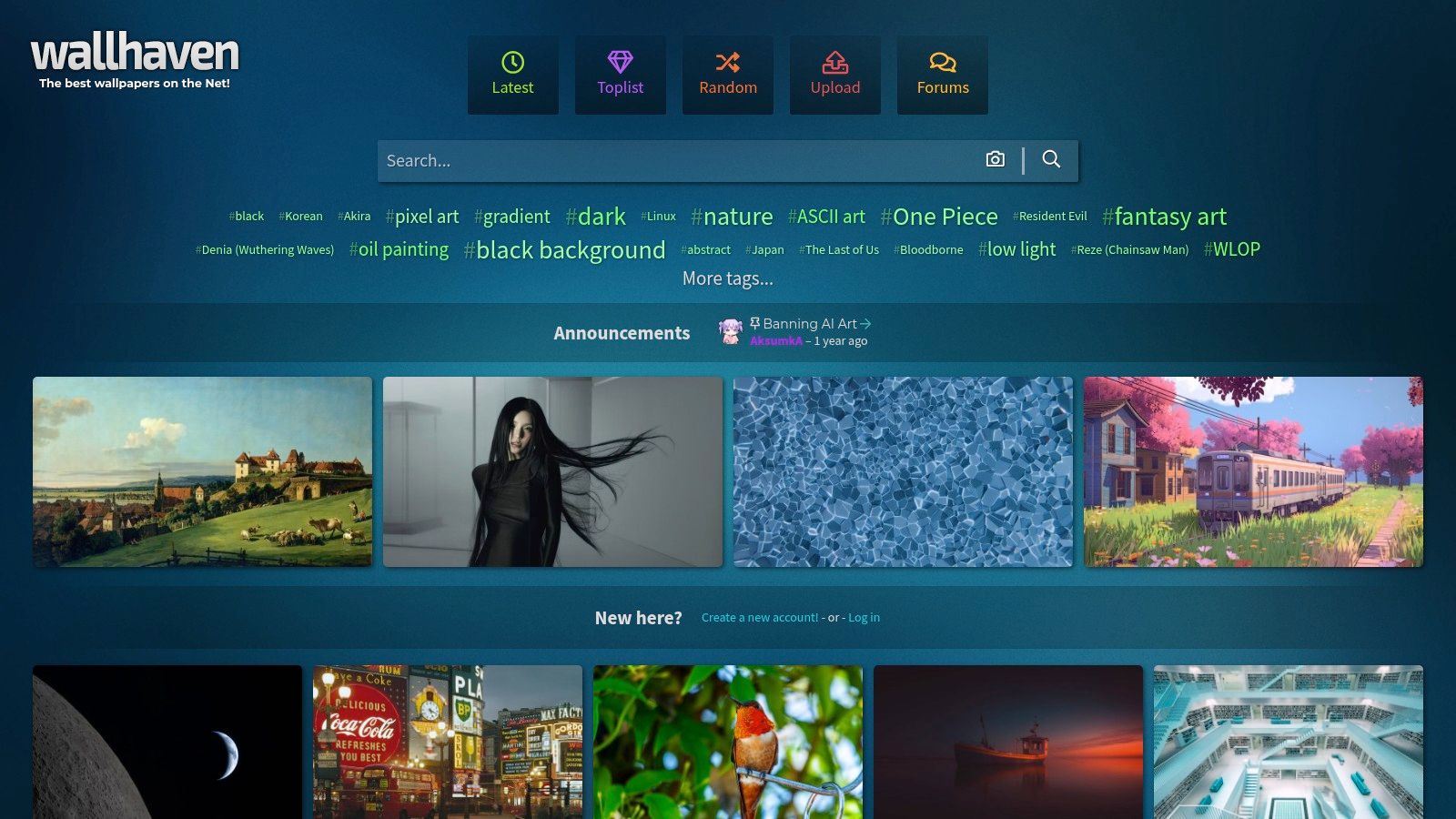
wallhaven.cc is for people who know what they want, or at least know they want something more specific than "nice nature wallpaper maybe." It's tag-heavy, filter-heavy, and gloriously unafraid of niche taste.
Where Unsplash feels like a design magazine, Wallhaven feels like a giant parts bin for your visual obsessions. Anime. Minimal shapes. Sci-fi cityscapes. Matte illustrations. Space art. Moody monochrome. If your taste has ever confused a normal person, this is promising.
What it does better than photo libraries
Resolution filtering is a major selling point. You can target exact sizes and aspect ratios instead of hoping some search result happens to fit your display. That makes Wallhaven more practical than many "inspiration" sites, especially if you use an external monitor and don't enjoy wallpaper roulette.
The variety is absurd in a good way. If you like the look of cyberpunk scenes, synthwave skies, or darker desktop art, this often gets you there faster than stock-photo platforms.
The trade-offs
Community uploads mean community mess. Metadata can be uneven, duplicates exist, and some searching requires patience. You'll also want to use content filters properly, because Wallhaven is one of those corners of the internet where a simple wallpaper search can become unexpectedly educational.
Some of the best wallpapers on Wallhaven are one filter away from some of the worst decisions.
For exact-resolution hunting and aesthetic variety, though, it's one of the strongest static sources on the list.
- Best for: Precise searches by style, color, and resolution
- Not ideal for: People who want a tightly curated, zero-fuss library
- Particular strength: Digital art and stylized desktop backgrounds
4. 512 Pixels – Every Default macOS Wallpaper in 5K/6K
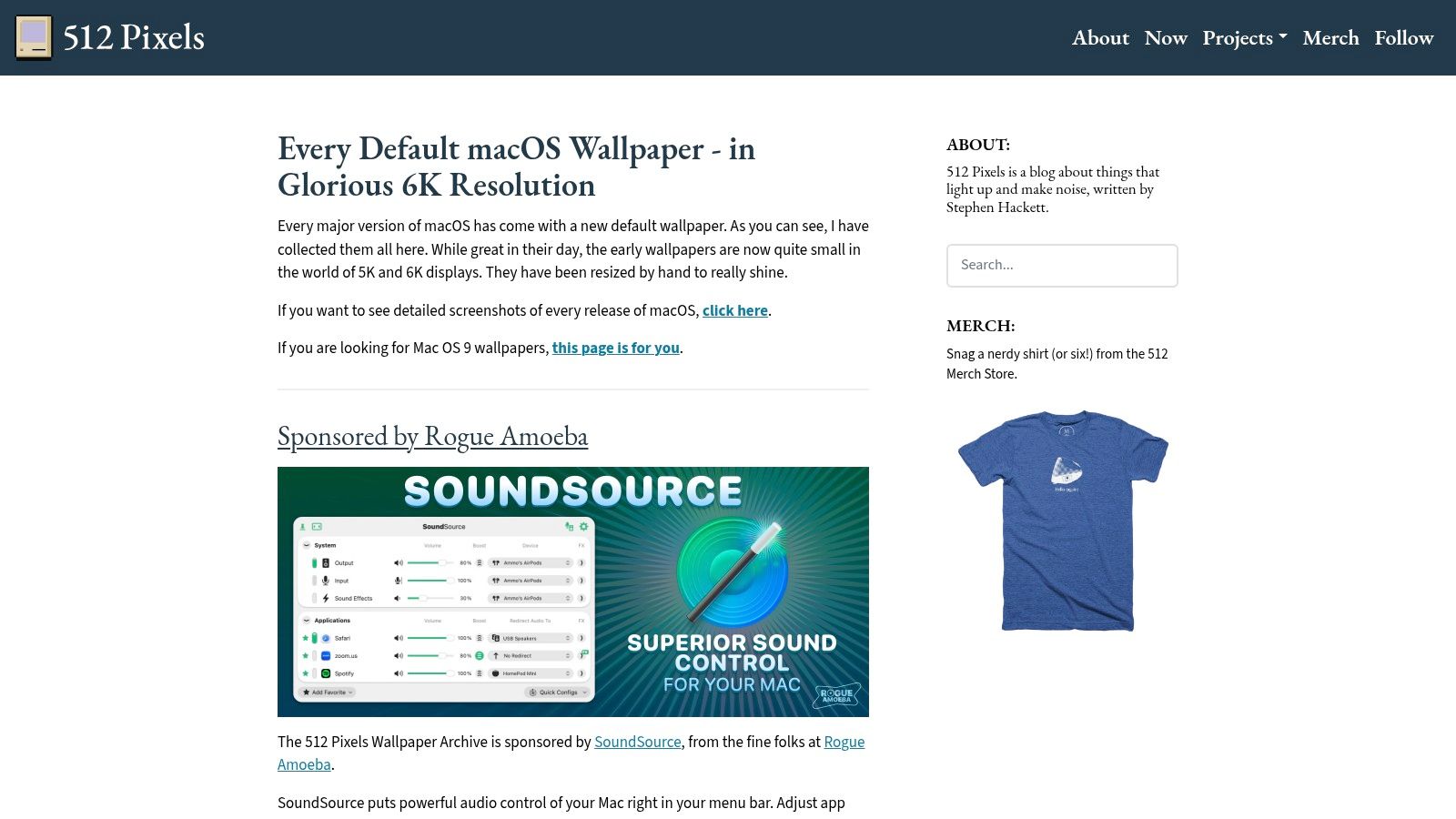
You open a Mac, hate the current wallpaper, then remember Apple got this right three versions ago. Now you are hunting for that exact image without ending up on a repost site serving a blurry JPEG that looks like it was rescued from a forum in 2012. 512 Pixels is useful for that very specific problem.
It collects Apple's default macOS wallpapers in high resolution and treats them like design artifacts instead of disposable background filler. That matters more than it sounds. Apple's defaults are built to sit behind translucent menus, bright icons, and cluttered desktops without turning the whole screen into soup.
Why this archive earns a spot
A lot of wallpaper lists chase novelty. This archive does the opposite. It gives you the official macOS look, in versions that still hold up on modern Retina displays, which is surprisingly hard to find once screenshots and low-grade reposts start breeding across the internet.
It is also one of the few sources on this list with a clear point of view. You are not browsing a giant image dump and hoping something works. You are choosing from wallpapers Apple designed to feel native on a Mac. Sometimes that means dramatic scenic photography. Sometimes it means abstract color fields from Apple's "we hired a very expensive gradient" period. Both have their place.
If you want to check fit before downloading, this 4K wallpaper size guide for MacBook Pro screens will save you from grabbing a beautiful file that crops badly on your actual display.
The trade-offs
Range is limited. Deliberately. This is a polished archive of Apple defaults, not a discovery tool for unusual art styles, anime, cyberpunk cityscapes, or whatever your desktop has become after too many late-night customization sessions.
That limitation is also the appeal. The files tend to feel calmer and more usable over time than many eye-catching wallpaper gallery picks. I love a dramatic wallpaper as much as the next desktop tinkerer, but some of them age like novelty socks.
- Best for: Official macOS wallpapers that look crisp on modern displays
- Not ideal for: Anyone who wants endless variety or niche aesthetics
- Particular strength: Native-looking backgrounds with Apple's own visual polish
5. 4KWallpapers (Retina section)
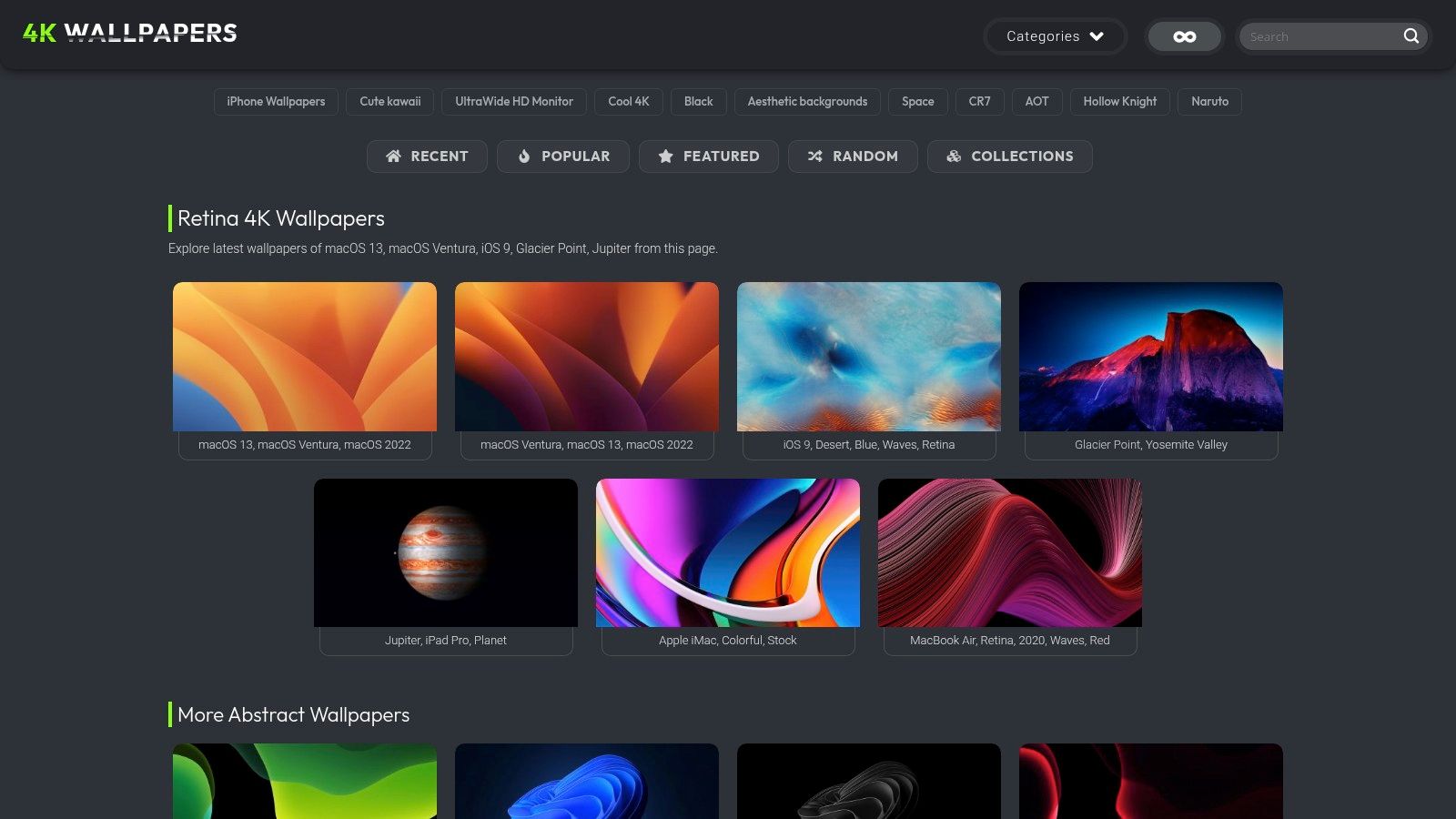
If you want something quicker than Wallhaven and more desktop-focused than a giant photo library, 4KWallpapers' Retina section is a useful middle ground. It's built around resolution-forward browsing, which sounds boring until you remember how many wallpaper sites bury the one detail you needed.
This site is good at the practical stuff. Recent uploads, popular picks, clear resolution labels, and categories that overlap nicely with what Mac users search for. Space scenes, gradients, nature, minimal graphics, darker wallpapers for setups where pure white backgrounds feel like a dental lamp.
Where it fits best
This is the site I'd use when I want a ready-to-download static wallpaper fast, not an afternoon of curation theater. The mix of photography and digital art gives it enough range without becoming a giant content swamp.
It's also one of the better options for darker wallpapers that sit nicely behind desktop icons. Some images are clearly chosen with desktop use in mind rather than just looking impressive in a thumbnail.
A wallpaper that looks dramatic in a gallery can be exhausting on a real desktop. This site does a decent job avoiding that trap.
The main limitation is depth. The library isn't as sprawling as the bigger community-driven sources, and some themed sets feel like they were designed with multiple devices in mind. Always verify the actual desktop resolution before downloading.
If you're shopping specifically for sharper laptop backgrounds, the 4K wallpaper for MacBook Pro guide pairs nicely with this site.
6. Simple Desktops
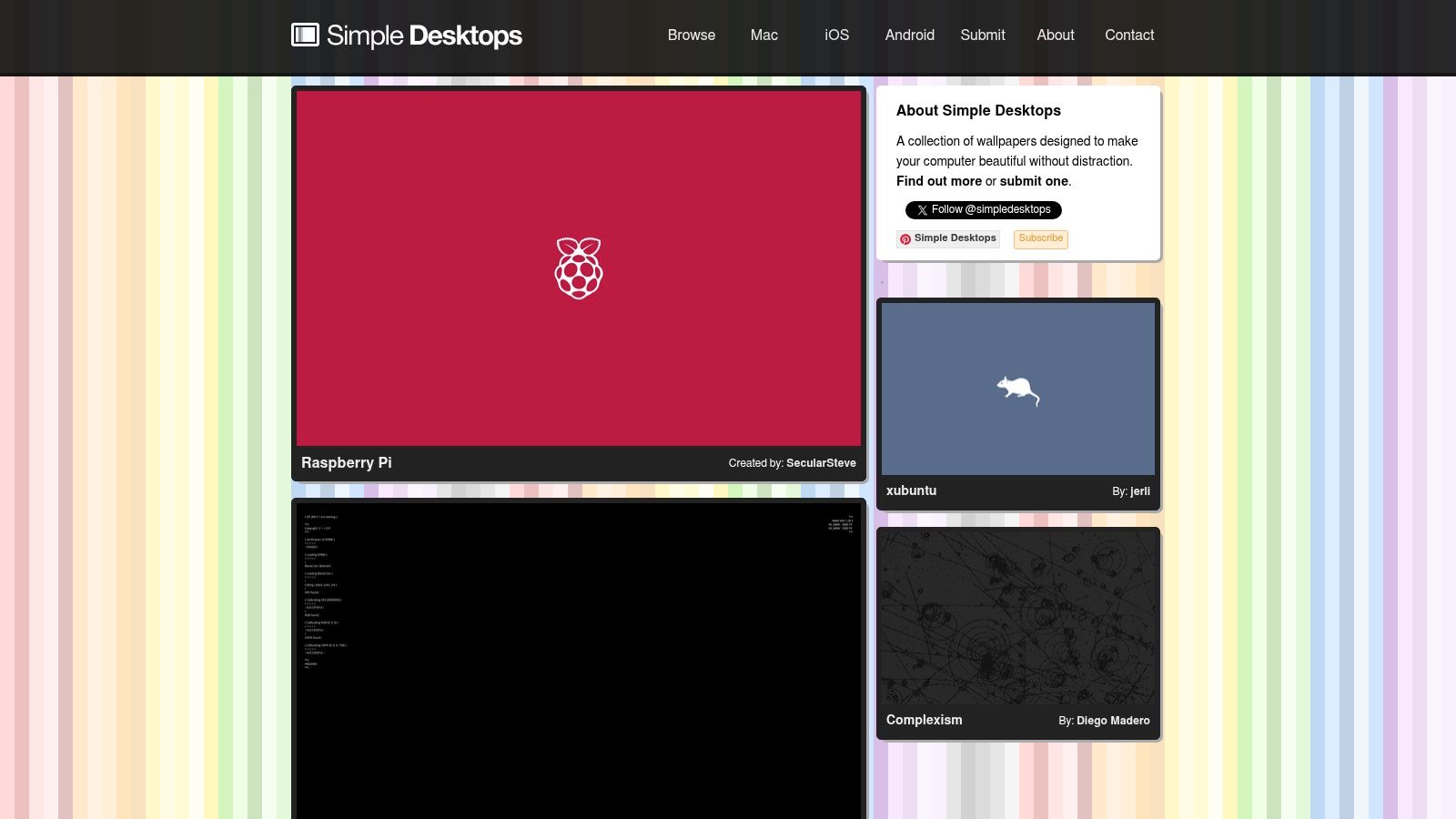
Simple Desktops is the antidote to overdesigned wallpaper culture. No dramatic mountain sermons. No glowing astronaut riding a wolf. Just minimal wallpapers with enough personality to keep your desktop from looking dead.
This site has been around for ages, and the core idea still works. Flat shapes, restrained colors, clean lines, tiny visual jokes. On a Retina display, that kind of simplicity stays razor-sharp because there's very little to break.
Why minimal still wins
If you keep a lot of windows open, minimal wallpaper is often the sane choice. It doesn't fight your apps, it doesn't clash with the menu bar, and it doesn't make every desktop icon look like it was dropped into a painting by accident.
Simple Desktops also has a coherent taste level. That's harder to find than it should be. Even when a design is whimsical, it usually stays clean enough to live with every day.
Where it falls short
If you want photographic depth, cinematic scenery, or anything that feels immersive, this won't satisfy you. The whole point is restraint. Some older wallpapers also may need a little manual cropping on larger displays.
- Best for: Clean setups, distraction-free desktops, menu-bar-heavy workflows
- Not for: People who want scenic drama or animated movement
- Nice bonus: The consistency makes browsing fast. No visual junk drawer effect
7. Dynamic Wallpaper Club
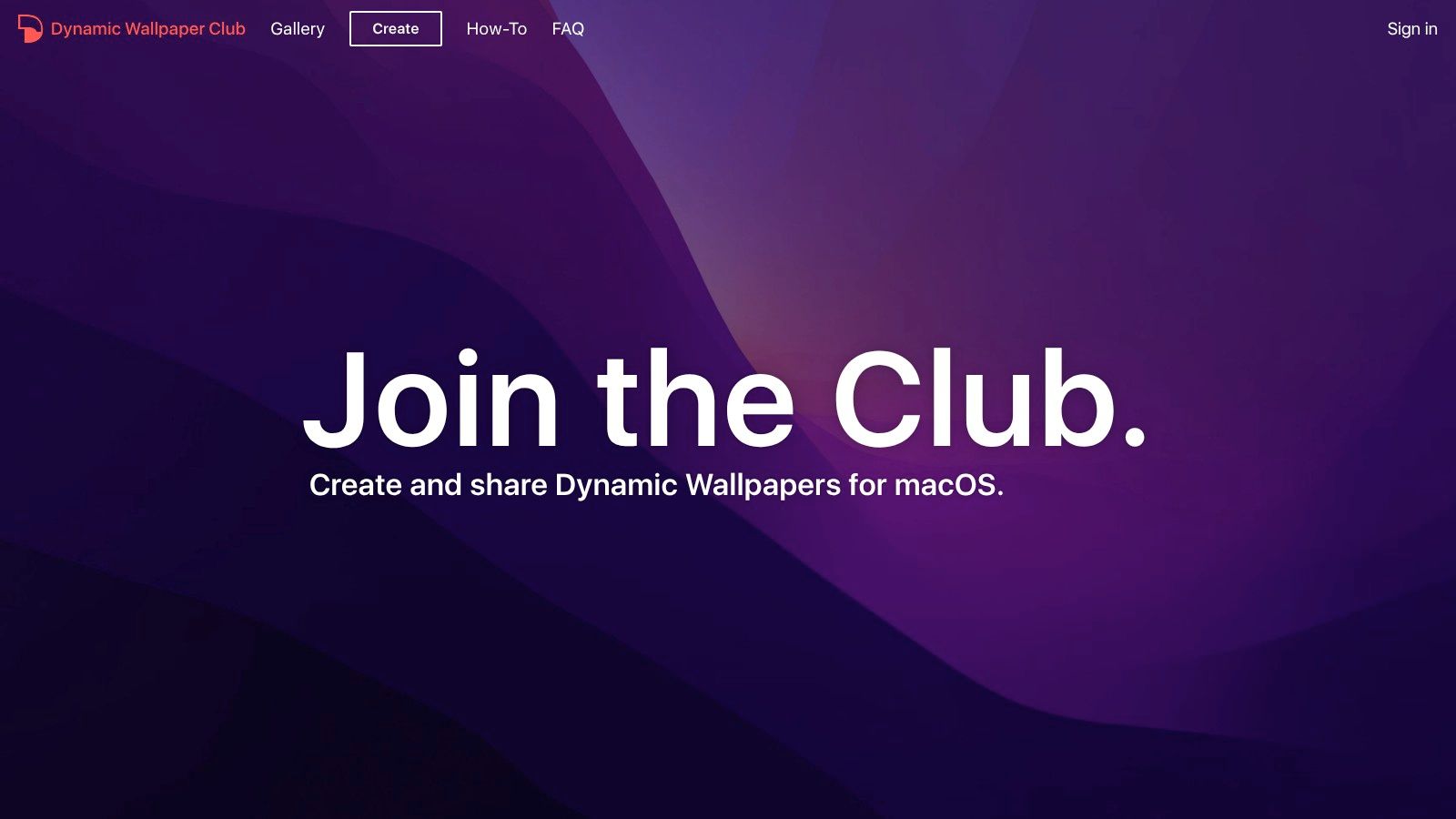
Dynamic Wallpaper Club fills a very specific Mac niche. It focuses on dynamic wallpapers that change over the day using macOS-native behavior, usually through HEIC sets tied to time or location. If you like motion in principle but don't necessarily want full video playback, this is a smart compromise.
There's a subtle pleasure in a wallpaper that shifts with the day and doesn't demand attention. Morning light, afternoon warmth, evening shadows. It feels alive without behaving like a nightclub.
Why Mac users like it
The native support is the appeal. Once you set a proper dynamic wallpaper, macOS handles the transitions without you babysitting an app in the background. That makes it more elegant than many pseudo-live wallpaper tools.
The site also offers a creator tool, which is handy if you want to build your own time-shifting sets. That's catnip for tinkerers, or for anyone who's ever looked at a wallpaper and thought, "Good, but it should slowly become dusk."
The catch
Quality varies because the content comes from a community. Some sets are excellent. Some are merely conceptually excellent. Compatibility can also depend on your macOS version, so it pays to read current instructions instead of charging ahead like a man reenacting a support forum thread.
For a subtle native desktop that changes with the day, though, it's still one of the more charming options available.
Top 7 4K Mac Wallpaper Sources Comparison
| Item | Implementation complexity | Resource requirements | Expected outcomes | Ideal use cases | Key advantages |
|---|---|---|---|---|---|
| 4K Live Wallpapers for Mac (gifPaper) | Low – install native app, one‑click set | Moderate – video + optional ambient audio uses CPU/GPU and battery; macOS only | Seamless 4K animated wallpapers (with ambient sound) and lock‑screen motion | macOS users who want animated, atmospheric desktops with minimal setup | True 4K video loops, native app, Retina support, one‑time $5 purchase |
| Unsplash | Low – download and apply static images; may crop | Minimal – static high‑res images; manual cropping for some displays | High‑resolution photographic wallpapers from many contributors | Users seeking free, high‑quality photo backgrounds and variety | Massive free library of true high‑res originals; continuous new content |
| wallhaven.cc | Low–Moderate – use filters/tags to find exact assets | Minimal – large static downloads; verify resolution/aspect | Very broad selection of wallpapers matched to specific resolutions/aspect ratios | Power users needing exact 4K/5K/ultrawide assets across many styles | Strong resolution/ratio filters, extensive tagging, huge variety |
| 512 Pixels – Default macOS Wallpapers in 5K/6K | Low – browse and download archived files | Minimal – lossless or upscaled static files targeted to Retina | Pixel‑clean, official Apple stock wallpapers in 5K/6K | Users wanting native Apple look on Retina iMacs/Studio Displays | Lossless/upscaled official wallpapers; faithful Apple aesthetic |
| 4KWallpapers (Retina section) | Low – navigate Retina area and download | Minimal – static 4K/5K images; check labels before use | Ready‑to‑use Retina/4K wallpapers curated by category | Quick source for Retina‑optimized images without extensive searching | Clear resolution labels, easy one‑click downloads, curated Retina focus |
| Simple Desktops | Low – download or use lightweight Mac app to rotate | Minimal – simple vector/flat graphics, low CPU | Clean, minimal, distraction‑free desktop images that scale well | Users preferring minimal aesthetics and low visual distraction | Curated minimal designs, sharp on Retina, optional rotation app |
| Dynamic Wallpaper Club | Moderate – build/use HEIC dynamic packs; use creator tool | Low at runtime – native macOS HEIC dynamic files (no background app) | Time‑of‑day shifting wallpapers that change natively in macOS | Users who want subtle, native "living" desktops that change with time | Native dynamic HEIC support, free creator tool, many macOS‑sized uploads |
From Static to Spectacular: Your Turn
You've now got a short list of sources that are worth using. Some are better for clean static photography. Some are better for minimal design. Some are best when you want Apple's own default look in proper Retina-friendly quality instead of a low-rent repost from the internet's attic.
But if I'm being honest, static wallpapers are only half the story now.
Apple's own wallpaper system already nudges the Mac toward motion with Dynamic Wallpapers and aerial behavior when the screen becomes active and screen savers. Once you've seen that done well, a still image can feel a bit like putting a velvet rope around a cardboard cutout and calling it atmosphere. Perfectly respectable, just slightly less fun than it could be.
That's why gifPaper stands out. It doesn't just give you another place to download wallpapers. It gives your Mac a native-feeling live wallpaper setup, including the lock screen, which is where most wallpaper apps wave a white flag and go home. The loops are smooth, the library is curated instead of chaotic, and the whole thing is priced like an indie utility made by a sane person.
If your taste runs cozy, the winter and fireplace scenes are excellent. If you want your Mac to look like it's listening to synths in a rain-soaked alley at midnight, the neon stuff is there too. If you're the sort of person who misses animated desktops from other platforms but wants them to behave properly on macOS, this is the rare option that feels like it belongs.
Try the static sources if that's your lane. There's nothing wrong with a good still image.
But if what you really wanted was the best Mac wallpapers in 4K that feel alive, not just high-resolution, you already know where this is going.
If you want your Mac's lock screen and desktop to stop looking like default furniture, try gifPaper. It's a Mac app for smoothly looping 4K live wallpapers with ambient audio on many scenes, built to work on Retina displays and Apple's native wallpaper system. You get a 7-day free trial, then it's $4.99 once, not a subscription. A suspiciously reasonable arrangement, frankly.