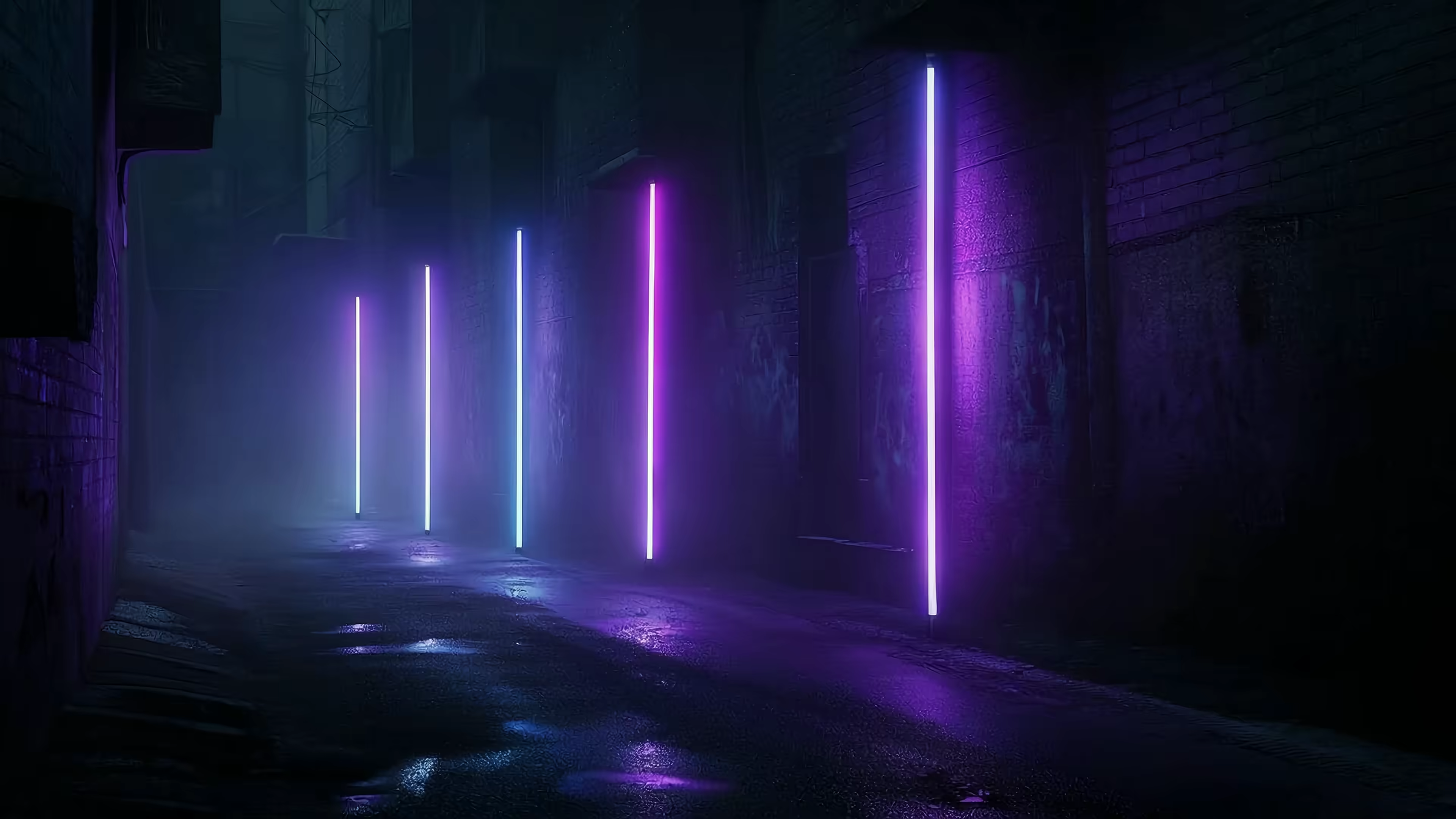
Cyberpunk Desktop Wallpaper: A Guide to Your Mac's Future
Your Mac is sitting there with the visual charisma of an airport carpet. Maybe it's the default Apple aerial thing. Maybe it's a vacation photo from an era when everyone still said "circle back." Either way, you're trying to use a computer that costs real money and looks, at this moment, emotionally identical to beige soup.
Meanwhile, what you want is obvious. Rain on glass. Neon leaking into puddles. Tower blocks so tall they seem legally dubious. A desktop that looks like it knows what synth bass sounds like.
That's the appeal of a good cyberpunk desktop wallpaper. Not "sci-fi" in the broad, toothpaste-commercial sense. Cyberpunk is moodier and more specific. It's future-tech wearing grime like jewelry. It's the fantasy that your laptop opens onto a sleepless city instead of another spreadsheet and three tabs you swear are research.
Most wallpaper roundups don't help much. They throw static JPGs at you, call it a day, and hope you don't notice the difference between "nice art" and "convincing atmosphere." On Mac, the gap gets worse. Plenty of things look cool in a browser preview. Very few still look good once they're stretched across a Retina display, looped for hours, and expected to behave like part of the system instead of a needy little widget.
You're going to look at your Mac for hours anyway. Might as well make it pretty.
Your Mac Is Boring. Let's Fix It
A boring desktop doesn't ruin your day. It just lowers the ceiling on how cool your machine feels. That's the actual offense. You open the lid expecting future-noir, and instead you get a frozen mountain, a beach, or your cousin's dog from 2019 staring into the middle distance like it knows too much.
Cyberpunk fixes that by replacing "pleasant background" with actual visual intent. A proper scene gives your Mac a personality. Not in a corporate "customize your workflow" way. In a "yes, this machine clearly belongs to someone who has opinions about neon signage" way.
The gap between default and interesting
The default desktop says you accepted whatever shipped with the OS. A cyberpunk one says you made a decision.
That decision usually looks like this:
- Rain and reflection. Wet pavement, window streaks, shimmering color.
- Artificial light everywhere. Purple, cyan, magenta, acid blue. Nature has been politely asked to leave.
- A city with insomnia. Alleys, transit lines, rooftop billboards, ramen stalls, corporate towers.
None of that makes your email inbox less silly. It just makes the container better.
A desktop doesn't need to be productive. It needs to be something you don't resent seeing 80 times a day.
The trick is not grabbing the first glowing city image you find and calling it done. Cyberpunk works when the details line up. The wrong color grading, a clumsy loop, or a muddy low-res file turns "Blade Runner fever dream" into "cheap gaming mouse box art."
That difference matters more on Mac because Apple machines are extremely good at exposing low-effort visuals. Sharp displays are unforgiving. If your wallpaper is fake-futuristic sludge, your screen will snitch.
What Exactly Is the Cyberpunk Aesthetic
Cyberpunk isn't just "future city at night." That's the beginner version. Its core concept runs on a tension that never goes away: high-tech, low-life. The world is advanced, connected, augmented, surveilled, and profoundly unwell. Someone has invented holograms the size of buildings, and someone else is still eating noodles under a flickering sign in an alley that smells like rain and overheated wiring.
That contradiction is why the look works so well on a desktop. It gives you spectacle and texture at the same time.
The visual ingredients

A cyberpunk scene usually builds from the same handful of elements, but the good ones balance them instead of dumping everything on screen at once.
- Perpetual night. Daylight can exist, technically, but cyberpunk prefers darkness because light sources become dramatic.
- Aggressive neon. Purple, magenta, cyan, electric pink. Everything is glowing. Nobody voted on this.
- Megastructures. Towers, stacked roads, giant ad screens, windows disappearing upward into haze.
- Weather with commitment. Rain is the classic move because it doubles the light through reflections.
- Human mess. Narrow alleys, clutter, steam vents, cables, market stalls, too many signs in too little space.
The fantasy isn't clean futurism. Sterile white rooms belong to a different branch of sci-fi. Cyberpunk wants surfaces with history on them.
If you want the broader cultural version of that idea, the cyberpunk aesthetic guide gets into the mood, the motifs, and why this stuff keeps showing up whenever people imagine a future run by corporations and bad lighting.
The places cyberpunk lives
The most recognizable settings tend to fall into a few camps.
| Setting | Why it works |
|---|---|
| Neon alley | Dense, intimate, full of reflections and signage |
| Street market at night | Human scale against giant technology |
| Corporate interior | Clean menace, polished surfaces, zero warmth |
| Rooftop skyline | Scale, distance, and that lovely feeling of urban overload |
A wallpaper doesn't need a character in it. In fact, many of the strongest ones don't. Empty streets, distant towers, and slow-moving light sell the atmosphere better than a random figure doing action-pose nonsense.
The best cyberpunk wallpaper usually feels inhabited, not busy.
That's an important distinction. A good scene suggests somebody was just there, or is nearby, or is definitely making a dubious deal under that glowing sign. It leaves room for your icons, your windows, and your own projections. Somewhere out there, a teenager in 1987 is sketching this exact skyline in the margin of a math notebook.
The Quest for the Perfect Looping Wallpaper
Finding a cyberpunk image is easy. Finding one that survives daily use is where things get annoying.
Most live wallpapers fail for technical reasons, not artistic ones. The scene might be good, but if the loop snaps back to the beginning every few seconds, your brain catches it immediately. The whole illusion falls apart. Suddenly your moody neon city feels like a vending machine screen saver.
What separates good from janky
Three things matter more than people think.
- A smooth loop. Motion should return to the start without a visible cut. Rain, smoke, drifting lights, and camera movement all need to cycle cleanly.
- Enough resolution for Retina. Soft video on a sharp Mac display looks cheap fast.
- A sane file format. Old-school GIFs are terrible for this. They're chunky, limited, and weirdly good at making beautiful scenes look like forum signatures from another century.
Practical rule: If you can spot the reset, it's not ambient. It's a mistake repeating itself.
Mac users get the short end of this more often than Windows users. According to a Reddit thread on ultrawide cyberpunk wallpaper requests, 60% of those queries specify ultrawide or ultrahigh resolutions (3440x1440+), which tells you people don't just want "a cool image," they want something that fits large modern displays properly. The same data notes that Wallpaper Engine is Windows-only and costs $3.99, which leaves Mac users in an oddly persistent gap if they want native-feeling live wallpaper support.
Why DIY only gets you halfway
You can absolutely make your own concept art if you want something custom. A tool like this free AI wallpaper creator is useful for generating still imagery, color palettes, or scene ideas before you commit to a final look.
But a generated image is still just an image. It doesn't solve looping, playback behavior, ambient audio, lock screen integration, or the part where your desktop shouldn't behave like a browser tab in witness protection.
That's the difference between "I found cyberpunk art" and "I built a cyberpunk desktop."
Finding Your Neon Dystopia in the Gallery
Once you know what to look for, the hunt gets simpler. The good cyberpunk material usually clusters around neon, dark, and sometimes purple palettes. That's where you get the rain, signage, distant towers, and moody contrast without wandering into generic "sci-fi wallpaper pack" territory.
If you want a starting point instead of ten thousand tabs, the cyberpunk wallpaper collection is built around that exact mood. Not every scene needs a motorcycle doing crimes in the foreground. Sometimes a damp alley and the hum of a city are enough.

Where most galleries fall apart
The common question is simple: where do you get looping cyberpunk wallpapers with ambient audio instead of another static image pretending to be atmosphere?
The answer is usually bad. Verified data shows 95% of existing content focuses on static 4K images or compressed GIFs, while Unsplash and Wallhaven offer 100+ static cyberpunk images but zero live wallpapers with audio. Mac users spending 8+ hours at screens are left with a real gap if they want audio-enhanced scenes instead of silent JPGs.
That's why curation matters. A folder full of random files isn't a gallery. It's chores.
The scenes that work best tend to be the ones with a restrained motion profile. Slow rain. Light flicker. Distant traffic glow. Tiny environmental movement does more than aggressive camera pans ever will.
Good cyberpunk wallpapers are specific
Browse the neon wallpaper collection when you want bright signage and wet-city energy. Dip into the dark wallpaper collection if you prefer the gloomier end of the spectrum, where the glow feels rarer and more deliberate.
Ambient audio is the detail most places skip. That's a mistake. Soft rain, distant city hum, electrical buzz, or a low atmospheric bed does a lot of work. It turns the wallpaper from decoration into environment. All the cyber, more of the punk, none of the fan screaming from your old laptop stand.
How to Set Up Your Cyberpunk Desktop on Mac
This part should be easy. Historically, it hasn't been.
On Mac, most live wallpaper setups either look wrong, feel bolted on, or stop the moment you ask them to do something useful. The satisfying version is one where the wallpaper behaves like part of macOS, not like a visual parasite hovering above it.

The setup that actually makes sense
If you want the practical walkthrough, this guide on how to get live wallpapers on Mac covers the mechanics. The short version is simple: install the app, browse the gallery, pick a scene, and set it.
In the one tool category where it's relevant to mention an actual Mac-specific option, gifPaper exists for this exact use case. It lets you set live wallpapers on your lock screen, desktop, and screen saver, and it uses Apple's native Aerial wallpaper format instead of an overlay trick. Verified product data states that this is the same underlying format Apple uses for video wallpapers like Sequoia Sunrise and Tahoe Day, with 4 to 8 MB wallpaper files and no CPU usage while displayed on the lock screen.
What the three surfaces are for
Each screen has a different job. Treating them the same is where a lot of wallpaper apps get clumsy.
-
Lock screen
This is the fun one. Wake the Mac and the city is already there, moving like it belongs. -
Desktop
A still frame by default is smart. You keep the atmosphere without constant motion, then toggle full animation when you want it. -
Screen saver
Screen savers are back, mostly because they can finally stop looking like an IT department compromise.
If a wallpaper app can't handle the lock screen natively, it's solving the easy half of the problem.
There's also a practical detail people miss. On this setup, lock screen and desktop use the same wallpaper in one action. That's not glamorous copy. It's just the kind of friction removal that makes the whole thing feel less like tinkering and more like a finished product.
The Final Pitch: One-Time Purchase, No Subscriptions
Desktop wallpaper is a ridiculous thing to care about until you remember how often you see it. Then it becomes one of the more rationally vain decisions available to a computer owner.
The usual annoyances are predictable. Other wallpaper apps often lean on subscriptions, weird overlays, or partial support that stops short of the lock screen. That's a lot of machinery for something that should feel effortless.
The offer is refreshingly plain
Here's the useful part.
- Price. It's $4.99 as a one-time purchase. Not a subscription.
- Trial. There's a 7-day free trial with no credit card required.
- Safety net. A 30-day money-back guarantee exists in case your heart belongs to a different glowing alley.
- System requirement. It requires macOS 26 (Tahoe) or later.
The app is a direct download, not a Mac App Store app, because Apple's sandboxing rules block the live lock screen behavior this kind of tool needs. It's also notarized by Apple, which is the sentence you want to read right before installing software from an indie developer who clearly spent too long making a laptop look like future rain.
Why this is a reasonable indulgence
About 150+ wallpapers are available on the site right now, and more get added regularly. That's enough variety to find your flavor of neon without pretending there's an infinite library hiding behind the curtain.
You don't need a moral defense for wanting a better desktop. You're staring at this machine all day. You may as well give it a skyline, some rain, and the faint sense that a morally ambiguous courier is about to sprint across the roofline.
If your current desktop looks like it was chosen by committee, gifPaper is the tidy fix. Browse the live wallpaper gallery for free, and if you want the Mac side of it, gifPaper for Mac gives you the lock screen, desktop, and screen saver setup in one place. It's a small, specific purchase for people who know details matter. Which, if you made it this far, is probably you.