
7 Sites for Your Next Desktop Aesthetic Wallpaper (2026)
Your Mac deserves better than the default blue gradient and that one mountain photo you stopped noticing three months ago.
You stare at this machine for hours. Before coffee, during calls, after the final "just one quick thing" email that absolutely was not one quick thing. Your desktop is the room you live in all day. If it looks bland, the whole vibe feels bland.
That is why desktop aesthetic wallpaper matters. Not in a fake "optimize your environment" way. In a normal-human way. A rainy alley, a snowy cabin, a lofi train window, a slow-burning fireplace. Those details change how your screen feels.
Most wallpaper sites give you static images. That's useful. Sometimes you just want a clean photo, set it, done. But some aesthetics want movement. Neon rain looks better when it rains. A fireplace should flicker. A winter window should feel like weather, not a postcard.
There's also a very real Mac problem here. Search results are packed with static wallpaper galleries, while animated options for Mac are weirdly absent. That gap matters because good live wallpaper options for Mac still don't get enough attention, even though plenty of people want them.
So here's the practical answer. If you want the best live wallpaper option for Mac, pick gifPaper. If you want static images, start with Unsplash or Wallhaven. Everything else depends on whether you want polished dynamic desktops, fandom rabbit holes, or nerdy customization.
1. gifPaper
You open your Mac, see another flat wallpaper, and the whole screen feels lifeless before the first tab even loads. If you want motion, atmosphere, and an aesthetic instead of a glorified background image, use gifPaper.
It solves a specific problem that static wallpaper galleries do not solve well. gifPaper gives Mac users moving wallpapers built for macOS, with support for the desktop, lock screen, and screen saver in one app. You can set the lock screen and desktop together without digging through settings like Apple hid the button out of spite.
Why gifPaper stands out
gifPaper is focused on looping 4K video wallpapers that look clean on a desktop. The result feels cinematic, not like an old GIF stretched past its dignity.
The library is organized by mood, which matters more than raw quantity for this kind of guide. You are not here to scroll through ten thousand random files. You are here to find a vibe that fits your desk, your music, and your general tolerance for ugly interfaces. Rainy city scenes, winter cabins, fireplaces, neon, dark tones, purple lighting, nature loops. If you want the softer study-heavy end of the spectrum, the lofi aesthetic wallpaper collection for Mac is the obvious place to start.
Some scenes also include ambient audio. That can make a desktop feel less sterile, especially if your setup is trying to land on cozy, late-night, rainy, or fireplace energy instead of "quarterly planning deck in progress."
Another reason gifPaper earns a spot at the top of this list is simple. Static wallpaper sites are everywhere. Good live wallpaper options for Mac are not. Canva's aesthetic desktop wallpaper templates show the usual static-heavy situation Mac users keep running into, which is exactly why a dedicated moving-wallpaper app is worth your time.
What the app gets right
The app uses Apple's native Aerial wallpaper format. That is the same format Apple uses for its own video wallpapers, so the setup feels like part of macOS instead of a weird overlay sitting on top of it.
Practical details:
- Free trial: 7 days, no credit card required
- Price: $4.99 one-time purchase
- Refund policy: 30-day money-back guarantee
- Platform: macOS 13 or later
- Distribution: direct download, notarized by Apple
If you want live wallpaper on Mac without a subscription, fake-browser workarounds, or clumsy setup, this is the cleanest pick in this category.
The tradeoffs are straightforward. It is Mac-only. Live wallpapers can use more resources than a static image, especially on laptops. Ambient audio is available on some wallpapers, not all of them.
If your goal is a desktop that feels cinematic, cozy, rainy, snowy, glowy, or pleasantly overdramatic, gifPaper is the strongest fit in this list because it handles live aesthetic wallpaper directly instead of pretending a static screenshot is close enough.
If you want examples before installing anything, this guide on aesthetic wallpaper GIF ideas for Mac is a useful companion.
Best for
Use gifPaper if you want your Mac desktop and lock screen to carry the same mood, especially if that mood involves motion.
It is a strong match for lofi scenes, neon streets, winter rooms, fireplaces, slow weather, and any setup where a static image feels a little too dead.
2. Unsplash
Unsplash is the easiest static option on this list. Open site, search vibe, download image, done. No account wall for basic use. No detective work to figure out whether the photo looks decent at desktop size. Just a large library of high-resolution photography at Unsplash desktop wallpapers.
That simplicity matters. Sometimes you do not need motion. Sometimes you need a clean moody interior, a foggy forest, or a soft beige desk shot that says "I definitely have my life together," even if there is a cereal bowl next to your keyboard.
Where Unsplash shines
Unsplash is strongest when you want tasteful photography rather than fan art or heavily edited digital illustration.
Its best categories for desktop aesthetic wallpaper usually fall into a few camps:
- Minimal photography: clean shapes, muted tones, lots of breathing room
- Nature shots: mountains, forests, oceans, cloud layers
- Urban mood pieces: rainy streets, signage, windows, late-night architecture
- Lifestyle scenes: desks, cafés, books, interiors
Because the site is photo-first, it pairs especially well with softer aesthetics. If your ideal desktop says quiet, calm, and just a little curated, Unsplash gets there fast.
If you like the softer study-heavy side of this style, the lofi aesthetic on Mac wallpaper is a useful reference point. Unsplash won't give you the moving train-window version of that mood, but it will give you the still frame equivalent.
What to watch for
The tradeoff is obvious. Unsplash is static. Beautiful static, but static.
You also need to search well. "Aesthetic" as a query can bring up everything from gorgeous editorial photography to images that look like a startup waiting room. Specific terms work better. Try "rain window," "moody interior," "night city," "desk lamp," or "snow cabin."
Unsplash is the best pick when you want a desktop that looks expensive, calm, and free of nonsense. If your standard is "I want one very good image and I never want to think about this again," Unsplash is excellent. If you want movement, look elsewhere.
3. Wallhaven
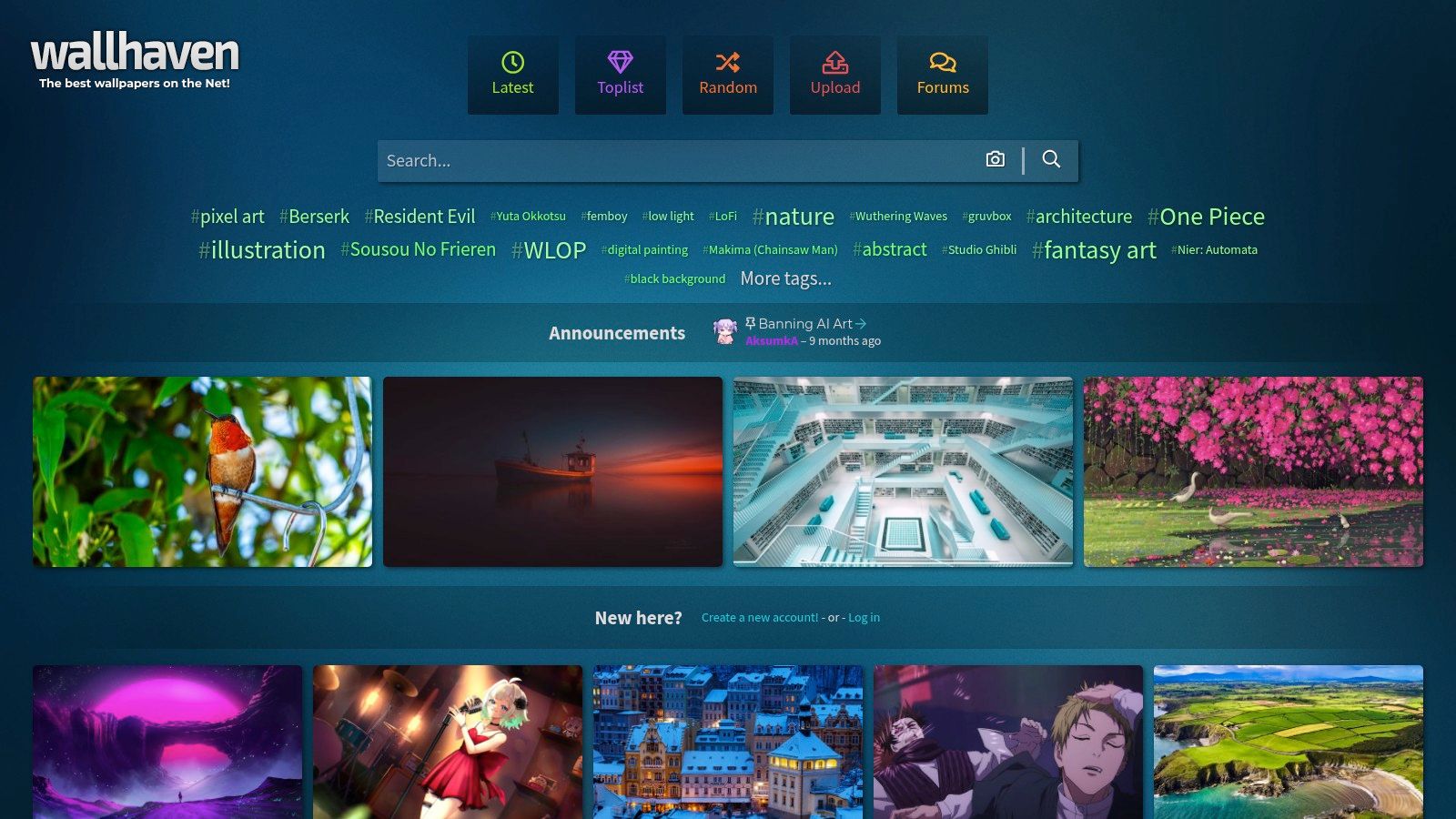
Wallhaven is for people who know what they want and are willing to use filters like a grown adult instead of typing "cool wallpaper" and hoping fate handles the rest.
Go to Wallhaven when your request is weirdly specific. Purple synthwave at ultrawide resolution. Dark anime city with teal highlights. Minimal black gradient with one red accent. Wallhaven lives for that level of fussiness.
Best thing about Wallhaven
Filtering. Proper filtering.
You can narrow by resolution, aspect ratio, tag, color, category, and purity settings. That makes it one of the best places to find desktop aesthetic wallpaper for unusual displays, including ultrawide setups and giant Retina screens where low-res junk gets exposed immediately and without mercy.
This also makes it useful if your Mac wallpaper taste is niche. Some sites are broad but shallow. Wallhaven is broad and weirdly precise.
A few good use cases:
- Dark setups: black, charcoal, muted cyberpunk
- Color-led searches: purple, teal, amber, red
- Anime and illustration styles: if that's your thing, there is plenty
- Ultrawide formats: much easier than on generic wallpaper sites
There's also a useful companion read if you're narrowing down laptop-specific fits. This guide to MacBook wallpaper aesthetic ideas lines up well with the kind of filtering Wallhaven rewards.
The catch
Wallhaven is community-driven, so quality varies. Some uploads are excellent. Some look like they were made five minutes before the deadline by a caffeinated goblin with a glow effect slider.
It also has purity toggles, including sketchy and NSFW content, so set your filters before you start browsing in public unless you enjoy unnecessary drama.
If you want exact control over mood, color, and resolution, Wallhaven beats prettier but less searchable wallpaper sites. Use Wallhaven when your taste is specific enough to be annoying. That is not an insult. It is a compliment.
4. Alpha Coders
Alpha Coders, specifically Wallpaper Abyss, feels like the old internet in a mostly good way. Huge catalog, tons of categories, lots of resolutions, and enough fandom content to keep you busy far longer than intended.
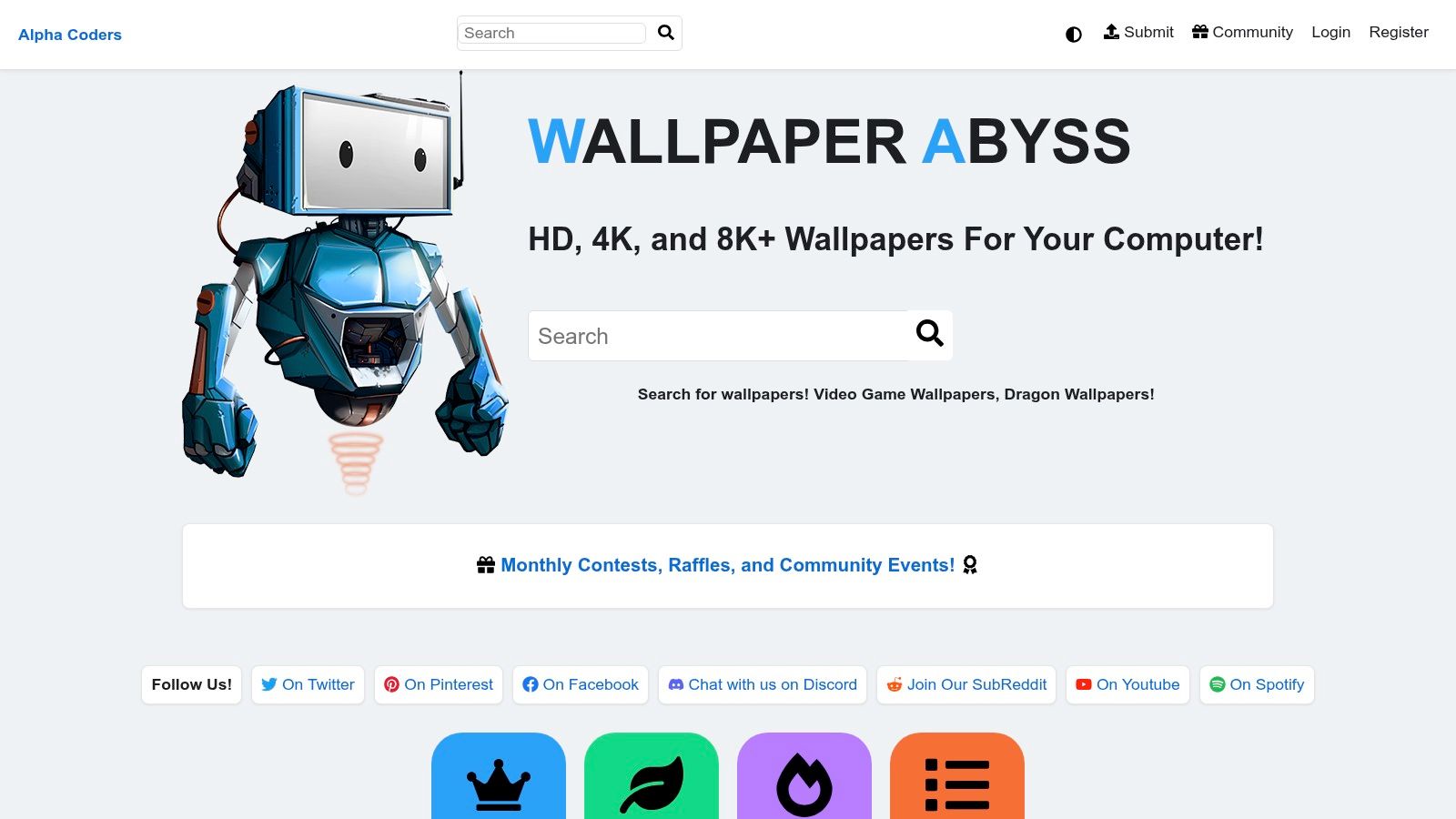
I'd send you here if your version of desktop aesthetic wallpaper includes game worlds, film stills, anime sets, fantasy scenes, or very specific pop-culture obsessions that cleaner design sites tend to ignore.
Why it's useful
Alpha Coders is not trying to be chic. That's part of the charm.
It is useful because it has depth. If you want mainstream photography, Unsplash is cleaner. If you want fan communities, niche categories, and a giant archive of visual rabbit holes, Alpha Coders is better.
It also tends to offer multiple sizes for the same wallpaper, which is handy if you're dealing with a multi-monitor setup or trying to avoid awkward cropping on a Mac display.
Good reasons to use it:
- Fandom-heavy collections: games, movies, anime, characters
- Lots of size options: easier fitting across displays
- High-resolution choices: useful if you're picky about sharpness
Why it can be annoying
The site is ad-supported, and you will notice. Not in a tragic life-altering way, just in the familiar "ah yes, the internet" way.
Content quality also varies, especially with fan art. Some pieces are excellent. Some are legally fuzzy for anything beyond personal use. For your own desktop, that usually isn't a problem. For broader reuse, use common sense.
Alpha Coders is not the most elegant browsing experience on this list. It is the site you use when you want volume, categories, and the kind of niche wallpaper search that starts with "surely someone has made this exact thing." And often, someone has.
5. 24 Hour Wallpaper
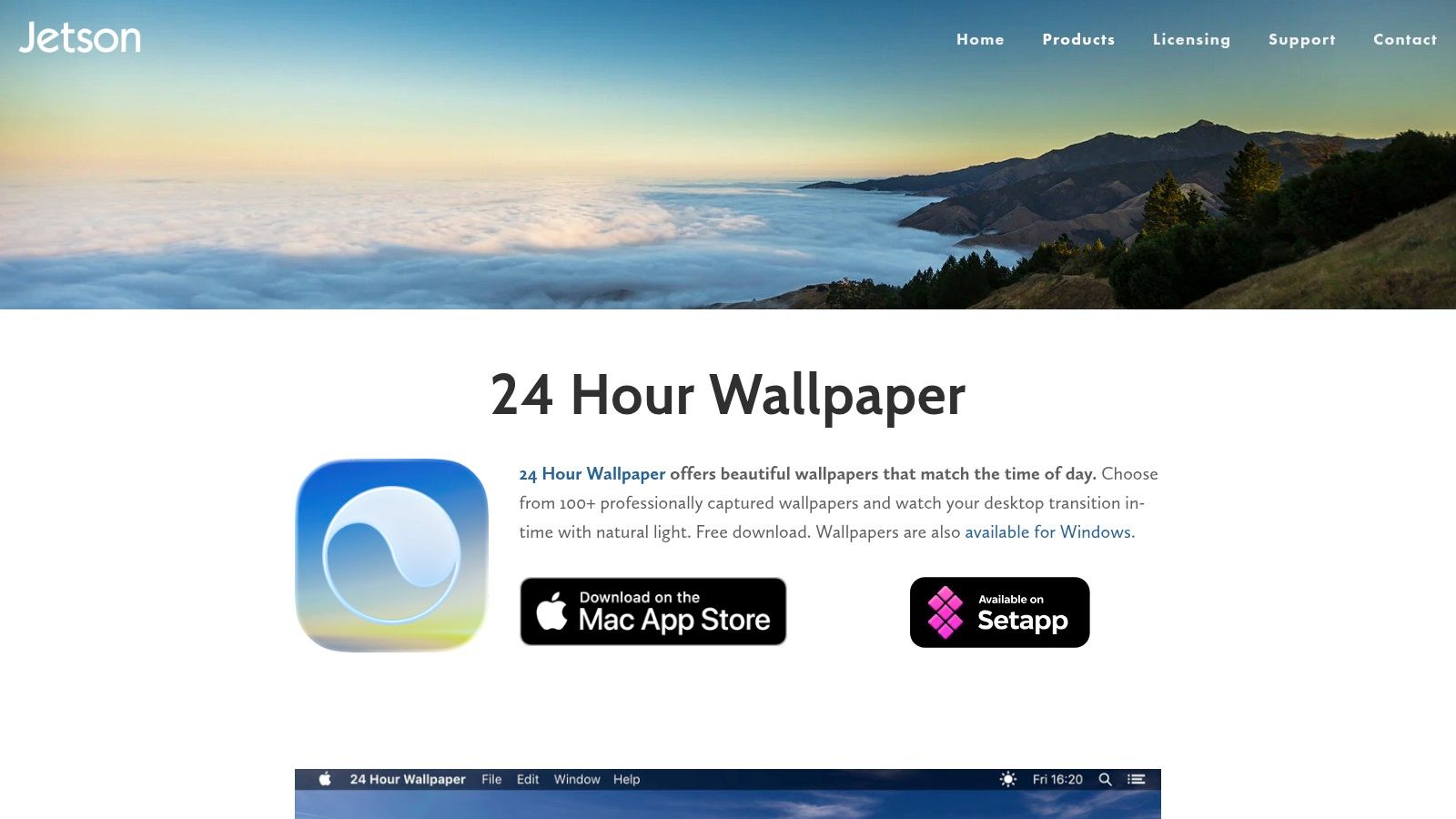
If you like subtle change more than full-on motion, 24 Hour Wallpaper is a strong Mac option.
This one is not about looping video. It's about time-based desktops that shift from morning to night. Dawn light turns into afternoon brightness, then evening, then night. Less "cinematic live wallpaper," more "my desktop keeps track of the sky so I don't have to."
Who should use it
Pick this if you want your Mac to feel native and polished, not flashy.
It fits people who like:
- natural photography
- cityscapes
- subtle desktop changes through the day
- lower-overhead alternatives to full moving wallpapers
The effect is elegant. Your wallpaper changes with time or sun position, and the desktop feels alive without constantly moving.
That makes it especially good for long workdays. You get variety without the full-video look. Some people want a rainy neon loop. Others want a desert scene that slowly warms and cools with the day. Different species of screen person.
Where it falls short
If your search is for desktop aesthetic wallpaper with motion, 24 Hour Wallpaper is adjacent, not exact. It gives transitions, not live video loops.
That distinction matters. This app is closer to Apple's Dynamic Desktop idea than to a living scene with movement. No flickering fire. No rain streaking the window. No drifting particles in a neon alley.
Still, it does one thing very well. It makes a Mac desktop feel responsive to time without making a fuss about it. Choose 24 Hour Wallpaper if you want atmosphere that changes in the background, not a wallpaper that performs for the room. It's refined. Slightly conservative. Very Mac. If that's your taste, it works.
6. Dynamic Wallpaper Club
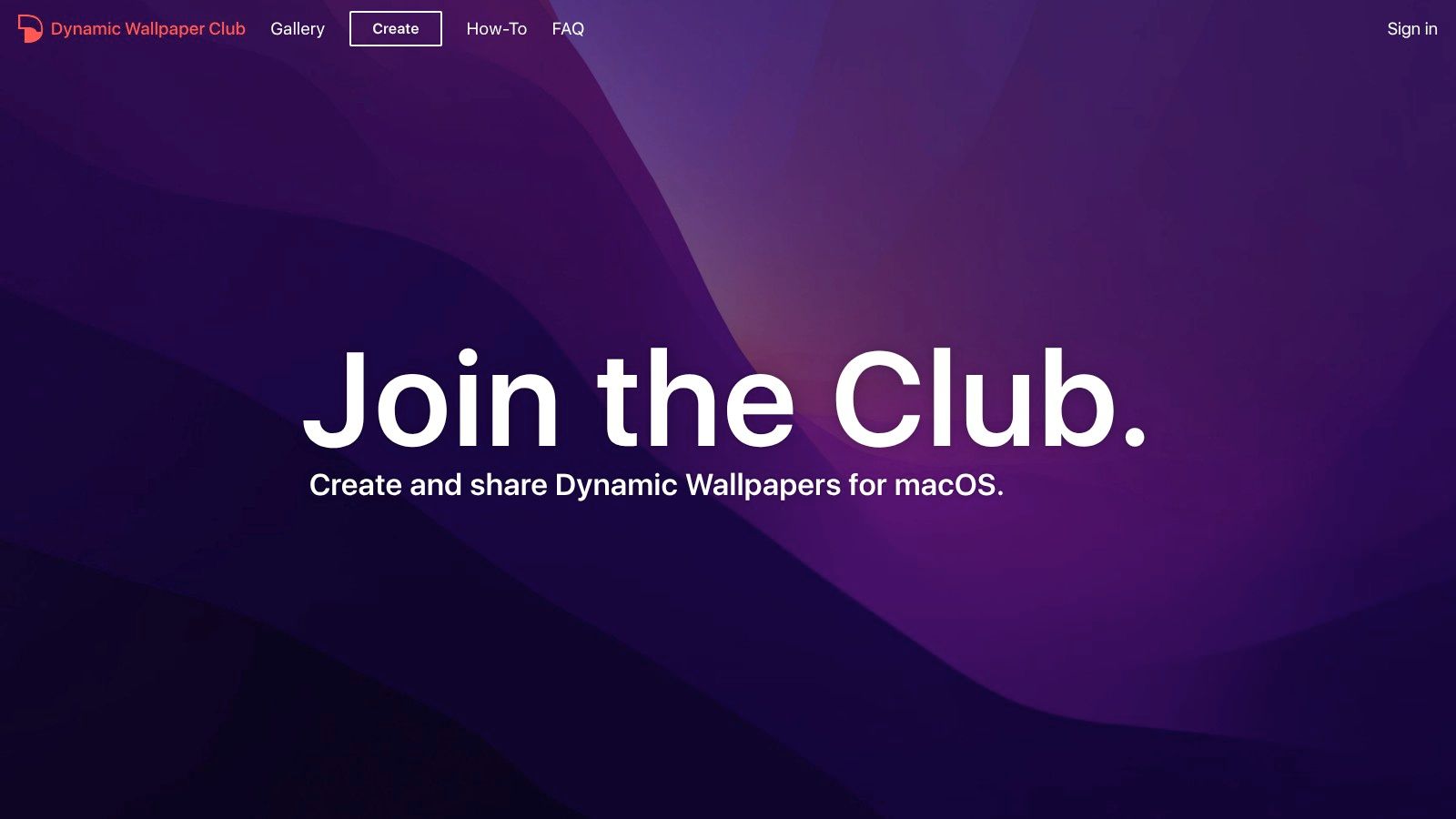
Dynamic Wallpaper Club is the free, community-made version of the time-based desktop idea.
It focuses on dynamic HEIC wallpapers for macOS. These change based on time or sun position. The site also lets people create and share their own sets, which is where things get fun and a little unpredictable.
Why it's worth bookmarking
This is a good option if you want a desktop aesthetic wallpaper setup that feels dynamic but you do not want video loops or another paid app in the mix.
The strengths are straightforward:
- Free downloads: no major barrier to trying different looks
- Mac-friendly format: built around dynamic HEIC behavior
- Creator tool: useful if you want to build your own day-to-night set
- Community variety: lots of user-made ideas
You can find some lovely sky, city, nature, and mood-based sets here. The best ones feel surprisingly polished.
Why it's not for everyone
Community sites always come with variance. Some uploads are great. Some are mediocre. Some work cleanly. Some are a little finicky depending on your macOS version and how cooperative your machine feels that day.
That is not a disaster. It just means this is a tinkerer's pick. If you enjoy trying things, keeping the best ones, and ignoring the clunkier entries, you'll get value from it.
This is also a good middle ground if you want more than a static image but less than a full moving wallpaper system. It gives the sense of change, just not literal scene motion. For free Mac wallpaper experimentation, it earns its place.
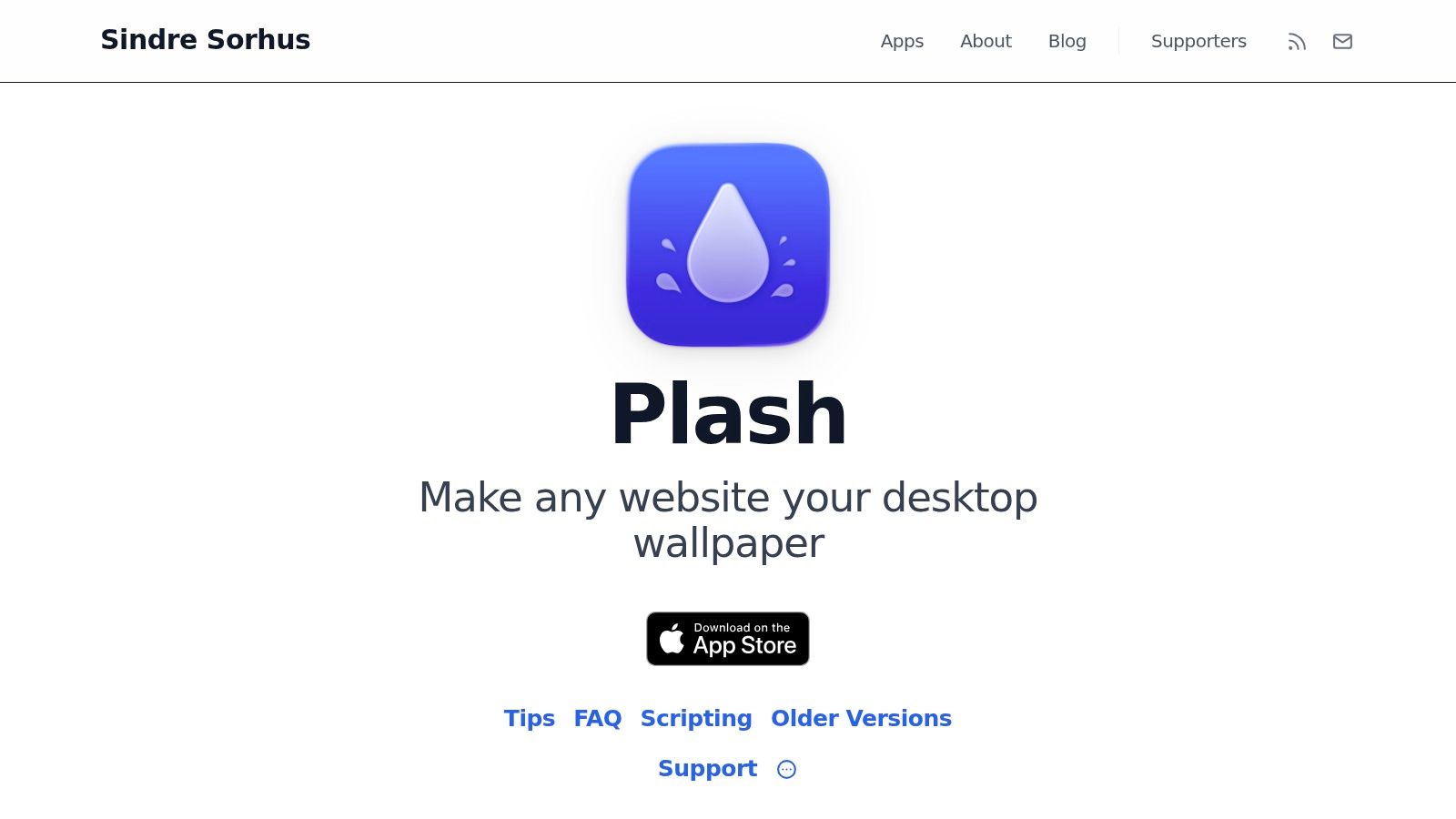
7. Plash
Plash is the weird one. I mean that lovingly.
It turns a website into your wallpaper. Any website, or local HTML page. That means you can set a curated photo feed, a custom dashboard, a generative art page, an animated visual, or some absurd personal setup that only makes sense to you. Which is the spirit of desktop customization.
Why Plash is clever
Plash is not a traditional wallpaper source. It is a wallpaper delivery method.
That makes it useful if your ideal desktop aesthetic wallpaper changes often or comes from the web. You can point it at a live photo source, an animated artwork page, a custom Notion-style dashboard, or your own HTML experiment with CSS tweaks.
That flexibility is the whole appeal.
A few smart uses:
- Rotating image feeds: always-fresh backgrounds
- Animated web art: motion without a dedicated wallpaper app
- Personal dashboards: weather, clocks, calendars, visual widgets
- Custom aesthetic pages: if you like building your own environments
Why Plash is still niche
Plash is flexible, but it is not a true native wallpaper in the full Apple sense. System UI color detection does not adapt the same way, and some polish is missing compared with wallpaper apps built specifically for live scenes.
It is also one-website-at-a-time by default, which limits more elaborate multi-display fantasies unless you enjoy workaround hunting.
So no, this is not the best general recommendation. But for power users, tinkerers, and "I want my desktop to run a handpicked webpage that looks like a futuristic control panel" types, it is excellent.
Plash is less about finding a wallpaper and more about turning the web into one. Sometimes that's exactly the right kind of nonsense.
Top 7 Desktop Aesthetic Wallpaper Sources Comparison
| Item | Implementation complexity | Resource requirements | Expected outcomes | Ideal use cases | Key advantages |
|---|---|---|---|---|---|
| gifPaper | Low: install macOS app, one-click setup | Moderate: video playback uses GPU/CPU; disk for media | Seamless 4K live video loops with optional ambient audio | Mac users who want immersive animated wallpapers and lock-screen flair | Retina-quality 4K loops, easy setup, curated gallery, one-time $5 unlock |
| Unsplash | Very low: web downloads, no install required | Minimal: static images, small storage and CPU impact | High-quality static photos across many aesthetics | Quickly finding tasteful desktop images or design assets | Massive free catalog, permissive license, simple downloads |
| Wallhaven | Low-Medium: web search with advanced filters | Minimal to moderate: large-resolution downloads possible | Wide variety with exact-resolution matches and community content | Finding precise resolutions (ultrawide/4K) and specific styles | Powerful filtering, API access, active community uploads |
| Alpha Coders (Wallpaper Abyss) | Low: browse and download via web | Minimal to moderate: 4K/8K files and ad-supported browsing | Extensive fandom and themed high-res wallpapers | Niche pop-culture, multi-monitor setups, high-res needs | Deep pop-culture collections, large resolution options |
| 24 Hour Wallpaper (Jetson Creative) | Low: macOS app with timing options | Low: optimized for macOS but large downloads for many sets | Time-synced, location-aware transitions (dawn→dusk) in 5K | Users wanting native-feeling dynamic desktops with low CPU use | Native macOS integration, professional 5K imagery, low resource use |
| Dynamic Wallpaper Club | Low-Medium: download HEIC sets; some macOS fiddling | Low: HEIC-based, small runtime overhead | Time- or sun-position-based dynamic HEIC wallpapers up to 5K | Creators and users of macOS Dynamic Desktop who want free sets | Free community HEICs, creator tool, Sun/Time mode support |
| Plash | Medium: point to URL; optional CSS/JS customization | Low: displays web content; network dependent | Live/updating web pages, feeds, or animated content as wallpaper | Programmable backgrounds, live feeds, dashboards, maps | Extremely flexible (any URL), automation hooks, lightweight |
How to Set a Live Wallpaper on Your Mac
You pick a moody neon loop or a cozy rain scene, then macOS responds with the usual shrug. Static picture. Maybe one of Apple's own presets if you behave. If you want a desktop with a particular vibe, you need a tool that handles moving wallpapers properly.
gifPaper for Mac does that job. It applies live wallpapers to your desktop, lock screen, and screen saver using Apple's Aerial wallpaper format, which is why the result feels native instead of looking like some hacked-on overlay from 2014.
That part matters more than the marketing copy ever will. The wallpaper animates where it should, the lock screen feels integrated, and the motion behaves more like Apple's own built-in video backgrounds. You are not fighting a weird floating window or babysitting a fake desktop layer. Good. You have better things to do.
The bigger point is why this belongs in a guide about desktop aesthetic wallpaper at all. Static wallpaper sites are everywhere. Good moving wallpapers for Mac are still weirdly scarce, especially if you care about a specific mood instead of random tech demo nonsense. gifPaper fills that gap with curated live scenes in styles you might actually want to stare at all day, like neon, fireplace, winter, nature, lofi, and darker ambient setups. Some wallpapers also include ambient audio, which helps if you want your desktop to feel like a place instead of a rectangle with ambition.
Setup is simple. Install the app, choose a wallpaper from the gifPaper library, then apply it to the screen you want. You can test it first with a free trial, and if it clicks, it is a one-time purchase. No subscription circus. No "pro" tier invented by a pricing consultant with dead eyes.
If you spend half your day on your Mac, stop treating the desktop like filler space. Set something with motion, atmosphere, and at least a little taste. A rainy train window, a quiet record-player room, a snowed-in cabin, a purple city glow. Your laptop can look like it belongs to a person, not a default user account.