Desktop Wallpaper App: Mac Live Backgrounds Guide 2026
Meta description: A practical Mac guide to desktop wallpaper apps, with stuff that matters: performance, looping, formats, lock screen support, and what to avoid.
Your Mac is open right now. Mail on one side, too many tabs on the other, and behind it all, some wallpaper you stopped noticing months ago. Maybe it's Apple's default aerial footage. Maybe it's a photo you liked once and now mentally file under "fine, I guess."
That's usually the moment people start looking for a desktop wallpaper app. Not because their life needs fixing. Because you're going to look at this machine for hours anyway, and the thing may as well have some taste.
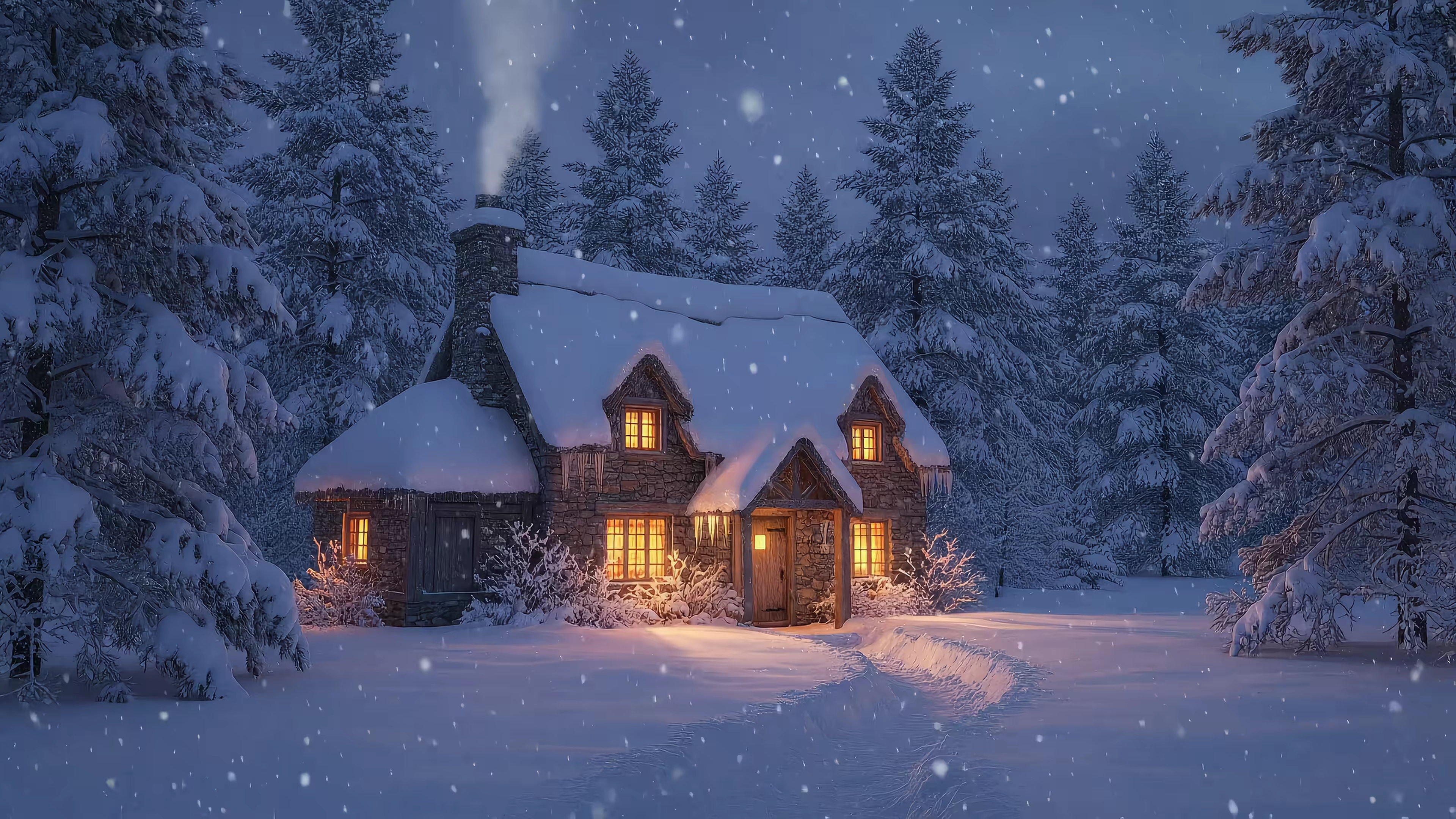
A good live wallpaper changes the mood of a desktop in a way a static image can't. Snow falling outside a warm cabin. A record player turning in a dim room. Neon rain that makes your email feel slightly more cinematic than it deserves. A bad one, on the other hand, is just a battery-draining nuisance wearing a trench coat and pretending to be software.
What Even Is a Desktop Wallpaper App
A desktop wallpaper app used to mean one of two things. Either a folder of still images with a timer, or a cursed relic that slapped a jittery GIF behind your icons and called it innovation. The modern version is better. It uses looping video scenes, proper rendering, and, if the developer knows what they're doing, enough restraint to avoid turning your Mac into a space heater.
That shift isn't tiny or niche anymore. The computer wallpaper software market was valued at USD 1.2 billion in 2024 and is forecasted to grow at a CAGR of 9.5% from 2026 to 2033, with users increasingly paying for premium features like high-fidelity video loops, according to Verified Market Reports on the computer wallpaper software market.
It's not about productivity, and that's fine
The funniest thing about wallpaper discourse is how people try to justify it like it's an ergonomic keyboard. It isn't. This is decor. Digital decor, yes, but still decor.
You're customizing the room you spend your day in. Only the room happens to be made of aluminum and browser tabs.
Caring about your desktop isn't frivolous. It's interior design for the rectangle you live inside.
Apple already nudged people in this direction with moving backgrounds and aerial visuals. But Apple's built-in options are mostly broad-appeal postcard material. Pleasant. Polite. A bit like hotel art with better video compression.
A proper desktop wallpaper app goes further. It gives you a mood, not just a background.
What that looks like in practice
Instead of a static mountain photo, you get a mountain scene with drifting fog. Instead of a dark wallpaper, you get rain on a neon alley. Instead of "cozy," you get an actual fireplace loop with ambient sound instead of a JPEG of logs looking dead on arrival.
If you're new to the category, this guide to what live wallpapers are is a useful starting point.
The Four Things to Judge a Wallpaper App On
Open three apps, send one display full-screen, plug into an external monitor, and weak wallpaper apps start falling apart fast. That is the test. A live wallpaper can look great in a promo video and still be annoying on an actual Mac.
The apps worth keeping get four things right.
Performance
Start here, because bad performance ruins everything else.
A wallpaper app is always competing for system attention. It is decoding video, drawing to the desktop layer, and sometimes handling multiple displays at once. If that engine is sloppy, you feel it in the wrong places. Window animations get sticky. Battery life drops. Fans spin up for the crime of showing animated rain behind your Finder icons.
The app should also know when to back off. If a full-screen app is open, the wallpaper should pause or reduce activity. A desktop background is decor, not the main event. This benchmark discussion about live wallpaper rendering behavior shows why resource handling matters so much.
Practical rule: if your wallpaper app acts like a hidden video player that never takes the hint, skip it.
Video quality
Mac displays are brutal on low-grade footage. Retina panels expose every shortcut. Soft source files, aggressive compression, bad scaling, and crushed shadows all show up immediately.
Good wallpaper apps start with high-resolution source video and preserve detail instead of smearing it away. That matters more than the marketing label. A 4K file can still look bad if the bitrate is starved or the app re-encodes it poorly. What you want is clean motion, sharp texture, and dark scenes that still have depth instead of turning into muddy black soup.
The dark wallpaper collection is a decent example of the level of clarity darker scenes need to hold up on a Mac desktop.
Invisible looping
Loop quality separates "nice clip" from "desktop you can live with."
The reset point has to disappear. If the last second of motion snaps back to the first, your brain catches it every time. After that, you stop seeing the wallpaper and start waiting for the glitch. Good loops hide the handoff with careful motion matching, overlap, and timing. Infinity Looper's explanation of invisible loop techniques for wallpaper-style video explains the core problem well.
A fireplace loop is a good stress test. If the flames twitch backward or the light pulse restarts awkwardly, the illusion is dead.
Format
Format sounds nerdy because it is nerdy. It also decides whether the wallpaper feels polished or fake.
- Video formats: Usually the best option for image quality, compression efficiency, and predictable playback.
- GIFs: Fine for chat reactions. Rough for a full desktop, especially on high-resolution displays.
- Overlay or hacky webview approaches: Sometimes look acceptable in screenshots, then break under real use with lag, sync issues, or odd behavior across Spaces and monitors.
This is why strong Mac wallpaper apps are really playback apps wearing a decor app costume. The underlying format, decode path, and loop handling determine whether the result feels calm and native or like your desktop is being held together with tape.
Why Live Wallpapers on Mac Are Weirdly Complicated
If you're coming from Windows, this whole category feels oddly undercooked on the Mac side. That's not your imagination. Windows had a head start with tools like Wallpaper Engine setting the standard, while macOS users spent years asking some variation of "where's the actual Mac version of this?"
That gap exists for a reason. The Windows ecosystem normalized animated desktops early. On Mac, the category stayed fragmented and strangely half-finished. The demand is there, especially from people who want proper high-resolution animated scenes instead of what one developer described as "compressed GIFs from 2003", and the market remains underserved, as noted in this discussion of Windows wallpaper tools and the Mac gap.
Apple's own wallpaper system is confusing
Apple has static wallpapers, dynamic wallpapers, aerial visuals, and screensavers that sometimes look suspiciously like wallpapers wearing fake mustaches. If you're a normal person and not the sort of creature who reads system behavior like tea leaves, it's easy to assume they're all basically the same.
They're not.
Some are tied to time of day. Some are meant for specific surfaces like the lock screen or screen saver. Some look integrated because they are integrated. That distinction matters because lots of third-party tools don't plug into the same system behavior. They sit on top.
Why other wallpaper apps feel off
The common workaround on macOS is the overlay approach. The app pretends to be a desktop layer and pushes animation into that space. It can look fine in screenshots. Then the weirdness starts.
- Window behavior gets odd: Spaces, full-screen apps, and desktop interactions don't always feel quite right.
- Lock screen support is missing: Many apps can animate the desktop, but not the lock screen in a native way.
- Resource handling is hit or miss: The app may keep running when you'd rather it stop.
That's why this category on Mac feels more technical than it should. You're not just choosing a vibe. You're choosing an implementation.
gifPaper: A Wallpaper App That Respects Your Mac
There's one approach that makes more sense than fighting macOS with a fake desktop layer. Use the wallpaper system Apple already built.
gifPaper does that by using Apple's native Aerial wallpaper format, the same system Apple uses for its own video wallpapers. That leads to tiny 4 to 8 MB files and zero CPU usage on the lock screen, while preserving the smooth transition from the lock screen where the wallpaper slows down exactly like Apple's native behavior, according to Cadran's explanation of the Aerial wallpaper format on Mac.
Why that matters more than the feature list
A wallpaper app can promise ambient audio, 4K loops, and a nice browser gallery. Fine. The question is whether the thing behaves like part of macOS or like an elaborate workaround.
Native Aerial support answers that.
- Lock screen: Wake the Mac and the wallpaper behaves like Apple's own. It slows as the system is accessed instead of cutting awkwardly.
- Desktop: You can keep a still frame by default or enable full video animation.
- Screen saver: Yes, screen savers are back. Somehow they became cool again the second they stopped looking like a corporate conference room.
The lock screen is the detail most apps miss, and it's the first detail you notice.
The useful stuff, without the opera
The setup is straightforward. One action sets the same wallpaper for lock screen and desktop. That's how it should work. You don't need a separate ritual involving hidden folders, fake overlays, and bargaining with the menu bar.
The web side at gifPaper's homepage is the gallery. It has 150+ perfectly looping 4K live wallpapers with ambient music, with categories for things like lofi wallpapers and neon wallpapers. About 150 wallpapers right now. More are added regularly. That's enough to find a personality for your Mac without pretending infinite choice is automatically better.
The app itself handles the Mac part. It sets live wallpapers as your lock screen, desktop, and screen saver. It's a $4.99 one-time purchase at launch, not a subscription, with a 7-day free trial and no credit card required. It also has a 30-day money-back guarantee, requires macOS 26 Tahoe or later, and is distributed by direct download because Apple's App Store sandboxing gets in the way of live lock screen wallpapers. The app is notarized by Apple.
Get Your First Live Wallpaper in 60 Seconds
Enough theory. Your current desktop has had a fair chance.
-
Start with the install guide. Use this live wallpaper installation guide for Mac if you want the shortest path from "hmm" to "oh, that's nice."
-
Download the app trial. The trial gives you the full app for 7 days, no credit card circus, no feature amputations. Pick a wallpaper that suits your screen. Cozy scenes work well if you want something calm. Neon and space scenes are better if you want your desktop to look like it knows synths exist.
-
Set one wallpaper for everything. Choose your scene, click once, and set the lock screen and desktop together. Then decide whether you want the desktop to stay as a still frame or animate fully.
If you want a safe first choice, start with fireplace wallpapers or winter wallpapers. Both categories are forgiving. They look good for long stretches, and they don't scream for attention while you're trying to do actual work.
Frequently Asked Questions
Why isn't it on the Mac App Store
Apple's sandboxing rules get in the way of live lock screen wallpapers. That's why direct download exists here. It's the only practical route if you want the lock screen piece to work properly.
Is it a subscription
No. It's $4.99 as a one-time purchase at launch. For a wallpaper app, that's the correct level of drama.
Is there a free trial
Yes. You get a 7-day free trial with all wallpapers and all features, and you don't need a credit card to start.
What version of macOS does it need
It requires macOS 26 Tahoe or later.
Is it safe to install outside the App Store
Yes. The app is notarized by Apple. That's the part that matters, not whether it lives in the App Store's walled garden.
What does the app actually set
It handles three things:
| Surface | What it does |
|---|---|
| Lock screen | Uses a live wallpaper that behaves like Apple's own during unlock |
| Desktop | Shows a still frame by default, with optional full video animation |
| Screen saver | Uses the same aesthetic system for a screen saver worth leaving on |
Can I browse wallpapers before buying
Yes. The website is free to browse, and that's part of the point. You can look through categories, preview wallpapers, and decide whether your Mac wants a rainy train window, a fireplace, or a suspiciously moody galaxy.
Buy it if the wallpapers make you grin when you open your laptop. That's the whole test.
If your Mac desktop has been stuck in the visual equivalent of waiting-room art, gifPaper is the tidy fix. Browse the wallpapers, try the app, and give your lock screen something better to do than impersonate a static postcard.