
Elevate Your desktop wallpaper macbook pro (2026)
That fancy MacBook Pro deserves a better wallpaper.
You spent a small fortune on a slab of aluminum and glass with a display so good it makes ordinary photos look slightly embarrassed. Then you open the lid and get greeted by the usual Apple offering. A tasteful abstraction. Some drone footage of a place you've never been. A purple squiggle doing its best. Perfectly fine. Also completely not yours.
That's the core problem with most desktop wallpaper MacBook Pro advice. It treats wallpaper like a decorative afterthought, when it's one of the few parts of the machine you look at constantly. Your browser tabs come and go. Your wallpaper sits there setting the mood while you answer emails, edit photos, or pretend the fourth coffee is part of a balanced breakfast.
macOS has offered Dynamic Wallpapers since Mojave, and Apple has kept refining the idea. Nice. Useful. Still a little polite. If you want your MacBook Pro to feel personal, you've basically got three routes: static image rotation, native time-of-day dynamic wallpapers, or actual live scenes that make the desktop and lock screen feel less like a bulletin board and more like a window.
The philosophy matters more than the app. Some people want zero fuss and a fresh photo every hour. Some want native macOS behavior with barely any battery hit. Some want the full moving-background nonsense, in the best possible sense, because if you're going to stare at a screen all day, it may as well show rain on a train window or a record player spinning in the corner like your desk has aspirations.
Here are the tools worth knowing, and the trade-offs they don't mention in the pretty screenshots.
1. gifPaper
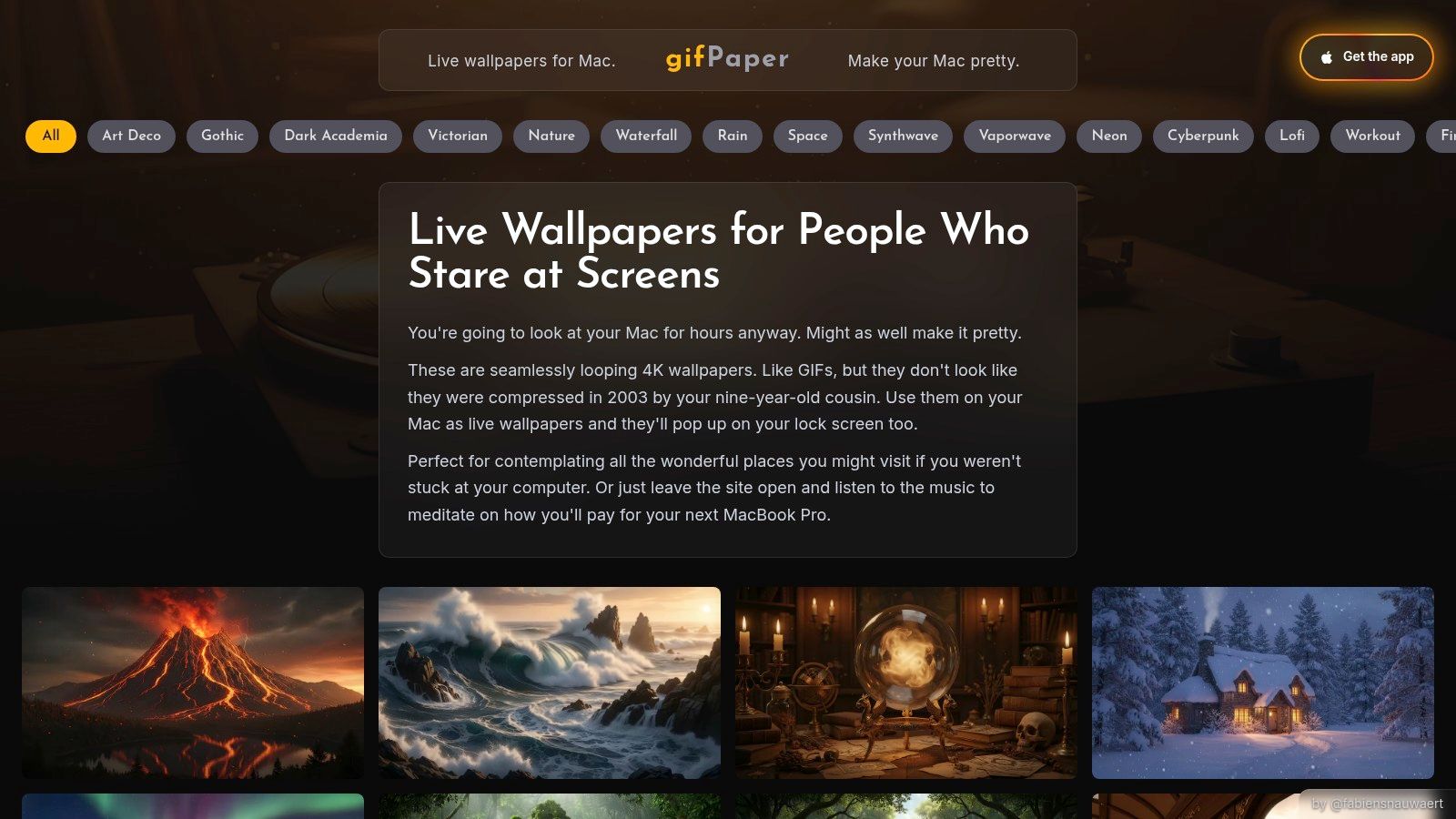
You open your MacBook Pro, and the desktop is still that same polite image you picked six months ago because it came with the machine and never offended you. If your wallpaper philosophy is "make this thing feel less generic," gifPaper is the far end of that spectrum. It replaces static wallpaper with looping live scenes that run on the desktop, lock screen, and screen saver.
That matters more than it sounds. A lot of Mac wallpaper apps are really desktop animation apps. They dress up one layer of the system and leave the rest feeling disconnected. gifPaper goes after a more unified look, using Apple's Aerial wallpaper format so the desktop and lock screen can feel like part of the same setup instead of two unrelated decisions.
Best for people who want wallpaper with presence
gifPaper is not for the set-and-forget crowd. It is for the person who wants the wallpaper itself to help define the machine. That can mean a calm rain loop while you work, a lofi interior with a bit of motion, or something cinematic enough to make the Mac feel less like a spreadsheet appliance.
The web gallery is organized by mood, which is a smarter approach than stuffing everything into vague categories. The winter wallpaper collection is good if you want slow movement and cold-weather atmosphere. The lofi wallpaper collection is better if your ideal desktop looks like a study session that somehow has better lighting than your office.
Some wallpapers also include ambient audio. Used badly, that would be annoying fast. Used well, it gives the desktop a little texture. The Record Player wallpaper is a solid example. The Snow House wallpaper sells the "warm inside, terrible weather outside" mood without trying too hard.
Practical rule: Use static images if you want wallpaper to disappear. Use live video if you want the Mac to set a mood every time it wakes.
That is the trade-off. Live wallpaper is less about decoration and more about identity. Static rotation says, "keep things fresh." Native dynamic wallpaper says, "stay subtle." gifPaper says, "yes, I bought the expensive laptop, and yes, I want it to look like mine."
What works, and where the trade-offs show up
The good part is straightforward. You browse on the web, pick a scene, install the app, and apply it. If you want the setup steps before committing, this guide on how to get live wallpapers on Mac covers the process clearly.
The compromise is battery life. Moving video takes more power than a still image, especially on a laptop. That does not make live wallpaper a bad idea. It just means this philosophy makes more sense for people plugged in often, or for people who care more about desktop feel than squeezing every last minute out of a charge.
A few practical details matter:
- Pricing is simple: There is a 7-day free trial, then a one-time purchase of $4.99. No subscription nonsense.
- System support is limited: It requires macOS 26 Tahoe or later, so older Macs are excluded.
- Installation is direct: It is not on the Mac App Store because Apple's sandbox rules get in the way of live lock screen wallpapers. The app is notarized by Apple.
I like that gifPaper does not pretend this is a productivity tool. It is wallpaper. But wallpaper is one of the few things on your Mac you see all day, every day. If you want your MacBook Pro to feel less like "default Apple taste" and more like your own space, this is one of the clearest examples of the live-scene philosophy done properly.
2. 24 Hour Wallpaper
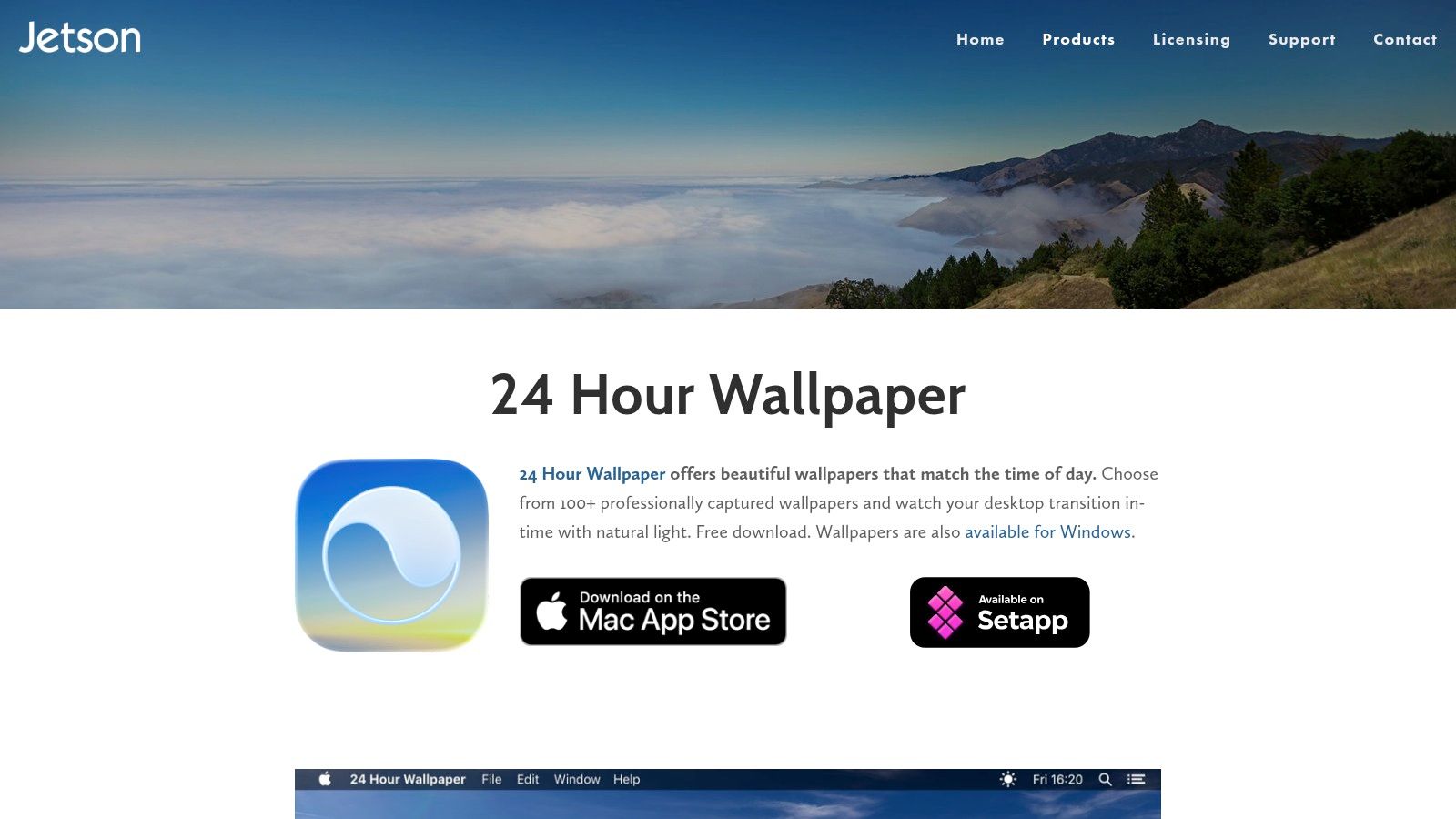
24 Hour Wallpaper is for people who like Apple's Dynamic Desktop idea but want more of it, better organized, and with less of the "Apple gave you six options, be grateful" energy. It's been around long enough to feel mature, which counts for a lot with desktop tools.
Its whole philosophy is subtlety. No reactive shaders, no cinematic lock screen flourishes, no desktop trying to become a short film. You get time-synced photography scenes that shift as the day changes. Morning light becomes afternoon, afternoon becomes dusk, and your Mac keeps up.
Best for the native-dynamic crowd
This app integrates with macOS's native Dynamic Desktop behavior, which is the key selling point. If you like wallpaper to feel built in instead of bolted on, 24 Hour Wallpaper is one of the cleanest options.
It also offers a big catalog of time-of-day wallpapers with 5K assets, adjustable sunrise and sunset timing, shuffle controls, and support that plays nicely with Spaces, Mission Control, and the lock or login screen. On a laptop, that native feel matters. The wallpaper should exist in the background, not act like a little theater troupe begging for applause.
It's the wallpaper equivalent of good lighting in a room. You notice it most when it's wrong.
The downside is creative range. Most of the catalog leans into scenic views and photography. That's lovely if you want deserts, coastlines, cities, and changing skies. It's less useful if you want something stylized, cozy, dark, or weirdly specific.
Trade-offs to know before buying
The app is stable and efficient, which is exactly why a lot of Mac users stick with it. It also avoids the battery anxiety that can come with more animated wallpaper setups.
Still, there are catches:
- Catalog pricing adds up: The app itself is only part of the expense. Much of the catalog is sold through in-app purchases, and the better value usually comes from bundles.
- Photographic style is the whole point: If your taste runs toward neon alleys, lofi interiors, or fireplace scenes, this app may feel a little too National Geographic.
- It's about time, not interaction: You get slow environmental change, not a living desktop in the video-wallpaper sense.
This is the app I'd suggest to someone who says, "I want my Mac to look better, but I don't want to notice the software doing it." That's a real category of person, and a sensible one.
You can find it at 24 Hour Wallpaper by Jetson Creative.
3. Irvue
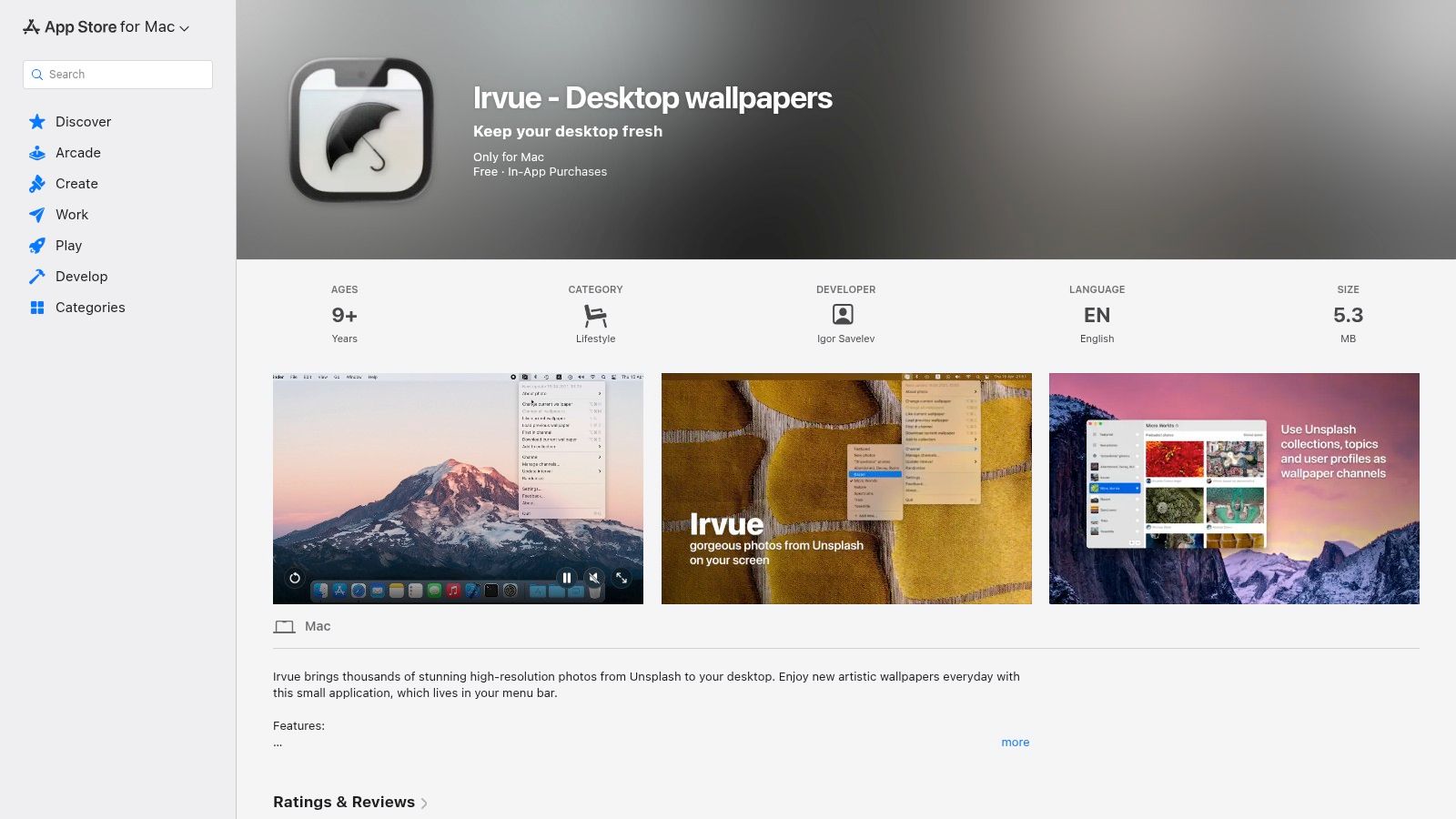
Irvue is what I recommend when someone wants fresh wallpaper with almost no commitment. It lives in the menu bar, rotates Unsplash photos on a schedule you choose, and generally stays out of the way. No grand ambitions. No fake cinema. Just a steady stream of good-looking static images.
That sounds basic, but basic is underrated. A lot of desktop wallpaper MacBook Pro setups get worse when the software tries too hard. Irvue knows exactly what it is: a lightweight photo rotator with decent taste and enough control to keep things interesting.
Where Irvue earns its keep
The obvious strength is the image supply. Unsplash gives it a huge stream of high-resolution photography, and Irvue lets you narrow that stream through featured images, topics, or your own collections. If you get bored easily but don't want to manually hunt for wallpapers every week, that solves the problem neatly.
It also supports interval changes from very frequent swaps to much slower rotation, downloads photos locally, and offers AppleScript support. That last bit is catnip for Mac users who enjoy automating tiny bits of their lives for reasons that are both practical and spiritual.
If your taste leans more aesthetic than photographic, pairing Irvue's rotating-photo approach with a stronger visual reference helps. This guide to MacBook wallpaper aesthetic ideas is useful when you know your current wallpaper feels wrong but can't name why.
The catch with the endless-photo model
The weakness is also the strength. Because Irvue pulls from a giant pool of photography, the experience can feel a bit random unless you curate aggressively. One great mountain photo followed by a mediocre close-up of a leaf is still technically variety. It's just not always the variety you wanted.
A few trade-offs matter:
- Tiny footprint: It's light and reliable, which makes it excellent for people who don't want wallpaper software hogging attention.
- Free to start: Good for testing whether rotating photos are enough for you.
- Static only: No lock screen theatrics, no live loops, no ambient sound, no video.
Small warning: Unlimited visual choice can become visual drift. If every wallpaper has a different mood, your desktop starts feeling like it belongs to several different people.
Irvue is best for users who open the laptop and want something fresh, not necessarily something personal. That's a valid goal. Not every desktop needs to be a manifesto.
You can get it from the Irvue App Store listing.
4. MotionDesk
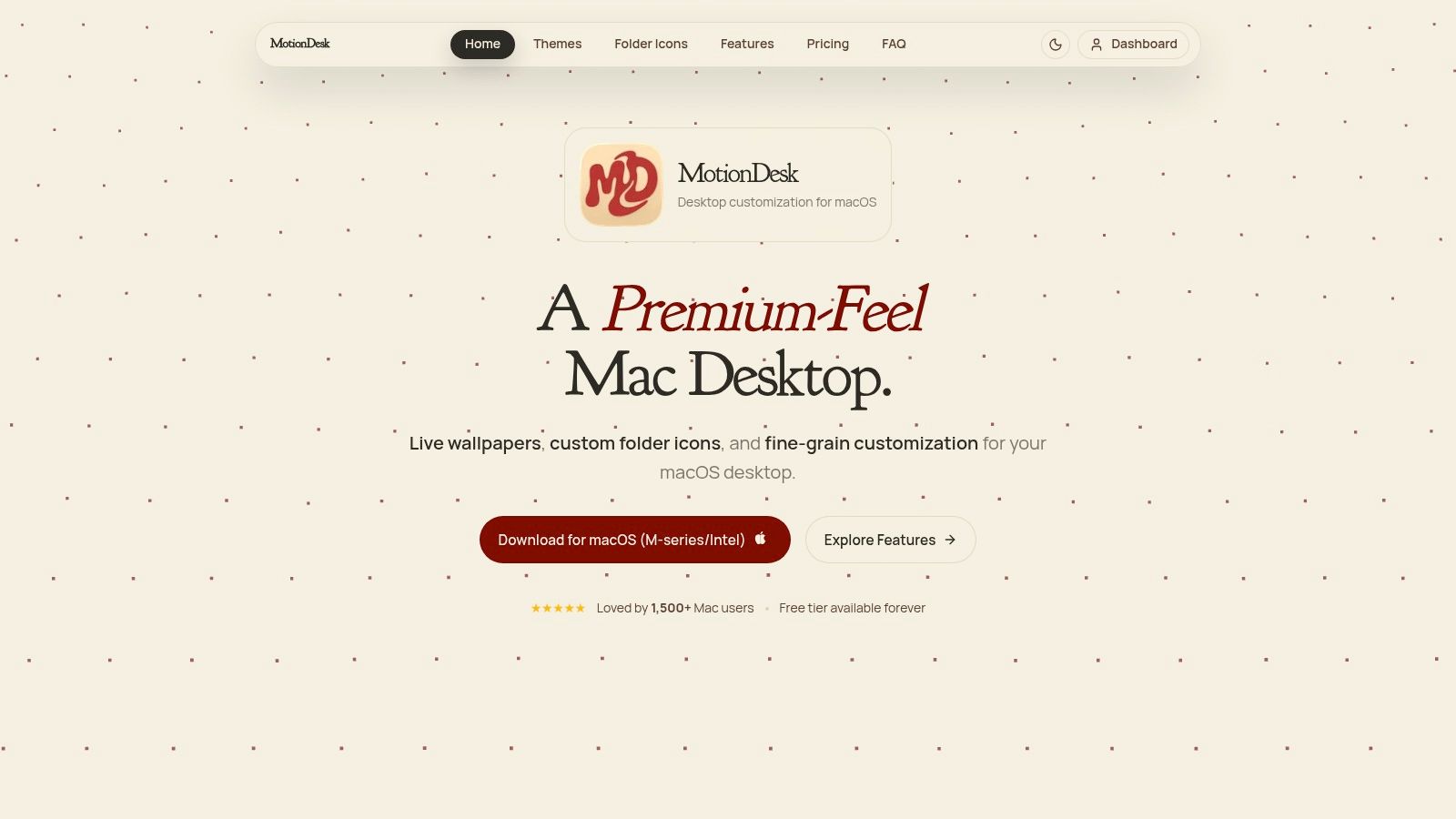
MotionDesk sits in an interesting middle ground. It wants to be a polished live wallpaper app for Mac, but it also leans into broader desktop styling with extras like custom folder icons. That makes it less pure than some alternatives, though not necessarily worse.
The pitch is native feel plus GPU-aware animation. It uses Metal, offers built-in animated themes, supports custom video wallpaper playback, and works across multiple displays. If your idea of customization includes matching your wallpaper to the overall desktop look, MotionDesk has more going on than a simple wallpaper changer.
More design toy box than wallpaper purist tool
That broader focus is either charming or distracting, depending on what you want. Some people love cohesive desktop aesthetics and will absolutely enjoy tuning wallpaper, icons, and general vibe together. Others just want a moving background and don't care whether their folders dress for the occasion.
The free tier is a good touch because live wallpaper performance is one of those things you really should test on your own machine. On Apple Silicon and newer Intel Macs, MotionDesk aims for efficient playback and supports high frame rates where the hardware allows it.
Its challenge is catalog depth. Compared with more curated wallpaper-first products, the built-in scene library can feel smaller. That doesn't kill it, especially if you plan to use your own videos, but it does change who it's for.
Who should pick it
MotionDesk makes sense if you want:
- A polished Mac feel: The interface and controls clearly care about not feeling clunky.
- Custom video support: Useful if you already have clips you want to turn into a wallpaper.
- Desktop-wide styling: Folder icon packs and extras matter if you're aiming for a complete look.
Where it's weaker:
- Smaller built-in scene selection: You may hit the edge of the library faster than expected.
- Less long-term track record: It's newer, so there's less history behind it than older Mac utilities.
This is the app for someone who doesn't just want a wallpaper. They want a desktop setup. Different species of nerd, same habitat.
You can check it out at MotionDesk.
5. Reactive Wallpaper
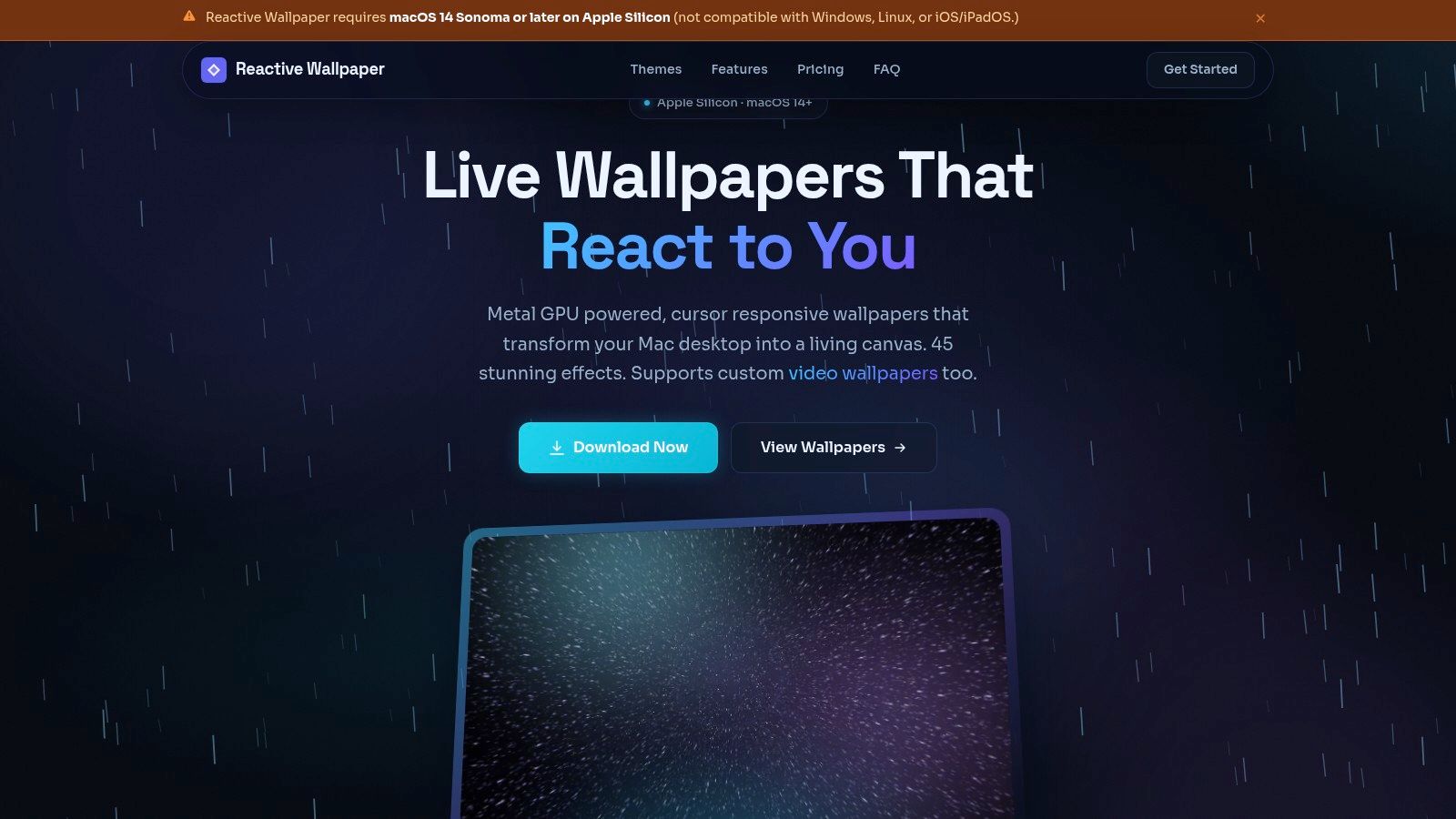
Reactive Wallpaper takes a different route from video-based apps. Instead of looping footage, it renders scenes with Metal shaders and reacts to the cursor. If most wallpaper tools are hanging framed art on the wall, this one is installing a weird little light sculpture and asking you to move the mouse around.
That makes it the most "interactive" option on this list. On the right Mac, it can look fluid and slick in a way pre-rendered video sometimes can't. Cursor response gives the desktop a sense of immediacy. It's not just moving. It's responding.
Best if you want motion that feels alive
Because the scenes are GPU-rendered rather than played back as videos, you get a different kind of visual experience. The wallpaper can feel cleaner and more elastic, especially with effects that respond to speed, position, intensity, or color settings.
Reactive Wallpaper also supports imported video files, so it isn't locked to one rendering style. But the shader work is the primary reason to consider it.
The obvious catch is platform support. This app is built for M-series Macs on macOS 14 or later. If you're on an older Intel MacBook Pro, this isn't your lane. No amount of optimism will fix that.
Some people want a wallpaper that sets a mood. Others want one that wiggles back when poked. Reactive Wallpaper is very much for the second group.
Practical trade-offs
The app includes GPU-rendered cursor-responsive wallpapers, multi-display settings, and battery-aware pausing. That last part matters because interactive effects are fun right up until you unplug and remember you're on a laptop.
What I'd keep in mind:
- Very fluid motion: Shaders can feel more immediate than video loops.
- Good control: Speed, intensity, and color settings help tune the effect instead of taking the default and living with it.
- Smaller library: The collection is more limited than what you'll find in larger video-based galleries.
Reactive Wallpaper is for people who want their desktop to feel computational, not cinematic. If you like the idea of your wallpaper being generated in real time instead of replayed, it's one of the more interesting Mac options around.
You can see it at Reactive Wallpaper.
6. Wallper
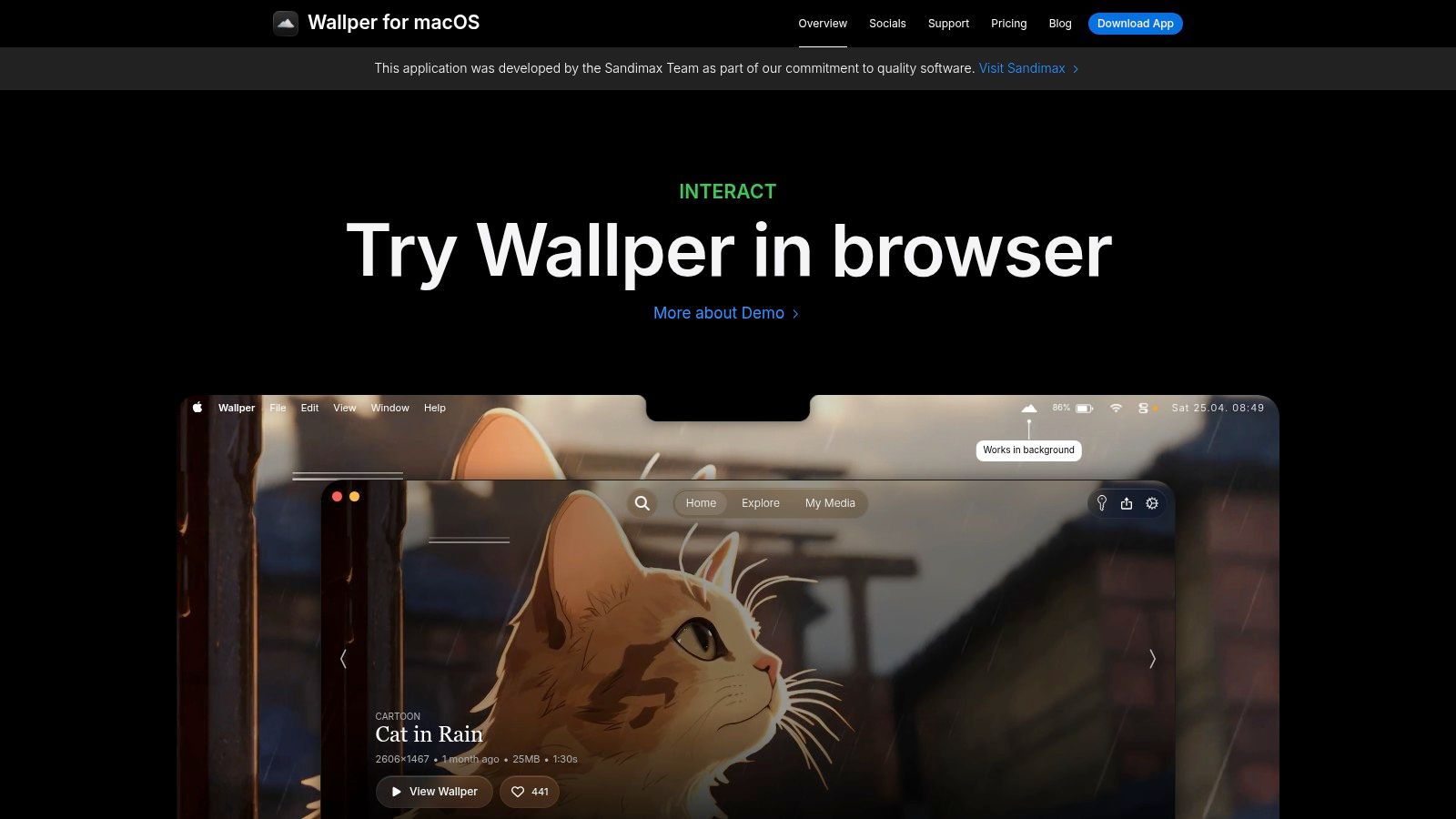
You open your MacBook Pro in a coffee shop, and the desktop either feels like your machine or like the same polished slab Apple sold to everyone else. Wallper sits on the "cinematic, but still sensible" end of that spectrum. It is for people who want motion on the desktop without turning their laptop into a space heater.
The app centers on 4K video wallpapers, local playback, and power-saving controls that show someone put thought into laptop use. It also supports video wallpapers on the lock screen on newer macOS versions, which is a real differentiator if you care about the whole experience and not just the desktop layer.
That last point matters more than it sounds.
A lot of wallpaper tools feel like demos. Wallper feels closer to a native-feeling utility with a clear philosophy: use high-quality motion, keep playback local, and get out of the way when battery life matters. If your wallpaper philosophy is "give me live visuals, but don't make me babysit another fiddly app," this is one of the cleaner options.
Privacy is part of the appeal too. Local playback means your files stay on your machine. No account circus, no ad junk, no mystery syncing. On a premium laptop, that restraint is refreshing.
Wallper also makes sense on high-resolution MacBook Pro panels, especially for users on the 14-inch model, which leads Mac model share at 13.54 percent as of March 2026 in TelemetryDeck's macOS usage telemetry. Crisp source files matter on displays this sharp. If you are hunting for the right dimensions before loading new footage, this MacBook wallpaper size guide will save you from weird crops and soft-looking backgrounds.
Where it fits best
Wallper is a good match if your priorities look like this:
- High-resolution video: 4K footage holds up on a Retina display.
- Battery-aware playback: You can avoid burning power just to keep the desktop moving.
- Straightforward licensing: A one-time personal license across multiple Macs is easier to live with than another subscription.
A few trade-offs are worth knowing up front:
- Some features need newer macOS versions: Lock screen support is not universal.
- The experience depends on the library: With video wallpaper apps, the app can be solid while the catalog still grows into itself.
Wallper is the practical choice for someone who wants live wallpaper with polish, not spectacle for its own sake. It will not turn your desktop into an interactive toy. It will make it feel more personal, more finished, and a little less like you left the stock settings untouched for six months.
You can find it at Wallper.
7. Dynamic Wallpaper Club
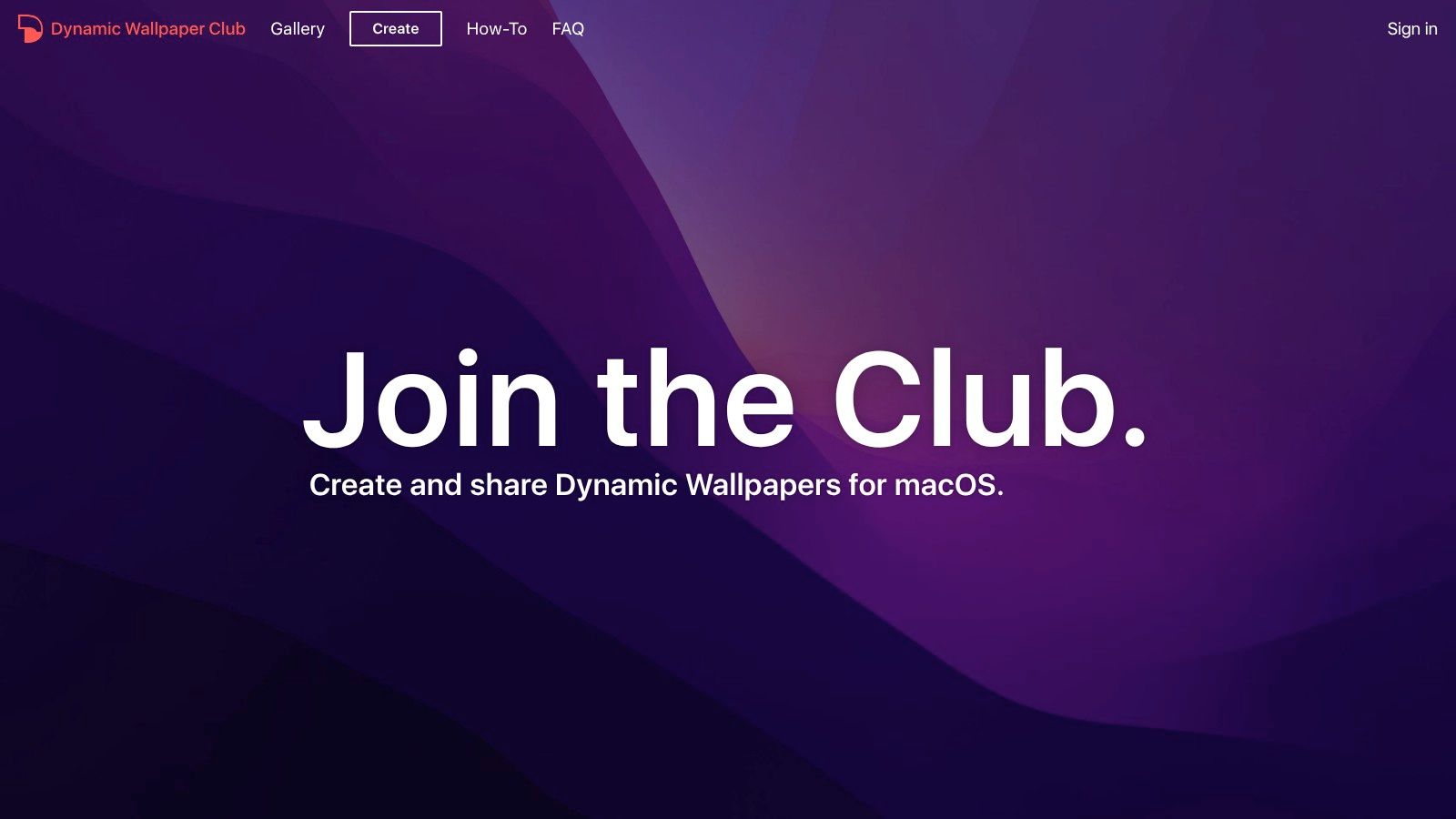
Dynamic Wallpaper Club isn't really an app in the same sense as the others. It's a community site and creation tool for native macOS dynamic wallpapers in HEIC format. That difference matters.
If your ideal desktop wallpaper MacBook Pro setup involves zero background app running after installation, this is the purest option. You download or make a dynamic wallpaper, install it, and macOS handles the rest through its own Dynamic Desktop system.
The free, native route
There's a lot to like here. The gallery is community-driven, the files are free, and the built-in creator lets you make your own time- or sun-position-based dynamic wallpapers. It's a very Mac sort of hobby. Mildly technical, oddly satisfying, and excellent for people who enjoy making their laptop feel precisely calibrated to the sun.
Because these are native dynamic wallpapers, they don't try to become video or interactive scenes. They change over the day. That simplicity is the whole appeal.
If you're building your own files, getting the proportions right matters. This guide on MacBook wallpaper size helps avoid the sad little moment where a wallpaper looks perfect in the preview and slightly wrong on the actual screen.
What you give up in exchange for simplicity
You do have to accept some friction. Manual setup is part of the deal, and HEIC-based dynamic wallpapers can occasionally behave differently depending on macOS version. Native doesn't always mean painless. Sometimes it just means Apple is the one being difficult instead of a third-party app.
A few honest trade-offs:
- Completely free: Hard to argue with that.
- No resident app required: Great if you want a clean setup.
- No real motion: These are timed image changes, not live scenes or shader effects.
Dynamic Wallpaper Club is best for users who like Apple's own dynamic wallpaper system and want more of it. If you want your wallpaper to evolve with the day, it's a lovely option. If you want the lock screen to make coworkers stare, look elsewhere.
You can browse it at Dynamic Wallpaper Club.
MacBook Pro Desktop Wallpaper, 7-Tool Comparison
| Item | Implementation complexity | Resource requirements | Expected outcomes | Ideal use cases | Key advantages |
|---|---|---|---|---|---|
| gifPaper | Low, simple macOS install and one‑click setup | Moderate, 4K video loops can use GPU/battery; macOS only | Seamless 4K video wallpapers with occasional ambient audio | Users who want living, shareable wallpapers and Wallpaper Engine alternatives on Mac | Retina 4K loops, ambient audio, curated/shareable gallery, one‑time $5 price |
| 24 Hour Wallpaper (Jetson Creative) | Low–Medium, integrates with macOS Dynamic Desktop | Low, photo‑based, minimal CPU/GPU/battery use | Time‑synced, high‑quality photographic dynamic desktops (up to 5K) | Users preferring native Dynamic Desktop with fine time control | Native macOS integration, large Apple‑quality catalog, efficient |
| Irvue (Unsplash‑powered) | Low, lightweight menu‑bar app, easy setup | Very low, static images, tiny footprint | Auto‑rotating high‑resolution Unsplash photos | Users wanting fresh static wallpapers with minimal impact | Free to start, huge Unsplash library, automation (AppleScript) |
| MotionDesk | Medium, GPU‑accelerated with granular controls | Moderate, Metal‑powered, optimized for Intel and Apple Silicon | Polished animated/live wallpapers with native UX feel | Users wanting efficient, native‑feeling live wallpapers and testing | Metal GPU performance, free tier, Apple Silicon support |
| Reactive Wallpaper | Medium–High, real‑time shader rendering, Apple Silicon focus | High, real‑time GPU shaders (battery‑aware features) | Interactive, cursor‑responsive shader visuals in real time | M‑series Mac users who want interactive shader‑based desktops | Real‑time GPU shaders, responsive interactivity, one‑time license |
| Wallper | Low–Medium, straightforward local playback and lock‑screen support | Low–Moderate, 4K video with power‑saving and pause‑on‑battery | Native video wallpapers including lock‑screen on recent macOS | Users prioritizing privacy, power management, and multi‑Mac license | Power‑aware design, lock‑screen video support, local playback, clear licensing |
| Dynamic Wallpaper Club | Low, download HEICs; no background app required (manual steps) | Minimal, uses macOS native Dynamic Desktop, no extra process | Time‑of‑day changing HEIC dynamic wallpapers (up to 5K) | Users who want free, native Dynamic Desktop behavior without extra apps | Completely free, community‑driven, built‑in creator for HEIC wallpapers |
So, Which Wallpaper Philosophy Is Yours?
You open your MacBook Pro twenty times a day. If the screen still feels like a stock demo unit, the problem usually is not a lack of apps. It is picking the wrong wallpaper philosophy for how you use the machine.
Start with the low-maintenance route. If you want a desktop that stays tasteful, changes often enough, and never asks for attention, static rotation is still the smart choice. Irvue fits that camp well. It keeps the desktop fresh without turning wallpaper management into a hobby, and that matters if you bought a MacBook Pro to work, not babysit background effects.
The next camp is native dynamic wallpaper. This is for people who like Apple's day-to-night look but want more scenes, more control, or the option to build their own collection. 24 Hour Wallpaper is the polished paid version of that idea. Dynamic Wallpaper Club is the scrappier, community-made version. One saves time. The other saves money. That is the trade-off.
Live wallpaper is a different mindset. You are no longer picking a background. You are deciding that the desktop itself should feel active. MotionDesk suits the user who wants animated scenes with a more polished Mac feel. Reactive Wallpaper goes harder on real-time visual response, which is fun, but it also asks more from the GPU. Wallper is the practical choice if you care about local files, predictable behavior, and not wasting battery just because your desktop has opinions.
gifPaper sits in its own lane because it changes a part of the Mac experience that several wallpaper tools ignore. The lock screen. If the goal is making the MacBook Pro feel unmistakably like your machine from the second you crack the lid, that matters more than another nice-looking desktop loop.
Apple knows wallpaper shapes the feel of the product, even if it still keeps customization on a pretty short leash. The M3 MacBook Pro introduction brought Apple's black maze wallpaper at 7164 × 4628 resolution. That was not an accident. Apple treats wallpaper as product design. It just prefers that you stay inside Apple's tiny curated box.
The category is also bigger than it used to be. Analysts at AMRA & Elma note that the computer wallpaper software market was valued at USD 1.4 billion in 2024 and is projected to reach USD 3.8 billion by 2033, with a 10.6 percent CAGR. No surprise there. Plenty of Mac users are done staring at the same default image for a year.
So the choice is simple.
Pick static rotation if you want variety without overhead. Pick native dynamic wallpaper if you want the Apple look with more range. Pick live or reactive wallpaper if you want the desktop to feel like part of the machine's personality, not just the layer behind your windows.
And if your Mac opens to a rain-soaked city loop, a quiet fireplace, or a snowy cabin scene while you clear Slack in sweatpants, that is not silly. That is finally making an expensive laptop feel like yours.
If you want to try the live-wallpaper route without subscription nonsense, gifPaper is an easy place to start. Browse the gallery, pick a style that fits your setup, and test whether animated wallpaper adds something to your day. The app offers a 7-day free trial with no credit card, then a $4.99 one-time purchase. Your MacBook Pro already cost enough. The wallpaper app does not need to act like a monthly utility bill.