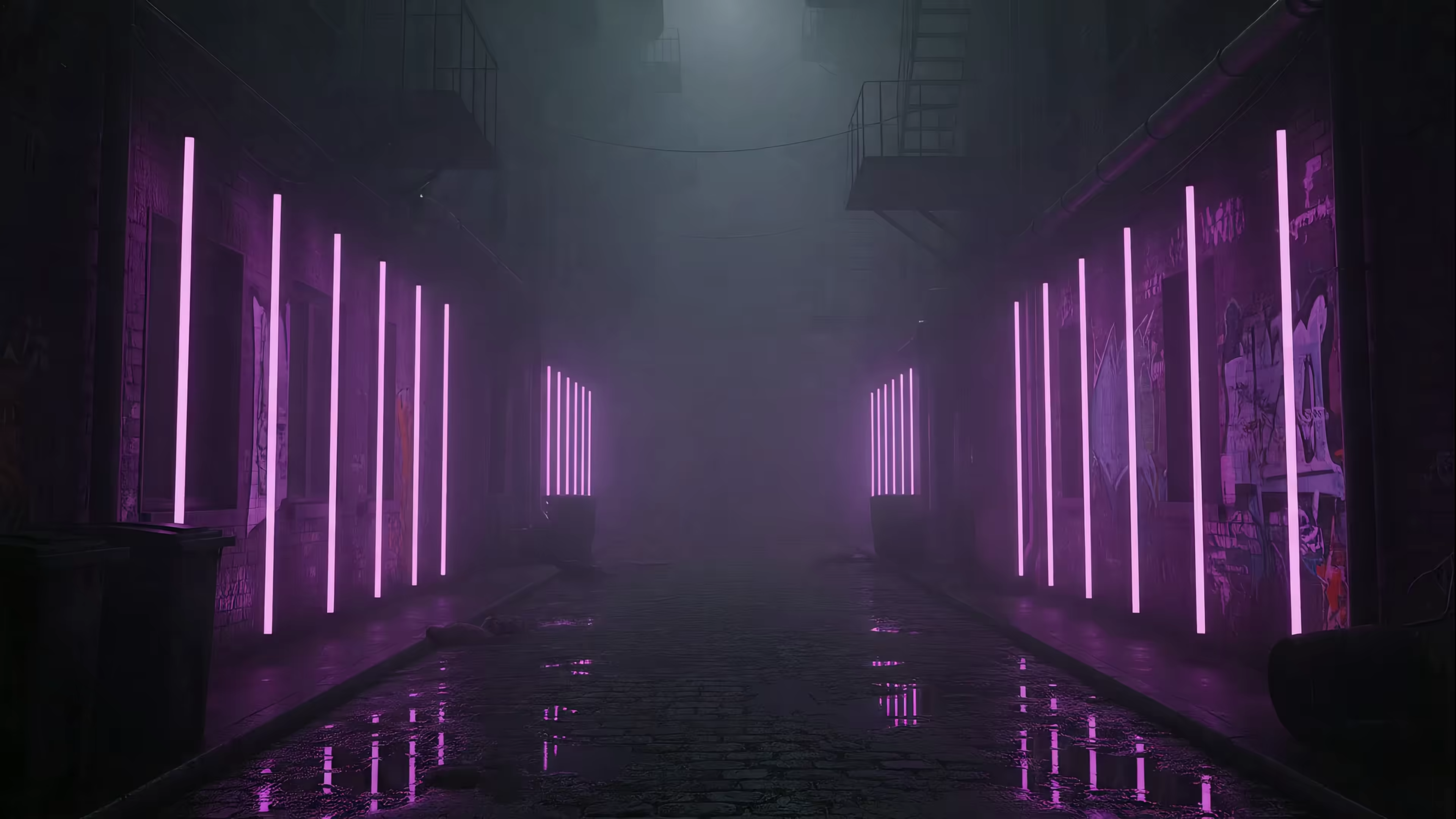
7 Cozy Live Rain Wallpapers to Make Your Mac Feel Like a Movie Scene
You're going to stare at your Mac for hours anyway. Might as well make it pretty. Static images are fine, but there's a special kind of calm that only comes from watching rain trickle down a windowpane or soak a neon-lit street. It's the visual equivalent of a lofi playlist—instantly calming, endlessly watchable, and perfect for pretending you're the main character in a moody indie film while you answer emails in your pajamas.
I'm talking about live rain wallpapers: seamless video loops that turn your desktop and lock screen into a living scene. The problem is that finding good ones can be a slog. Most are pixelated GIFs from 2004, are Windows-only, or require fiddly apps that drain your battery and don't even touch the lock screen.
This list cuts through that noise. It's a curated collection of the best live rain wallpapers, including some specifically for Mac users who miss the functionality of Wallpaper Engine. For each option, I'll provide direct links, setup notes, and a clear idea of what mood it sets, from cozy and calming to dark and stormy. You'll know exactly where to go and what to expect to get high-quality, looping rain on your screen.
1. Lofi Rainy Window — The Cozy 4K Classic
For Mac users seeking the definitive cozy rain experience, the Lofi Rainy Window from gifPaper is the gold standard. This isn't just another compressed GIF; it's a meticulously crafted, seamlessly looping 4K video that makes your desktop into a tranquil, artful scene. It places you inside a warm room, looking out as rain gently trickles down the windowpane, blurring the world outside. All the cozy, none of the water damage.
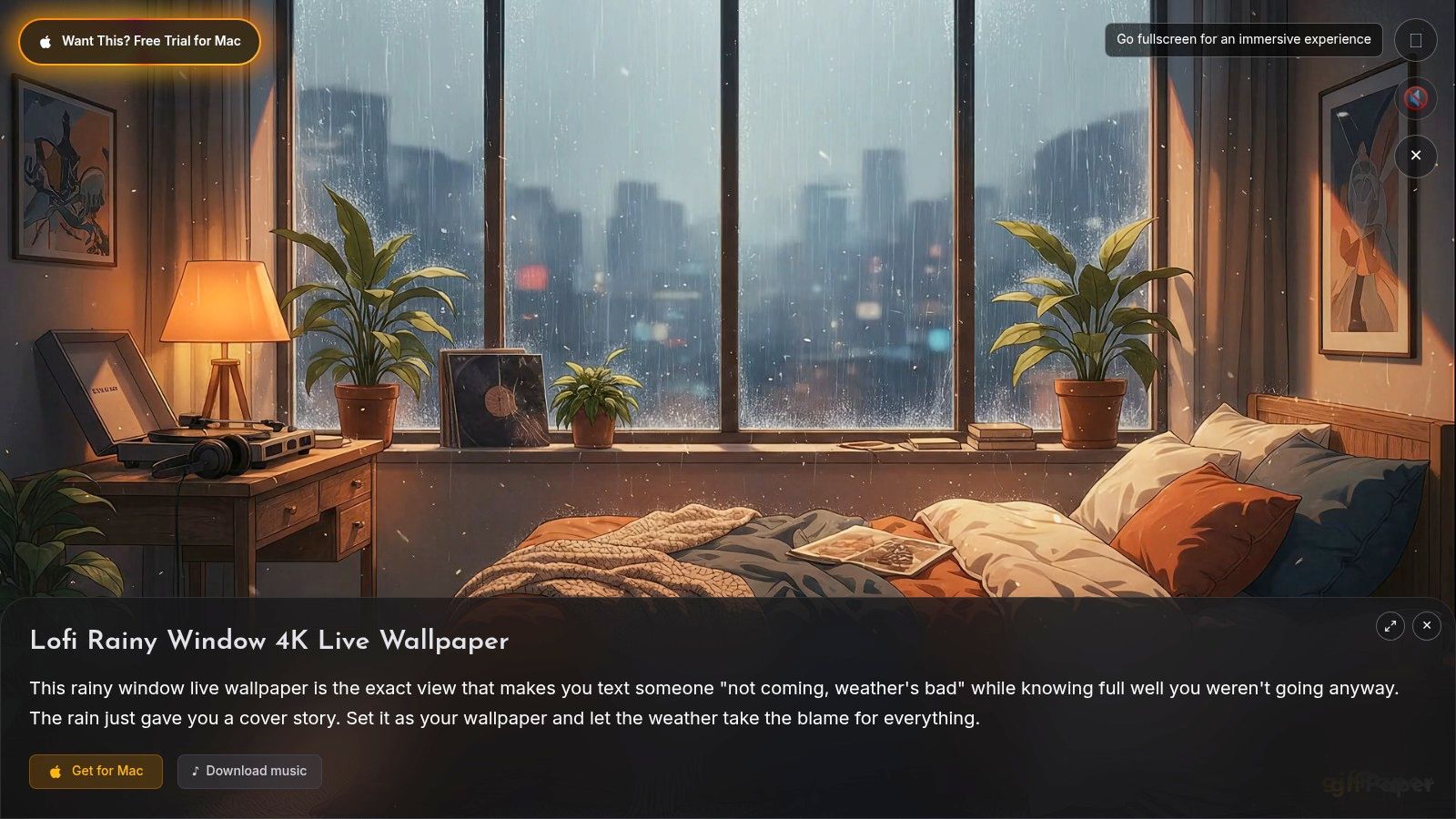
This wallpaper excels by focusing on high-fidelity visuals and a specific, calming mood. The 4K resolution ensures every raindrop and reflection is crisp and clear, especially on Retina displays, avoiding the pixelation common with lower-quality live backgrounds. It's designed for anyone who spends hours at their Mac and wants an atmosphere that aids focus without being distracting. The ambiance is pure lofi: quiet, melancholic, and ideal for studying, coding, or simply winding down after a long day. If you want more rainy day vibes, gifPaper has an entire rain wallpaper category to explore.
Key Features and Setup
What makes this particular live rain wallpaper so effective is its integration with the gifPaper macOS app. Setup is refreshingly simple.
- One-Click Set: From the gifPaper website, a single click sends the wallpaper directly to the app and sets it as both your desktop and lock screen background. No manual downloads or complicated configurations needed.
- Native Lock Screen: Unlike other apps that use clunky overlays, gifPaper uses Apple's native system for video wallpapers. This means your Mac wakes to a living, breathing scene that slows gracefully as you unlock it.
- Performance-Aware Desktop: By default, the desktop wallpaper is a high-quality still frame to conserve system resources. You can toggle full video animation on or off at any time, giving you control over CPU and battery usage.
- Ambient Audio: The wallpaper includes an optional, subtle rain soundscape that completes the immersive experience.
Platform and Pricing
Lofi Rainy Window is exclusively available through gifPaper, a platform built specifically for macOS.
- Availability: macOS only (requires macOS 14 Sonoma or later). It's a direct download, as its native lock screen functionality isn't possible under Mac App Store restrictions. The app is notarized by Apple.
- Trial & Cost: You can try the app and its entire collection of 150+ wallpapers with a 7-day free trial, no credit card required. Afterward, it's a single $4.99 purchase (launch price) for lifetime access.
This wallpaper is a strong, well-rounded choice that delivers on its promise of a high-quality, atmospheric desktop. It's perfect for the design-conscious Mac user who appreciates details and wants their screen to be more than just a grid of icons.
Where to Get It: View or set Lofi Rainy Window directly on gifPaper
2. Wallpaper Engine
If you've ever dabbled in desktop customization on a Windows PC, you've likely heard of Wallpaper Engine. It's less a single product and more a massive, sprawling ecosystem for animated backgrounds. For those seeking live rain wallpapers, its sheer volume is its greatest strength. A quick search in its integrated Steam Workshop reveals thousands of options created by a global community, ranging from gentle windowpane showers to apocalyptic thunderstorms.
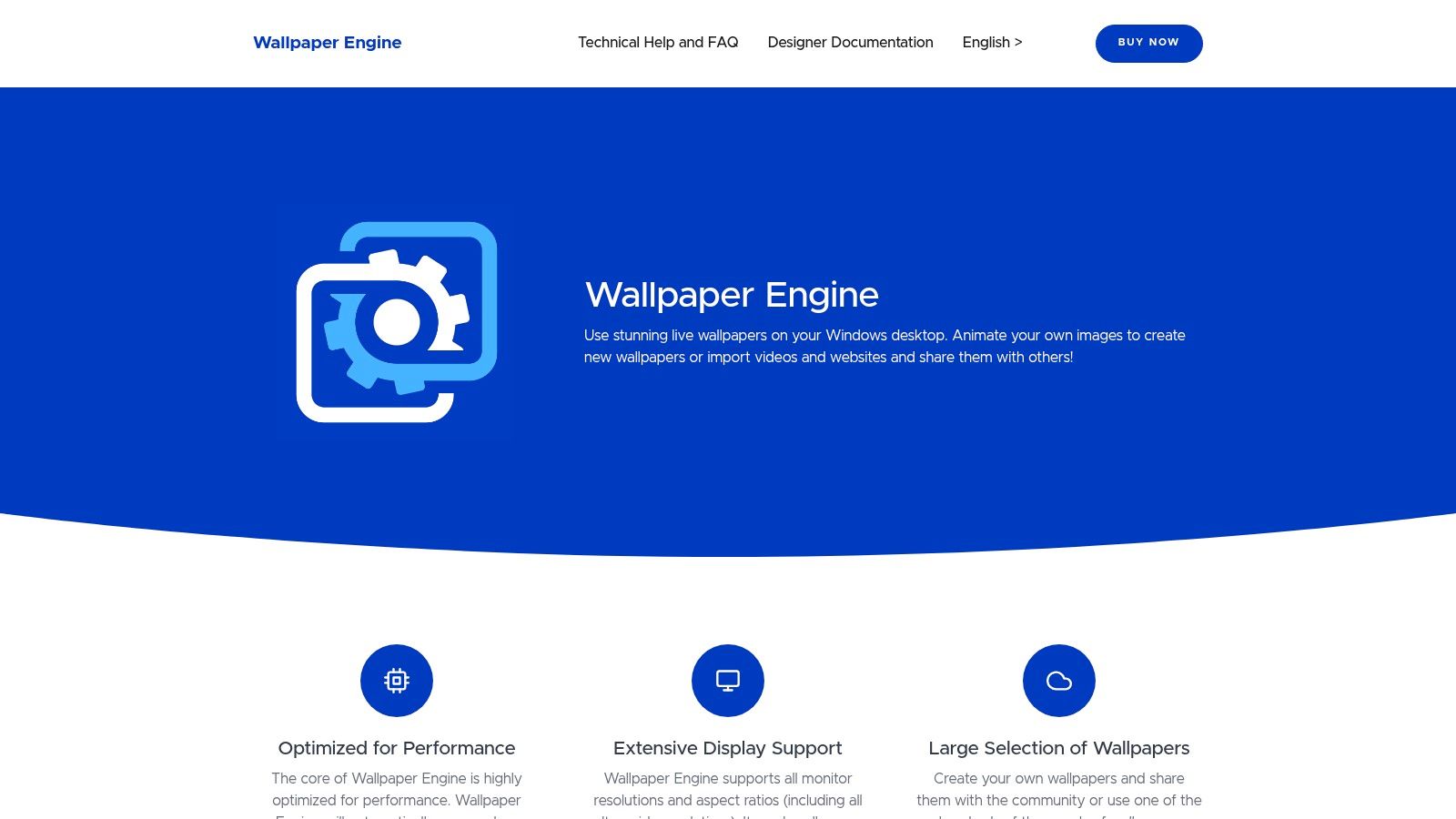
The platform's power comes from its deep integration with Steam. You buy the app once (it's a very modest one-time purchase, not a subscription) and gain access to a searchable, taggable library of user-made content. Finding, downloading, and applying a new rainy scene is a two-click affair. For the more technically inclined, it even includes a powerful editor to tweak existing wallpapers or build your own rain effects from scratch, complete with custom particle physics and lighting.
Access & System Requirements
- Platform: Windows only.
- Price: A small one-time fee, usually under $5.
- Distribution: Available on Steam, Humble, and other PC game storefronts.
- Key Feature: Steam Workshop provides an almost endless, free library of community-made wallpapers.
While Wallpaper Engine remains the gold standard on Windows, it has no native macOS version, which often leaves Mac users searching for an alternative. Its reliance on the Steam client for browsing and updates is a core part of its experience, and if you're not a PC gamer, navigating it can feel a bit foreign. For those on Apple hardware wondering how to get a similar effect, you can explore our guide on Wallpaper Engine alternatives for Mac. Wallpaper Engine sets a high bar with its vast selection and powerful tools, making it an essential stop for any Windows user looking to add some atmosphere to their desktop.
3. Lively Wallpaper
For those who want the power and community library of an app like Wallpaper Engine but without the price tag, Lively Wallpaper is the answer. It's a completely free and open-source application for Windows that punches far above its weight class. When searching for live rain wallpapers, Lively's strength is not just its library but its granular customization. It lets you take community-made rain scenes and dial in the exact mood you're after.
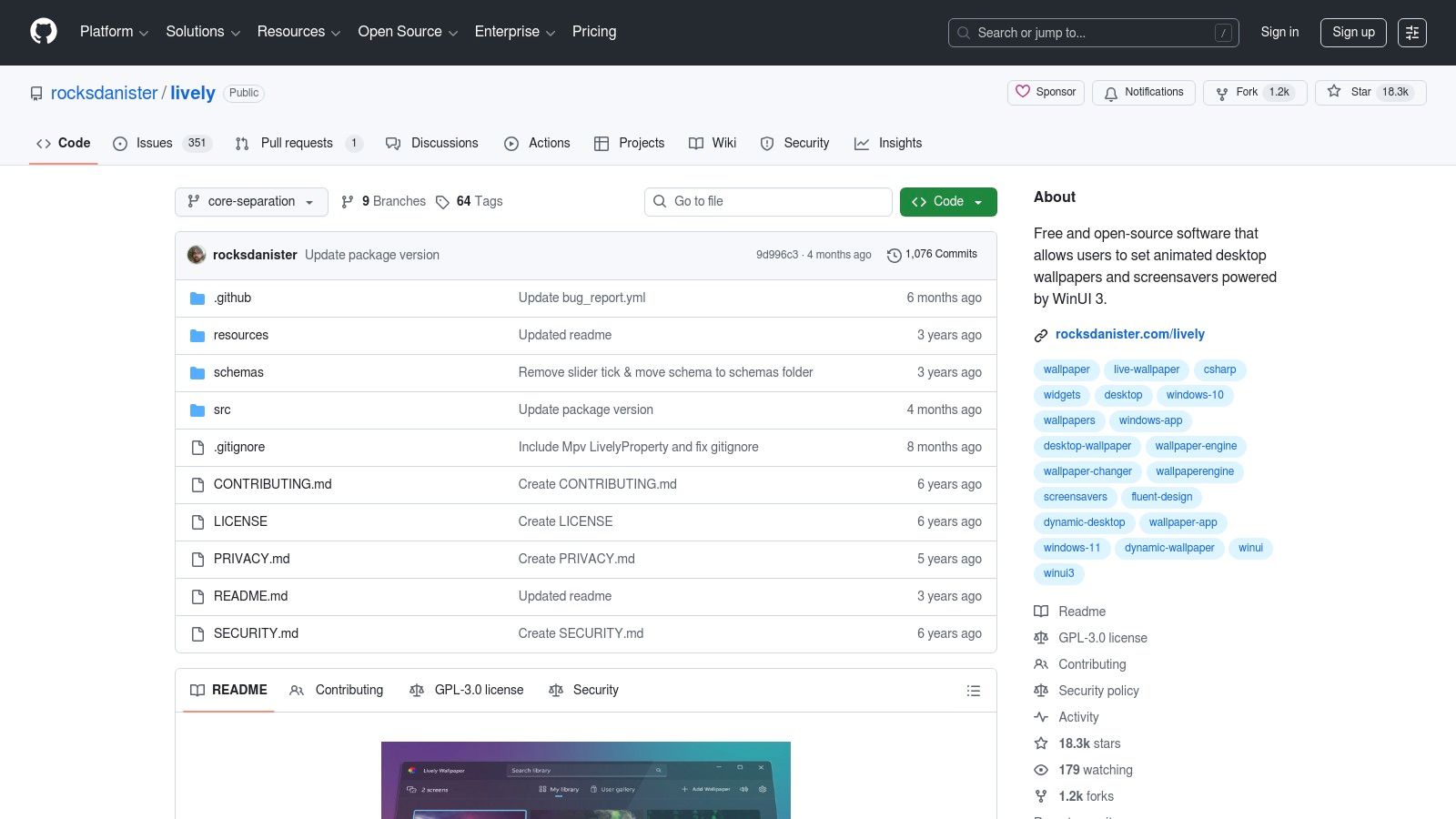
The platform supports a diverse range of formats, including video files, GIFs, and even entire websites as your desktop background. Many of the included rain wallpapers come with impressive built-in controls. You can often find sliders to adjust droplet density, rain speed, parallax effects that respond to your mouse, and even the frequency of lightning strikes. This turns your desktop from a static loop into a dynamic weather system you can control. Best of all, it's actively developed and maintained by a passionate community.
Access & System Requirements
- Platform: Windows only.
- Price: Completely free (open-source).
- Distribution: Available directly from the Microsoft Store or its GitHub page.
- Key Feature: Fine-grained customization sliders on many wallpapers for a personalized rain effect.
Lively Wallpaper is a fantastic, no-cost solution for Windows users. However, its open-source nature means it has no official Mac equivalent, leaving Apple users out in the cold. If you're on a Mac and craving that same level of desktop ambiance, you're not out of options; you can discover some excellent ways for how to get live wallpapers on Mac. While some of its web-based wallpapers might require a little tweaking to get the scaling just right, its performance-aware rules—which can pause animations when you're using a full-screen app or running on battery—make it a surprisingly practical and powerful choice.
4. WallMotion
For Mac users, especially those on modern Apple Silicon hardware, finding a native, high-performance live wallpaper app can be a challenge. WallMotion enters the scene as a purpose-built solution for macOS, focusing on stability and performance. Instead of offering its own library, it acts as a powerful player, allowing you to turn any video file on your computer into a seamless desktop or lock screen background. This makes it an ideal choice for users who have already found the perfect live rain wallpapers online and just need a reliable way to display them.

The app's core appeal is its Mac-first engineering. Built as a native application for Apple Silicon using modern frameworks like Metal and AVFoundation, it promises smooth playback of high-resolution videos (up to 8K) without draining your battery. Its standout feature is its persistence; wallpapers automatically restore themselves after a restart or even a major OS update, solving a common annoyance with other apps. While you must source your own rain loops, WallMotion makes importing them a simple drag-and-drop or one-click process from local files or a YouTube link.
Access & System Requirements
- Platform: macOS 14+ on Apple Silicon Macs only. No Intel support.
- Price: A one-time purchase, typically under $10, with a 14-day refund window.
- Distribution: Available for direct download from the WallMotion website.
- Key Feature: Auto-restores wallpapers after restarts, ensuring your rainy aesthetic is always there.
WallMotion's bring-your-own-video approach gives you ultimate control but also means you're responsible for finding high-quality, seamlessly looping content. It's a trade-off: you get a rock-solid, optimized player but lose the convenience of a built-in discovery library. For Mac users who prioritize performance, reliability, and support for the latest Apple hardware, WallMotion presents a compelling and focused tool to finally get that perfect thunderstorm rolling across their desktop and lock screen.
5. OS Engine
For the macOS power user who sees their desktop not as a static image but as a canvas, OS Engine presents a compelling, flexible toolkit. It moves beyond simple video loops and into the realm of true dynamic content. If you're looking for live rain wallpapers on a Mac and want granular control, this is where you'll find it. The app supports everything from standard 4K video files to complex, interactive web-based scenes built with HTML, CSS, and JavaScript.
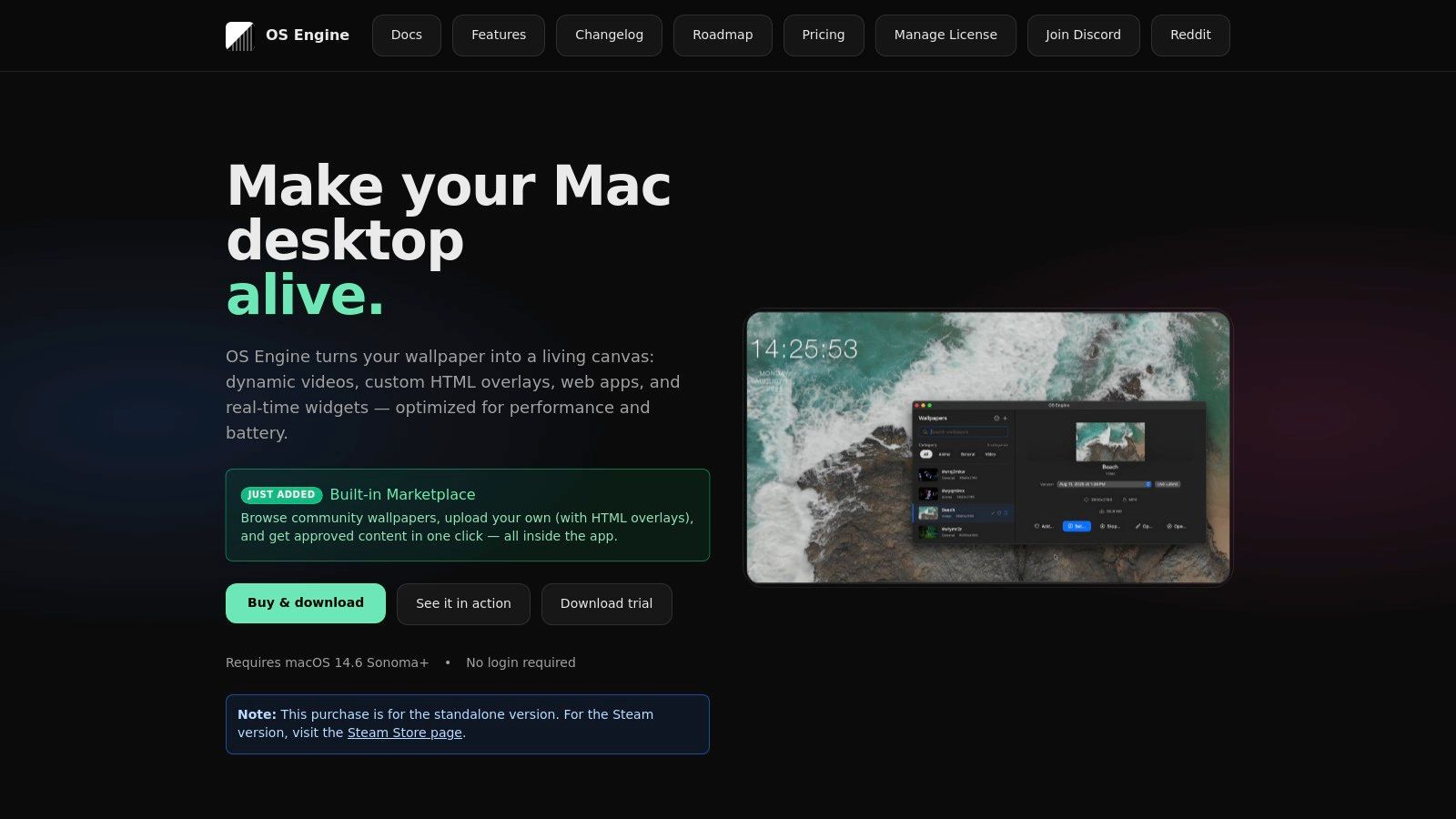
OS Engine's strength is its adaptability. You can run a simple, high-framerate video of a rainy cityscape across multiple monitors, or you can get more creative. For instance, its support for web wallpapers means you could run a live weather map or an interactive rain shader that responds to your mouse movements. It also includes an editor for composing custom scenes, allowing you to layer a raindrop effect over a separate background video, giving you complete artistic freedom. Practical features like auto-pausing when an app is fullscreen or when your laptop is on battery power show a thoughtful approach to system resources.
Access & System Requirements
- Platform: macOS 14.6 or newer.
- Price: One-time purchase for a license after a free trial period.
- Distribution: Available directly from the developer's website at osengine.org.
- Key Feature: Supports web-based wallpapers (HTML/CSS/JS) and custom overlays, offering a degree of interactivity and customization not found in most video-based wallpaper apps.
While OS Engine's feature-rich interface is a dream for tinkerers, it can feel a bit overwhelming for someone just wanting a simple set-and-forget background. As a newer application, its built-in marketplace has fewer ready-made presets compared to more established ecosystems. However, for the Mac user who misses the power of Windows tools and wants to build their own perfect rainy day ambiance from the ground up, OS Engine provides the most potent set of tools for the job.
6. WallsFlow
If you prefer a more direct, curated approach over a sprawling community platform, WallsFlow is an excellent resource. It acts as a high-quality repository for downloadable live rain wallpapers, offering a clean selection of MP4 and WebM files ready to use. Instead of thousands of user uploads, you'll find a well-organized collection of specific rain aesthetics, with each video clearly labeled in high resolution, like 'Rain on Glass at Sunset' in 4K. It's the perfect place to grab a polished, loop-ready file for your favorite wallpaper runner app.
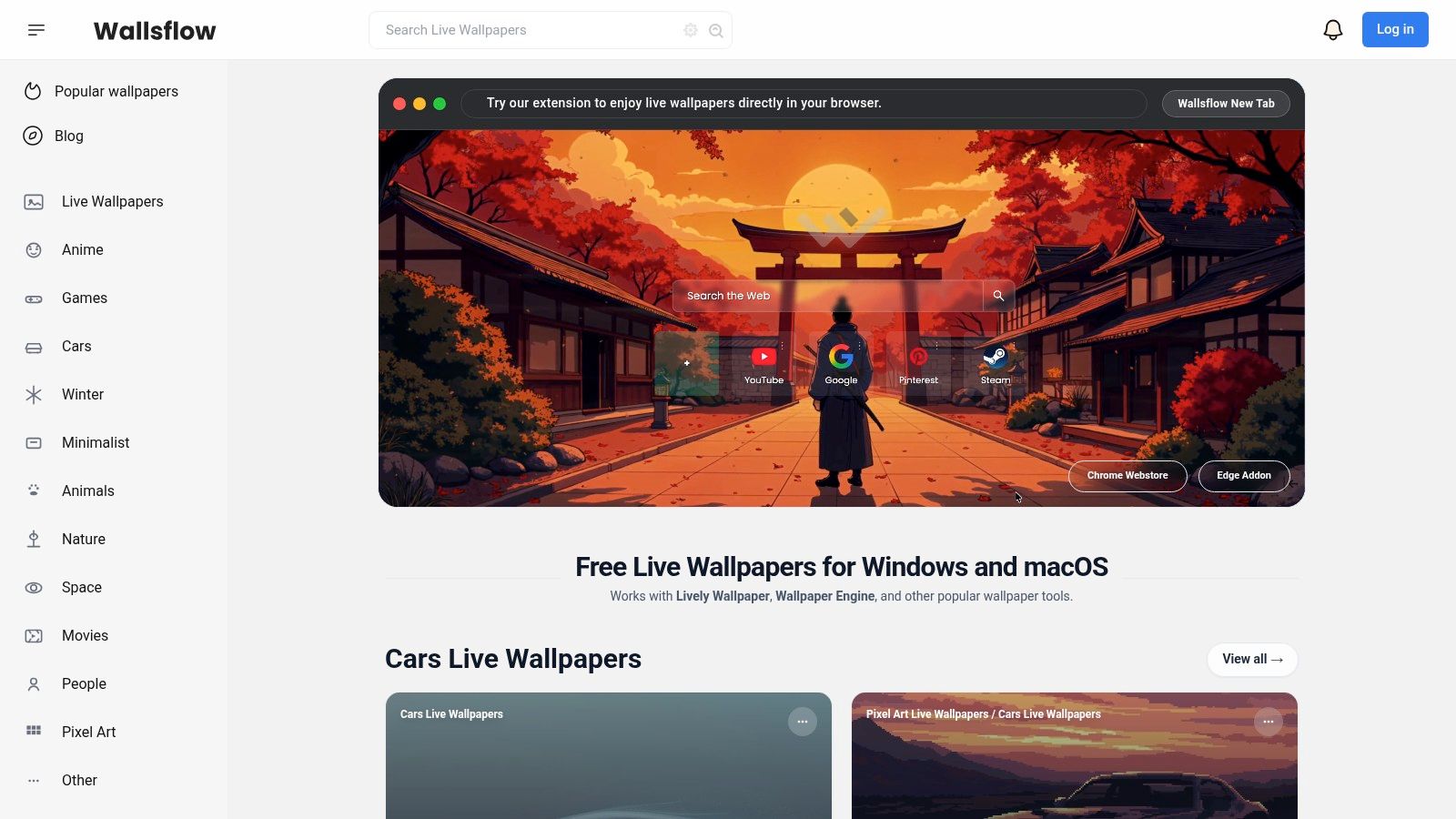
WallsFlow's primary strength is its simplicity. The site is an elegant content source, not an all-in-one ecosystem. You browse, find a video you like, and download it directly. There are no accounts or purchases needed. The interface clearly displays file sizes and compatibility for macOS and Windows, taking the guesswork out of finding a file that works. Its dedicated 'Rain' tag makes it simple to filter for moody showers and downpours, ensuring you can quickly find a high-quality animation without wading through unrelated content.
Access & System Requirements
- Platform: Website (provides MP4/WebM files for Windows & macOS).
- Price: Free downloads.
- Distribution: Accessible directly via the WallsFlow website.
- Key Feature: Curated, high-resolution downloadable files that work with most third-party live wallpaper applications.
The main drawback is that WallsFlow is purely a source for video files; you still need a separate "runner" app to set them as your desktop background. While its library is smaller than what you'd find on the Steam Workshop, the quality is consistently high. For Mac users who want a similar experience without the Steam client, or for anyone who values a straightforward download-and-go process, WallsFlow is a fantastic and free starting point for finding your next favorite rain scene. You can visit the site at https://wallsflow.com.
7. DesktopHut
For those who prefer a more DIY approach to their desktop, DesktopHut acts as a massive, free-to-download library of video files. Instead of offering a self-contained app, it provides the raw ingredients: countless MP4 and WebM video loops that can be used with various live wallpaper programs. This makes it an excellent resource if you already use an application like Lively Wallpaper on Windows or a video wallpaper app on macOS and just need fresh live rain wallpapers to feed into it.
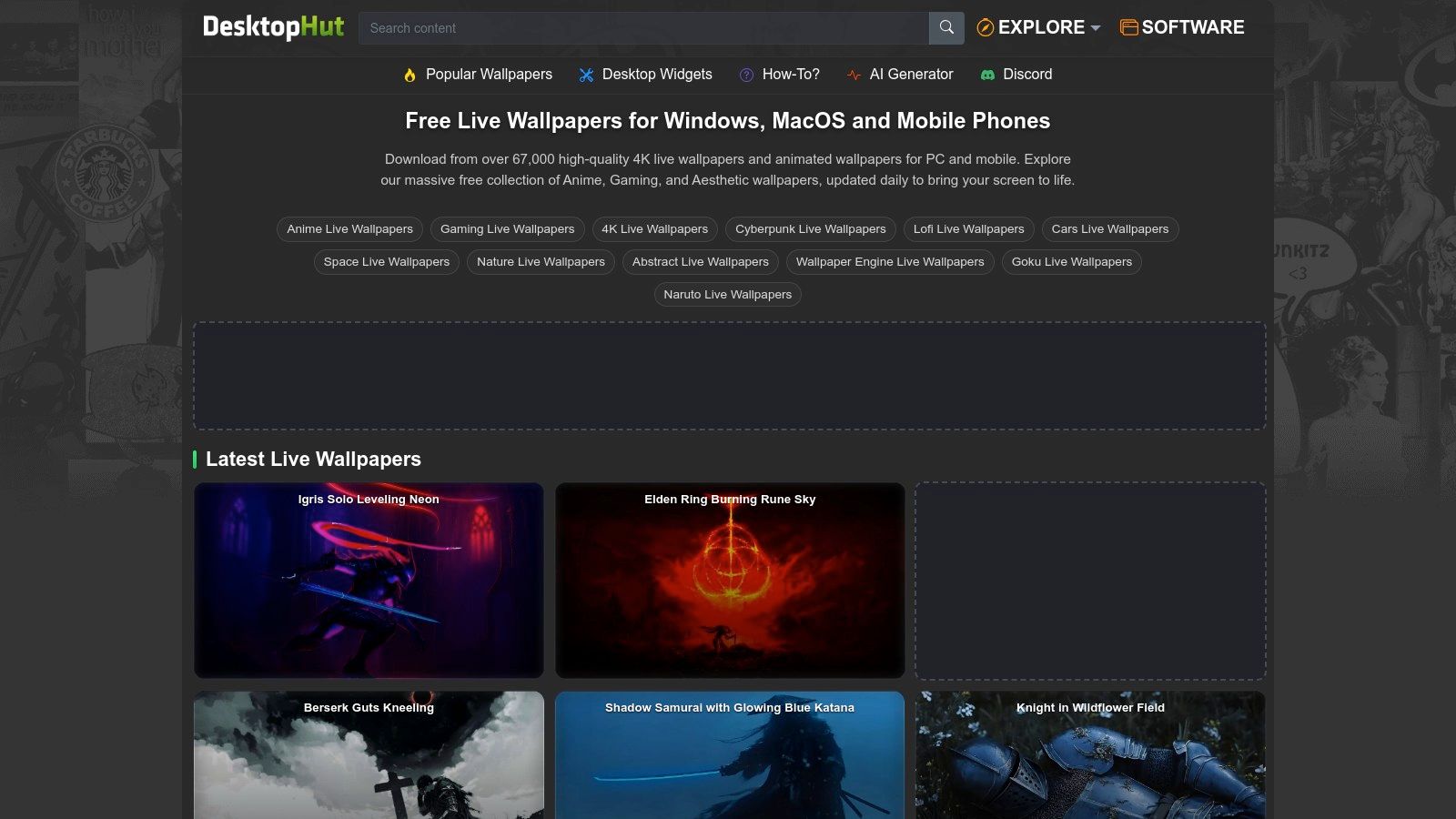
The site's appeal is its straightforward, no-frills nature. You find a rainy scene you like, select your desired resolution, and download the file. There's no software to install or ecosystem to buy into. It's a repository, plain and simple, with filters for 4K and ultrawide resolutions making it easier to find high-quality files. The content is community-contributed, which means you'll find everything from slick, professionally rendered animations to simple, grainy loops. This variety is a double-edged sword, requiring some patience to sift through but rewarding you with hidden gems.
Access & System Requirements
- Platform: Website (provides video files for Windows, macOS, etc.).
- Price: Free (ad-supported).
- Distribution: Direct downloads from desktophut.com.
- Key Feature: A large, searchable collection of raw MP4/WebM video files ready for import into third-party wallpaper software.
DesktopHut's model is its greatest strength and its main weakness. Being a free, ad-supported site means you'll encounter advertisements, and the quality of uploads can be inconsistent. Standard caution for downloading files from any third-party source is advised. However, for users who just want to quickly grab a specific rain loop for their existing setup without any commitment, it remains a popular and useful destination. It offers a direct, hands-on way to get new scenes for your desktop without being locked into a single platform.
How to Actually Use These on Your Mac (Without the Headaches)
You've now seen some of the best live rain wallpapers the internet has to offer, from cozy lofi scenes to dramatic cyberpunk downpours. The hard part should be over, right? You just pick one and set it. But as many Mac users (and former Windows users who miss Wallpaper Engine) have discovered, it's not that simple.
Finding great live rain wallpapers is only half the battle. The other half is getting them to run on your Mac without turning it into a very expensive, very hot paperweight.
Most other wallpaper apps on macOS are just clunky overlays. They draw a video player over your desktop, fighting with your system, draining your battery, and causing all sorts of weird visual glitches. Worst of all? They can't touch your lock screen. It remains static, boring, and completely separate from your desktop aesthetic. That last part—the inability to have a living lock screen—is what drove me to build gifPaper for Mac. It takes a completely different approach.
The gifPaper Difference: Native, Not Hacked
Instead of fighting macOS, gifPaper uses the system Apple itself built for its own video wallpapers. This isn't a hack or a workaround. It's the first and only third-party app that uses Apple's native Aerial wallpaper format.
What that means for you is a seamless experience that just works:
- A Real, Native Lock Screen: Wake your Mac and see your chosen rain scene in motion. It slows down gracefully as you go to unlock, exactly like Apple's built-in options, but with a wallpaper you actually chose.
- One-Click Simplicity: Find a wallpaper you love in the gallery, click a single button, and it's instantly set as both your desktop and your lock screen background. No fiddling with separate settings.
- Efficient by Design: To respect your battery, the desktop wallpaper defaults to a beautiful, crisp still frame. Want the full video animation on your desktop? A simple toggle turns it on whenever you feel like it. The screen saver automatically becomes your full-screen live wallpaper.
There's a 7-day free trial that unlocks all 150+ wallpapers and every feature, with no credit card required. You can see for yourself if it makes your screen a happier, rainier place to look. If it does, it's a one-time purchase of $4.99—that's the launch price. That's the price of a fancy coffee, but it lasts forever. It might just be the missing piece to finally getting those perfect live rain wallpapers on your Mac.
Ready to stop fighting with clunky apps and finally get a real live lock screen? Try gifPaper and browse the entire collection of 4K live rain wallpapers, from cozy windows to stormy nights. Your Mac has looked at you for long enough; it's time to give it something nice to look back at.