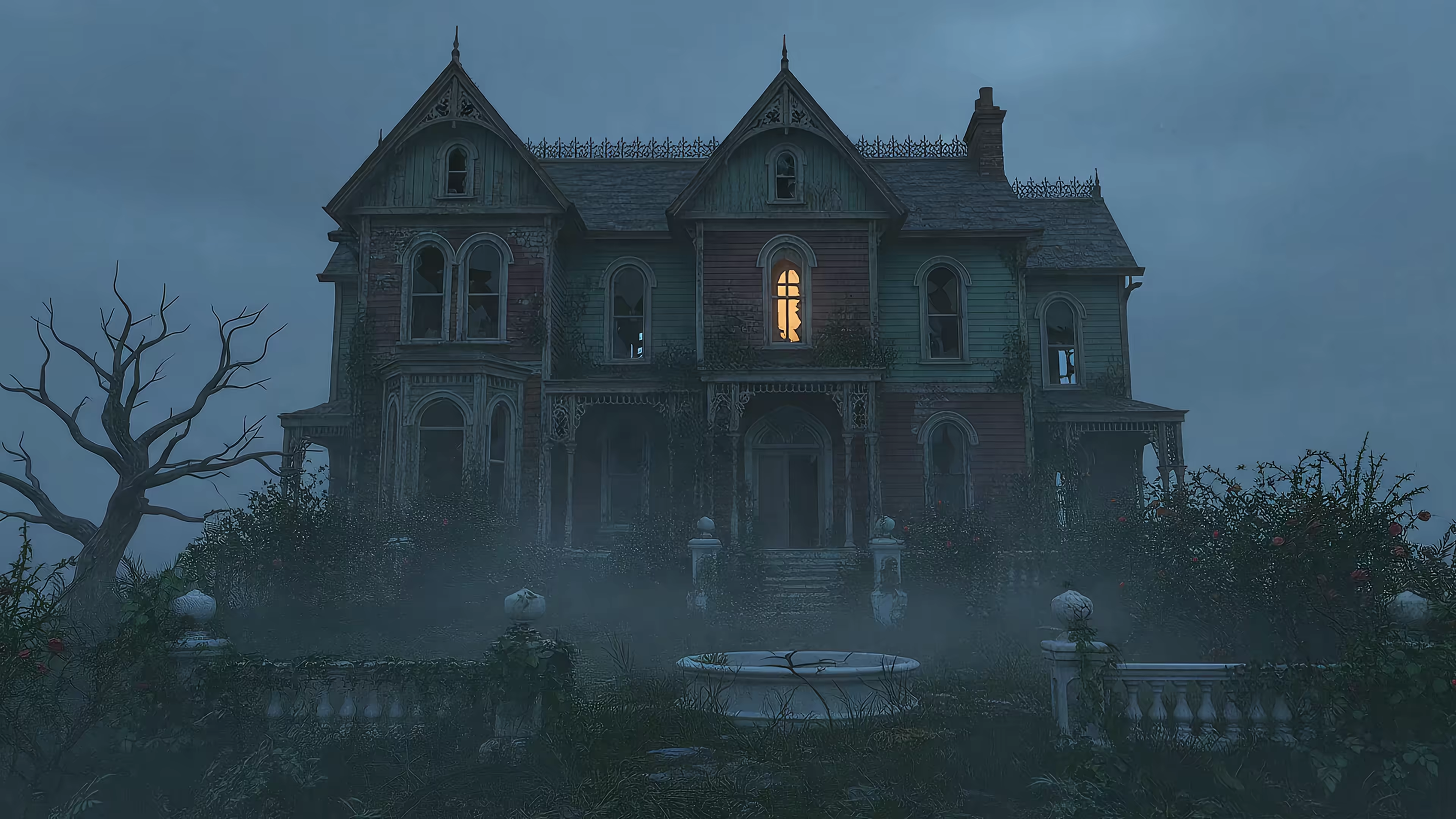
The Best Live Wallpapers for Halloween: 7 Spooky Options for Mac & PC
Your Mac has been staring back at you with the same default nature scene since June. The leaves are turning, the air is getting crisp, and your desktop deserves better. You're going to look at that screen for hours anyway—might as well make it festive.
This isn't about finding some pixelated, looping GIF from 2003 that stutters every four seconds. This is a guide to finding a genuinely great live wallpaper for Halloween: something that sets a mood, whether that's "cozy haunted library" or "cyberpunk skeleton having a rave." Beyond just live wallpapers, creating unique seasonal visuals (like AI-generated spooky photos) can round out your aesthetic overhaul.
I'll cover a curated selection of top-tier Halloween wallpapers, with notes on quality and mood to help you find the perfect fit. Your desktop is about to get a serious upgrade.
gifPaper for Mac
For those who want their Halloween aesthetic to feel like a neon-noir afterparty rather than a haunted hayride, gifPaper is an immediate standout. It ditches overt horror for sleek, atmospheric vibes—everything from pulsing neon skulls to eerie, misty pumpkin patches. This isn't just a spooky background; it's a mood-setter, perfect for late-night work sessions or simply making your Mac look ridiculously cool.
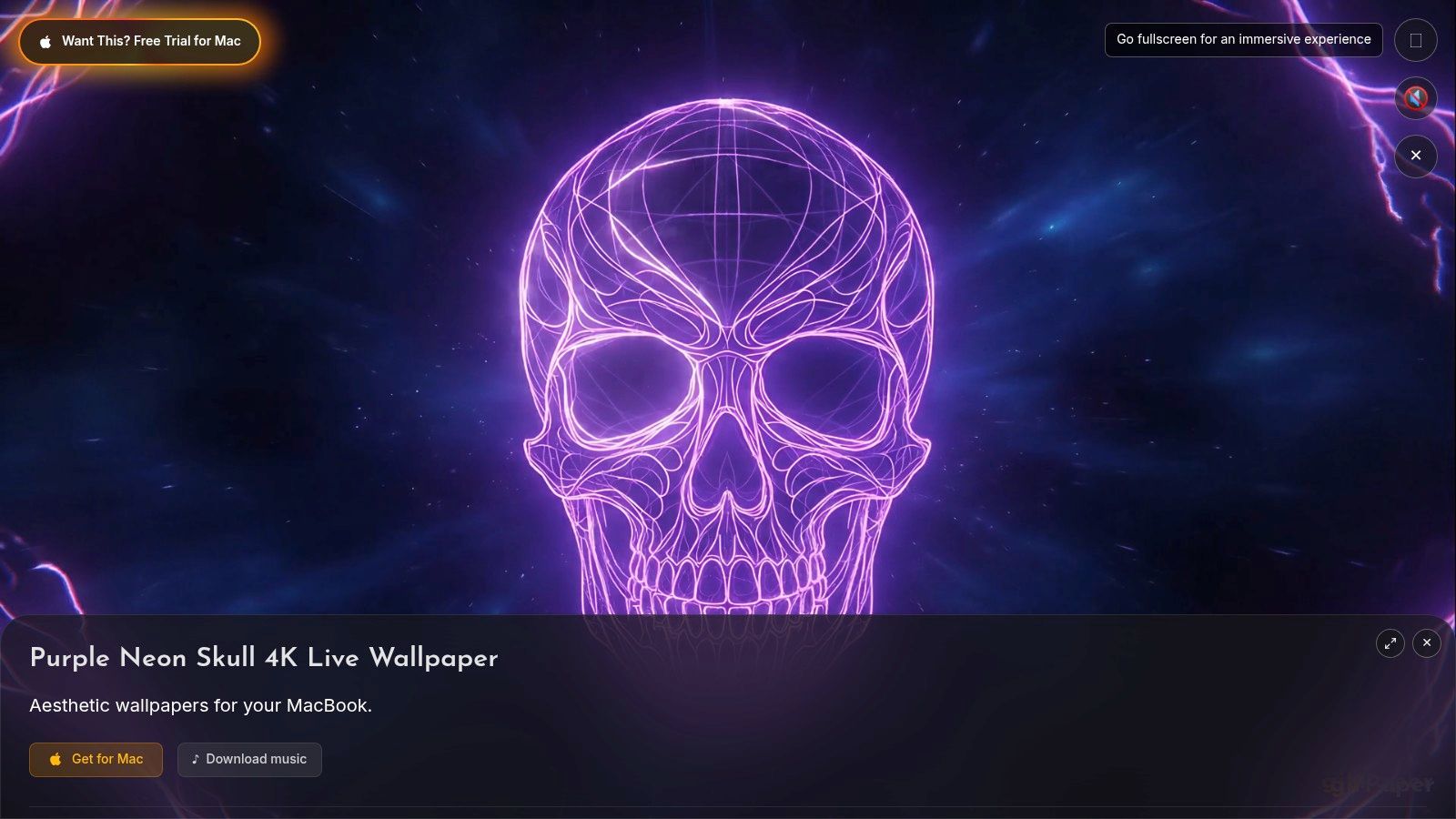
The key difference is technical execution. Every wallpaper in the 150+ collection is a true 4K video file, not a compressed GIF from a bygone era. The animation loops seamlessly—a skull's pulsing highlights or ambient light bleeds create a hypnotic effect without any jarring reset. On a Retina display, the details remain crisp and defined. This is what a modern live wallpaper for Halloween actually looks like.
Why It's a Top Pick for Mac Users
gifPaper for Mac offers a level of integration that other wallpaper solutions on macOS can't match. This is because it's the first and only app to use Apple's native Aerial wallpaper format.
- Native Lock Screen: Wake your Mac to a living wallpaper. As you unlock, the animation smoothly slows to a halt—a subtle but polished effect that mimics Apple's own video wallpapers.
- Performance-Aware Desktop: By default, the wallpaper on your desktop is a high-quality still frame to conserve battery and CPU. Want the full animated experience while you work? Toggle the video on with a simple switch.
- Unified Setup: One action in the app sets your chosen wallpaper for both the lock screen and desktop.
- Curated Aesthetics: The Halloween options fit within a larger aesthetic library. If you like the moody vibe, you can explore more in the dark-wallpaper or neon-wallpaper collections directly within the gifPaper gallery.
Access & Pricing
Getting this wallpaper running is straightforward. You browse the collection on the gifPaper website, and to apply it, you'll need the dedicated macOS app. The pricing model is refreshingly simple:
- Trial: A 7-day free trial gives you full access to the entire wallpaper library and all app features, no credit card required.
- Purchase: After the trial, it's a one-time $4.99 purchase (launch price). No subscriptions.
- Availability: The app requires macOS 14 (Sonoma) or later and is downloaded directly from the gifPaper website. It's not on the Mac App Store because Apple's sandboxing prevents the live lock screen feature. The app is, however, fully notarized by Apple.
Pros & Cons
| Pros | Cons |
|---|---|
| True 4K video quality ensures a crisp, artifact-free image on Retina displays. | Exclusive to macOS; not available for Windows or Linux users. |
| Seamless native lock screen integration, just like Apple's own wallpapers. | Requires a dedicated app download, rather than being a standalone file. |
| One-click setup for both lock screen and desktop via the dedicated app. | Requires macOS 14 (Sonoma) or later. |
| Excellent pricing with a generous free trial and a low, one-time purchase fee. |
Visit Website: gifpaper.com/macos-app
Wallpaper Engine
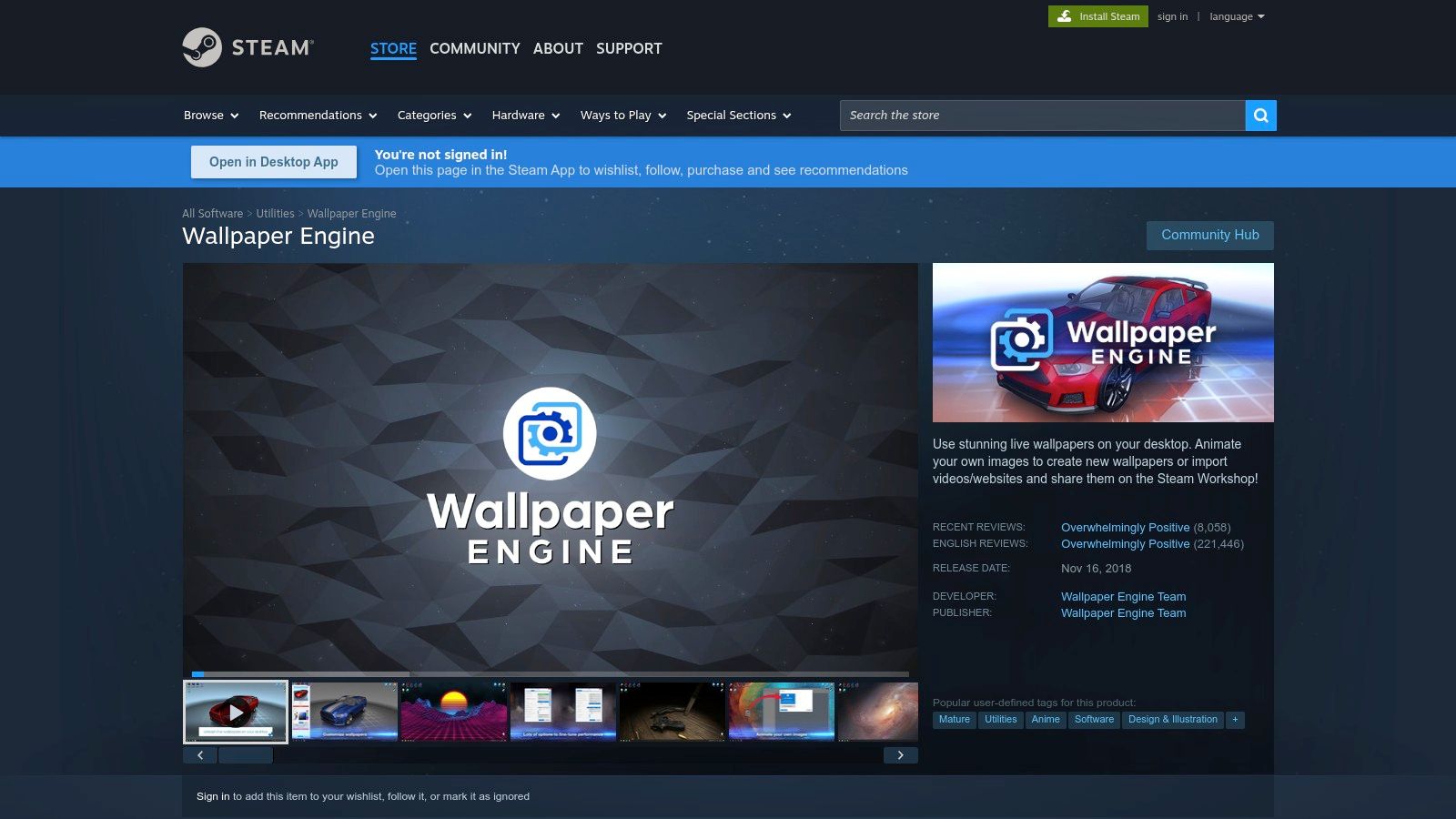
For Windows users, Wallpaper Engine is the undisputed champion of animated desktops, and its Halloween offerings are colossal. It's a one-time purchase on Steam that unlocks access to the Steam Workshop, a community-driven library with literally millions of user-created wallpapers. This is its greatest strength and a slight weakness: the sheer volume means you'll find every conceivable style of live wallpaper for Halloween, but you'll need filters to sift through the noise.
Why It Stands Out
Wallpaper Engine's power comes from its robust editor and format support. Unlike simple GIF or video players, it can handle complex 2D and 3D scenes, web-based wallpapers, and even interactive creations that react to your mouse movements. During Halloween, the Workshop floods with seasonal collections featuring haunted mansions with flickering lights and abstract pumpkin patch scenes with parallax effects.
Its performance management is also a major selling point. The app automatically pauses all animations when you're using a full-screen application or game, ensuring your desktop's spooky ambiance doesn't cost you frame rates when it matters.
Pros and Cons
- Pros: An enormous selection for Halloween via searchable tags in the Steam Workshop. The editor allows for truly unique and interactive spooky scenes. It boasts "Overwhelmingly Positive" reviews on Steam, reflecting high user satisfaction.
- Cons: Windows-only. The massive library can be overwhelming without specific search terms. It's a paid app, though it is a one-time purchase.
Mac users who miss this functionality from their Windows days can find a similar high-quality experience built for macOS. To see how a native Mac alternative brings live wallpapers to your lock screen and desktop, check out how gifPaper compares to Wallpaper Engine.
Platform: Steam (PC/Windows) Link: Wallpaper Engine on Steam
Lively Wallpaper
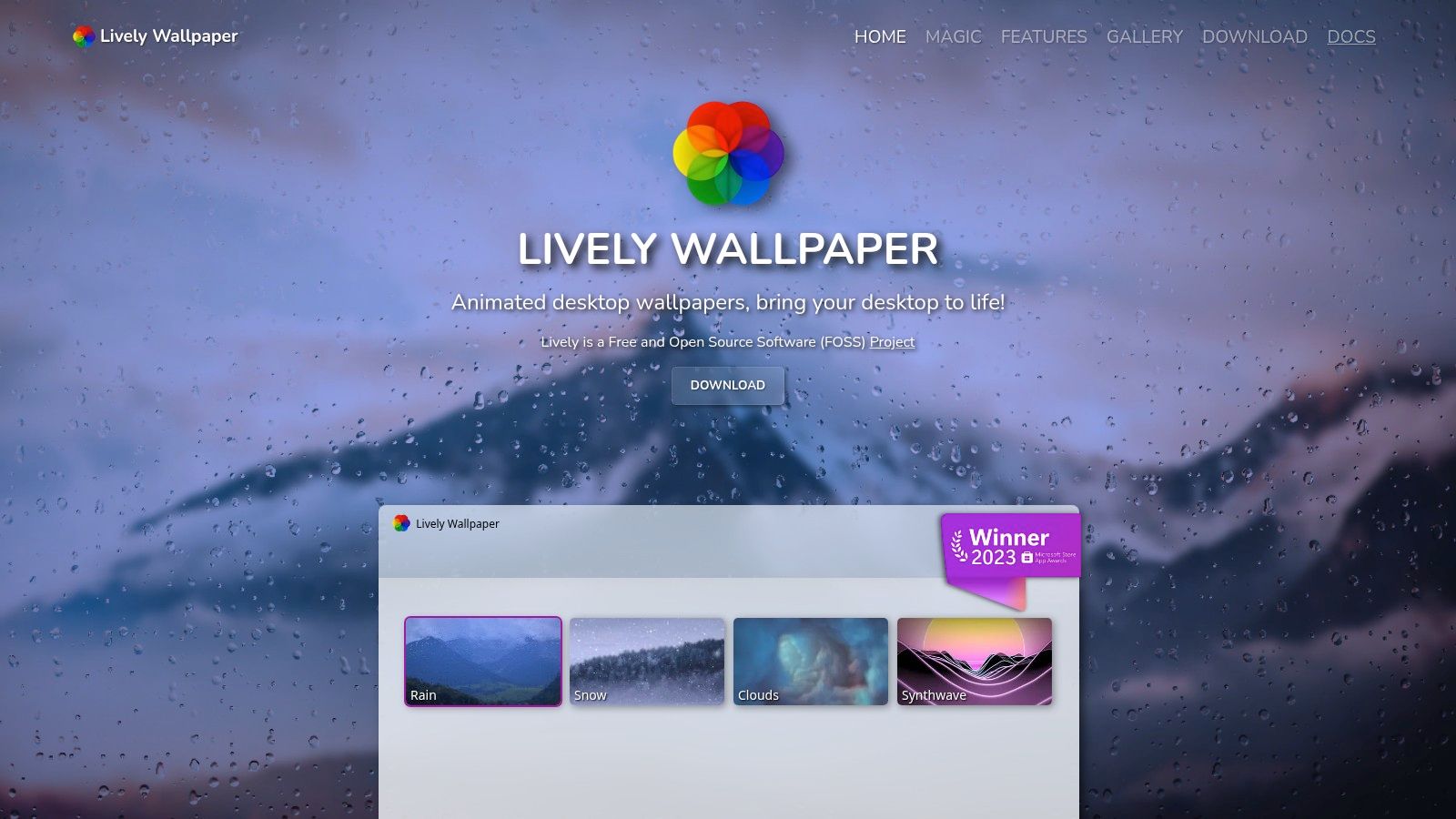
For Windows users seeking a powerful, no-cost alternative, Lively Wallpaper is an exceptional open-source project. It functions as a lightweight engine that lets you turn almost any media file into a desktop background. You can drag and drop local video files (like MP4 or WebM), use YouTube links, or even run interactive web pages and shaders directly on your desktop. This makes it ideal for anyone who finds a cool Halloween loop on sites like MoeWalls or DesktopHut and wants to use it without hassle.
Why It Stands Out
Lively's biggest draw is its freedom and flexibility. It isn't tied to a specific library or storefront; your only limit is the content you can find or create. This is perfect for Halloween—grab a 4K video of a ghostly forest or a spooky animated illustration from anywhere on the web and have it running in seconds. It uses hardware acceleration to ensure video playback is smooth, and its resource management is excellent.
Much like Wallpaper Engine, it automatically pauses animations when you run a full-screen game or application, so your spooky atmosphere won't steal performance when you need it. It also supports multiple monitors and can function as a screensaver, offering a complete customization package for those willing to source their own live wallpaper for Halloween.
Pros and Cons
- Pros: Completely free and open-source (FOSS) with no hidden costs. Extremely easy to import your own video or web-based wallpapers. Strong performance controls, including auto-pausing for games and battery-saver modes.
- Cons: Windows-only. It does not come with a curated library, so you are responsible for finding high-quality Halloween content yourself. The quality of user-found wallpapers can vary significantly.
For those on macOS who want to create their own animated backgrounds from personal videos or GIFs, the process involves a different set of tools. Check out how to approach making moving wallpapers on a Mac.
Platform: PC/Windows Link: Lively Wallpaper Official Site
Stardock DeskScapes 11
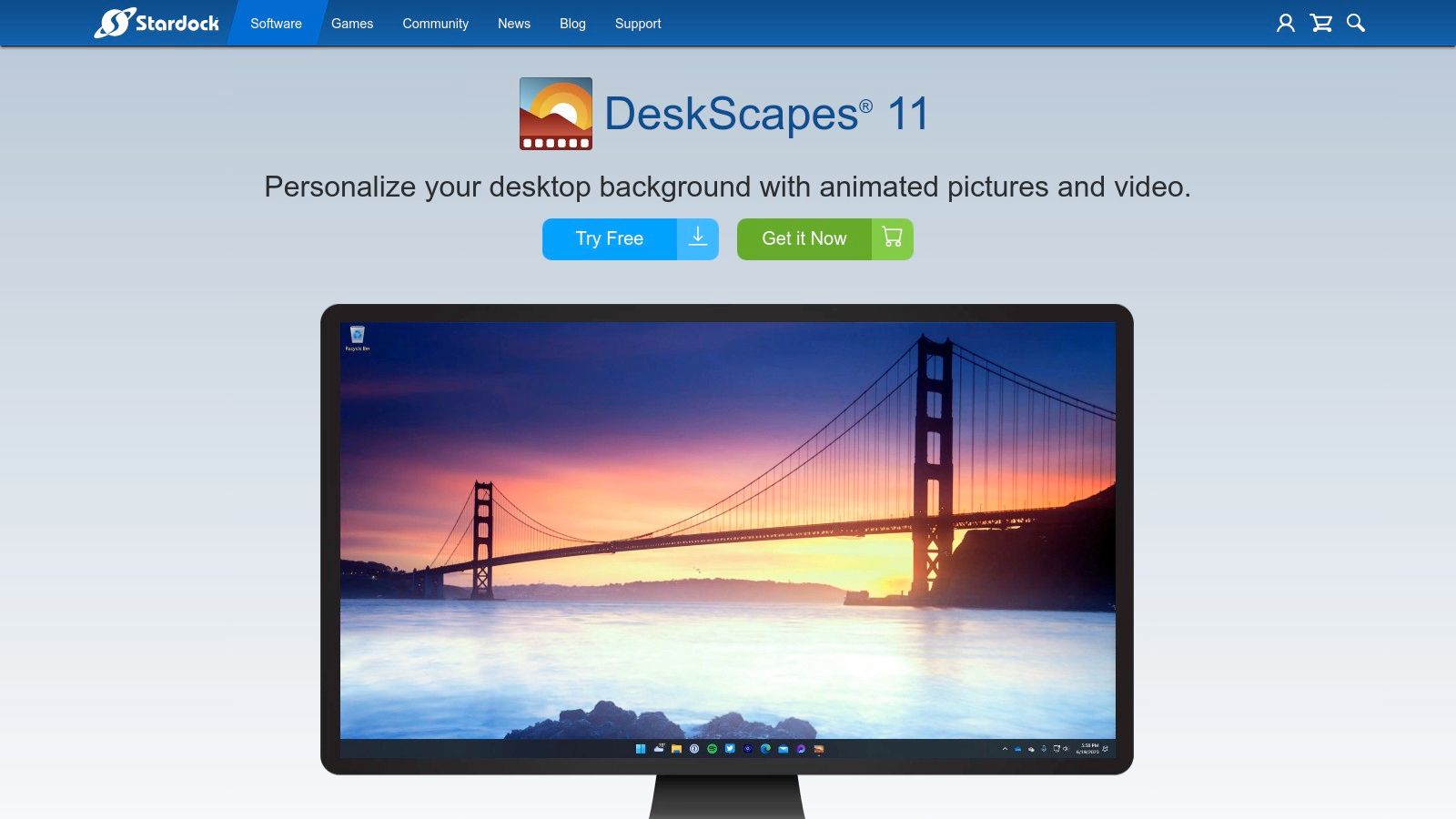
For Windows users seeking a more integrated, all-in-one package, Stardock's DeskScapes 11 is a strong contender. It bundles an animated wallpaper player, an effect library, and a community content browser into a single application. This makes it useful for those who prefer to browse, apply, and customize their live wallpaper for Halloween without juggling different tools. Its connection to the WinCustomize cloud library provides direct access to user-created 'Dreams' (the app's name for live wallpapers).
Why It Stands Out
DeskScapes excels with its built-in customization and organization features. It comes packed with over 120 special effects and overlays (rain, clocks, spooky lightning) that can be applied to any wallpaper. This means you can take a static Halloween image and bring it to life with flickering effects or create your own animated wallpaper from scratch using the included DreamMaker Pro editor.
The playlist feature is a standout for seasonal decorating. You can create a Halloween-specific playlist of your favorite spooky scenes and schedule them to rotate throughout the day or only appear during October. This level of automation and in-app control is a major draw, allowing you to set your spooky desktop theme and forget about it.
Pros and Cons
- Pros: Easy in-app browsing of community content via the WinCustomize library. The built-in effects and editor allow for quick customization of Halloween scenes. Playlists and scheduling make it simple to automate your seasonal desktop theme.
- Cons: Windows-only. The community and content library, while solid, are smaller than Wallpaper Engine's massive Steam Workshop. Uploading your own creations requires a Stardock/WinCustomize account.
Mac users who want this kind of desktop ambiance can find a similar experience tailored for macOS. To see how an app built for native Mac performance can bring your lock screen to life, gifPaper offers comparable features designed specifically for Apple's ecosystem.
Platform: Windows Link: Stardock DeskScapes 11
MoeWalls
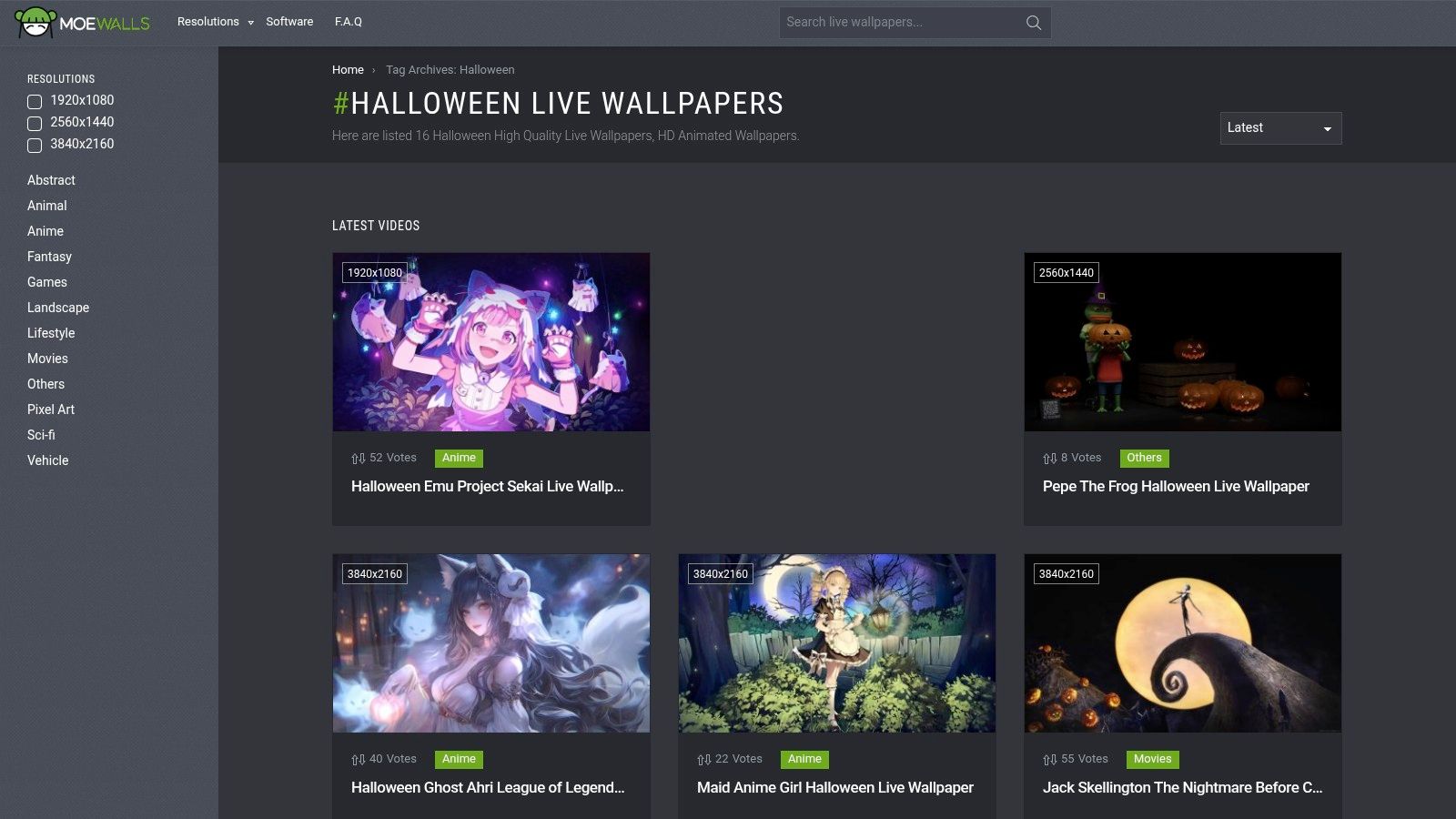
For those who prefer to curate their own collection of video files, MoeWalls is a straightforward and free resource. It's a wallpaper-sharing site with a dedicated Halloween tag that aggregates dozens of MP4 and WebM video loops. Think of it less as a self-contained app and more as a digital treasure chest where you can find the perfect live wallpaper for Halloween to use with your preferred player, like Lively for Windows or a compatible macOS alternative.
Why It Stands Out
MoeWalls excels in its simplicity and directness. Instead of navigating complex forums or social media threads, its tag system lets you jump straight to a gallery of themed content. The Halloween section is a mix of spooky, cute, and atmospheric scenes—floating Jack-o'-lanterns, haunted forests, anime characters in festive costumes. Most files are available in 1080p or 4K, ensuring they look sharp on modern displays.
The platform provides a quick way to assemble a playlist of Halloween loops without a financial commitment. Its focus on standard video formats (MP4/WebM) means the files are highly compatible with a wide range of wallpaper applications. While the site does promote its own software, the real value lies in its library of downloadable files that you can run through any player you trust.
Pros and Cons
- Pros: Entirely free to download video files. A dedicated Halloween tag makes finding seasonal content fast and simple. Files are provided in standard formats that work with most live wallpaper players.
- Cons: The site is ad-supported, which can make the download process a bit clunky. As with any user-submitted content site, be mindful and use a trusted wallpaper application for playback.
For Mac users who want to use these video files, it's important to find an application that can set MP4s or WebMs as both a desktop and lock screen background. An app built to handle modern macOS features provides a more integrated and stable experience than generic video players.
Platform: Website (for file downloads) Link: MoeWalls Halloween Tag
MotionBGs (Motion Backgrounds)
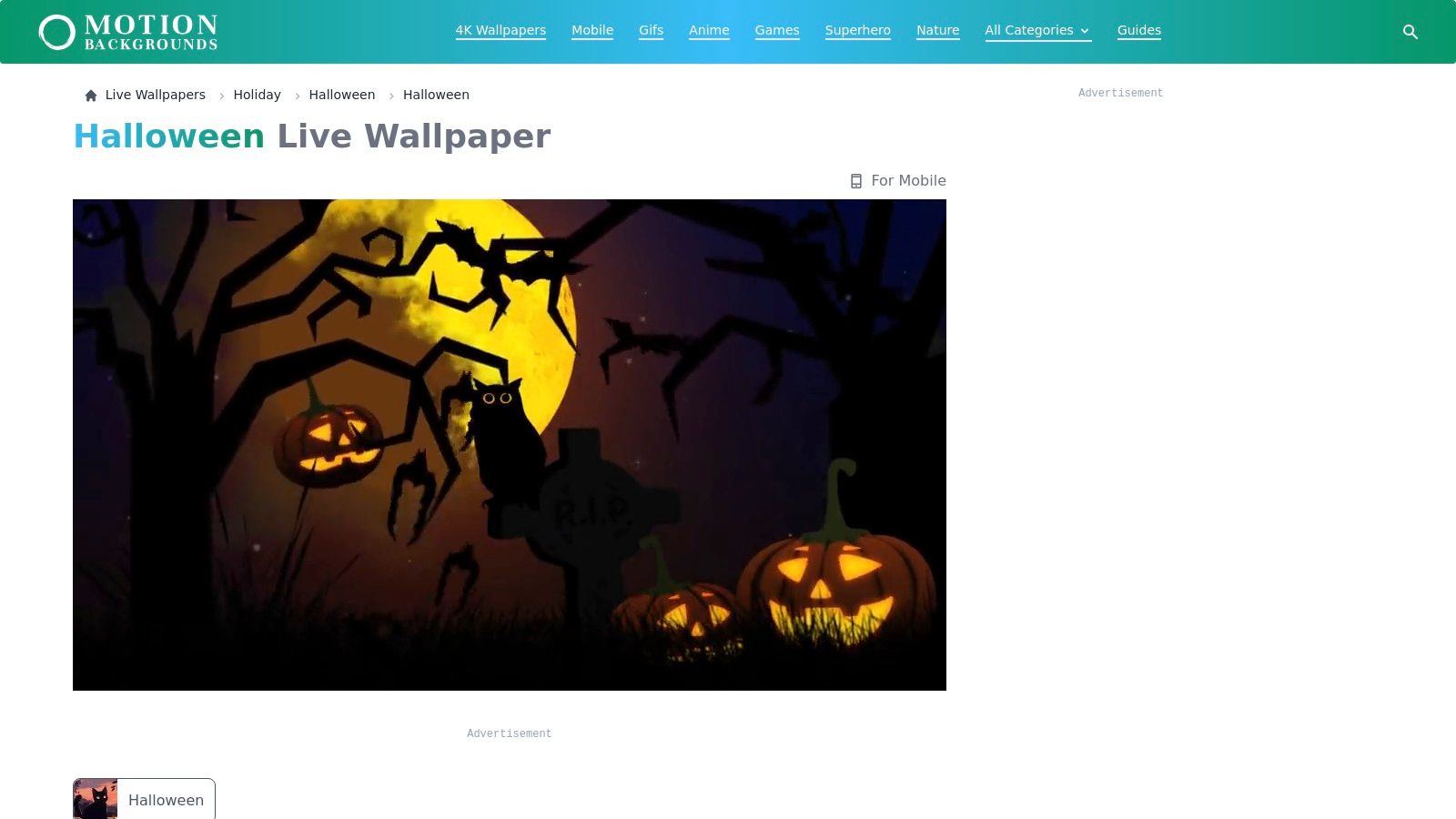
For those who prefer a curated experience over an endless community feed, MotionBGs offers a clean, high-quality catalog of animated wallpapers. It serves as an excellent resource for finding a polished live wallpaper for Halloween without the guesswork. The site provides direct MP4 downloads, specifically sized for desktops, making it a straightforward source for both Mac and Windows users looking for crisp 4K and HD visuals.
Why It Stands Out
MotionBGs excels at accessibility and ease of use. Instead of requiring a specific platform or app login, it operates like a traditional content library. You find a clip you like, you download it. Its dedicated Halloween collection features classic seasonal motifs: glowing jack-o'-lanterns, eerie haunted houses, spooky full-moon nights. This curated approach is perfect for anyone who wants a great result quickly.
Most helpful for beginners, the site includes step-by-step "How to set" guides for both Windows and macOS. This guidance is significant for Mac users, as it demystifies the process of applying a downloaded MP4 file using an app like gifPaper. The direct downloads mean you get a clean video file ready to drop into your wallpaper player of choice, with no extra steps.
Pros and Cons
- Pros: The curated Halloween page and clean catalog make finding a good wallpaper fast. Helpful setup instructions for both major operating systems. Direct MP4 downloads simplify importing files into a wallpaper application.
- Cons: Much smaller content library than massive community hubs like the Steam Workshop. The wallpapers are typically simple video loops rather than complex, interactive scenes. As with any third-party download site, it's wise to use a trusted player app and keep your antivirus software active.
Platform: Web (for MP4 downloads) Link: MotionBGs Halloween Collection
DesktopHut
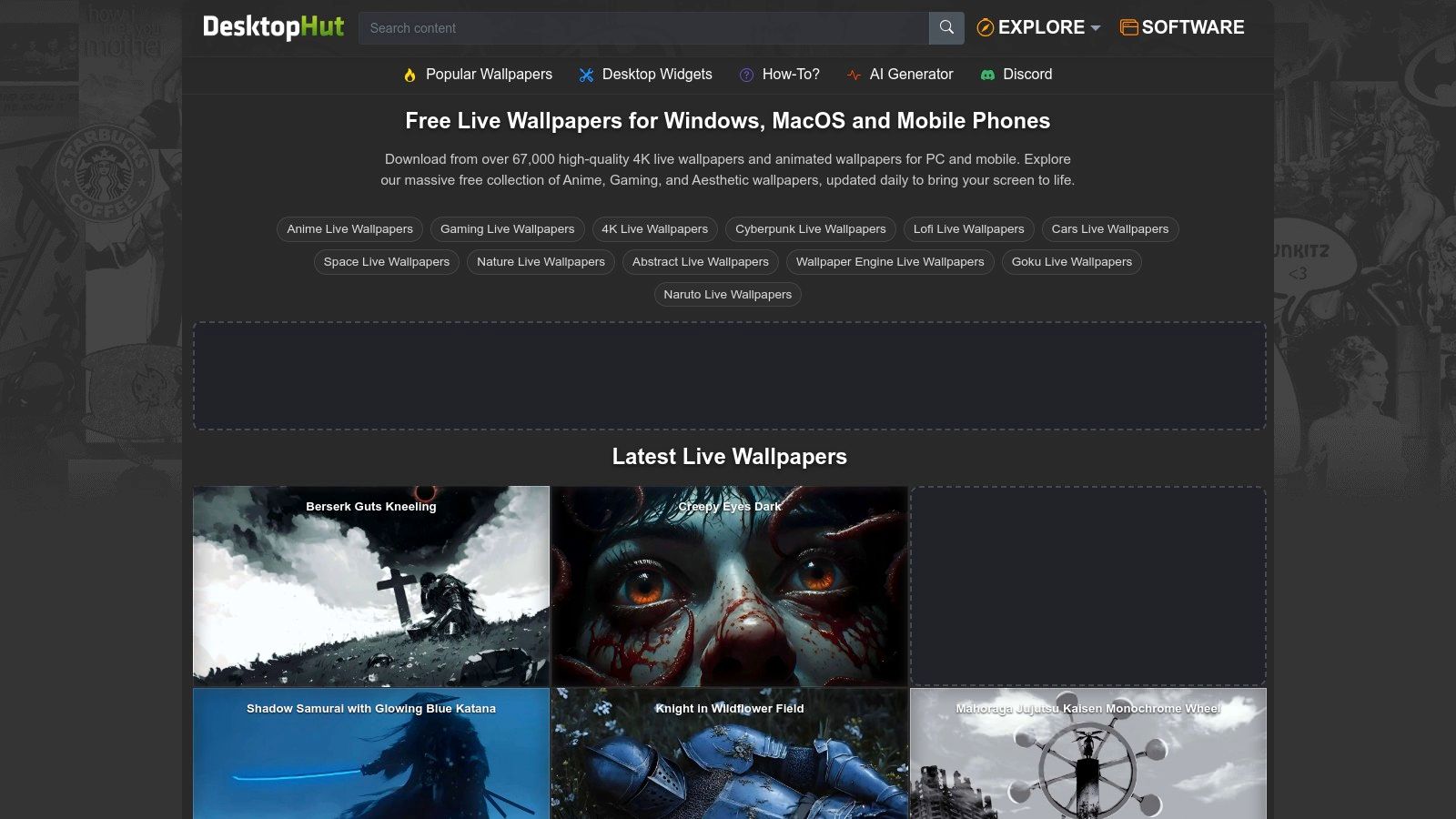
For those looking to bulk-download a wide variety of video files for their desktop, DesktopHut is a long-standing repository. It offers a massive catalog of downloadable live wallpapers, many in HD and 4K, with a dedicated section for Halloween. This site is useful if your goal is to assemble a large personal collection of spooky clips to cycle through, as it features broad category filters for Horror, Dark, and seasonal themes.
Why It Stands Out
DesktopHut's main draw is its sheer volume and straightforward approach. Unlike curated platforms, it's a vast library where you can find everything from video game-inspired horror scenes to abstract spooky animations. Each wallpaper page clearly lists metadata like resolution and file size, which is helpful for matching downloads to your specific display without wasting bandwidth.
The site also provides multi-platform how-to pages, offering guidance on using the downloaded video files with various players. This makes it a decent starting point for users new to the concept of a live wallpaper for Halloween. The community presence on Discord and Telegram also provides another avenue for discovering new content shared by other users.
Pros and Cons
- Pros: A large selection of Halloween-themed downloads available for free, making it easy to build a spooky collection. File specifications like resolution are listed upfront. The site includes how-to guides for different operating systems.
- Cons: The website is heavily ad-supported, which can make for a cluttered user experience. It often promotes its own proprietary launcher, but many users prefer more established open-source players. As with any site offering direct file downloads, be cautious and use a trusted wallpaper application for playback.
Platform: Web (for downloads) Link: DesktopHut
The Easiest Way to Spookify Your Mac
You've seen the options. Windows users have a veritable buffet of live wallpaper tools, some polished, some less so. But for Mac users, the path to a dynamic, spooky desktop has often felt like a walk through a haunted forest filled with battery-draining apps and clunky, script-based hacks. The goal was simple: get a cool live wallpaper for Halloween without turning your MacBook into a wheezing, overheated pumpkin.
That's the exact frustration that led to creating gifPaper for Mac. While the apps listed above serve their purpose on Windows, they highlight a gap in the macOS world. You shouldn't have to choose between a beautiful desktop and decent battery life. You also shouldn't have to settle for an animated wallpaper that only works on your desktop, leaving your lock screen a static, boring void.
Here's the core takeaway: a great live wallpaper isn't just about the animation itself. It's about how seamlessly it integrates with your system.
- Native is Better: gifPaper uses Apple's own native wallpaper system. This means it's not a hack or an overlay. It works exactly like the default Sonoma aerial wallpapers, giving you that beautiful, slow-motion effect when you wake your Mac. It's the only third-party app that can do this.
- One-Click Simplicity: You set your wallpaper once, and it applies to your lock screen, desktop, and screen saver. No separate configurations, no complicated settings. It just works.
- Aesthetics and Mood: Finding the perfect vibe is key. Maybe your idea of Halloween is a creepy, abandoned place—the kind you'd read about in a ghost story. Or perhaps you prefer a cozy, retro scene that feels more like a nostalgic memory than a nightmare. The right wallpaper sets the tone for your entire workspace.
Ultimately, your Mac is a tool you look at for hours every day. Making it a place you enjoy looking at isn't frivolous; it's just smart. You can give your desktop the perfect Halloween costume, whether that's a neon purple skull or a subtly eerie, looping forest. The best part is that you can try it all for free, without digging out your credit card, and see for yourself.
Ready to give your Mac the Halloween costume it rightfully deserves? Browse the full collection of 150+ looping 4K wallpapers on the gifPaper website and download the gifPaper for Mac app for a free 7-day trial. It's one click to set your perfect spooky (or cozy) scene on your lock screen, desktop, and screen saver.