
Best Lock Screen Live Wallpapers for Mac & Beyond 2026
Meta description: The best lock screen live wallpapers for Mac, Windows, Android, and iPhone, with honest trade-offs and the least possible nonsense.
Your lock screen is boring. Let's fix it.
Your Mac's lock screen is the digital equivalent of a welcome mat. Right now, it's probably showing drone footage of a place you've never been, or a tasteful-but-dull gradient. It's fine. It's also an opportunity.
What if it showed a cozy fireplace on a winter morning? Or a neon-drenched alley in a perpetual downpour? That's the promise of lock screen live wallpapers. Getting there, unfortunately, involves a small maze of operating system quirks, marketing euphemisms, and apps that almost do the thing you want. Apple says "Dynamic" and often means "changes over time," not "animated." Android can do more, but support is fragmented by phone model and software, which is a polite way of saying chaos with widgets.
Current how-to content reflects that confusion too. Apple's lock-screen motion features on iPhone became more practical with iOS 16 in 2022, then evolved through later customization guides, and by 2024 to 2025 tutorials were explicitly showing people how to convert video into a Live Photo for the Lock Screen, which tells you motion-enabled personalization has gone mainstream, just not in a neat, universal way (video guide showing the shift).
If you enjoy overthinking visual atmosphere on a rectangle, you're in good company. Even the broader wallpaper market gets sized in the billions by industry firms, though definitions vary enough that you shouldn't treat any single number as gospel (Mordor Intelligence wallpaper market forecast). Also, for reasons known only to the internet, insights for 2026 interior colors somehow pair nicely with choosing a wallpaper mood.
1. gifPaper
For Mac users, this is the cleanest answer I've seen. Not "cleanest" in the marketing sense where someone says it while hiding six caveats behind a fern. Cleanest as in it behaves like a real Mac feature instead of a workaround that feels one update away from becoming folklore.
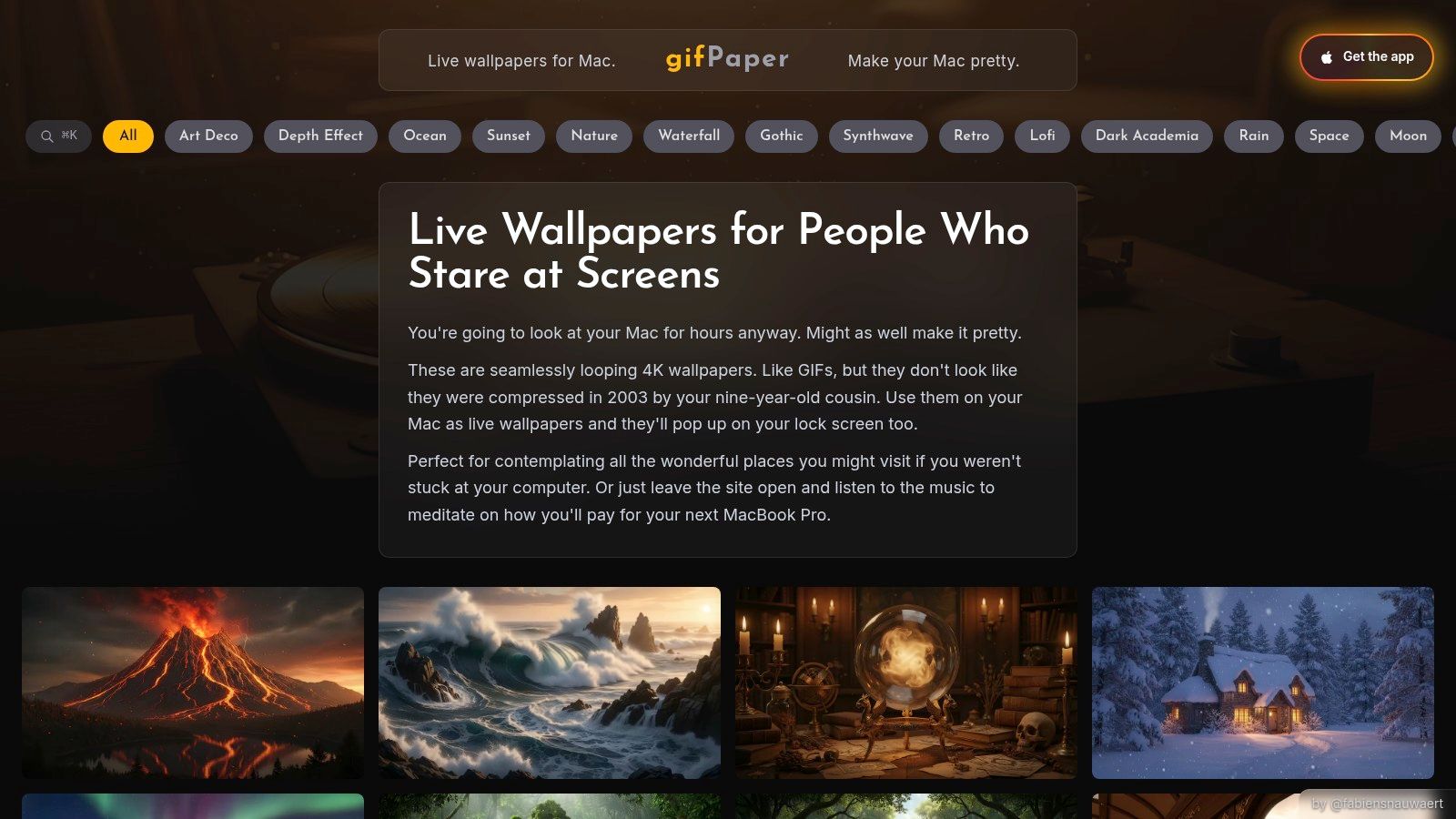
gifPaper is a direct-download Mac app that sets live wallpapers on the lock screen, desktop, and screen saver using Apple's native Aerial wallpaper format. That last bit matters. It means the lock screen behaves like Apple's own video wallpapers, including the nice slow-down effect as you unlock, instead of faking it with an overlay or some haunted-screen-saver contraption. If you want the short version of the terminology mess, this guide on what live wallpapers actually are helps.
Why it works on Mac
The app is focused on the part that most Mac tools still treat as an afterthought: the lock screen. One action sets the same wallpaper for lock screen and desktop, which is good because having them mismatch can make your Mac feel like it got dressed in the dark.
The gallery is the other reason it works. The website has 150+ smoothly looping 4K live wallpapers with categories that are specific enough to be useful, not just "Nature" and "Other Nature." If you want cozy snow and cabin energy, the winter wallpaper collection has you covered. If your tastes skew toward rain-soaked signs and morally ambiguous puddles, the neon wallpaper collection is where the cyberpunk nonsense lives.
Practical rule: For lock screen live wallpapers, seamless looping matters more than flashy motion. You notice a bad cut every single time you wake your Mac.
Trade-offs that are actually worth knowing
Some scenes include ambient audio, which is delightfully extra. Not all of them do. That's fine. Silence is also a vibe, especially before coffee.
The desktop defaults to a still frame, with a toggle for full animation. That's the right call. On the desktop, motion is nice. On the lock screen, motion is the point. The app requires macOS 26 Tahoe or later, and it isn't on the Mac App Store because Apple's sandboxing rules get in the way of live lock screen wallpapers. It's distributed directly, notarized by Apple, and the pricing is blessedly simple: a 7-day free trial, then a $4.99 one-time purchase, plus a 30-day money-back guarantee.
If you care about polish more than gimmicks, gifPaper feels purpose-built. Also, yes, it's an app for making your computer background move. Life contains multitudes.
2. macOS Sonoma Built-in Wallpapers
Apple's built-in option is the respectable default. It's elegant, integrated, and mildly smug about it.
Since Sonoma, Apple has leaned into its own moving wallpaper style. You get those slow-motion aerial scenes of cities, coastlines, and other places that look lovely but also vaguely like tourism board B-roll. On the lock screen they animate beautifully, then settle into a still on the desktop. No setup drama, no extra app, no mystery permissions.
Where Apple's version falls short
The limitation is obvious the second you want anything specific. You can choose Apple's collection, and that's the whole sentence. You can't add your own cozy café loop, a fireplace, or a moody dark scene that makes your Mac look like it reads translated noir.
That makes Apple's built-in wallpapers great for people who want movement but don't care much what the movement is. If your taste runs more personal than "pristine drone glide over Dubai at sunset," you'll hit the ceiling quickly.
A few honest pros and cons:
- Best part: It's free and already there.
- Less good part: Apple's aesthetic is very Apple. Tasteful. Expensive-looking. Slightly emotionally unavailable.
- Important distinction: These are true system-integrated animated lock screen backgrounds, but only from Apple's own set.
Apple's built-ins are excellent if your wallpaper taste is "high-end hotel lobby screensaver."
For plenty of people, that's enough. For wallpaper obsessives, it's the gateway drug.
3. Aerial
Aerial is the tool for people who hear "there's a menu bar controller and community video support" and think, yes, obviously, that's what my evening was missing.
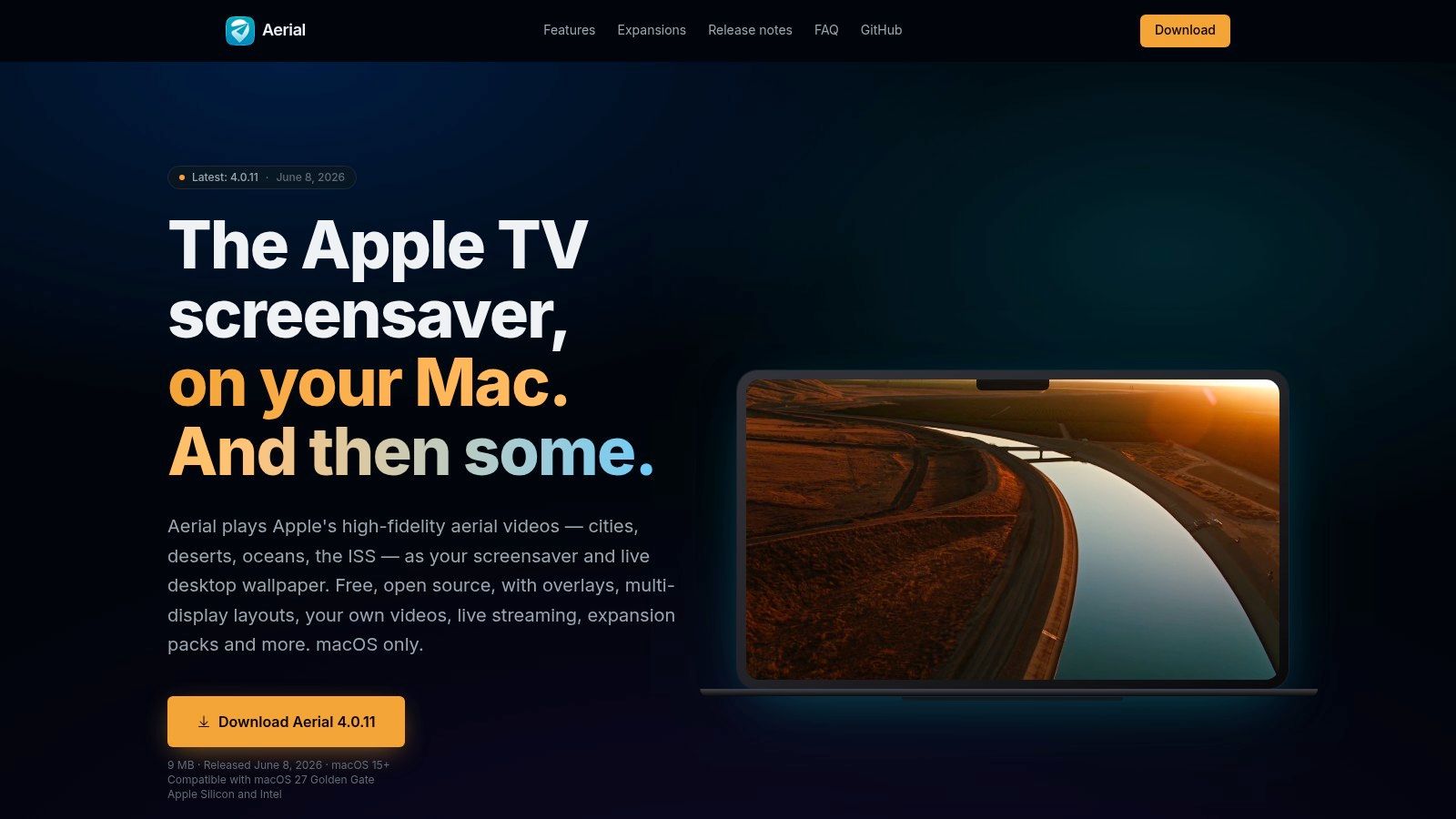
For years, Aerial has been the classic open-source way to bring Apple TV-style videos to the Mac. It gives you access to Apple's aerials, plus community clips and your own videos if you want to tinker. It's generous, nerdy, and much more customizable than Apple's built-in wallpaper picker.
The key distinction people miss
Aerial is still rooted in the screen saver system. That matters because "animated when the Mac is locked" and "native live lock screen wallpaper" aren't the same thing, even if they can look similar from across the room.
If you like customizing what appears when your Mac is idle or locked, Aerial is excellent. If you want a dedicated lock screen wallpaper experience that behaves exactly like Apple's wallpaper system, it's not quite that.
A quick way to think about it:
- Use Aerial if: you want lots of video sources, overlays, and fiddly settings.
- Skip Aerial if: you want one-click simplicity and don't want to think about how screen savers differ from wallpapers.
- Helpful side quest: if you're already messing with this layer of macOS, this guide on how to change the screensaver on Mac is worth bookmarking.
One practical downside is storage. If you download a lot of high-resolution videos, you'll notice. Open-source tools are often generous in features and less interested in protecting you from yourself.
4. Wallpaper Engine
If you came here from Windows, this is probably the name rattling around in your head. Wallpaper Engine is the benchmark many people mean when they say they want live wallpapers. It's just not a Mac app.

On Windows, Wallpaper Engine is the heavyweight. Huge community library, powerful editor, endless animated desktop weirdness. You can make your PC look like a tranquil synthwave dream or a regrettable RGB incident. Both are valid.
Why it matters in a Mac comparison
It's useful here because so many Mac users are really searching for "the Mac equivalent of Wallpaper Engine." On that specific question, Wallpaper Engine itself is not the answer. For a broader desktop comparison, this breakdown of live wallpaper options for desktop PC covers the terrain.
Its Android companion app is interesting, though. You can sync wallpapers from desktop to phone, and on some Android devices those can work on the lock screen. The catch is the same catch that keeps showing up in mobile wallpaper land: compatibility is messy.
The support question is still fuzzy enough that mainstream how-to content often leaves people guessing whether live wallpapers will work on the device they own. Android support varies by manufacturer and software features, and iPhone support is narrower than many guides imply (overview of the compatibility confusion).
If you're on Mac, Wallpaper Engine is less a tool recommendation and more a reminder of what Apple users have been missing.
If you're on Windows, it's still the obvious place to start. If you're on Mac, keep moving.
5. Muzei Live Wallpaper
Muzei takes the opposite approach from most live wallpaper apps. It doesn't try to turn your phone into a glowing aquarium of particle effects. It tries to be tasteful.
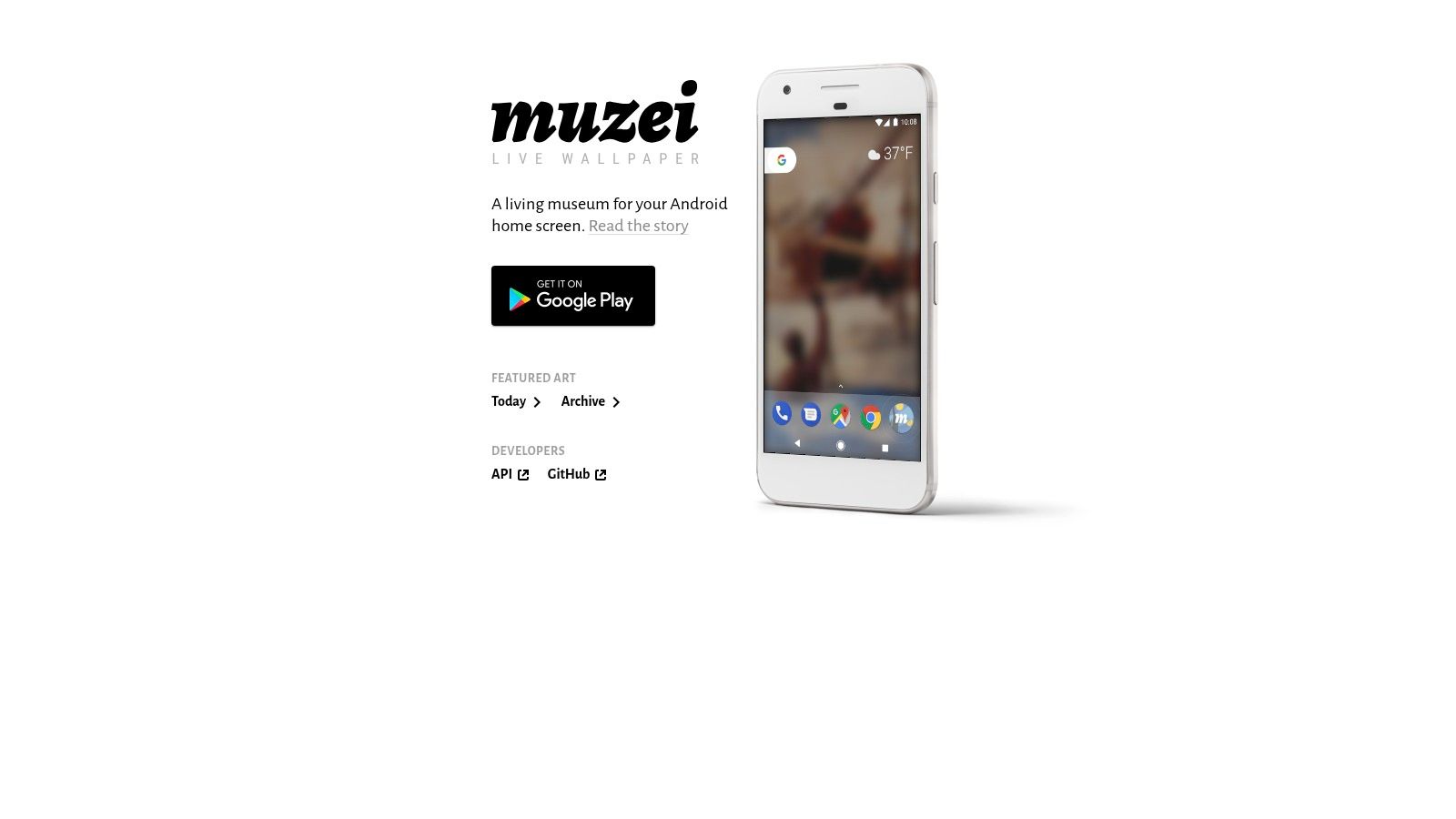
By default, Muzei rotates artwork and photographs, often with blur or dimming so your icons remain readable. It feels calm. Slightly museum gift shop, in a good way. The plugin ecosystem is its primary appeal, because you can pull in all sorts of image sources without micromanaging anything.
Who it's for
This is for Android users who want freshness without constant motion. It's less "look at my phone, it's alive" and more "I'd like my lock screen to have some cultural aspirations." Noble stuff.
The downside is that Muzei isn't really about video loops. If your mental image of lock screen live wallpapers involves rain moving across glass or light flickering in a room, this isn't that category. It's a rotating still-image engine with subtle presentation.
Three practical notes:
- Best use case: you get bored of wallpapers easily and want passive variety.
- Not the best use case: you specifically want cinematic motion.
- Android caveat: lock-screen behavior still depends on your device's skin and settings.
There's something refreshing about a wallpaper app that isn't trying to become an entertainment platform. Sometimes the best personalization feature is one that subtly does its job and leaves you alone.
6. Zedge
Zedge is less a precision instrument and more a giant bazaar. You go in for a wallpaper and emerge forty minutes later considering a ringtone you absolutely do not need.
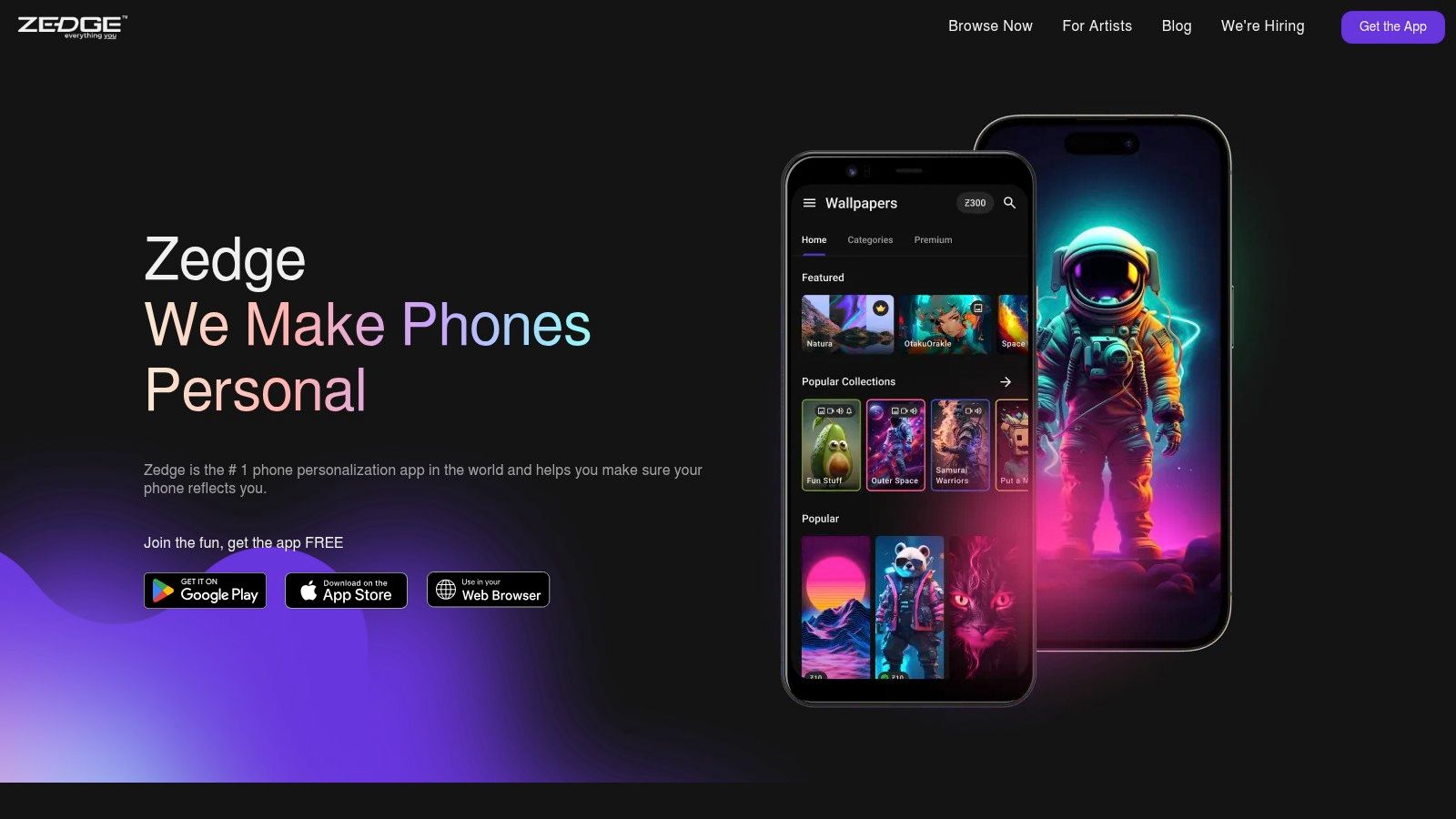
Its big advantage is sheer breadth. The app-store ecosystem for animated and video lock screen wallpaper is no longer some tiny corner of the internet. Google Play listings for dedicated live-wallpaper apps advertise 4K animated backgrounds and dynamic lock screen features, and one listing claims more than 10,000 wallpapers across 25+ categories, which tells you this has become a broad consumer content category, not just a niche hack (Google Play listing example).
Good for browsing, uneven for quality
That scale is basically Zedge's whole pitch. You want variety. Zedge has variety. You want consistent curation and a cohesive look. That's where things get messy.
On Android, video wallpapers can work well enough, depending on the phone. On iPhone, "live" usually means Live Photos, and the experience is constrained by Apple's rules. So yes, you can personalize. No, it's not the same as a fully animated always-moving wallpaper on every device.
The trade-off looks like this:
- Use Zedge for: idea hunting, broad style browsing, and phone personalization in general.
- Avoid Zedge if: you want tightly curated quality or hate ads.
- Keep expectations realistic on iPhone: Apple still narrows what "live" means in practice.
Zedge is useful in the same way a flea market is useful. There are gems in there. You will also walk past a lot of noise.
7. Chroma Galaxy Live Wallpapers
Chroma Galaxy goes boutique. That's a relief after spending time in giant wallpaper marketplaces that feel like a neon garage sale.
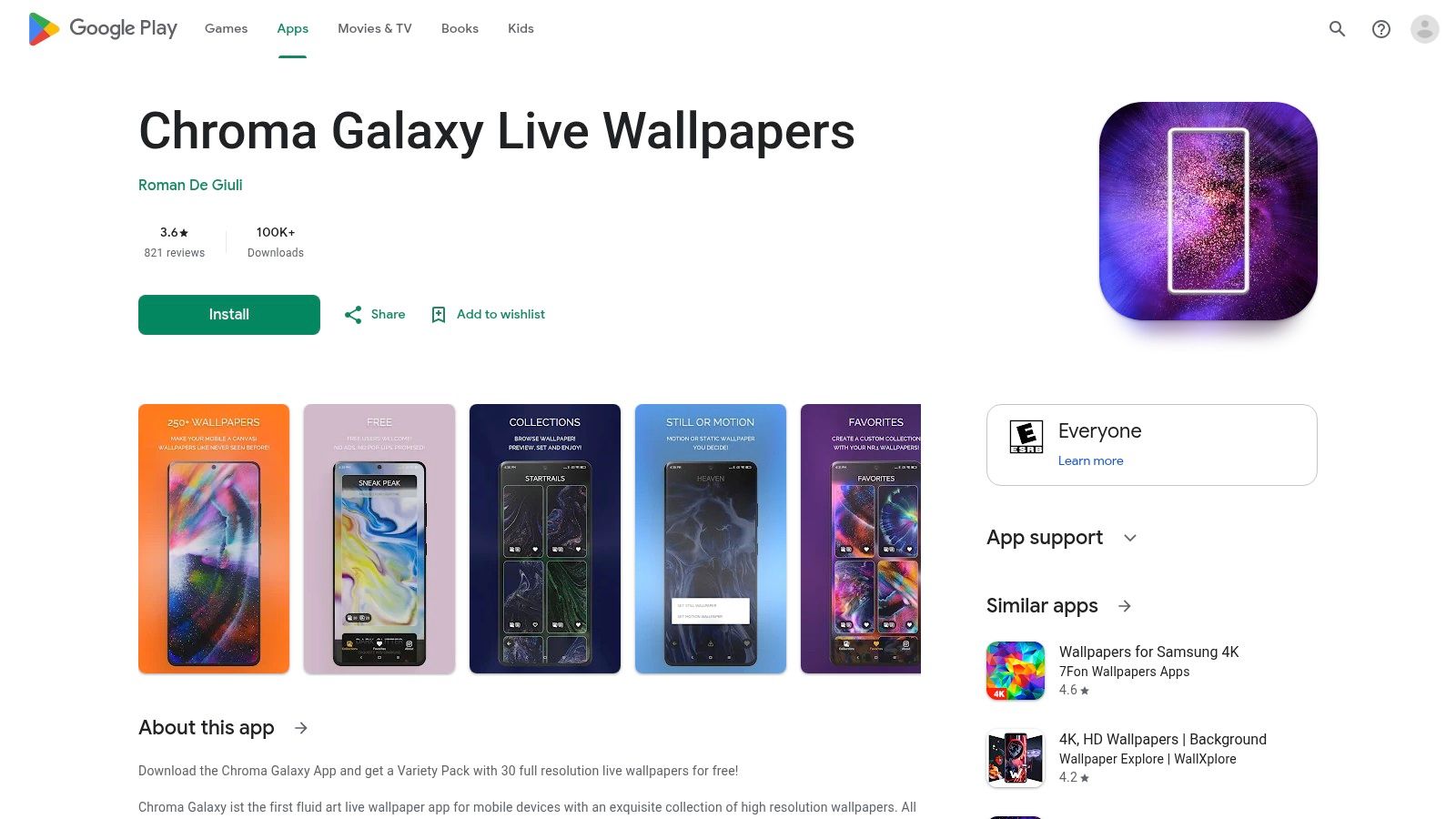
The app focuses on curated fluid-art loops. Think pigment, ink, glitter, and abstract motion that feels more like a digital art piece than generic "space wallpaper 47." The result is polished and cohesive, which is rarer than it should be.
Why curation matters more than raw quantity
The most useful market analogy here isn't mobile wallpapers. It's digitally printed wallpaper, where users are clearly rewarding customization and higher-fidelity visual experiences. Market Research Future sizes that segment at USD 6.5 billion in 2024 and projects USD 40.9 billion by 2035 at an 18.2% CAGR, which is much faster than broader wallpaper market estimates (digitally printed wallpaper market projection).
That doesn't mean your phone lock screen is competing with home décor. It does mean people consistently pay for polish and personalization when the visuals feel intentional. Chroma Galaxy understands that instinct.
Good wallpaper taste is often just restraint with better loops.
There are limits. It's Android-only, the catalog is smaller than marketplace-style apps, and lock screen support still depends on the phone maker. But if you'd rather have a small collection of well-made motion pieces than an infinite scroll of questionable uploads, this one makes sense.
Lock Screen Live Wallpapers, 7-Way Comparison
| Product | Implementation complexity | Resource requirements | Expected outcomes | Ideal use cases | Key advantages |
|---|---|---|---|---|---|
| gifPaper | Low, one‑click Mac app install and setup | Moderate, 4K video files, macOS (Mac‑only) | Seamless Retina 4K live lock screens/desktop with occasional ambient audio | Mac users wanting curated, high‑quality live wallpapers with minimal setup | Native Apple Aerial format, large curated gallery, one‑time purchase |
| macOS Sonoma Built-in Wallpapers | None, system integrated | Minimal, system‑optimized assets and power management | Tasteful slow‑motion aerial animations on lock screen; static desktop image | Users who want zero third‑party setup and best performance | Free, seamless OS integration, battery‑optimized playback |
| Aerial (macOS) | Medium, open‑source setup as screensaver with customization | High, optional large downloads of 4K videos and storage use | Access to extensive Apple TV aerial catalog and custom videos as screensaver | Power users who want maximum customization and free content | Free/open‑source, huge library, flexible customization |
| Wallpaper Engine (Windows + Android) | Medium, app + workshop usage; creation tools learning curve | High, many animated assets, GPU/CPU use on Windows; Android companion optional | Extremely diverse, community‑driven animated desktops; cross‑device syncing to Android | Windows gamers/creators wanting vast variety and editing tools | Massive community content, powerful editor, Android sync |
| Muzei Live Wallpaper (Android) | Low, simple app and plugin setup | Low, lightweight, battery‑friendly image updates | Daily rotating, subtle art wallpapers that preserve icon legibility | Android users wanting fresh, low‑impact, art‑focused wallpapers | Free/open‑source, extensible plugins, low battery impact |
| Zedge (Android and iOS) | Low, install app and browse marketplace | Variable, download sizes vary; free tier has ads | Huge variety of wallpapers, live wallpapers and sounds with mixed quality | Users seeking wide choice and quick personalization across phones | Massive catalog, cross‑platform marketplace, creator uploads |
| Chroma Galaxy Live Wallpapers (Android) | Low, curated pack purchases and install | Moderate, high‑fidelity video packs (one‑time purchases) | Premium, cinematic fluid‑art live wallpapers with polished visuals | Android users who want boutique, high‑quality video loops without subscriptions | Extremely high visual fidelity, curated aesthetic, no subscription |
How to Pick a Wallpaper You Won't Get Sick Of
The trick isn't finding the most dramatic live wallpaper. It's finding one that still feels good on day five, not just minute five. A giant mech battle may seem fun until it starts auditioning for your attention while you're trying to read a paragraph.
Start with the loop. The best lock screen live wallpapers don't announce the seam. Rain, drifting snow, moving clouds, crackling fire, slow city reflections. These work because the motion can continue forever without your brain catching the trick. If a train enters frame and then mysteriously ceases to exist, you'll notice.
Then think about where you'll see it. The lock screen can be more theatrical because you only spend moments there. The desktop sticks around during actual life, so calmer scenes age better. If you want ideas with a quieter pulse, the lofi wallpaper collection and the fireplace wallpaper collection are good examples of motion that adds atmosphere instead of demanding applause.
Aesthetic honesty helps too. Don't pick a minimal beige gradient because some design account told you to become a serene monk of rectangles. If what you really want is purple rain in a neon alley, accept your fate with dignity.
For Mac users, the practical choice is pretty clear. Apple's built-in wallpapers are excellent but limited. Aerial is powerful but a bit more fiddly and tied to the screen saver system. If you want custom lock screen live wallpapers on Mac with a native feel, gifPaper is the one built specifically for that job.
That's why I built gifPaper for Mac with a 7-day free trial and a simple one-time purchase of $4.99. Browse the 150+ scenes, set a few with one click, and see what you enjoy waking up to. Maybe it's a crackling fire. Maybe it's a rainy train window. Perhaps you're the sort of person who cares a great deal about wallpaper motion curves. No judgment. This is a safe space for highly specific visual preferences.
If you want your Mac to stop looking like it belongs to a very cautious hotel chain, try gifPaper. It gives you smoothly looping 4K live wallpapers for your lock screen, desktop, and screen saver using Apple's native format, with a 7-day free trial, no credit card required, and a one-time $4.99 purchase if you decide your Mac deserves nicer scenery.