7 Best Snow Animated Backgrounds for Mac (2026)
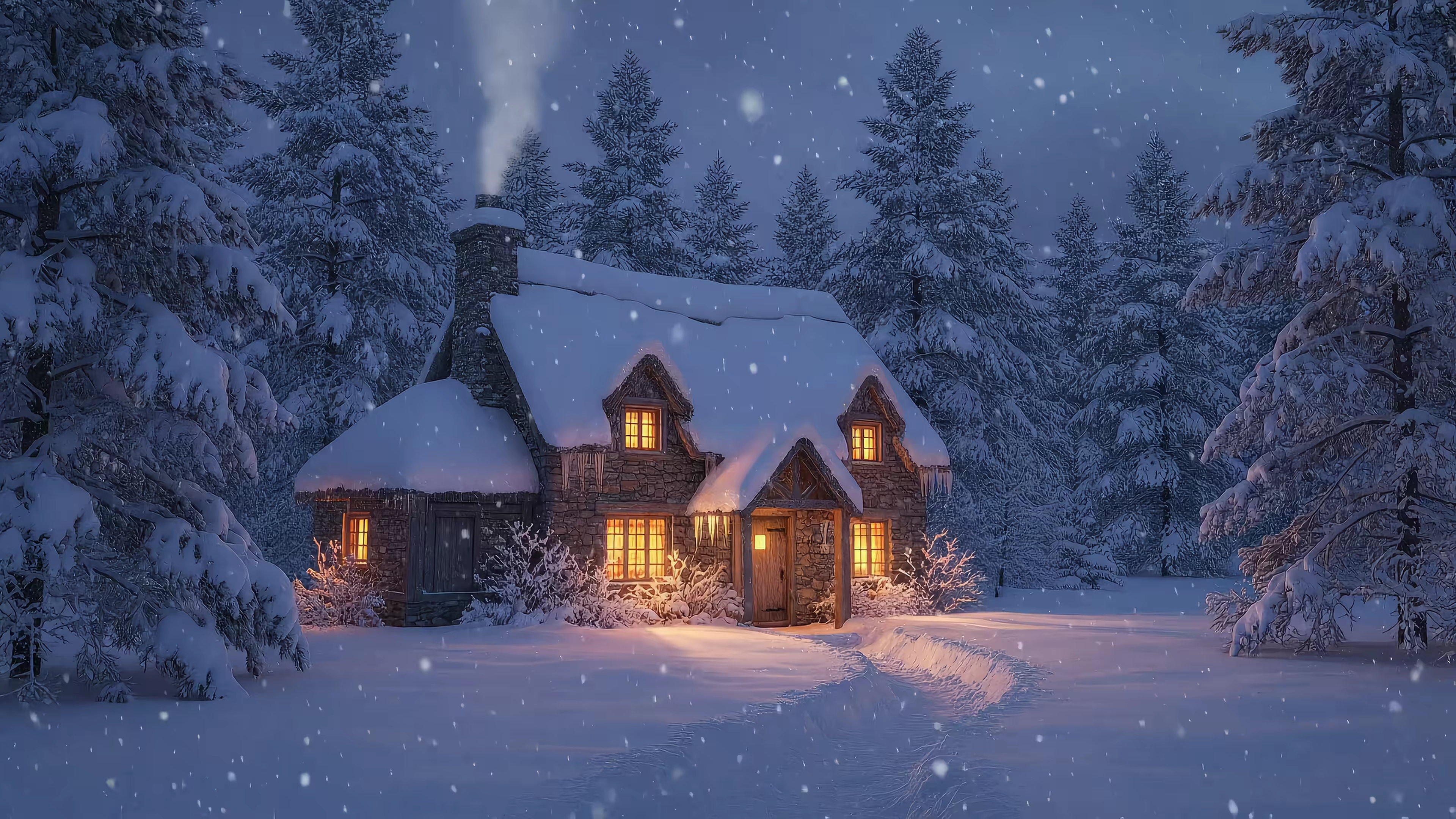
Your Mac deserves a snow day. You want that snow-globe feeling on your screen. A cabin with flakes drifting past the window, a quiet forest, maybe some lofi winter nonsense that makes answering email feel slightly less bleak.
Then you search for snow animated backgrounds and land in the usual swamp. Tiny GIFs. Choppy loops. Fake "4K" clips that look like they were stretched with prayer and bad intent. Your Mac has a Retina display. It shouldn't be sentenced to pixel mush from the dial-up era.
Getting a good snow scene is annoyingly hard. The loop needs to be smooth, the motion needs to feel natural, and the file can't turn your laptop into a countertop space heater. This stuff matters more than people admit. If you're staring at a screen for 8+ hours, the wallpaper stops being decoration and starts being part of the room.
Snow backgrounds have been hanging around since the early web, when animated GIFs took over holiday pages in the 1990s. By 1995, animated snow GIFs powered over 70% of festive website decorations according to early web archive analyses. Charming history lesson. Terrible standard for a modern Mac.
So here's the useful version. These are the snow animated backgrounds and tools that work, depending on whether you want a finished winter scene, a simple overlay, or raw footage to tinker with.
1. Winter Live Wallpapers for Mac
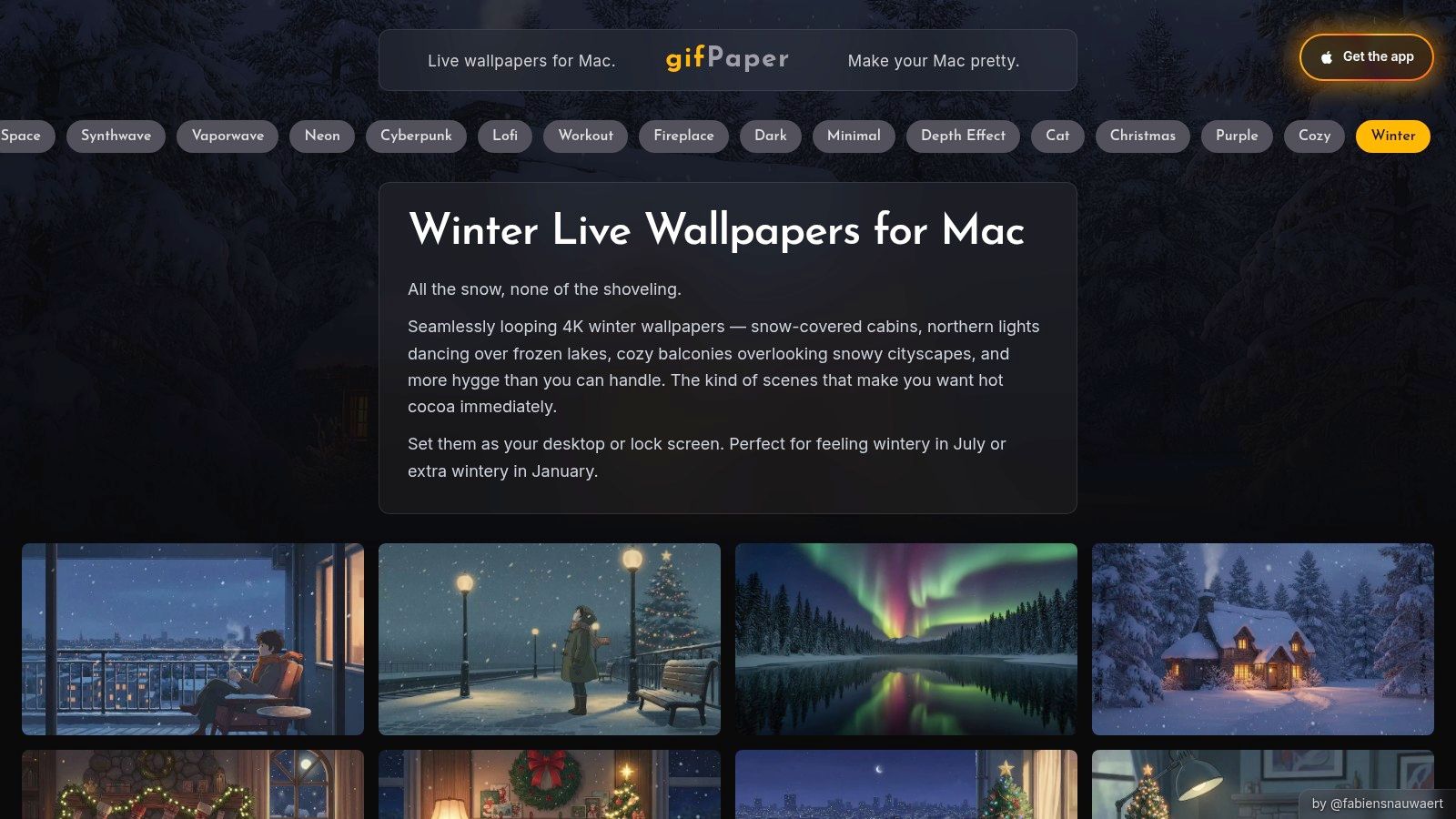
You open your Mac on a gray Monday, and the desktop is still the same default wallpaper Apple shipped to a million other people. Boring. If you want a winter scene fast, without messing around with stock libraries, codecs, or particle settings, Winter Live Wallpapers for Mac is the sensible pick.
The appeal is simple. You get finished snowy video loops that suit a Retina display. That matters more than wallpaper nerds should probably admit. A cozy cabin scene with soft snowfall does more for your desktop than a cheap animated overlay tossed on top of a random still image.
Why it works better than the DIY route for most people
This is the cleanest example of the trade-off that runs through this whole guide. A pre-made 4K winter scene gives you mood immediately. A DIY setup gives you control, but it also gives you homework.
gifPaper handles the first job well. It uses Apple's native wallpaper system, so the result feels like part of macOS instead of some strange overlay utility clinging to your desktop. If you need setup help, use this guide on how to get live wallpapers on Mac.
That native approach is the key selling point. You set the wallpaper once and move on with your life.
Some wallpapers also include ambient audio. Nice touch, if you want your laptop to sound like a peaceful snowstorm instead of a browser with 27 tabs gasping for mercy. If you'd rather build your own visuals, there are frameworks and tools available. I still would not recommend turning your wallpaper into a side project unless you enjoy that sort of thing.
Use this if: you want a finished winter scene with proper atmosphere.
Skip it if: you want to layer custom snowfall over your own image or footage.
What you get, and what you give up
The pricing is refreshingly normal. There's a 7-day free trial, then a one-time $4.99 purchase. No subscription nonsense for the privilege of looking at animated snow.
Here's the practical breakdown:
- Strongest point: finished 4K loops look better than old GIF-based wallpaper sites and take far less effort than building your own setup.
- Good extra: some scenes include ambient sound, which adds mood without forcing you to open another app.
- Mac-friendly setup: desktop and lock screen support are built into the workflow.
- Good for aesthetics-first users: curated scenes save you from digging through stock footage that ranges from gorgeous to embarrassing.
And the trade-offs are real:
- Mac-only: obvious, but still worth stating.
- Higher battery use than a static wallpaper: video backgrounds cost power. If you're on battery all day, switch back to a still image and stop pretending desktop ambiance is mission-critical.
My take: start here if you want your Mac to look good by lunchtime. If later you decide you need custom particle density because your snowfall feels emotionally wrong, congratulations, you're ready for the tool-heavy options.
2. Narwall
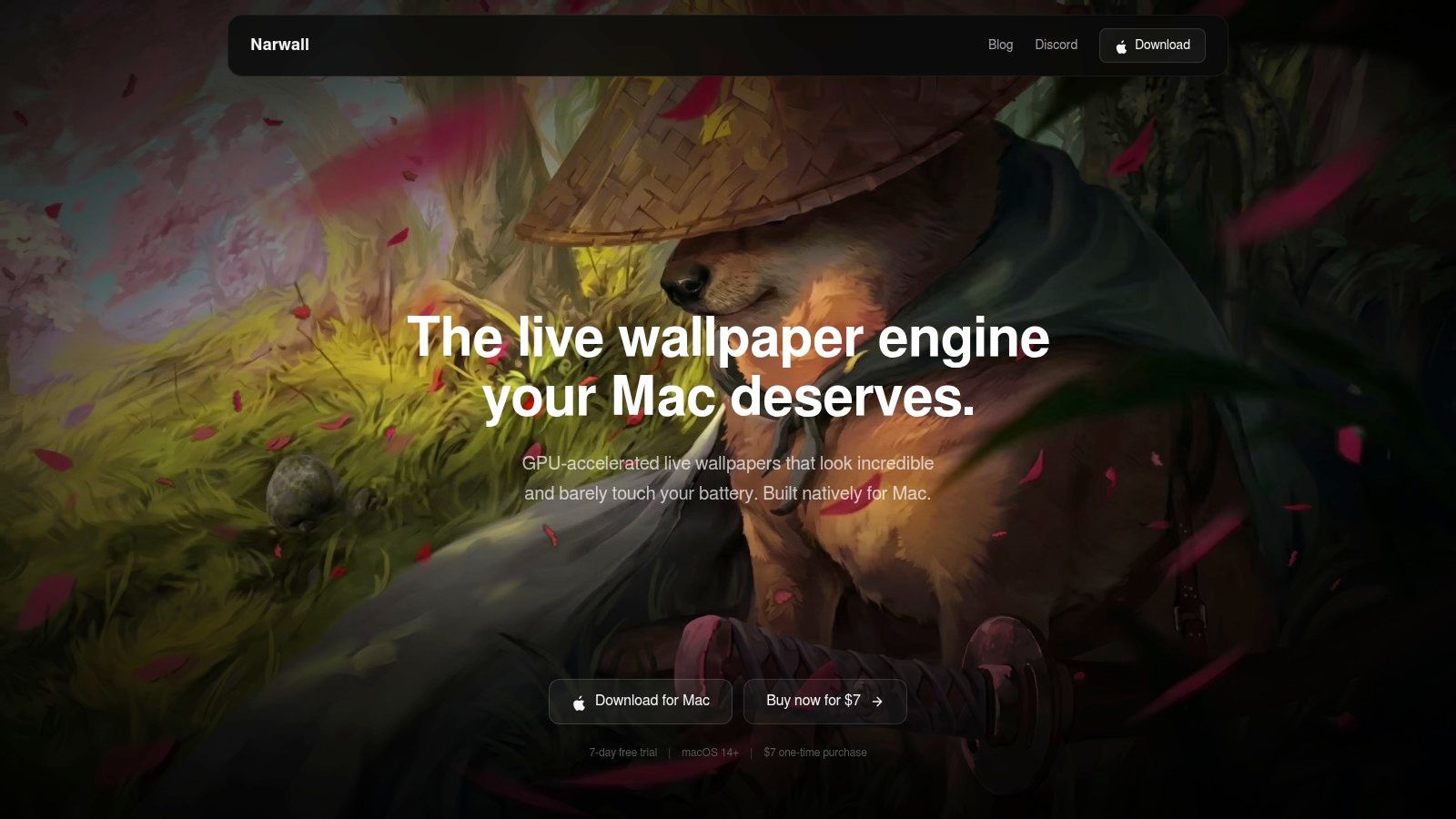
Narwall is for the control freaks. I mean that affectionately. If your idea of fun is tweaking particle density until the snowfall feels "emotionally correct," this is your toy.
Instead of giving you finished snowy scenes, Narwall gives you a native Mac app that generates effects. Snow, rain, custom particles, masks, blend modes, all that good fiddly stuff. You can layer the snow over a still wallpaper or a video and tune the look yourself.
Best for people who want control, not curation
This is the main fork in the road with snow animated backgrounds. A pre-made winter scene gives you mood instantly. A particle tool gives you control, but you have to build the mood yourself.
Narwall is good at the second job. It's native on macOS, and that matters. A lot of generic wallpaper tools feel like they were built for somewhere else and reluctantly dumped onto Mac afterward. Narwall feels more at home.
Snow overlays work best when the background already has depth. Flat snow over a flat image just looks like your monitor has dandruff.
There's no giant marketplace of ready-made winter scenes here, which is both the strength and the weakness. You don't get buried in stock-library chaos, but you also don't get handed a perfect snowy cabin out of the box.
The trade-off
Use Narwall if you want to tune snow speed, density, and blending until the effect matches your taste. Skip it if you want a finished wallpaper in one click.
- What it does well: Built-in snow and particle systems let you adjust the effect instead of accepting a fixed clip.
- Why it's useful: You can keep your current wallpaper and add snowfall on top.
- What gets old: You'll spend some time tweaking. If that sounds fun, great. If not, move on.
You can check it out at Narwall.
3. Snowy
You already have a wallpaper you like. You do not want to rebuild your desktop aesthetic from scratch just to add a few falling flakes. Snowy exists for that exact level of seasonal fussiness, and I respect it.
Best for people who want snow, not a project
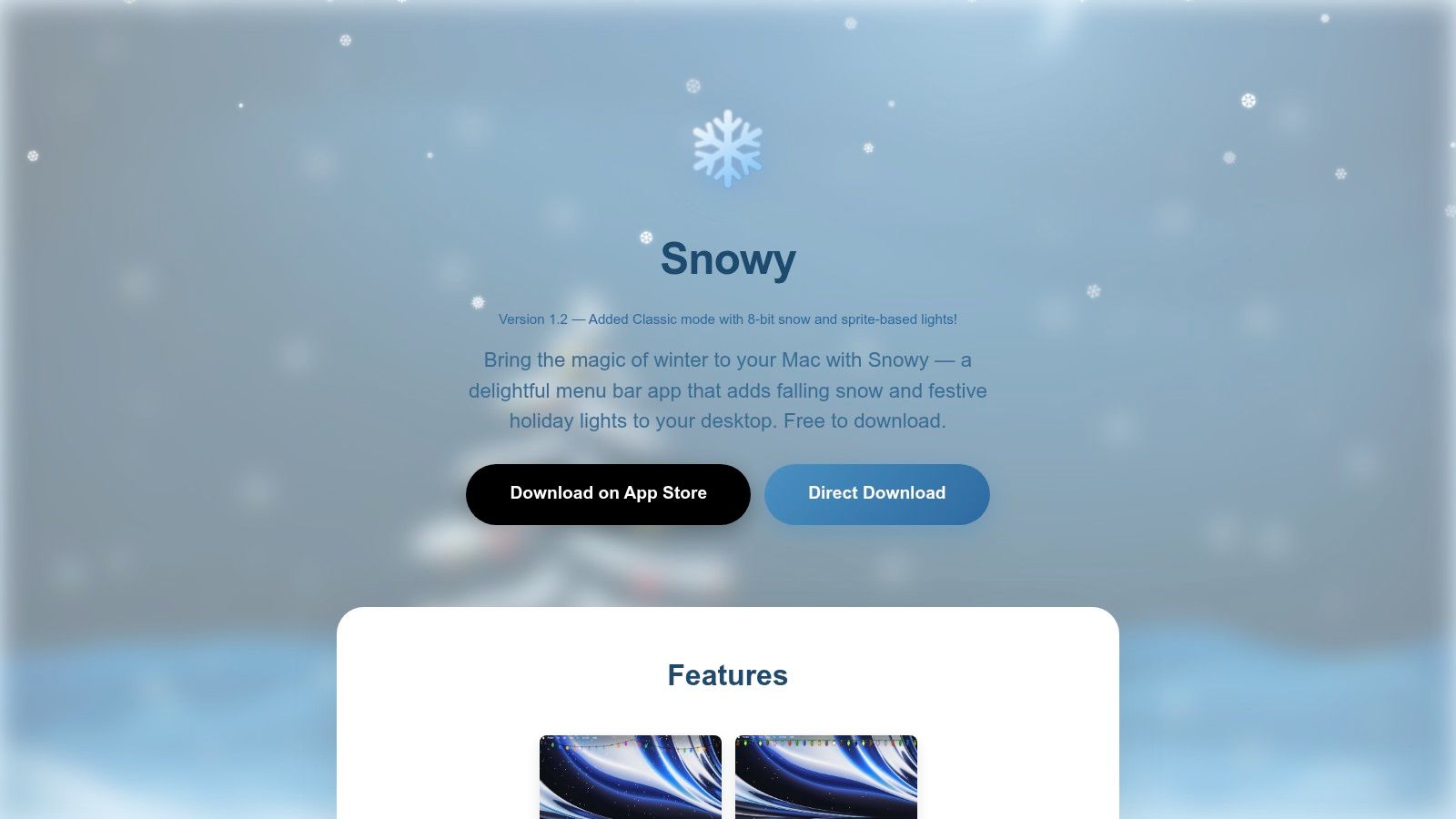
Snowy is a lightweight menubar app that puts animated snowfall over whatever wallpaper you already use. No scene library. No particle lab. No afternoon lost to sliders and settings. You turn it on, your desktop looks more wintery, and you get back to pretending this was a practical use of your time.
That simplicity is the whole product. If Narwall is for tweaking, Snowy is for refusing to tweak.
It works best with a strong base image. A dark forest, a cabin at night, a clean mountain shot. Give it depth and contrast and the flakes look intentional. Throw it over a busy, bright wallpaper and it starts to look like visual lint. If you want a sharper background underneath, start with a few animated 4K wallpaper ideas for Mac and then decide whether a snow overlay is enough.
What you get, and what you don't
Snowy also includes optional festive lights. That will either make your desktop look charming or like you decorated a MacBook the way people decorate suburban hedges in December. You know which side of that line you live on.
Judge Snowy for the job it does.
- What it does well: Adds instant snowfall to your existing wallpaper with almost no setup.
- Why you'd pick it: You already like your background and just want a seasonal effect on top.
- What it can't do: Build a cinematic winter scene or give you serious control over particle behavior.
- Who should skip it: Anyone who wants a full wallpaper catalog, layered scene design, or heavy customization.
Use Snowy if convenience wins. Skip it if you care more about crafting the scene than adding the weather.
You can grab it from Snowy.
4. Motion Weather 4K
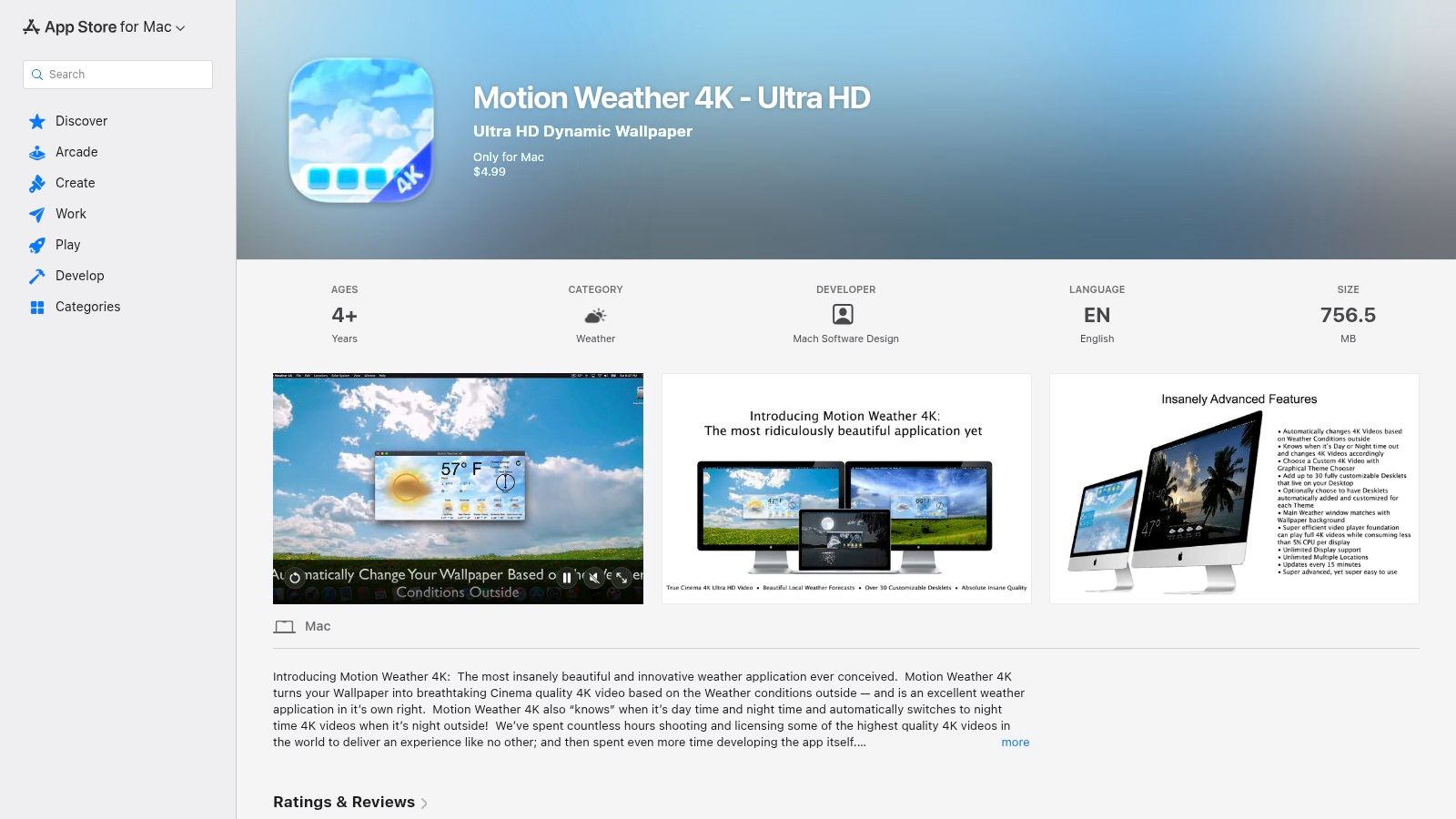
Motion Weather 4K is for people who want their wallpaper to act like a tiny weather station with good taste. It uses curated 4K weather videos, including snow scenes, and can switch them based on local conditions and time of day.
That idea is either charming or mildly invasive, depending on how much autonomy you want from your desktop. I like it more than I expected.
Best if you want automation
The appeal here is that you don't have to think about it much. Snow appears when the weather says snow. Day and night variants help the scene match the hour, which makes the desktop feel less random and more intentional.
If you care about crisp footage, this sits in the broader world of animated 4K wallpapers for Mac, where resolution and smooth playback matter more than flashy app-store screenshots.
One useful technical benchmark: modern Mac snow backgrounds can be delivered as H.264 or H.265 at 30 to 60 FPS with under 5% CPU overhead on M-series chips. That's the level of efficiency you want from this category. If a wallpaper app makes your machine wheeze, it's failing the assignment.
Low-drama standard: A wallpaper should be visible, not audible. If your fans start announcing themselves, the wallpaper loses.
Who should skip it
The weather-linked behavior is the obvious downside. Sometimes you want snow in July because it looks good, not because the forecast approves. Motion Weather 4K does let you manually pick scenes, but the whole premise leans toward automation.
Use it if your dream desktop is "outside, but curated." Skip it if you want a specific cozy snow scene to stay put until you personally decide otherwise.
You can find it on the Motion Weather 4K App Store page.
5. Envato Elements
Envato Elements is not a wallpaper app. It's a giant stock library with an unlimited-download subscription model. That distinction matters, because a lot of people accidentally make their life harder as a result of it.
If you want snow animated backgrounds for editing, prototyping, compositing, or testing a bunch of different winter looks, Envato makes sense. If you just want your Mac to look snowy tonight, this is overkill with a side of admin.
Good for heavy browsers and asset hoarders
The upside is breadth. You can pull subtle flakes, heavy storms, stylized winter loops, overlays, and all the other snowy bits your hard drive absolutely didn't ask for. Unlimited downloads are useful when you don't yet know what style you want.
This kind of library works best for designers and video people who are already assembling assets. That's especially true if you want overlays rather than complete scenes, since you can layer snow over your own backgrounds and tune the vibe manually.
- Best use case: Audition lots of snow clips fast.
- Why people like it: Unlimited downloads make experimentation painless while your subscription is active.
- Main catch: You're still doing the curation yourself, which means more time sorting and less time enjoying.
- Other catch: Subscription services always find a way to make wallpaper feel like recurring paperwork.
The honest recommendation
Pick Envato Elements if you need volume. Don't pick it if you need simplicity.
This isn't the place I'd send a normal Mac user first. It is the place I'd send someone who says, "I need ten different snowfall overlays and a winter loop for a mockup by tonight." Different species of problem.
You can browse plans at Envato Elements pricing.
6. Motion Array
Motion Array is another stock subscription, but it's a more practical pick if you want snow overlays plus the surrounding production stuff. Templates, plugins, music, sound effects, presets. It's a toolbox, not just a shelf of clips.
That makes it handy for creators who want to build a whole winter scene instead of merely collecting flakes like a digital squirrel.

Better for layered setups
Motion Array shines when your snow is just one layer in a broader composition. Transparent alpha overlays are especially useful here, because you can drop snowfall onto almost anything without rebuilding the entire scene.
This is also the type of library that pairs nicely with more aesthetic setups. If you like snow plus neon, or snow plus lofi city scenes, you're building custom vibes from components. Which is either art direction or a highly decorative form of procrastination.
The downside of huge libraries
Big libraries mean variable quality. Some clips look polished. Some look like they were exported in a hurry by a person who does not respect your display.
Buy stock footage for flexibility. Buy a curated wallpaper for certainty.
That's the split. Motion Array gives you options, but options come with sorting, testing, and occasional regret.
- Use it for: Layerable snow overlays, especially if you also need music, templates, or other creative assets.
- Avoid it if: You want one excellent snowy wallpaper and no side quest.
- Money logic: It makes more sense on annual plans or if you'll use the rest of the library too.
You can browse the platform at Motion Array.
7. Adobe Stock
Adobe Stock is the premium, slightly more grown-up answer to "I need one or two snow clips and I want them to be easy to filter, easy to license, and technically clean." It's less fun than an unlimited library, but often more efficient.
If you know exactly what you need, Adobe Stock is one of the least chaotic places to get it.

Best for precision shopping
The filtering is the main strength. Resolution, duration, alpha or green-screen options, loopable footage. It's the sort of boring competence that saves time when you're trying to find a snowfall clip that fits a project.
Stock libraries excel at supplying footage. They are not trying to be your wallpaper system. You're still left with the Mac-specific problem of continuous desktop display and battery concerns.
Why I wouldn't start here for desktop use
If your goal is one polished clip for editing, prototyping, or compositing, Adobe Stock is easy to recommend. If your goal is "make my Mac look like a cozy snow scene every day," this is too many steps and usually too much money for the wrong job.
- Strong point: Consistent technical quality and reliable metadata.
- Strong point: Good purchase flexibility if you only need a couple of clips.
- Weak point: Auditioning many variants can get expensive compared with subscription libraries.
- Weak point: You still need something else to turn that footage into an actual Mac wallpaper experience.
You can search the catalog on Adobe Stock.
Top 7 Snow Animated Backgrounds Comparison
| Item | Implementation complexity | Resource requirements | Expected outcomes | Ideal use cases | Key advantages |
|---|---|---|---|---|---|
| Winter Live Wallpapers for Mac | Very low, one‑click set up | Moderate, 4K video + optional audio; Mac only | Seamless, high‑detail looping winter scenes with ambience | Mac users who want curated, ready‑to‑use winter desktops | Curated 4K loops, ambient audio, Retina‑optimized, one‑time $5 |
| Narwall | Medium, configure particle parameters | Low–moderate, GPU‑accelerated effects, lightweight runtime | Customizable, real‑time particle snow layered over any wallpaper | Users who want control over snow look without video clips | Native macOS, per‑wallpaper sliders, GPU acceleration |
| Snowy | Very low, simple menubar toggle | Minimal, overlay only | Quick festive snow overlay without changing wallpaper | Casual users wanting a temporary holiday effect | Free, instant, works with existing wallpapers |
| Motion Weather 4K | Low–medium, initial setup; optional auto rules | Moderate, continuous 4K playback; multi‑display support | Automated, realistic weather‑matched 4K backgrounds | People wanting set‑and‑forget seasonal realism tied to local weather | Auto‑switching by weather/time, curated 4K scenes, Desklets |
| Envato Elements | Medium, search, download and integrate assets | Variable, large 4K libraries; subscription for unlimited downloads | Vast selection for assembling bespoke snow loops/overlays | Designers and heavy users needing many assets to test/assemble | Huge catalog, unlimited downloads under subscription |
| Motion Array | Medium, download and layer assets/templates | Variable, 4K loops, alpha overlays, plugins and audio | Ready‑to‑use overlays and templates for fast composition | Creators needing overlays, templates, music and SFX in projects | Alpha overlays, templates + audio, broad creative asset set |
| Adobe Stock | Low–medium, license and import into workflow | Moderate–high, premium 4K assets; pay‑per‑clip or credits | Professional, high‑quality loopable clips with clear licensing | Commercial or branded projects needing vetted assets | Consistent technical quality, flexible licensing, Adobe integration |
How to Pick Your Perfect Blizzard
You open your Mac on a cold morning and want one thing. A desktop that feels like winter, not a settings project that eats your next 45 minutes.
Start by choosing the kind of snow you want. There are two good paths. A full scene, like a cabin, street, forest, or city loop playing in the background. Or a particle effect layered on top of whatever wallpaper you already use. Those are not the same product wearing different packaging. They solve different annoyances.
If you want quick and disposable, use Snowy. It drops a simple snow overlay onto your existing wallpaper and gets out of the way. If you want to tweak flake density and fuss over the effect like a normal person absolutely would not, Narwall gives you more control.
The trade-off is obvious once you stop pretending all animated wallpapers are interchangeable. Overlay apps are lightweight and fast, but they rarely look like a complete scene. Stock footage libraries give you far more variety, but now you are auditioning clips, checking loop quality, and figuring out how to make separate assets behave like a desktop background instead of a video editor's leftovers.
That is why curated Mac wallpaper apps keep winning for actual daily use. gifPaper is the cleanest example here. It focuses on finished animated wallpapers instead of handing you a pile of ingredients and wishing you luck. The Mac-specific part matters too. It uses Apple's native Aerial wallpaper format, so the desktop and lock screen behave properly instead of feeling like a workaround held together by optimism.
Pick based on your tolerance for setup, not on how long the feature list looks. Want instant holiday vibes over your current wallpaper? Use Snowy. Want adjustable particles? Use Narwall. Want to build your own look from 4K footage, overlays, and templates? Use Envato Elements, Motion Array, or Adobe Stock, and accept that you are taking the DIY route.
Want the lazy-smart option? Use a finished loop built for macOS and move on with your life.
If you also care about style beyond snow, the lofi wallpaper collection and nature wallpaper collection are worth browsing. Winter does not have to mean red ornaments and fake fireplace energy. It can be muted city snow, blue-hour mountains, neon streets, or that very specific "cabin, tea, silence" mood people keep trying to force with desk lamps.
And yes, caring this much about wallpaper is a little absurd. Still, you stare at this screen all day. It should look better than a spreadsheet waiting room. gifPaper has a 7-day free trial, then a one-time $4.99 purchase. No subscription. Good. Your wallpaper does not need a monthly allowance.
If you want your Mac to look like a tiny winter refuge instead of a blank slab of aluminum, try gifPaper. The site lets you browse the snowy stuff first, then the Mac app handles the actual magic: live wallpapers on your lock screen, desktop, and screen saver using Apple's native system. It's a 7-day free trial, then $5 once. No subscription, no nonsense, no 2003 GIF funeral.