
Your Perfect Star Wars Live Wallpaper: 7 Apps for Mac and PC in 2026
You want a Star Wars live wallpaper. A noble goal. Perhaps a Star Destroyer looming ominously over your spreadsheets, or a hyperspace jump to celebrate closing a browser tab. The good news is, it's possible. The bad news? Disney's legal department is more heavily armed than a Mandalorian fleet, so you won't find officially licensed Star Wars live wallpapers pre-packaged in most apps.
This isn't a dead end. It's a rite of passage. To achieve true desktop enlightenment, you must bring your own video file. This guide is your map, showing you the best apps that let you use your own video clips to create the Star Wars live wallpaper you've been searching for. Forget static images; we're aiming for a desktop with more life than the Mos Eisley cantina.
I'll look at the best options available, focusing on how they handle custom videos, their loop quality, and overall performance. Each entry includes direct links and a quick overview to help you decide. Your desktop has been boring for long enough. Let's give it a story.
1. Wallpaper Engine
Wallpaper Engine is the undisputed heavyweight champion of animated wallpapers on Windows, available for a small one-time fee on Steam. Its main draw is the Steam Workshop, a colossal, community-driven library with hundreds of thousands of user-created scenes. For those seeking the perfect Star Wars live wallpaper, this is both a blessing and a curse. You'll find an enormous selection of fan-made creations, from serene shots of a Star Destroyer hanging in orbit to chaotic battles and mesmerizing hyperspace jumps.
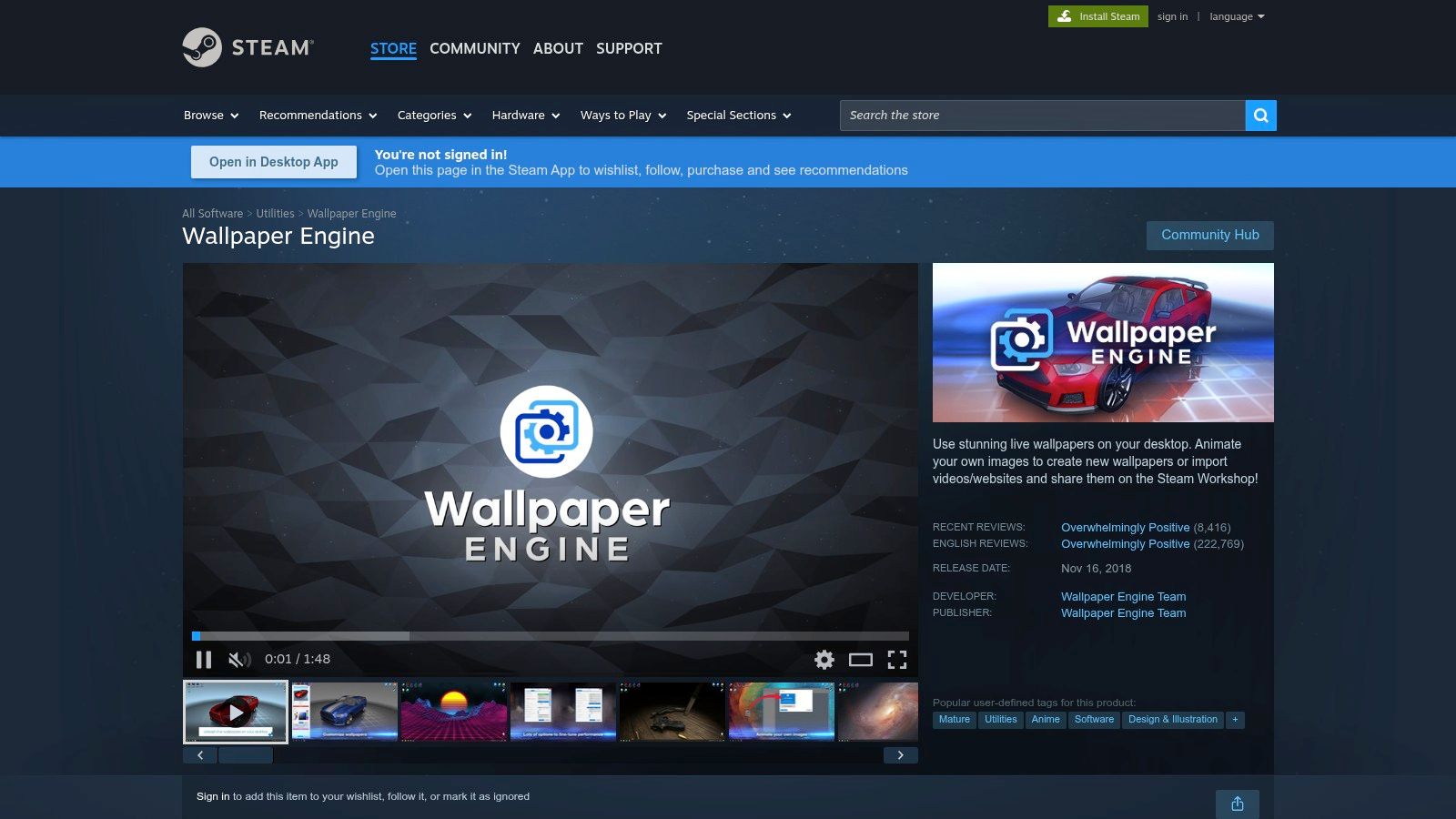
The platform's strength is its powerful editor and extensive customization. Users can import their own video files, add particle effects, create interactive 3D scenes, or simply browse the endless workshop content. If you've ever seen a striking Star Wars wallpaper clip online, chances are someone has already uploaded it to Wallpaper Engine. The software is also performance-conscious, automatically pausing animations when a full-screen application or game is running to conserve system resources.
So, What's the Catch for Mac Users?
Here's the rub: Wallpaper Engine does not have a native macOS client. It is exclusively for Windows PCs. While it's an essential tool in the PC customization world and a fantastic source of inspiration, you cannot run it directly on your Mac. Its inclusion here is a nod to its massive influence and as a point of comparison for Mac users who might be switching from Windows and looking for an alternative. If you're wondering about the fundamental technology behind these animated backgrounds, you can learn more about what live wallpapers are and how they function.
- Pros: Near-infinite selection via Steam Workshop, powerful built-in editor, excellent performance controls, and a vibrant community.
- Cons: Windows-only. Quality and licensing of community content can vary wildly.
- Availability: Purchase on Steam for Windows.
- Link: Wallpaper Engine on Steam
2. Lively Wallpaper
Lively Wallpaper is the free and open-source champion for Windows users who prefer a more hands-on approach. Instead of a centralized library, it acts as a powerful player for your own media files. If you have a collection of high-quality Star Wars video clips, downloaded fan animations, or even interactive web pages you want to feature on your desktop, Lively gives you the tools to do it without cost or intrusive ads. It's a bring-your-own-content solution.
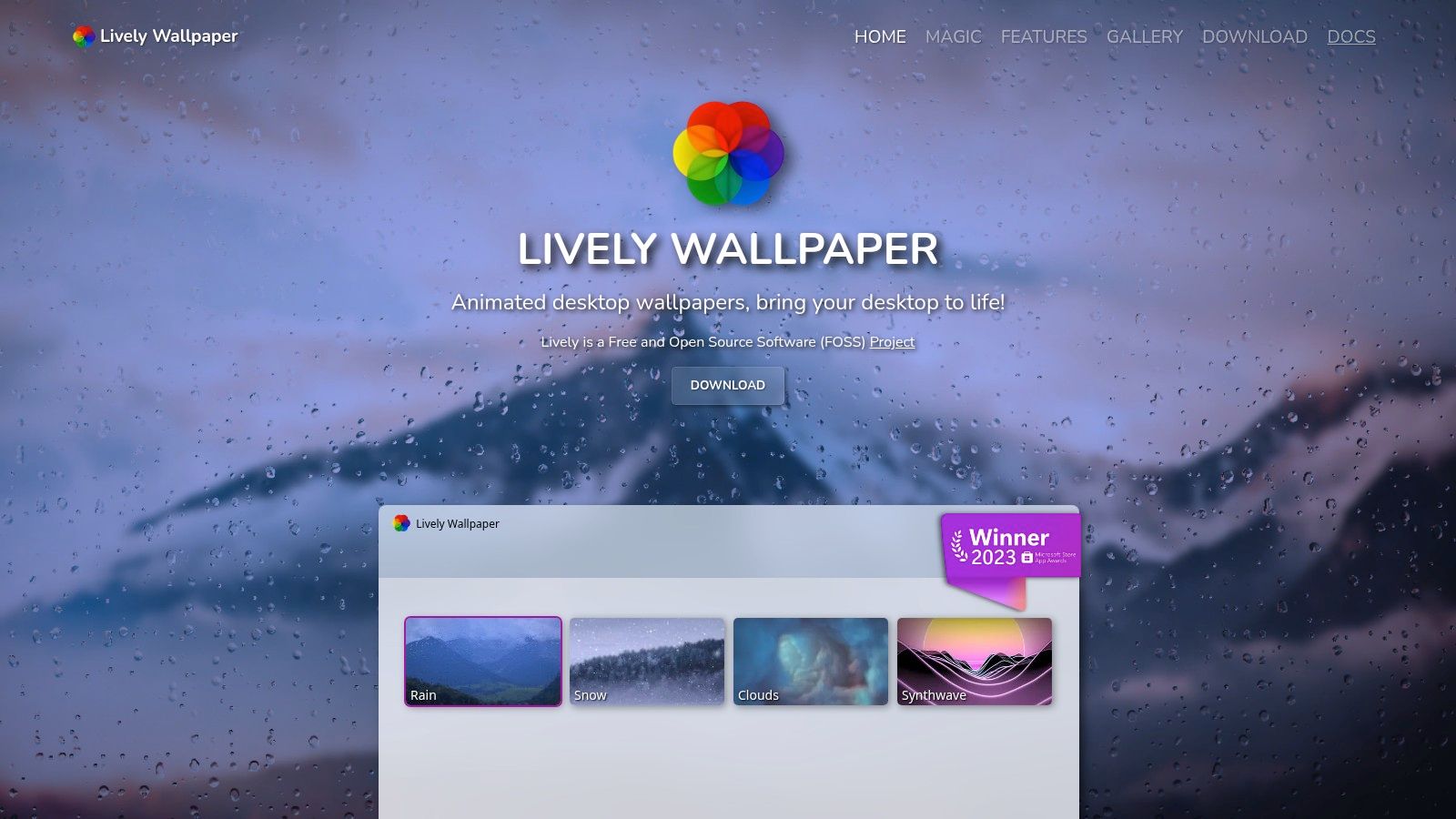
Its core strength lies in its versatility and performance-first design. Lively can handle local video files, GIFs, and even web URLs, turning interactive sites into desktop backgrounds. The software is remarkably efficient, with built-in rules to pause animations when you're running a game or using a full-screen application, ensuring your PC's resources are prioritized for the task at hand. It also supports complex multi-monitor setups, letting you assign different wallpapers to each screen.
So, What's the Catch for Mac Users?
Just like Wallpaper Engine, Lively Wallpaper is a Windows-exclusive application. It does not have a macOS version and cannot be run on a Mac. Its inclusion here serves as another important reference point for those accustomed to the robust, free customization tools available on Windows. It highlights the do-it-yourself spirit of the PC modding scene, where sourcing your own epic Star Wars live wallpaper is part of the fun.
- Pros: Completely free and open-source, supports video files and interactive web pages, lightweight and performance-friendly.
- Cons: Windows-only. Requires you to find and manage your own content, as there is no central community gallery.
- Availability: Free download for Windows.
- Link: Lively Wallpaper
3. DeskScapes 11 (Stardock)
DeskScapes is another long-standing pillar in the Windows desktop customization scene, hailing from the respected developers at Stardock. For years, it has provided a polished and powerful way to bring desktops to life. Its core function is turning video files (like WMV or MP4) into live wallpapers, but it also includes a suite of effects that can animate static images, adding a subtle sense of motion to your favorite high-resolution Star Wars concept art or posters.
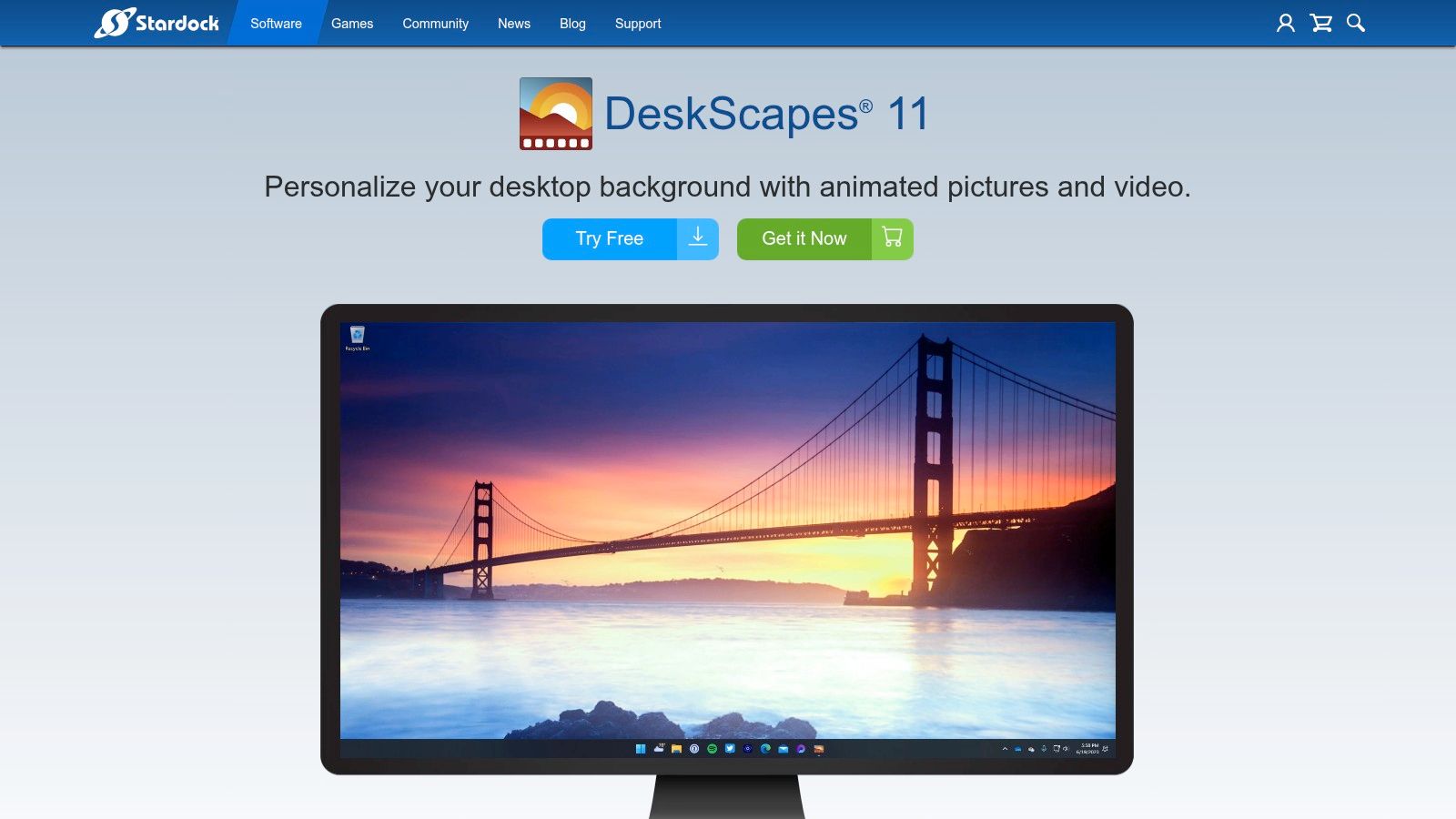
Unlike the wild-west feel of the Steam Workshop, DeskScapes offers a more curated experience. Stardock maintains its own community library, WinCustomize, which is smaller but generally easier to navigate. The software's strength lies in its user-friendly interface and robust feature set, including playlist scheduling, support for multiple monitors, and the "DreamMaker Pro" tool that lets creators package their animated wallpapers for easy sharing. If you have a favorite clip of the Millennium Falcon jumping to lightspeed, DeskScapes can turn it into your background with minimal fuss.
So, How Does This Help a Mac User?
Much like its main competitor, DeskScapes 11 is a Windows-only application. It does not have a version for macOS. Its presence in this list serves as another important benchmark for Mac users searching for alternatives. It demonstrates a different approach to live wallpapers, one focused on a polished application experience with built-in effects rather than a massive, user-driven content portal. While you can't run it on your Mac, understanding the tools available on other platforms helps clarify what you might be looking for in a Mac-native solution.
- Pros: Well-polished interface with many built-in effects. A free 30-day trial allows for a thorough evaluation of its features.
- Cons: Windows-only. The community library is significantly smaller than what's available for Wallpaper Engine.
- Availability: Purchase from Stardock for Windows; includes a 30-day free trial.
- Link: DeskScapes 11 on Stardock
4. Dynamic Wallpaper Engine
If you've searched the Mac App Store for "live wallpaper," you have almost certainly encountered Dynamic Wallpaper Engine. It presents itself as a direct Mac equivalent to the famous Windows software, offering a way to play video files as animated desktop backgrounds. It's available directly from the App Store, making installation a simple, one-click affair for those who prefer Apple's ecosystem. The app comes with a built-in, searchable library of wallpapers, providing a decent starting point for inspiration.
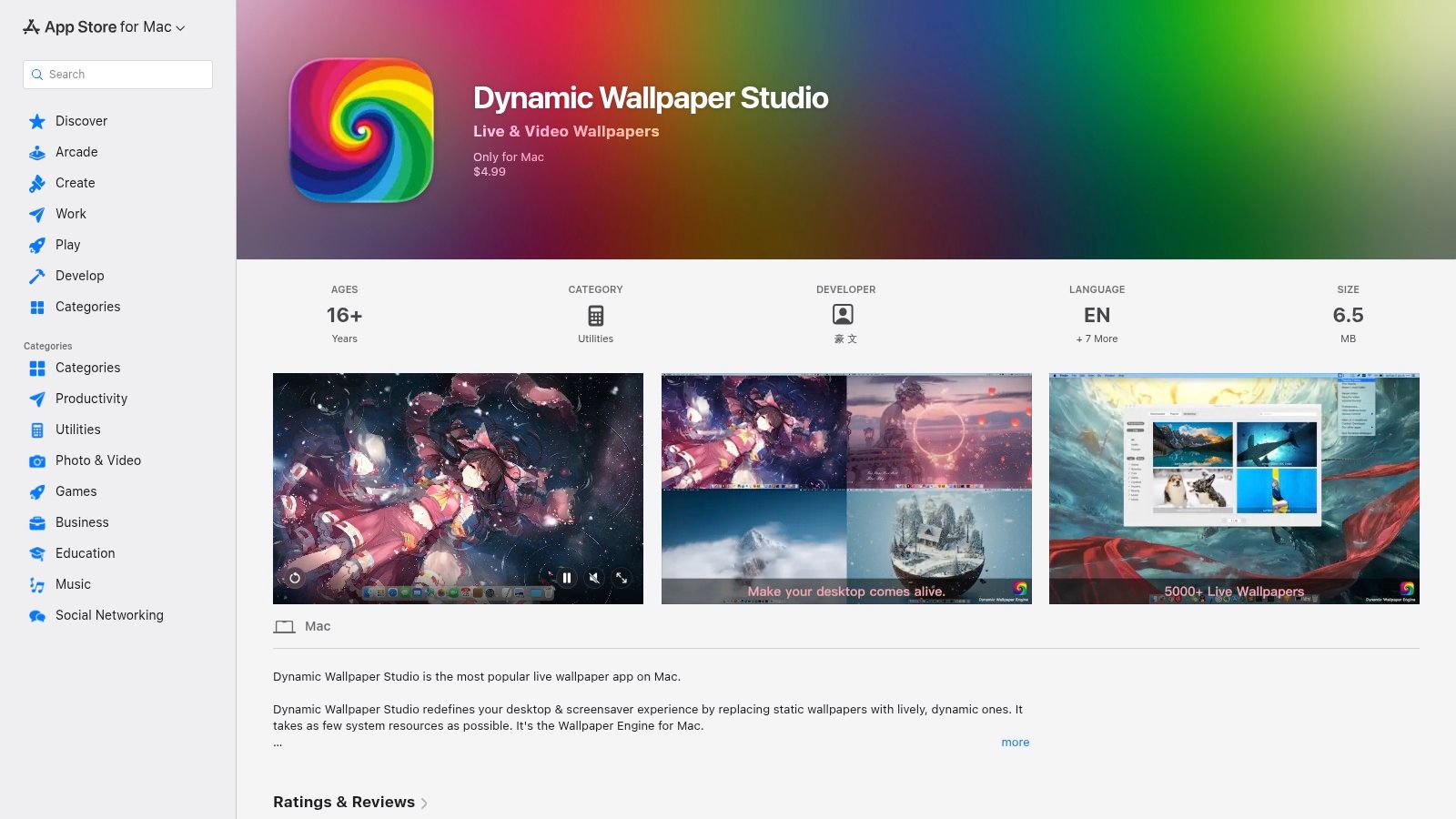
The primary feature set includes playlist creation, shuffle modes, and multi-monitor support. You can load your own video files, which is essential for anyone wanting a specific Star Wars live wallpaper, since the app's own library does not contain licensed content. It's designed to be a lightweight menu bar application that stays out of your way while being reasonably efficient with system resources.
So, What's the Catch for Star Wars Fans?
Here's the rub: you must bring your own Star Wars videos. While the app provides a framework for playing live wallpapers, it does not include any official or fan-made Star Wars content out of the box. You will need to find, download, and import the video files yourself. Furthermore, some other apps on the Mac App Store use confusing subscription models, so always check the pricing. This app functions well for setting a desktop video, but like all other apps that use a screen-overlay method, it lacks deeper integration, like setting a matching live lock screen.
- Pros: Easy one-click setup from the Mac App Store, a large built-in catalog for general inspiration, and supports playlists.
- Cons: You must find and import your own Star Wars videos. It doesn't offer live lock screen functionality.
- Availability: Download from the Mac App Store for macOS.
- Link: Dynamic Wallpaper Engine on the Mac App Store
5. OS Engine
OS Engine is a modern live wallpaper app for macOS designed for power users and tinkerers. It takes a different approach from simple video players, acting as a true engine that can run complex scenes. While it doesn't come pre-loaded with a massive library of Star Wars content, it gives you the tools to create or use highly customized setups. You can drop in any video file you find, from a looping starfield to a cinematic hyperspace jump, and it will play it efficiently on your desktop.
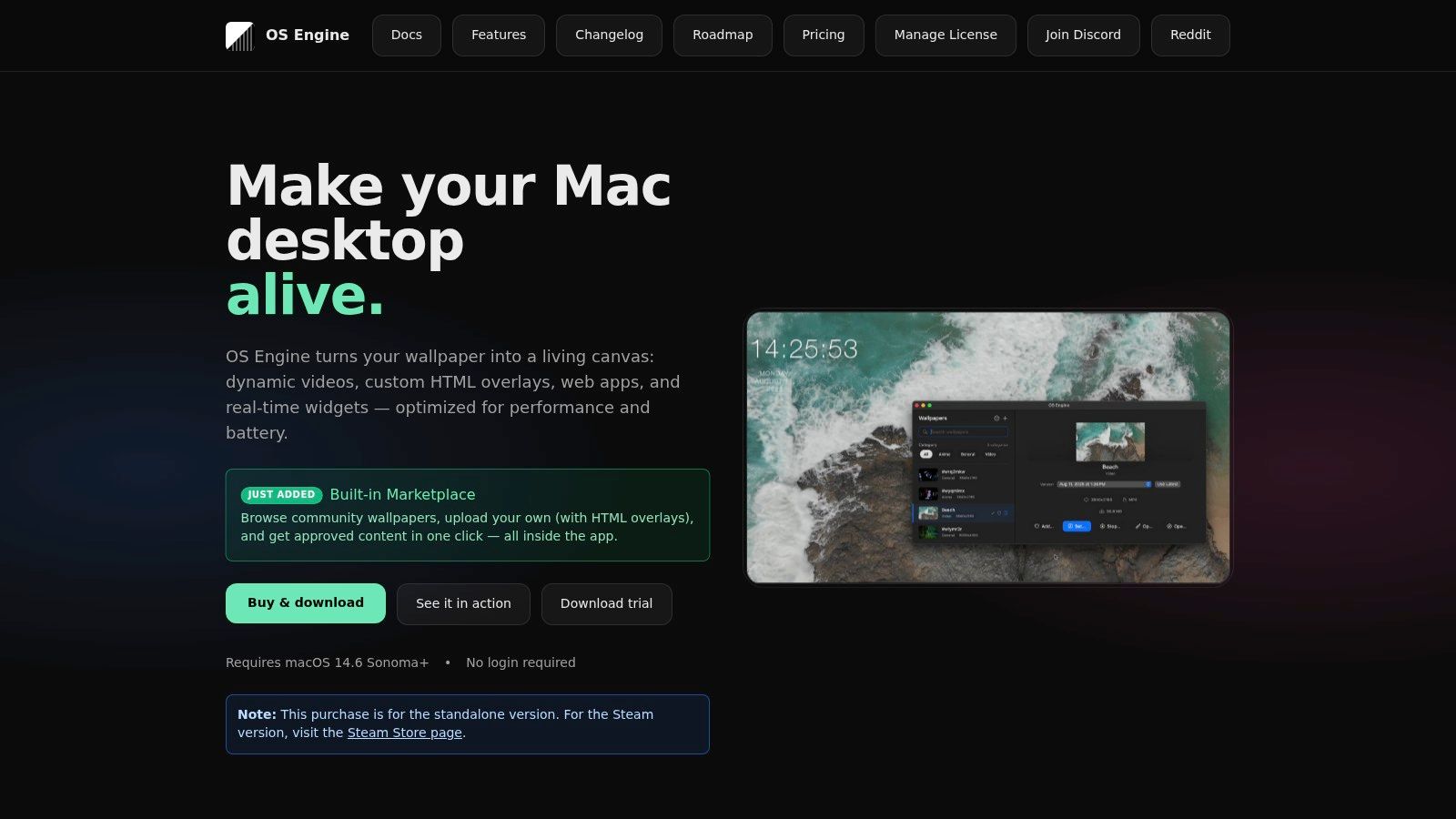
The app's real power lies in its support for web-based wallpapers. Using HTML, CSS, and JavaScript, you can create interactive scenes or run complex procedural animations. Imagine a real-time star map that pulls data from an API, or a custom heads-up display inspired by a starship cockpit. OS Engine is built with performance in mind, offering optimizations to minimize CPU and battery usage, making it a viable option even on a MacBook. It's an ideal platform if your perfect Star Wars live wallpaper is something more advanced than a simple video loop.
Where Does It Fit In?
OS Engine is for the person who wants ultimate control. It's a "bring your own wallpaper" solution that rewards a bit of technical curiosity. While other apps focus on providing a curated catalog, OS Engine provides a powerful canvas. This makes it a fantastic tool for developers, designers, or any Mac user who enjoys building their own desktop experience from the ground up. If you've found a cool CodePen animation of a Death Star trench run or a GitHub project for a procedural galaxy, OS Engine is likely the app that can run it on your desktop.
- Pros: Power-user features for custom and HTML-based wallpapers. Actively maintained with a clean user experience and good performance controls.
- Cons: The ready-made catalog is small, so you are expected to provide your own content. Its more advanced features require some technical know-how to use effectively.
- Availability: Direct purchase from the developer's website.
- Link: OS Engine Website
6. MotionDesk
MotionDesk is a sleek, modern live wallpaper engine built from the ground up for macOS. It focuses on doing one thing exceptionally well: playing high-resolution video files as your desktop background with buttery-smooth performance. By using your Mac's GPU for acceleration, it ensures that even a 4K looping vista of a Star Destroyer won't grind your system to a halt. This makes it a fantastic tool for anyone who wants to bring their own high-quality Star Wars video clips to their desktop.
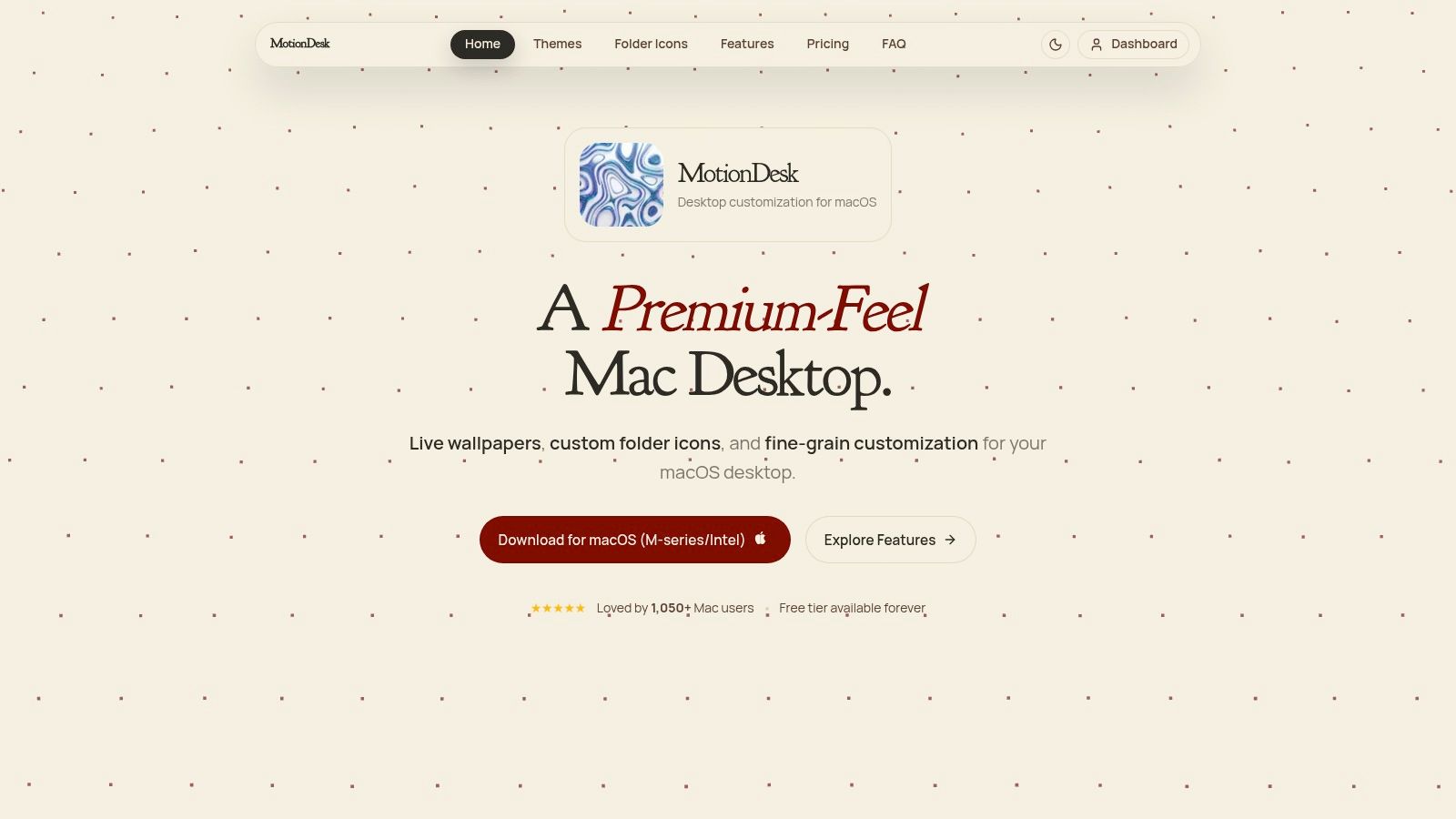
The app's design philosophy is minimalist and native-feeling, blending right into the macOS environment. It offers essential customization controls, allowing you to adjust playback speed, mute audio, and precisely fit or crop your video across single or multiple monitors. If you have a favorite Star Wars live wallpaper clip you downloaded from the internet, MotionDesk is a purpose-built player to run it. It's designed for users who want complete control over the source material and prioritize flawless playback on Retina displays above all else.
So, Where Do You Find the Wallpapers?
Here's the key difference: MotionDesk does not provide a library of licensed content. It's a powerful player, not a content marketplace. You must bring your own video files, which means you are responsible for sourcing your Star Wars live wallpaper from elsewhere. This gives you ultimate freedom but also means you'll need to find your own high-quality, seamlessly looping video clips. Think of it as a beautiful, high-performance frame waiting for you to supply the art.
- Pros: Excellent performance with GPU acceleration, smooth playback on Retina displays, clean and modern interface that feels native to macOS, and great multi-monitor support.
- Cons: You must supply your own video files. It lacks a built-in library or community workshop, so there's no "one-click" discovery of new wallpapers.
- Availability: Purchase on the MotionDesk website for macOS.
- Link: MotionDesk
7. gifPaper
gifPaper is a dedicated macOS app designed for one purpose: setting high-quality, seamlessly looping videos as your desktop and lock screen wallpaper. Instead of complex settings or community libraries, it offers a simple, powerful workflow: you bring the video file, and gifPaper handles the rest. Crucially, it's the first and only app that uses Apple's native Aerial technology—the same system Apple uses for its own video wallpapers—to set your custom clip. This results in remarkably stable and battery-efficient performance that other apps, which rely on clumsy screen overlays, can't match.
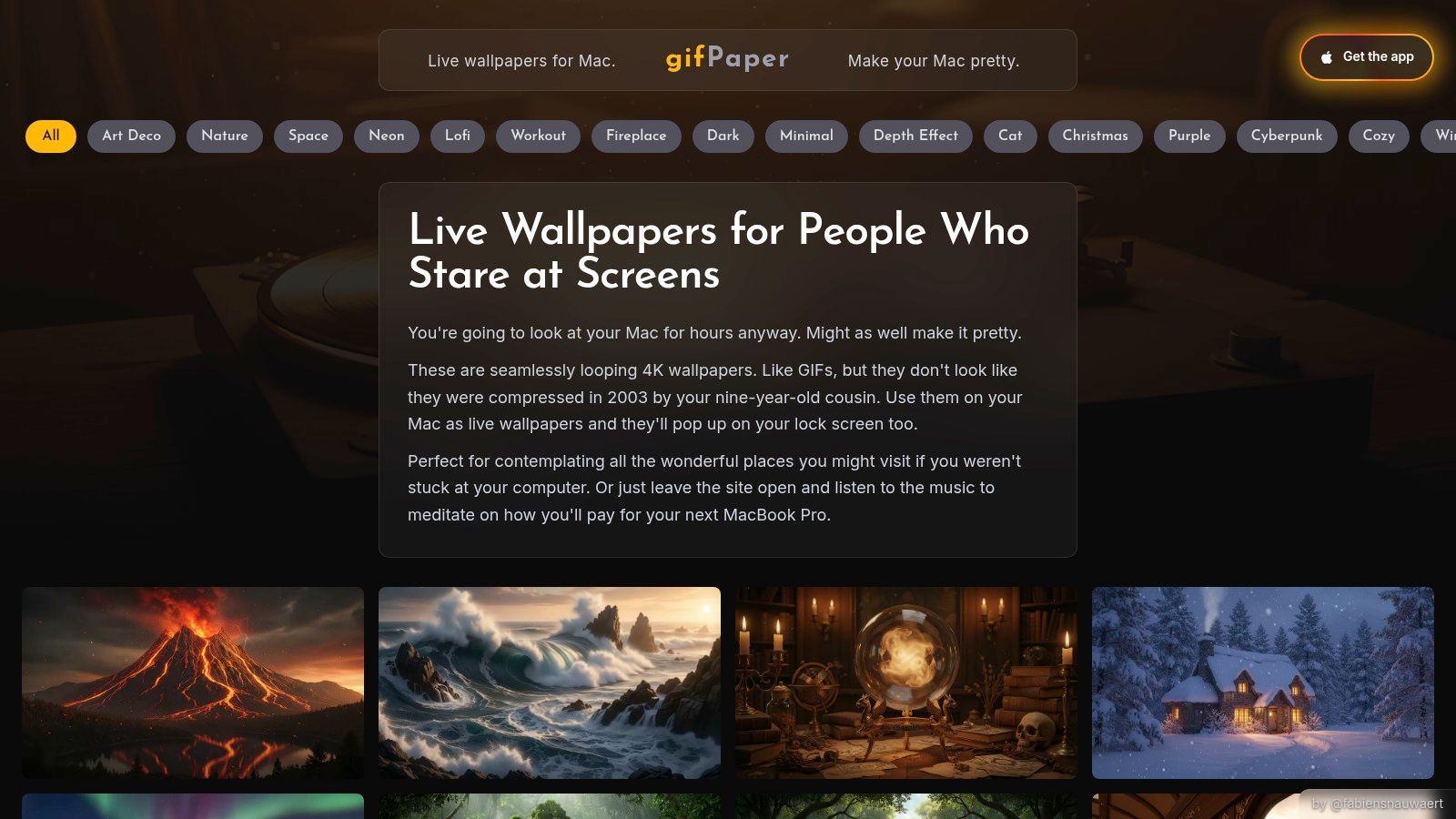
The app's main appeal for Mac purists is its rare ability to set a live wallpaper on the lock screen. When you wake your Mac, you're greeted by a smoothly animating scene that slows to a stop as you log in, mirroring Apple's own built-in video wallpapers. This makes it ideal for anyone who has found the perfect 4K hyperspace loop or a tranquil shot of a Star Destroyer and wants it to run flawlessly without technical fuss. It's the "it just works" approach applied to animated backgrounds. For those curious about the mechanics, you can get a better sense of how this works by reading about desktop GIF wallpaper and the formats involved.
So, What's the Catch for Star Wars Fans?
The deal is this: gifPaper is a tool, not a content library. It does not come with licensed Star Wars videos. You must provide your own video files. This makes it a perfect companion if you've already found or created a high-quality, seamless loop and just need a reliable, native way to display it.
- Pros: The only app to use Apple's native Aerial format for unmatched stability and lock screen support on macOS. Simple drag-and-drop interface and a one-time purchase.
- Cons: Mac-only. You are responsible for sourcing your own Star Wars wallpaper videos, which is an extra step.
- Availability: Direct download from the gifPaper for Mac website. It's not on the App Store, as Apple's sandboxing rules prevent native lock screen wallpapers.
- Link: gifPaper for Mac
Star Wars Live Wallpaper: 7-App Feature Comparison
| Product | Platform | Implementation complexity | Resource requirements | Expected outcomes | Key advantages |
|---|---|---|---|---|---|
| Wallpaper Engine | Windows (+ Android viewer) | Moderate — user-friendly UI with built-in editor | Moderate; supports throttling & multi-monitor (limits apply) | Wide selection of interactive/video/3D wallpapers, highly customizable | Massive Steam Workshop, powerful editor, game-aware performance throttling |
| Lively Wallpaper | Windows (open-source) | Low — simple setup, content must be sourced by user | Lightweight; pause-on-battery/fullscreen behavior | Free, privacy-friendly live wallpapers using your videos/GIFs/web pages | Completely free and open-source, minimal overhead |
| DeskScapes 11 (Stardock) | Windows | Moderate — polished tools and DreamMaker Pro for packaging | Moderate; full-featured commercial app (trial available) | Polished animated wallpapers with many built-in effects and sharing tools | Professional UI, many built-in effects, integration with Stardock ecosystem |
| Dynamic Wallpaper Engine | macOS (App Store) | Low — one-click App Store install and simple setup | Low; designed for low resource use | Easy-to-use live/video wallpapers with playlists and searchable catalog | App Store convenience, large built-in catalog, playlist support |
| OS Engine | macOS (optional Steam) | Moderate–High — power-user features and HTML/JS overlays | Optimized for performance and battery; tunable settings | Highly customizable wallpapers with widgets and web-based overlays | HTML/JS overlay support, power-user controls and optimizations |
| MotionDesk | macOS | Low–Moderate — straightforward UI with customization controls | GPU-accelerated playback for smooth Retina performance | Smooth high-resolution video wallpapers with speed/audio/fit controls | GPU acceleration, native macOS feel and Retina-ready playback |
| gifPaper | macOS | Low — simple drag-and-drop import and one-click set | Optimized via Apple Aerial tech; stable on wake/sleep | Seamless 4K looping wallpapers for desktop and lock screen | Native lock-screen support, Apple's Aerial stability, one-time purchase |
So, What's the Best Way to Get Star Wars on Your Mac Screen?
After navigating the asteroid field of wallpaper apps, a clear picture emerges. The best tool for bringing a star wars live wallpaper to your screen depends entirely on your operating system. For Windows users, the answer is almost certainly Wallpaper Engine. Its deep integration with Steam Workshop gives you access to a nearly infinite, user-generated library of cosmic dogfights and moody Sith temples. It's the undisputed champion of its platform for a reason.
For Mac users, the mission is different. While several apps can place a video file on your desktop, the real magic—the detail that separates a good setup from a great one—is the lock screen. Waking your Mac to a living, breathing view from the Millennium Falcon's cockpit or the quiet hum of a lightsaber is a special kind of joy. It's the first thing you see, and it sets the tone.
You're going to stare at your Mac for hours anyway. It might as well look like it belongs to a Jedi Master (or a very well-funded Sith Lord with an eye for interior design).
This is where gifPaper for Mac enters the scene. I built it specifically to solve this problem. It's the only app on this list that uses Apple's native Aerial technology to set video wallpapers not just on your desktop, but on your lock screen and screen saver as well. It's not a clumsy overlay that drains your battery; it's the same system Apple uses for its own dynamic wallpapers, so it's incredibly stable and efficient. You wake your Mac, the animation plays smoothly, and it gracefully pauses as you log in. It just works.
While gifPaper has its own curated library of over 150 seamless 4K loops, including many in the space wallpaper and dark wallpaper collections, its true power for a Star Wars fan is how easily you can import your own files. Find a perfect, endlessly looping clip of TIE fighters soaring past a Star Destroyer? Drag it into the app, click a button, and you're done. Your lock screen and desktop are now one with the Force. There's no complex conversion or fighting with settings.
You can try out the entire app and all its features with a 7-day free trial, with no credit card required. If you find it makes your Mac a more inspiring place to be, it's a one-time $4.99 purchase during this launch period—not a subscription that nibbles at your wallet forever. Your Mac has been boring for long enough.
Ready to stop wishing your Mac had Wallpaper Engine and get something built for macOS from the ground up? Download the gifPaper 7-day free trial and import your favorite Star Wars loop in under a minute. It's time to bring your lock screen to life.