
7 Great Thanksgiving Live Wallpaper Sources for Your Mac
Meta description: Thanksgiving live wallpaper for Mac, without the blurry pumpkin nonsense. The best sources, what works on macOS, and the easiest native option.
Your Mac deserves better than a turkey clip art. Thanksgiving is approaching, and you're about to spend hours staring at your screen, either pretending to work or heroically avoiding family arguments via "urgent" emails. The least your desktop can do is commit to the season.
Not fake-festive. Not a sad JPEG of a pumpkin with compression artifacts the size of Rhode Island. Proper festive. Crackling fireplaces, golden leaves, dim library light, the sort of cozy atmosphere that makes answering Slack feel vaguely cinematic.
There is real interest here, even if it's a niche one. Pinterest logged 138 documented searches for Thanksgiving live wallpaper, which tells you this category exists, but it also tells you the obvious truth: this is seasonal micro-trend territory, not a year-round empire. Fine. That's what holidays are for. Brief, excessive aesthetic decisions.
Here are the best places to get a Thanksgiving live wallpaper that doesn't look like it was assembled in 1998 by a pumpkin with a Shareware account.
1. 4K Live Wallpapers for Mac | gifPaper
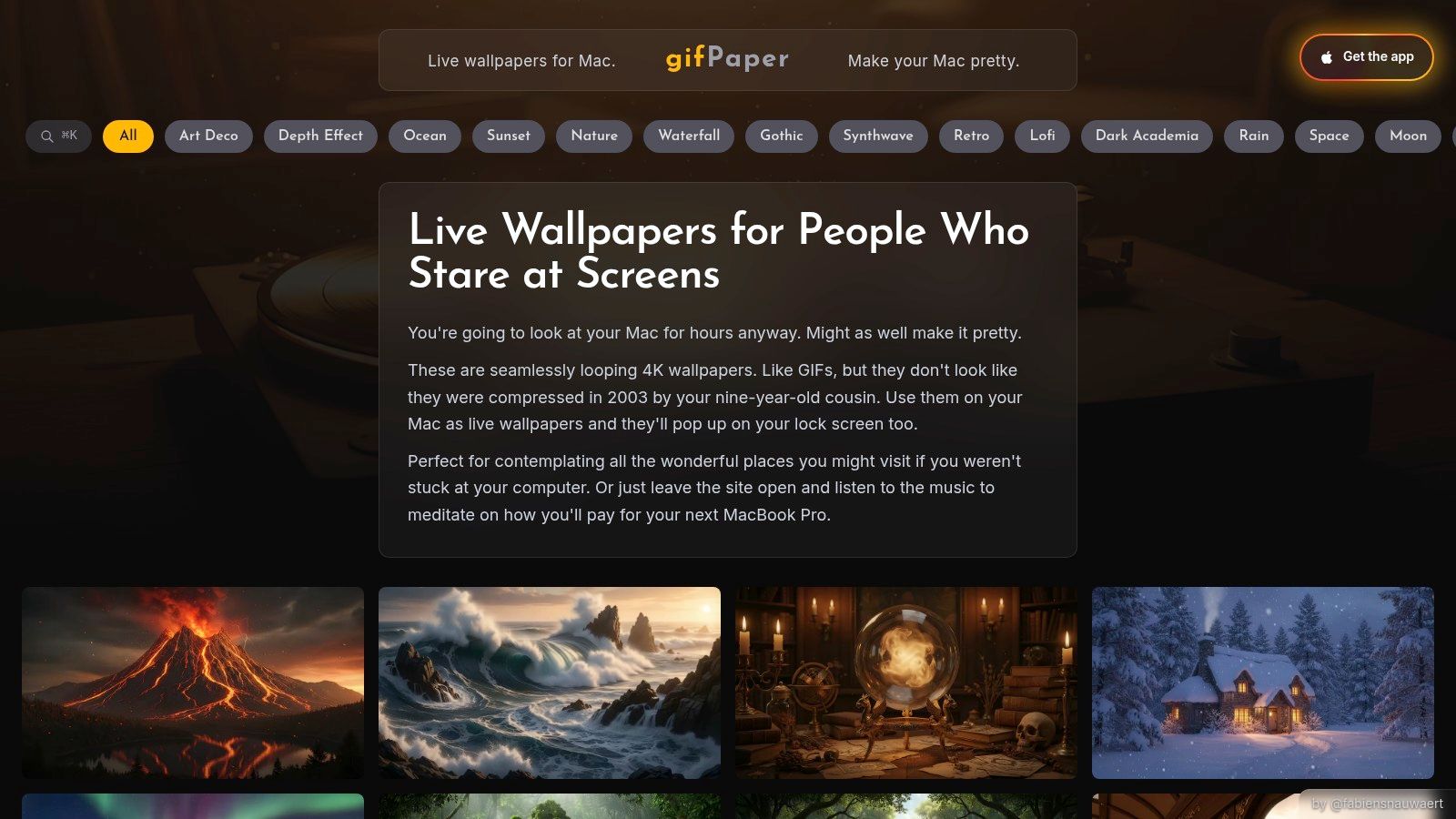
You open your Mac in November and want warmth, movement, and a little taste. What you usually get from this category is a mess of phone wallpapers, Windows utilities, and stock video libraries that expect you to assemble the whole setup yourself. For Mac users, gifPaper is the clean answer.
gifPaper is built for macOS, not awkwardly adapted to it. The site curates 4K live wallpapers, and the companion app sets them on your Mac lock screen, desktop, and screen saver using Apple's native Aerial wallpaper format. That matters more than the theme list. Plenty of sources can give you an autumn clip. Very few make it look like it belongs on a Mac.
Why it wins on Mac
Wallpaper Engine gets all the attention on Windows. DesktopHut also skews Windows-first. Stock footage sites can give you pretty fall video, but then you're stuck converting files, testing playback, and hoping the result doesn't feel bolted on. gifPaper skips that whole ritual and gives Mac users the thing they wanted in the first place. A live wallpaper setup that feels native instead of improvised.
One action can set the same wallpaper on the lock screen and desktop. You can also keep the desktop on a still frame, then switch on full video animation when you want more motion. Good. Your Mac should look cinematic, not busy.
For Thanksgiving, the smart move is to focus on mood rather than anything too literal. Warm interiors, amber leaves, candlelight, dark wood, fireplaces, late-autumn scenery. Those age better than novelty turkey art, and they still feel right once the holiday passes. If you want ideas that stay on the tasteful side of seasonal, the autumn live wallpaper guide is the better place to start.
If you're new to the category, read what live wallpapers are before you waste time mixing up GIFs, videos, and proper system wallpapers.
Practical rule: On a Mac, choose native playback and smoothly looping motion first. Theme comes second. A cozy wallpaper that runs cleanly beats a gimmicky Thanksgiving animation that drains battery and looks cheap.
The offer, plainly stated
The app requires macOS 26 or later, comes with a 7-day free trial, costs $4.99 as a one-time purchase, and has a 30-day money-back guarantee. No subscription. Sensible pricing is rarer than it should be.
The only real catch is that it's Mac-only, and full video animation can use more GPU or battery on a laptop if you leave it running all day. That's true of any real video wallpaper setup. At least here, the Mac experience was considered from the start.
2. Zedge
Zedge is where I'd send anyone who says, "I don't need this on my Mac. I just want my phone to feel like November." It has a giant mobile wallpaper ecosystem, and Thanksgiving live results are easy to find inside the app.
That's the good news. The less-good news is that Zedge is a mobile answer to a desktop question. On iPhone, live wallpapers are tied to Live Photo behavior and lock screen limitations, so the experience isn't the same as a true Mac desktop loop. On Android, things are usually more flexible, but quality still swings wildly because community libraries always contain a few masterpieces and a lot of digital mashed potatoes.
Best use case
Use Zedge if you want quick seasonal variety and don't mind sorting through mixed quality. That's especially true if you like swapping themes constantly and you're already comfortable with ad-supported mobile apps.
For Mac users, I see it more as inspiration than a final answer. Browse the mood, note what scenes feel cozy instead of kitschy, then set up something cleaner on desktop. If you're after that softer fall look, the autumn live wallpaper guide is a better route than trying to force a phone-first library into a Mac-shaped problem.
Zedge is convenient. "Convenient" and "best-looking on macOS" are not the same sentence.
3. Wallpaper Engine + Steam Workshop
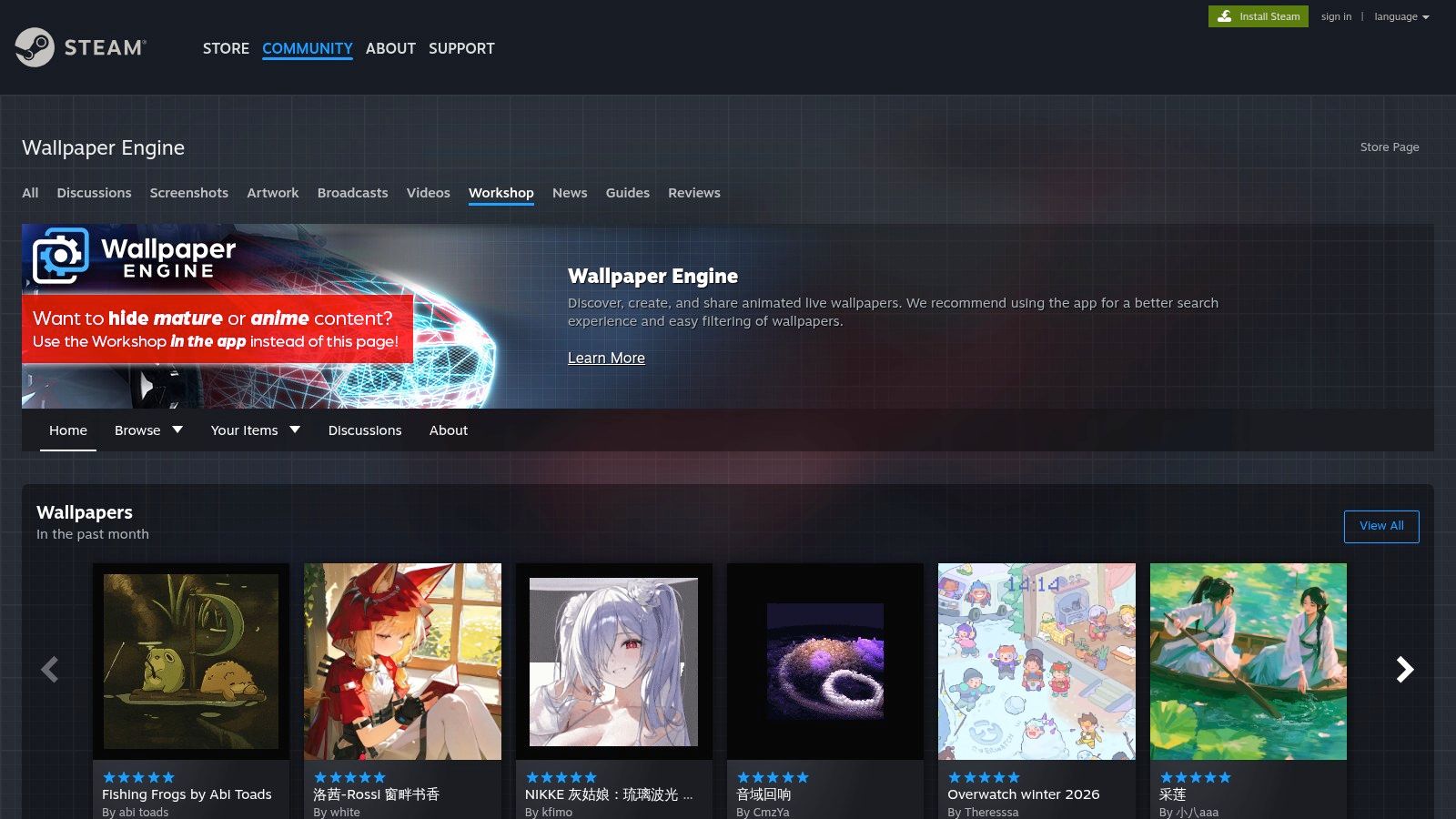
If you came from Windows, this name is already living rent-free in your head. Wallpaper Engine on Steam Workshop is the big beast of live wallpapers, and yes, it has Thanksgiving scenes. Pumpkins, falling leaves, kitchens, candlelit tables, probably a suspicious number of animated cornucopias.
It earns its reputation because the Workshop is enormous, and the creation tools are excellent. You can subscribe to ready-made wallpapers, import your own videos, or build custom scenes if your idea of a relaxing Sunday is keyframing animated pie steam. Respect.
Why it's not your Mac answer
It's Windows-only. That's the whole problem.
If you need a Thanksgiving live wallpaper for a Windows machine, Wallpaper Engine is still one of the easiest recommendations on the board. If you need that same quality on a Mac, it becomes a ghost story people tell on Reddit while staring wistfully into the middle distance. One Reddit post about a Mac wallpaper app mentions 25,000 users and 100,000+ wallpaper downloads, which tells you Mac demand is real. It also tells you Mac users have been left improvising for too long.
So yes, Wallpaper Engine is great. It just doesn't solve the actual Mac problem unless your plan involves also buying a Windows PC, which feels excessive for some animated leaves.
4. DesktopHut
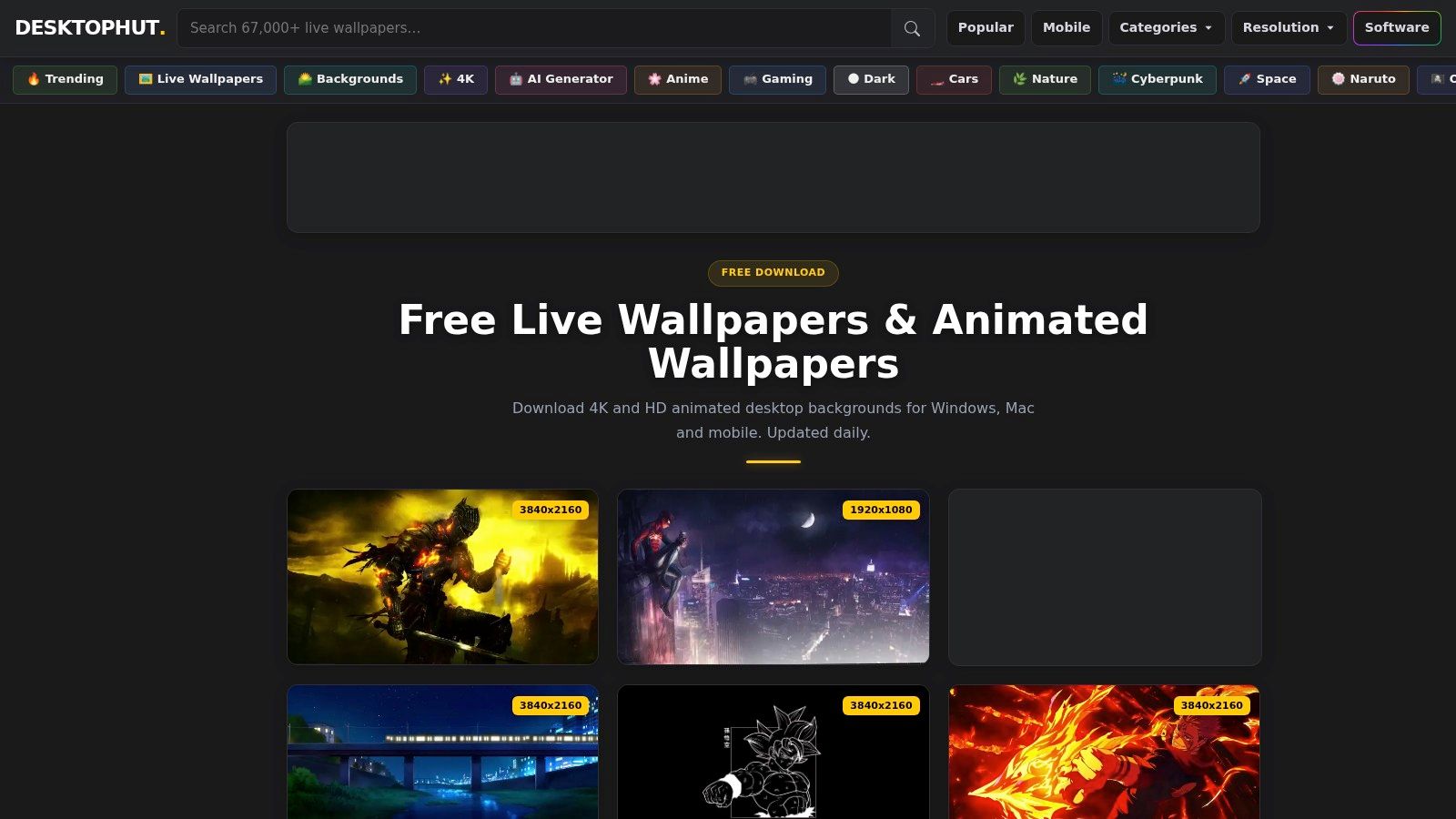
DesktopHut has the energy of a website that knows exactly what it's there for. Download a wallpaper loop, run the player, enjoy your animated background. No philosophy seminar. No lifestyle manifesto. Very respectable.
Its Thanksgiving section is useful if you want obvious seasonal imagery. Think table scenes, warm kitchens, pumpkins, autumn leaves. The files are straightforward, usually in standard video formats, and the player is designed around that simplicity.
Who should bother
DesktopHut makes sense for Windows users who don't care about premium curation and just want a holiday loop on-screen fast. The library is broad enough that you'll probably find something festive without much work.
The issue, again, is platform reality. It's Windows-centric, and that matters. A Mac user can absolutely admire the loops from afar like a Victorian child peering into a pastry shop window, but admiration does not install native lock screen support.
There is another limitation. Curation varies. Some clips feel cozy. Some feel like they were exported during a power outage. That's the trade-off with large free libraries. You save money, then spend time digging.
5. Wallpapers.com + Live Wallpaper Maker
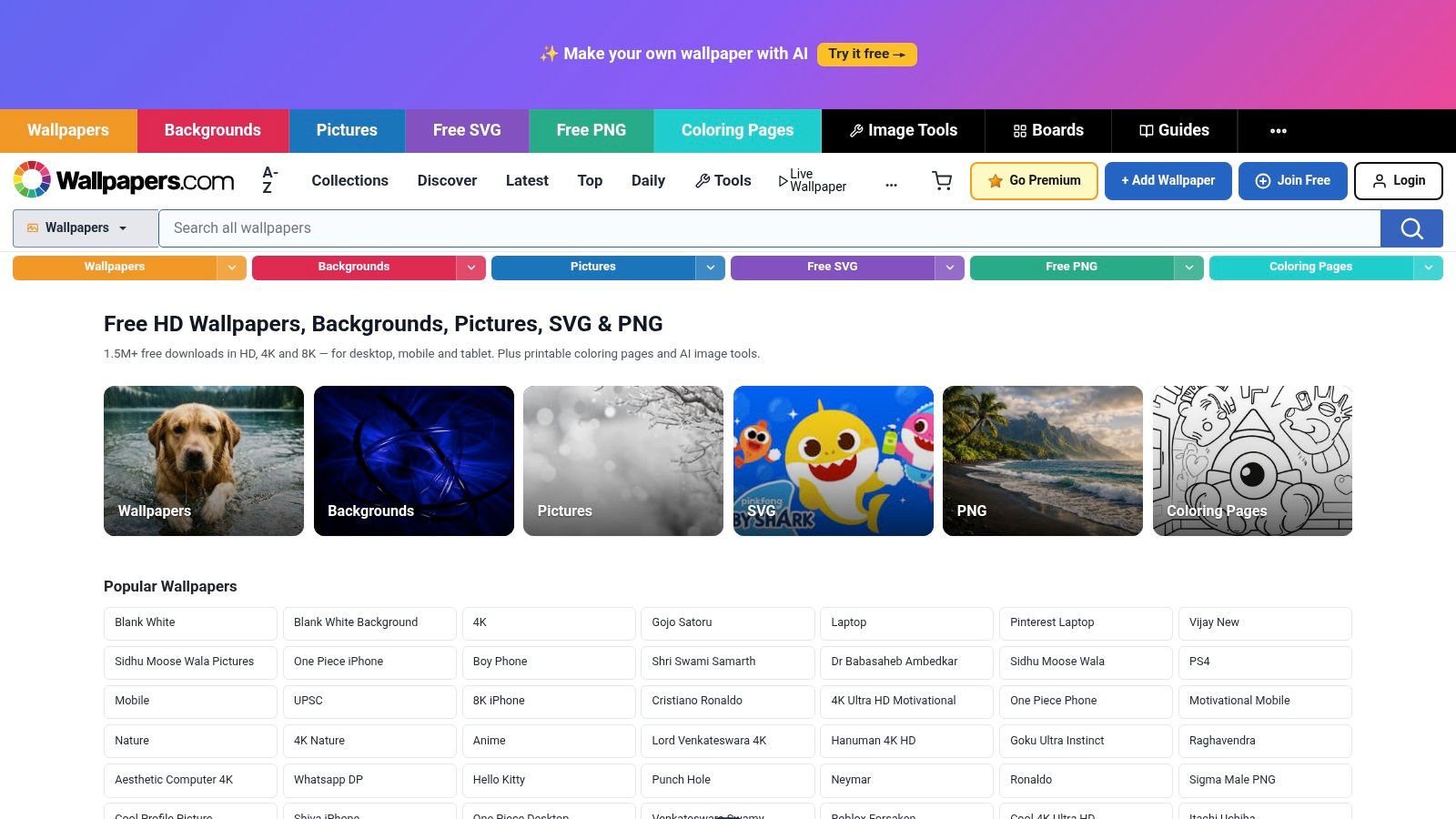
This one is less "finished wallpaper app" and more "parts bin for people willing to tinker." Wallpapers.com has a large Thanksgiving background collection, and its Live Wallpaper Maker gives you a way to turn stills into Live Photos or MP4s.
That makes it handy if your taste runs specific. Maybe you don't want a fireplace. Maybe you want one immaculate still of pumpkins and table candles, then a subtle motion effect layered on top. Fair enough. Some people season food. Some people season pixels.
What it's actually good at
The strength here is conversion, not OS-level delivery. You can create a moving asset for mobile use, or export a video that works with another desktop wallpaper app.
- Best for custom taste: Start with a still image you like, then turn it into a loop instead of accepting whatever random holiday animation the internet throws at you.
- Best for mixed-device setups: If you want one Thanksgiving look for phone and desktop, the export options are useful.
- Best when you don't need native playback: This is a content tool. You still need something else to apply the result on desktop.
If your target mood is soft, warm, and vaguely bookish instead of cartoon Thanksgiving chaos, the cozy aesthetic guide is a better source of visual direction than a generic holiday search page.
6. Videvo
Videvo's Thanksgiving collection is for people who'd rather source good footage than browse wallpaper apps. That approach makes sense. A lot of Thanksgiving wallpaper content online is still trapped in the low-resolution mobile era, while users increasingly want proper high-fidelity loops on desktop.
The broader market supports that shift. The global computer wallpaper software market is valued at USD 1.4 billion in 2024 and projected to reach USD 3.8 billion by 2033, with a 5.9% CAGR from 2026 to 2033. Translation: people are spending real money on making screens nicer to look at, which means stock-quality motion assets have a place here.
Why Videvo works
You get standard video files, clear license labeling, and a mix of free and paid clips. That's useful if you want harvest tables, leaves, kitchen scenes, or seasonal motion graphics without being locked into one app ecosystem.
A stock video site is content, not a complete solution. If you download a perfect clip and still can't set it properly on your Mac, you've solved only half the problem.
That's the only catch. Videvo gives you ingredients, not dinner. You'll still need a live wallpaper app to run the clip as a wallpaper.
7. Motion Array

Motion Array is the polished option for people with agency taste and the budget tolerance to match. Its Thanksgiving loops tend to look more intentional than the average holiday wallpaper file floating around the web. Cleaner motion, more consistent art direction, fewer accidental signs of internet neglect.
If you want a Thanksgiving live wallpaper that feels designed rather than merely found, I'd look here. Animated harvest motifs, loopable backgrounds, vertical and horizontal formats. Very useful if you care about matching your phone, desktop, and perhaps your entire personality to one seasonal visual theme.
The catch
It's probably overkill if all you want is one cozy wallpaper until the leftovers are gone. Subscription stock libraries make sense for creators, marketers, and people who frequently need polished motion assets. For a single desktop loop, it's a bit like hiring a string quartet to announce that the pie is ready.
One more reality check. Niche Thanksgiving products can get traction, but they don't last forever. One discontinued Android app called Thanksgiving Live Wallpaper reached 2,800 downloads and held a 4.11 out of 5 rating before disappearing. Seasonal wallpaper demand is real. Seasonal wallpaper longevity is another matter entirely.
Thanksgiving Live Wallpaper, Top 7 Platforms Compared
| Item | Implementation complexity | Resource requirements | Expected outcomes | Ideal use cases | Key advantages |
|---|---|---|---|---|---|
| 4K Live Wallpapers for Mac (gifPaper) | Very low, install macOS app and set with one click | macOS only; moderate CPU/GPU use for videos; one‑time $5 | Retina‑quality 4K looping desktop/lock screen with optional ambient audio | Mac users wanting plug‑and‑play seasonal desktop ambience | Curated 4K loops, ambient audio, affordable one‑time purchase |
| Zedge | Very low, mobile app browsing and one‑tap apply | iOS/Android device storage; ad‑supported or pay for premium items | Wide variety of mobile live/video wallpapers and ringtones; quality varies | Mobile users seeking quick Thanksgiving live wallpapers | Massive selection, free entry, seasonal refreshes |
| Wallpaper Engine + Steam Workshop | Moderate, install app, subscribe to Workshop items; optional creation tools | Windows PC; one‑time Steam purchase; adjustable performance settings | Vast, customizable desktop wallpapers with community content | Windows users who want deep customization or to create/publish scenes | Huge community library, robust creation tools, performance controls |
| DesktopHut | Low, download MP4s and run lightweight player | Windows only; free downloads (may include ads) | Simple downloadable MP4 loops for desktop playback | Users who prefer direct downloads and simple Windows playback | Straightforward downloads, free browsing, lightweight player |
| Wallpapers.com + Live Wallpaper Maker | Low, use web converter to export Live Photo or MP4 | Web access; some premium features/subscription for higher res | Converted live photos or MP4s suitable for phones or desktop apps | Users converting stills to mobile Live Photos or basic desktop loops | Built‑in maker, large Thanksgiving image library, cross‑device outputs |
| Videvo | Low, browse and download stock clips; use external app to apply | Standard video files (MP4/4K); free and paid licensing options | High‑quality loopable stock clips usable in any live‑wallpaper app | DIY users needing high‑quality footage for custom wallpapers | 4K/HD clips, many free options, clear license labeling |
| Motion Array | Moderate, subscription, download curated packs | Subscription cost; commercial licensing included | Professional, consistently styled 4K/vertical loops for polished results | Agencies or creators needing on‑brand holiday motion packs | Agency‑grade quality, curated assets, commercial licenses |
The Easiest Way to Get a Thanksgiving Vibe on Your Mac
You open your Mac in November, wanting warm light, falling leaves, maybe a fireplace loop that makes your desk look less like a tax-prep station. Then the usual mess starts. Stock video sites give you clips, mobile wallpaper libraries give you phone-sized leftovers, and Windows favorites like Wallpaper Engine and DesktopHut stay firmly on the other side of the platform border. Mac users still have to solve the last mile.
gifPaper solves it cleanly.
It starts with the gallery. You get a curated set of looping 4K wallpapers that are easy to browse by mood, so finding an autumn scene or a cozy fire takes minutes instead of a half hour of tab-hopping. As noted earlier, the seasonal picks are strong, and they look like they belong on a Mac instead of being stretched from some old phone download.
The bigger advantage is the app. gifPaper for Mac sets your lock screen, desktop, and screen saver from one place, using Apple's native wallpaper system. The lock screen slows down the way Apple's own motion wallpapers do. The desktop can stay still or run in full motion. It looks right because it was built for macOS, not awkwardly pushed onto it.
That is the part the other options miss. Zedge is fine for browsing. Videvo and Motion Array are fine for sourcing footage. Wallpaper Engine and DesktopHut are fine if you use Windows. None of them gives Mac users the full setup without extra steps, extra apps, or some amount of desktop fakery.
If you want a Thanksgiving live wallpaper that feels at home on macOS, start with gifPaper. Browse the free gallery, pick your preferred level of fireplace nonsense, then set it properly on your lock screen, desktop, and screen saver. The app has a 7-day free trial, and the full version is a one-time $4.99 purchase. Good. Your Mac sits in front of you all day. It should look better than office equipment.