Wallpaper Engine Download for Windows & Mac (2026 Guide)
TL;DR: If you're on Windows, the official Wallpaper Engine download is a $4.99 purchase on Steam and that's the only normal way to get it. If you're on Mac, Wallpaper Engine isn't available natively, so your choices are awkward workarounds like Boot Camp or Parallels, or a dedicated Mac app like gifPaper for Mac if you want the thing to feel like it belongs on a Mac.
You probably landed here in one of two moods.
Either you're on Windows and just want the official Wallpaper Engine download without wading through fake download buttons and cursed SEO sludge. Or you switched to Mac, searched for "wallpaper engine download," and discovered the usual internet comedy routine where everyone pretends "not available" is somehow useful advice.
I've done both sides of this. The Windows part is easy. The Mac part is where the nonsense begins.
The Official Wallpaper Engine Download for Windows
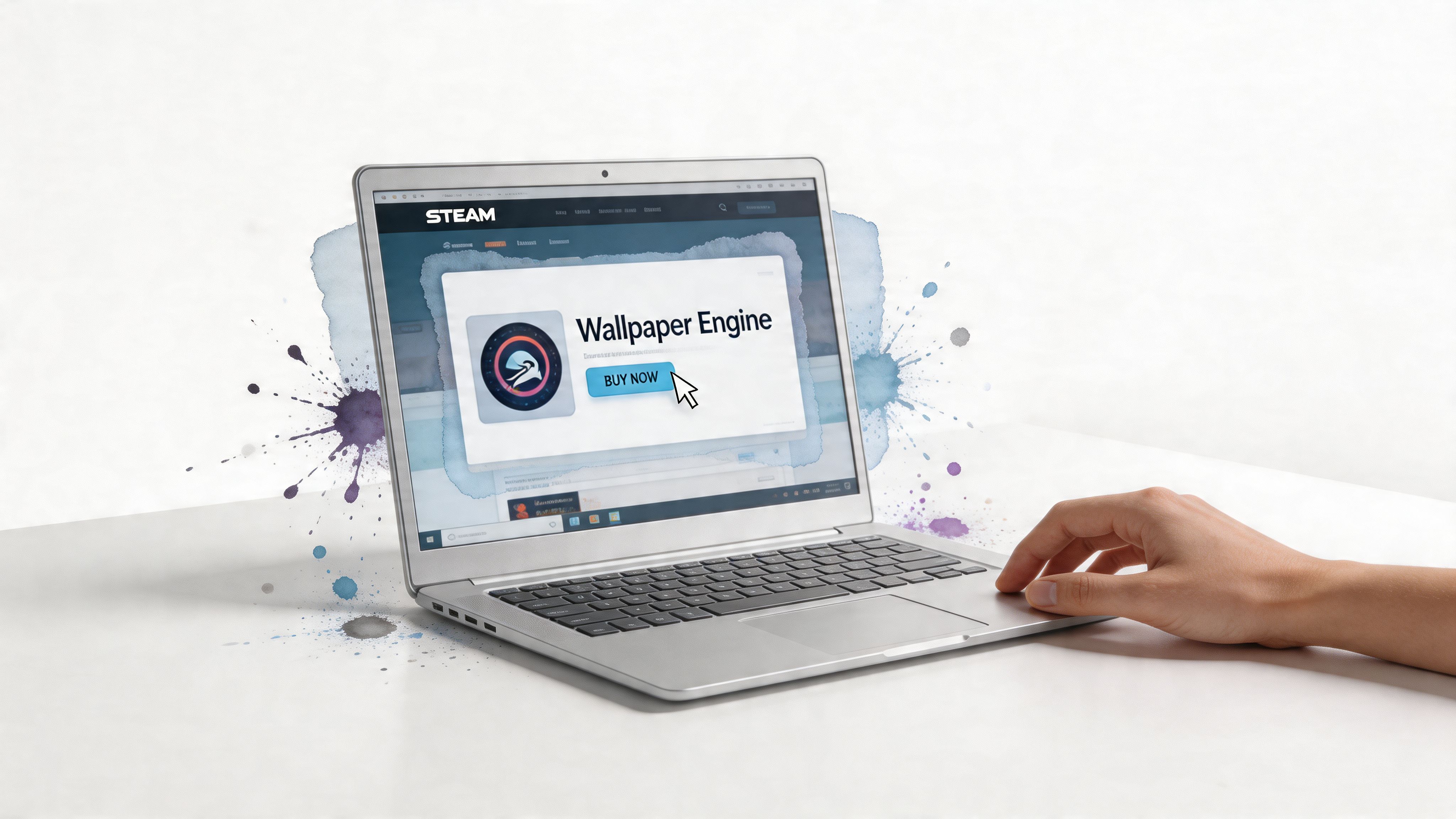
If you're on Windows, keep it simple. Wallpaper Engine is sold through Steam, and the normal install flow is exactly that. Install Steam, buy the app, click install, then grab wallpapers from the Workshop.
According to the Steam Community installation guide, the app requires Steam first, costs typically $3 to $5 USD depending on region, installs to Steam's common directory, and lets you subscribe to wallpapers that download and apply automatically.
Buy it from the real place
Don't search for random executables. Don't trust "free download" pages. Go to Steam.
The clean path looks like this:
- Install Steam on your Windows PC.
- Open Steam and sign in.
- Search for Wallpaper Engine in the store.
- Buy it, then click Use Now to install it.
- Launch Wallpaper Engine and accept the default setup if you don't need anything fancy yet.
The process is straightforward. No registry surgery. No file dragging. No ancient forum posts from a guy named xXShadowRigXx.
Get your first wallpaper running
Once the app opens, you'll usually see a few main areas:
- Installed for wallpapers you already grabbed
- Discover for recommendations
- Workshop for the full library
The Workshop is the important one. Open it, search for something you like, and click Subscribe.
Practical rule: In Wallpaper Engine, Subscribe means "download this wallpaper through Steam." It does not mean recurring billing.
After that, Steam handles the download and Wallpaper Engine applies it automatically. No manual folder placement, no hunting for weird file types, no "extract to desktop backgrounds final final v2."
Two things worth knowing
A couple details save time later:
- Steam can be closed after launch: The same Steam Community guide notes that Wallpaper Engine can keep running even after you close the main Steam client, which helps if you don't want Steam hanging around all day.
- Match your display specs: If you're using a laptop, choosing wallpapers that fit your monitor's resolution and refresh rate is the sensible move. Less mismatch, less overhead, fewer reasons for your fans to sound offended.
If all you wanted was the official wallpaper engine download for Windows, that's the answer. Steam, one-time purchase, then Workshop subscriptions.
Why You Can't Natively Download Wallpaper Engine for Mac

If you're on Mac, the short version is annoying but clear. There is no native Wallpaper Engine download for macOS.
That isn't some temporary oversight. It's the actual platform situation.
The gap is real
One of the better summaries of the problem points out that Wallpaper Engine is Windows-exclusive, while Mac users make up roughly 15 to 20% of the desktop OS market. It also notes that searches for "wallpaper engine for mac" usually send people into workaround territory instead of giving them a native app built for macOS. You can read that framing in this Mac-focused writeup on the gap.
That explains the feeling a lot of switchers have. On Windows, live wallpapers are normal enough that you can buy one app and get on with your day. On Mac, you search the same thing and fall into a rabbit hole of partial fixes, desktop tricks, and "sort of works if you don't mind this one bizarre compromise."
Why this matters more than it sounds
Mac users aren't asking for something exotic. They want what Windows users already have. A live wallpaper app that feels native, doesn't require a side quest, and doesn't treat the desktop like a science fair project.
You're not being fussy. If you stare at a screen for hours a day, caring what that screen looks like is perfectly reasonable.
The issue isn't just missing software. It's missing software that respects how macOS works. That's why the Mac search results feel so unsatisfying. They answer the literal question badly and the practical question not at all.
The honest answer
Can you natively download Wallpaper Engine for Mac? No.
Can you force the issue with extra machinery? Yes, but that's where things get silly fast. You're either running Windows on your Mac, or pretending to, all because you wanted a moving desktop background. Which is a very committed sentence when you read it back slowly.
The High-Effort Workarounds for Running Wallpaper Engine on Mac
Wallpaper Engine isn't just popular. It's absurdly established. On Steam, it has shown current concurrent player counts ranging from 55,975 to 114,150 depending on measurement methodology, with an all-time peak of 150,375 on August 30th, and the Workshop hosts over one million free wallpapers created by the community, according to SteamDB's Wallpaper Engine charts.
That giant ecosystem is the whole temptation. If you had a favorite setup on Windows, I get it. You don't miss "live wallpapers" in the abstract. You miss that exact library.
Boot Camp if your Mac supports it
The first workaround is Boot Camp. This means installing Windows on your Mac and booting into it when you want Wallpaper Engine.
Technically, it works the way a sledgehammer works for opening a drawer.
You install Windows, install Steam, buy Wallpaper Engine there, and use it exactly like a normal Windows machine. The upside is simple. You get the full app and the full Workshop. The downside is also simple. You're rebooting into another operating system to run wallpaper software.
That tradeoff is rough for everyday use:
- You leave macOS behind: If your actual job, study setup, or creative work happens in macOS, rebooting just for wallpapers gets old fast.
- Storage gets eaten: A Windows install is not a tiny sidecar.
- The whole thing feels backward: You bought a Mac, then installed another OS to make the wallpaper move. That's funny once.
Parallels if you enjoy complexity with better multitasking
The second route is virtualization through Parallels. Instead of rebooting, you run Windows inside macOS.
This is more convenient than Boot Camp, but it has its own tax. You're running an entire extra operating system just to access one Windows app. It can feel like putting a second apartment inside your house because you wanted a different lamp.
If the solution to "I want animated wallpaper on Mac" starts with "first, install Windows," the solution is already suspect.
Parallels is the better choice if you absolutely need access to the Windows app while staying inside macOS. It's also the choice that makes your Mac work harder for no elegant reason. More moving parts, more battery drain, more memory use, more background weirdness.
Who should actually do this
Very few people.
A workaround makes sense only if you care about one specific thing above all else: the Wallpaper Engine Workshop ecosystem itself. Not just live wallpapers. Not just desktop motion. That exact Workshop and the habits you've already built around it.
If that's you, fine. Accept the friction and proceed with full awareness. If not, save yourself the theater and read a more direct Mac-specific path in this Wallpaper Engine for Mac guide.
The practical verdict
Here's the clean decision table:
| Option | What you get | What annoys you |
|---|---|---|
| Boot Camp | Native Windows install, real Wallpaper Engine access | Reboots, storage overhead, awkward daily use |
| Parallels | Access inside macOS without rebooting | Extra cost, extra overhead, extra nonsense |
| Do nothing | Peace, technically | Static wallpaper forever, which is deeply unromantic |
Mac workarounds are possible. They just aren't good.
A Native Mac Alternative You Actually Want

This is the part where I stop pretending the workaround route is noble.
If you want live wallpapers on Mac, the better answer is a native Mac app designed for macOS from the start. Not a Windows transplant. Not a virtual machine ritual. Not a duct-taped compromise that leaves your battery looking betrayed.
One option that makes immediate sense is gifPaper. The reason is simple. It doesn't try to smuggle Windows behavior onto a Mac. It uses Apple's native Aerial wallpaper format, which is the same system Apple uses for its own video wallpapers.
Why native matters on Mac
Mac users usually care about the details. Not in a dramatic way. Just in the obvious way. You can tell when something belongs and when something is faking it.
A native solution matters because it handles the parts that workaround setups never get quite right:
- Lock screen support: That's the big one. Not just the desktop.
- Desktop and lock screen together: One action, same wallpaper.
- Screen saver support: Useful again, which I wasn't expecting to type in this decade.
The Mac version of the idea gets more interesting than the Windows one. A huge Workshop library is fun. A lock screen that feels like it was always meant to work this way is better.
Curated beats chaotic for a lot of people
Wallpaper Engine wins on raw quantity. That's undeniable. But quantity isn't always the thing you want on a Mac.
A curated library with smooth loops, proper resolution, and scenes that don't look like they were uploaded by a teenager testing particle effects at 3 a.m. is often the saner option. Especially if you just want your desktop to look excellent without auditioning two hundred versions of "anime city but with extra fog."
A smaller collection that fits the platform well usually beats a gigantic library you have to wrestle into place.
That's the split. Windows users often accept tinkering as part of the hobby. Mac users usually want the polished version. Fair enough.
Getting Started with gifPaper in Under Two Minutes
You install it, pick a loop you like, and your Mac stops looking like a machine that gave up.
If you're on a Mac and you're done with workaround junk, gifPaper is the fast option. Open the app, start the free trial, choose a wallpaper, and set it. The price is a one-time $4.99. There's also a 30-day money-back guarantee, and it runs on macOS 14 Sonoma or later.
Why the setup is so quick
gifPaper is a direct download because the Mac App Store rules block the features that make this app worth using, especially live lock screen support. The app is notarized by Apple, which is what you should check any time a Mac app comes from outside the App Store.
That means you get the feature set you want without dealing with the usual sketchy direct-download vibes.
The actual setup
You only need a minute or two:
- Open the app
- Start the free trial
- Browse the wallpaper gallery
- Click to apply a wallpaper
- Adjust motion settings if you want a calmer desktop
The nice part is that you are not configuring five different panels just to make the desktop and lock screen match. You pick a scene once and move on.
If you care about the overall look of your setup, pairing animated backgrounds with a cleaner desktop style helps more than people admit. A good place to start is this guide to a MacBook wallpaper aesthetic that actually looks intentional.
Why paying once is the right model
A wallpaper app should be a small purchase, not another subscription parked on your credit card. gifPaper gets that right.
The price also lines up with what Windows users already accept from Wallpaper Engine. According to Wallpaper Engine's Steam listing data, the paid wallpaper app model is already normal on the Windows side. On Mac, the difference is that you are paying for a native app instead of paying with your time trying to force a Windows one to behave.
Finding Your Vibe: From Cozy Fireplaces to Neon Cities
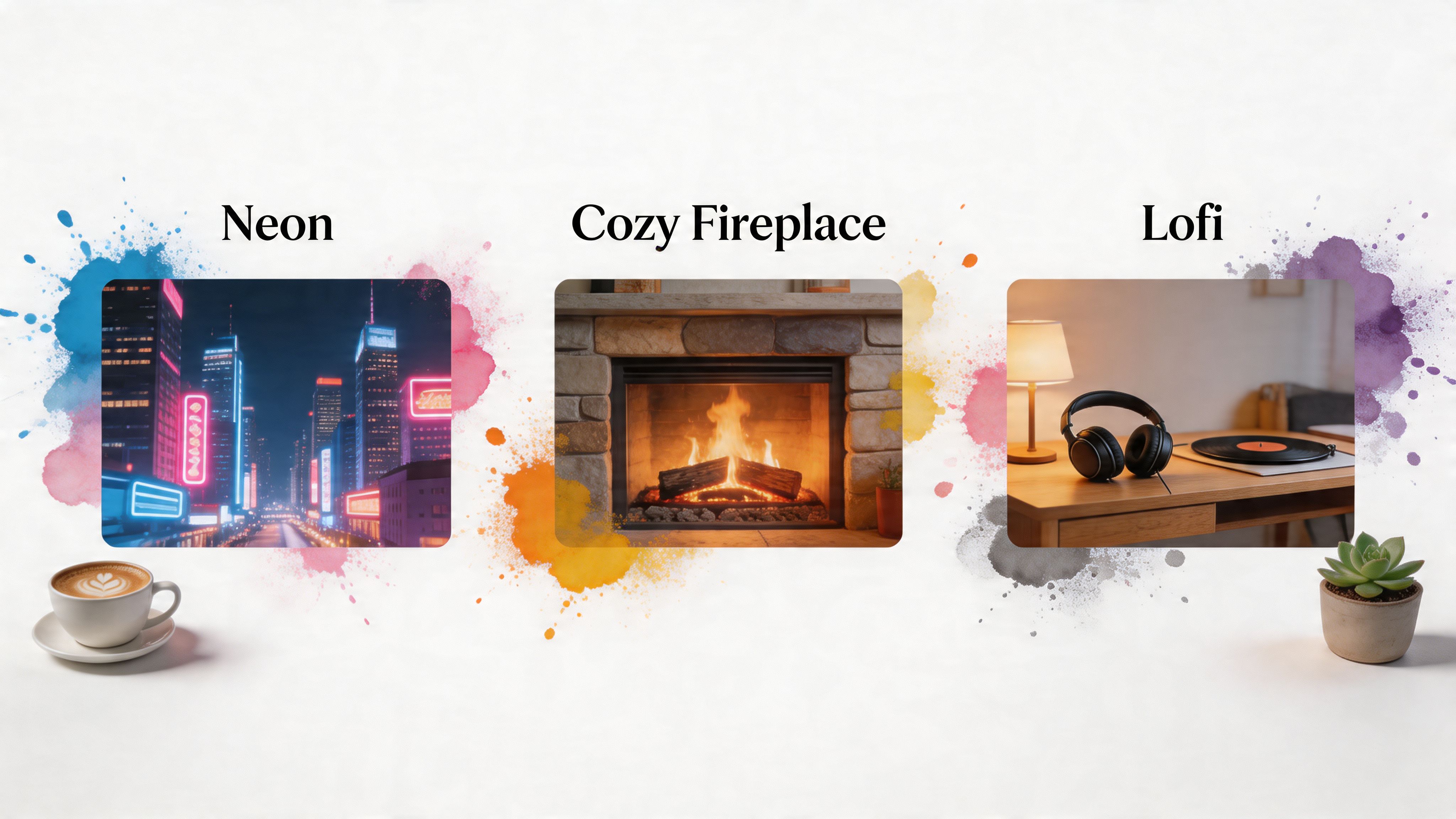
Once the technical part is handled, the main question is what you want to look at all day. Here, taste replaces troubleshooting, which is a much nicer use of your afternoon.
If your brain wants city lights, rain, and mild cyberpunk delusion, the neon wallpaper collection is the obvious stop. It's for people who want their Mac to look like a detective story set three minutes before a synth kicks in.
If you'd rather pretend your desk is somewhere quieter, the fireplace wallpaper collection does the opposite. All the cozy, none of the smoke damage.
Three moods that cover most people
- Lofi and calm: Window seats, record players, soft loops, the general feeling that you might finally answer that message after one more song. There are a lot of good "main character studying softly" options in the broader gallery.
- Nature and winter: Snow, forests, quiet cabins, distant mountains. Good for making your laptop feel less like a spreadsheet delivery device.
- Dark and minimal: For people who want motion without turning the desktop into a carnival.
A useful companion read here is this MacBook wallpaper aesthetic guide, especially if you know the feeling you want but not the category name.
You don't need a thousand wallpapers. You need one that makes opening your Mac feel slightly better than it did five minutes ago. That's the whole game.
Frequently Asked Questions
Is Wallpaper Engine free
Not exactly. The wallpapers in the Workshop are free, but the Wallpaper Engine app itself costs around $4 to $5 USD, and the "subscribe" button refers to wallpaper content, not recurring billing, as clarified on the Wallpaper Engine site.
Does Wallpaper Engine slow down your PC or Mac
On Windows, it can be pretty manageable if you choose sensible wallpapers and don't go wild with hardware-heavy setups. On Mac, the bigger issue isn't Wallpaper Engine performance because there isn't a native Mac version. It's the overhead from the workaround itself, especially if you're running Windows in a virtual machine.
What's the best Wallpaper Engine alternative for Mac
The best option is a native Mac app that handles lock screen and desktop wallpapers properly instead of faking a Windows setup on top of macOS. That's the cleaner answer by a mile.
Can I sync my wallpaper setup with RGB lighting
You can sync the mood manually, which is half the fun. If you're also tuning a desk setup with RGB peripherals, this Razer Chroma setup guide is a useful companion for matching your lighting to the wallpaper vibe without random guessing.
If you're on Windows, grab Wallpaper Engine from Steam and move on with your life. If you're on Mac, skip the operating system cosplay and try gifPaper. It gives you live wallpapers built for macOS, including the lock screen, with a 7-day free trial, $4.99 one-time purchase, and a gallery of 150+ looping 4K scenes that are much nicer to live with than most workaround solutions.