2012 Mac Mini in 2026: A Survival & Upgrade Guide
Meta description: Keeping a 2012 Mac mini alive in 2026? What still works, what doesn't, and the upgrades that stop it feeling like a tiny aluminum hostage situation.
A lot of people end up with a 2012 mac mini the same way they end up with an old turntable or a bread machine. It appears in a closet, on a local marketplace listing, or from a relative who says, "It still works," with the optimism of someone describing a Victorian plumbing system.
And yet this particular old Mac has a weird gravitational pull.
Not because it's secretly modern. It isn't. Not because Apple accidentally made a time machine. Also no. The charm is that the 2012 mac mini sits in a very specific sweet spot: old enough to be cheap and oddly lovable, new enough to still do real work if you stop asking it to impersonate a fresh Mac. Treat it like a hobby project, a utility box, or a dedicated little aesthetic altar to your own persistence, and it starts making sense again.
So You Have a 2012 Mac Mini
Maybe you bought one because it was available and silver. Maybe you inherited one along with a tangle of cables that look like they came from three different civilizations. Maybe you had one all along, shoved under a desk, collecting dust and resentment.
The first feeling is usually the same. "Can this thing still be useful?" The second is also usually the same. "Why am I emotionally invested in a tiny aluminum square from another era?"
Because the 2012 mac mini became a cult favorite for a reason. It came from that brief stretch when Apple still made small Macs that invited a bit of tinkering instead of staring back at you like a sealed appliance. People kept them alive out of practicality at first, then out of stubborn affection, then because the machine kept earning a reprieve.
Why this one still gets talked about
The answer isn't nostalgia alone. Plenty of old Macs are nostalgic. This one still matters because it lands in that rare zone where upgrades change the experience.
A bad old Mac stays bad. This one can improve.
The 2012 mini isn't interesting because it's fast. It's interesting because it's fixable.
That changes the entire mood of the machine. You're not dealing with a relic that must be lovingly preserved in amber. You're dealing with a small project computer that can still take a useful job if you assign one with reasonable expectations.
The right mindset in 2026
If you're hoping for a daily driver that shrugs off heavy browser use, modern creative apps, and a dozen background utilities, prepare for disappointment to start unpacking its suitcase.
If you're willing to treat it as one of these, you're in better shape:
- A project Mac: for learning, testing, tinkering, or keeping an old workflow alive
- A second computer: attached to a TV, spare monitor, or corner desk
- A utility machine: backup target, media server, light services box
- A dedicated vibe machine: because if you're going to keep old hardware alive, it might as well look like it knows exactly what it's doing
That last category sounds silly until you've revived one. Then it feels oddly correct.
The Legend of the Last Great Upgradable Mini
Before opening one up, it's worth remembering why people got mildly fanatical about this model in the first place.
Apple's Late 2012 Mac mini was a milestone because it was the last Mac mini to include built-in FireWire support while also adding USB 3 for the first time. The lineup shipped with either a 2.5GHz dual-core Intel Core i5 or a 2.3GHz quad-core Intel Core i7, which made it a handy bridge between older peripherals and newer standards, as noted by Low End Mac's late 2012 Mac mini overview.
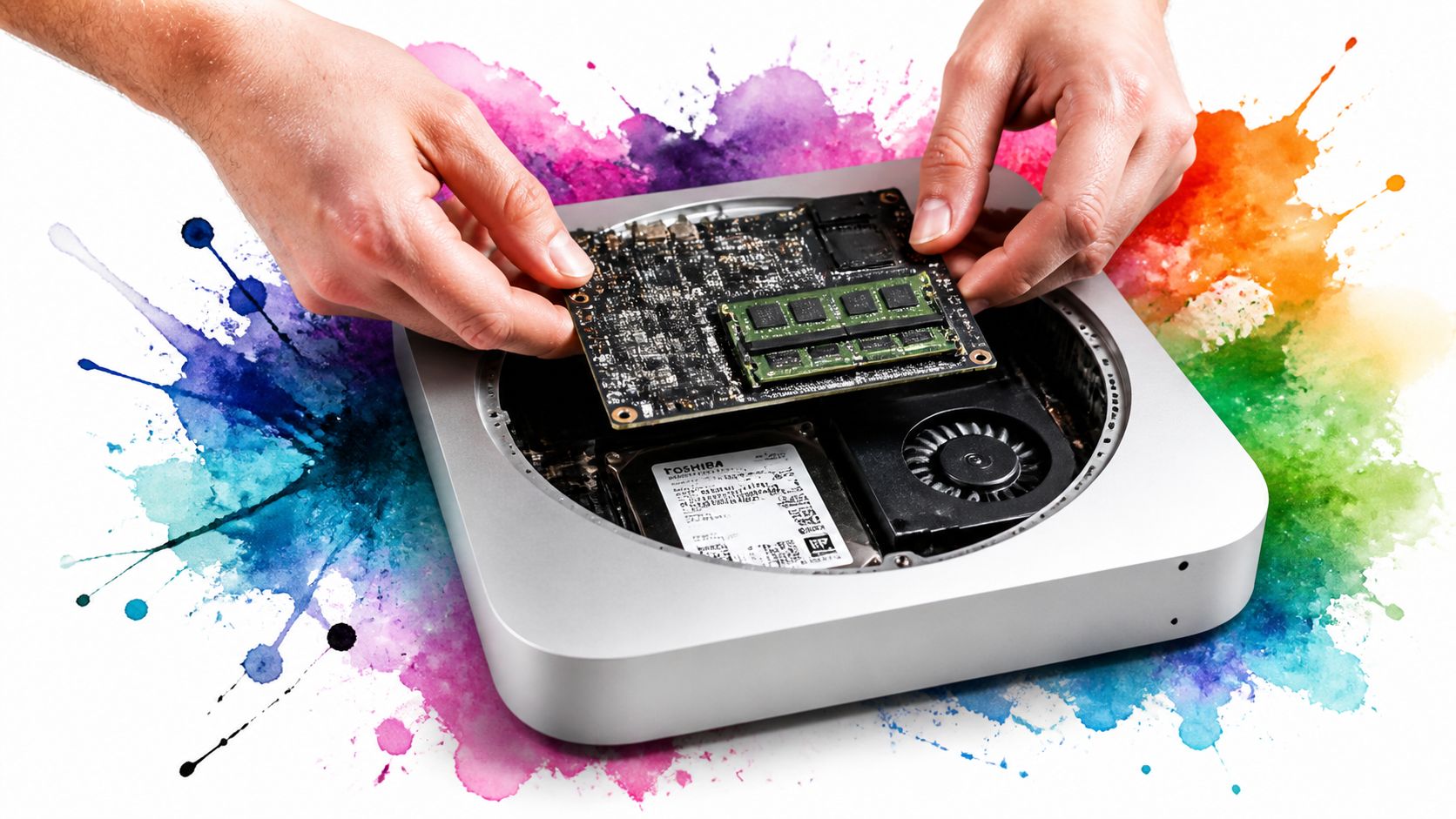
That combination matters more than it sounds. This machine could still talk to older gear through FireWire 800, but it also stepped into the USB 3 era. For anyone with legacy audio gear, old external drives, or a drawer full of "perfectly good" accessories, that was unusually convenient. For anyone who likes not buying adapters as a lifestyle, it still is.
Why the 2012 model became the keeper
The 2012 mini came from the tail end of Apple's more serviceable period. Not wildly modular, not exactly hobbyist-friendly in the desktop-tower sense, but still open enough that ordinary people could improve it without requiring a microscope and a support group.
What made it special wasn't one killer spec. It was the package.
| What mattered | Why people still care |
|---|---|
| Real port variety | It connected to both older peripherals and newer storage without theatrical adapter chains |
| CPU choice | The lineup offered a sensible dual-core option and a much more serious quad-core i7 if you found the right unit |
| User upgrades | RAM upgrades were possible, and storage upgrades were worth the trouble |
| Small enclosure | Easy to place anywhere, easy to hide, easy to keep running quietly |
The old Apple philosophy people miss
This was the "small box, serious upgrade" era. Not ultra-powerful by desktop standards, but practical. You could improve the parts that mattered, keep the chassis, and stretch the machine's life with some patience and a screwdriver.
Practical rule: If someone loves the 2012 mac mini, they usually don't mean the stock machine. They mean the machine after a few smart upgrades and a lot of refusal to let go.
That's why it still has a reputation. Not because it beat modern hardware. Because it refused to become useless on schedule.
Essential Upgrades for Survival in 2026
You pull a 2012 Mac mini off a shelf, hook it up, and wait. And wait a little more. If that pause makes you think the whole machine is finished, the good news is that the processor usually is not the first thing ruining your day.
The hard drive is.
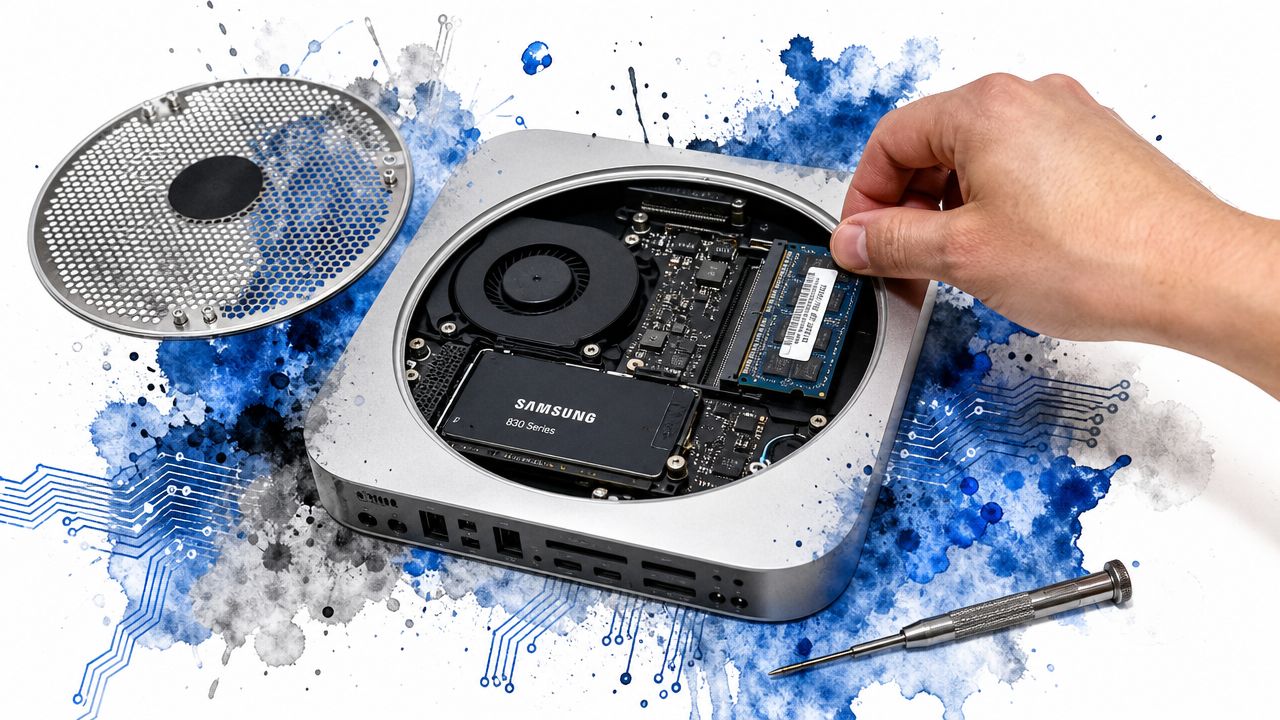
A stock spinning disk makes this Mac feel old in the most annoying way possible. Boot times drag, apps bounce forever, and simple jobs pick up that lovely "system-wide hesitation" that makes you wonder whether the machine is negotiating with itself. Apple's own Mac mini technical information and benchmark summary points to the same practical conclusion people have learned the stubborn way for years. An SSD swap and enough memory do more for daily use than obsessing over small CPU differences.
Upgrade one, replace the hard drive
Do this first.
If your Mini still has its original internal drive, every other tweak is secondary. SSD prices stopped being scary a long time ago, and this one change does the most to make the machine usable as a home server, light office box, music machine, or fixed-purpose Mac that just sits there and works.
Do not waste sentiment on the original hard drive. It had its chance.
Upgrade two, install 16 GB of RAM
The 2012 Mini can still benefit from maxing out the memory, especially if you plan to run a newer patched macOS, keep several apps open, or leave background services running for server duty. Extra RAM will not make it fast in the modern sense, but it does cut down on the miserable disk swapping that makes old Macs feel far worse than they are.
If you want to check whether memory pressure or background junk is the problem before buying parts, this guide on how to monitor Mac performance bottlenecks is a good way to confirm what the machine is struggling with.
A sensible upgrade order looks like this:
- SSD first: biggest improvement, immediately noticeable
- 16 GB RAM second: more breathing room for modern apps and patched macOS
- Fresh install and cleanup third: fewer login items, fewer background helpers, less nonsense
Skip the heroic build unless you enjoy the project
Yes, you can go further. Dual-drive setups are possible on some units, and there is always someone online turning a 2012 Mini into a tiny storage experiment. That can be fun. It is not the smart default in 2026.
For most owners, one decent SSD and 16 GB of RAM is the point where this machine stops being a chore and starts being useful again. Past that, returns drop quickly. You are building a reliable old box with a job, not trying to win an argument with time.
If you need a refresher before opening the case, the Nerds 2 You desktop repair guide is a useful sanity check.
Spend money where the Mini still pays you back. Storage and memory do. Exotic upgrade plans mostly give you a more complicated old computer.
Running a Modern macOS With a Little Help
Hardware upgrades solve the "why is this so slow?" problem. Software is where the project gets slightly pirate-radio.
Official support for this machine ended a long time ago. If you keep it on its last officially supported system, you're preserving authenticity in the same way a museum preserves a steam engine. Respectable, but limiting.
Reviving a 2012 mac mini now often involves OpenCore Legacy Patcher, usually called OCLP. It works as a bootloader layer that helps unsupported Macs run newer versions of macOS than Apple intended.
What OCLP actually does
At a practical level, OCLP lets old Macs boot newer systems by patching around the support limits. That's the simple version, and frankly the only version one needs.
The upside is obvious. You get a more current macOS environment, better app compatibility, and a machine that feels less stranded in amber. The downside is also obvious. You are now asking old hardware to behave in ways Apple never planned to support forever.
That means you should expect some friction:
- Graphics oddities: occasional visual weirdness is part of the bargain
- Update anxiety: major system updates can break things until the patcher catches up
- More maintenance: this isn't "set it and forget it" computing
How to keep the experience sane
The trick is not chasing every shiny update the second it appears. Let the brave volunteers on the internet discover the mines first. Then move.
A few habits help a lot:
- Clone or back up before major updates
- Read current OCLP compatibility notes
- Keep expectations modest on visual performance
- Watch resource use after upgrading, especially if the machine starts running hotter or laggier. A quick guide to monitoring performance on Mac helps when you need to spot whether the problem is memory pressure, storage, or something chewing through CPU in the background
Newer macOS on old hardware is less like owning an appliance and more like maintaining an old motorcycle. Charming, capable, occasionally dramatic.
If that sounds annoying, fair enough. If it sounds fun, you're exactly the kind of person who keeps a 2012 mini alive.
What This Machine Is Actually Good For Now
Trying to use a 2012 mac mini as your main everything-computer is where many perfectly decent revival projects go to die.
The better question is not "Can it still keep up?" The better question is "What job can it do all day without making me resent it?" That shift fixes almost everything.
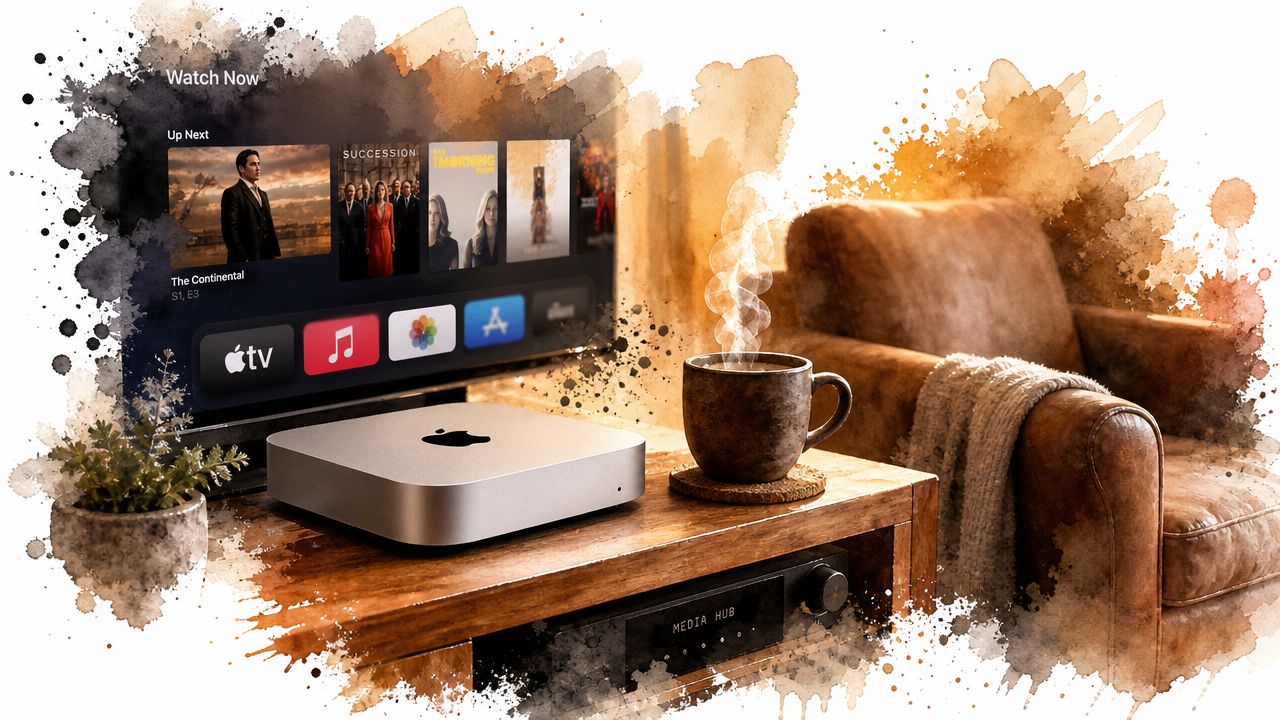
One underappreciated answer is the headless utility box. A late-2012 configuration had a flexible mix of I/O, upgradeable memory, and in some versions dual-drive capability, which makes it surprisingly useful for background tasks. A practical take on the machine's modern role is laid out in this 2012 Mac mini server discussion, which argues it's more compelling as an always-on helper than as a daily desktop in 2026.
The jobs that still suit it
The machine, in effect, gets its dignity back. Not by winning races. By being reliably useful.
Good fits include:
- Media server duty: local streaming, library management, and general "plays files without drama" work
- Network backup target: a dedicated box for household backups makes more sense than many people realize
- Light development services: small local services or lightweight containers are more realistic than flashy workstation ambitions
- Always-on home lab tasks: DNS-style utilities, automation experiments, or test environments, assuming you keep the workload modest
What not to ask from it
There are still lines you shouldn't cross unless you enjoy avoidable suffering.
| Use case | Reality check |
|---|---|
| Heavy video editing | The machine will remind you that time is finite |
| Modern gaming | Wrong tool, wrong era, wrong GPU |
| Huge multitasking sessions | Better after upgrades, still not happy with chaos |
| Primary pro workstation | Possible for narrow workflows, but usually not a wise plan |
The best modern role for the 2012 mac mini is "small dependable servant." Slightly insulting phrase. Extremely accurate.
Why the headless route wins
When you remove the expectation that it must feel snappy under constant interactive use, the machine suddenly improves. Not physically, obviously. Psychologically.
It can sit on a shelf, run a useful service, stay out of sight, and justify its continued existence without trying to open a dozen tab-heavy web apps at desktop speed. That's a much kinder assignment for aging hardware.
If you already own one, the smartest use case is often the least glamorous one.
And that's fine. Not every machine needs to be the hero. Some of them are better as the reliable little goblin in the utility closet.
Making It Look Good The Lightweight Way
There is another role for the 2012 mac mini that makes more sense than it has any right to. The dedicated aesthetic machine.
Not a workstation. Not a gaming rig. Not a machine built to prove a point on forums. A Mac that does lighter tasks, stays out of thermal melodrama, and looks good while doing them.
Why visuals need restraint on this hardware
The base 2012 Mac mini used a 22-nm Intel Core i5-3210M "Ivy Bridge" CPU with Intel HD Graphics 4000, and that integrated GPU is the main bottleneck for modern gaming and video-heavy work, as described in the earlier hardware specs source. That's the key limitation to remember when you start dressing up the system.
You can absolutely make it pleasant to use. You just don't want to burden it with clumsy visual junk.
That means:
- Avoid bloated background apps
- Skip anything that acts like a fake full-screen video layer
- Keep login items lean
- Choose customization methods that respect old hardware
If you're tuning the whole desktop experience, this practical guide on how to customize your Mac desktop is useful because it keeps the focus on changes that are visible without turning the machine into a decorative furnace.
The correct kind of fancy
Old Macs benefit from intentionality. A clean desktop, a good wallpaper, restrained translucency, fewer startup processes, and less nonsense running at all times. That's the formula.
The funny part is that once you stop trying to make the 2012 mac mini feel current in a brute-force way, it starts to feel more distinctive instead. Vintage hardware with taste beats vintage hardware with fifteen widgets and a CPU crisis.
The goal isn't to fake modern power. The goal is to build a machine with character that still feels calm to use.
That might sound pretentious. It is, a little. But you're keeping a 2012 mini alive in 2026. Pretension is already in the room. You may as well give it decent lighting.
Recommended Wallpapers for a Vintage Vibe
Once the machine is cleaned up and assigned a sensible role, the fun part begins. The 2012 mac mini wears certain aesthetics unusually well. It likes moody desktops. It likes quiet scenes. It likes anything that suggests you own records, even if you mostly stream everything and occasionally lie about it.
A good place to start is the soft, desk-lamp world of lofi wallpapers. If your mini lives on a side desk, media cabinet, or hobby setup, that slightly studious, slightly melancholic vibe fits it almost suspiciously well.
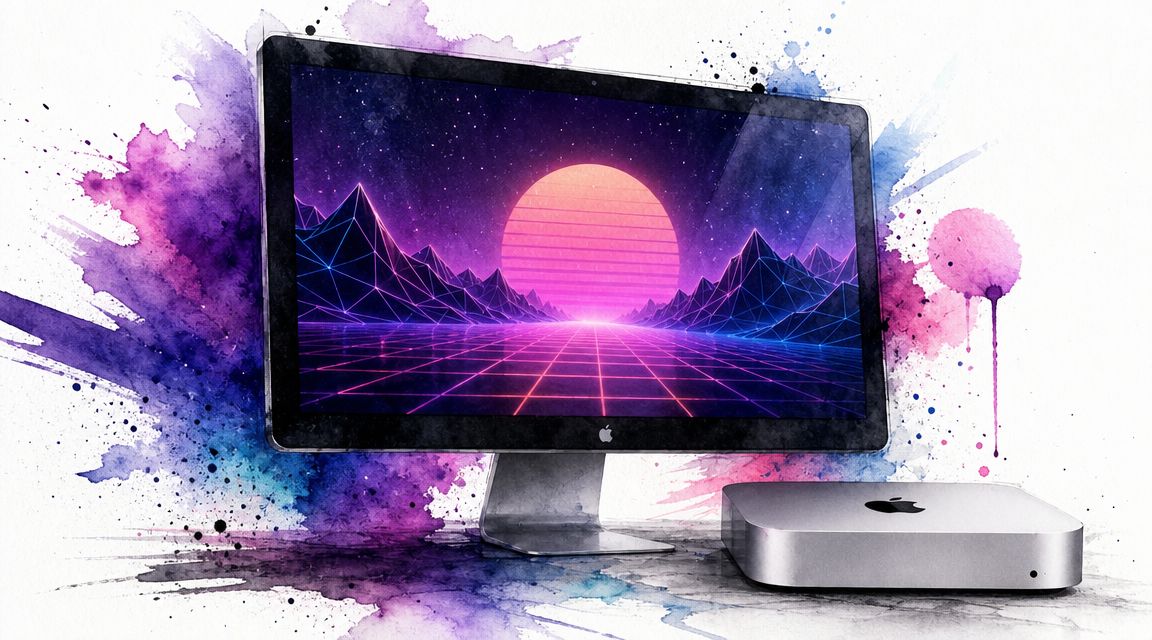
If you want the opposite mood, go neon. The neon wallpaper collection gives the old aluminum brick a sort of retro-future confidence. Very "tiny computer in a rainy city apartment," even if it's sitting beside unpaid utility bills.
A cleaner route works too. Minimal scenes suit older hardware because they make the whole setup feel deliberate instead of accidental. If you're after that, this guide to the MacBook wallpaper aesthetic is relevant even if your machine is the squat desktop cousin with old-man knees.
Frequently Asked Questions
Is a 2012 mac mini good for gaming
Treat it as a machine for older games, indie titles, emulation, and the occasional low-stakes Steam backlog experiment. The integrated HD 4000 graphics are the wall you keep hitting, so modern 3D games and anything graphically ambitious will feel like punishment.
If gaming is the goal, buy something else. If you want a tiny retro box for older Mac titles or lightweight games in the corner of your desk, it still has some life.
Can it still work for music production
Yes, with limits that show up fast.
A 2012 Mac mini still works for small recording setups, basic editing, older interfaces, and projects that do not stack fifty hungry plugins on every track. It is often more useful as a dedicated music machine than as a general-purpose computer, especially if your workflow depends on older hardware that newer Macs no longer play nicely with.
Large sessions, heavy virtual instruments, and lots of real-time processing are where the romance ends.
Is it okay with a 4K display
It can drive a 4K panel, but the experience is mixed. You may get acceptable desktop use, video playback, and static work, yet the interface can feel less smooth than it should, and scaling is not always pleasant.
For this machine, 1080p or 1440p usually feels more sensible. A 4K display makes more sense if the mini is acting as a media box, status screen, or quiet little server monitor than as something you interact with all day.
Should you buy one in 2026
Buy one if you already know why.
It makes sense for people who want a small home server, a Plex or file-sharing box, a legacy macOS machine for old apps, or a dedicated desktop that looks good and does one job without drama. It also makes sense if you already own one, because sunk-cost logic becomes strangely respectable when the hardware is still useful.
It does not make much sense as a cheap stand-in for a modern Mac. That is how you end up spending real money to recreate a worse version of a problem Apple already solved.
Is the quad-core version worth hunting for
Yes, if the price stays sane.
The quad-core models age better under actual workload, especially with multitasking, media serving, light editing, or anything that keeps the CPU busy for more than a minute. Still, I would take a properly upgraded mini with an SSD and enough RAM over a neglected quad-core machine with a tired hard drive any day.
The processor matters. Storage matters more in daily use.
If you've gone to the trouble of keeping a 2012 Mac mini alive, you might as well make it fun to look at. gifPaper is a Mac app for live wallpapers on your desktop, lock screen, and screen saver, using Apple's native Aerial format instead of the usual hacky nonsense. There are looping 4K wallpapers on the site, the app runs on macOS 26 or later, and you can try it with a 7-day free trial, then buy it for $4.99 once if you like it. Your old mini may not become powerful, but your newer Mac can at least become prettier.