
The Best Animated Wallpaper 3D Apps for Mac in 2026
Your Mac's wallpaper is lying to you.
You stare at this glowing rectangle for hours every day. Its wallpaper is probably Apple's default aerial footage of some immaculate coastline you will not be visiting because you have Slack open and a half-dead iced coffee next to you. Apple calls some options "Dynamic" or "Aerial," which sounds futuristic until you realize one is a picture changing slightly and the other is mostly a screensaver with commitment issues.
If you want animated wallpaper 3D on a Mac, the problem gets annoying fast. Search results are clogged with Android apps, random Windows tools, and vague listicles written by people who clearly tested nothing except their own patience. That gap is real. Search results for this stuff lean heavily toward mobile apps, not Mac-native options, which is exactly why Mac users keep ending up in the weeds.
The category itself is not niche anymore. The global 3D wallpaper market reached USD 1.5 billion in 2024 and is projected to hit USD 2.8 billion by 2033, according to Data Horizzon Research on the 3D wallpaper market. People want motion, depth, and screens that feel less dead. Reasonable.
You deserve a proper looping scene, not a sad JPEG doing its best.
If you also like making static images move, this guide on animate a picture is a useful side quest. But if your goal is simple—make my desktop and lock screen look cool without summoning nonsense—start here.
1. gifPaper
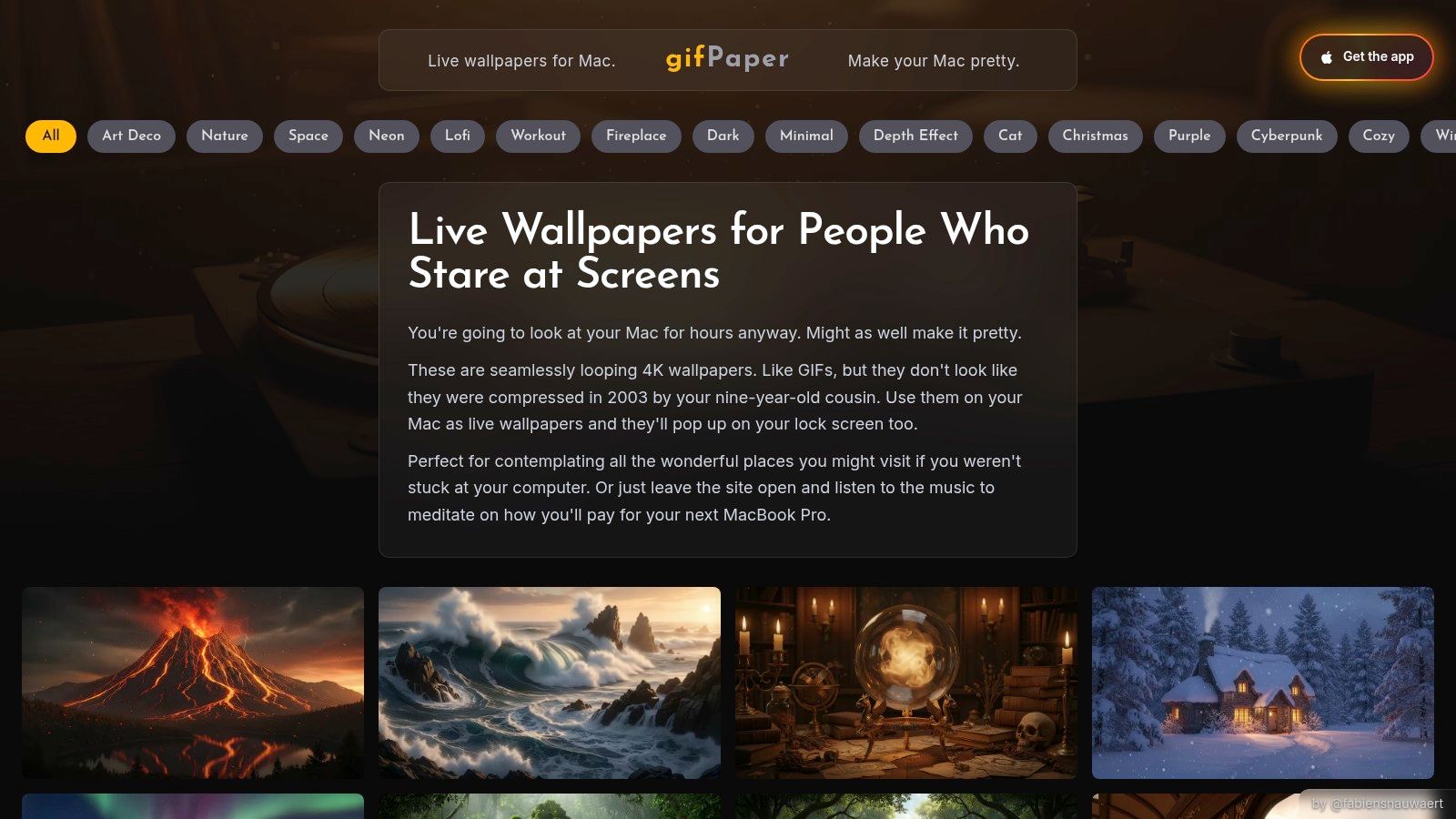
You open your Mac, and the lock screen is still doing that same polished-but-boring Apple routine. Fine for about three days. After that, it starts feeling like hotel art. If your goal is animated wallpaper 3D on macOS, gifPaper is the first app to try because it fixes the part Mac users notice: the machine looks alive before and after login, not just on the desktop.
That matters more than another giant wallpaper library.
gifPaper focuses on curated looping scenes instead of dumping a messy pile of random uploads on you. The gallery covers calm setups, neon-heavy stuff, and a bunch of backgrounds that look good on a Retina display instead of turning into smeary video wallpaper nonsense. If you want softer desk vibes, the lofi wallpaper collection is the obvious pick. If you want your Mac to look like it has not slept in a week, the neon wallpaper collection does the job.
A scene explains it faster than sales copy.
Why it works better for Mac users
gifPaper uses Apple's native Aerial wallpaper format, which is more important than it sounds. The lock screen and desktop behave like proper wallpaper features, not a workaround pretending to be one.
That one detail saves it from the usual Mac wallpaper-app curse. You set it once, then your lock screen stays animated and your desktop picks up the same scene after login. It feels consistent. Apple should have shipped this years ago.
Some scenes also include ambient sound. Good call. A rainy window with soft audio feels intentional, while a silent loop still works if you prefer your laptop not to cosplay as a meditation app. If you want a quick plain-English explainer before installing anything, gifPaper's guide on what live wallpapers are on Mac covers the basics without wasting your afternoon.
Pricing that stays reasonable
This part is refreshingly normal.
- Free trial: 7 days, no credit card, full access.
- Simple price: $4.99 one-time purchase.
- Safety net: 30-day money-back guarantee.
- Mac detail: Requires macOS 26 or later, direct download, notarized by Apple.
That pricing makes sense. No subscription spiral. No fake tiers named something like Ultimate Motion Platinum.
If your Mac's lock screen is the part that annoys you, start here.
A few limits are real.
- Mac only: No Windows version. Good to know now, so you do not waste time if you were hoping to use the same app on a PC.
- Audio varies: Some wallpapers include ambient sound, some do not.
- Older hardware: High-resolution live scenes still ask more from an older Mac than a static wallpaper.
For Mac users who want a polished animated wallpaper 3D app, gifPaper is the cleanest option in this list. It is focused, native-feeling, and built for the exact problem Apple still treats like a design afterthought.
2. MotionDesk
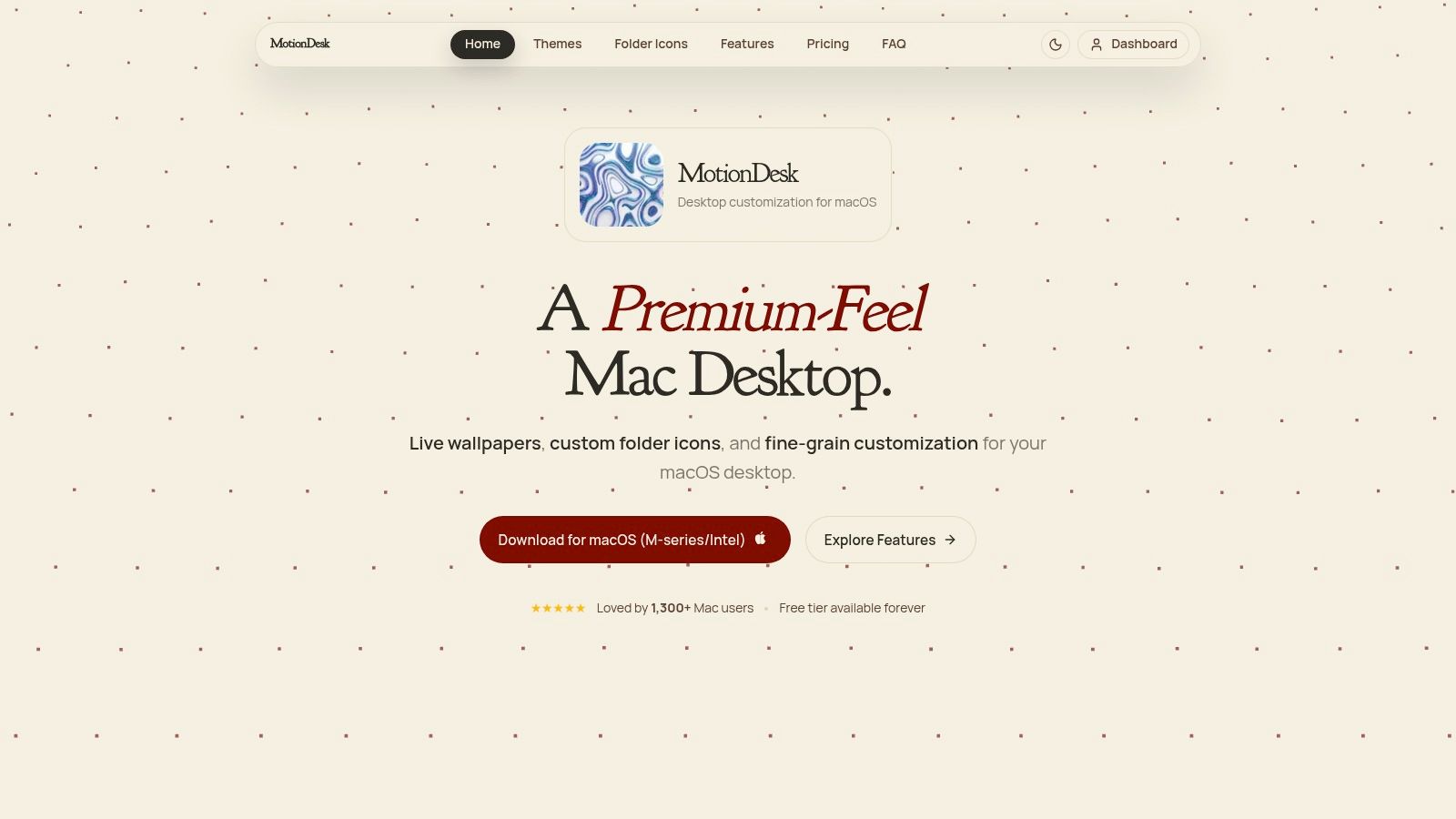
MotionDesk is for the Mac user who likes sliders. Not in a bad way. In a "please let me tweak the smoke density, wireframe glow, and monitor behavior like a civilized desktop goblin" way.
Instead of leaning on a big curated gallery, MotionDesk focuses on generated scenes and smooth rendering. Think Neon Wireframe, Magnetic Field, Smoke, Tide. Less cozy diorama, more controlled motion lab.
Where it wins
Its biggest strength is control. You can run built-in scenes, use your own videos, and adjust behavior per display. It also pays attention to the things that make wallpaper apps annoying when they ignore them, like battery use and fullscreen apps.
- Scene controls: Built-in animated scenes with lots of parameters.
- Video support: You can use your own clips as wallpapers.
- Multi-display options: Span wallpapers or assign different setups per monitor.
- Quick access: Menu bar controls for changing things fast.
If your idea of fun is "this needs a little less motion blur and a little more magnetic weirdness," MotionDesk gets the assignment.
For anyone still sorting out the basics, gifPaper has a plain-English explainer on what live wallpapers are. Useful if you've somehow made it this far while still wondering whether this is all just a fancy screensaver. It isn't.
Where it loses
MotionDesk is polished, but the content side is thinner than a curated wallpaper-first app. You are not getting a big aesthetic library with lots of ready-made scenes sorted by vibe. You are getting a toolkit with a smaller set of native looks and better controls.
That's not a flaw if you want a more abstract, generative style. It is a flaw if you want to browse cozy rooms, winter cabins, and lofi windows until one of them spiritually adopts you.
MotionDesk makes sense for people who want animated motion first and wallpaper curation second.
Also, it is Mac-only. Which is fine. This list has enough identity confusion already.
Website: MotionDesk
3. OS Engine
OS Engine is what happens when a wallpaper app decides "normal users" are optional. I mean that affectionately.
This one is for power users. Video loops are only part of the story. It also runs sandboxed web and HTML overlays, including WebGL-style 3D scenes, and gives you editing and automation tools that go well beyond "pick wallpaper, click set, done."
The tinkerer's Mac option
If your dream setup includes interactive wallpaper behavior, scheduled changes, app-based triggers, or custom web scenes, OS Engine is the strongest Mac choice in this list.
It supports things like:
- Video wallpapers: High-FPS loops for desktop backgrounds.
- Web and HTML overlays: Useful for interactive or shader-like scenes.
- Automation rules: Pause on battery, pause in fullscreen, change by time or app.
- Editor tools: Keyframes, presets, and marketplace support.
That combination makes it the closest Mac answer for users who miss the creative flexibility of Windows wallpaper tools.
The broader market for digital animated wallpapers has grown hard since Android introduced live wallpaper support in 2010. Those apps have passed 500 million downloads according to App Store Spy's live wallpaper trends report, which explains why people now expect more than static backgrounds. OS Engine feels built for the part of that audience that wants control, not just decoration.
The catch
Flexibility costs simplicity.
OS Engine is not the one I'd hand to someone who just wants a beautiful lock screen and a wallpaper gallery. It requires more setup, more curiosity, and more tolerance for fiddling. If that sounds fun, great. If not, there are easier roads to a nicer desktop.
It also requires a newer version of macOS than some alternatives, so older Macs may be left standing outside in the rain.
Website: OS Engine
4. Dynamic Wallpaper Studio
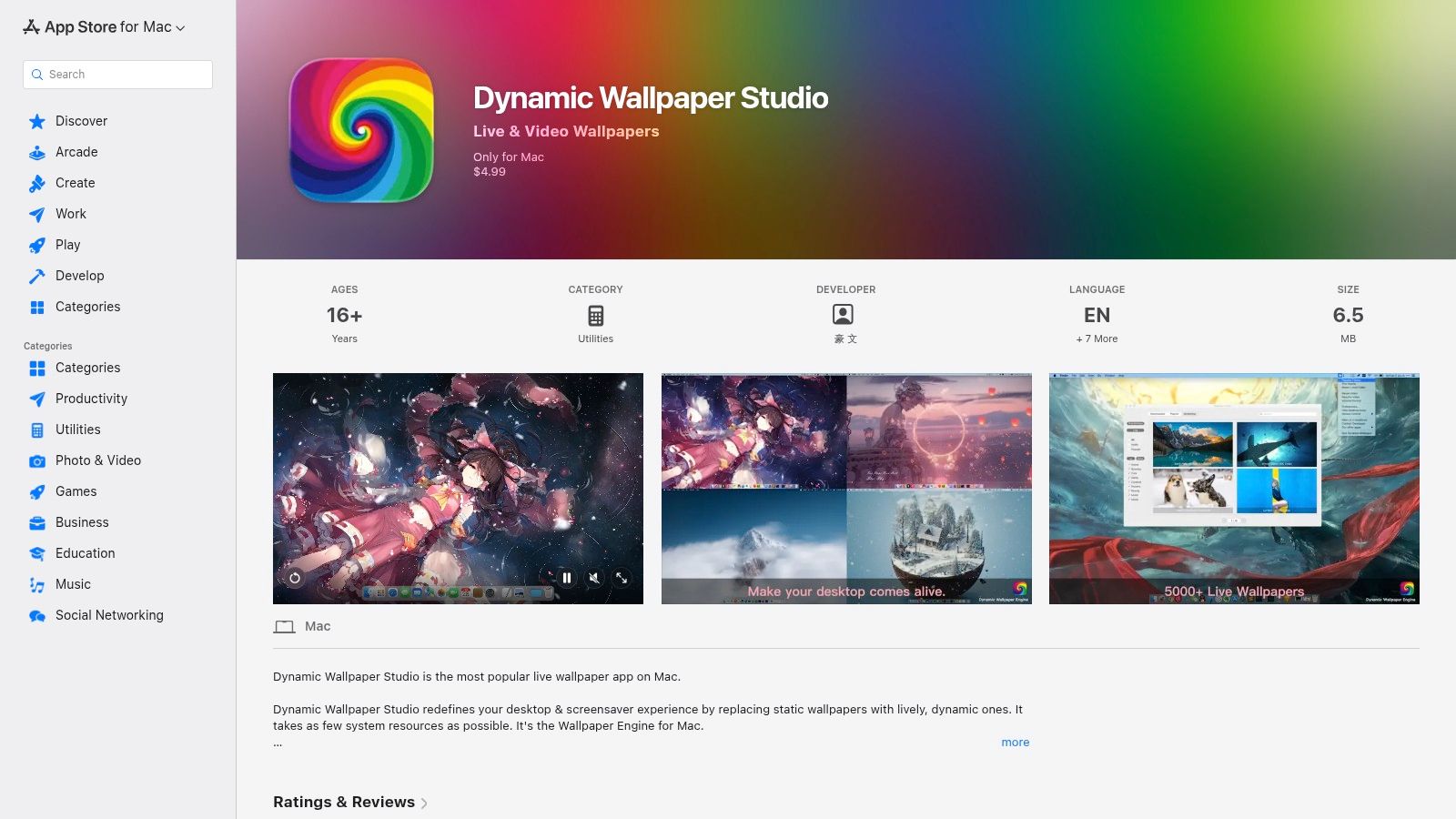
Dynamic Wallpaper Studio is the "just give me a lot of stuff" option.
Some people do not want an artisanal gallery. They do not want a procedural engine. They want an app with a large built-in library so they can install it, scroll around, and find something animated before dinner. Fair enough.
Good at volume, less good at taste
Its biggest selling point is the library. If you like having lots to browse inside one app, this is the appeal. It also supports local video import, playlists, shuffle modes, and multi-monitor setups.
That means you can use it in two ways. Either treat it like a giant built-in wallpaper bin, or ignore most of the library and run your own videos instead.
If you care about crisp motion and the difference between "4K" and "looks like it was found in a haunted USB drive," this guide to animated wallpapers in 4K is worth a read.
Reality check
Big libraries are messy. That is the tax.
Dynamic Wallpaper Studio gives you scale, but not always curation. Some users will like the abundance. Others will spend half their time filtering out wallpapers that feel like they were chosen by a caffeinated algorithm with questionable taste. Advanced 3D scene creation is also not its thing. This is more consumption than creation.
The larger 3D animation market behind all this visual content reached USD 22.67 billion in 2023 and is projected to reach USD 51.03 billion by 2030, according to Grand View Research on the 3D animation market. Translation into normal language: better-looking animated scenes are becoming easier to make, and wallpaper apps are riding that wave.
If you want quantity and easy browsing inside one app, Dynamic Wallpaper Studio is solid.
Website: Dynamic Wallpaper Studio on the App Store
5. Wallpaper Engine
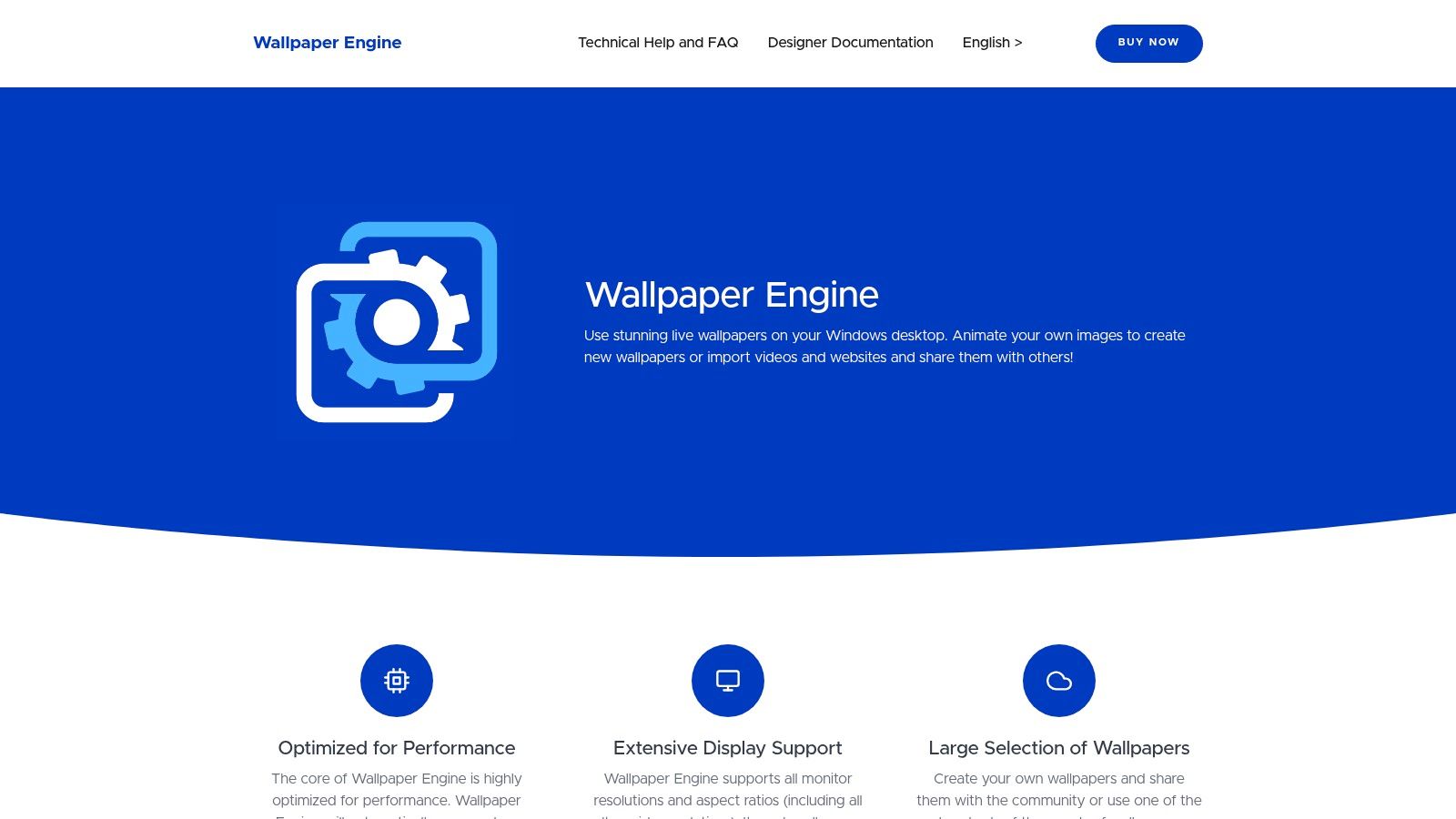
Wallpaper Engine is the answer if you are on Windows. It is also the answer if you are on Mac and enjoy disappointment, because there is no native macOS version.
That single fact saves a lot of people a lot of time.
For Windows, it's the obvious pick
Wallpaper Engine has the giant community, the mature editor, and the broadest range of animated content types in this roundup. Videos, GIFs, interactive 2D and 3D scenes, audio-reactive effects, Steam Workshop chaos. If your desktop tastes swing wildly between "ambient rain room" and "glowing mech cathedral screaming dubstep," it can probably handle both.
It also manages resources well enough for gaming setups by pausing during fullscreen use and supporting multi-monitor configurations cleanly.
For Mac users who searched this because they're switching from Windows and miss that ecosystem, this guide on Wallpaper Engine for Mac gets straight to the point.
For Mac, it's not an option
This section can be short because reality is short. Wallpaper Engine is Windows-only. It matters here because searchers for animated wallpaper 3D on Mac keep tripping over Windows results that are useless to them.
That mismatch is part of a broader search problem. Recent trend data described in the verified brief says "animated wallpaper mac" queries were up year over year, while results still leaned toward Android and non-Mac tools. In other words, the internet remains very committed to wasting your afternoon.
If you use Windows, Wallpaper Engine is still the benchmark. If you use Mac, close the tab and keep moving.
Website: Wallpaper Engine
6. Lively Wallpaper
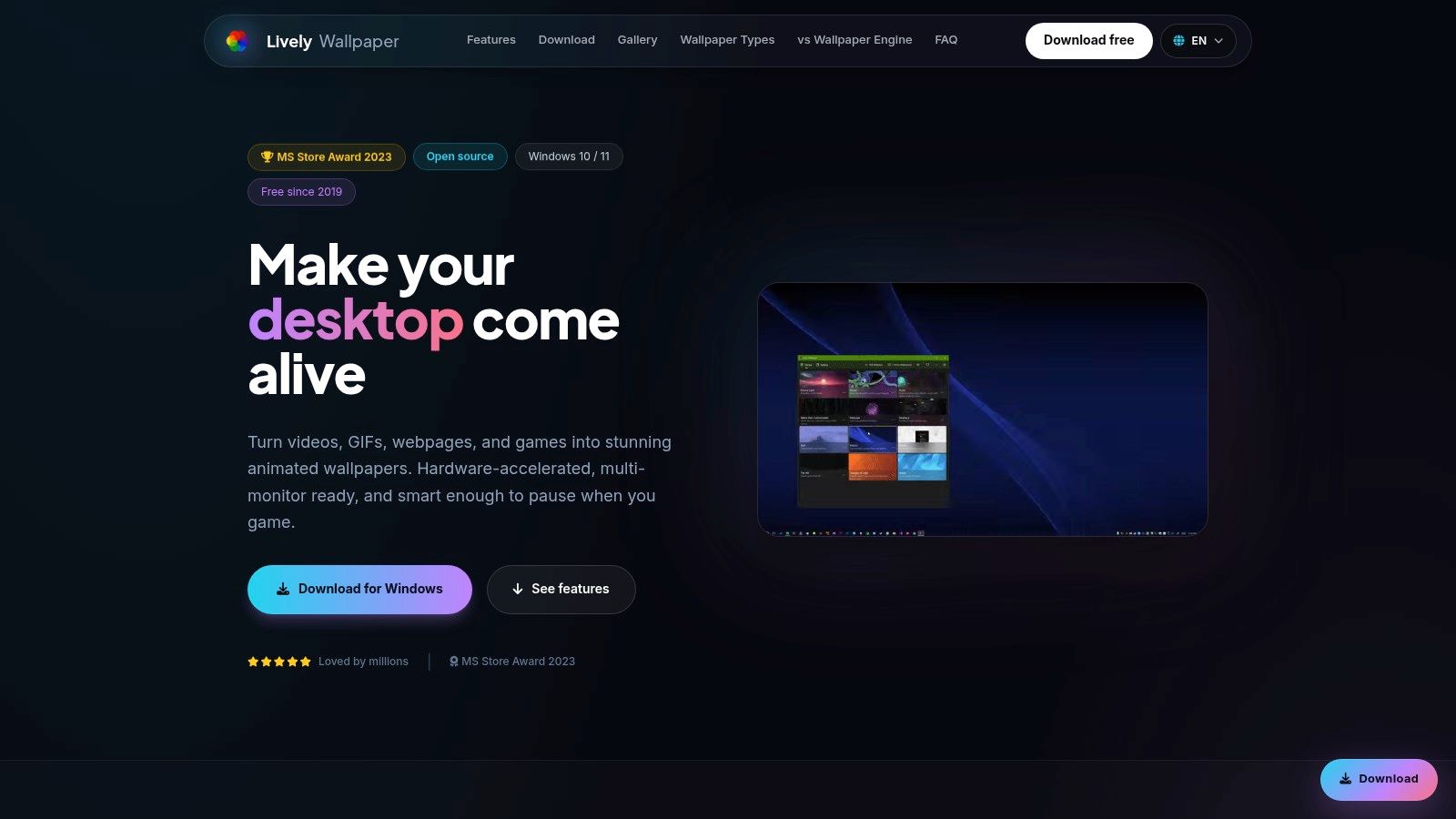
Lively Wallpaper is the free Windows answer for people who want power without paying for the privilege of having opinions about their desktop.
It supports video, GIF, HTML, GLSL shaders, YouTube links, and even Unity or Godot projects. That is a weirdly generous feature set for an app that costs nothing.
Why Windows users like it
The pitch is simple. You get a lot of the flexibility people want from premium wallpaper software, but in an open-source package with active updates and a fairly serious approach to performance controls.
- Format support: Video, GIF, web pages, shaders, and game engine projects.
- Rules: Auto-pause on fullscreen apps, gaming, or battery conditions.
- Display options: Span across monitors or set per-display behavior.
- Cost: Free, which remains a charming concept.
If you're the kind of person who wants a desktop that runs a web-based animated scene one minute and a shader-driven abstract background the next, Lively Wallpaper is excellent.
Why it matters less for Mac readers
Because it's not on Mac. Brutal, but efficient.
Still, it's useful context. A lot of search results for animated wallpaper 3D are shaped by Windows tools like this, which is part of why Mac users have to dig harder for native options. The software adoption side of 3D animation tooling is also heavily tied to North America and Asia-Pacific growth, with AI investment rising inside studios according to Business Research Insights on the 3D animation software market. That broader tool ecosystem spills into wallpaper creation too, even if the desktop apps themselves are platform-specific.
Lively Wallpaper is a great Windows tool. It is just not your Mac solution.
Website: Lively Wallpaper
7. Stardock DeskScapes 11
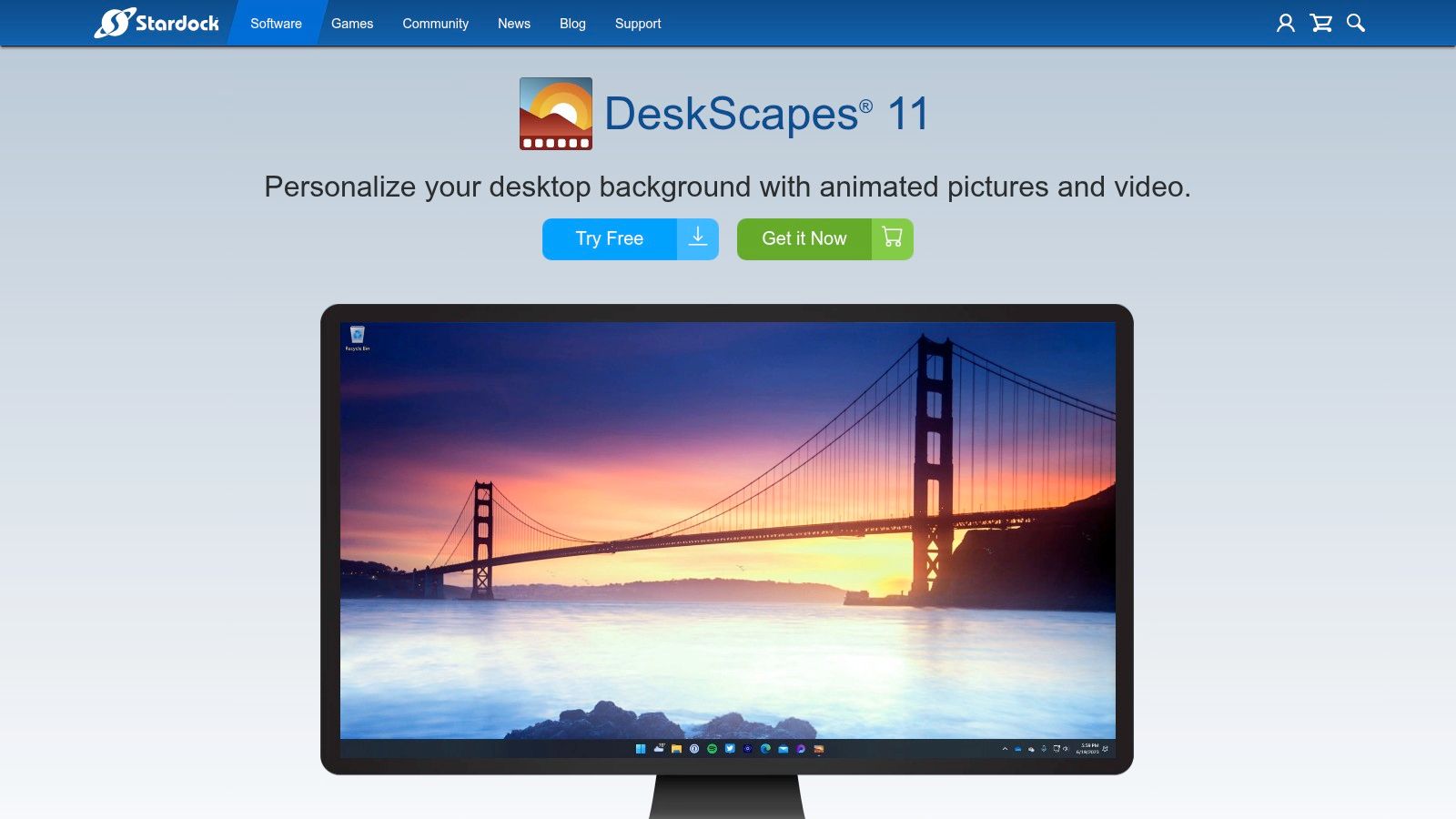
DeskScapes 11 is for people who like effect-driven desktop customization. Less "curated cinematic loop," more "what if I took a static image and added motion layers until it looked alive enough to concern a Victorian scientist."
That includes particle effects, filters, playlists, cloud browsing, and its own DreamMaker Pro editor for building custom animated looks.
Best for effect-heavy customization
DeskScapes sits in an interesting middle ground. It is not as community-dominant as Wallpaper Engine, and it is not trying to be a Mac-native lock-screen solution because, again, it is Windows software. But it gives people an approachable way to make backgrounds feel animated without necessarily building a full interactive scene from scratch.
That makes it good for users who want:
- Image animation tools: Add motion and layered effects to still images.
- Built-in creation tools: Use DreamMaker Pro to make custom wallpapers.
- Cloud browsing: Pull from user-made creations.
- Multi-monitor support: Manage playlists and different displays.
Why it lands lower
DeskScapes is capable, but its ecosystem is smaller and less central than Wallpaper Engine's. It also leans more into effects than into a well-curated wallpaper experience. Some people will love that. Some will install it, add floating particles to everything, and realize they have accidentally made every desktop look like a fantasy login screen from 2009.
That said, if you are on Windows and want something editable without getting too deep into shader hobbyism, it is a reasonable pick.
Website: Stardock DeskScapes 11
Animated 3D Wallpaper - Top 7 Feature Comparison
| Product | Platform / Compatibility | Implementation complexity | Resource requirements | Expected outcomes | Ideal use cases | Key advantages |
|---|---|---|---|---|---|---|
| gifPaper | macOS (Retina); Mac‑only | Very low, one‑click set up | Medium, 4K video may impact battery on older Macs | High‑quality seamless 4K video loops; optional ambient audio | Mac users wanting curated, cinematic lock/desktop wallpapers | Retina‑ready 4K loops, simple one‑time purchase, curated gallery |
| MotionDesk | macOS 13.5+; multi‑monitor | Low‑medium, user friendly with granular controls | Low‑medium, GPU‑accelerated, battery‑aware pausing | Smooth generative/3D scenes and video wallpapers at >60 FPS | Mac users who want native, performant animated backgrounds | Metal‑powered rendering, battery‑aware, fine controls |
| OS Engine | macOS 14.6+ (Sonoma+) | High, editor, automation and Web/HTML authoring | Medium‑high, high FPS, WebGL and sandboxed overlays | Flexible interactive wallpapers: video, HTML/WebGL, automation | Power users creating interactive or automated Mac wallpapers | Very flexible (HTML/WebGL), strong automation, editor + marketplace |
| Dynamic Wallpaper Studio | macOS (App Store) | Low, ready‑to‑use catalog and simple setup | Medium, large 4K library; battery‑aware options | Large library of ready live wallpapers and playlists | Users who want a big, plug‑and‑play wallpaper catalog | Massive built‑in library, one‑time purchase, simple UX |
| Wallpaper Engine | Windows (Steam); Android companion | Medium‑high, powerful editor with creator tools | Variable, optimized controls for gaming; can be heavy | Huge variety: videos, GIFs, interactive 2D/3D, audio‑reactive | Windows users seeking the largest community and creator tools | Enormous Workshop ecosystem, mature editor, gaming optimizations |
| Lively Wallpaper | Windows (open source) | Medium, more technical setup for advanced formats | Low‑medium, configurable performance and auto‑pause | Supports videos, GIFs, HTML, GLSL shaders, engine projects | Windows users wanting a free, highly capable alternative | Free and open source, feature set rivals paid tools |
| Stardock DeskScapes 11 | Windows 10/11 (Steam) | Medium, built‑in editor (DreamMaker Pro) | Medium‑high, effect layers and particle systems | Animated/effect‑driven wallpapers with editor support | Users who want effect‑driven customization without shader coding | Established vendor, built‑in editor, cloud library and Steam distribution |
The Verdict: Which Animated Wallpaper App Is for You?
If you're on a Mac, the answer is simple. Pick gifPaper.
Not because every other app is terrible. A few are good. But most Mac users are not looking for a desktop science project. They want something that looks sharp on a Retina display, works cleanly, and finally fixes the most neglected part of Mac customization: the lock screen. gifPaper does that better than anything else here.
It also matches how most people choose wallpapers. By vibe. Not by render pipeline theory. You browse, find a scene you like, set it once, and your Mac immediately feels less generic: a snow cabin, a neon alley, a record player, a fireplace, a train window at night. This small detail provides a real payoff. You're going to look at this machine all day anyway. Might as well make it pretty.
For Mac users who want more technical control, OS Engine is the best alternative. It has the automation, the web overlays, and the power-user flexibility. MotionDesk also deserves credit if you like abstract animated scenes and granular controls more than curated wallpaper browsing.
If you're on Windows, stop pretending this is a difficult decision. Wallpaper Engine is still the obvious default. Lively Wallpaper is the best free option. DeskScapes is worth considering if you enjoy effect-based customization and building your own animated looks.
But this article exists because Mac users keep getting handed Windows answers to a Mac question. That is the annoyance. You search for animated wallpaper 3D, and half the internet points you toward tools that do not run on your computer. Very helpful. Gold star for effort.
gifPaper exists because Apple left a weird gap. It gives Mac users a proper native-feeling live wallpaper setup for the desktop, lock screen, and screen saver, with a curated gallery behind it instead of random clutter. You can browse categories like nature wallpaper, winter wallpaper, or fireplace wallpaper if your ideal desktop is either "quiet forest retreat" or "I wish this room had a better blanket."
Try gifPaper for Mac free for 7 days. If you like it, it's a one-time $4.99 purchase. No subscription. No ritual sacrifice. Just a better-looking Mac.
If your lock screen still looks like a default postcard from Apple HQ, fix that. gifPaper gives you live 4K wallpapers for your Mac desktop, lock screen, and screen saver, with a 7-day free trial and a $4.99 one-time purchase. Tiny app, unfairly pretty results.