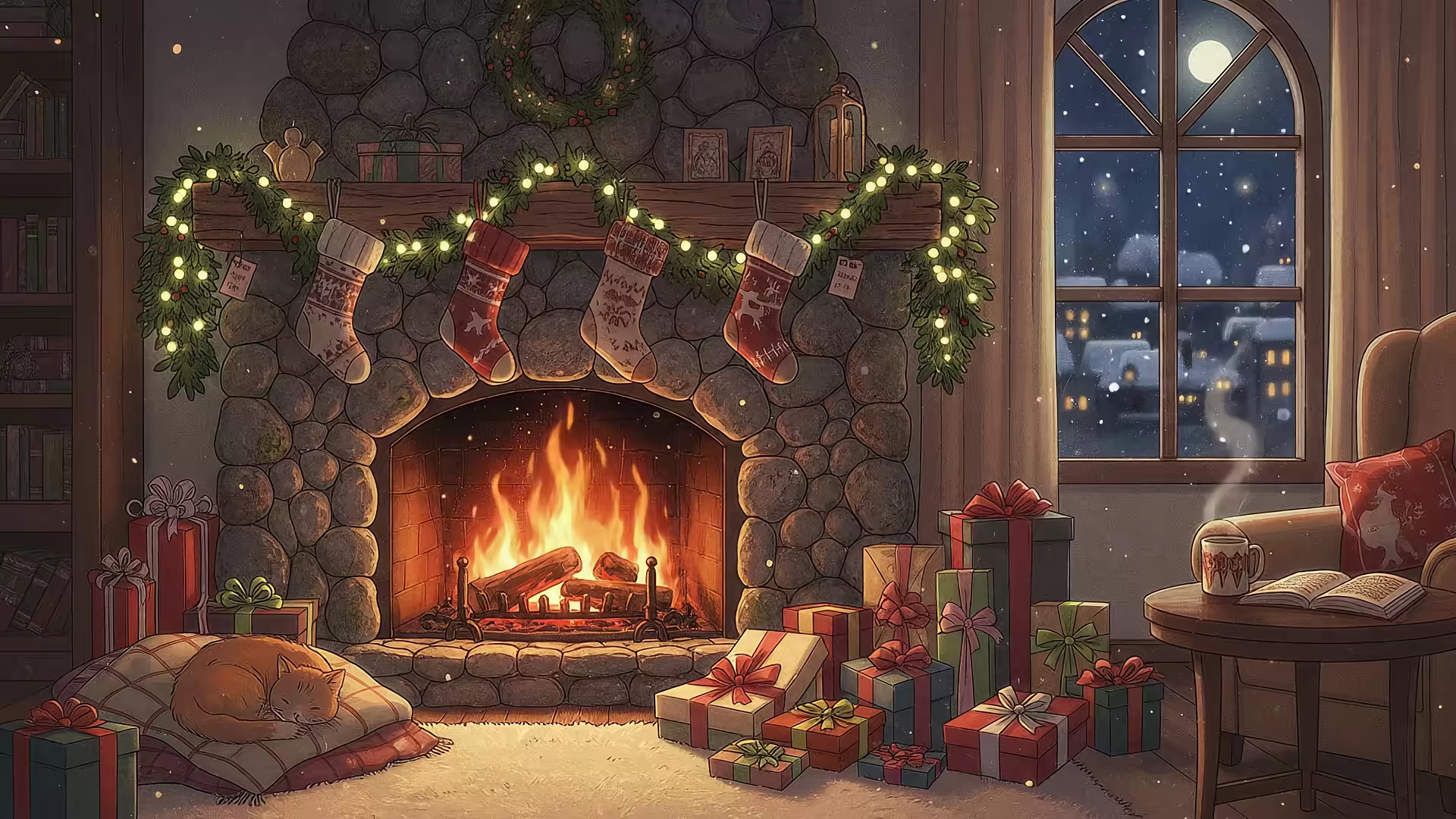
How to Create a Realistic Candle Flame Animation
Meta description: Learn how candle flame animation works, why unbroken loops are hard, and what makes a flickering flame feel alive on screen.
You're probably doing this for the same reason everyone does. Your Mac is open all day, the room is boring, and a little candle flame animation sounds like the digital equivalent of putting on a sweater and pretending your life is curated.
Then the loop resets.
That tiny snap back to frame one is enough to ruin the spell. A candle is supposed to feel soft, irregular, alive. A bad loop feels like a malfunctioning loading icon wearing a scarf. That gap, between "cozy ambient motion" and "obvious fake," is where most candle flame animation tutorials fall apart.
A moving flame is easy. A believable flame that loops cleanly, holds up on a large display, and doesn't start repeating like a trapped ghost after a minute, that's the hard part.
Why Your Brain Craves a Flickering Flame and Hates a Bad Loop
A candle works as ambient motion because it gives your eyes something to track without demanding attention. It's active, but not busy. That balance matters when you're staring at a screen for long stretches and want the background to feel alive without turning into a circus.
The trouble is that the human brain is annoyingly good at pattern detection. You can get away with a static wallpaper being simple. You can't get away with animated wallpaper being repetitive. The moment a flame repeats in an obvious way, the illusion breaks and your attention snaps straight to the seam.
Ambient motion only works when the loop disappears
Most tutorials teach motion, not atmosphere. They show how to wiggle a shape, pulse some opacity, or draw a few alternating flame frames. That can look decent in a short demo. It often fails the second it becomes background content instead of foreground content.
One tutorial-driven problem keeps showing up: most candle flame tutorials produce choppy, non-continuous loops, often in low-frame, hand-drawn formats, while people who want ambient focus need high-quality, perfectly looped video rather than compressed GIFs (tutorial reference).
A candle loop doesn't need dramatic action. It needs plausible unpredictability.
That's the part beginners miss. Real flame behavior isn't random in the way people animate "random." It has structure. The body sways. The edges tremble. The light breathes. If every element changes at the same time, or repeats on the same schedule, your eye catches it immediately.
What usually breaks the illusion
A bad candle flame animation usually fails in one of these ways:
- The motion is too symmetrical. Real flames don't politely wobble left, then right, like they're doing office stretches.
- The brightness changes without shape change. Light and form are married. If one moves and the other doesn't, it feels fake.
- The loop point is visible. Even a subtle reset becomes obvious once the animation sits on screen long enough.
- The glow is treated like a sticker. Flames illuminate nearby space. They don't just carry a fuzzy halo around like a social media avatar ring.
The practical standard is simple. If you can spot the loop while answering emails, it's not done.
The Anatomy of a Believable Candle Flame
Before touching Blender, After Effects, Adobe Animate, or a code editor, it helps to stop thinking of a flame as "one animated shape." A convincing candle flame is a stack of behaviors.

Start with the parts that people actually notice
Most viewers won't analyze a flame scientifically, but they'll feel when the basics are wrong. The checklist is short:
- Core shape: The main body should taper, but not into a perfect teardrop every frame.
- Inner heat: The center reads hotter and brighter than the outer edge.
- Outer glow: Soft, diffuse, and never cut out sharply.
- Wick behavior: The flame should feel anchored to something, not floating like a tiny orange ghost.
If you want to understand why wick behavior changes how a flame burns, this comprehensive candle wick guide is useful background. Even when you're animating digitally, knowing how the wick influences burn character keeps you from making a flame that looks detached from physics.
Motion has layers, not one wobble
A believable candle flame has at least two kinds of motion happening at once.
The first is the larger body movement. That's the gentle sway, lean, and slight stretch that gives the flame a sense of airflow and buoyancy. The second is edge instability. Tiny shape changes around the perimeter make the flame feel gaseous instead of cut from paper.
Practical rule: Animate the body and the edge on different rhythms. If both move together, the flame looks designed instead of burning.
There are also supporting details people forget:
| Element | What it should do | What goes wrong |
|---|---|---|
| Glow | Bleed softly into the surrounding dark | Turns into a hard neon blob |
| Wick tip | Suggest heat and contact point | Disappears, so the flame floats |
| Smoke or haze | Stay subtle and intermittent | Becomes theatrical and distracting |
| Light spill | Affect nearby surfaces gently | Looks disconnected from the scene |
Most of candle realism is restraint. The joke is that artists spend hours adding details so the final result feels effortless, which is rude, but that's the job.
The 2D Path From Hand-Drawn Charm to Code-Based Flicker
You start a "simple" 2D candle loop at 10:30 p.m. By 1:15 a.m., you are nudging one keyframe because the flame keeps hiccuping on the loop point like it remembered it is made of Bézier curves.
2D is still a strong option for stylized scenes, motion graphics, and lightweight desktop or web animation. It gives precise control over shape, timing, and glow without the overhead of simulation. It also punishes lazy timing immediately. A bad 2D flame does not look atmospheric. It looks like a sticker being resized.

Hand-drawn 2D works if the motion has a plan
In Adobe Animate, After Effects, and similar vector workflows, a common starting point is 12 fps on twos. One candle tutorial for Flash and AE also pairs that with a radial gradient at low alpha and a Color Dodge blend mode for the bloom, which is a practical recipe for stylized fire that still reads as hot instead of flat (reference).
That frame rate helps because hand-drawn flame animation is less about producing lots of drawings and more about choosing the right differences between them. The job is not "make it wiggle." The job is controlling which parts drift, which parts hold, and which parts change late enough that the viewer feels life instead of repetition.
A useful hand-drawn setup usually has a few guardrails:
- A small set of related silhouettes: three to six core shapes often beats a pile of random ones
- A moving centerline: the body should drift slightly instead of inflating and shrinking in place
- Offset timing between shape and glow: if both pulse together, the loop feels mechanical
- Tight value control: too much bloom erases the flame shape and turns the whole thing into a glowing thumbprint
The trap is detail. Artists keep polishing the edge, softening the glow, adding little secondary licks, and then wonder why the loop feels fake. Real candle flame motion is irregular, but it is not noisy everywhere at once. Stylization works best when the design stays simple and the timing does the heavy lifting.
CSS and JavaScript are better than they have any right to be
For web scenes, code can fake a surprising amount of candle behavior with gradients, layered shapes, and small timing offsets. That makes it useful for ambient UI, landing pages, or lightweight wallpapers where loading a rendered sequence would be overkill.
A CSS candle animation tutorial describes a practical version of that setup: @keyframes, radial-gradient, and JavaScript-driven changes to opacity and scale, with random variation windows in roughly the 50 to 150 millisecond range for the flicker behavior (reference).
The trade-offs are blunt:
| Approach | Best for | Weak point |
|---|---|---|
| Hand-drawn vector | Stylized wallpaper, illustration-heavy scenes | Cleanup and loop polishing take time |
| CSS and JavaScript | Web demos, lightweight app visuals | Surface-level flicker is easy. Convincing combustion is not |
| Hybrid 2D compositing | Motion graphics with layered glow and grain | Too many layers can make the flame feel overproduced |
Code-based flicker is efficient, but it has a ceiling. It can sell ambience fast. It struggles once you want the flame to feel organic over a long, perfectly repeating loop. Randomness helps for live playback. It is less forgiving when the motion has to cycle cleanly, preserve a believable silhouette, and sit next to other moving light in a finished scene.
That is the part tutorials usually skip. Making a 2D candle look decent is manageable. Making it loop smoothly at high quality, with no visible hitch, no glow pop, and no "copy-paste wobble" tells, is where the hours disappear. At some point, using a pre-made loop starts to look less like cheating and more like basic self-respect.
The 3D Path For Ultimate Photorealism
When 2D stops being enough, you move into 3D. Then, candle flame animation becomes less "cute little flicker project" and more "why am I tuning noise curves at midnight for a flame the size of a thumbnail."

Blender is a practical place to do this because it gives you procedural control, proper lighting, and enough flexibility to make beautiful things or lose an afternoon to one checkbox.
Build the flame as an object, not just a light
A good 3D candle flame usually starts with a simple flame mesh. Keep the silhouette clean. Don't overmodel it. Realism is achieved through motion, shading, and interaction with light, not from sculpting a museum-grade teardrop.
One Blender workflow for candle animation uses a 240-frame loop, which equals 10 seconds at 24 fps, specifically to create a continuous flicker that doesn't reveal repetition too quickly. The same workflow places the flame around 0.25 units in scale, aligns it with a point light, and uses a candle sized around 20 cm in height and just over 20 cm in width as a baseline setup. It also applies noise modifiers to Z-rotation with strength 2 and scale 100 to create the micro-variation that sells combustion-like instability (reference).
Those settings matter because they separate broad movement from tiny turbulence. Without the micro-motion, the flame feels posed. With too much of it, the flame looks panicked.
If you want a broader look at motion design for spatial desktop scenes, this guide on animated wallpaper in 3D is a useful companion.
The practical 3D stack
Here's the version that tends to work in production:
-
Shape the mesh cleanly Give the flame a clean profile with slight asymmetry. Perfect symmetry reads fake fast.
-
Add procedural motion
Use noise on rotation and, if needed, very restrained scale changes. Keep the main motion slow enough that the flame still feels anchored. -
Place a point light inside the flame
The light should support the illusion, not overpower it. You're simulating illumination from combustion, not interrogating the room. -
Shade for translucency and heat
The center should read hotter than the rim. The outer edge should dissolve softly. -
Render against darkness first
Black or dark surroundings make it easier to judge edge quality, bloom, and loop integrity before adding props.
Why 3D wins on large screens
3D earns its keep when your animation has to hold up in 4K and stay pleasant over long viewing sessions. The loop length helps. The procedural variation helps more. You can generate motion that feels less obviously authored, which is exactly what a candle needs.
In ambient work, realism isn't about adding more details. It's about removing anything that looks deliberate.
That's also why 3D is slower. Every improvement tends to create a new problem. You fix the mesh, then the light feels wrong. You fix the light, then the loop point starts showing. You fix the loop, then the smoke suddenly behaves like a Victorian melodrama.
Still, if the goal is ultimate photorealism, 3D is the path that gets you there without asking a hand-drawn workflow to pretend it's a simulation.
The Unforgiving Art of the Seamless Loop and Ambient Light
You get the flame moving, the shape looks right, the glow feels warm, and then you hit play for the tenth time. Somewhere around loop twelve, your eye catches the reset and the whole illusion falls apart. That last five percent is where a candle animation usually turns from pleasant to irritating.

A loop can close perfectly on paper and still fail on screen. The problem is rhythm. If the opening and closing frames carry different visual weight, the restart reads like a hiccup. If brightness, flame height, bloom, and reflected light all crest together, the cut announces itself.
Make the loop disappear
Good loop work is invisible. That is the whole job.
The fix is rarely one big trick. It is a stack of boring decisions that keep the motion from forming a pattern your brain can memorize too fast:
- Overlap the end with the beginning. Match behavior, not just frame position. A flame that returns to the same silhouette can still feel wrong if the motion energy changes.
- Offset the cycles. Let body motion, luminosity, and glow response drift on different timings so nothing lands on one obvious beat.
- Test longer than is reasonable. Thirty seconds is not enough. Let it run until it starts to annoy you, then fix whatever your eye keeps finding.
- Export like you mean it. Compression artifacts and bad cadence can ruin careful motion work, which is why a solid 4K loop video workflow matters more than many tutorials admit.
This part feels absurd because it is absurd. You are spending an evening hiding a quarter-second of repetition in a decorative flame. I have done it. I would not call it a healthy use of time.
Ambient light makes the job harder. A candle never lives on its own. It pushes soft changes into nearby surfaces, and if those changes do not loop cleanly with the flame, the room gives away the reset even when the flame itself holds together. If you want a plain-English refresher on how screen lighting affects perceived depth and glow, LesFM's What Is Backlight? is worth reading.
Light is half the animation
A flickering flame with static surroundings looks pasted in. A room that flashes with every tiny motion looks theatrical in the wrong way.
What works is restrained local change. Let nearby values breathe a little. Let edges of shadow loosen and tighten by a small amount. Keep the response slightly delayed from the flame motion so it feels like light traveling into the scene instead of a synced effect slider. Candlelight is messy, but not chaotic.
The annoying truth is that an unbroken loop usually takes more discipline than the flame animation itself. You animate motion, then spend hours removing every clue that motion was authored. That is the craft. It is also the point where buying a finished loop starts to sound like an excellent life choice.
So You Made a Masterpiece Now What
You finished the candle flame animation. It loops cleanly. The glow behaves. The render looks good at full size. You've done the fiddly, unreasonable part.
Now comes the dumb obstacle. Getting that video onto a Mac in a way that feels native is harder than it should be.
Desktop wallpaper is one thing. Lock screen wallpaper is where things get petty. A lot of solutions treat live wallpaper like an overlay trick. That can feel clunky, and it often misses the part people want, which is having the motion behave like it belongs to macOS instead of sitting on top of it like a suspicious sticker.
If you're still in build mode, this guide on how to make moving wallpapers is the practical next step. It covers the file-and-format side that tends to appear right after the artistic crisis.
There's also a point where making your own loop stops being charming and starts becoming a side quest. Perfectly fair if you enjoy that. Some people bake bread. Some people animate candle turbulence for hours so a desktop background can feel spiritually moisturized.
If you don't enjoy that part, the easier path is obvious. Browse a finished collection, pick the mood you want, and move on with your life. If the candle idea was really about warmth and atmosphere rather than proving you can out-stubborn a loop seam, you'll probably also like the fireplace wallpaper collection and darker ambient scenes in the dark wallpaper collection. You're going to look at your Mac for hours anyway. Might as well make it pretty.
And if your ideal version of "cozy light moving in the background" turns out to be less wax-and-wick and more city glow, the neon wallpaper collection exists for that very specific kind of midnight nonsense.
If you want the easy version, gifPaper is built for exactly this. The site has a curated collection of 150+ smoothly looping 4K live wallpapers with ambient music, free to browse, including cozy fireplaces, neon scenes, space, lofi, nature, and more. The gifPaper for Mac app is the part that sets them as your lock screen, desktop, and screen saver using Apple's native Aerial wallpaper format, not a hacky overlay. It's a $4.99 one-time purchase, there's a 7-day free trial with no credit card required, a 30-day money-back guarantee, and it requires macOS 26 (Tahoe) or later. It's a direct download, notarized by Apple, and yes, the lock screen and desktop can be set together in one action. A combination nobody asked for, and yet here we are.