
Live Wallpapers Christmas: 7 Cozy Apps for 2026
Your Mac is about to spend December open to a spreadsheet, which is rude behavior from a machine you paid good money for. It doesn't have to sit there wearing the emotional equivalent of a gray turtleneck. If you want live wallpapers for the holidays done properly, the answer is simple: find something that loops well, looks good on a Retina display, and doesn't scream "2003 holiday GIF from a forum footer."
The good news is that the category is real, not decorative vapor. Large libraries already index Christmas motion backgrounds at scale, including Shutterstock's Christmas live wallpaper collection and wallspapers.com's Christmas wallpaper library, plus app stores keep giving the format shelf space in both mobile ecosystems. So yes, your urge to make the desktop less dreary is perfectly valid, and yes, there are enough options to avoid settling for a blinking chimney that looks like it was exported from a toaster.
1. Christmas Live Wallpapers for Mac by gifPaper
If your Mac is going to sit there all December, it might as well look cheerful while it suffers through spreadsheets. gifPaper's Christmas wallpaper collection keeps the tone right, with smoothly looping 4K live wallpapers that feel built for a Mac desktop instead of shoved onto one. You get cozy fireplaces, snowy scenes, and lofi Christmas setups that work as something you can leave running all day. The collection also points you to animated Christmas wallpaper guide, which is useful if you want a little more direction before you pick a scene, and to its Mac app for the part that matters most on a Mac.
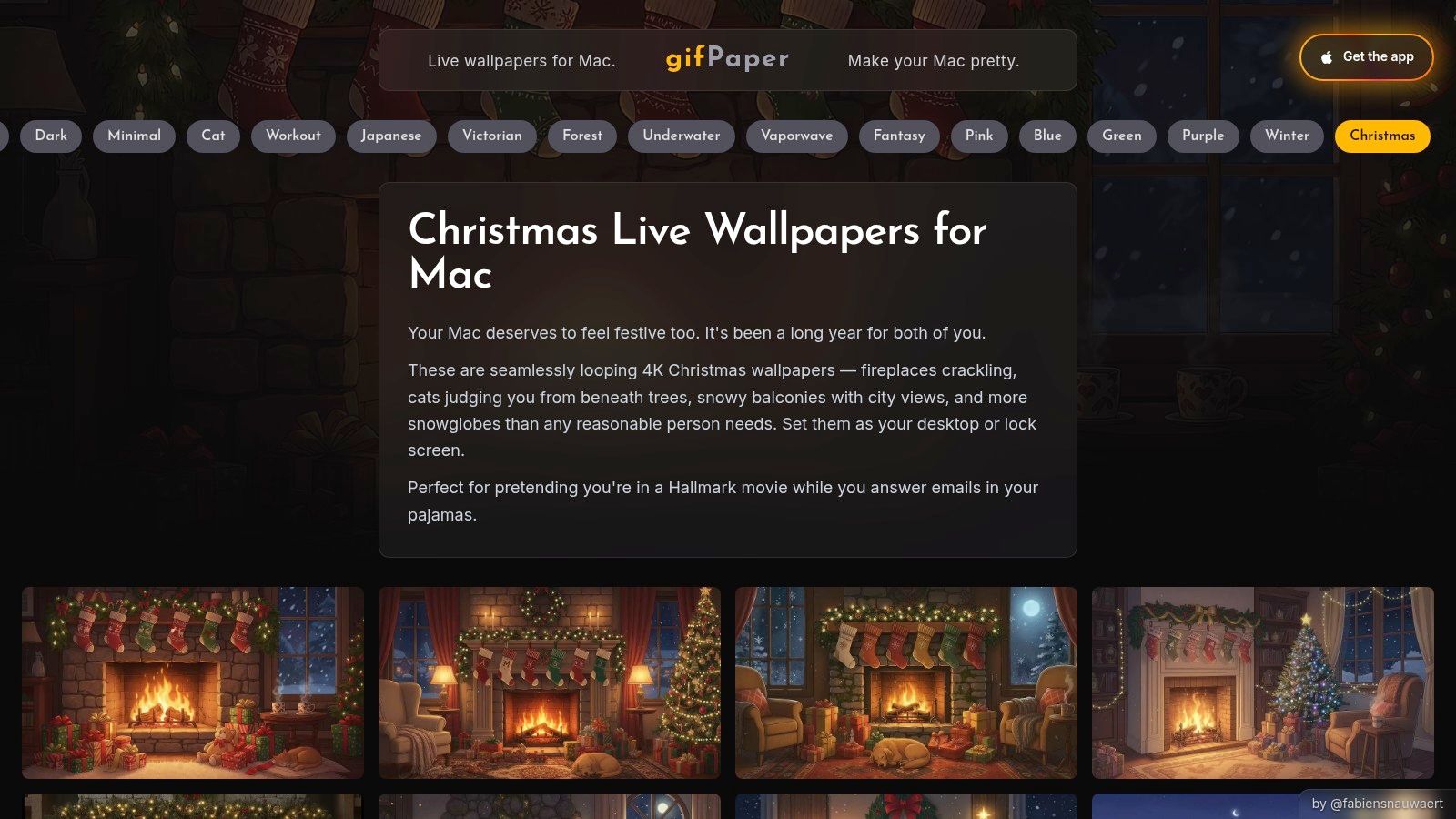
The curation is the advantage. Instead of dumping every vaguely red-and-green clip into one pile, gifPaper gives you a clean way to browse and pick a scene that feels festive without making your desktop look like a blinking arcade cabinet. That makes the Christmas collection sit naturally beside broader winter options like winter wallpapers and focused scenes such as snow house. If you already have your own clips, you can make a gif from video and bring them into the mix too.
Why it wins on Mac
The app side is where gifPaper stops being a nice wallpaper gallery and becomes a sensible Mac choice. It uses Apple's native Aerial wallpaper format, so the lock screen and desktop behave like part of macOS instead of a workaround you have to babysit. That matters if you want the same holiday look across your lock screen, desktop, and screen saver without fiddling around like you're assembling a broken tree ornament.
It also keeps the pricing simple. One-time purchase, not a subscription, and there's a 7-day free trial with no credit card required, so you can see whether your Mac deserves the festive treatment before paying for it.
Practical rule: if the wallpaper needs a tutorial longer than the wallpaper itself, skip it.
Best for - Mac users who want Christmas wallpapers that feel integrated, not duct-taped on. - People who like cozy motion but still want a clean desktop at work. - Anyone who wants one setup for lock screen and desktop, because one action should be enough.
Skip it if - You need Windows support. - You want a giant community workshop with endless tinkering. - You are allergic to paying once and then being left alone, which is healthy, just not useful here.
Use the web gallery to find the scene you want, then set it through the app. That keeps the process simple, and it is exactly why gifPaper makes more sense for Mac users than the louder cross-platform wallpaper tools everyone keeps recommending from the sidelines.
2. Wallpaper Engine
Wallpaper Engine is still the heavyweight if you live on Windows and want the biggest pile of holiday wallpaper chaos imaginable. It supports video, web, 2D, 3D, and shader-based wallpapers, which means the Christmas scene can be anything from a fireplace loop to an overambitious animated snow village with more particles than common sense. If you like browsing community work, tinkering, and finding a new winter scene every time you open Steam, this is the giant.
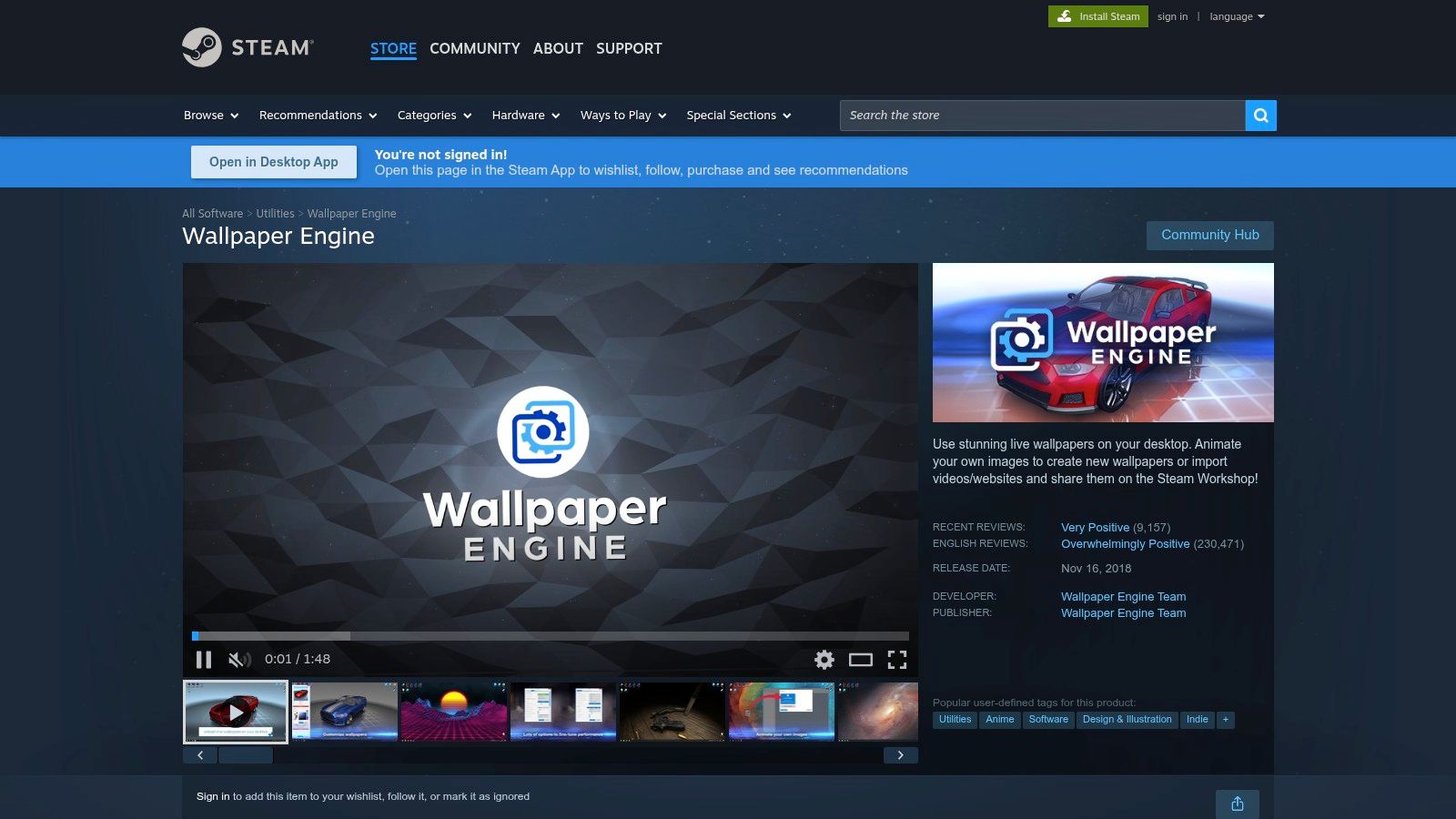
The catch is obvious and annoying. It's Windows only, which means it's useless for your Mac unless you enjoy staring longingly at other people's toys. That doesn't make it a bad tool, just a bad answer for this room. For Mac users who keep hearing about it in every wallpaper discussion like it's the chosen one, this Mac-focused guide is the check.
Why people keep recommending it
The Workshop model is the appeal. You get a huge flow of community-made Christmas and winter scenes, and if you're the sort of person who enjoys spending half an evening deciding whether a snowfall loop should be subtle or slightly more cursed, you'll have a nice time. It also has per-app performance controls, which is the civilized way to stop an animated wallpaper from performing interpretive dance during a game or video call.
If you're on Windows and want sheer selection, this is the obvious monster truck. If you're on Mac, admire it from a safe distance.
Best for - Windows users who want the widest Christmas wallpaper selection. - Creators and tinkerers who like editing and building scenes. - Anyone who wants advanced control over when the wallpaper should pause.
Skip it if - You're on Mac and want something native. - You want a quick, polished Christmas setup without learning a new hobby. - You'd rather spend December enjoying the wallpaper than debugging it.
3. Lively Wallpaper
Lively Wallpaper is the free pick for Windows users who want to turn festive clips, holiday countdowns, or browser-based scenes into live wallpapers. It plays videos, GIFs, and web pages as wallpapers, which makes it a handy option if you already have a Christmas loop you like and don't want to shop for a huge premade library.
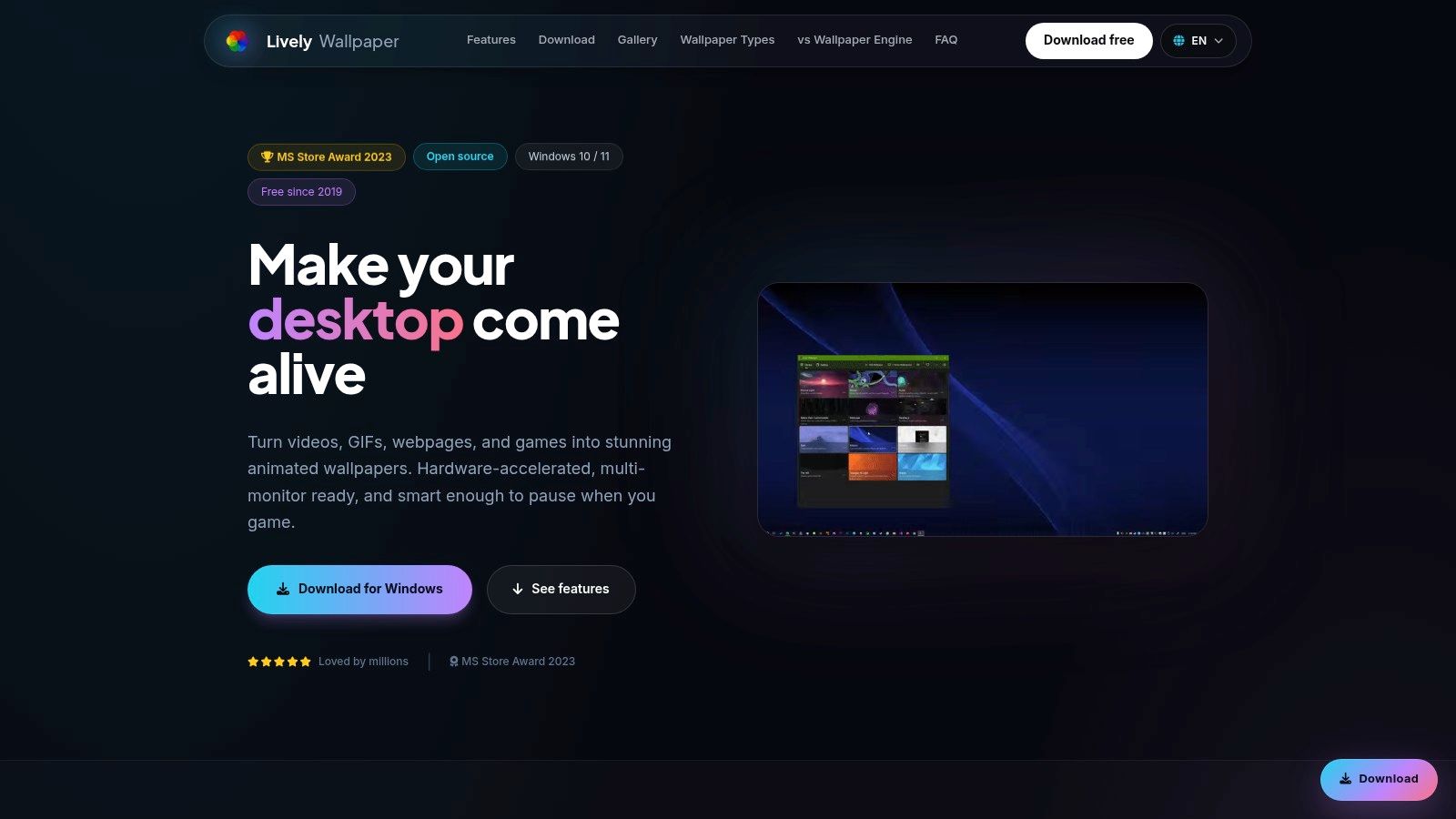
The draw is simple. It's free and open source, it supports multiple monitors, and it gives you per-wallpaper audio controls, which matters if your holiday scene comes with crackling fire audio you don't want blasting in the background. The tradeoff is just as clear: there is no built-in Christmas catalog. You bring the content yourself, which is great if you already have a clip and less fun if you wanted instant festive polish.
If you want the same idea on a Mac without the Windows detour, this desktop wallpaper guide is the cleaner starting point.
Who it suits
Lively Wallpaper fits people who like control and don't mind assembling the pieces themselves. A browser-based snowfall scene, a holiday fireplace MP4, or even a webcam pointed at real snow can all work as wallpaper here. It's not fancy, but it's flexible, and that flexibility is the whole point.
That flexibility also means you can keep things practical. Use a quiet animated loop for work hours, switch to something louder for a party setup, or keep a simple countdown running on a second monitor without making the whole desktop feel busy.
Best for - Windows users on a budget who want zero-cost live wallpapers. - People with their own Christmas clips ready to go. - Multi-monitor setups that need simple per-screen control.
Skip it if - You want a built-in Christmas library. - You want polished seasonal curation right away. - You are on Mac and want a native setup instead of borrowing Windows for the job.
4. DeskScapes by Stardock
DeskScapes is the polished middle ground for Windows users who want winter motion without turning the whole setup into a hobby. It handles video and live wallpapers, adds particle effects like snow, and supports playlists, so a Christmas scene can change instead of sitting there like it has given up. The cloud library built into the app also makes seasonal browsing easier, because you're not forced to bounce in and out of the program every few minutes.
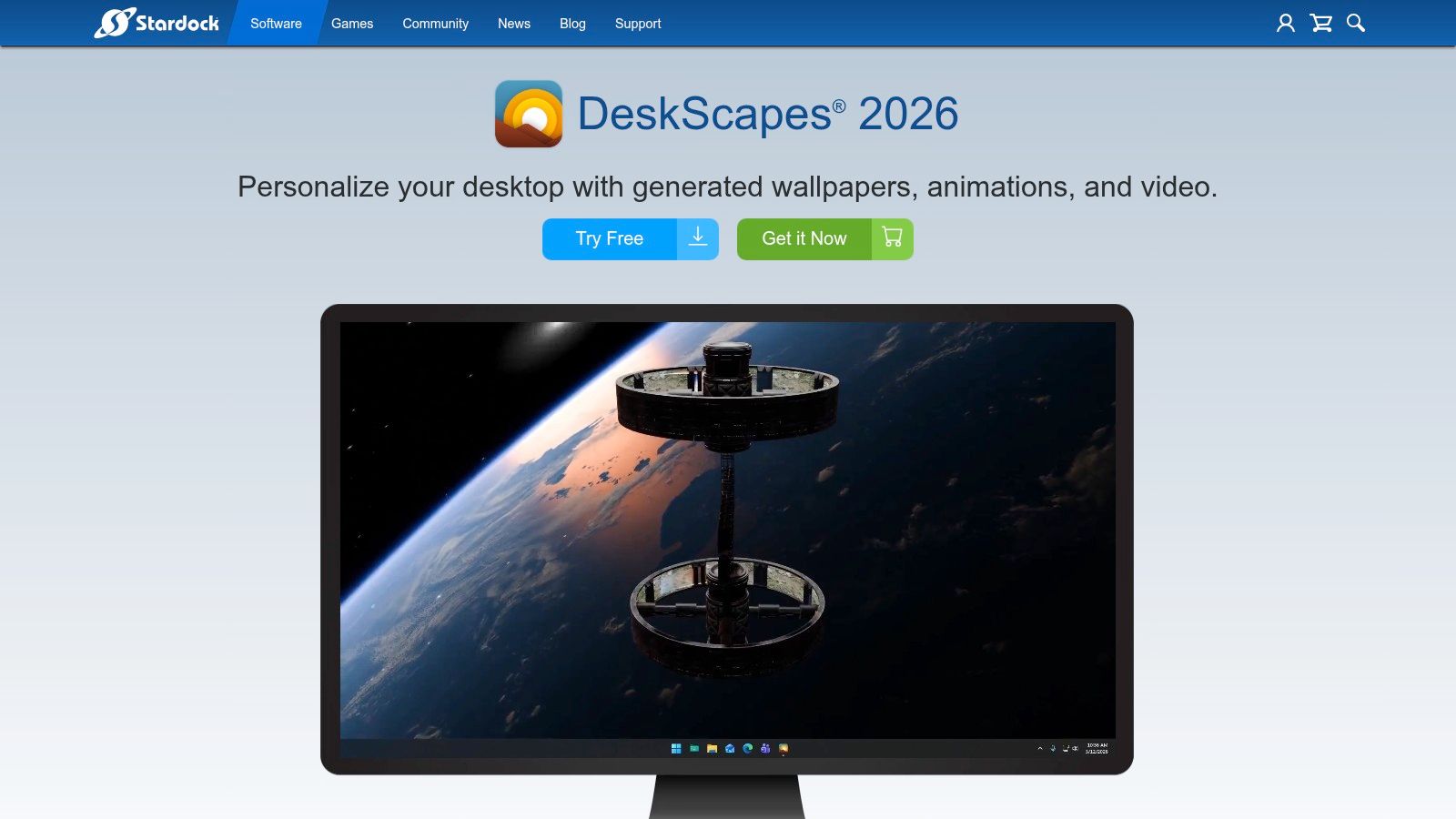
The appeal is simple. DeskScapes wants to make your desktop look good without making you work for it. You can apply a snowy effect to a scene, build a playlist, and keep the whole thing moving without getting dragged into the messier side of community wallpaper hunting. That suits someone who wants a tidy Christmas setup, not a weekend project with a coffee mug and too many tabs open.
Its strongest feature is the built-in effects. A plain winter loop becomes more festive with drifting snow or similar particles, and that matters because Christmas wallpapers work best when they feel calm instead of noisy. The library is smaller than Wallpaper Engine's huge pile of community uploads, but smaller can be a plus when you don't want to sort through 40 versions of "snowy cabin 17."
Practical rule: seasonal wallpapers usually look better when they stay restrained.
Best for - Windows users who want polished seasonal effects. - People who like playlists instead of a single static loop. - Anyone who wants curation first, tinkering second.
Skip it if - You need Mac support. - You want the largest possible community library. - You prefer to set one wallpaper and stop thinking about it until spring.
5. Wallper for macOS
Wallper fits Mac users who want holiday motion without juggling browser tabs, odd workarounds, or a setup that feels borrowed from somewhere else. It focuses on 4K video loops, supports native Lock Screen playback on modern macOS, and includes multi-display controls and resource management. That matters on a Mac that sits in front of you all day, because the wallpaper should behave like part of the system, not a noisy add-on.
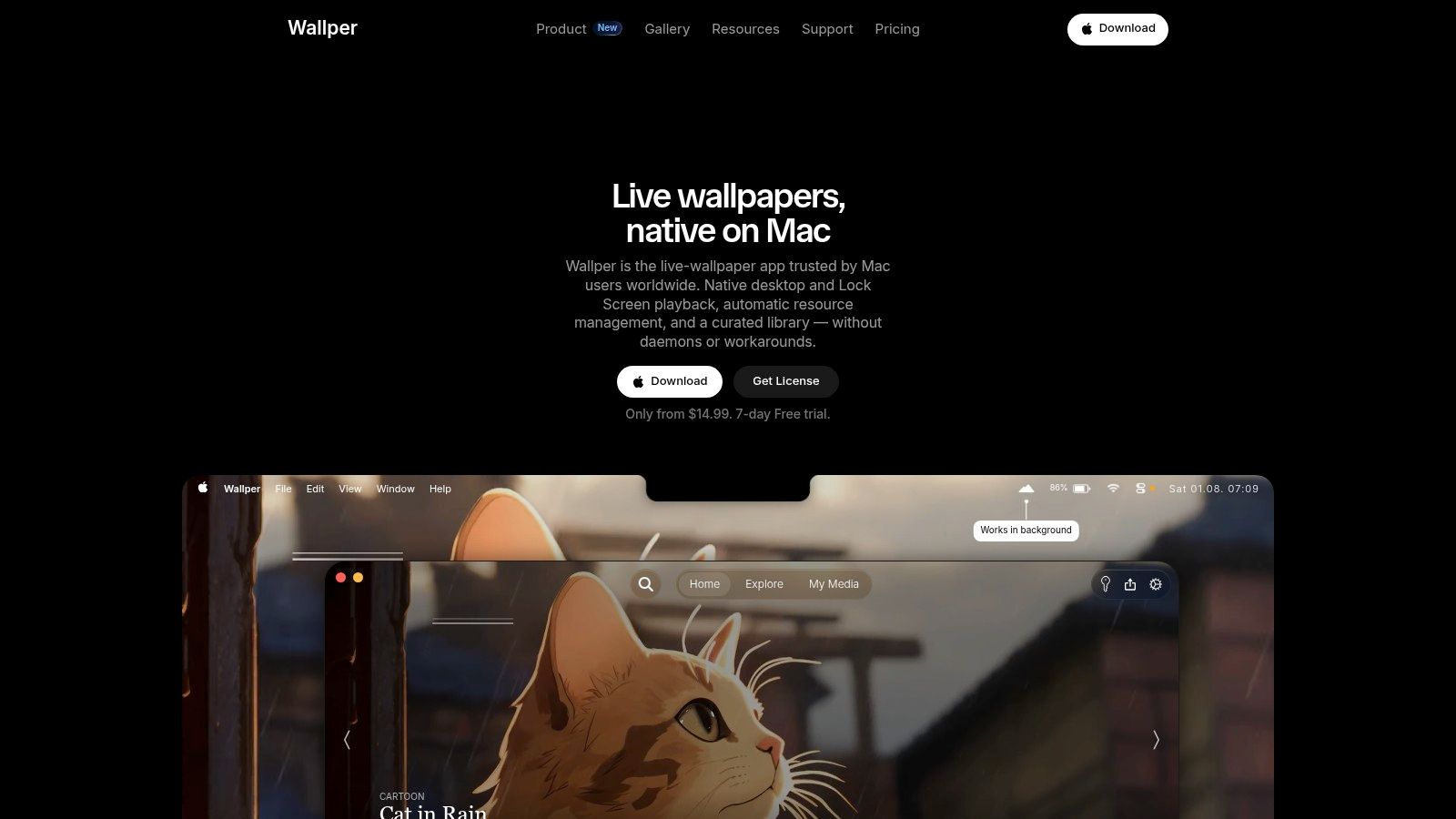
Holiday use is where the app feels most practical. Instead of pushing you into a giant community market, Wallper takes a more guided route to seasonal content, which keeps setup simple and the result tidy. That suits the Mac user who wants the desktop to look polished, calm, and a little expensive without turning the whole thing into a scavenger hunt.
The real tradeoff
The library is smaller. Mac-native apps rarely match the wild scale of Steam Workshop, and Wallper doesn't pretend otherwise. What it gives back is a cleaner path: fewer distractions, less sorting, and a setup that stays focused on getting Christmas motion onto the screen without a fight.
That matters because a Christmas wallpaper should sit in the background and look good, not compete for attention. Wallper favors that quieter style, and for a lot of Mac users, that's the correct call. If you want something more integrated than the usual cross-platform clutter, and you care more about comfort than endless browsing, this is the one worth a serious look.
Best for - Mac users who want native holiday wallpaper support. - People who prefer curated libraries over giant marketplaces. - Anyone who wants easy Lock Screen playback.
Skip it if - You want the biggest Christmas catalog on the planet. - You want gifPaper's exact lock-screen and desktop pairing. - You want the most Mac-specific, integrated setup available.
6. Dynamic Wallpaper Studio
Dynamic Wallpaper Engine sits in the Mac App Store and keeps the whole setup simple for anyone who wants a playable holiday wallpaper without extra hassle. The app gives you a large in-app catalog, playlist and shuffle modes, and support for importing your own videos, so getting a Christmas scene onto your desktop doesn't turn into a side quest. If you like browsing seasonal options inside the app and pressing play, it does exactly that, no drama.
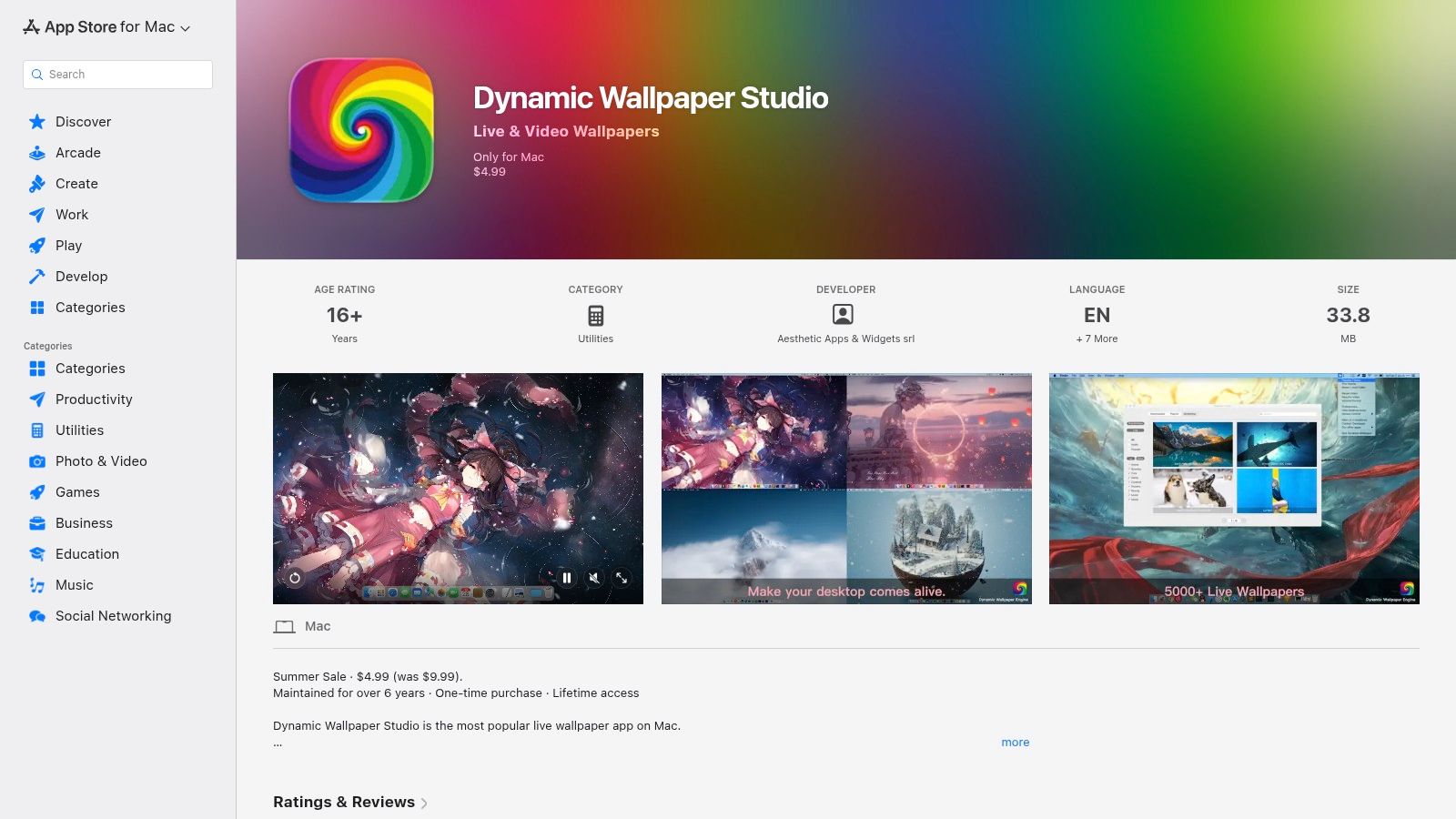
The appeal is convenience. It feels familiar, stays light, and gets out of the way fast enough that you don't need a manual or a heroic amount of patience. The tradeoff shows up in the catalog, because quality varies and some content sits behind creator tip models, which makes browsing feel uneven from one listing to the next.
The honest read
Use this app if you want plenty of choice and you're fine sorting through the rough spots. Christmas wallpapers inside an App Store catalog are handy when you want something quick, but the consistency won't match a more tightly curated product. If your bar is "good enough, quick, and cheap," this clears it. If your bar is "make my Mac look like a tasteful holiday movie still," you need a steadier hand than this.
Practical rule: if the library feels like rummaging through a drawer, the price isn't the only thing you're paying with.
Best for - Mac users on a budget who want easy playback. - People who like shuffle mode for seasonal variety. - Anyone comfortable importing their own festive videos.
Skip it if - You want a more polished, tightly curated Christmas catalog. - You care about lock screen integration as a core feature. - You'd rather pay once and move on with your life.
7. Motion Backgrounds
Motion Backgrounds is not a wallpaper player, and that's the whole point. It works as a source catalog for Christmas visuals, so you browse the tag, grab the mood you want, and then move on to the app that runs it on your desktop. For a Mac user, that makes it a practical stop for fireplaces, winter villages, and festive ambience when the look matters more than the tool.
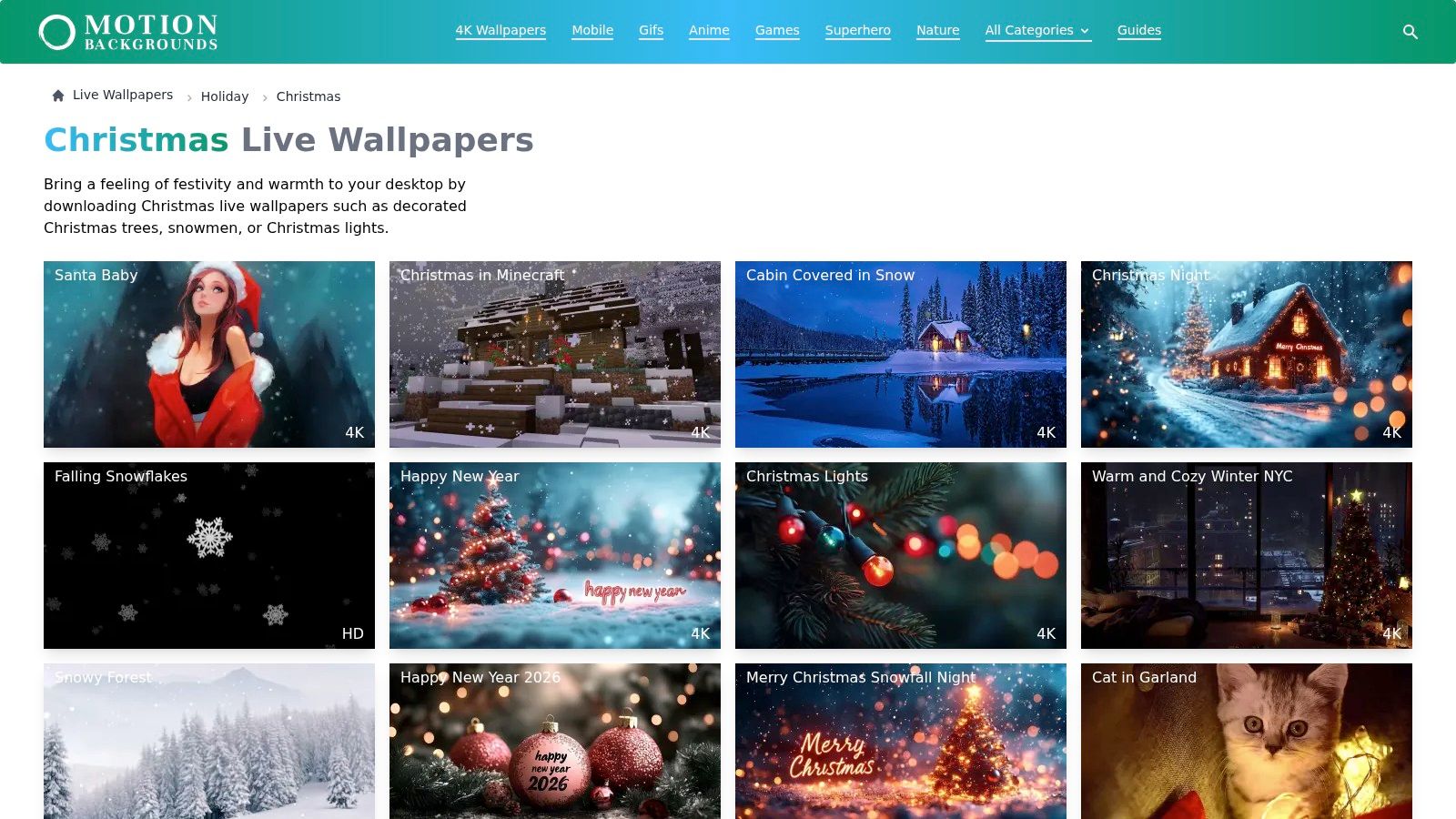
That setup has one clear upside. You can collect ready-to-use holiday loops without getting boxed into one app's library, which is useful if you already know your desktop style and just want fresh material. The tradeoff is equally clear. This site doesn't make the wallpaper live by itself, so you still need a separate player, and that extra step is exactly what makes it less tidy than an integrated Mac option like gifPaper.
The honest read
Use it if you like browsing by tag and you already have a wallpaper app you trust. It fits people who want a quick source of Christmas clips, not a full desktop solution. The range runs from warm indoor scenes to more stylized seasonal visuals, so it gives you room to pick a tone instead of settling for whatever one app decided to stock.
For Mac users, the comparison is pretty simple. Motion Backgrounds gives you content, gifPaper gives you content and playback in one Mac-first setup, which means fewer tabs, fewer decisions, and less fuss.
Best for - People who want Christmas clips fast. - Users who already have a wallpaper player and just need content. - Anyone who likes browsing by tag rather than by app.
Skip it if - You want a complete wallpaper solution in one place. - You don't want to deal with a separate player. - You'd rather keep the whole Christmas setup on Mac simple.
Christmas Live Wallpapers, 7-App Comparison
| Title | Platform | Implementation complexity | Resource requirements | Expected outcomes | Key advantages |
|---|---|---|---|---|---|
| Christmas Live Wallpapers for Mac (gifPaper) | macOS (gifPaper app) | Very low, one‑click set | Moderate, 4K video + optional audio (may affect older Macs) | Retina‑ready 4K seamless holiday loops with ambient audio | Curated 4K loops, one‑time $5 purchase, easy gallery browsing |
| Wallpaper Engine | Windows (Steam) | Moderate–high, powerful editor and custom options | Variable, supports video, 3D, shaders (can be resource‑intensive) | Vast, highly customizable Christmas/winter wallpapers and effects | Massive Workshop library, strong creator tools, per‑app performance rules |
| Lively Wallpaper | Windows (open source) | Low, simple import and playback | Low to moderate, lightweight with sensible pause rules | Free playback of videos, GIFs and web pages as wallpapers | Zero cost, open source, multi‑monitor and web page support |
| DeskScapes (Stardock) | Windows | Low to moderate, user‑friendly with playlisting | Moderate, visual effects (particles, snow) use some resources | Curated animated holiday looks with playlists and effects | Integrated cloud library, built‑in seasonal effects, easy setup |
| Wallper (macOS) | macOS (native) | Very low, native one‑click apply and lock‑screen support | Low, optimized for newer macOS with automatic resource management | Seamless 4K live wallpapers with Lock Screen playback | Native macOS integration, low CPU/memory claims, curated seasonal drops |
| Dynamic Wallpaper Studio (Dynamic Wallpaper Engine) | macOS (App Store) | Low, plug‑and‑play with playlist/shuffle | Low to moderate, supports imports and power‑saving pauses | Large in‑app library (~5,000), playlists and multi‑monitor support | Large searchable catalog, one‑time purchase, import custom videos |
| Motion Backgrounds (MotionBGs) | Web library (cross‑platform) | Low for download; requires external player to apply | Varies, downloadable media files; player determines runtime cost | Ready‑to‑use holiday clips that work with many wallpaper apps | Platform‑agnostic content source, focused Christmas collection, how‑to guides |
The Easiest Way to a Festive Mac
If you're on a Mac, the verdict is pretty simple. You can spend your evening assembling a wallpaper setup from scattered tools, or you can use something built for the machine you already own. gifPaper is the clean answer because it gives you cozy Christmas live wallpapers, a Mac app for the lock screen, desktop, and screen saver, and a setup that doesn't require you to become a part-time wallpaper mechanic.
The logic is boring in the best way. The website has a curated gallery of 150+ looping 4K live wallpapers with ambient music, the app handles the actual Mac integration, and the whole thing runs on a 7-day free trial before the $4.99 one-time purchase kicks in. No subscription circus. No strange hoops. Just a prettier screen that doesn't look like it was assembled from spare browser tabs.
That's why the Christmas collection matters. Seasonal wallpapers aren't a one-night gimmick, they're a repeatable winter habit, and the best setup is the one you'll use every year when your desktop starts feeling like office wallpaper from a government waiting room. If you want something cozy, quiet, and properly Mac-native, gifPaper is the easiest route by a mile.
Give your Mac the kind of Christmas wallpaper that looks intentional instead of improvised. gifPaper gives you looping 4K holiday scenes, one-click Mac setup, and the same wallpaper on your lock screen and desktop, which is exactly the kind of tiny luxury a screen full of spreadsheets deserves. Try the free trial, pick a cozy scene, and let your Mac look festive without acting like a drama queen.